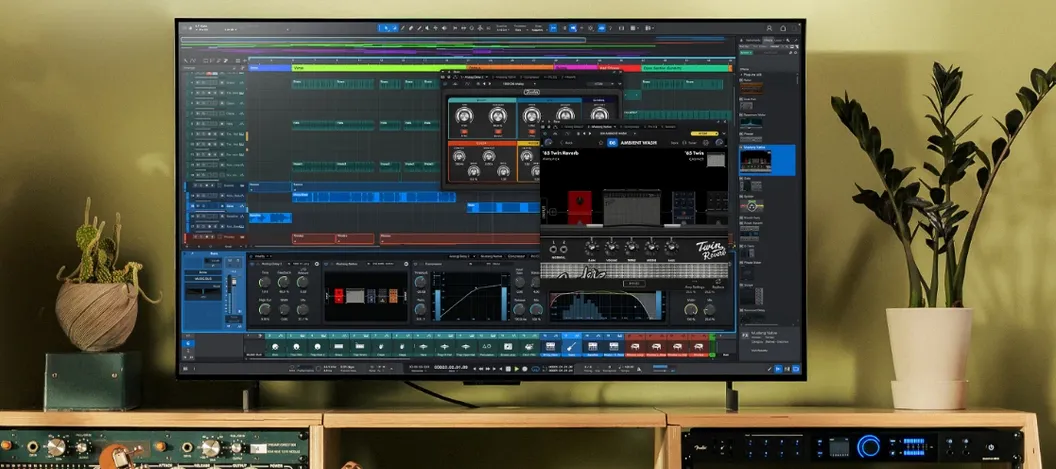
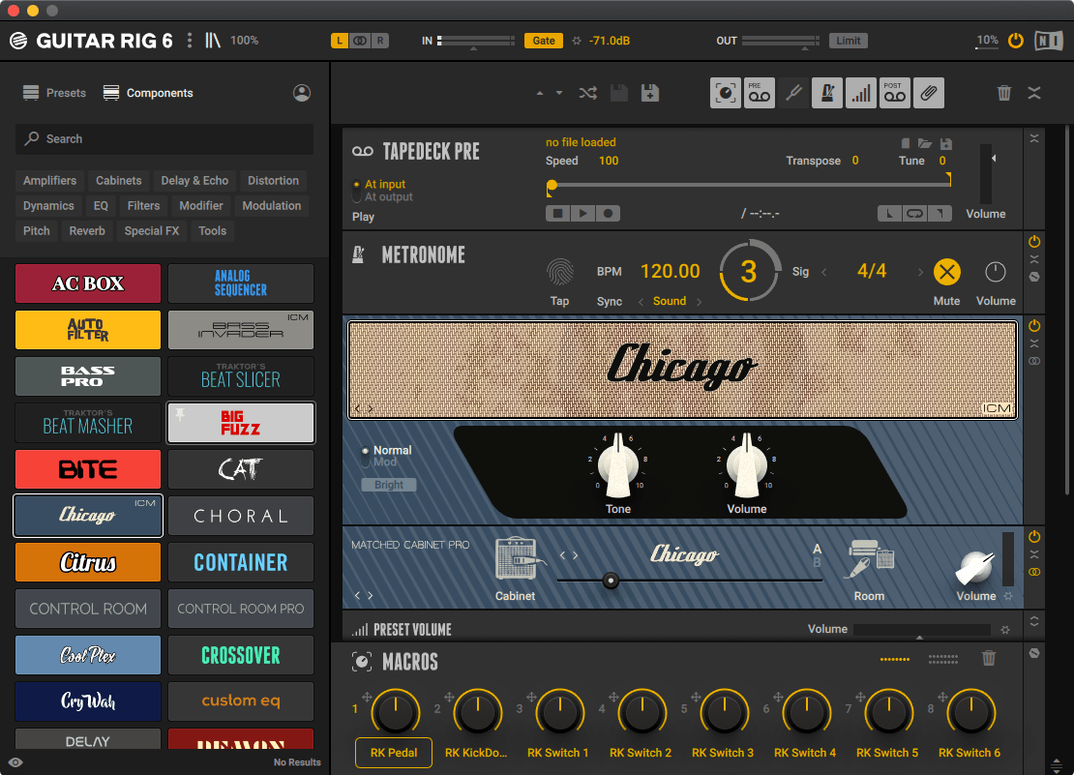
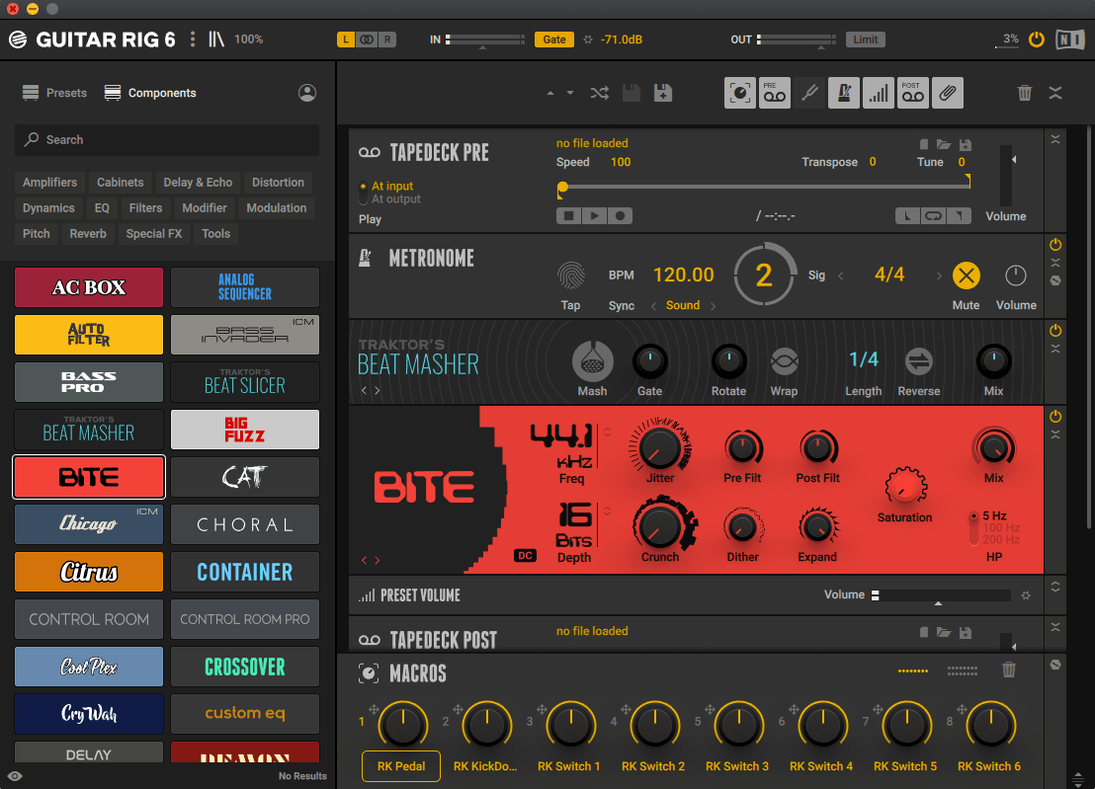
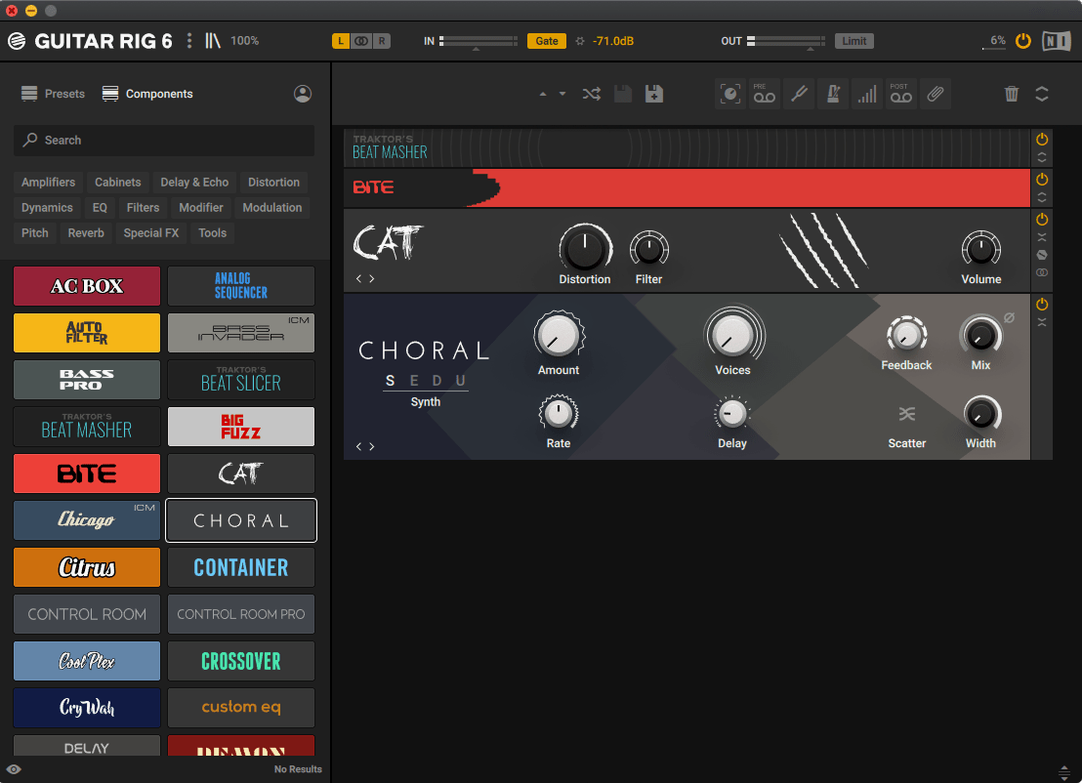
Thirty years of amplifier circuits, distortion pedals, and rack-mounted studio magic, now living inside a single window on your Mac. Guitar Rig 7.0.2 from Native Instruments doesn't just model a handful of classic amps—it builds an entire signal chain where tube warmth, cabinet resonance, and post-processing effects can be stacked and rearranged until the tone matches what you hear in your head.
- Amp and cabinet modeling at the core. The heart of the rack lets you swap out virtual heads, match them with dozens of microphone and cabinet combinations, and dial in the exact room sound that a raw DI track lacks.
- Pedals and studio effects in one chain. Drag in fuzz boxes, delays, compressors, and EQs in any order. The signal flow can bounce from a vintage overdrive into a rack reverb, then through a tape echo—no patch cables required.
- Tag-based preset browser. Search by mood, genre, or gear type instead of scrolling through endless folder trees. A few keystrokes pull up everything from spanky clean jazz tones to saturated high-gain stacks.
- Bass-ready processing. The rack includes tools voiced specifically for bass guitar, so the low end stays tight when you split a DI signal or run a dirt pedal in parallel.
- Standalone and plug-in operation. Open it as a desktop practice rig or load it inside your DAW session as an AU, VST3, or AAX insert. Either way, the same presets and chains follow you.
- Built for experienced hands. The interface puts signal routing and component tweaking front and center, rewarding players who like to dig into bias settings and mic placement rather than relying on wizards.
If you track guitars at home and find yourself craving the sound of a room full of gear without the noise complaints, this rack makes a strong case for going virtual.
Setting up a dual-amp rig that ping-pongs between a spring reverb and a rotary speaker can feel effortless. Getting it to stop crackling when you switch presets mid-session is where the real learning starts. A few common friction points trip up even experienced players, so knowing them ahead of time saves a frustrated afternoon.
Sorting out the snags that bite hardest
One of the first things that catches people off guard is how Guitar Rig handles sample rate changes. If your audio interface jumps from 44.1 kHz to 48 kHz between sessions—or if a DAW project forces a different rate—the plug-in can go silent until you manually reload the preset or restart the rack. The quick fix is to lock your interface to a single rate before launching, or save a clean copy of your patch that you can recall after the switch.
Another headache is the CPU spike from stacked cabinet modules. Each mic and speaker sim adds convolution processing, and three or four of them running in parallel will choke a session faster than a dozen effects pedals. Mute cabinets you are not actively auditioning, and lean on the mono-to-stereo routing options rather than duplicating stereo chains for left and right channels.
Audio dropouts during preset browsing also show up, especially on Apple Silicon machines running the standalone app. The tag-based browser loads a preview of every patch as you scroll, and older machines can stumble when you fly through thirty high-gain presets in ten seconds. Slowing the scroll speed or turning off the auto-preview toggle in the preferences panel usually clears it up.
Skip the Input Gain, Sound Thin Instantly
New players often treat the rack like a pedalboard bolted to a practice amp, ignoring the input and output stages entirely. The input volume module tucked at the front of every preset sets the gain staging for the entire chain, and leaving it at a conservative -12 dB while cranking a distortion pedal further down the line produces fizzy, underpowered clipping. Match the input level to your guitar's actual output first, then build the tone—otherwise every amp model will feel anemic.
Another classic misstep is stacking three overdrive pedals into a clean amplifier model and wondering why the low end disappeared. Real tube amps compress and saturate when pushed, but clean amp models stay linear unless you drive the virtual power section. Beginners get better results when they pick a slightly crunchy amp profile as the foundation instead of expecting pedals alone to supply all the character.
Cabinet choice gets overlooked, too. Someone dials in a beautiful lead tone through a 4x12 closed-back cab, then copies the same patch for a rhythm part and complains that the mix turned to mud. Swapping the cabinet—or at least moving the virtual microphone off-axis—shapes the track's place in a dense arrangement more than any EQ plugin downstream.
Daily work: speed, stability, and how much Mac it consumes
On an M-series Mac, the rack opens cold in about four seconds and sits comfortably at 6–8% CPU with a moderate chain of eight components. Throw in two parallel amp heads, a stereo delay, and convolution reverb, and that number climbs to around 18%, which is still manageable for recording at a 128-sample buffer. Intel machines from the late 2010s run warmer—expect fans to kick in around twenty modules—but the plug-in has been stable in Logic and Ableton sessions stretching past three hours.
The current build handles AU, VST3, and AAX formats without preference conflicts, though users who keep multiple Native Instruments products installed should run a permissions check if the preset browser stops displaying user patches. A stale preferences file in the /Library/Preferences folder occasionally blocks tag scanning after a macOS update.
For anyone who grew up twisting knobs on a floorboard and now wants that same immediacy inside a DAW, these quirks are small trade-offs. The rack rewards patience with sounds that sit right in a mix, and once you learn where the bottlenecks live, it fades into the background like any trusted piece of hardware.
Guitar Rig 7.0.2 lands as the current build on the official downloads page, bringing the Player edition up to date alongside the full rack.
- macOS 11 or later (macOS 13, 14, and 15 officially supported on Intel)
- Intel 64-bit or Apple Silicon Mac
- Stand-alone, VST3, AU, and AAX formats
Questions I actually get
Does Guitar Rig 7 run natively on Apple Silicon Macs?
Yes, version 7.0.2 includes native ARM support alongside x86 64-bit, so it runs without Rosetta translation on M-series chips.
What macOS versions does Guitar Rig 7 require?
It requires macOS 11 or later, with official support listed for macOS 13, 14, and 15 on Intel Macs.
Porch talk 0
Come in or pull up a chair to leave a comment.
Nobody has pulled up a chair yet. If you used it on a real Saturday, say what the hour was.