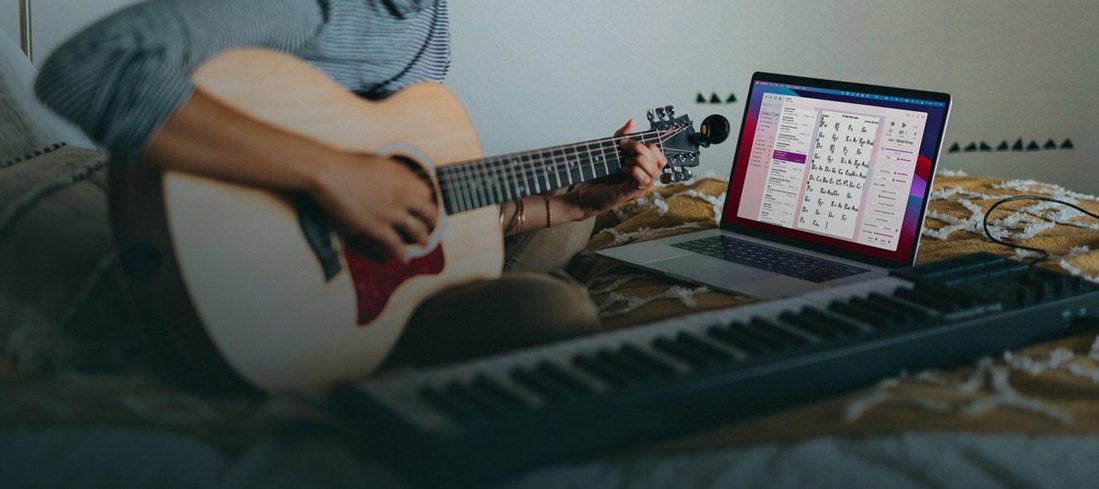
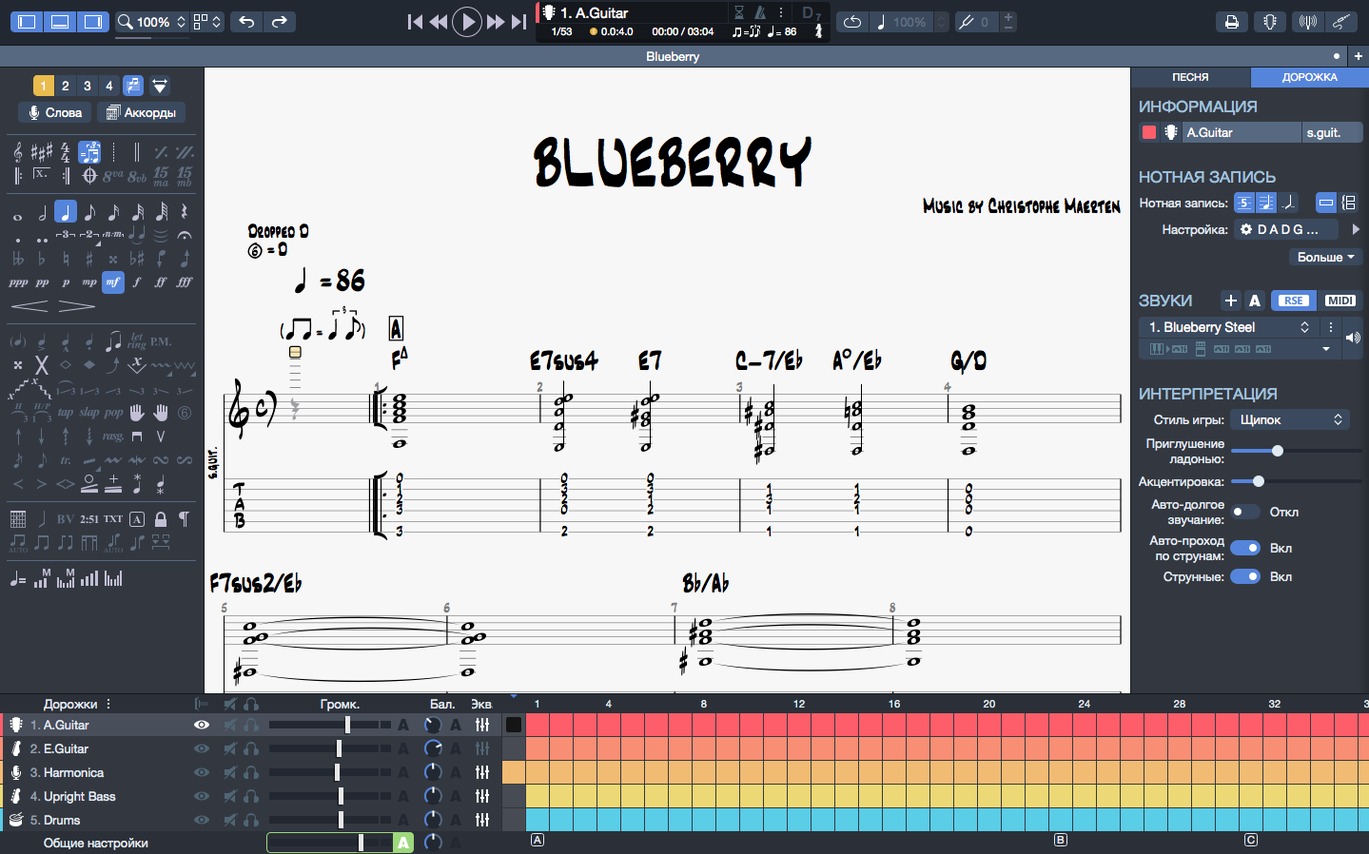
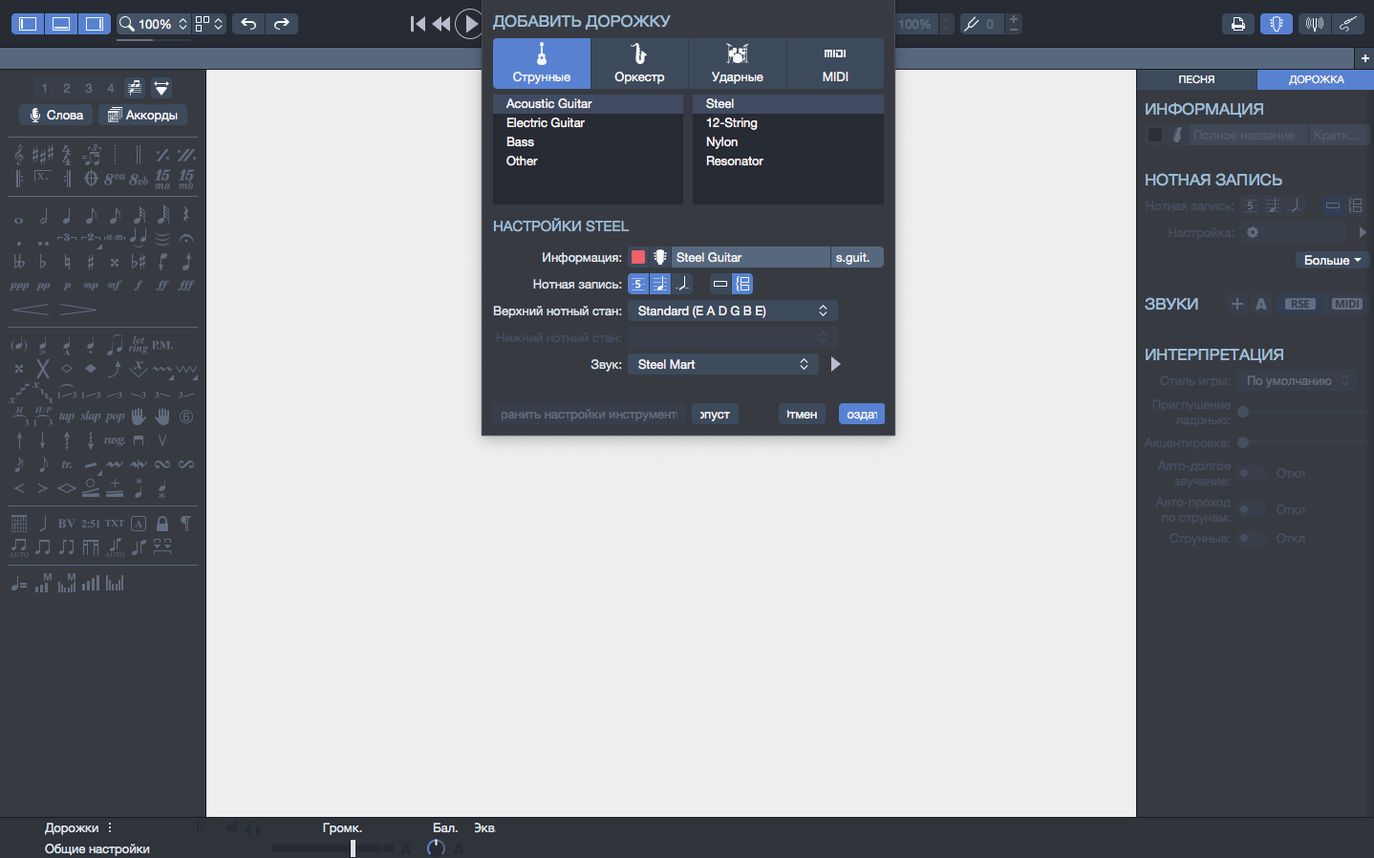
Players learning a new song, teachers preparing a lesson, and songwriters sketching out a riff all end up in the same place—needing a reliable way to put notes on a page and hear them back. That is where the Mac notation editor from Arobas Music fits into a daily routine, sitting comfortably alongside a DAW for recording and a basic audio player for reference listening.
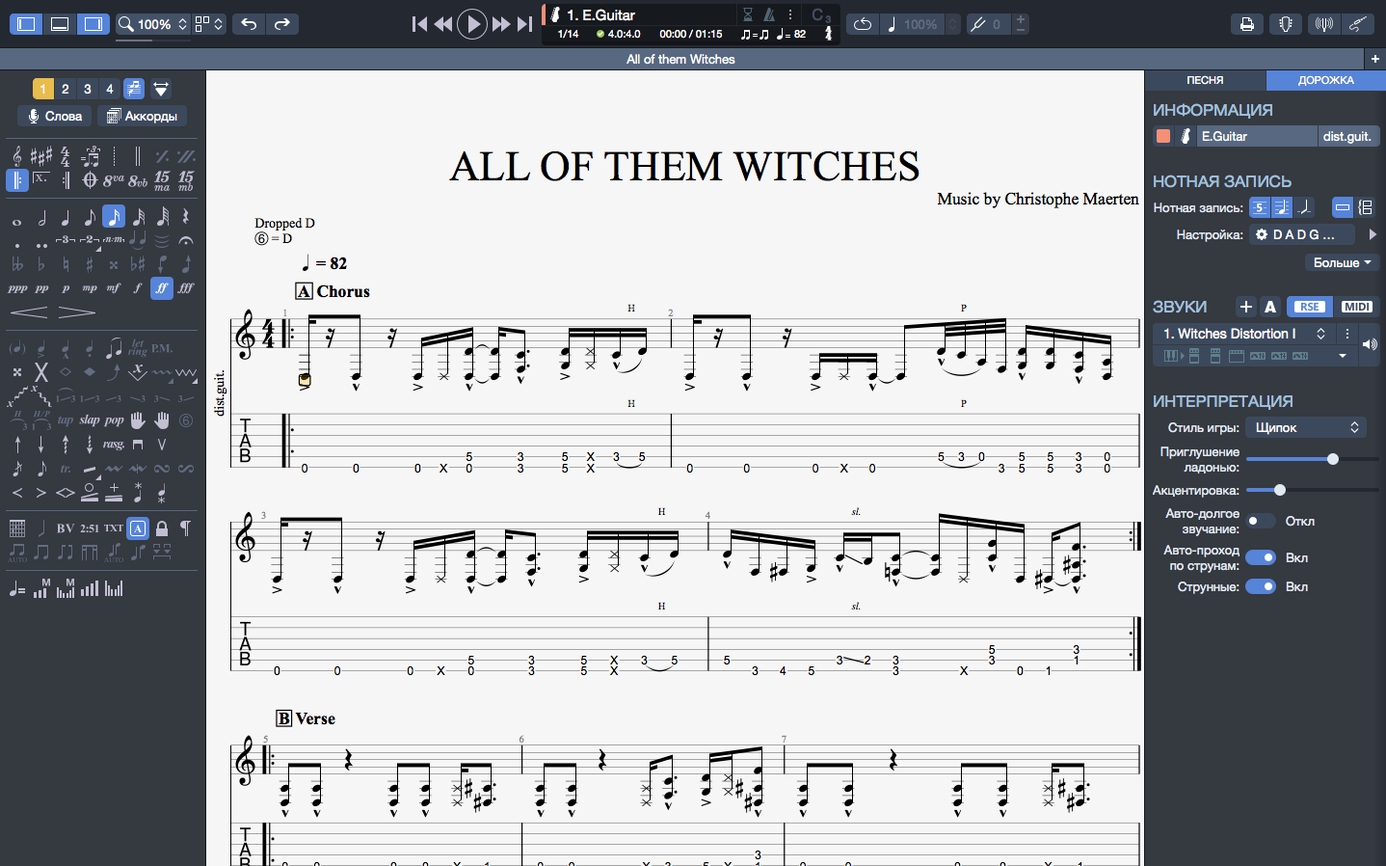
- Write the part. Open the editor and enter notes on a tablature or standard staff. The chord builder is right there when you need to drop in a voicing without hunting for fingerings.
- Listen back. Use the built-in player and metronome to check timing and feel. On version 8.1.5, plugging or unplugging an audio interface mid-session no longer interrupts playback on macOS.
- Share the chart. Export a clean score to SVG for a lesson handout, band folder, or a quick post online.
- Pick up where you left off. Pin frequently used files in the recent section of the homepage so a set list or practice queue is always one click away.
The move to Apple Silicon brought a welcome efficiency bump, and the refreshed interface contrast makes longer editing sessions easier on the eyes. If you already use a straightforward recording setup and just need a notation tool that plays back what you wrote, this one slots in without turning your workflow inside out.
The Bar-and-Beat Mindset Shift
Most early frustration comes from treating the editor like a word processor. You type a note, expect it to land where the cursor is, and it doesn't. The editor thinks in bars, beats, and voices, not characters. Understanding that one idea clears up half the confusion people hit in their first week.
- Ignoring the metronome while entering notes. The cursor moves in rhythmic steps. If the tempo is wrong, every note you enter will look misplaced. Set the tempo before you start typing a riff, not after.
- Forgetting to switch voices. A bass line and a melody on the same staff need separate voices. Beginners often cram everything into voice one, then wonder why rests pile up and stems point in odd directions. Version 8.1.5 fixed some cases where stem directions could not be changed, but the cleaner habit is assigning voices from the start.
- Overlooking the chord builder for fingerings. New users sometimes type chord names by hand and leave the fingerings blank. The chord builder generates both, and when you transpose the score, chord names and fingerings travel together.
- Not pinning files. If you rehearse from the same three charts every week, pin them in the recent section of the homepage. It saves the daily dig through folders.
- Exporting a huge PNG and wondering why the edges are messy. PNG with a transparent background works well for dropping a short phrase into a document. For a full page meant to scale, SVG is the better route.
None of these are fatal. They are just habits that slow down the first few sessions, and each one takes about a minute to correct once you see it happening.
Arpeggios Finally Sound on the Downbeat
Version 8.1.5 is a quiet maintenance release, the kind that matters more in long sessions than in screenshots. The practical changes are small but real.
- Arpeggios at the start of a score now play correctly. If you have ever written a piece that opens with a rolled chord and heard dead silence on playback, this fix addresses exactly that. The first bar is no longer a special case.
- Stem direction fixes. Some scores had stems that refused to flip, which made dense passages harder to read. The fix means less manual nudging for engraving-style adjustments.
- Playback continuity on macOS. Plugging in headphones, an audio interface, or unplugging a Bluetooth speaker mid-playback used to risk a hiccup or a full stop. The current build handles device changes without dropping the playback thread.
The larger shifts in the 8.x line came earlier: Apple Silicon support made the editor feel lighter on M-series machines, and the interface contrast adjustments reduced eye strain during long arranging sessions. Those are the changes you notice every day; the 8.1.5 fixes are the ones that prevent small annoyances from stacking up.
Three Mac Notation Tools, Three Different Missions
Three other Mac notation tools come up in the same conversations, and each one pulls in a slightly different direction.
MuseScore takes a broad, notation-first approach. It handles orchestral scores and printed sheet music well, and the price of entry is attractive. What it lacks is the focused guitar workflow: tablature editing, the chord builder, and the playback-oriented features feel more general-purpose. Guitar Pro is built for string players first, and it shows in how quickly you can enter a riff and hear it back.
Sibelius is an engraving powerhouse. If you are preparing a full score for publication or a large ensemble, its layout tools are hard to beat. For a guitarist sketching ideas or a teacher preparing weekly lesson charts, that power is heavier than necessary. The learning curve is steeper, and the toolset is aimed at a different kind of user.
TuxGuitar shares the tablature focus and feels familiar to anyone coming from a guitar-centric background. The gap appears in polish and depth: the MIDI editing, chord builder, export options like transparent PNG and SVG, and the Apple Silicon efficiency make the Arobas Music editor the more comfortable daily driver for most Mac users.
People often search for things like Guitar Pro torrent Mac or Guitar Pro 8 crack while comparing these apps, usually meaning they want to try the workflow before committing. The comparison itself matters more: if your work is string tablature with playback, this tool sits at the center of that Venn diagram.
macOS 10.13 and Apple Silicon Are Ready
Will it run on my Mac? The requirement is macOS 10.13 or later, and the app runs on both Intel and Apple Silicon machines. If you have a 64-bit dual-core processor and 4 GB of RAM, you are covered. Administrator rights are needed for installation, which is standard for most Mac apps of this size.
Do I need to read standard notation? No. You can work entirely in tablature. The staff and tab are linked, so anything you enter in one appears in the other. That makes it a comfortable middle ground for players who learned by ear or from tabs and want to see rhythm notated clearly.
Can I use it for bass or other string instruments? Yes. The editor handles guitar, bass, and Hawaiian guitar scores. The chord builder and MIDI editor work across those instruments, and you can create backing tracks for drums or piano to practice against.
What if I only need to view files, not write them? The player and score display work fine for reading existing Guitar Pro files. The editing features are there when you want them, but nothing forces you into a full arranging session just to play along with a chart.
Does it work offline? Yes. The editor, player, and export features run locally. You are not dependent on a browser or a constant connection to open, edit, or play scores.
The latest update tidies up a few playback and editing details. Arpeggios placed at the very start of a score now sound correctly, stem direction changes that previously got stuck can be applied freely, and audio no longer hiccups when you connect or disconnect a device on macOS.
- macOS 10.13 or newer
- 64-bit dual-core Intel, AMD, or Apple Silicon processor
- 4 GB RAM
- 2 GB free disk space
- Administrator rights required for installation
Porch talk 0
Come in or pull up a chair to leave a comment.
Nobody has pulled up a chair yet. If you used it on a real Saturday, say what the hour was.