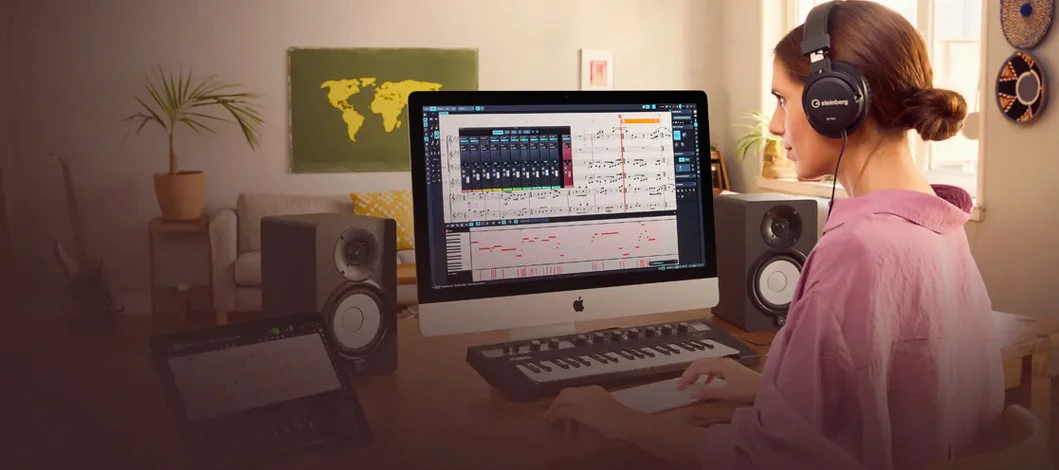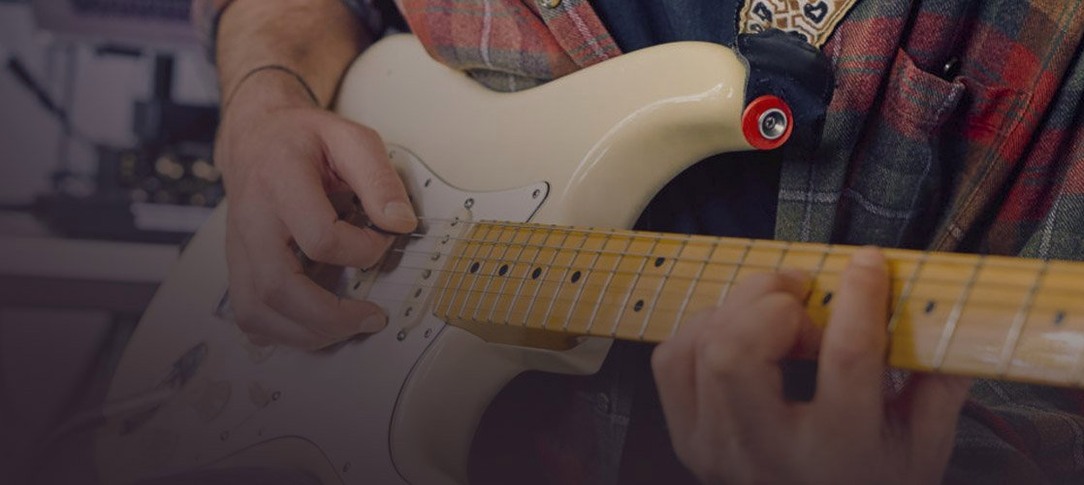
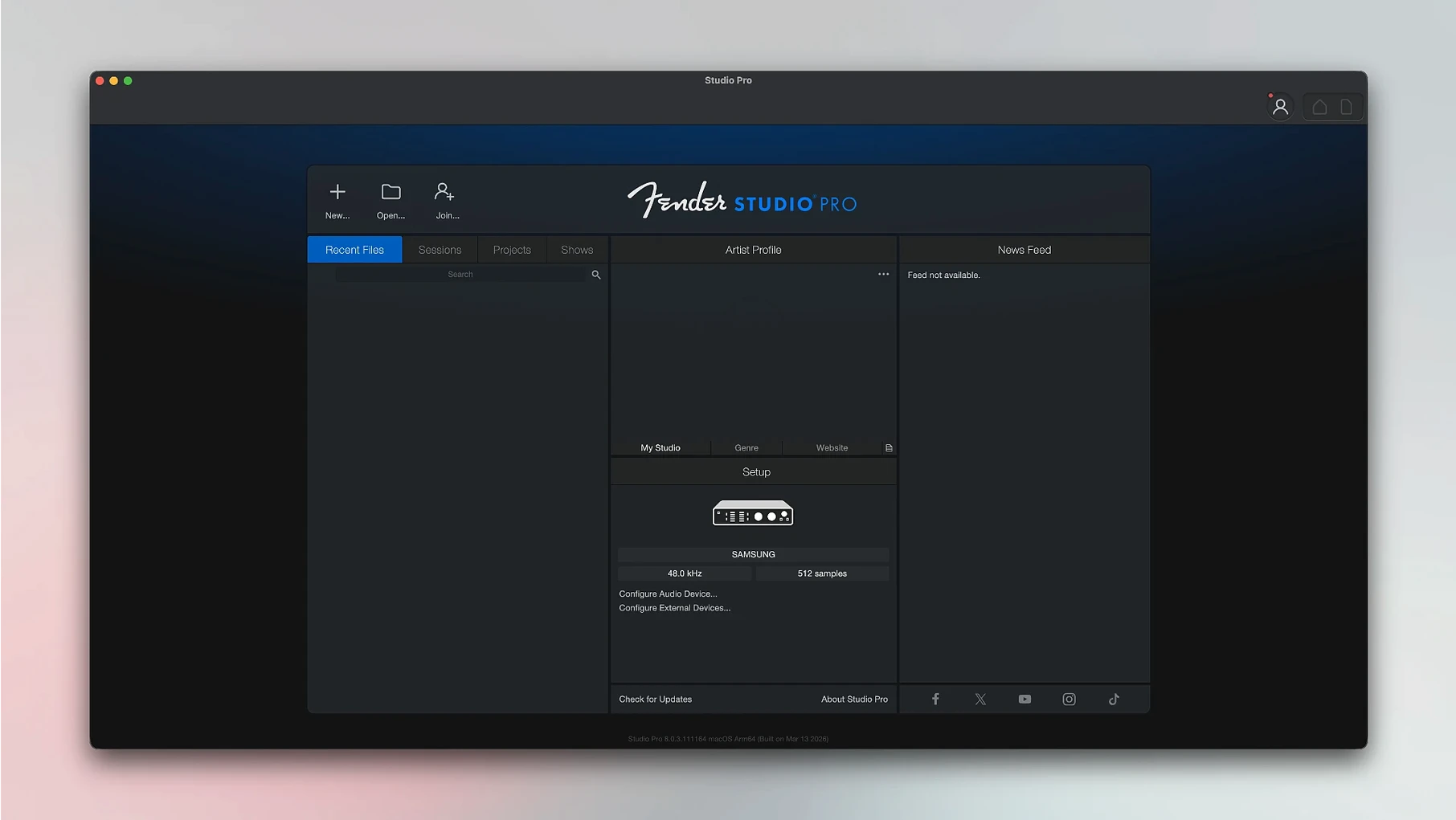
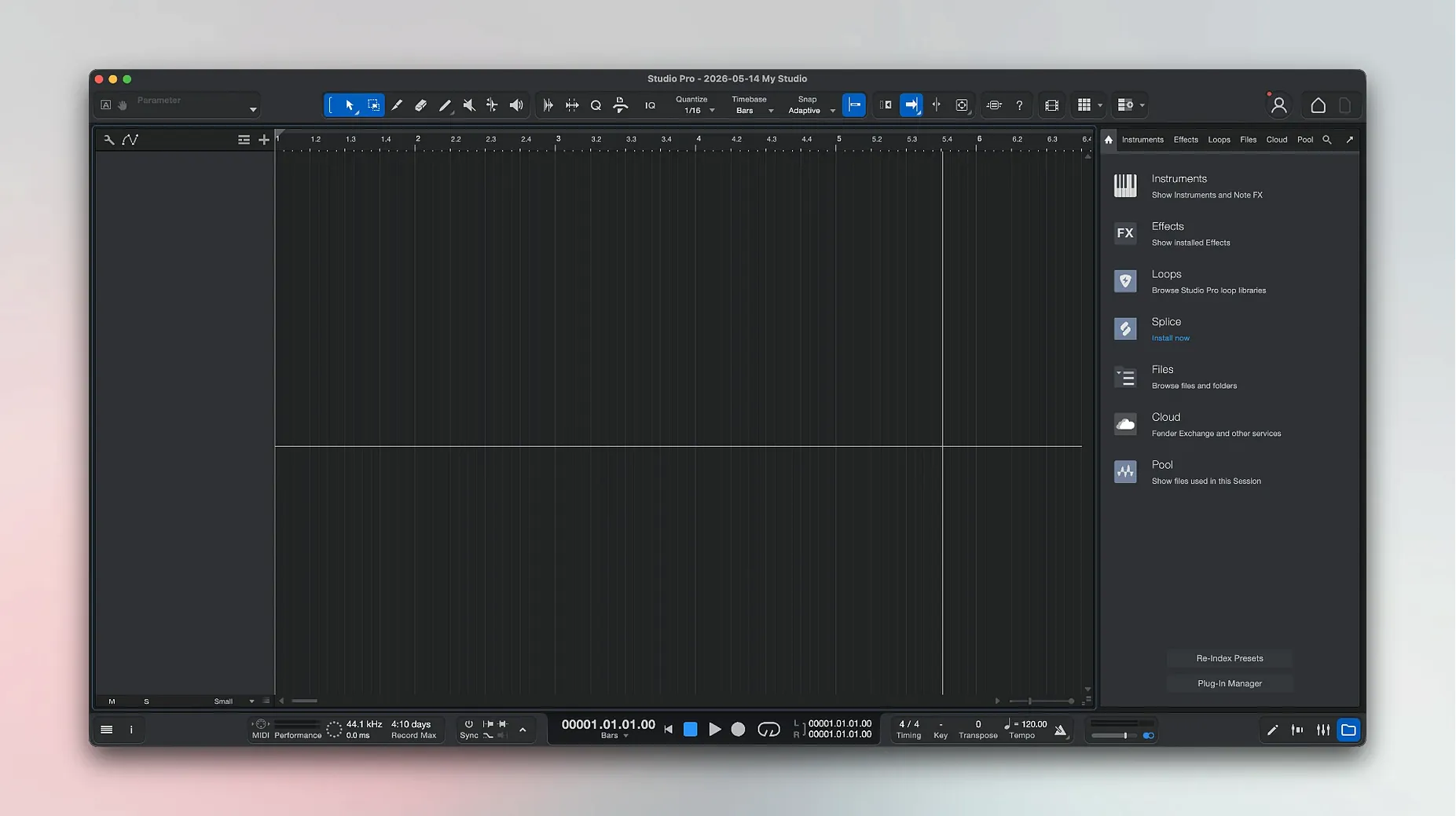
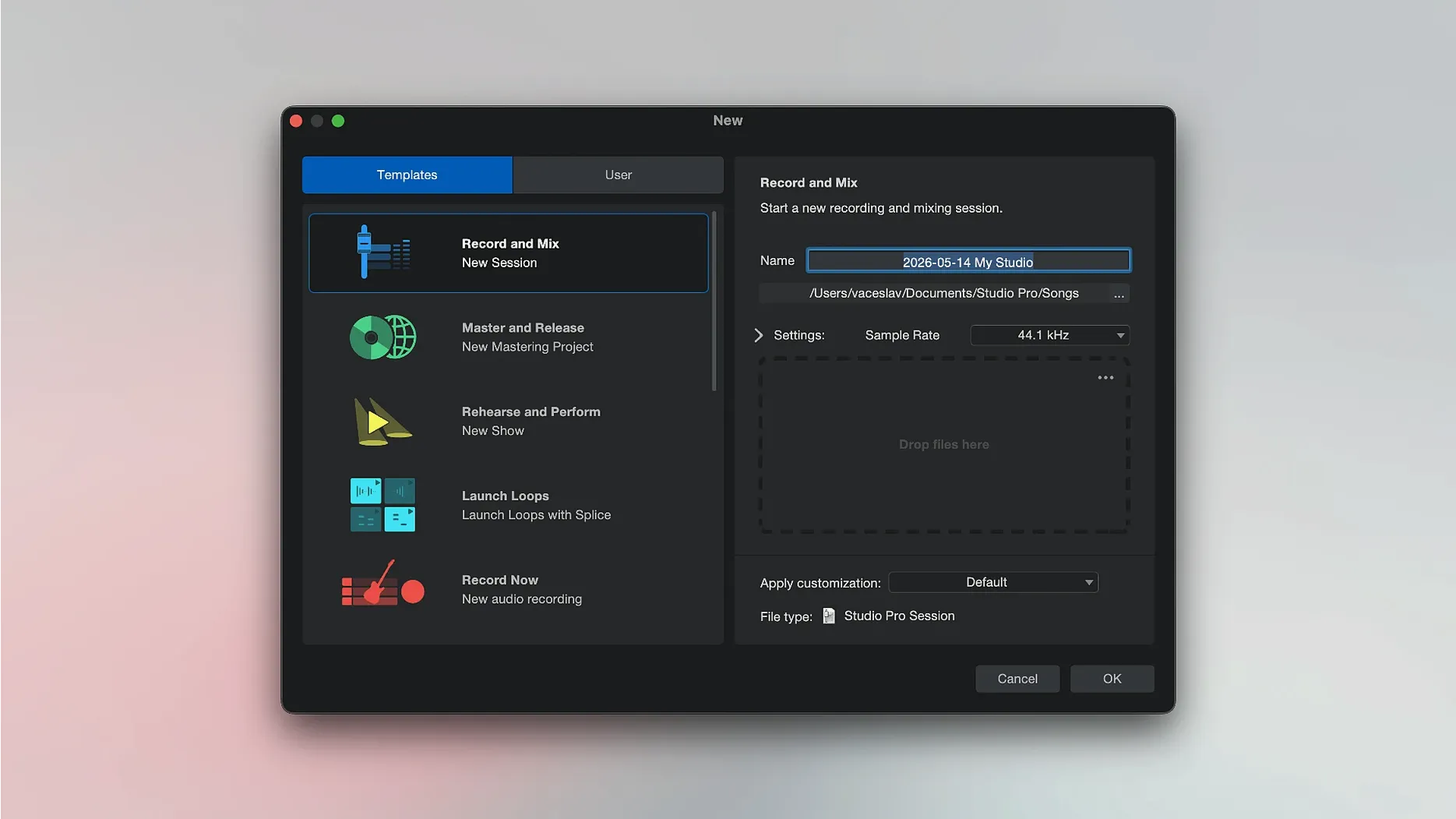
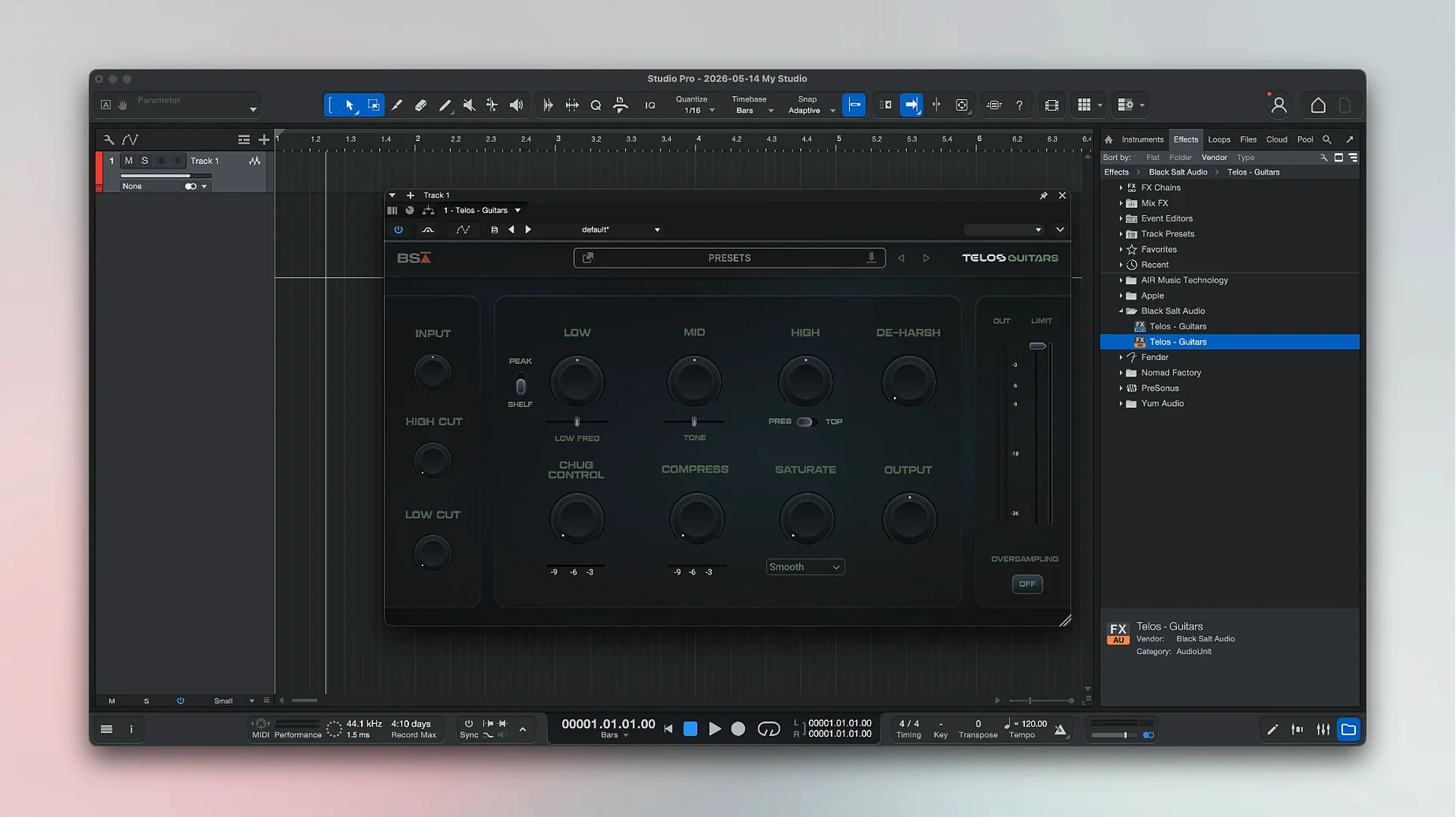
There are 16 virtual amplifiers sitting inside this app, each modeled after Fender classics like the Twin Reverb and Bassman. That's a lot of tone before you even plug in a microphone.
Runs Natively on Apple Silicon and Intel
Yes. Version 8.1.1 requires macOS 13.5 Ventura or newer, and it runs natively on both Intel and Apple Silicon machines. No Rosetta workaround needed.
Can it help if I don't play piano?
Absolutely. The chord track can suggest progressions while you compose, and there's a tool that converts recorded audio into MIDI notes. Hum a melody and turn it into something you can edit with the virtual instruments.
What's actually included besides recording?
It's a full production environment. You get those guitar and bass amp models, a set of Fender-branded virtual instruments, mixing tools, effects, and sound-shaping processors. Record vocals, layer instruments, then mix everything in one session.
Is there a remote control option?
Fender Studio Pro Remote connects to the desktop app and gives you transport controls from a tablet. Handy when you're tracking yourself across the room and don't want to sprint back to the keyboard after every take.
Interface and Input Missteps That Stall Sessions
Every DAW has a few spots where people trip, especially when they're coming from another program or setting up a new interface. Fender Studio Pro is no different. Most of the frustration I hear about boils down to three things: audio not passing through, plug-ins acting strange, and sessions loading with missing files. None of them are dealbreakers once you know where to look.
The silent-treatment problem usually traces back to the audio device settings. Open Preferences, go to the Audio Setup tab, and confirm the right interface is selected for both input and output. If you're using Direct Monitoring on your interface, turn off software monitoring in the DAW — otherwise you'll hear a slapback echo that makes tracking impossible. The 8.1.1 update also fixed a quirk where Mustang and Rumble native plug-ins ignored automation when Direct Monitoring was enabled, so if you had that headache in an earlier build, it should be gone now.
Missing files on session open almost always mean the Documents folder got moved or the session folder wasn't copied whole. Fender Studio Pro stores audio inside the session folder by default, so when you back up a project, drag the entire folder, not just the .song file. If you do get the missing-file dialog, point it to the correct folder once and it'll relink everything inside.
Latency complaints crop up less often since the Audio Batch Converter now compensates for plug-in delay, but if a particular chain feels sluggish, try freezing the instrument track. The Launcher in 8.1.1 added a Freeze Instrument Track command right there, so you don't have to dig through menus mid-session.
Building a Guitar-and-Vocal Demo, Start to Finish
Here's a real-world flow I've settled into for sketching out a song idea with just a guitar and a vocal mic. It leans on the built-in amp models and the chord tools, so you're not reaching for third-party plug-ins at all.
Create a new song and set the tempo. Tap it out on the spacebar if you're unsure — the tap-tempo button sits right on the transport bar. Add a mono audio track for guitar and arm it. Pick one of the 16 amp models from the browser. The Deluxe Reverb model takes pedals well, so I'll often drop the Fender Delay pedal in the insert slot right after the amp. Dial in a sound you like, then record a scratch take of the chord progression. Don't worry about flubs; this is scaffolding.
Now drag that recorded guitar clip onto the chord track. The app analyzes the audio and suggests chord symbols. You can tweak any it misreads — power chords with missing thirds sometimes confuse it — but it's usually close enough to work with. That chord track is now your map for everything else.
Add a virtual bass instrument track. Because the chord track is populated, the bass will follow the progression automatically if you use the Follow Chords option. Pick a Fender Precision Bass sound from the virtual instruments and sketch a simple part with the piano roll or a MIDI keyboard. Then add a drum instrument track, pull up a kit, and either program a beat or use the pattern editor to drop in something that fits.
Now go back and re-record the guitar properly. Create a new audio track, arm it with the same amp setup, and play along with the bass and drums. The scratch track did its job. Finish with vocals on a fresh audio track — a touch of compression and the built-in reverb is all most demos need. Mix levels, pan the guitars slightly apart, and you've got a full sketch in under an hour.
Kill the Auto-Scan on Launch
Out of the box, Fender Studio Pro makes a few choices that some folks will want to adjust immediately. These aren't bugs, just defaults that favor one kind of user over another.
Plug-in scan behavior. By default, the app scans for new plug-ins on every launch. If you've got a large collection, that adds thirty seconds you don't need. Head to Preferences, find the Locations tab, and uncheck "Scan at startup." You can trigger a manual scan whenever you add something new.
Metronome sound. The stock click is a sharp beep that some people find grating during long sessions. In the metronome setup panel, you can swap it for a woodblock sample or load any short audio file you prefer. A rimshot or a sidestick sample from your own library makes a softer alternative.
Auto-save interval. It's set to every five minutes, which is fine for most work, but if you're recording long live takes, the auto-save can cause a tiny CPU spike. Bump it to ten or fifteen minutes, or trigger it manually with Cmd-S between takes.
Loop record behavior. When you record in loop mode, the default creates a new layer on each pass. That's useful for comping, but if you just want to overwrite, change the record mode to "Replace" in the transport right-click menu. Saves cleanup time later.
Amp Models as AU Plug-Ins in Any Host
Fender Studio Pro isn't an island. It slots into a Mac-based music setup in a few practical ways that make it more than just a standalone recorder.
The built-in amp models and effects work as AU plug-ins in other hosts. So if you do your tracking in Fender Studio Pro but mix in something else, you can still open those Twin Reverb or Bassman models on a guitar bus. The 8.1.1 update's latency compensation fix for the Audio Batch Converter also means exporting stems for use in a video editor or a podcast timeline is cleaner — the alignment stays sample-accurate.
macOS features play nicely here. The app shows up in the system's Audio MIDI Setup as an available device, so you can route system audio into a session for sampling or reference tracks. If you use an iPad with Sidecar, the mixer window can live on the tablet screen while the arrangement fills your main display. And Fender Studio Pro Remote connects over Wi-Fi, so an old iPad on a mic stand becomes a transport control and meter bridge without any extra cables.
For people who also use notation software, exporting MIDI from the chord track or the audio-to-MIDI conversion gives you a head start on a lead sheet. The MIDI data lands cleanly in apps like MuseScore or Dorico, chords and all. It's not a replacement for dedicated scoring tools, but it bridges the gap between a recorded idea and a printed chart faster than transcribing by ear.
If you're hunting down the fender studio pro 8 mac download, this version lands with the kind of interop that makes it feel at home among other Mac audio tools. It's not trying to be everything to everyone, but the AU plug-in support and MIDI export cover the most common handoff points without friction.
Version 8.1.1 brings a few workflow fixes worth knowing about. The Audio Batch Converter now compensates for plug-in latency, so exported files stay phase-accurate. Mustang and Rumble native plug-ins respond to automation with Direct Monitoring on, and you can freeze instrument tracks right from the Launcher to free up CPU without digging through menus.
- macOS 13.5 Ventura or later
- Apple Silicon or Intel processor
Questions I actually get
Does it include guitar amp sounds?
Yes, it comes with modeled Fender guitar and bass amplifiers, so you can plug in and record without external amp sims.
Can I convert a vocal recording into notes?
The software can take recorded audio and turn it into MIDI note data, which is useful for building arrangements from a hummed melody.
Porch talk 0
Come in or pull up a chair to leave a comment.
Nobody has pulled up a chair yet. If you used it on a real Saturday, say what the hour was.