
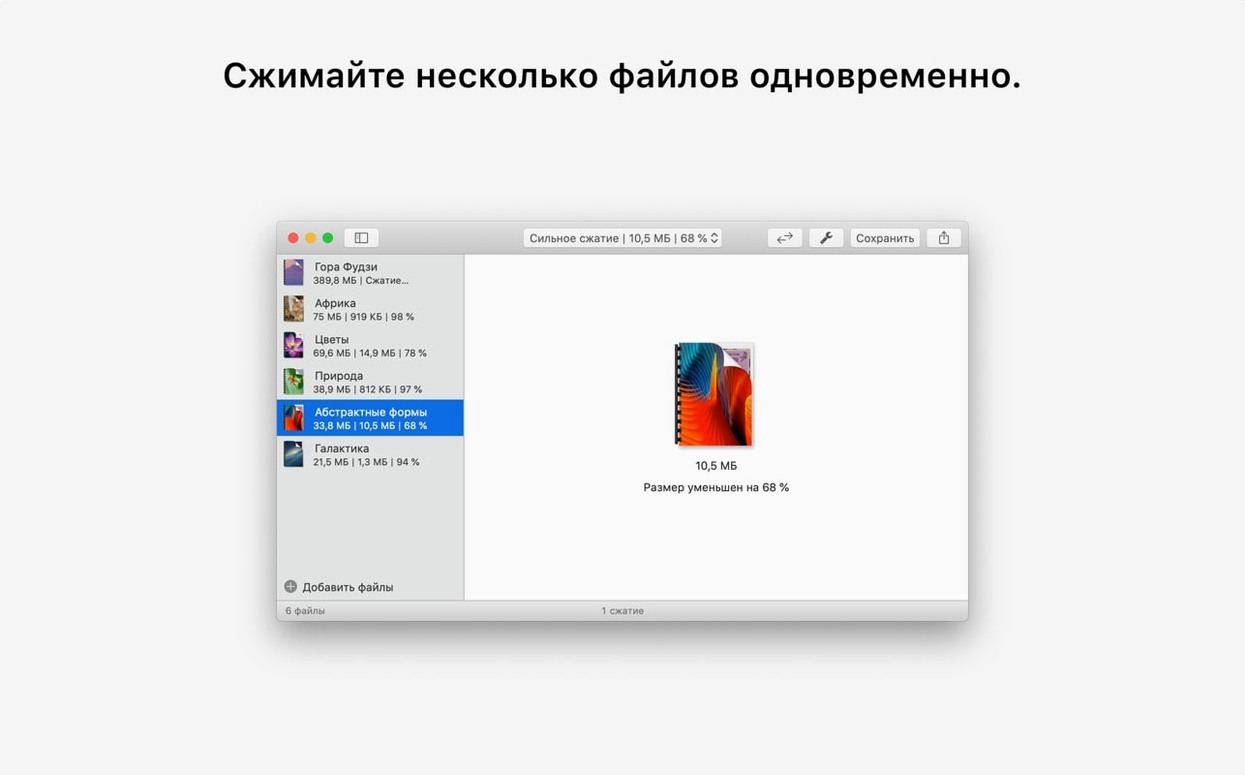
The jump to version 4.9 brings a subtle but welcome change, smoothing out how the app estimates what you'll get as you drag the quality slider. It's the kind of quiet polish that keeps PDF Squeezer feeling like a reliable tool you can reach for without thinking.
Shrink a file for email
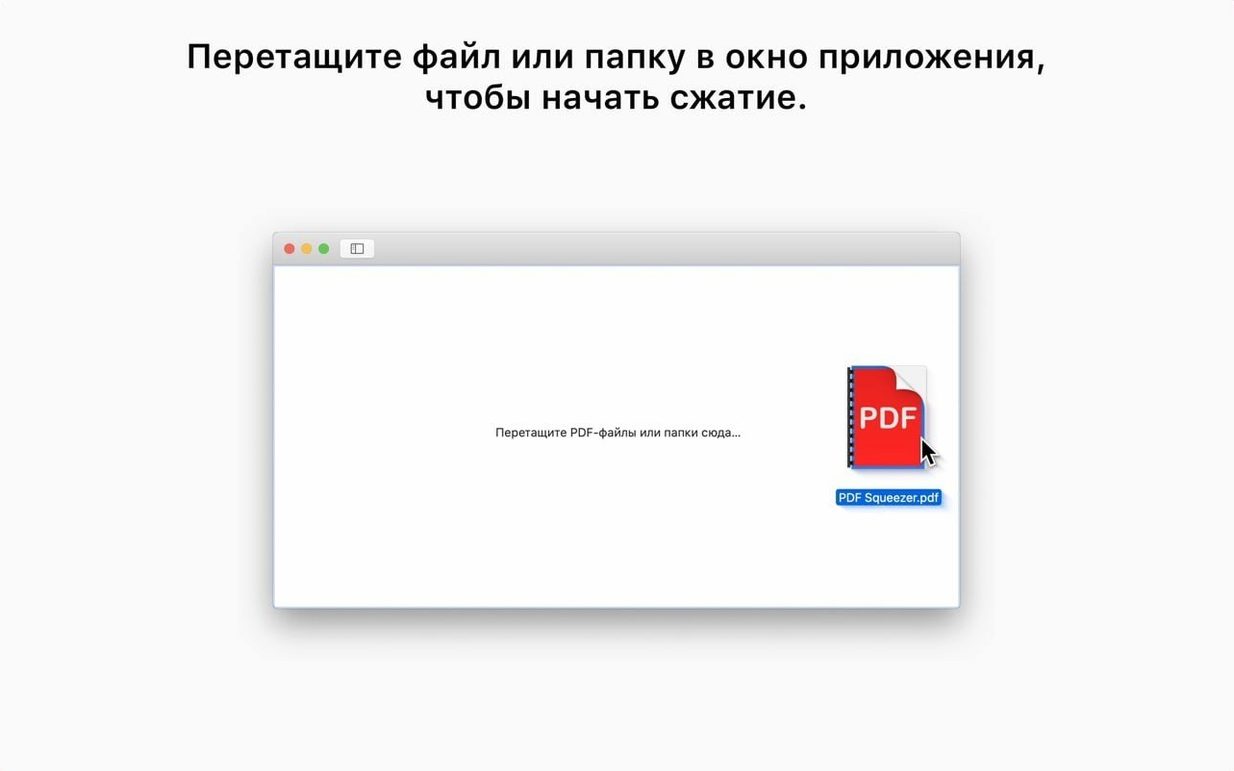
You're staring at an attachment warning. Drag the PDF in, pull the compression slider to the left, and watch the estimated size drop far enough to clear most provider limits. One click writes the squeezed copy.
Dial in the right look
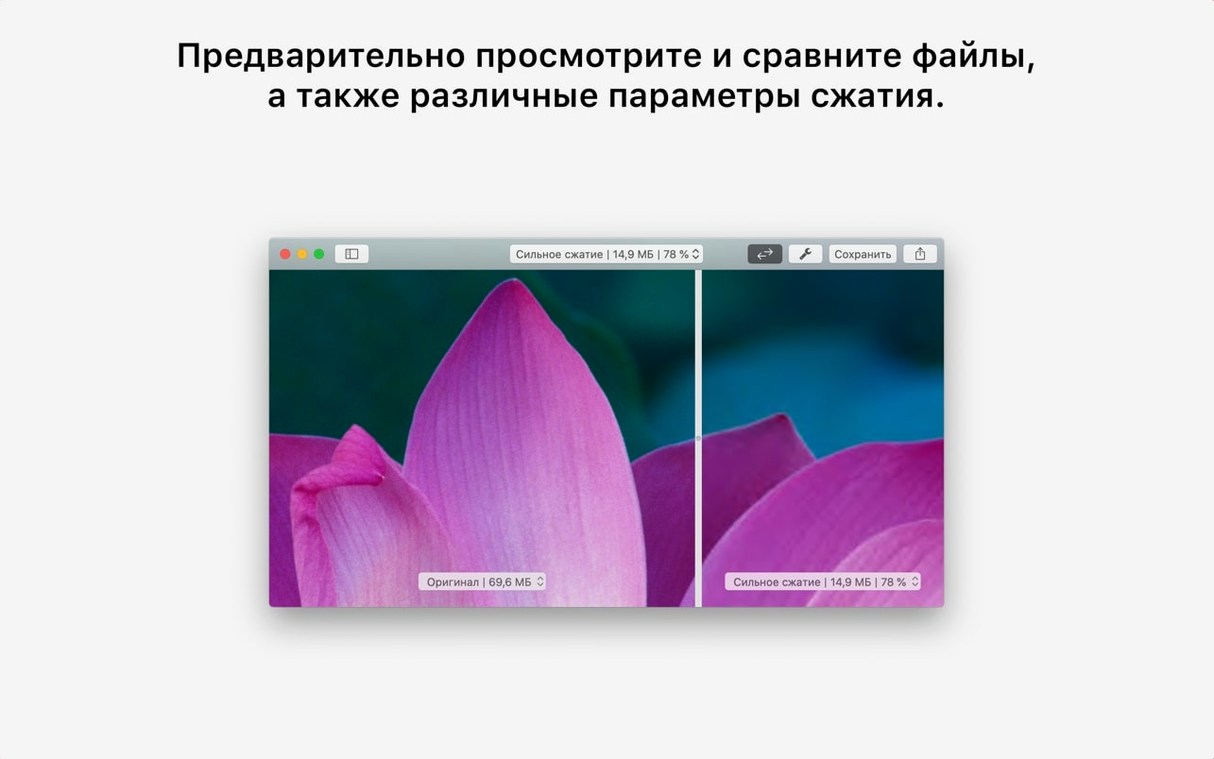
Radical compression can make charts and photos turn soft or blocky. The preview updates as you move the slider, so you can test a few positions and land on a size that still reads cleanly before you save.
Work with locked PDFs
Some bank statements and contracts arrive password-protected. Drop one onto the window, type the password, and PDF Squeezer compresses it the same way it handles any other document — no print-to-PDF workaround needed.
Settings worth changing early
Out of the box, PDF Squeezer does one thing and does it quietly. But a handful of preferences make the app fit your habits better, and they're easy to miss when you're just dragging files and moving on.
- Default output folder. By default, squeezed PDFs land next to the originals with a suffix appended. If you'd rather keep a dedicated folder for compressed copies — say, a "Ready to Send" directory on your desktop — set that once in preferences and the app remembers it.
- Suffix pattern. The appended label for compressed files is customizable. Shorten it to something like
_smallor remove it entirely if you're overwriting the original on purpose. - Auto-close after saving. When you're processing a stack of invoices or forms, turning this on keeps the window from lingering after each save. It's a small thing that cuts down on clicks across a batch.
- Quality preset on launch. The slider defaults to a middle position. If you typically need aggressive compression for web uploads, nudging the default lower saves you from adjusting it every session.
Trusting the estimated file size too quickly
PDF Squeezer is straightforward enough that most people get results on the first try. Still, a few patterns show up repeatedly when someone is new to it.
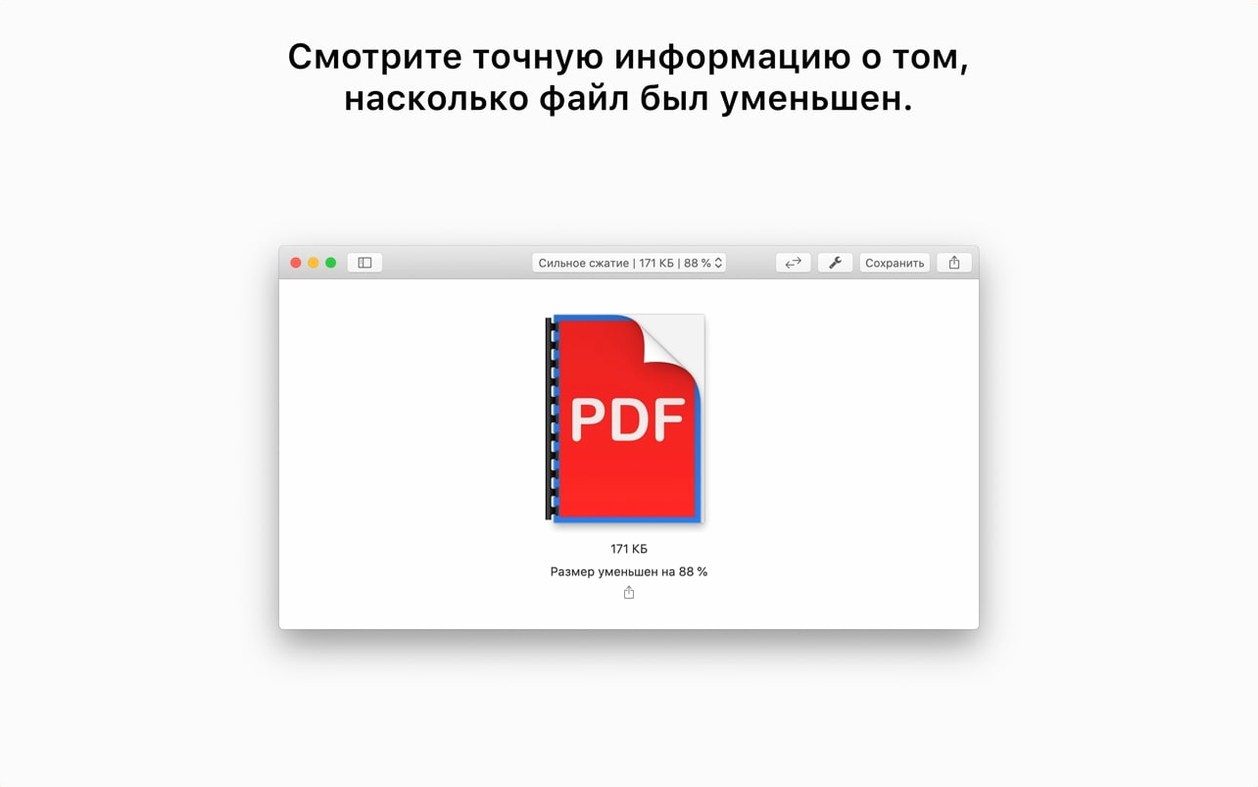
Trusting the slider position blindly. The estimated file size is exactly that — an estimate. A dense, image-heavy PDF may compress differently than a text-only report at the same slider setting. Glance at the actual output size before firing off an email with an attachment that's still larger than expected. If you're hunting for a pdf squeezer for mac free download that can handle complex files without guesswork, this is where you learn the tool's rhythm.
Forgetting password-protected files need the password each time. Drag a locked file in, type the password once, and it works. But if you process that same file again later, the app doesn't cache credentials. Keep the password handy for repeat squeezes.
Ignoring the folder batch option. Plenty of users compress files one by one because they don't notice the app can chew through an entire folder — subfolders included. If you've got a client delivery with dozens of PDFs, drop the folder instead of each file. Anyone who grabbed a pdf squeezer mac download for a one-off task often overlooks this until they stumble across it weeks later.
Overwriting originals unintentionally. If you turn off the suffix and choose the same folder as output, the squeezed file replaces the original. That's fine when you meant to, frustrating when you didn't. Double-check the naming preference before processing something irreplaceable.
From 22 MB proposal to portal-ready 8 MB
It's a Tuesday morning and you've just finished a proposal PDF — 14 pages, a handful of full-bleed photos, a few charts, 22 megabytes total. The client's upload portal caps attachments at 8 MB. Here's how that session typically unfolds.
You open PDF Squeezer and drag the proposal onto the window. The app reads it and shows the current size: 22.1 MB. You slide the quality control left, watching the estimate tick downward. Around the 40% mark, the number dips below 8 MB. That's the target, but you pause — the preview panel shows a chart legend getting fuzzy. You bump the slider to 55%, where the estimate reads 9.7 MB. Close enough to try. You hit Save As, name it Proposal_compressed.pdf, and check the result: 9.2 MB actual. Still a hair over, but the portal accepts it when you upload, and the chart text is crisp. The whole thing took under a minute.
Later that afternoon, you remember the project folder from last month — 43 PDFs across six subfolders, all bloated from embedded print-resolution images. You drag the top-level folder in. PDF Squeezer lists every file it found, and you set the slider to 60%, a sweet spot you've learned works for mixed documents. You click Squeeze and let it run while you refill your coffee. When you return, every file has a compressed copy alongside the original, and the folder total dropped from 380 MB to just under 90 MB. That's the kind of batch result that makes a pdf squeezer mac free utility earn its keep — no watching progress bars, no manual repeats.
The session ends with you dragging three compressed contracts into an email. The attachments clear the size check on the first attempt, and you close the app without a second thought. It's the rhythm that develops after a few runs: adjust, check, save, move on.
- macOS 13 or later
- Intel 64-bit
Questions I actually get
Does PDF Squeezer handle password-protected PDFs?
Yes, it can open and compress password-protected files once you supply the password.
What macOS version does PDF Squeezer 4.9 require?
The current version requires macOS 13 or later and runs on Intel Macs.
Porch talk 0
Come in or pull up a chair to leave a comment.
Nobody has pulled up a chair yet. If you used it on a real Saturday, say what the hour was.
More for the same hour
Everything in Mac Apps
 Perfectly Clear WorkBench
4.8.0.2871 Mac Apps
200 MB
Perfectly Clear WorkBench
4.8.0.2871 Mac Apps
200 MB

 Path Finder
26.1.10 Mac Apps
Updated 26 MB
Path Finder
26.1.10 Mac Apps
Updated 26 MB

 Permute
4.0.11 Mac Apps
84 MB
Permute
4.0.11 Mac Apps
84 MB

 Paste
6.6.2 Mac Apps
28 MB
Paste
6.6.2 Mac Apps
28 MB

 Photo Mechanic
2025.1.8239 Mac Apps
64 MB
Photo Mechanic
2025.1.8239 Mac Apps
64 MB

 Photomator
3.4.15 Mac Apps
662 MB
Photomator
3.4.15 Mac Apps
662 MB

 PhotoScape X Pro
4.3 Mac Apps
452 MB
PhotoScape X Pro
4.3 Mac Apps
452 MB
 Parallels Desktop
27.0.3-58680 Mac Apps
Updated 186 MB
Parallels Desktop
27.0.3-58680 Mac Apps
Updated 186 MB