

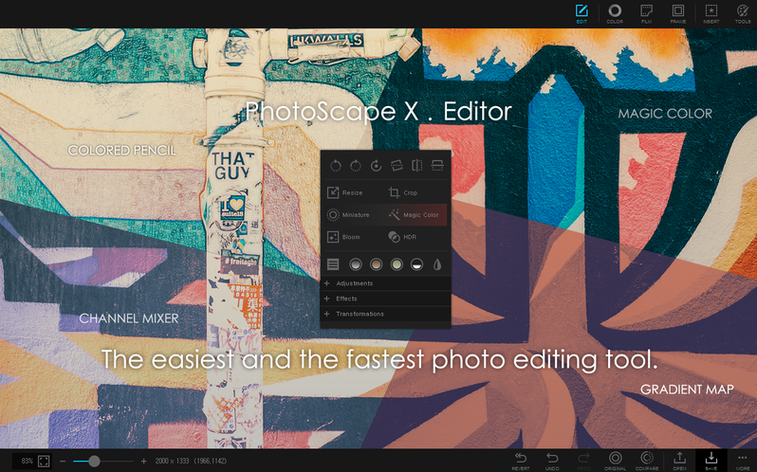
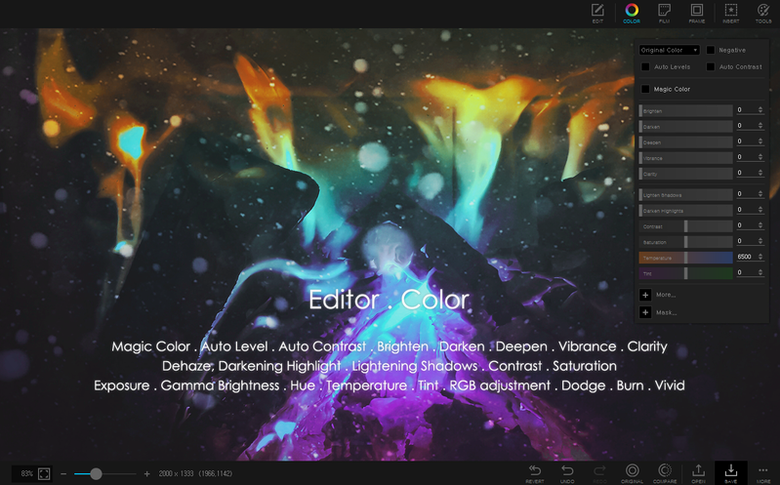
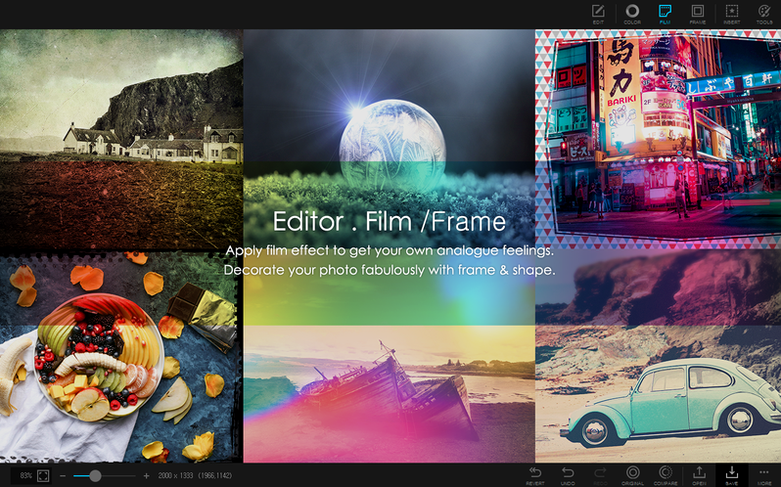
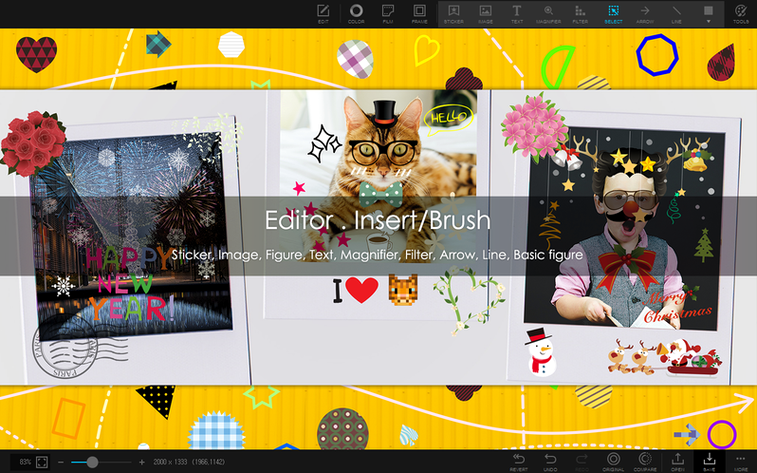
The magic eraser tool is where you realize this isn't a stripped-down port. You trace the rough edges of a subject, click once, and the background peels away cleanly enough that you don't immediately reach for the refine brush. That's the rhythm of PhotoScape X Pro: a single window that moves from culling to sharing without sending you to five different programs.
- Browse and cull. The built-in viewer loads folders as light tables. Flag the keepers, and the rejects fade from view—no import dialog, no catalog to maintain.
- Correct and retouch. Open the editor and you have liquify, a clone stamp, and a healing brush alongside the usual exposure sliders. The red-eye tool works on pets too, not just people.
- Add personality. Pull from 290+ frames and 240+ shapes, or dip into a filter library that crosses the thousand mark. You can stack a film grain on top of a color grade without flattening first.
- Combine and split. Stitch photos vertically or horizontally into a single image, or slice a panorama into printable tiles. The collage tool handles the fiddly spacing math so you can drag and drop freely.
- Finish and output. Rename, resize, and convert a whole folder through the batch tab. Print contact sheets directly, or capture a screenshot with the built-in tool and drop it straight into an edit session.
The whole thing runs natively on Apple Silicon, so the liquify mesh responds without lag. If your editing day starts in a folder and ends with a printed page, this is the toolbox that keeps you in one place.
PhotoScape X Pro vs. the Mac editing crowd
When someone asks how PhotoScape X Pro stacks up, the first thing I point to is the browser. Apps like Pixelmator Pro and Affinity Photo expect you to open one image at a time or build a library from scratch. That's fine for deep compositing work, but it's overkill when you're staring at a card dump of three hundred shots from a Saturday market walk. PhotoScape X Pro treats the folder as your workspace from the moment you launch—ratings, flags, and fullscreen passes happen before you commit to any edit at all.
Against Luminar Neo, the difference sharpens around the non-destructive layer approach. Luminar leans heavily into AI-driven one-click adjustments and sky replacements, but the toolset for hands-on retouching stays relatively contained. PhotoScape X Pro gives you the clone stamp, healing brush, and liquify tools right alongside its filter library, so you can clean up sensor dust and then apply a cross-processed look without jumping between modules. The trade-off: Luminar's masking is more refined for selective edits, while PhotoScape keeps things flat and fast.
Where PhotoScape X Pro pulls ahead cleanly is the collage and batch workflow. Neither Pixelmator Pro nor Affinity Photo ships with a dedicated collage builder that snaps photos into adjustable grids. And for people who stumble onto a photoscape x pro mac search while looking for a single program that handles renaming, resizing, and format conversion across entire folders, the batch panel saves a trip to a separate utility. It's less a photo editor and more a photo workshop that happens to also edit.
Silence the shutter-click feedback loop
The default workspace feels wide open—almost too open if you're on a laptop screen. A few quick adjustments tighten things up without burying you in preferences panels.
- Turn off the sound effects. The shutter-click feedback on every operation gets old fast. Head into Preferences and uncheck the audio feedback toggle; the interface responds quickly enough that you won't miss it.
- Set the viewer background to dark gray. The default light backdrop washes out shadows and makes color casts harder to spot. A mid-gray or near-black canvas in the viewer tab helps your eye judge exposure and white balance without distraction.
- Customize the external editor shortcut. PhotoScape X Pro isn't a pixel-level compositing tool, and that's fine. Under the sharing options, point the external editor field to Affinity Photo or GIMP for the rare cases where you need frequency separation or advanced masking. One click sends the current image out and back.
- Adjust batch output quality. The default JPEG compression is middle-of-the-road. If you're batch-converting for archive, bump the quality slider to 95; if you're spitting out web drafts, dial it back to 70 and save the space.
Handheld HDR alignment got sturdier
The 4.3 fix release didn't add splashy new features—it tightened the bolts on what was already there. Stability during HDR merging improved noticeably for people working with handheld brackets, where earlier builds sometimes stumbled on alignment across five or more exposures. The focus stacking path got similar attention: the blend algorithm now handles fine hair and fur edges with fewer ghosting halos, which matters if you shoot macro subjects wide open.
On the browsing side, the loupe view snapped into place faster after the update, especially when toggling between thumbnail grid and fullscreen inspection. That small speed bump means your eye stays on the images instead of watching the interface catch up. The app remains an Apple Silicon build through and through—no Rosetta translation layer, no hesitation when you're scrubbing through a batch of RAW files.
For anyone who's searched for a photoscape torrent or a photoscape x torrent and ended up with an old Windows build, this Mac-native version is the one that actually respects the platform. It doesn't feel ported. It feels like it belongs in the dock, right between your file manager and whatever you use for the heavy retouching.
- macOS 13 Ventura or later
- Apple Silicon Mac
Questions I actually get
Can PhotoScape X Pro remove a photo background?
Yes. It includes a magic eraser, a lasso tool, and a brush tool that let you erase backgrounds without sending the image to an external editor.
Porch talk 0
Come in or pull up a chair to leave a comment.
Nobody has pulled up a chair yet. If you used it on a real Saturday, say what the hour was.
More for the same hour
Everything in Mac Apps
 Photomator
3.4.15 Mac Apps
662 MB
Photomator
3.4.15 Mac Apps
662 MB
 PhotosRevive
3.1.0 Mac Apps
478 MB
PhotosRevive
3.1.0 Mac Apps
478 MB
 Photo Mechanic
2025.1.8239 Mac Apps
64 MB
Photo Mechanic
2025.1.8239 Mac Apps
64 MB

 Pixea Plus
8.4.0 Mac Apps
Updated 193 MB
Pixea Plus
8.4.0 Mac Apps
Updated 193 MB

 Permute
4.0.11 Mac Apps
84 MB
Permute
4.0.11 Mac Apps
84 MB
 Pixelmator Pro
4.3 Mac Apps
641 MB
Pixelmator Pro
4.3 Mac Apps
641 MB

 Perfectly Clear WorkBench
4.8.0.2871 Mac Apps
200 MB
Perfectly Clear WorkBench
4.8.0.2871 Mac Apps
200 MB

 Pixelsnap
2.6.4 Mac Apps
10 MB
Pixelsnap
2.6.4 Mac Apps
10 MB