
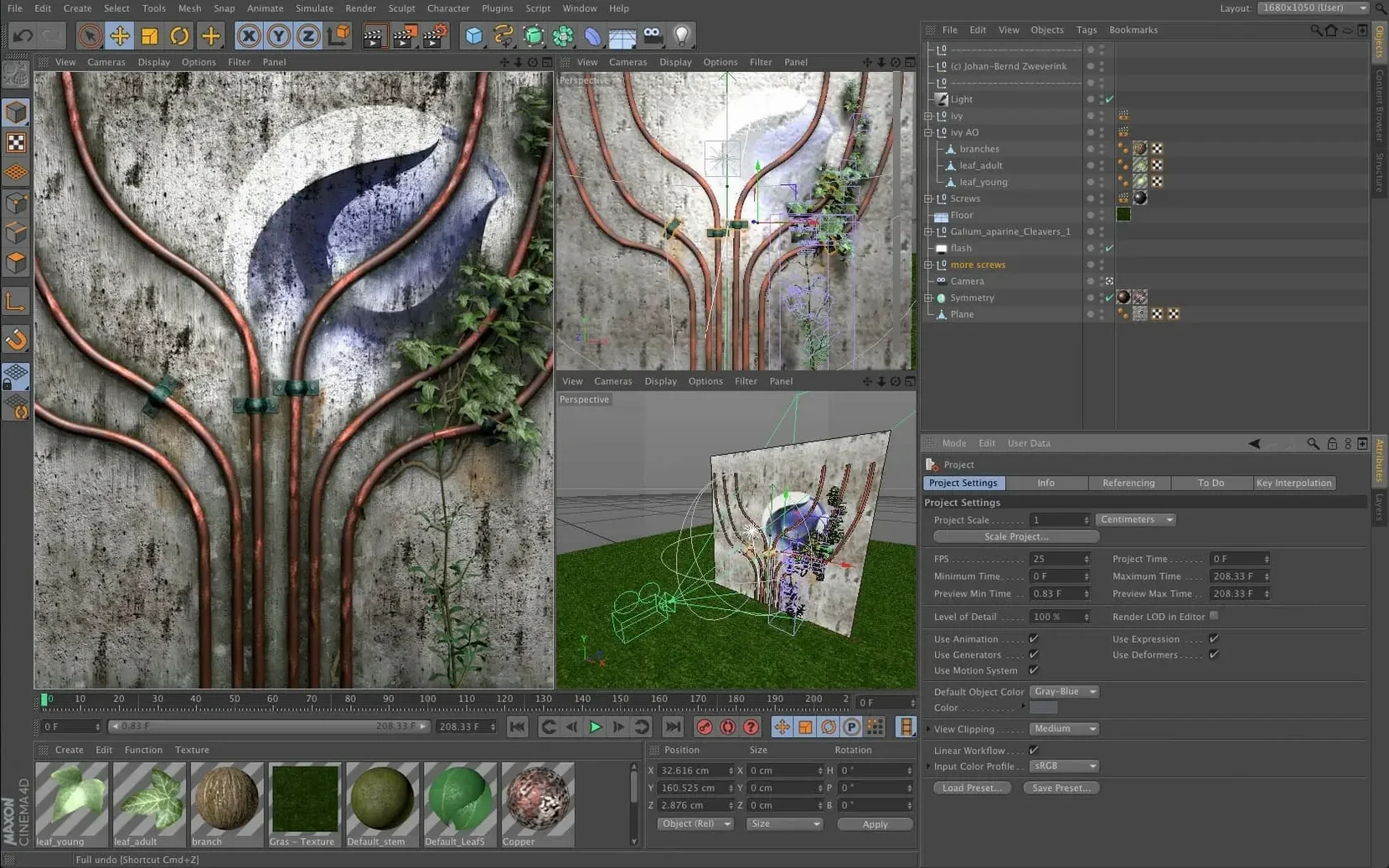
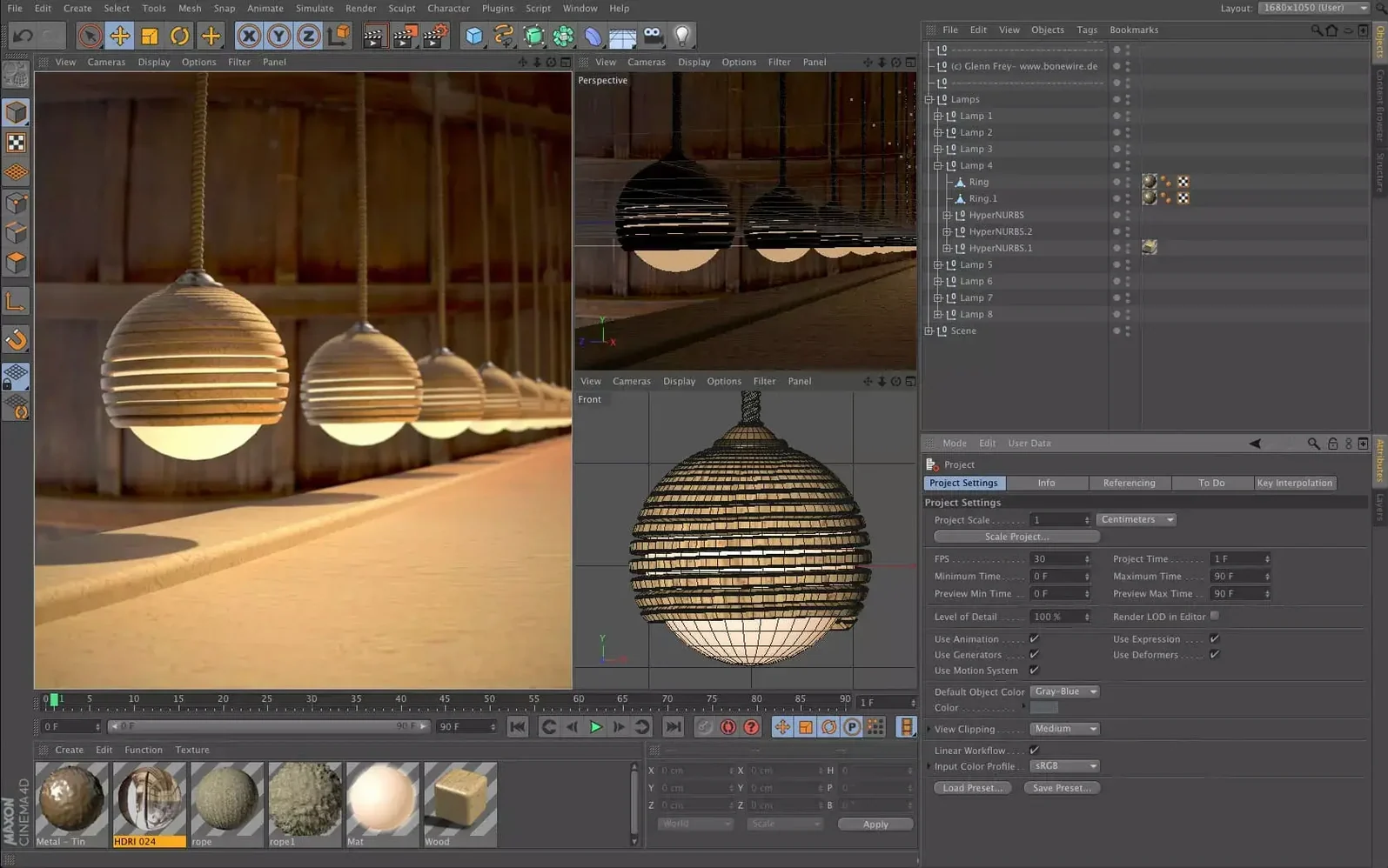
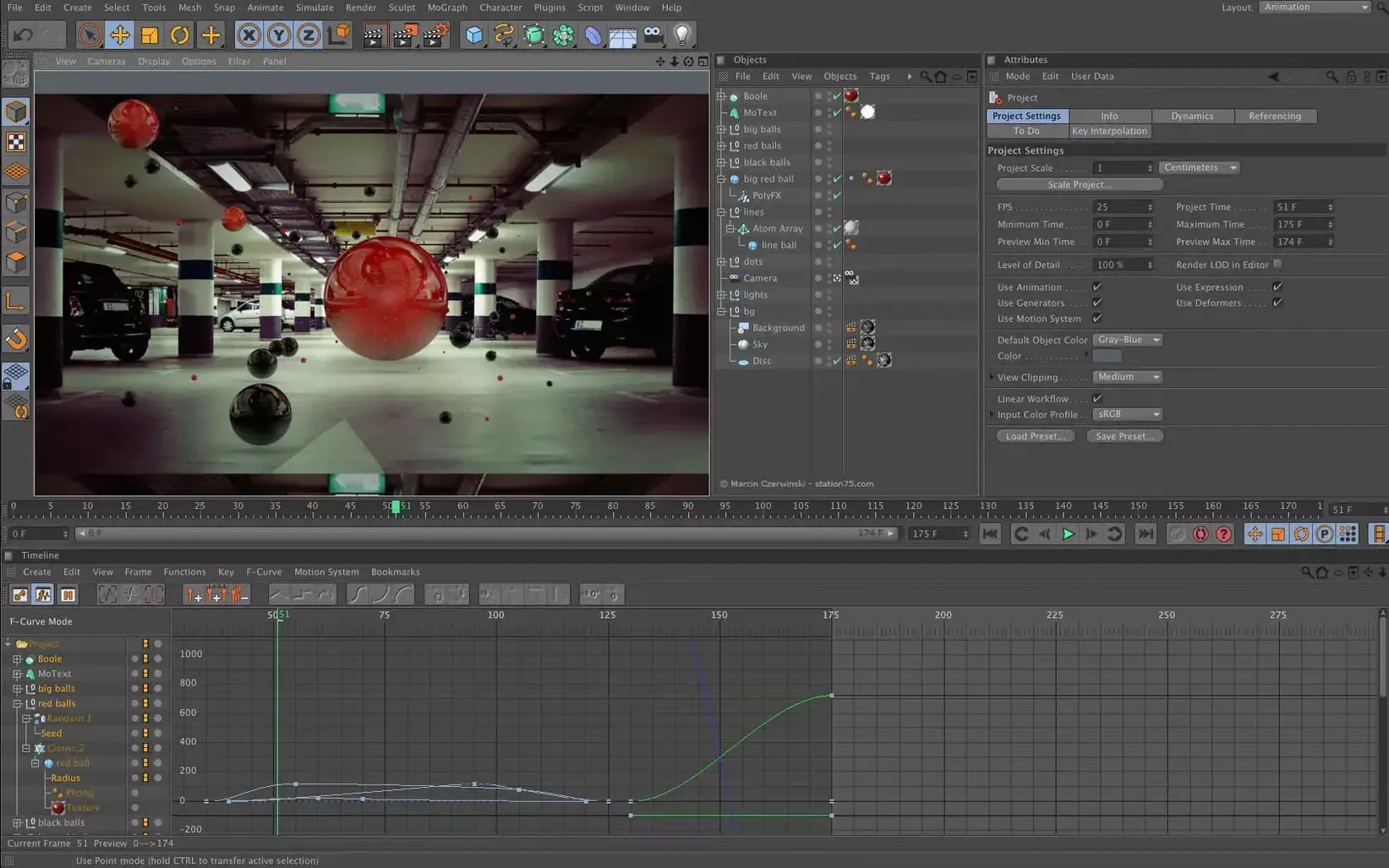
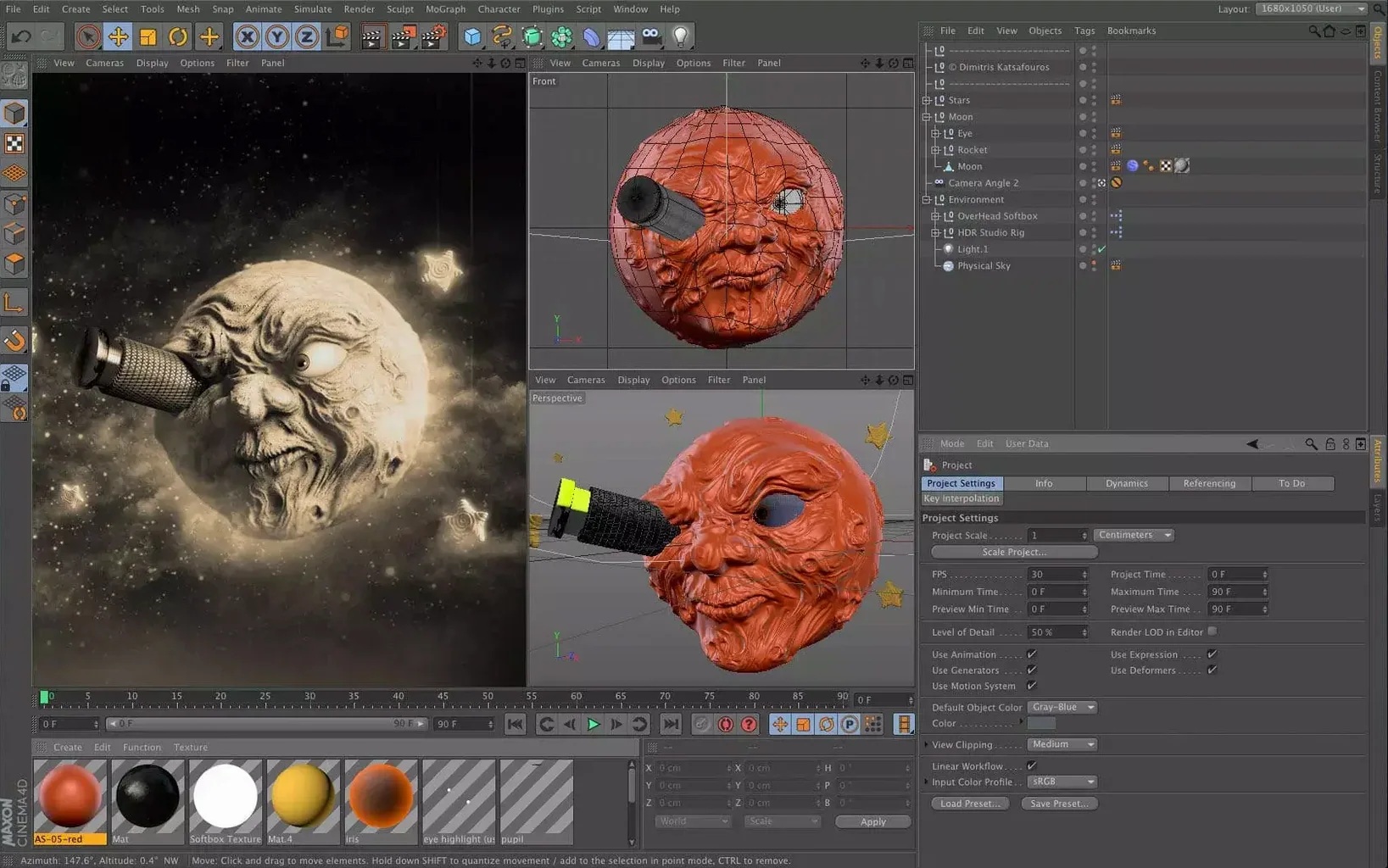
If you spend time in motion graphics or video tools on your Mac, you already know the moment a flat composition asks for something with depth. That is where Cinema 4D comes in. It is a professional 3D application for modeling, animation, simulation, and rendering, built for the same desktop where your other creative work happens.
It meets your Mac where it is
Cinema 4D runs on macOS 11 and later, with support for both Apple Silicon and 64-bit Intel machines. For 4d animation work, that means you can lean on the hardware you have. Capsules let you pull scene node features into the classic Object Manager without rethinking your whole approach.
Made for motion, not just stills
The tool finds its place in motion graphics, visual effects, AR, visualization, and game development. If you already cut video or build interface mockups, adding Cinema 4D gives those projects a third dimension without leaving the Mac ecosystem. Worth a look if your timelines are starting to feel flat.
When Cinema 4D 2024.2 landed in December 2023, the changes didn't rewrite the whole program. Instead, they smoothed out daily friction. The modeling tools got a quiet tune-up — edge selections feel more predictable, and the symmetry modes hold their center better when you toggle between object and world space. Rigging saw smaller but welcome fixes: joint chains now mirror without occasionally flipping orientation on you. None of this shows up in a splash screen, but after a few late-night sessions, you notice you're not fighting the tool as much.
Building a quick product shot, start to finish
Let's walk through a straightforward commercial-style render — a bottle with condensation droplets, soft studio lighting, and a clean backdrop. This is the kind of task that shows up on a Tuesday morning and needs to look good by lunch.
Start with a cylinder primitive. Drop the height segments to 1, bump the rotation segments to 64, and taper the top with a bend deformer. For the cap, a second cylinder with ridges made from a cloner arrayed in a radial pattern does the trick — nothing you haven't seen in a hundred product shots, but it works.
Condensation comes next. Scatter a sphere across the glass surface using a volume mesher and a random effector. Keep the spheres small, around 2 mm, and let a few of them stretch into teardrop shapes with a displacer set to a subtle noise. It reads as believable without heavy simulation overhead.
Lighting is three area lights and a dome light with a studio HDR. One key light from the left at 60% intensity, a rim light behind and above, and a soft fill from the right at 25%. The dome light handles ambient reflections on the glass. Switch the renderer to Redshift if it is available — the glass material with a touch of roughness and an IOR of 1.5 catches the rim light beautifully.
Undo depth and stale defaults to fix first
A few defaults in Cinema 4D are set for a different era. These tweaks take two minutes and make the viewport and timeline behave more like the rest of your creative tools.
- Undo depth. The default is set conservatively. Bump it to 50 or more in Preferences under Memory. You want room to backtrack when an extrusion goes sideways.
- Viewport anti-aliasing. Switch from None to 4x or 8x in the viewport options. The performance hit is negligible on modern Macs, and you stop squinting at jagged edges during modeling.
- Auto-save interval. Set it to 5 minutes and point the backup folder somewhere easy to find. Cinema 4D does not scream about crashes often, but when it happens, you will be glad those incremental saves exist.
- Color chooser mode. Swap from the default floating picker to the embedded color wheel. It stays out of your way and matches what most other Mac creative apps do.
Scale mismatches that sabotage your scene
Everyone runs into these sooner or later. Spotting them early saves a morning of frustration.
Modeling at the wrong scale. Cinema 4D's default scene units are centimeters. If you model a room at 200 cm wide, physics simulations and lighting behave as expected. Model it at 200,000 cm because you ignored units, and dynamic simulations crawl and shadows go haywire. Check the project scale before you place the first primitive.
Stacking generators without understanding hierarchy. Dropping a subdivision surface above a cloner above a boole seems clever until the viewport turns into a slideshow. Cinema 4D evaluates generators top to bottom. Keep the chain shallow, and use the Make Editable command once a shape is locked in. Your Mac's fans will thank you.
Ignoring take system early on. You render one version of a shot, then the client asks for a color variant and a camera angle change. Without takes, you duplicate the project file and drift into version chaos. Set up a take for each variation from the start — it manages material overrides, camera switches, and render settings in one file. It is one of those features that feels unnecessary until you need it, and by then you have already made a mess.
If you are coming from After Effects and grabbing a cinema 4d torrent to test the waters, the learning curve is real but not steep. The object manager works like a layer stack, and the timeline borrows enough keyframe logic to feel familiar. Give yourself a few evenings with simple primitives before tackling character rigs.
Cinema 4D 2024.2 arrived on December 11, 2023.
- macOS 11 or later
- Apple Silicon or 64-bit Intel
- Interface languages: English, German, Arabic, Spanish, Italian, Simplified Chinese, Korean, Polish, French, Czech, Japanese
Questions I actually get
Does Cinema 4D run on Apple Silicon Macs?
Yes, Cinema 4D supports both ARM and 64-bit Intel architectures on macOS 11 and later.
What kinds of work is Cinema 4D used for?
It is used in design, motion graphics, visual effects, AR/MR/VR, visualization, and game development.
Can I use scene node features in the regular Object Manager?
Yes, Capsules let you use scene node system features inside the classic Object Manager.
Porch talk 0
Come in or pull up a chair to leave a comment.
Nobody has pulled up a chair yet. If you used it on a real Saturday, say what the hour was.