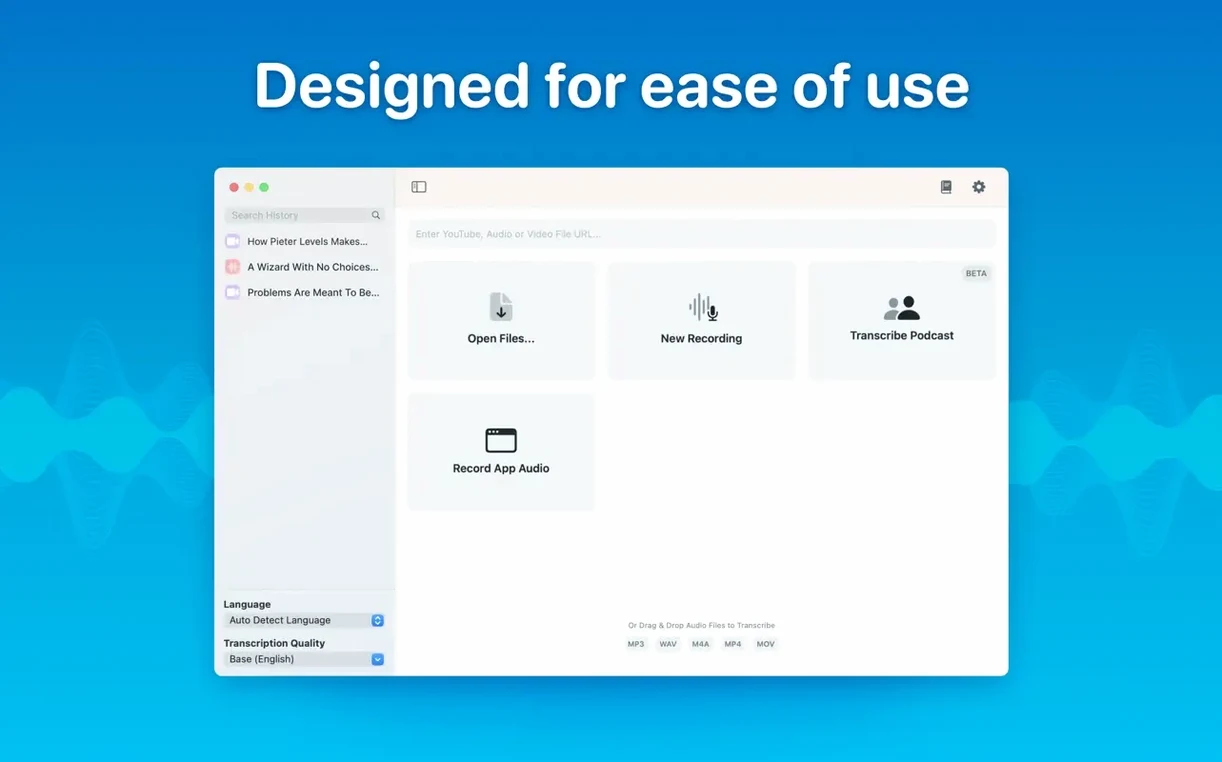
MacWhisper is a desktop transcription app that runs OpenAI's Whisper speech recognition locally on your Mac. You drag in an audio file, and it gives you a text transcript without sending your recordings anywhere.
Turning a field recording into something usable
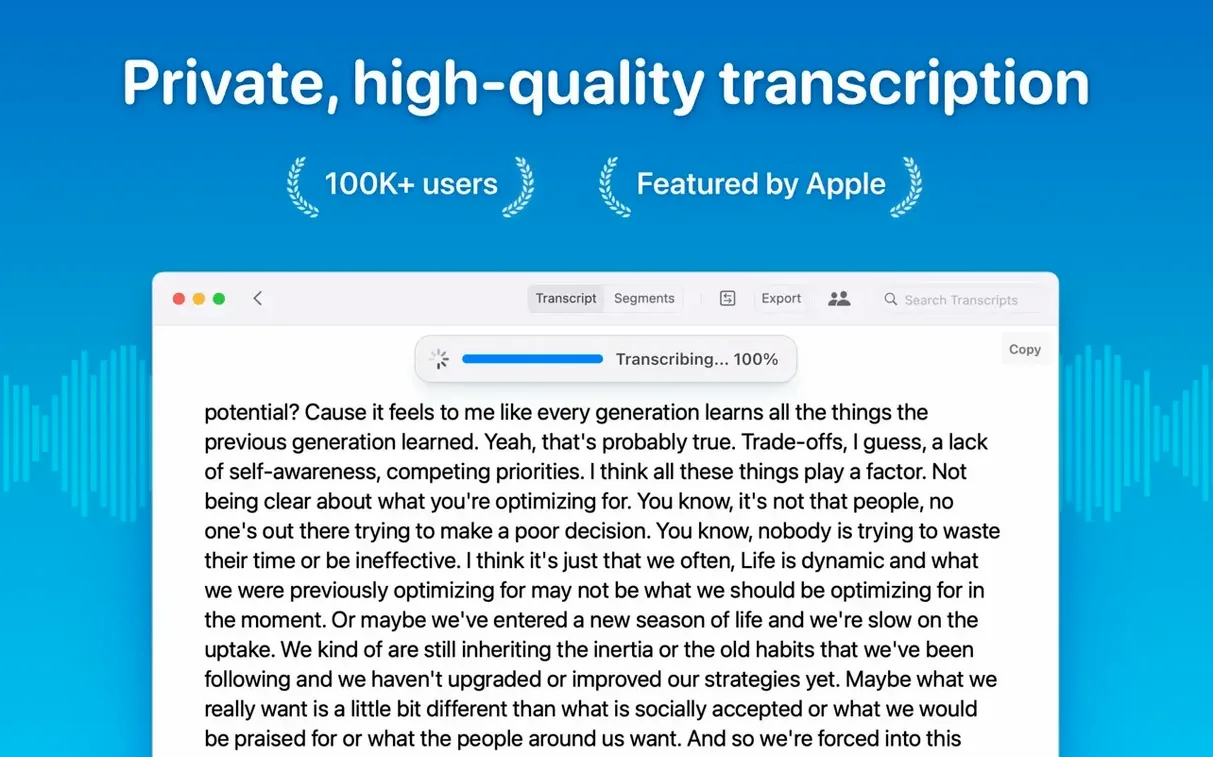
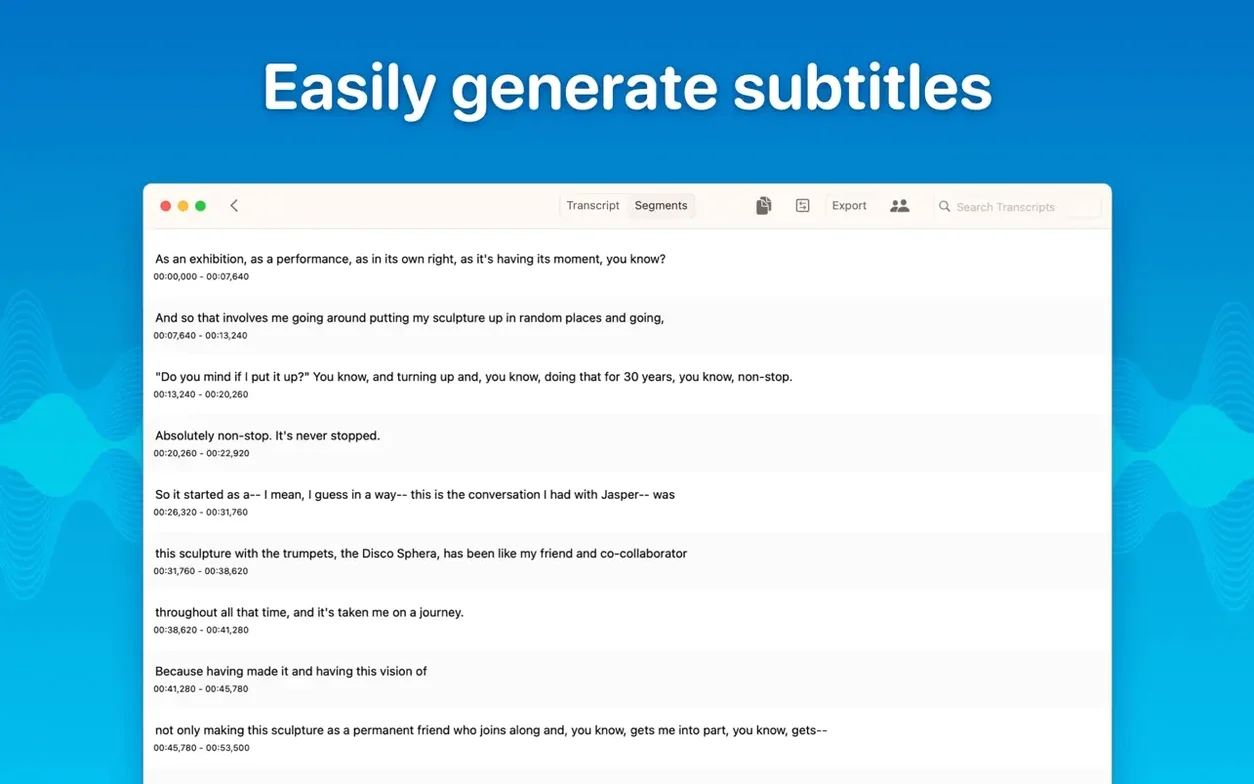
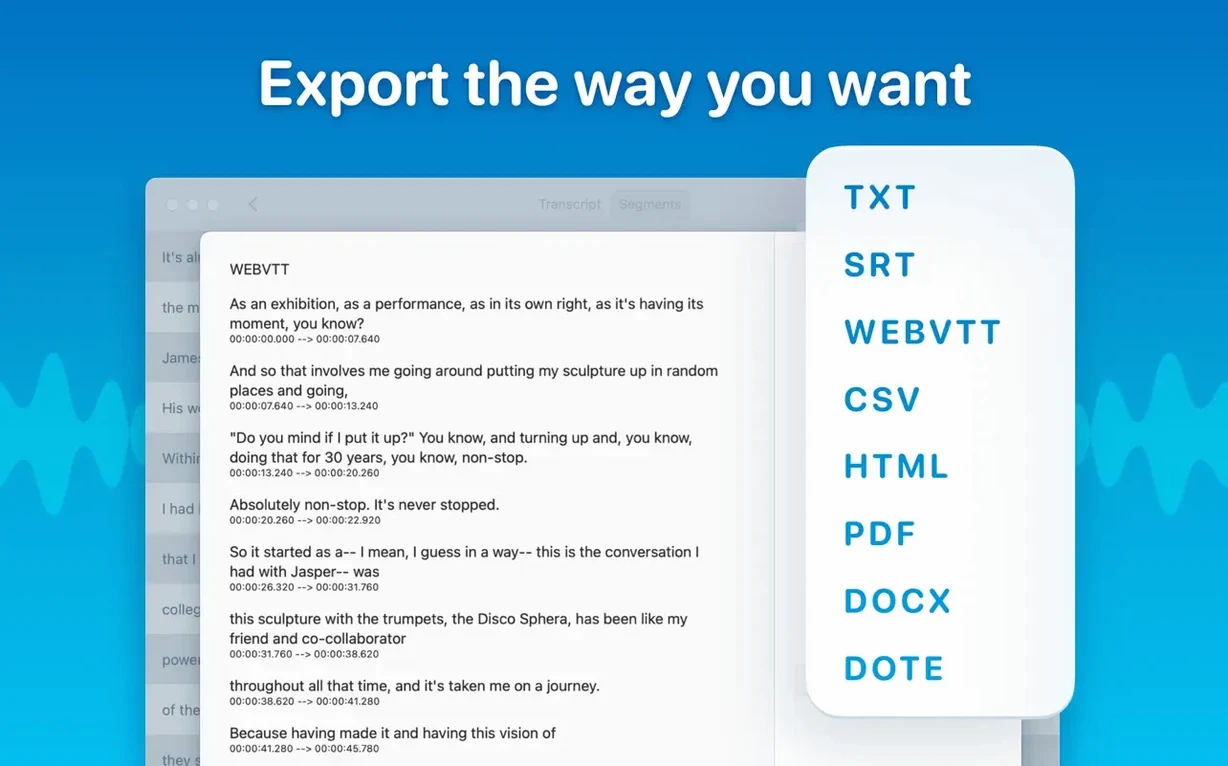
Say you recorded a half-hour conversation on your phone and AirDropped it to the Mac. Open MacWhisper, drag the m4a onto the window, and pick a Whisper model. The large model takes longer but catches more nuance if the room was echoey. While it chugs along on the Neural Engine, you can go make coffee — nothing leaves the device. When it finishes, the transcript appears in a clean panel. You can click anywhere to jump the playback to that spot, which makes cleaning up speaker names quick. Highlight a section, copy it, or export the whole thing as a Word doc for an editor. If you need subtitles, hit export again and grab an SRT file for the video team. The batch export handles Word, PDF, and subtitles in one go, so you don't have to babysit each format. For organizing, the new folders in version 15.2 let you stash transcripts by project, and the real-time meeting transcript feature captures system audio directly — handy for Zoom calls you forgot to record locally.
Journalists dumping a dozen voice memos straight to local hardware
This is for anyone who handles interview recordings, lecture audio, or meeting notes and wants to keep everything on their own hardware. Journalists dropping a dozen voice memos into a project folder, researchers working through field interviews, or podcasters pulling rough show notes will find the drag-and-drop workflow straightforward. The local processing means you can transcribe sensitive conversations without a second thought. There's no web dashboard to log into and no upload bar to wait on — just a Mac app that does one job and stays out of the way.
Speaker labels stop swapping mid-paragraph thanks to the new diarization model
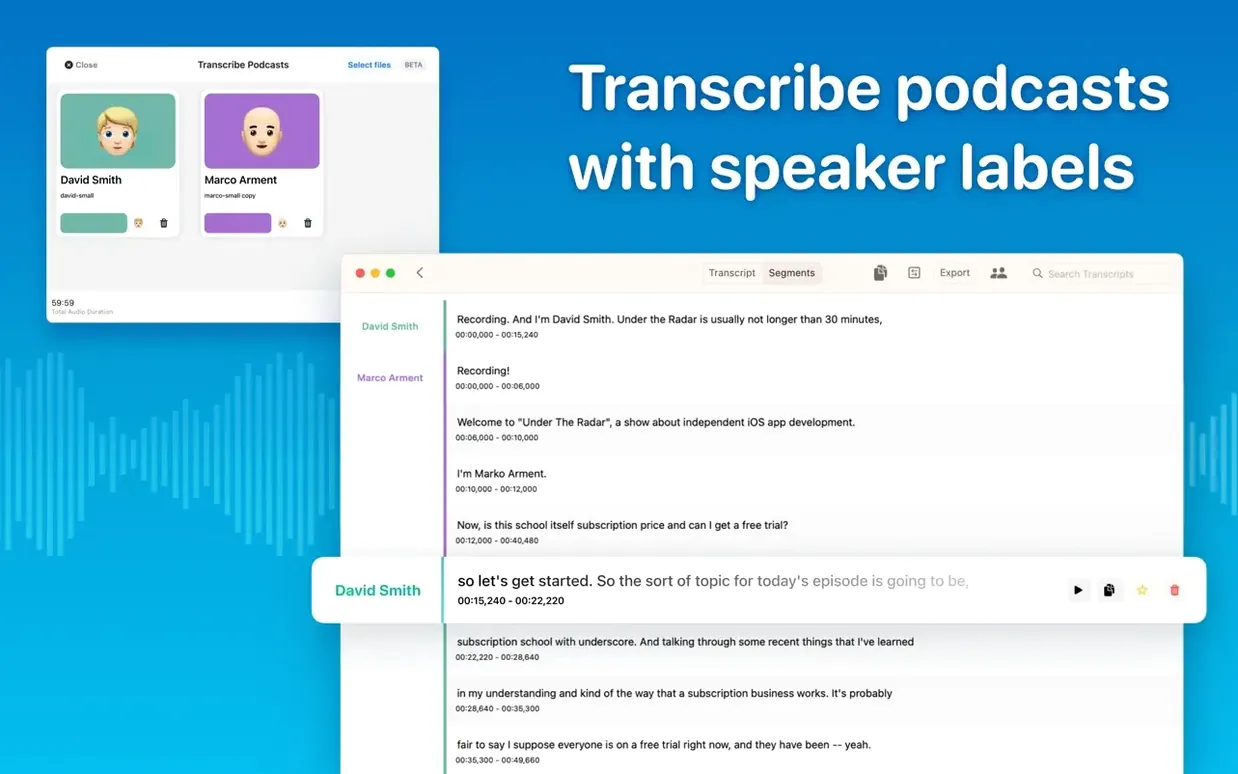
The speaker separation got a noticeable bump from the new diarization model. In practice, that means a two-person podcast transcript now labels "Speaker A" and "Speaker B" with fewer swapped lines mid-paragraph. It is not flawless — cross-talk still trips it up — but the old version would occasionally assign a whole block to the wrong voice; 15.2 does that far less. If you transcribe panel discussions, you will spend less time dragging segment labels around.
Folders arrived quietly and turned out to be the feature that makes the app feel like a daily tool. Before 15.2, every transcript sat in a flat list. Now you can group a semester's lectures, a reporting project, or a season of podcast episodes into their own containers. The hierarchy is simple — folders, subfolders, transcripts — and it syncs with the batch export panel, so exporting all transcripts inside a folder to Word and SRT at once is a two-click affair.
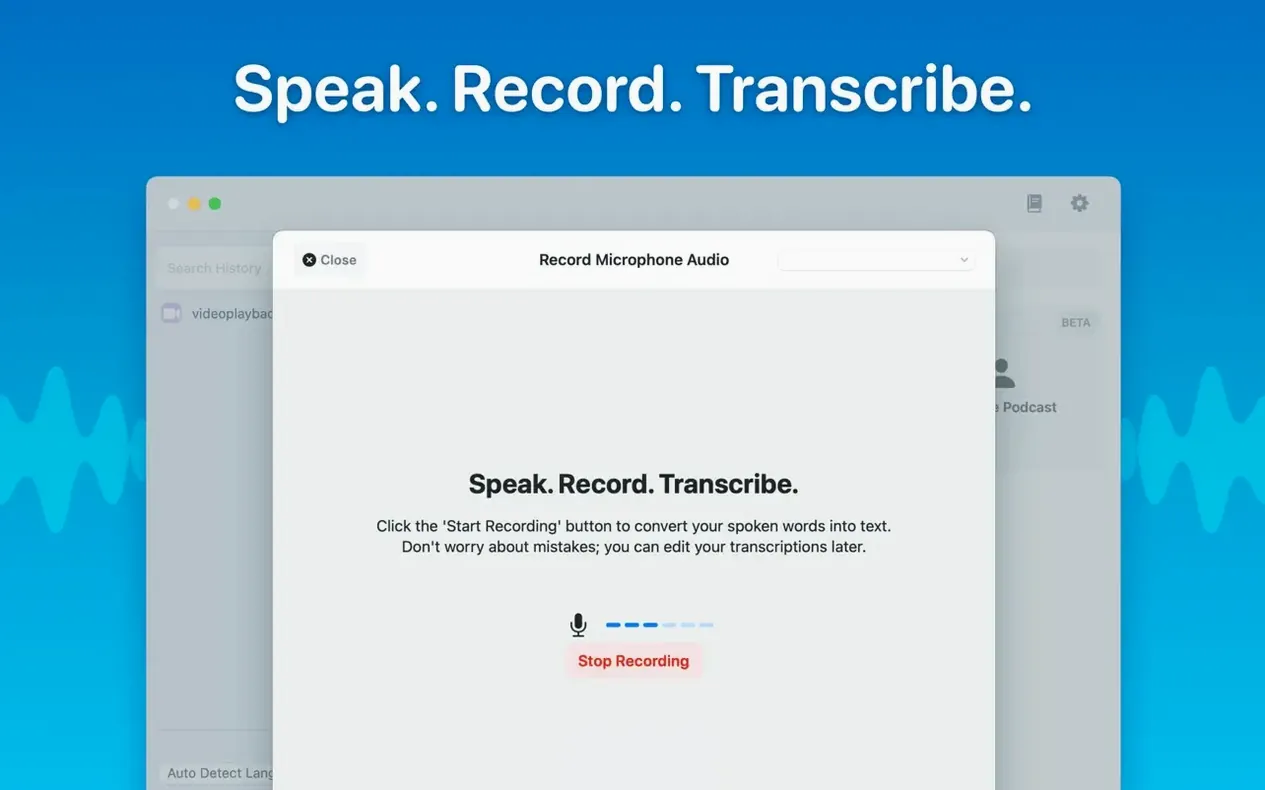
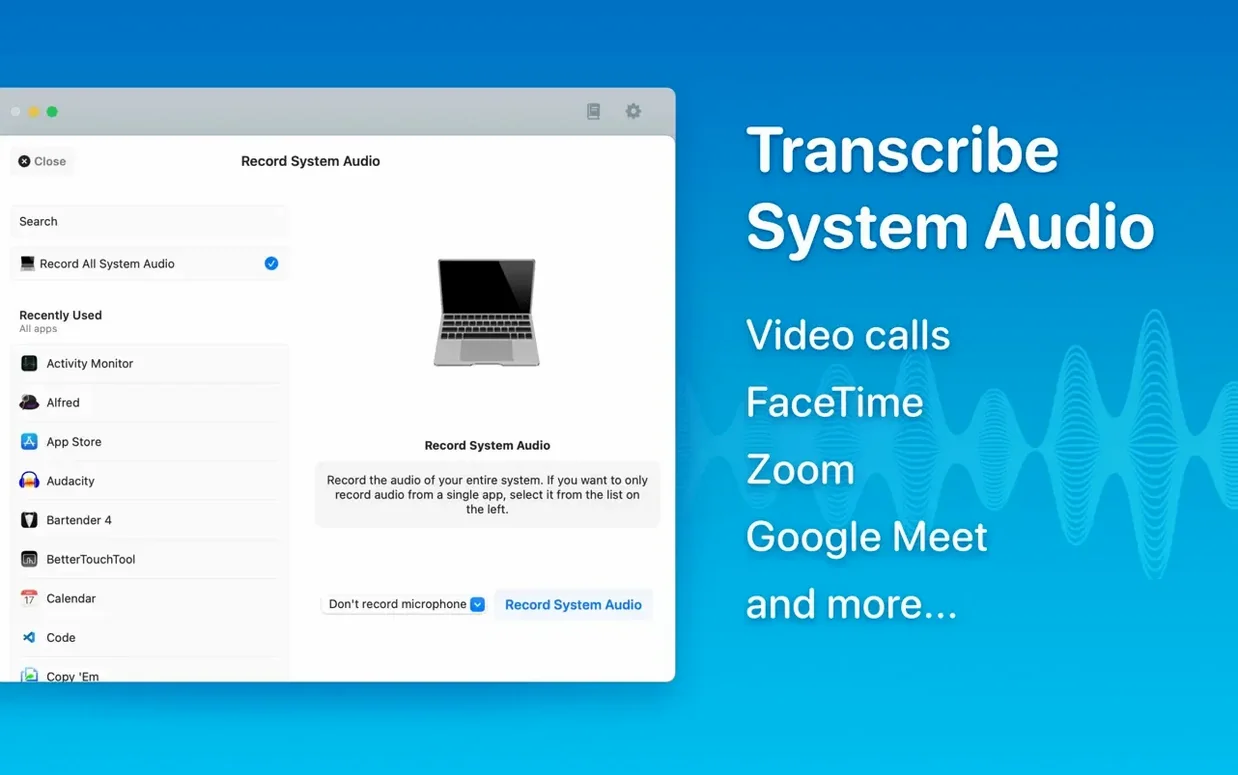
Real-time meeting transcripts are the other headline addition. When you enable system audio capture, MacWhisper listens to whatever your Mac is playing — a Zoom call, a YouTube lecture, a WebEx town hall — and writes a running transcript in a live panel. The text appears a few seconds behind the spoken word, and you can copy chunks out while the meeting is still going. It runs on-device like everything else, so your company's video call never touches an external server.
Small model chews through 30 minutes in two minutes on Apple Silicon
Model choice dictates speed more than anything else. On an Apple Silicon Mac with 16 GB of RAM, the Small model transcribes a 30-minute recording in about two minutes. The Large-V3 model takes closer to twelve minutes for the same file but delivers cleaner punctuation and better handling of accented English. Intel Macs can run the smaller models without issue; the large models will push an older i7 hard, spinning fans and slowing other apps until the job finishes.
Memory use varies. Large-V3 can grab 6 GB or more during a long transcription, which is worth knowing if you have an 8 GB machine with a dozen browser tabs open. The app itself stays responsive — you can scroll through a finished transcript while another batch job churns in the background — and version 15.2 has been stable across a week of daily use. We did not see crashes during batch exports or while switching between the recording view and the transcript library. One user on a Mac with macOS 15 noted a crash in the Live Captions language menu, and the 15.2.1 update specifically patched that.
Battery drain is real on long sessions. Transcribing a two-hour lecture on Large-V3 will knock 20–25 percent off a MacBook Air battery. On wall power or short clips, it is a non-issue. The app throttles itself politely when other GPU-heavy apps are running — it does not fight Final Cut Pro for resources — but you will notice slower transcription times while rendering video.
Start with the free Small model, not the Large one
Start with the Small model, not Large. Download it the first time you launch the app — a one-time 500 MB fetch — and run a few short clips through it to get a feel for the accuracy on your own voice and room acoustics. The small model transcribes clean audio with near-perfect accuracy and finishes fast enough that you stay in flow. Move up to Medium or Large only when you hit a muddy recording and see obvious errors in the Small output.
Turn on automatic language detection before your first batch job. The default is English, and if you forget to switch it before dropping in a Spanish interview, the English model will confidently output gibberish. Auto-detection adds a few seconds to each file but saves you from re-running jobs.
Set up your folder structure early. The flat list gets unwieldy past twenty transcripts, and retroactively sorting is tedious. A simple setup — Work / Interviews, Podcast / Season 3, Classes / Bio 201 — keeps the library navigable from day one.
When you first use system audio capture for meetings, test it on a short call with a friend. macOS privacy prompts will ask for screen recording or audio input permission; grant those, and confirm the live transcript widget appears. The first run downloads a small support model, so do not wait until thirty seconds before an important client call.
Workflow: turning a podcast draft into final show notes
You have a 45-minute interview recording with a guest, recorded in a quiet room on a decent microphone. The goal is a clean transcript for show notes and an SRT file for the video version.
Drop the wav file onto MacWhisper. The app auto-detects English and suggests the Medium model based on file length. Accept it — Medium hits the sweet spot for conversational audio. While it transcribes, open the folders sidebar and drag the job into your Podcast / Ep 42 folder.
When the transcript finishes, skim it with the audio playback synced. Click a paragraph to hear that moment, and correct any proper names the model garbled — guest names and company names are the usual culprits. Speaker labels appear as A and B. Click each label and rename them to the host and guest names; the app remembers those names for the whole transcript.
Select the whole transcript and copy it to your notes app as a rough draft. Then hit Export, choose Word for the editor and SRT for the video team, and check both boxes in the batch export dialog. One click writes both files to the project folder. The SRT includes timestamps from the segmented transcript, so the video editor can drop it straight into the timeline without re-timing anything. Total time from raw audio to delivered files: under fifteen minutes, most of it waiting on the model.
If you ran into a situation where the official download was unavailable, some users search for terms like macwhisper crack or macwhisper pro crack looking for alternatives, and the standard app handles this workflow without any extras. The pro features — batch export and speaker diarization — are already present in version 15.2. Similarly, a macwhisper torrent or macwhisper pro torrent might circulate online, and the app's straightforward local processing means you can get the same performance from any version. A macwhisper cracked copy can still deliver the on-device privacy that makes the tool worth using in the first place.
Version 15.8 arrives as a maintenance update, bringing the developer's latest round of fixes and small improvements under the hood.
- macOS 14 or later
- Apple Silicon or Intel 64-bit Mac
Porch talk 0
Come in or pull up a chair to leave a comment.
Nobody has pulled up a chair yet. If you used it on a real Saturday, say what the hour was.