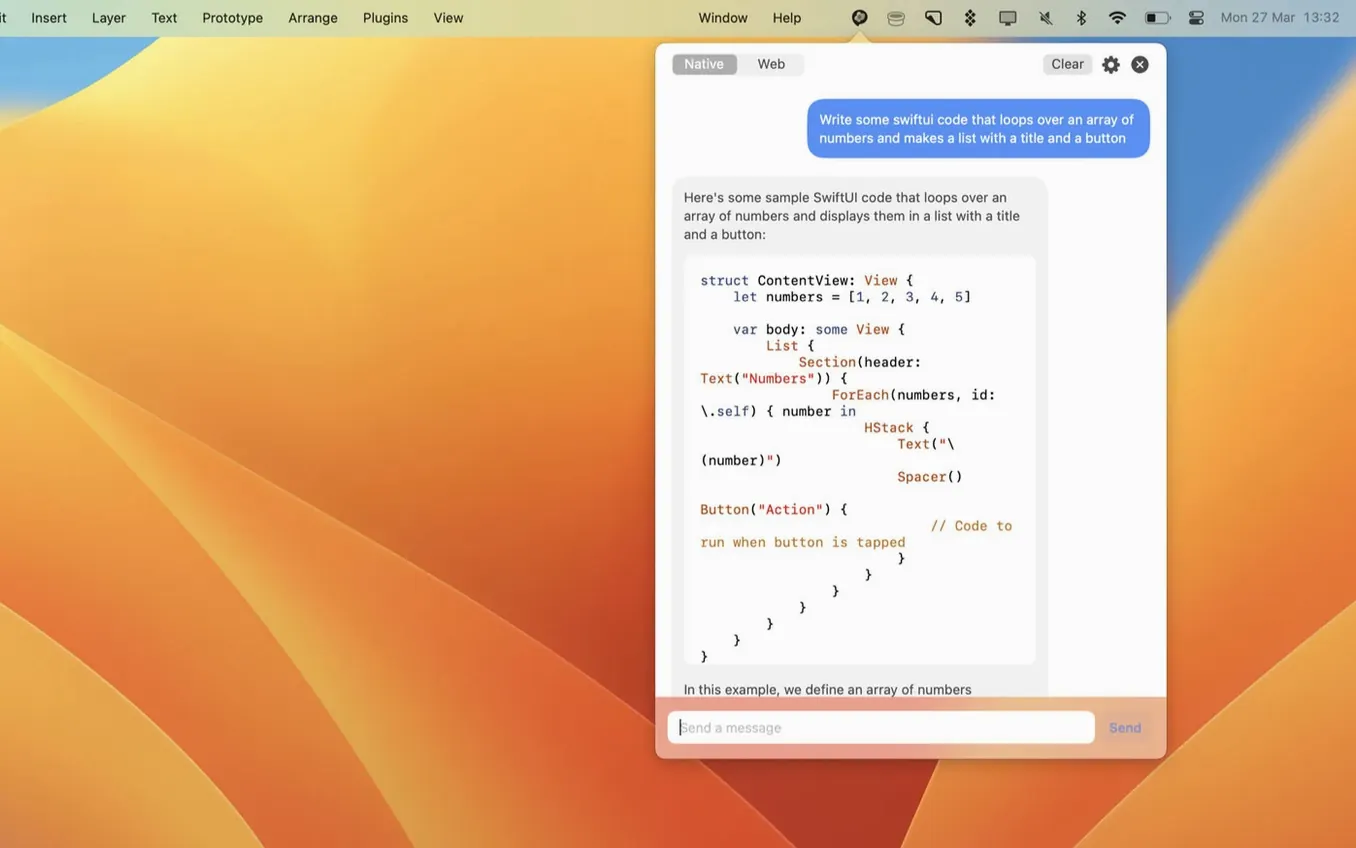
You know the routine: you're mid-task in another app, a question pops up, and suddenly you're hunting for a browser tab or juggling windows just to ask ChatGPT something. MacGPT shrinks that whole dance down to a menu bar icon. It loads the ChatGPT web interface natively on your Mac, so you stay signed in with your own OpenAI credentials and pick up right where you left off.
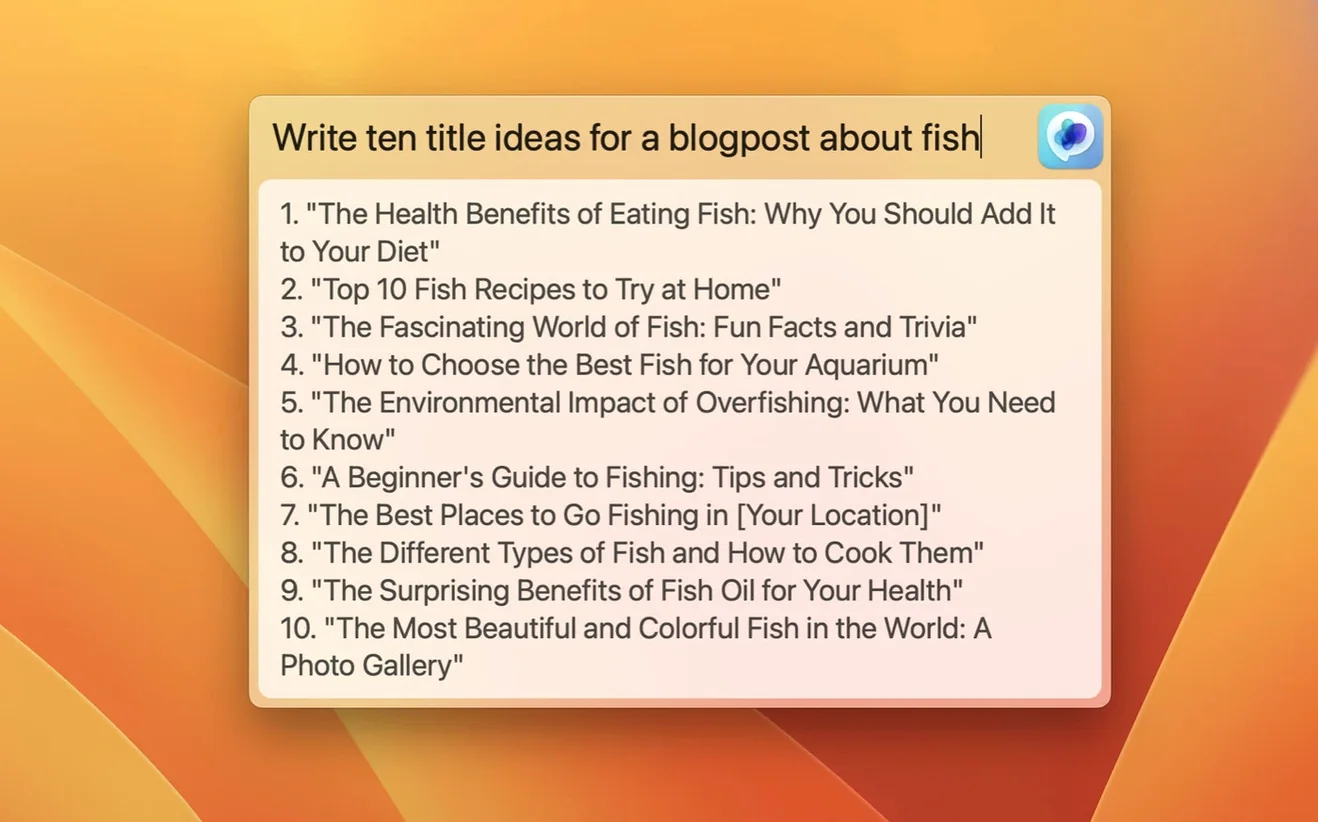
Summon a floating input field
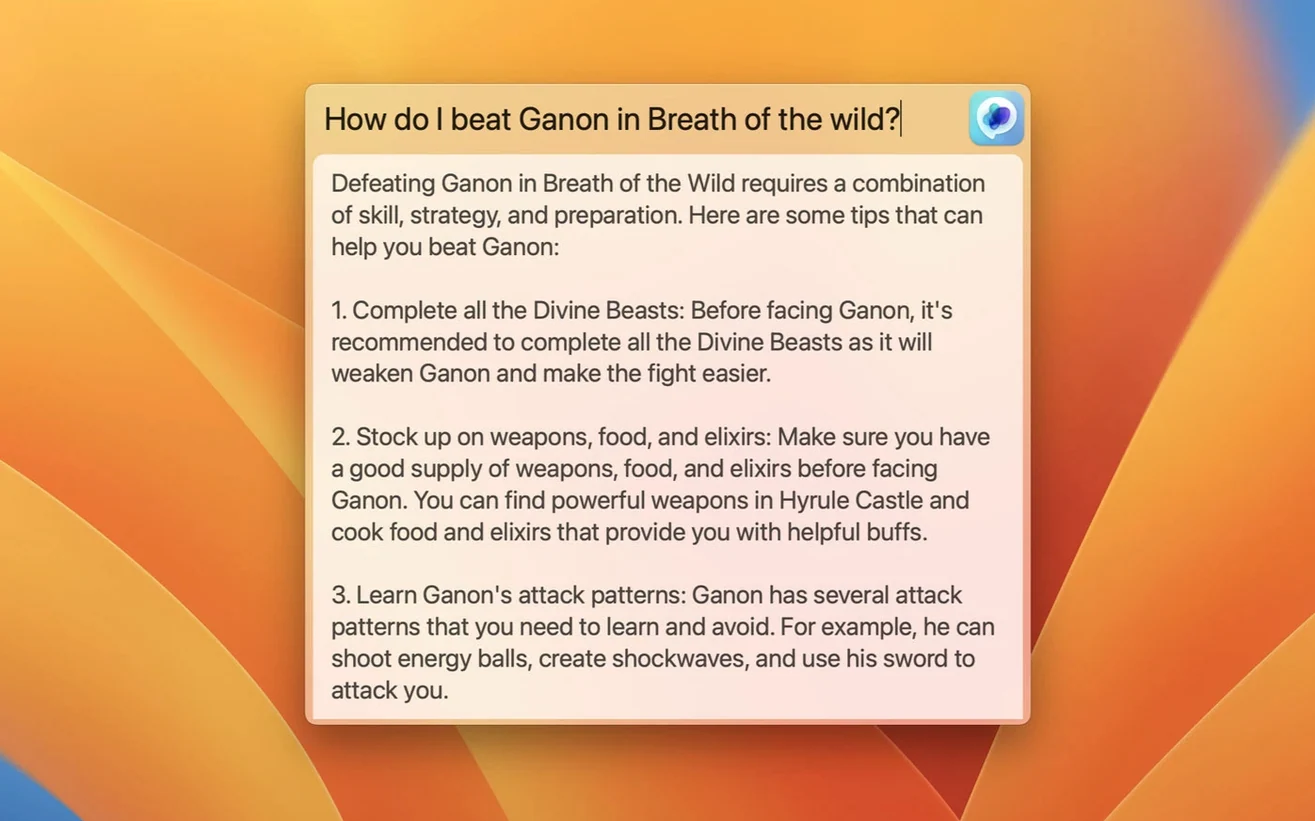
The Global feature opens a centered text field on your screen, no matter which app is active. Type your prompt, hit return, and the response appears without pulling you out of your flow.
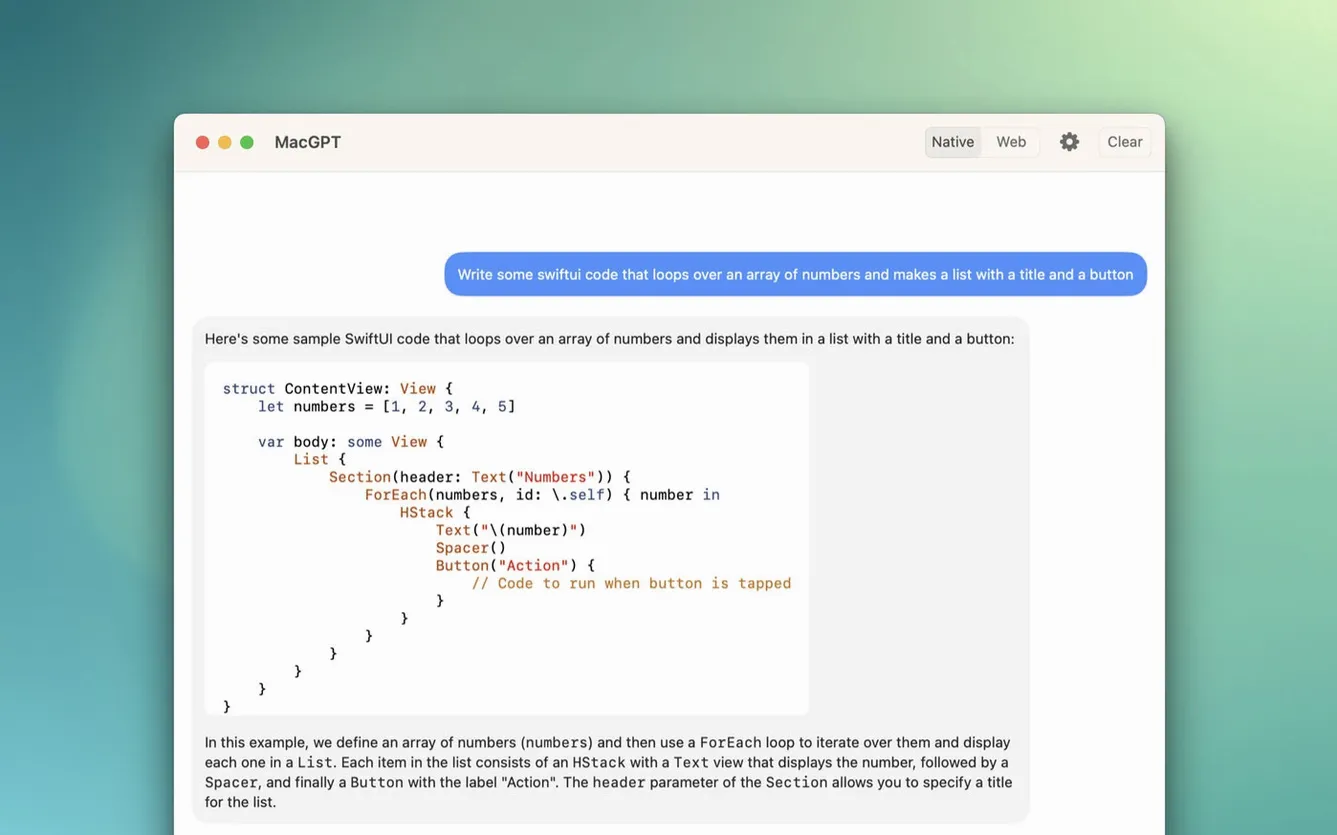
Switch between web mode and native prompts
You can run the full ChatGPT web app in a MacGPT window when you need conversation history or file uploads. For quick one-off questions, the native text panel is lighter and skips loading the full interface.
Use newer models on a native Mac app
Version 3.21 adds support for gpt-4o directly within the app. Because MacGPT relies on Monterey and Ventura APIs, everything from the floating panel to the web wrapper feels responsive on both Intel and Apple Silicon machines.
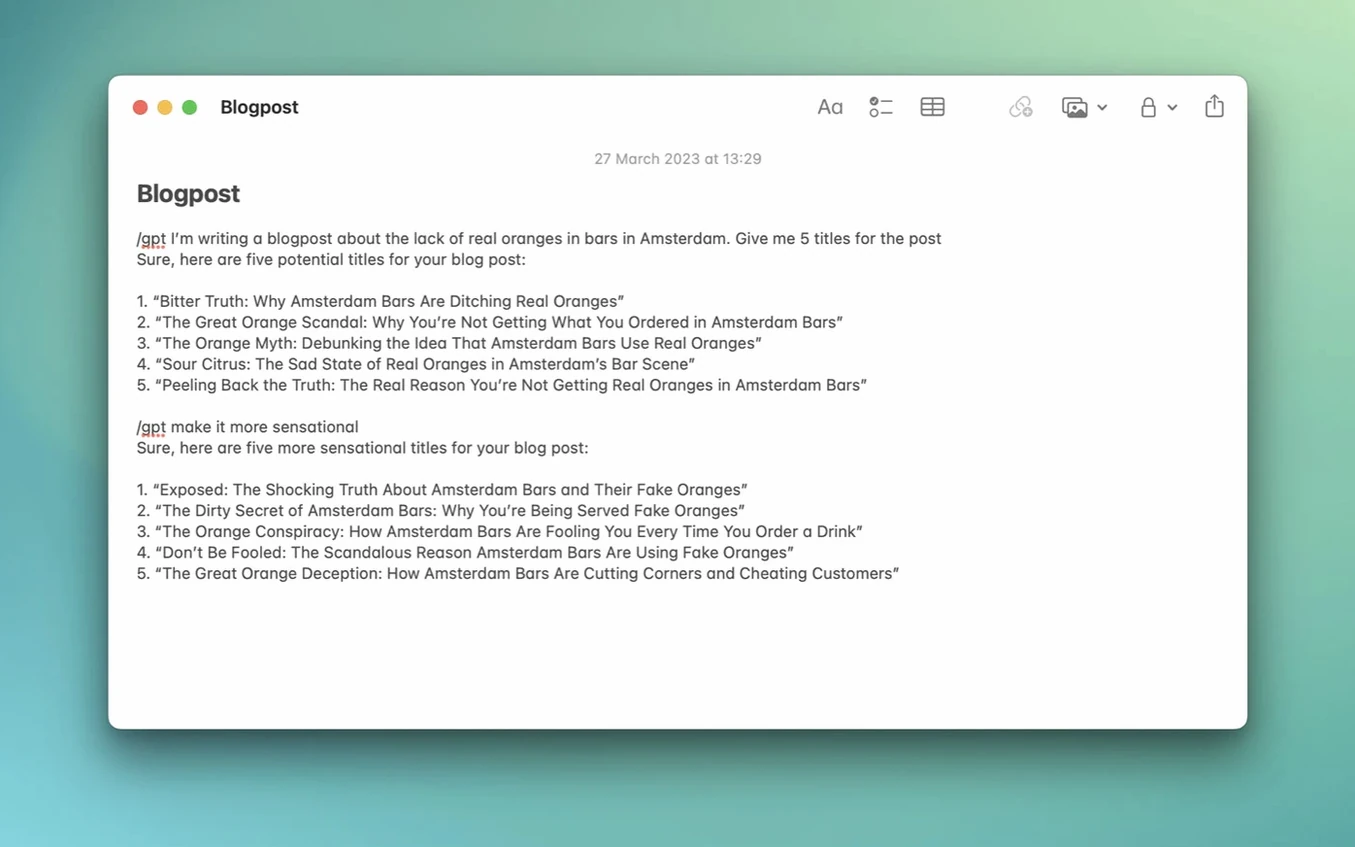
When you set MacGPT beside other Mac ChatGPT helpers, three names usually surface: MacGPT itself, ChatGPT Desktop (the official OpenAI app), and Elephas. The official desktop app gives you a dedicated window and voice input, but it lives in your Dock and doesn’t offer a Global floating field that works across every app. Elephas leans hard into writing assistance — it rewrites emails, fixes grammar, and plugs into editors — while MacGPT stays closer to a quick-access portal. If you spend most of your time firing off short prompts from anywhere on the Mac, the menu bar approach and Global feature feel snappier than switching to a full desktop window. People who type inside Slack, Notes, or a browser all day often prefer MacGPT’s Inline mode over Elephas because it inserts responses right where your cursor sits, no copy-paste needed.
How a docs writer might use it all afternoon
Imagine a technical writer polishing release notes in Pages. A sentence feels off, so she taps her assigned keyboard shortcut and the Global panel drops over the document. She asks for three clearer alternatives, picks one, and keeps typing. Twenty minutes later she’s stuck on a bullet list in the same file. This time she highlights the messy paragraph, triggers Inline, and the rewrite lands inside Pages without leaving the window. Between those moments she checks a stored conversation from the morning — just a click on the menu bar icon, web mode loads, and the thread is there. No Dock clutter, no hunting for tabs.
Deciding without downloading
Free web mode skips the API key
No — web mode works with a free ChatGPT account. You sign in through the app’s browser window exactly the way you would in Safari. The API key route is optional and mainly useful if you want MacGPT to bypass the web interface entirely for the Global and Inline features. Without a key those features still work; they simply route through your logged-in web session behind the scenes.
Will MacGPT slow down an older Intel Mac?
The app is native on both Intel and Apple Silicon, and it leans on Monterey APIs for smooth window handling. The web wrapper adds about the same overhead as a single Safari tab, and the native panels are lighter than that. On a 2018 MacBook Pro with 8 GB of RAM the Global field pops open instantly, and Inline stays responsive even inside heavier apps like Xcode.
Is there a keyboard shortcut, or is it mouse-only?
You can set a global shortcut from the preferences pane. Once that’s assigned, the floating input appears without touching the mouse. Many people bind it to something like ⌃⌥⌘Space and treat it like a system-wide Spotlight for ChatGPT.
What’s different about the MacGPT free download versus the build from the developer’s site?
The macOS app is DRM-free by design, so the archive you get from a macgpt free download unpack step is the same native binary Jordi Bruin ships. No license check, no phone-home activation. People who grab a macgpt download from a trusted catalogue get the identical gpt-4o support added in version 3.21. If you’ve ever searched for a MacGPT crack, you’ll find there isn’t one needed — the app simply runs after you move it to Applications.
Version 3.21 brings support for gpt-4o, so you can tap into the newer model from the menu bar without switching back to a browser tab.
- macOS 12 Monterey or later (uses Monterey and Ventura APIs)
- OpenAI account credentials or an API key
- Runs on Intel and Apple Silicon Macs
Porch talk 0
Come in or pull up a chair to leave a comment.
Nobody has pulled up a chair yet. If you used it on a real Saturday, say what the hour was.