Setting up a local web server from scratch can feel like you're untangling a box of old cables. You just want a clean space to build a site, but you're stuck editing configuration files before you write a single line of code. MAMP PRO wraps all of that into a desktop app where each web project lives in its own separate host, so you can focus on building rather than configuring.
Apple Silicon Support Is Built In
Version 6.9.0 runs on Intel and Apple Silicon Macs. The documentation lists macOS 10.12 as the minimum, and it's explicitly listed for ARM Macs with macOS 11.0 or later — so if you're on an M1 or M2 machine, you're covered.
Choose your stack components
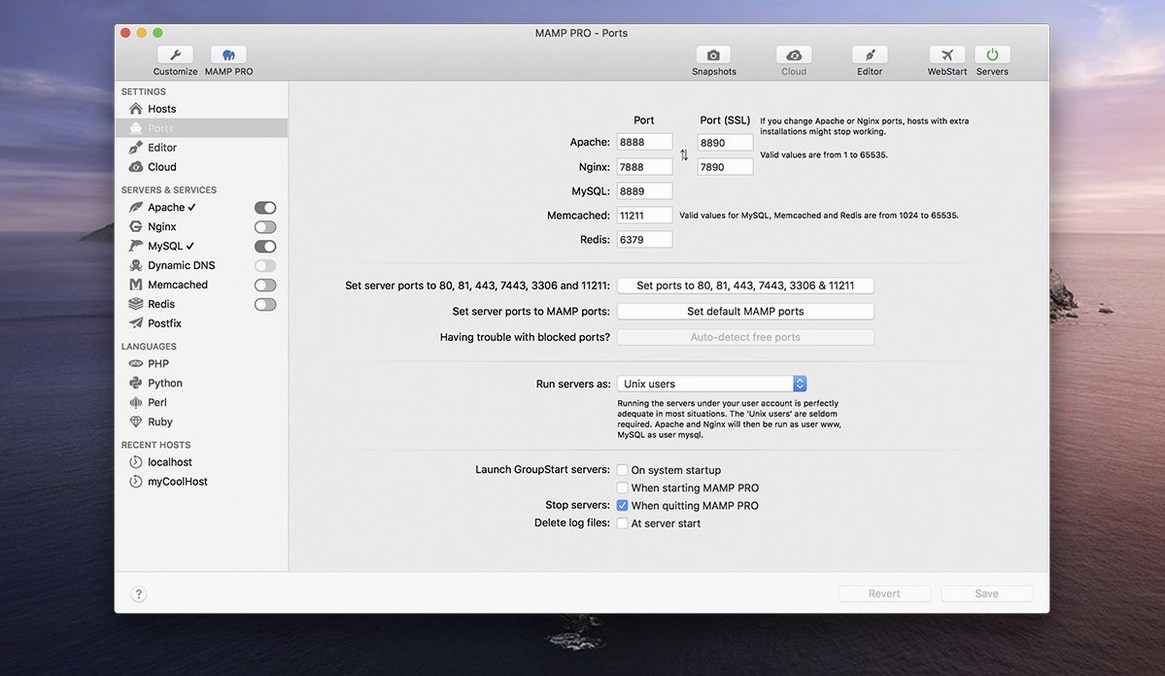
You get Apache or Nginx as your web server, paired with MySQL 5.7 and 8.0. Redis and Memcached are baked in too, and you can switch between multiple PHP and Python versions without hunting down separate packages.
Manage projects your way
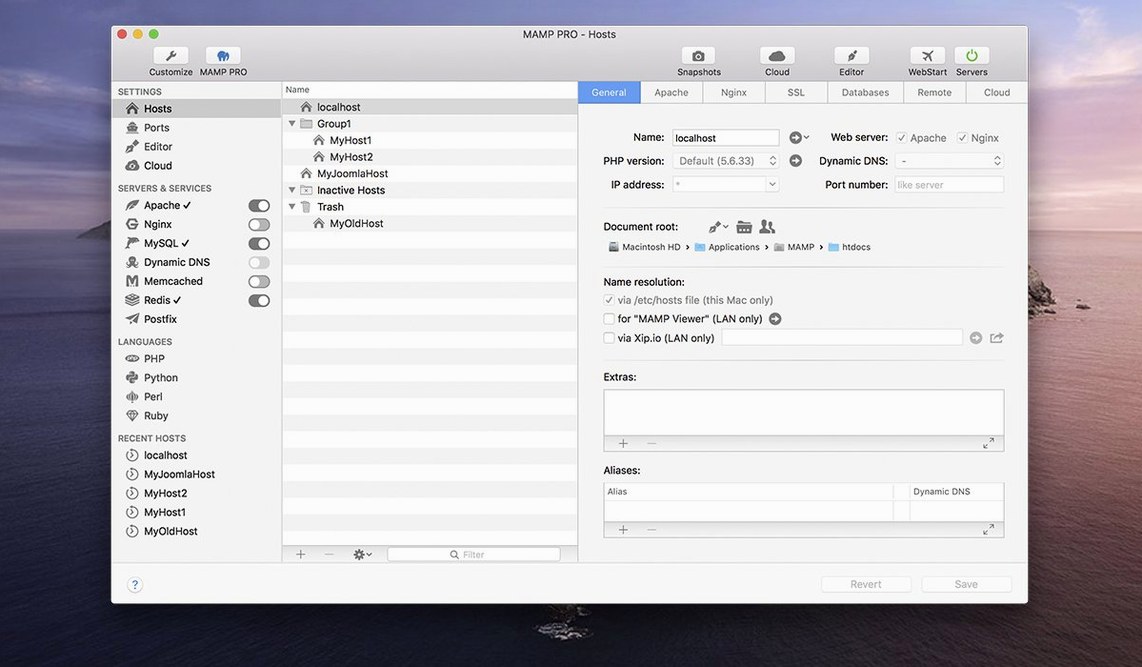
The host create dialog has been streamlined, and you can reorder hosts with a simple drag. Remote editing lets you open project files in your editor of choice, and there's even a tool for migrating WordPress sites from one server to another.
Juggling Client, Laravel, and Static Sites
It's not for everyone, and that's by design. The people who settle into MAMP PRO fastest tend to run a handful of local sites at once—maybe a client's WordPress build, a Laravel experiment, and a static site they're tinkering with on the side. Switching PHP versions per host becomes a feature you reach for daily, not once a quarter.
Freelancers who hand off sites to clients get particular value from the publish-to-live-server workflow. You develop locally, then push the whole thing to production without manually syncing databases or hunting for stray absolute URLs. WordPress developers, meanwhile, lean on the one-click install and the import-from-server tool when a client says "can you take a look at my live site?" and you'd rather not break anything while you poke around.
If you're the type who already has Homebrew formulas memorized and prefers hand-editing httpd.conf over a glass of whiskey, MAMP PRO might feel like training wheels you don't need. But for anyone who wants a visual dashboard over their local stack—with per-host PHP, MySQL, and server choices—it clicks.
Valet Skips the GUI and Per-Host PHP
Laravel Valet is the lightweight cousin. It ties into Homebrew and dnsmasq, maps folders to .test domains, and stays out of your way. No GUI, no built-in MySQL manager, no per-host PHP switching from a dropdown. It's fast and minimal, but you'll need other tools to fill the gaps MAMP PRO bundles into one window.
Local by Flywheel comes at the problem from the WordPress side. It's polished, free, and handles site cloning and live links nicely. But it's WordPress-first; if you're building something outside that ecosystem, you're in the wrong room. MAMP PRO doesn't care what CMS or framework you throw at it—it just serves the stack.
XAMPP sits underneath both as the free, no-frills baseline. It gives you Apache, MariaDB, PHP, and Perl in one installer. No host management, no per-project PHP versions, no publishing tools. MAMP PRO takes the same core idea and layers a control panel on top that remembers you have six projects, not just one.
Right-Click Your Host Into Any Code Editor
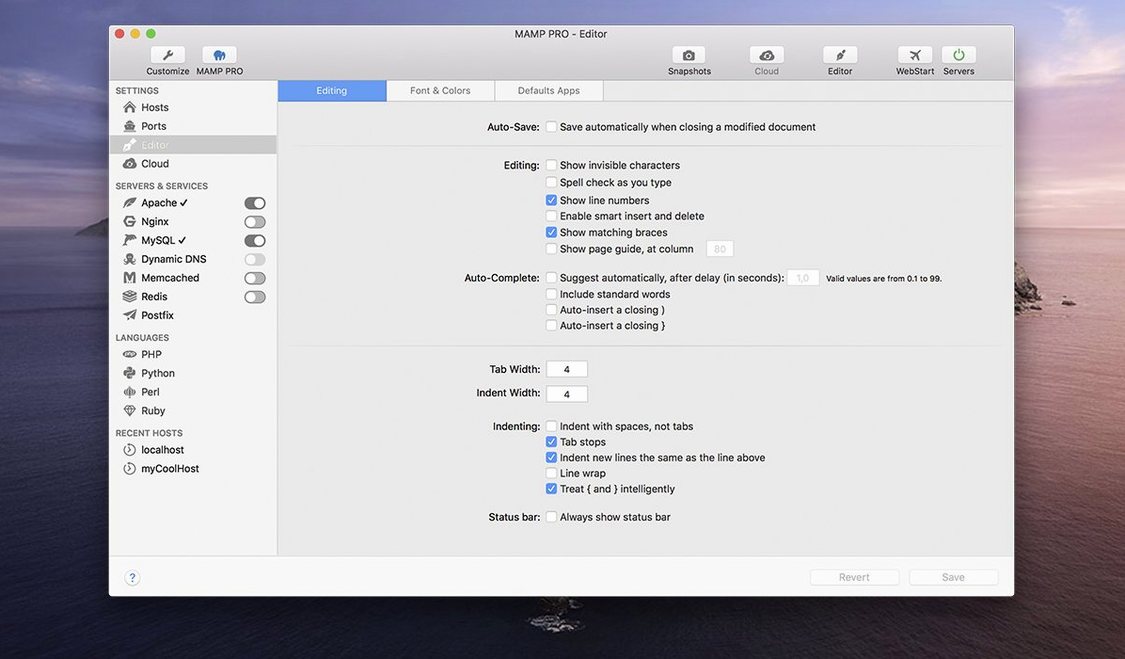
MAMP PRO plays nicely with code editors that understand local file paths. Open a host's document root in Nova, VS Code, or BBEdit, and changes appear the moment you save. The remote editing feature cuts out the Finder middleman—right-click a host, pick your editor, and you're in the project files.
On the database side, phpMyAdmin 5 opens via an alias that got some attention in version 6.9.0, so inspecting tables or running queries is a two-click affair. Sequel Ace or TablePlus can connect to the MySQL socket directly if you prefer a native Mac database client. Redis integration means you can test object caching locally before a site ever touches a production server.
macOS's own network stack handles the heavy lifting—hosts resolve through the system's hosts file or MAMP's built-in DNS, so myproject.local works in Safari, Chrome, or Firefox without extra extensions. If you use Time Machine, backing up your /Applications/MAMP folder catches your entire local server state, databases and all.
Pulling a Broken Site Down From Live
Maria grabs coffee and opens three things: MAMP PRO, her task list, and Slack. A client messaged overnight about a form not sending on their live site. She imports the WordPress site from the server into a new local host—MAMP PRO pulls the files and database down while she reads the rest of her messages.
With the site running locally, she switches the host to PHP 8.0 to match production, checks the error logs in the MAMP PRO toolbar, and spots a deprecated function in the theme's functions.php. She fixes it, tests the form, then publishes the changed files back to the live server. No FTP client, no manual database export. She reorders her host list so the client's project sits at the top for the rest of the week, then moves on to the next site.
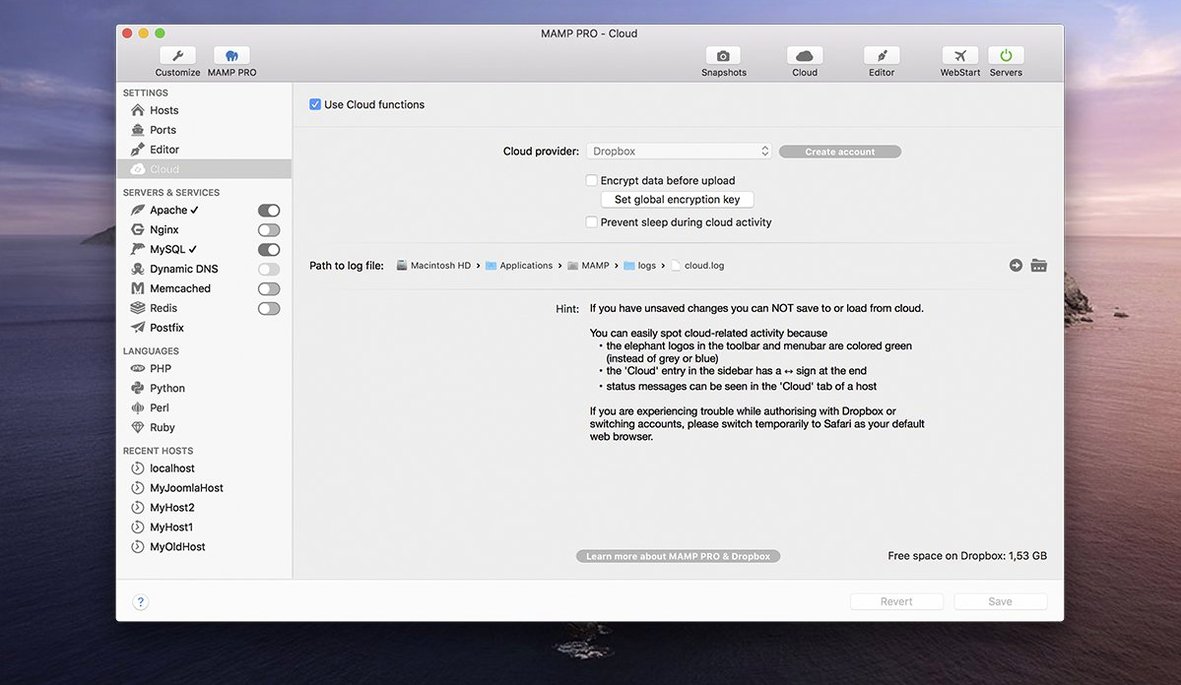
Version 6.9.0 tidies up a few rough edges. A crash when editing host-specific server configurations is fixed, along with a handful of MAMP Cloud network issues. PHP version installation is smoother now, and opening phpMyAdmin 5 via its alias no longer stumbles.
- macOS 10.12 or later
- Intel or Apple Silicon Mac
Porch talk 0
Come in or pull up a chair to leave a comment.
Nobody has pulled up a chair yet. If you used it on a real Saturday, say what the hour was.