
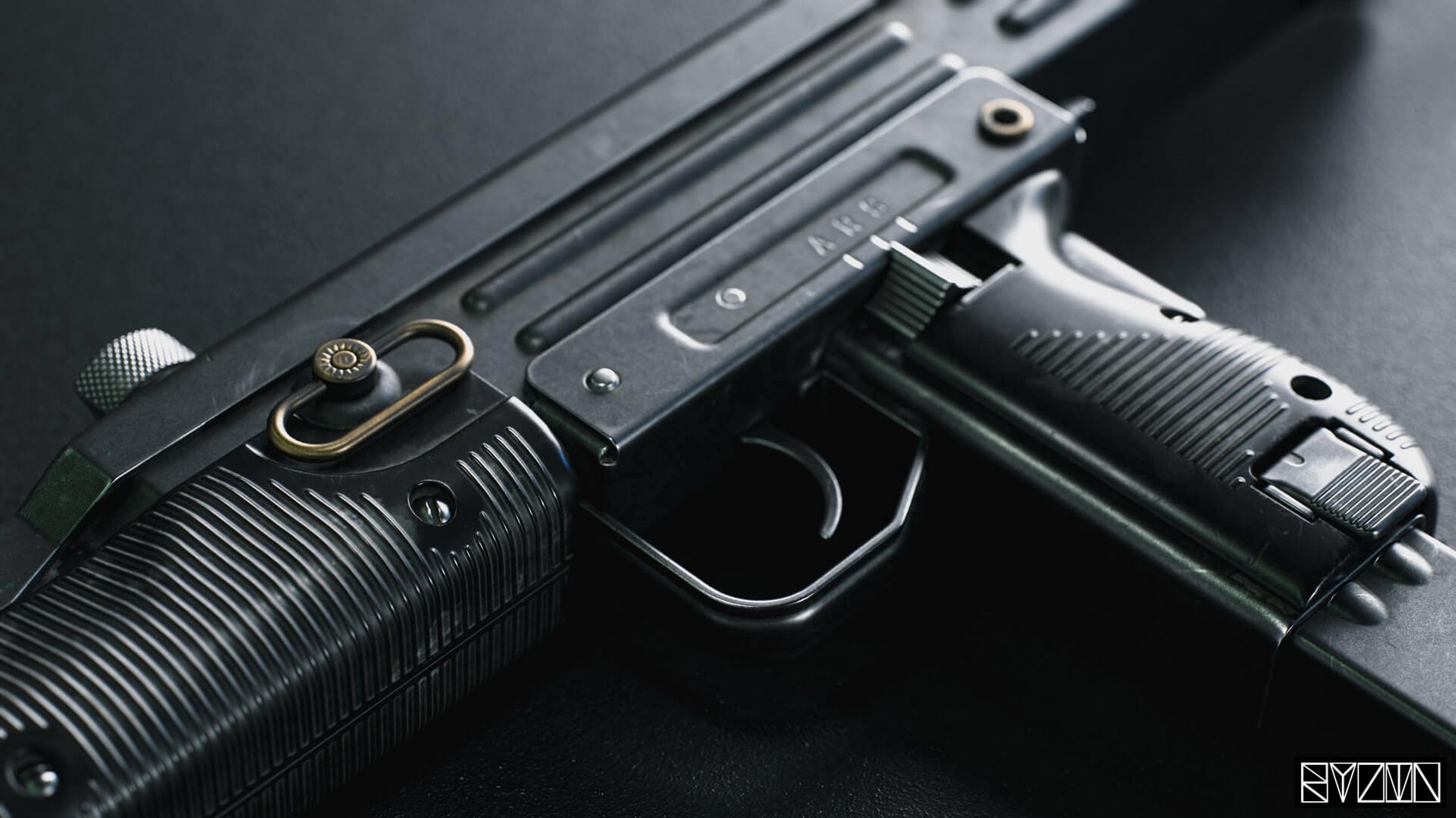

When a client needs to see exactly how a prop catches the light before a single frame is rendered offline, you reach for a viewport that can punch above its weight. Marmoset Toolbag has long been that bridge for look-dev artists and hard-surface modelers, and version 4 keeps the focus on the details that make a scene read right without baking times getting in the way.
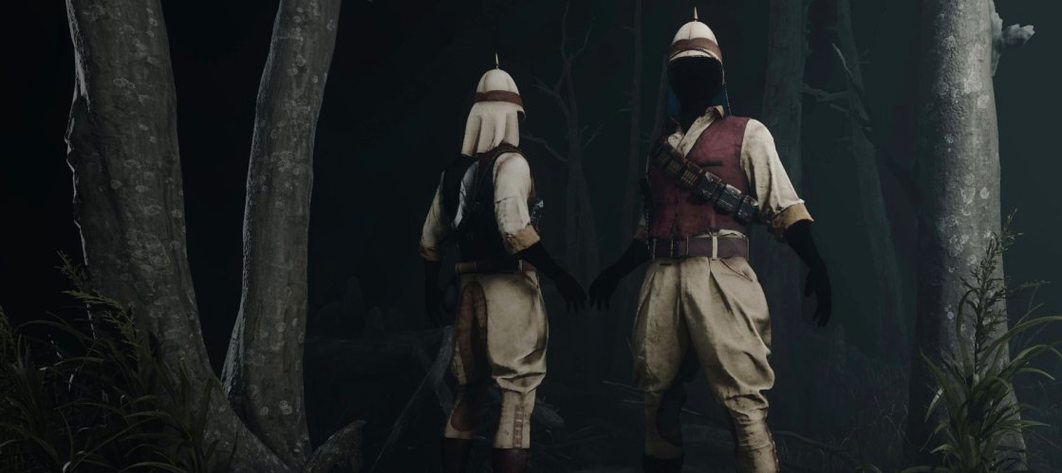
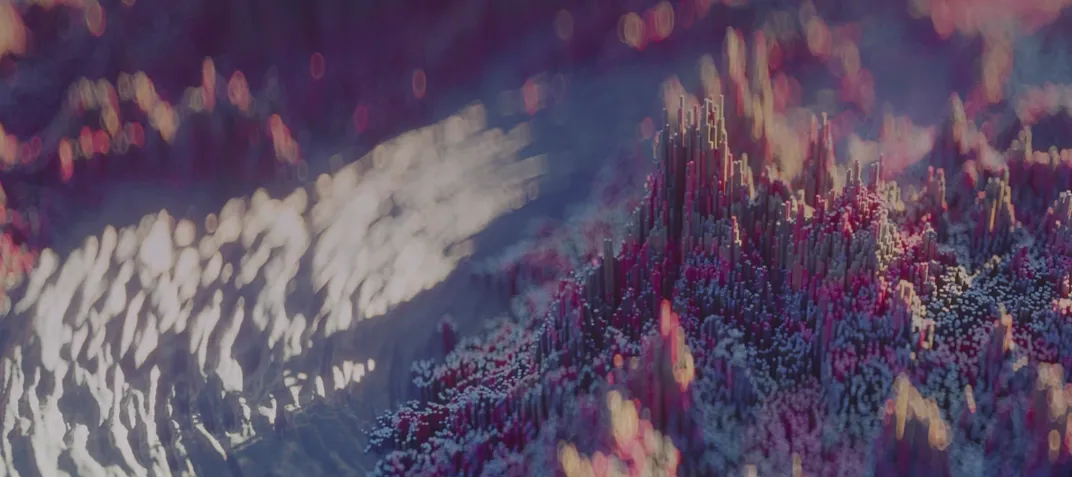
- Volumetric fog with HDRI integration — Place a model inside a moody environment by pairing a custom HDRI map with the volumetric fog system. The fog responds to your scene lights, letting you dial in shafts of light or a soft atmospheric haze that sells depth immediately.
- FBX light and camera import — Pulling assets from another DCC? Toolbag can now grab lights and cameras straight from an FBX file, so you don't have to rebuild a lighting rig from scratch just to match your reference.
- Additive background blending in Viewer — This is the kind of small toggle that speeds up material work. Overlay your model against a reference image with additive blending to spot surface inconsistencies without leaving the main viewport.
- Ambient Occlusion in Viewer — Check your mesh's contact shadows and crevice detail in real time with the AO map overlay. It's a straightforward way to catch inverted normals or sloppy geo before it hits a final turntable.
- Direct ArtStation publishing — Once the materials and lighting are dialed in, push the project straight to your ArtStation portfolio. It keeps the interactive presentation intact, so viewers can spin the model just like you did on your desktop.
If you're a look-dev artist who needs a responsive, artist-focused tool for material proofing and final presentation, Toolbag 4's deeper feature set is worth a close look.
Toolbag next to other Mac renderers
A lot of Mac artists keep a copy of KeyShot around for product shots, and the two programs sit in the same conversation but feel completely different in daily use. KeyShot leans into scientific accuracy — its material graph and caustics engine produce gorgeous, physically correct results, but the trade-off is interactivity. Moving a light or swapping an HDRI in KeyShot triggers a redraw pause that adds up over a long material-tweaking session. Toolbag gives you that feedback right on the screen as you drag the slider, which matters when you're trying to catch how roughness breaks across a curved surface at exactly 0.38 versus 0.42. For quick look-dev passes, Toolbag saves the small minutes that become the afternoon.
Then there's Blender's Eevee — free, capable, and already on half the machines in a studio. Eevee's real-time viewport has grown impressively, but it's still a generalist tool bolted onto a modeling and animation suite. Toolbag's viewer is purpose-built for material and lighting decisions: the AO overlay, the lossless normal map display, the texture warping toggle all live right on the surface without digging through render property panels. If you're already deep in Blender for modeling, Eevee does the job. But once you've placed a model into Toolbag's scene with a few drag-and-drop HDRIs and a volumetric fog pass that actually renders smoothly on a MacBook, the specialization starts to show.
A third comparison that comes up in forums is Substance 3D Stager, which shares Toolbag's ambition for quick staging and rendering. Stager puts more emphasis on layout and composition aids, while Toolbag keeps its weight on the material-to-light relationship. The texture warping and variant filtering in Toolbag's export pipeline feel more tuned to a game-art workflow where you're juggling multiple UV sets and need consistent results across a suite of props.
An hour with a hard-surface model
Imagine you've just finished a sci-fi rifle model in your modeling app and exported an FBX with the mesh, three UV sets, a set of placeholder lights, and a camera positioned for the hero angle. You drag the FBX onto Toolbag's viewport and it lands with the lights and camera intact — no re-rigging, no guessing the old light positions. The first thing you do is load a neutral chrome HDRI from your library to get an honest read on the metal parts, then swap it for a warm interior map once you're satisfied the base roughness values are right.
Next, you pull up the emissive shader on the rifle's glowing accents and switch to a secondary UV set so the emission map lines up correctly. You toggle the AO overlay in Viewer to check that the barrel vents are reading as deep recesses and not just flat dark smudges — one of the vents has a flipped normal that would've been invisible in a flat-shaded viewport. Five minutes fixed, and you're back in Toolbag confirming the fix with the AO map refreshed.
With the materials locked, you dial the volumetric fog up just enough to catch the emissive glow in the air around the muzzle. The fog picks up the rim light from your back-facing area lamp, and suddenly the render has the kind of atmosphere you'd normally wait an hour to bake. You record a quick turntable, push it to ArtStation with Viewer settings that keep the lossless normal map detail intact, and close the laptop knowing the client sees exactly what you saw.
Mistakes worth avoiding
- Treating the first HDRI as final. It's tempting to drop in a studio map and call the lighting done, but Toolbag's material response changes dramatically under different environments. Cycle through at least three — a high-contrast outdoor, a soft interior, and a dark dramatic map — before you trust a roughness value. Something that reads as brushed steel under a bright sky can turn to greasy plastic under a dim garage setup.
- Ignoring the UV set selector on complex shaders. Artists coming from simpler viewers often assume the emissive or detail map will pick up the default UV channel, then wonder why the glow is misaligned. Toolbag lets you assign different UV sets per map slot, and forgetting to check that dropdown wastes more time than any other single oversight.
- Dumping too much fog too early. Volumetric fog is the flashy new toy, and beginners often crank it before the base lighting is solid. Work with the HDRI and area lights until the model reads well on its own, then add fog as a finishing pass — otherwise you end up chasing mood instead of building it deliberately.
- Skipping the AO overlay during mesh review. A model can look airtight in a shaded view but leak light in a dozen tiny seams once the ambient occlusion pass activates. Run the AO check before you start the material deep dive; catching a gap between the grip and the receiver early saves a re-export loop later.
- Assuming Viewer export settings don't matter. The lossless normal map toggle and the camera limits for Viewer are easy to overlook when you're rushing to share a turntable. If you don't set those, the person viewing your model on the other end gets a softer, less accurate representation than what you approved on your own screen.
Version 4.02 is a tidy-up release that smooths out a handful of display quirks that could trip up artists with elaborate monitor arrangements.
- Tooltips no longer crash the app when you're working across mixed-resolution displays.
- The tooltip toggle in preferences actually sticks to your choice now.
- Window elements stay within bounds on widescreen monitors, no more chasing a stray corner off-screen.
- Switching monitor DPI scaling won't cause the window to flicker.
- Text at 125% and 175% UI scales is sharp again, not a blurry approximation.
- Operating system: macOS 10.15 or later
- Architecture: Intel 64-bit (works on Apple Silicon via Rosetta 2)
Questions I actually get
Can Marmoset Toolbag 4 run on Apple Silicon Macs?
The current build is for Intel architecture only and requires macOS 10.15 or later. It runs on Apple Silicon Macs through Rosetta 2 translation.
What 3D file formats can I bring into Toolbag?
It supports common 3D model formats, including FBX, which also lets you import lights and cameras from your source scene.
Does this version fix any display issues for multi-monitor setups?
Yes, version 4.02 resolves tooltip crashes on mixed-resolution displays, fixes window flicker after changing DPI scaling, and stops window elements from going out of bounds on widescreen monitors.
Porch talk 0
Come in or pull up a chair to leave a comment.
Nobody has pulled up a chair yet. If you used it on a real Saturday, say what the hour was.