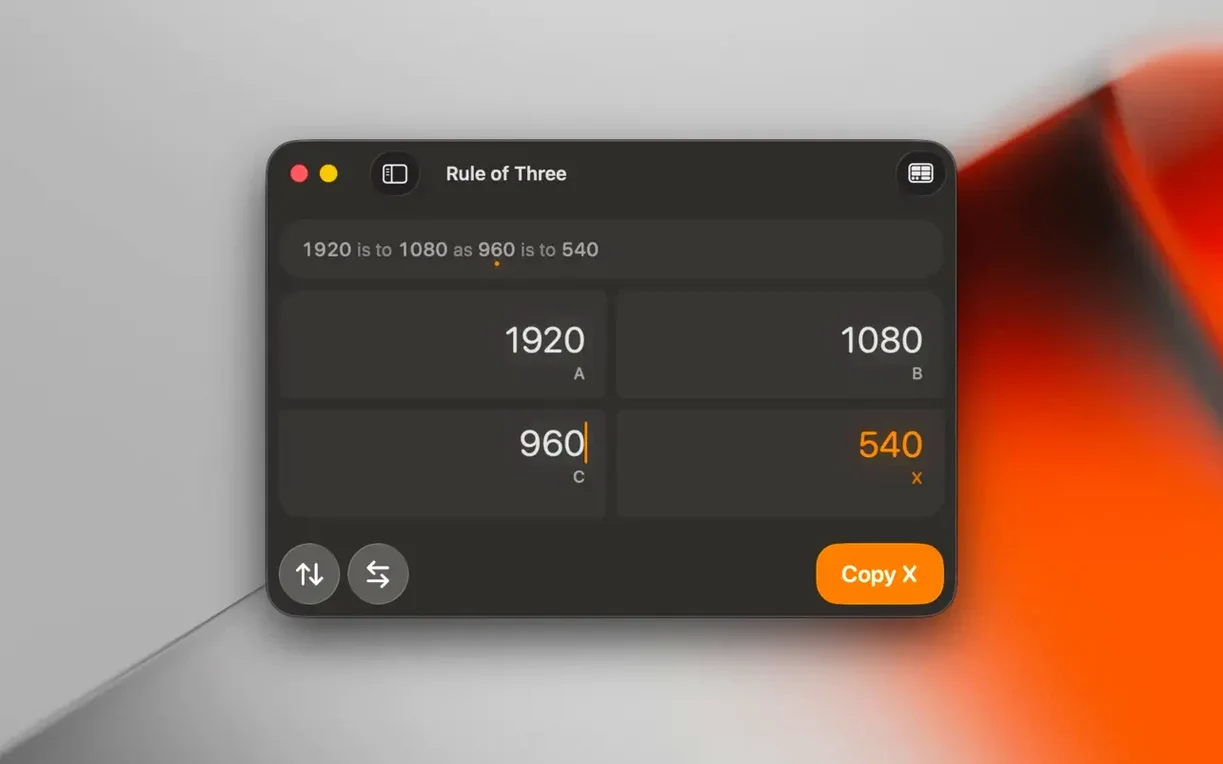
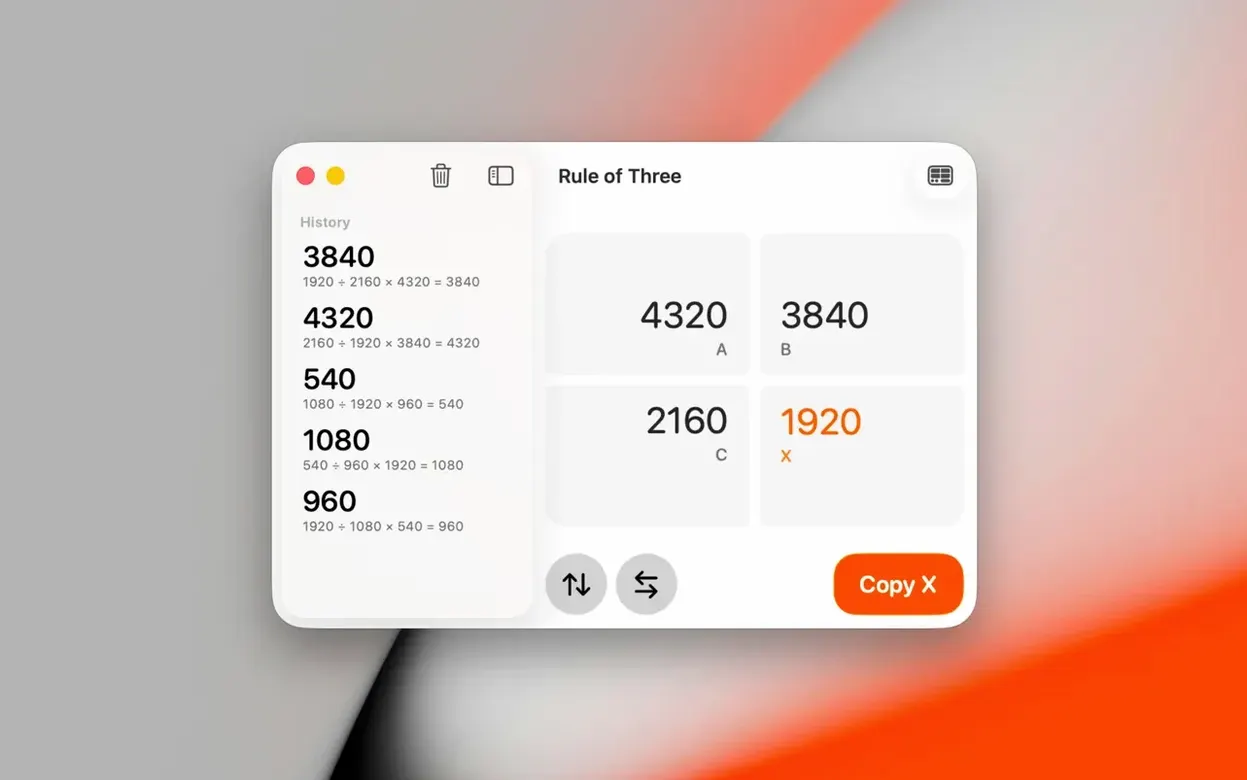
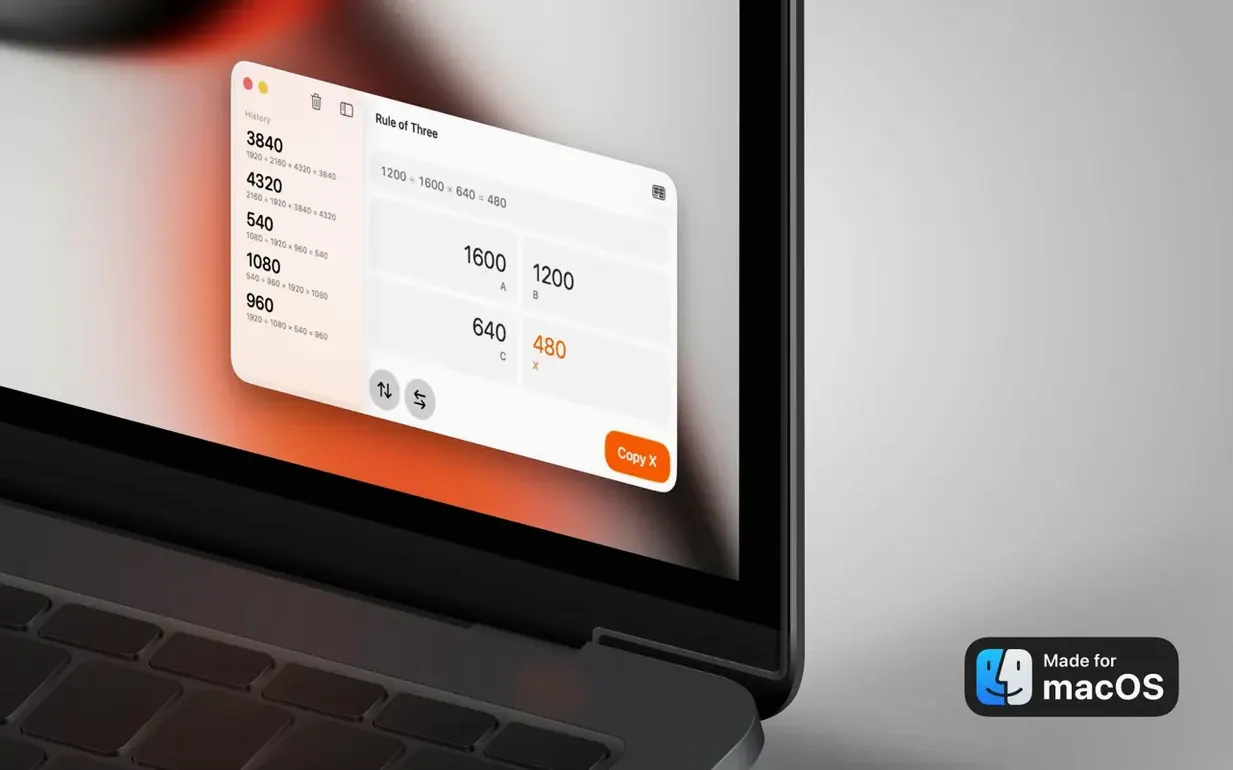
Aspect Ratio is a focused macOS tool that calculates and converts proportions for images, video and screens.
Type a ratio, see the conversion instantly
- Enter a starting ratio. The main window keeps it simple. Type your dimensions or pick a preset — 16:9, 4:5, whatever matches your project. The second field updates instantly.
- Set a target and convert. Need a 9:16 vertical cut from a 3:2 photo? Choose your target ratio and the app works out the matching dimension while preserving proportions. No mental math required.
- Overlay two ratios. Click the comparison button to layer one ratio frame over another. This visual overlay shows exactly how a wide-screen composition crops into a square Instagram frame before you cut a single pixel. Photographers lean on this for print sizing; video makers use it to plan shots that survive TikTok's 9:16 crop.
The interface stays out of the way — just the ratio fields, a preset menu and the comparison toggle. If you shoot for multiple platforms or constantly figure out print proportions, start with the comparison mode. It makes cropping decisions feel less like guesswork.
Save client specs as custom presets
The preset menu does more than drop in common ratios like 3:2 or 16:9. You can save your own custom presets right from the input fields — handy when you bounce between a client's unusual banner spec and your standard print sizes. Tap Return after typing a ratio and the app calculates immediately; no mouse click needed. The comparison overlay also responds to a quick double-click to snap between horizontal and vertical orientation of the same ratio, which saves a few trips to the dropdown when you're checking both a landscape and portrait crop for the same shot.
Another detail: the width and height fields accept basic arithmetic. Type 1920/2 and Aspect Ratio resolves it, so halving a screen dimension or doubling a print size stays inside the app. And if you're working with an unusual mac aspect ratio — say, the slightly taller panel on a MacBook Air — you can plug in the exact pixel dimensions and store it as a preset for layout mockups.
Who connects with it fastest
Three groups tend to keep Aspect Ratio in the dock.
Photographers preparing prints get the most from the comparison mode. Overlaying a 4:5 crop on a 3:2 original shows exactly what gets lost before exporting, which matters when a client wants both an 8×10 and a gallery wrap. The math runs quietly in the background.
Short-form video editors use it as a pre-shoot planning aid. Knowing the aspect ratio macbook pro screens record at versus where Reels or YouTube Shorts land helps frame talking-head shots that survive platform cropping. A quick overlay between 16:9 and 9:16 reveals the safe zone.
Front-end developers and layout designers reach for it when calculating responsive image containers. The rule-of-three calculator handles proportional scaling without opening a browser console — useful when you're sketching CSS breakpoints or figuring out hero image dimensions from a rough mockup.
Version 3.7 tidies up the appearance. Dark and Light Mode now display correctly throughout the app.
- macOS 15.6 or later
- Apple Silicon or Intel 64-bit Mac
Questions I actually get
What does Aspect Ratio work with?
It handles calculations for images, video projects and screen dimensions — useful when planning crops or adapting content across platforms.
Who is the app built for?
Photographers who need precise print crops, designers working with fixed layouts, and video makers adapting footage for YouTube, TikTok or Instagram.
What macOS version do I need?
Aspect Ratio requires macOS 15.6 or later and runs on both Apple Silicon and Intel Macs.
Porch talk 0
Come in or pull up a chair to leave a comment.
Nobody has pulled up a chair yet. If you used it on a real Saturday, say what the hour was.