

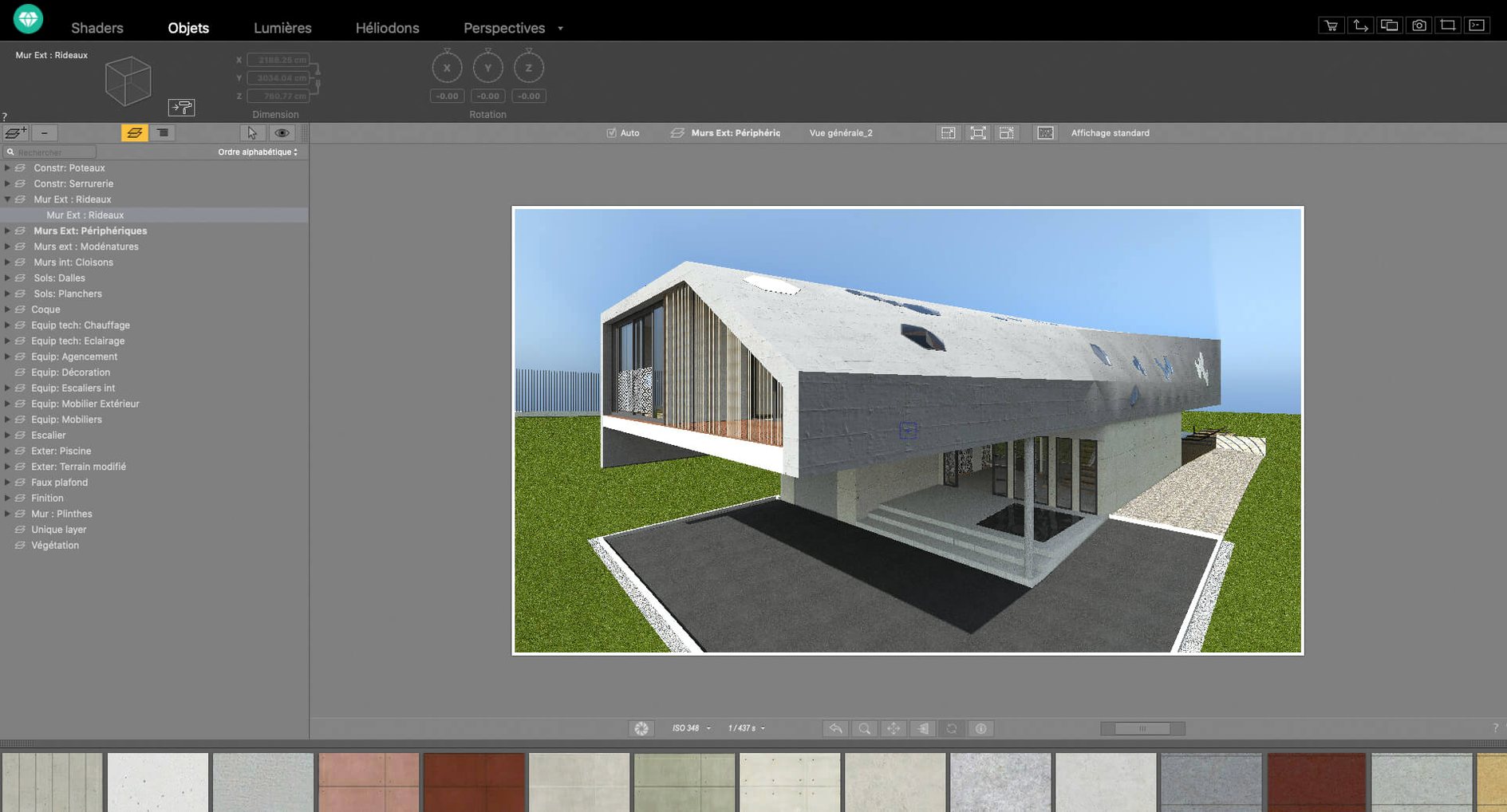
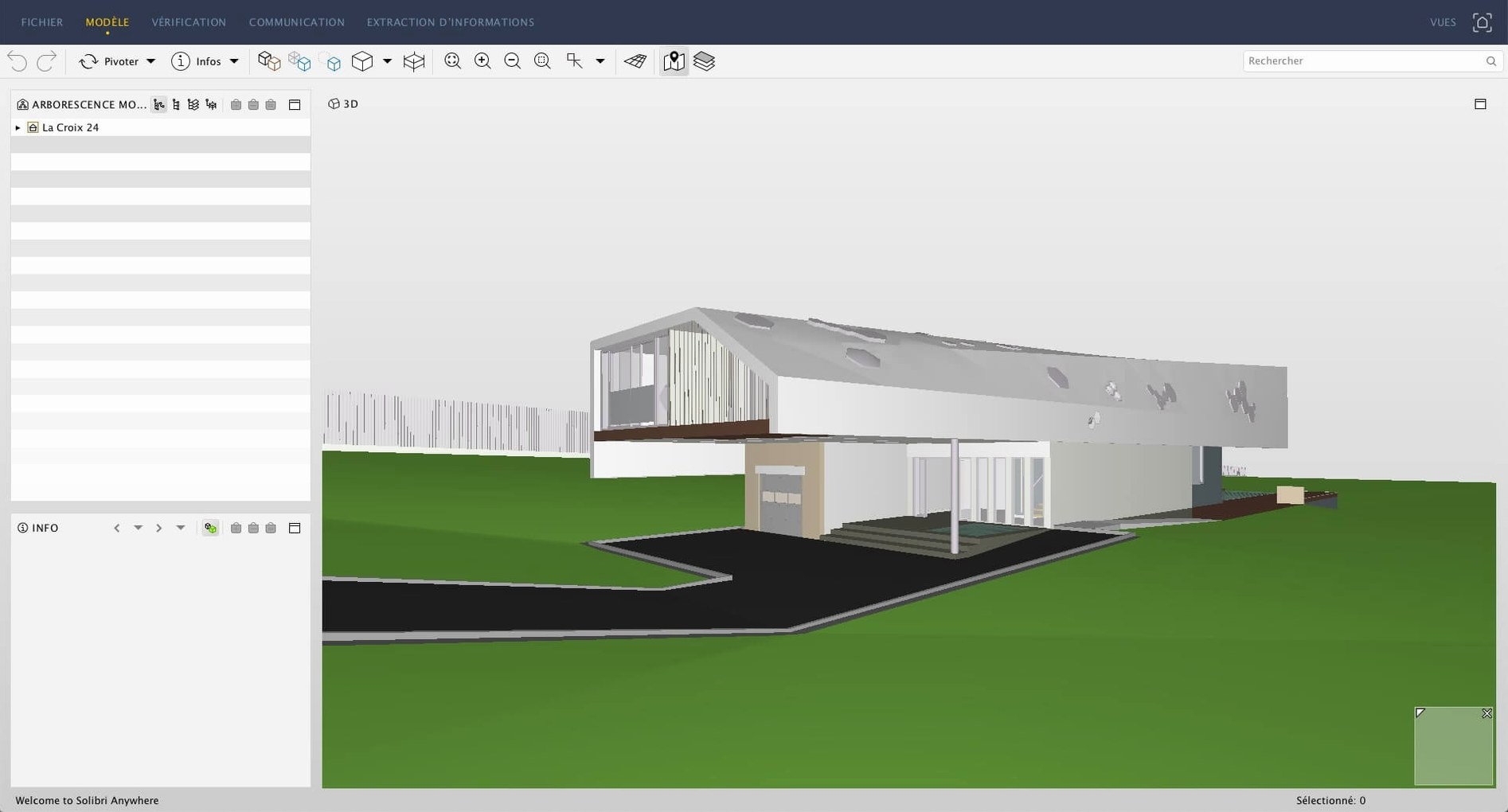
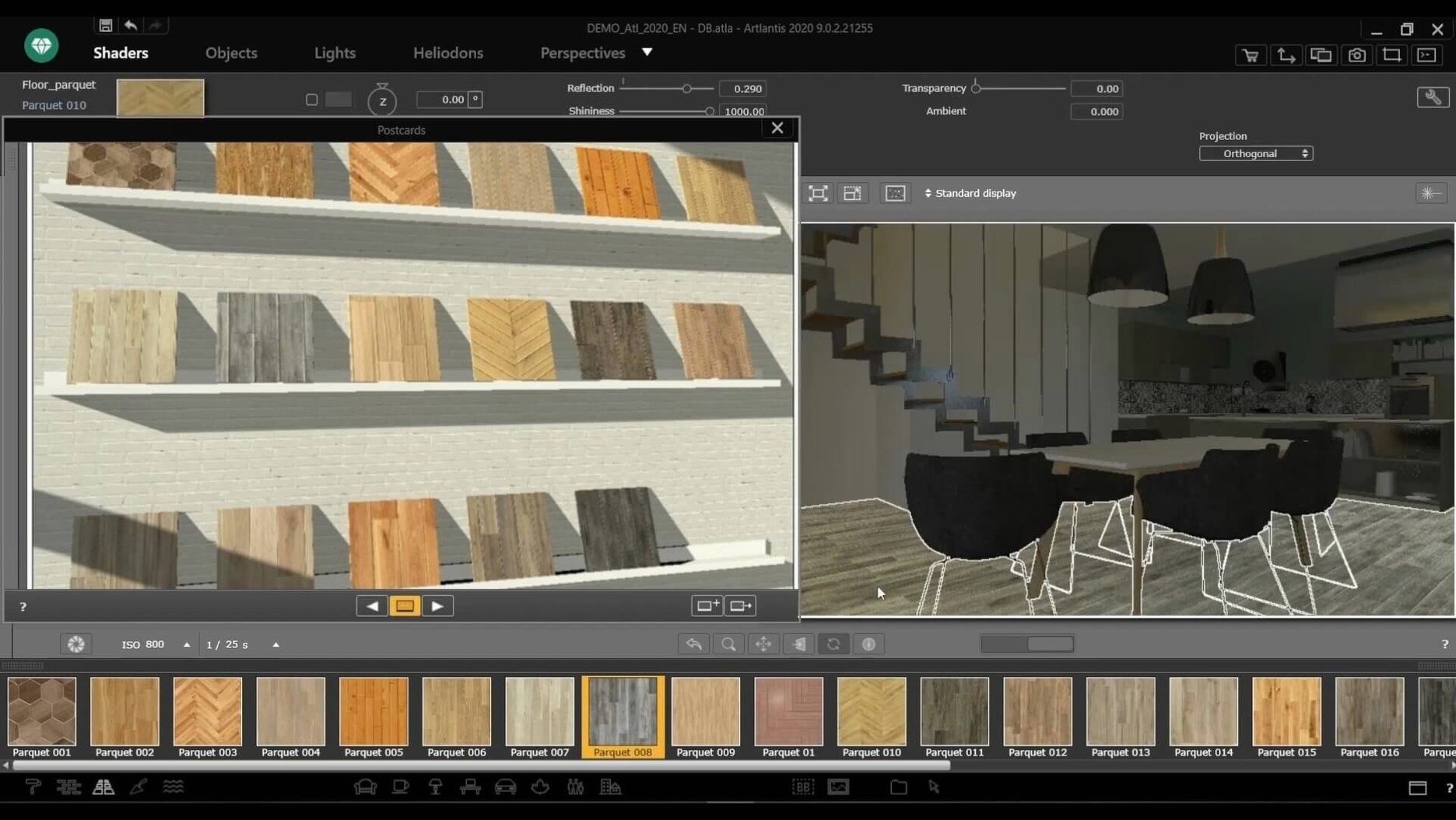
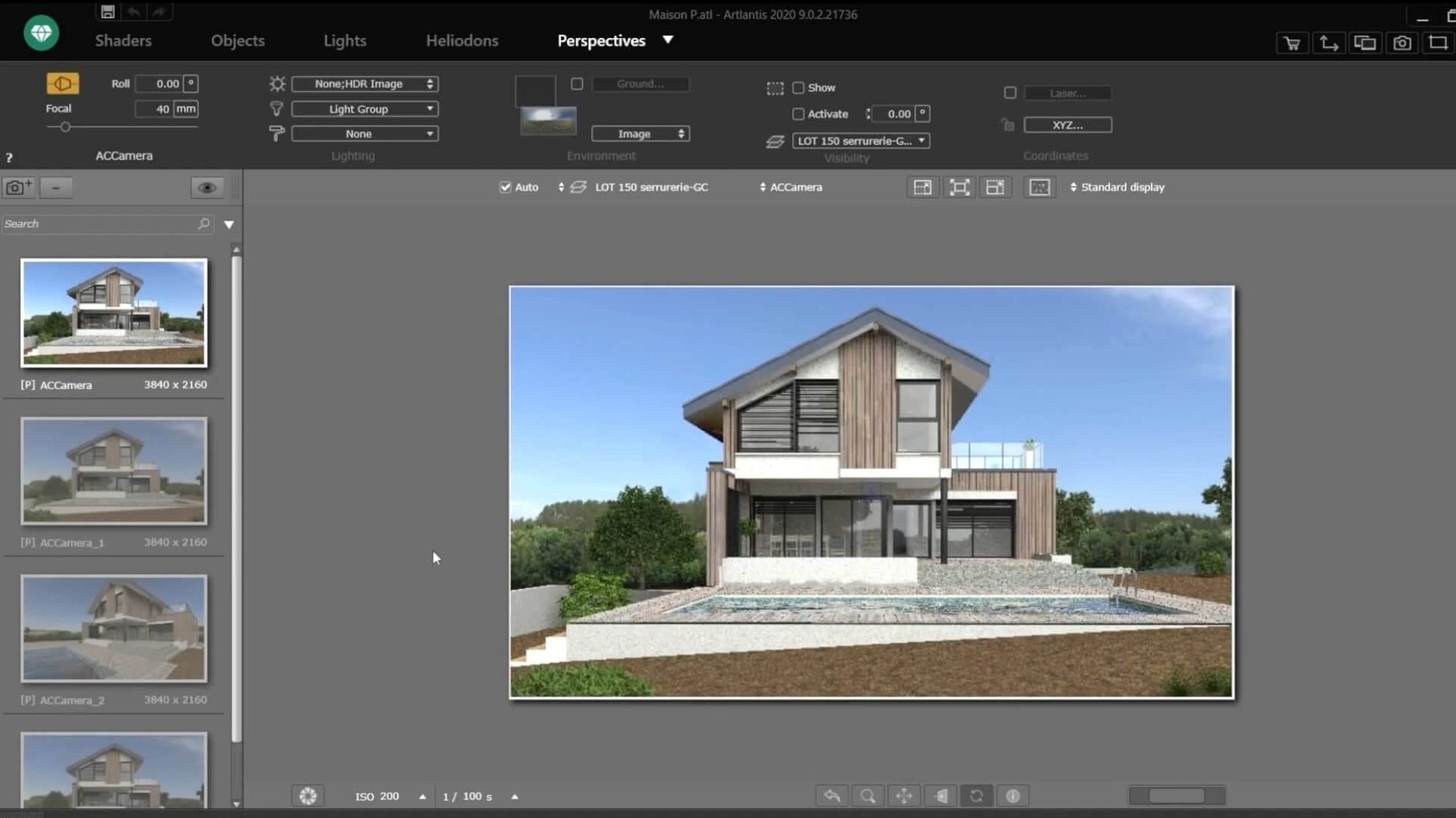
You have a model built in your CAD application, full of precise geometry but missing the light, texture, and atmosphere that sells an idea. Artlantis takes that flat scene and gives you the tools to turn it into a warm, believable rendering—without forcing you to learn a sprawling 3D suite from scratch. If you are opening it for the first time, a few stops will get you oriented fast.
- Bring in your model. Head to the import function and pull in a DXF, DWG, or 3DS file. Artlantis preserves the structure while letting you start adjusting surfaces right away.
- Drop materials onto surfaces. Open the catalog and drag a brick, wood, or glass shader directly onto any object in the scene. The assignment is immediate, so you see the change without waiting for a test render.
- Set the perspective. Move the camera to the angle that tells the story—eye level for a room, a slight elevation for a building entrance. Lock it in, and the view stays put while you tweak the lighting.
- Place a few lights. Add natural sunlight from the environment controls, then drop an artificial source near a dark corner. Adjusting the mix of the two is where the scene starts feeling real.
- Use the post-processing panel. Before exporting, open the tools for brightness, contrast, and color tables. A small curve adjustment often pulls a nice render into something worth showing.
Once you are comfortable with a still image, the same scene can be pushed into an animation or a VR panorama. Artlantis is a 64-bit Intel app that runs on macOS 10.13 and later, and its interface is available in over ten languages including French, Japanese, and Korean. If you inherited a copy, this is the kind of tool that rewards an afternoon of quiet experimentation.
After a few projects, the little conveniences start to stack up. One I reach for constantly is the right-click material assignment. Instead of dragging from the catalog every time, you can duplicate a material already in the scene and drop it onto a new surface with a quick contextual menu click. It sounds trivial, but when you are dressing two dozen chairs around a restaurant table, it turns a repetitive task into a flick of the wrist.
Another shortcut hiding in plain sight is the number-pad camera lock. Tap 1 through 5 to store viewpoints as you find them, then jump back instantly while you compare light setups. The Twin linker feature also deserves a mention—if your model came from ArchiCAD or VectorWorks, Artlantis can watch the original file for changes and update the scene geometry without re-importing and re-texturing everything. That alone has saved me from redoing an afternoon's material work more than once.
On my older Intel machine, Artlantis 9.5.2 stays surprisingly well-behaved. A full-scene render with radiosity turned up will peg the CPU for a while, but the application itself remains responsive—you can still orbit the view or swap a shader while the render cooks in its own window. Memory use creeps up on scenes heavy with 4K textures and imported site-context models, though closing and reopening the file every few hours keeps it in check. It has not crashed on me mid-export, which is the kind of stability you learn not to take for granted in rendering software.
Stack it against a few familiar names and the picture clears up. Twinmotion gives you a real-time playground with faster feedback for walkthroughs and seasonal changes, but its material editor feels broad rather than deep—Artlantis gives you finer control over individual shader layers when you need a specific stone to read exactly right. Enscape is tighter integrated with the CAD apps it supports, yet it has always leaned toward architectural quick studies; if you need a polished still with thoughtful post-processing sliders, Artlantis still holds its ground. Lumion produces lush results out of the box, but it runs on Windows only, so for a Mac workflow the comparison stops before it starts. People searching out an Artlantis 2021 download or even an Artlantis torrent are often coming from a CAD background where the export-to-render pipeline matters more than flash—and Artlantis slots into that pipeline without demanding a new operating system or a different modeling tool.
- macOS 10.13 or later
- 64-bit Intel processor
Questions I actually get
Is Artlantis still being sold or updated?
Distribution ceased after the closure of Abvent R&D. Version 9.5.2 remains available for use on compatible Intel Macs.
Porch talk 0
Come in or pull up a chair to leave a comment.
Nobody has pulled up a chair yet. If you used it on a real Saturday, say what the hour was.
More for the same hour
Everything in Mac Apps
 Art Text 4
4.5.10 Mac Apps
750 MB
Art Text 4
4.5.10 Mac Apps
750 MB
 ArchiCAD
29.2.1 Mac Apps
5.1 GB
ArchiCAD
29.2.1 Mac Apps
5.1 GB
 Apple Remote Desktop
3.10 Mac Apps
16 MB
Apple Remote Desktop
3.10 Mac Apps
16 MB

 Apple Keynote
15.3.1 Mac Apps
356 MB
Apple Keynote
15.3.1 Mac Apps
356 MB

 AppKiller
4.4.0 Mac Apps
Updated 7 MB
AppKiller
4.4.0 Mac Apps
Updated 7 MB

 AnyTrans for iOS
8.9.14 Mac Apps
398 MB
AnyTrans for iOS
8.9.14 Mac Apps
398 MB

 Antivirus Zap - Virus Scanner
3.25.1 Mac Apps
Updated 49 MB
Antivirus Zap - Virus Scanner
3.25.1 Mac Apps
Updated 49 MB

 Aspect Ratio
3.7 Mac Apps
7 MB
Aspect Ratio
3.7 Mac Apps
7 MB