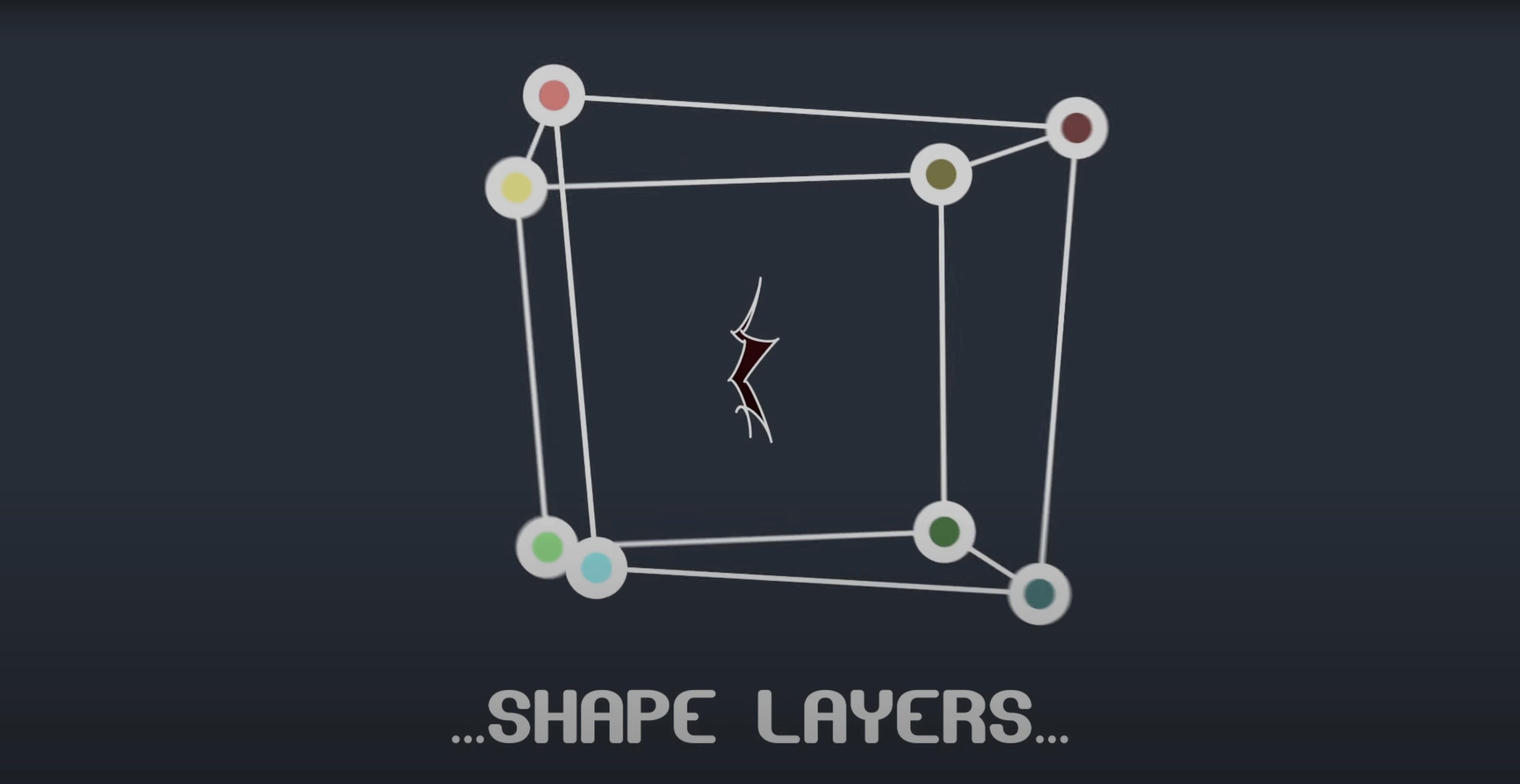
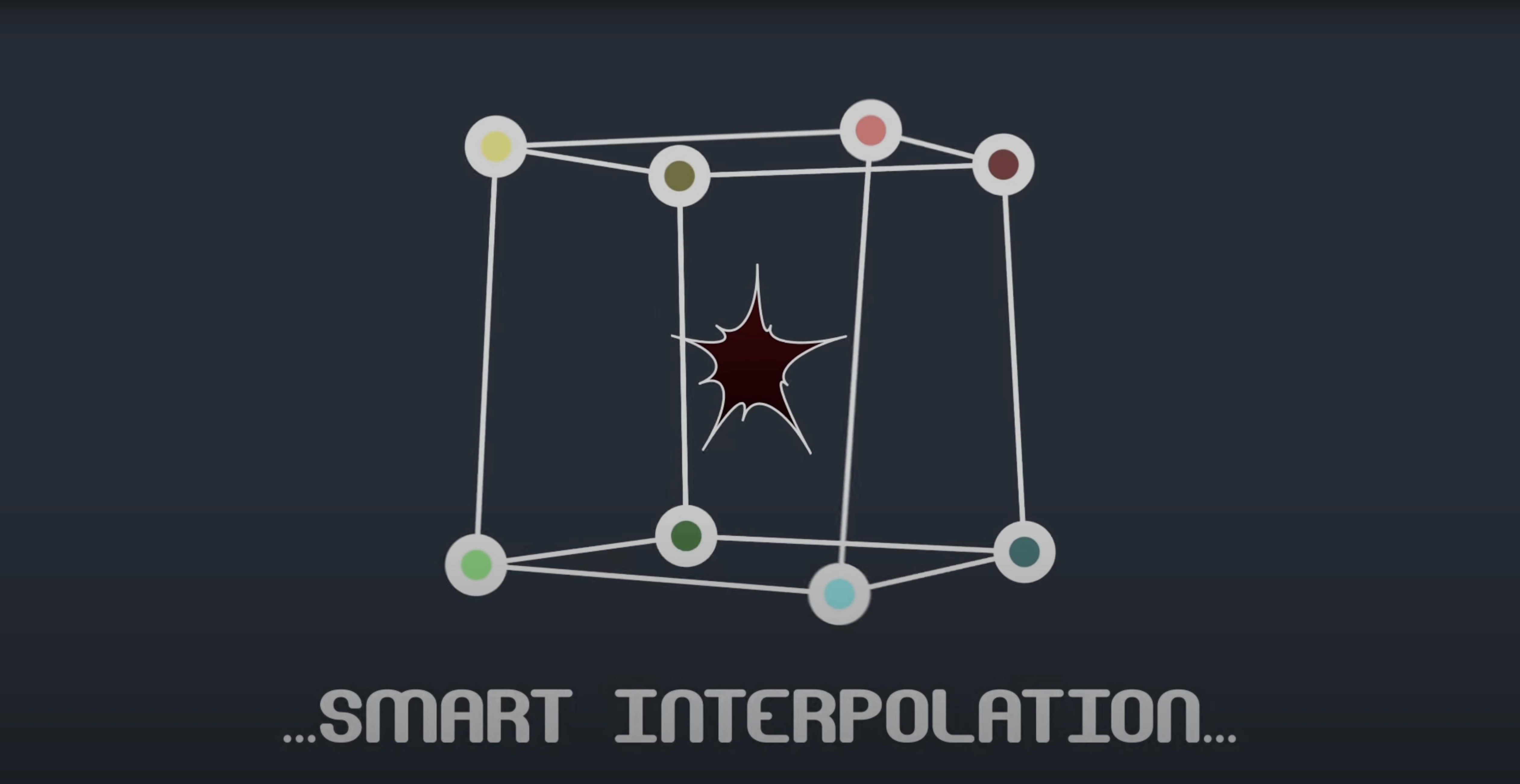
Sometimes a mask is almost right but one vertex drifts a frame too soon, or a tangent feels just slightly off. Version 2.7.5 quietly fixed an M1 compatibility hiccup on Mac, so the plugin now behaves as expected on Apple Silicon machines running recent After Effects builds.
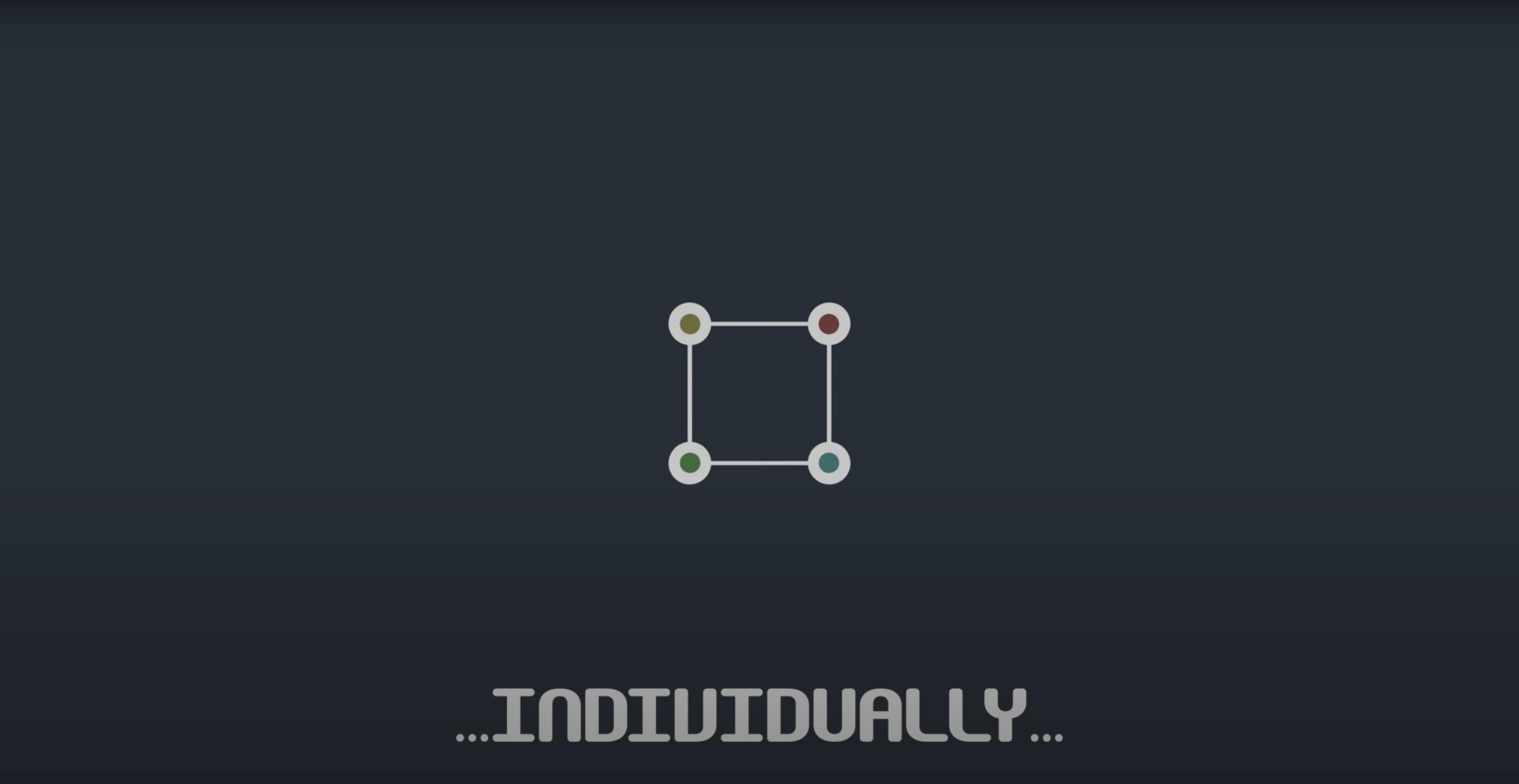
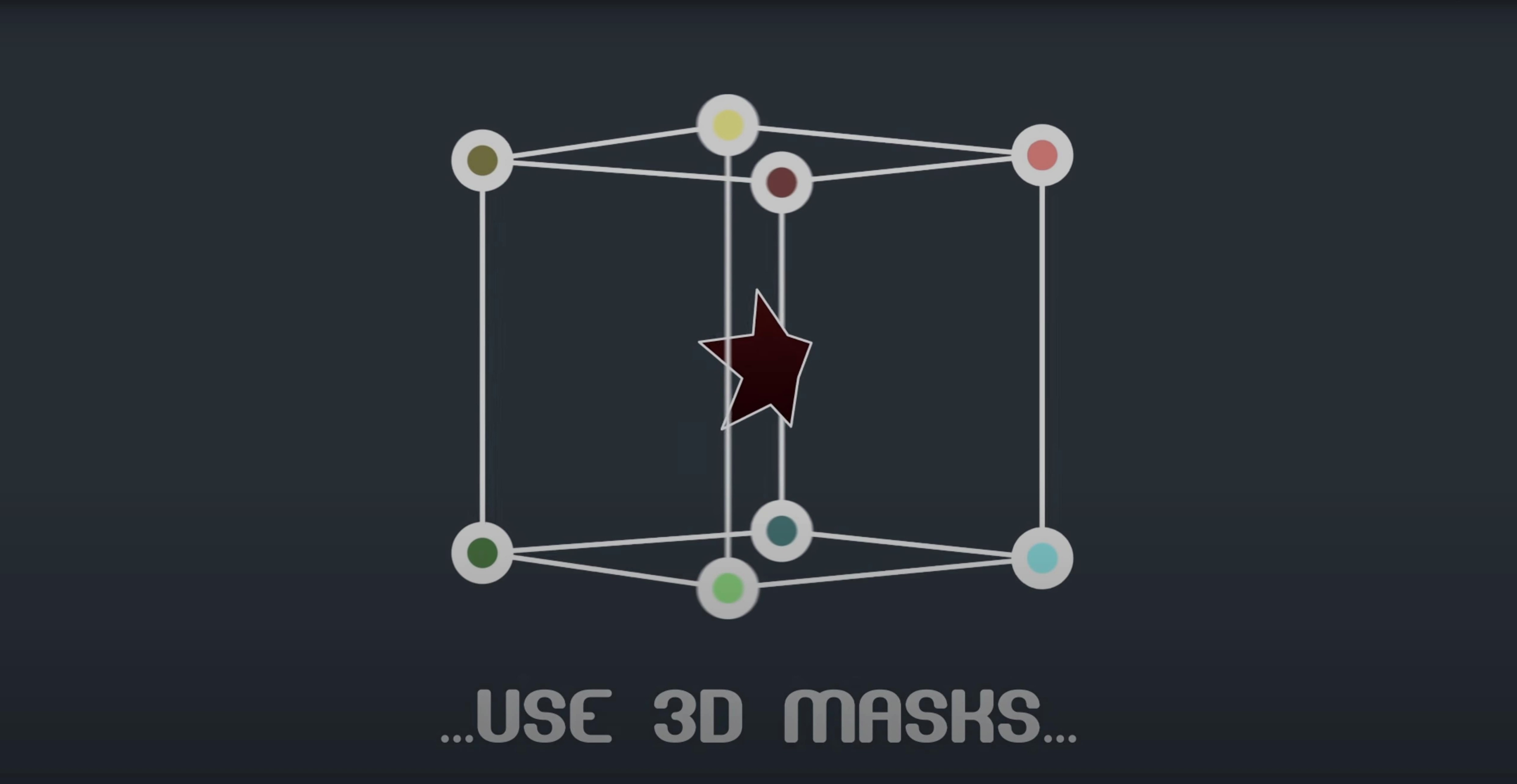
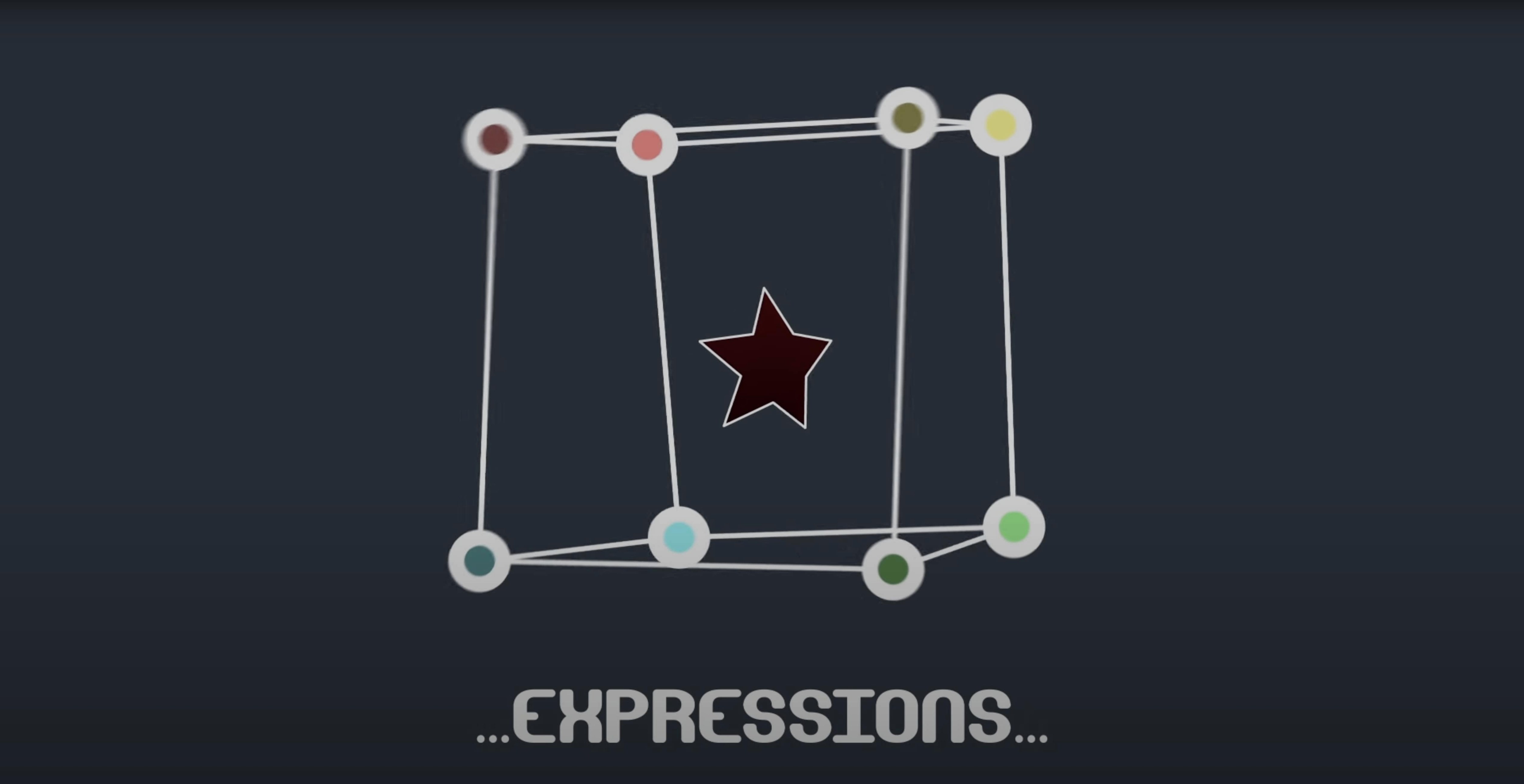
Mask Avenger hands you individual control over mask vertices and tangents inside After Effects. You can work with vertices only or dig into full tangent adjustment, and everything stays keyframeable with standard easing curves. The plugin leans on AE’s native masking functions, so it understands 3D space and expressions without extra translation layers. Integrated scripts let you link masks to null layers or set up expression-driven rigs, which is handy when a mask needs to follow a moving object across a composition.
Shape layers are fair game too. You can apply a Mask Avenger mask directly to a shape layer, which opens up paths for motion graphics work that would otherwise need tedious manual tweening. Think of it as a precision tool that sits at the track level—once your footage is in place and you have a rough mask drawn, this is where you fine-tune the movement point by point.
A compositor cleaning up a green-screen shot for a commercial faces a familiar headache: the garbage mask needs to tighten around an actor’s elbow as it swings forward, but the mask path warps weirdly between two keyframes. Pulling individual vertices by hand in the timeline usually means fighting After Effects’ default interpolation, which treats the whole shape as one blob. With Mask Avenger, the artist opens the vertex panel, sets an independent key anchor point on the elbow vertex, and switches to the intelligent interpolation mode based on center of gravity. The elbow tracks cleanly across six frames while the rest of the mask stays put. That one adjustment saves twenty minutes of spline-tweaking, and the render passes QC on the first review.
What version 2.7.5 changed for daily work
The headliner for 2.7.5 is small on paper: a fix for an M1 compatibility problem on Mac. In practice, that patch matters if you moved to Apple Silicon and found the plugin refusing to cooperate in After Effects 2023 or 2024. Before the fix, some mask vertex controls would lag or fail to register on M1 and M2 machines, forcing users back to Rosetta or to older AE versions. Now the plugin runs natively on ARM, so you can stay in a modern pipeline without workarounds.
Even with the M1 fix, the tool has officially reached the end of its development road. The developer lists it as discontinued, which means no new features are coming. That shifts the way you think about adopting it: you are picking up a mature, feature-complete plugin rather than something that will evolve. The feature set is frozen, but it covers a lot of ground—vertex-level animation, tangent control, null-layer linking, shape-layer support, and a freeze mode for handing off projects to collaborators who do not own the plugin. For a motion designer building a personal toolkit, that is often enough.
First days: getting comfortable fast
After dropping the plugin into your After Effects plug-ins folder and launching AE, start with a simple shape on a solid layer. Draw a rectangular mask, open the Mask Avenger panel, and pick just one vertex. Move it a few pixels left, set a keyframe, then move four frames ahead and drag it right. Watch how the interpolation behaves before you touch any settings—this gives you a baseline for how your AE version handles the plugin’s math.
Next, try linking a mask vertex to a tracker point. Place a tracker on some footage, create a null from the tracking data, then use the pick-whip expression inside the Mask Avenger script to attach a vertex. Scrub the timeline and see how the mask flows with the movement. The trick here is to add a second vertex to the same null for stability; one anchor point can rotate oddly under fast motion, but two points on the same null lock the mask segment into a more predictable arc.
A practical workflow tip for the first week: build a small library of expression presets for common moves. The integrated scripts let you save setups where a mask reads position and orientation data from any point along its own path. If you regularly animate masks that slide along a curved surface—think a highlight traveling across a car body—store that expression as a text snippet in a sticky note or a script panel. It saves you from rebuilding the math every time and keeps the plugin feeling like a natural extension of your timeline, not an extra chore.
Version 2.7.5 fixed an M1 compatibility issue on Mac, so the plugin plays nicely with Apple Silicon machines.
- macOS (Intel and Apple Silicon)
- After Effects CS6 through 2024
Questions I actually get
Does Mask Avenger work with shape layers?
Yes, you can apply a Mask Avenger mask directly to shape layers and control their vertices and tangents individually.
Can I use expressions with Mask Avenger masks?
Absolutely. The plugin supports expressions, keyframes, and easing, plus it includes scripts for linking masks to null layers.
Does it handle 3D space?
It does. Mask Avenger works with After Effects’ native masking functions, so it understands masks in 3D space.
Porch talk 0
Come in or pull up a chair to leave a comment.
Nobody has pulled up a chair yet. If you used it on a real Saturday, say what the hour was.