
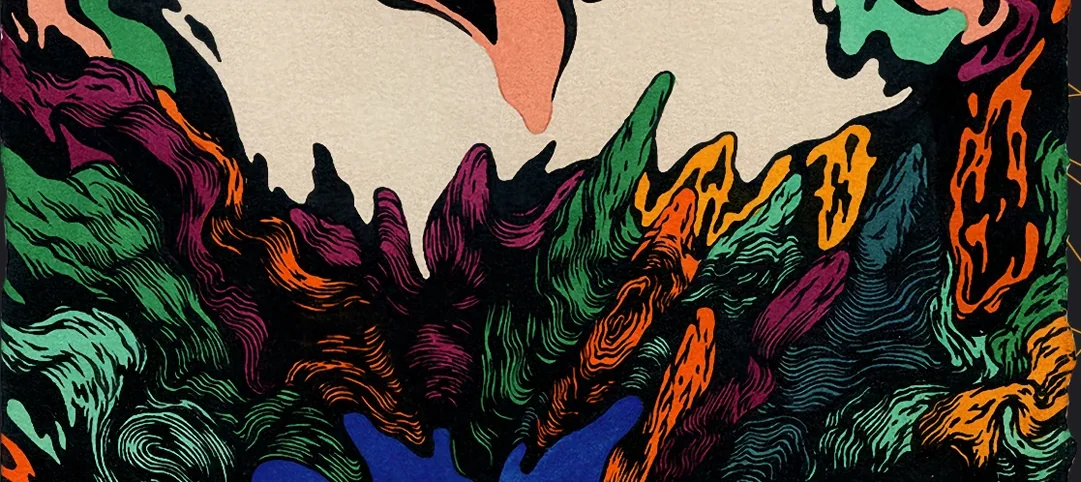
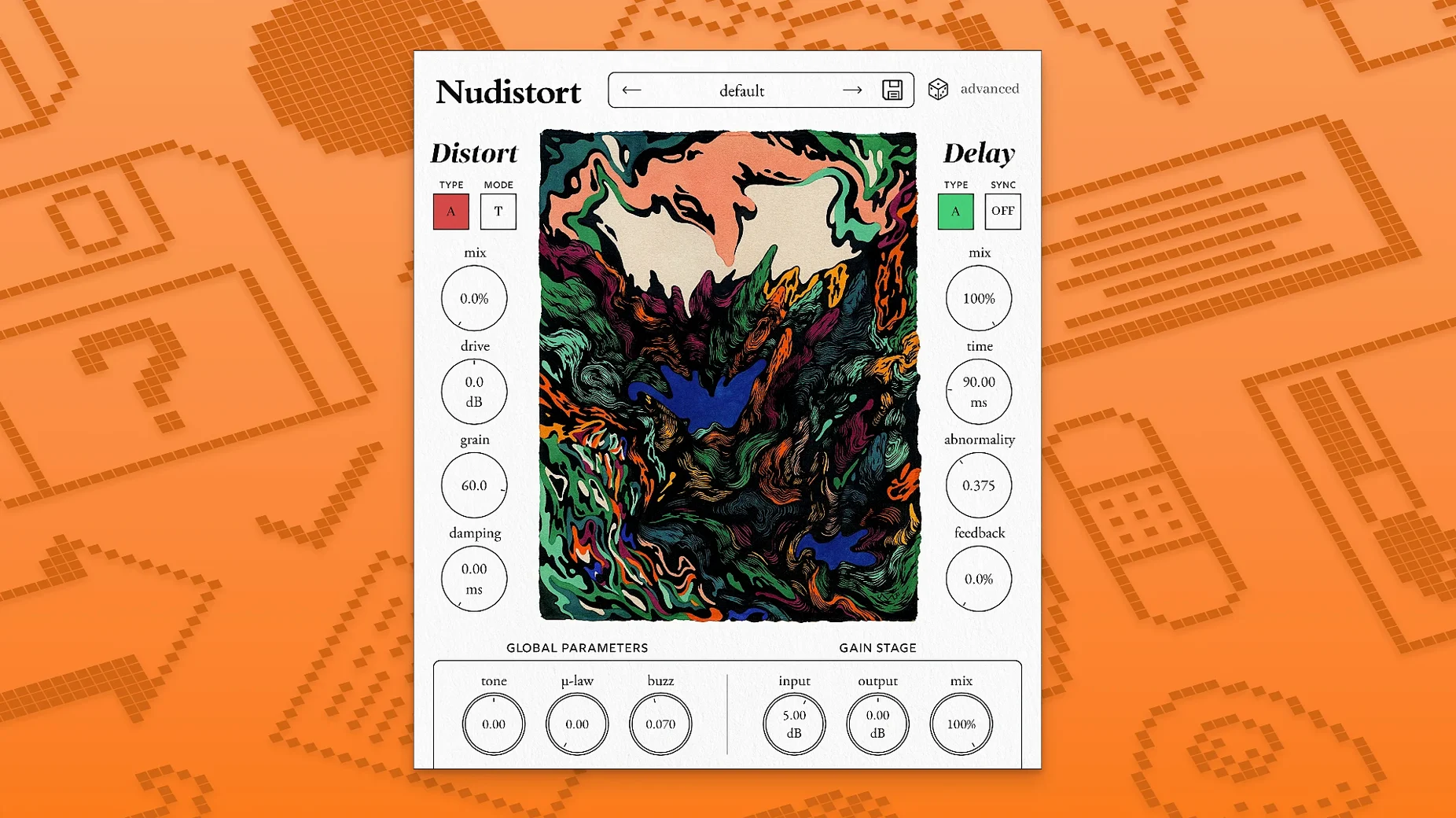
Version 1.2.5 is the latest to land on the developer's site, keeping the plugin current for modern Mac studios and bedroom rigs alike. That kind of quiet upkeep is exactly what you want from a tool built for extreme sound design — it stays ready while you push it into harsh, expressive territory.
Dense, aggressive textures with musical harshness
- Transforming clean signals into dense, aggressive textures with strong harmonic content
- Expressive harsh sounds that still feel musical, not just broken
- Sound designers who need a new algorithm that goes beyond standard clipping and overdrive
- Any DAW — runs on macOS 10.13 and up, native on Apple Silicon and Intel 64-bit
Extreme by design, not for subtle warmth
- The interface is English only
- It leans toward the extreme; if you're after subtle warmth, this is probably not your first stop
Walking into Nudistort expecting a gentle saturator is like showing up to a noise show in loafers. The plugin has a clear target audience, and knowing whether you're in that group saves you a frustrating afternoon of dialing everything back to 2% and wondering what the fuss is about.
Sci-fi sound designers building physical textures
Sound designers working on sci-fi projects, game audio, or cinematic tension beds tend to light up when they hear what the algorithm does to a plain sine wave. Nudistort grabs the signal and builds something almost physical out of it — dense harmonic stacks that move like they have mass. Layering it under a creature vocal or a mechanical ambience gives you textures that other distortion plugins smooth over before they even get interesting.
Electronic producers chasing industrial, hard techno, or experimental bass music also find it slots in naturally. Run a clean 808 through it and you get a signal that punches through a mix without needing three extra processors downstream. The strong harmonic content it adds means your kick or bass line keeps its identity while gaining an aggressive edge that cuts through on small speakers.
If you spend more time resampling than arranging — bouncing audio, mangling it, bouncing again — Nudistort fits that workflow. Print a few passes at different settings, layer them, and you have a palette of noisy textures that sound like they came from hardware that costs ten times as much.
Single-minded algorithm versus multiband racks
Put it beside something like Trash 2 and the difference is in the architecture. Trash 2 gives you multiband control, convolution, and a whole rack of distortion types you can blend. Nudistort strips that back to a single-minded algorithm that doesn't try to model tubes or tape. You lose the surgical control, but you gain a sound that feels less assembled and more like a raw transformation.
Compared to Decapitator, which excels at console-style warmth and rounded saturation, Nudistort lives at the opposite end. Decapitator nudges a track into a mix-friendly glow; Nudistort shoves it into a corner and asks if it wants to fight. Producers who own both often use Decapitator on buses and Nudistort on individual sound design channels where polite isn't the point.
Against a free option like Saturation Knob, the gap is obvious. Saturation Knob does one thing with a single control, and it does it well for quick coloration. Nudistort's algorithm generates harmonic content that evolves as you push into it, so the character shifts rather than just intensifying. If you're exploring a nudistort crack, you'll notice the output sounds alive instead of just louder—that responsiveness is the whole idea.
Master bus crank collapses mixes into mush
The most common stumble is putting it on a master bus and cranking every parameter. The algorithm compresses and saturates so aggressively that your whole mix collapses into midrange mush. Start on individual tracks, or better yet, on a send where you can blend the processed signal in parallel.
Another trap is feeding it a signal that's already heavily processed. Nudistort responds to dynamics, and if your source is a squashed MP3 or a pre-limited sample, the harmonic generation has nothing left to chew on. Give it something with transients — a raw drum hit, a plucky synth, a field recording — and the difference is immediate.
Ignoring the output level is another easy misstep. The gain staging inside the plugin can get loud fast, and if you're not trimming after it, you'll clip your DAW channel without realizing the distortion you're hearing isn't Nudistort at all, just digital overs. Keep an eye on the meter after the plugin.
Drive at 30–40% for thickening without takeover
If the default preset feels like too much too soon, pull back the drive and explore how the algorithm behaves at lower intensities. There's a sweet spot around 30–40% where the harmonic content thickens without taking over, and that zone is surprisingly useful for drum loops and synth stabs that need presence rather than destruction.
The wet/dry mix is your best friend. Setting it around 50% and automating it throughout a phrase lets you introduce the aggressive character in bursts, which often sounds more intentional than leaving it on full for an entire section. For bass sounds, try a split: keep the sub frequencies clean on a separate track and apply Nudistort only above 150 Hz using your DAW's crossover or a multiband routing setup.
Experiment with the input gain before the distortion stage. Hitting it harder doesn't just make it louder; it changes how the harmonics stack, so the same preset at two different input levels can produce surprisingly different results. If you grabbed a nudistort torrent and dove in without reading the included manual, that's the one tip that will open up the most ground quickly.
Nudistort 1.2.5 keeps things current with a fresh listing on the developer's site.
- macOS 10.13 or later
- Apple Silicon or Intel 64-bit processor
Porch talk 0
Come in or pull up a chair to leave a comment.
Nobody has pulled up a chair yet. If you used it on a real Saturday, say what the hour was.
More for the same hour
Everything in VST Plugins Nuro Audio XVOX Pro
1.5.2 VST Plugins
625 MB
Nuro Audio XVOX Pro
1.5.2 VST Plugins
625 MB
 noteGRABBER
2.0.0 VST Plugins
35 MB
noteGRABBER
2.0.0 VST Plugins
35 MB
 Omnisphere
3.0.2c VST Plugins
205 MB
Omnisphere
3.0.2c VST Plugins
205 MB
 Output Portal
1.2.1 VST Plugins
319 MB
Output Portal
1.2.1 VST Plugins
319 MB
 Neural DSP Soldano SLO-100 X
1.0.0 VST Plugins
340 MB
Neural DSP Soldano SLO-100 X
1.0.0 VST Plugins
340 MB
 Neural DSP Parallax X
1.0.0 VST Plugins
179 MB
Neural DSP Parallax X
1.0.0 VST Plugins
179 MB
 Neural DSP Fortin Nameless Suite X
1.0.1 VST Plugins
441 MB
Neural DSP Fortin Nameless Suite X
1.0.1 VST Plugins
441 MB
 Neural DSP Archetype Rabea X
1.0.1 VST Plugins
742 MB
Neural DSP Archetype Rabea X
1.0.1 VST Plugins
742 MB