

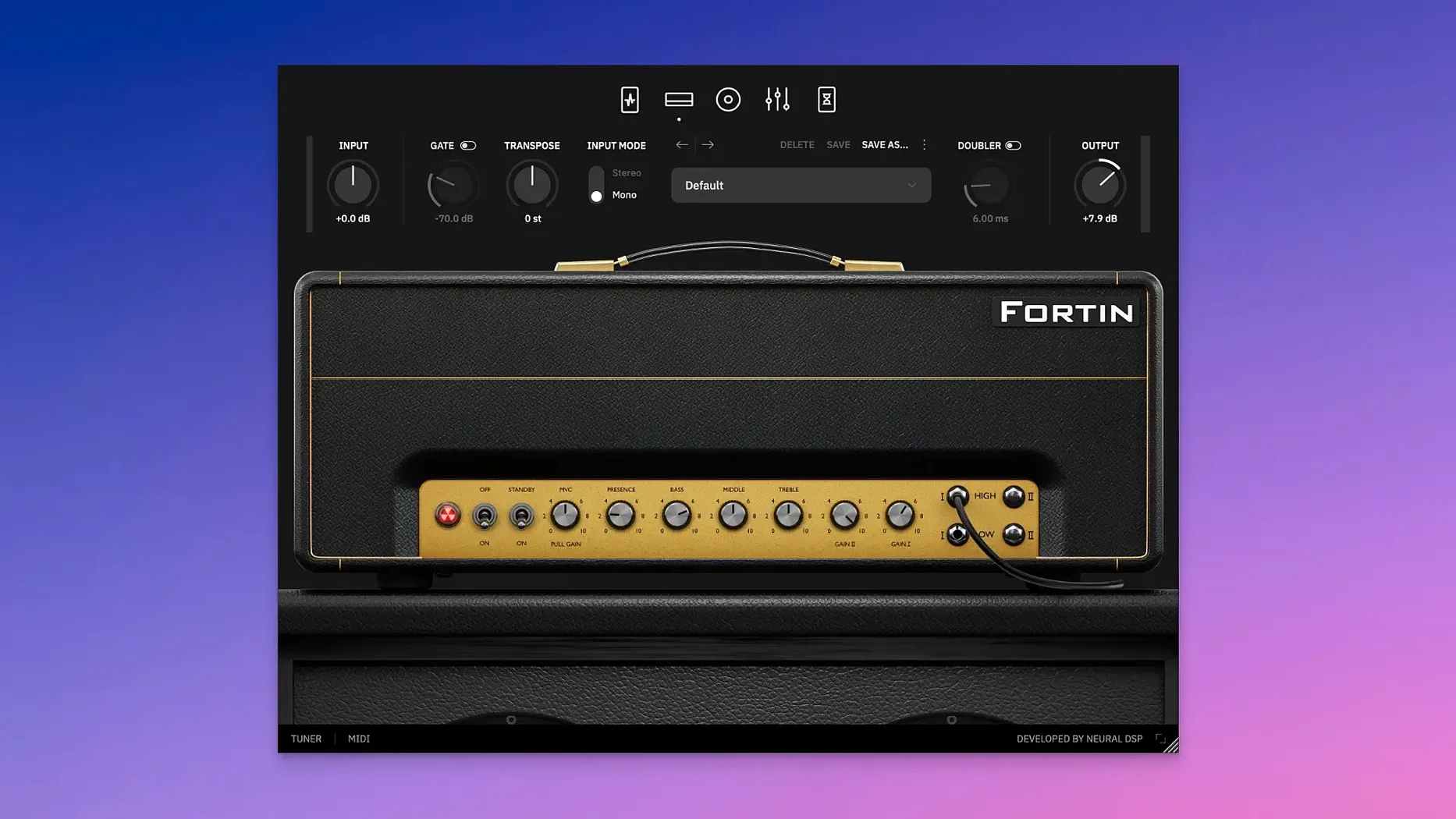
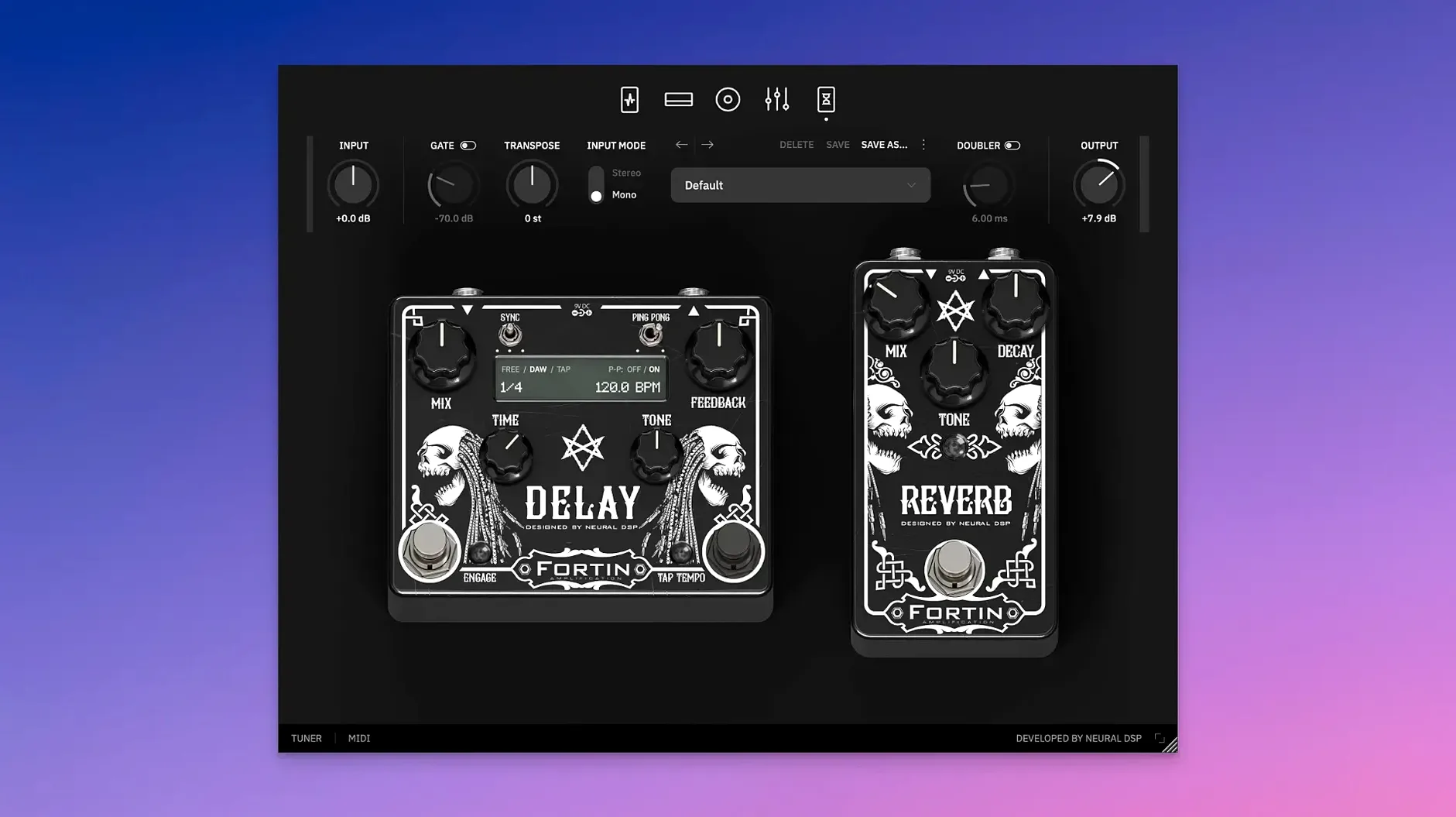
Players tracking modern metal and hard rock reach for this when the part needs to cut without getting fizzy.
What it is — An X-updated guitar amp plugin modeled on a single high-gain amplifier prized for its immediate, percussive response.
Where it lives — Mostly on guitar DI tracks, but the Doubler makes it useful on a bus for widening a single take without duplicating the performance.
The X additions — Transpose lets you shift pitch right on the track, handy for drop-tuning a part without reaching for the guitar. Doubler creates a stereo spread from one mono signal.
The feel — Tight low end that stays out of the bass player's way, with a dense overdrive that records cleanly. It works in 64-bit AU, VST3, AAX, and standalone, so it slots into Logic, Cubase, or Pro Tools without fuss.
Guitarists who already use a Quad Cortex will find it loads there too. If you're building a rhythm tone that needs to sit in a dense mix from the first take, this one earns its spot on the track.
Getting the most out of this plugin usually means working with the input signal before you even touch a knob. The amp model reacts hard to what you feed it, and a few small moves at the top of the chain can save a lot of head-scratching later.
Clean up palm-mute wash with the tight control
Mud in the low end. If palm mutes turn into a wash, back off the bass knob a hair and bump the tight control instead. The tight circuit shapes the attack of the lows, so you can keep weight without losing the snap that makes the tone read in a mix.
Noise gate cuts off sustain too early. The built-in gate is aggressive by design — great for staccato riffs, less great for held notes. Lower the threshold gradually until the tail of a sustained chord rings naturally, then bring it up just a tick from there. For lead lines, disengage the gate entirely and use a softer gate earlier in your DAW chain.
Transpose adds latency. Pitch shifting in real time is never free. If you notice a lag between pick attack and sound, bounce the DI track with Transpose printed, then disable the module. Tracking with the shift on is fine for writing, but for final takes, commit the pitch change and monitor direct.
Doubler phase issues in mono. The Doubler creates a wide stereo image that can collapse oddly when summed to mono. Before you print, flip your DAW to mono and adjust the spread until the core tone holds together. A narrower setting often sounds bigger in the final mix than an extreme spread that falls apart on a phone speaker.
Launch straight into your last preset, no DAW needed
- Standalone mode for practice. You don't need a DAW open. Launch the standalone app, plug in your interface, and you're playing through the full signal chain with zero routing. It remembers your last preset, so it's essentially an instant amp on the desktop.
- Double-click to reset. Every knob returns to its default position with a quick double-click. When you've tweaked yourself into a corner, reset individual controls instead of losing the whole preset.
- Keyboard arrows for fine-tuning. Hover over any parameter and use the up/down arrow keys to nudge values in small increments. It's much faster than dragging, especially for dialing in the tight control or the gate threshold.
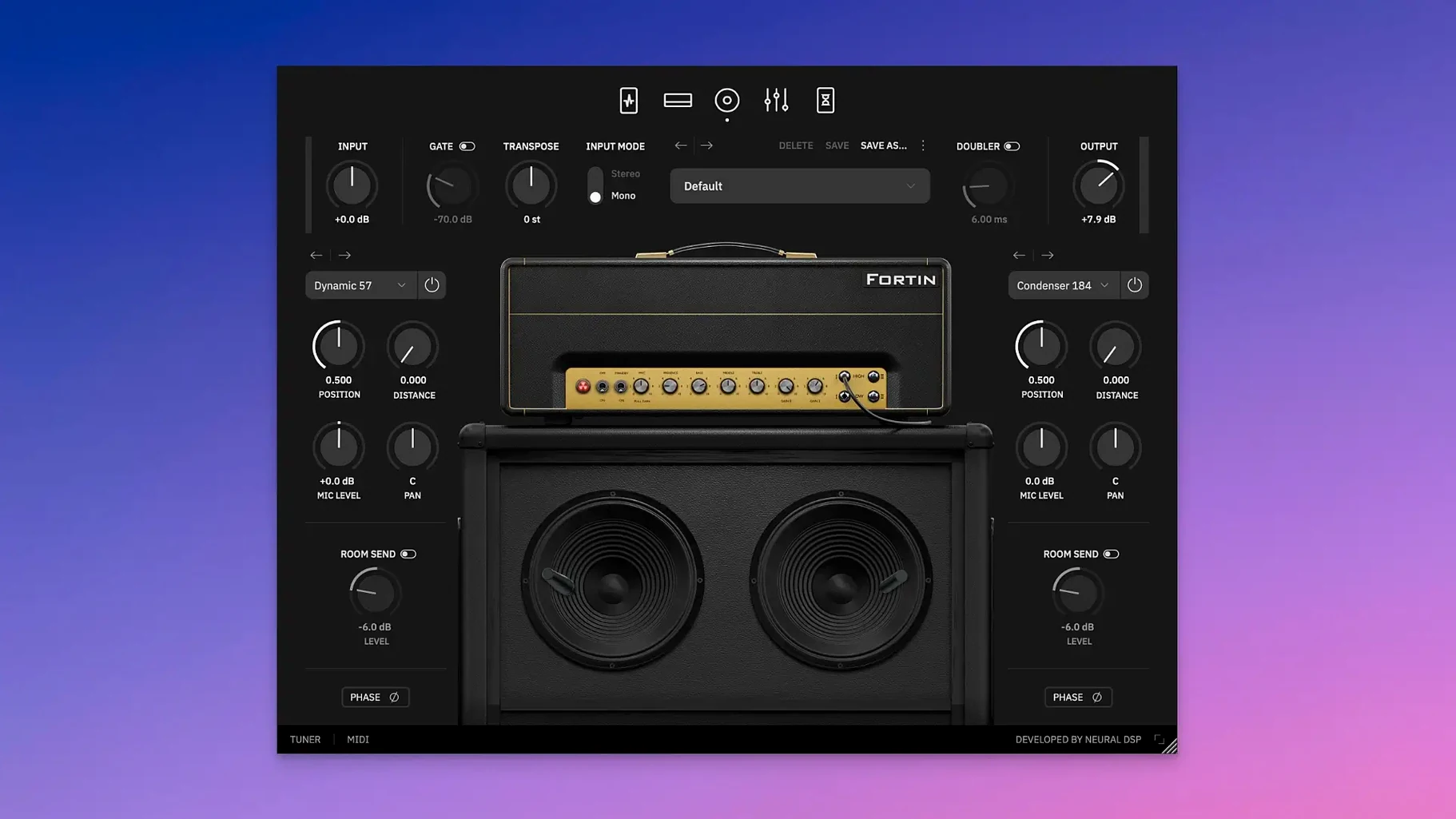
- Cabinet section is still sculptable. The cab IR loader isn't locked. You can drag in your own impulse responses if the stock cabs aren't your thing, and the mic blend controls stay active with third-party IRs.
Rescue a session when the tuning doesn't match
A tracking engineer gets a session from a band who tuned down to drop G the night before, but the guitarist shows up in standard tuning. Nobody wants to re-track four songs. She loads the Fortin Nameless Suite X on the DI channel, sets Transpose to -4 semitones, and checks the attack. It holds. She tightens the gate slightly, pulls the bass back to keep the low string from booming, and adds just enough Doubler to push the rhythm guitars wide without touching the center. The band listens back, nods, and moves on. The amp never touched a mic, and the takes stay.
Version 1.0.1 brings the Transpose and Doubler features over from the Quad Cortex ecosystem.
- Transpose shifts your guitar's pitch on the track for instant alternate tunings.
- Doubler widens a mono signal into a stereo spread without a second performance.
- macOS 10.13 or later
- Intel or Apple Silicon processor
- 64-bit host: VST2, VST3, AU, AAX, or standalone
Questions I actually get
Does the X version work on older Macs?
Yes, it runs on macOS 10.13 and later and supports both Intel and Apple Silicon Macs.
Porch talk 0
Come in or pull up a chair to leave a comment.
Nobody has pulled up a chair yet. If you used it on a real Saturday, say what the hour was.
More for the same hour
Everything in VST Plugins Neural DSP Archetype Rabea X
1.0.1 VST Plugins
742 MB
Neural DSP Archetype Rabea X
1.0.1 VST Plugins
742 MB
 Neural DSP Parallax X
1.0.0 VST Plugins
179 MB
Neural DSP Parallax X
1.0.0 VST Plugins
179 MB
 Neural DSP Archetype Petrucci
1.0.0 VST Plugins
745 MB
Neural DSP Archetype Petrucci
1.0.0 VST Plugins
745 MB
 Neural DSP Soldano SLO-100 X
1.0.0 VST Plugins
340 MB
Neural DSP Soldano SLO-100 X
1.0.0 VST Plugins
340 MB
 Native Instruments Massive X
1.7.1 VST Plugins
1.6 GB
Native Instruments Massive X
1.7.1 VST Plugins
1.6 GB
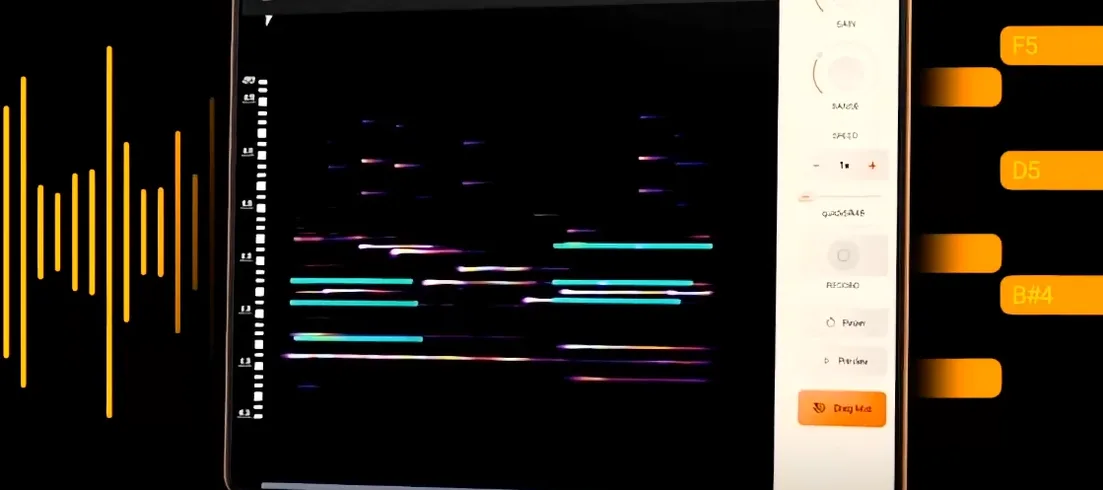 noteGRABBER
2.0.0 VST Plugins
35 MB
noteGRABBER
2.0.0 VST Plugins
35 MB
 Nudist Audio Nudistort
1.2.5 VST Plugins
45 MB
Nudist Audio Nudistort
1.2.5 VST Plugins
45 MB
 Nuro Audio XVOX Pro
1.5.2 VST Plugins
625 MB
Nuro Audio XVOX Pro
1.5.2 VST Plugins
625 MB