
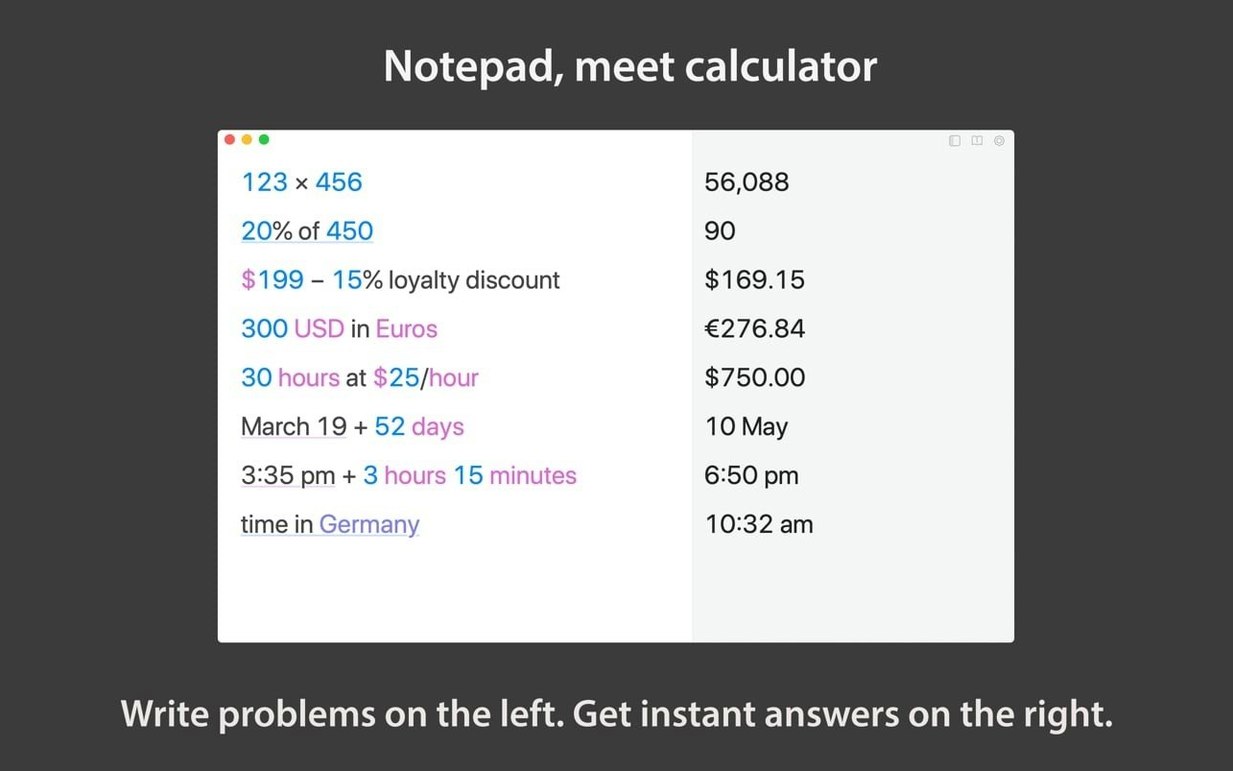
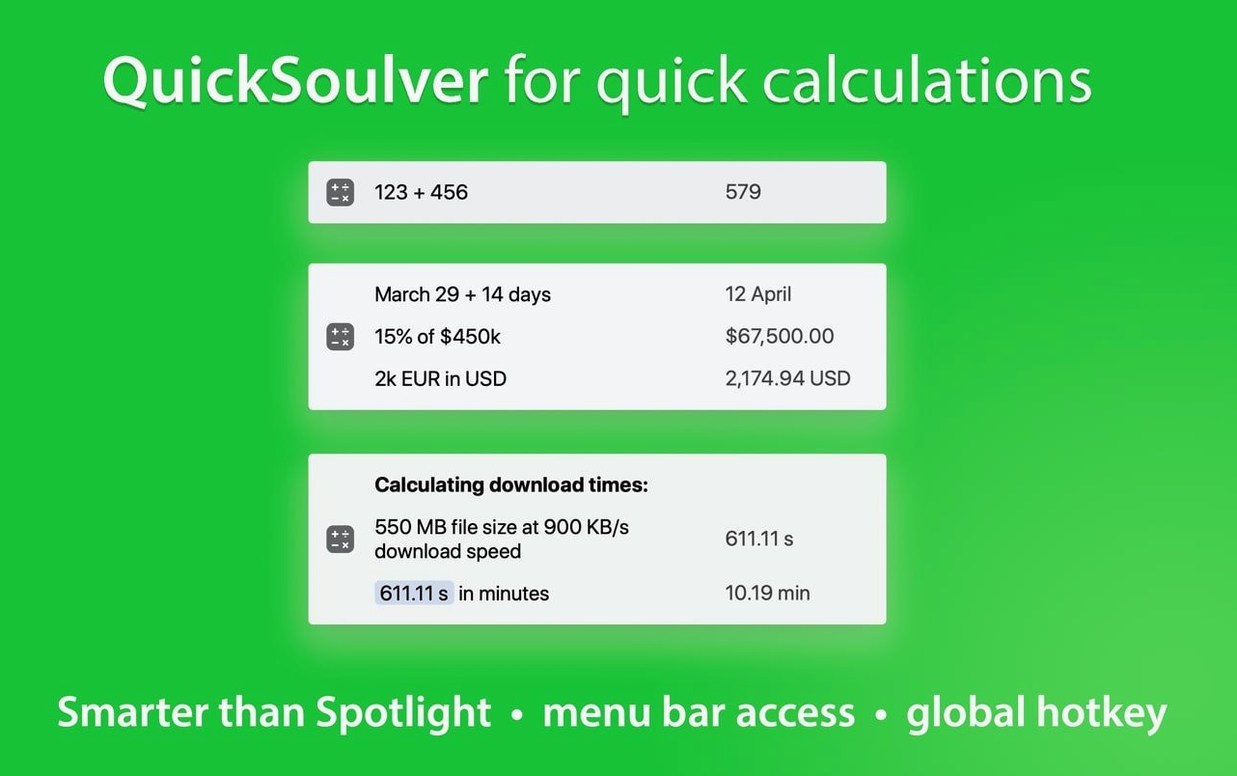
You know how a spreadsheet feels like overkill when you just want to split a dinner bill or figure out a project timeline? Soulver 3 sits right in the gap between the basic calculator app and a full Excel sheet. It is a notepad that does the math as you type, line by line.
Can it handle dates and time math?
Yes, and it is one of those details that makes it click for everyday planning. You can add weeks to a calendar date or tally hours and minutes without converting anything in your head first.
Command-line access and Alfred workflows
It fits into a power-user workflow better than you might expect. There is a command-line interface, support for Alfred workflows, and Quick Look so you can preview sheets without opening the full window.
Requires macOS 13.5 or newer
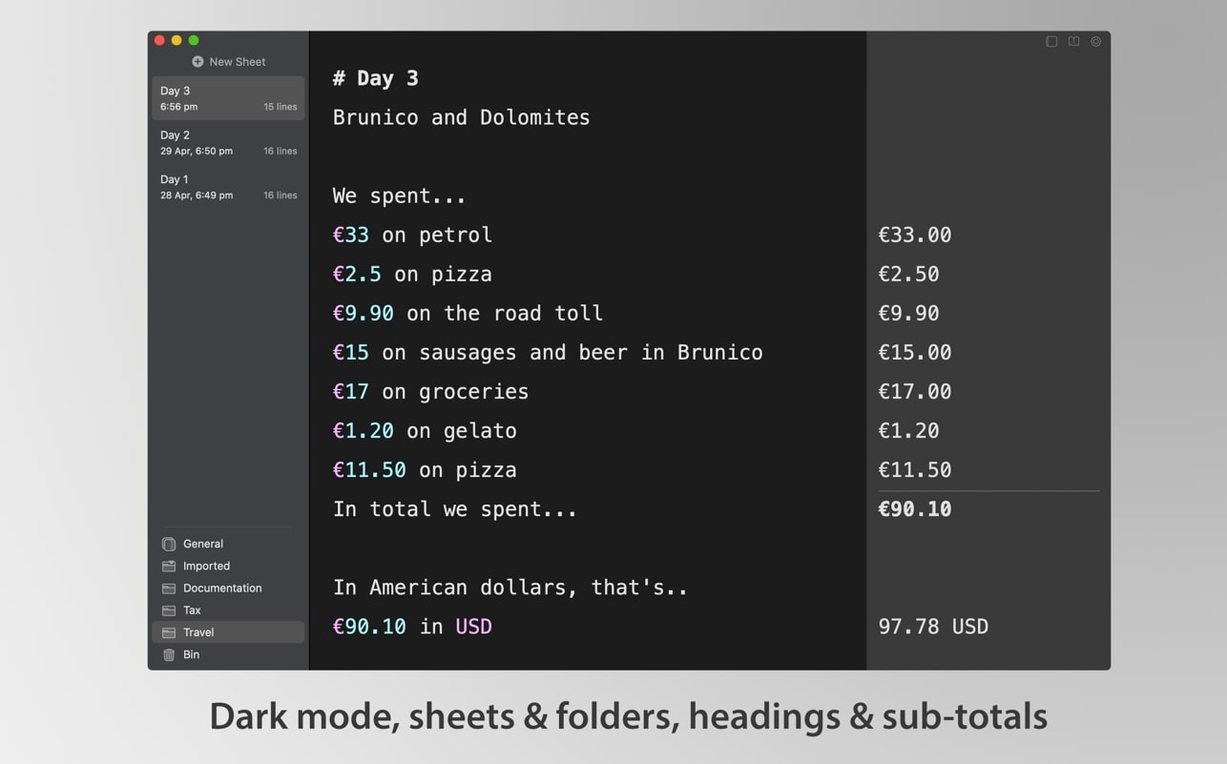
You will need macOS 13.5 or later. It runs natively on both Intel and Apple Silicon Macs and includes a dark mode, a sidebar for organizing sheets into folders, and options for custom syntax highlighting.
Once you have a few dozen sheets scattered across folders, Soulver 3 stays surprisingly light on its feet. I keep it open alongside a browser and a raw photo editor, and it rarely nudges memory pressure past the point where you would notice. Calculations resolve the moment you hit return—there is no spinning wheel while it thinks about a unit conversion or a date offset. That instant feel holds up even when a single sheet has thirty or forty lines of mixed text, currency conversions, and percentage breakdowns.
Stability has been uneventful in the best way. Over weeks of daily use, I have not seen a beachball or a crash. The app autosaves continuously, so if you close a sheet without thinking you lose nothing. It also restores your last window layout on launch, which means your morning starts exactly where you left off.
Automatic spacing around operators
Some of the best things in Soulver 3 are easy to overlook because they do not shout for attention. A handful worth knowing:
- Space around operators is automatic. Typing
12+8turns into12 + 8as soon as you move to the next line, making dense calculations far easier to scan. - Variable autocompletion kicks in the moment you assign a name. If you set
hourly = 45on line one, typingholater suggests it. It cuts down on typos when a sheet grows long. - Linked line mode turns a section of lines into a tiny program: change the first number and everything chained to it recalculates. Useful for quick what-if pricing or tax estimates.
- Comments and labels let you annotate without breaking the math. A line starting with
//is ignored, and labels give a name to a subtotal so you can reference it elsewhere.
A few settings to change on day one
Out of the box, Soulver 3 feels good, but three adjustments make it feel like yours. Open Settings > Editor and check the number formatting section first. Turn on thousands separators if you work with larger figures—it makes totals instantly readable. Then hop to the Appearance tab and pick a syntax highlighting theme that matches your Mac’s light or dark mode. The default is clean, but the low-contrast options are easier on the eyes during long sessions.
Finally, enable the Services action from the General pane. Once it is on, you can highlight a line of text anywhere on your Mac—in Mail, Notes, a web form—right-click, and send it straight to Soulver for an answer. It works so naturally you will forget the old way of copying and pasting back and forth.
If you have been looking for a soulver 3 for mac free download to try that workflow, the current build runs quietly and capably on macOS 13.5 and above, with full native support for both Apple Silicon and Intel machines.
- macOS 13.5 or later
- Intel or Apple Silicon Mac
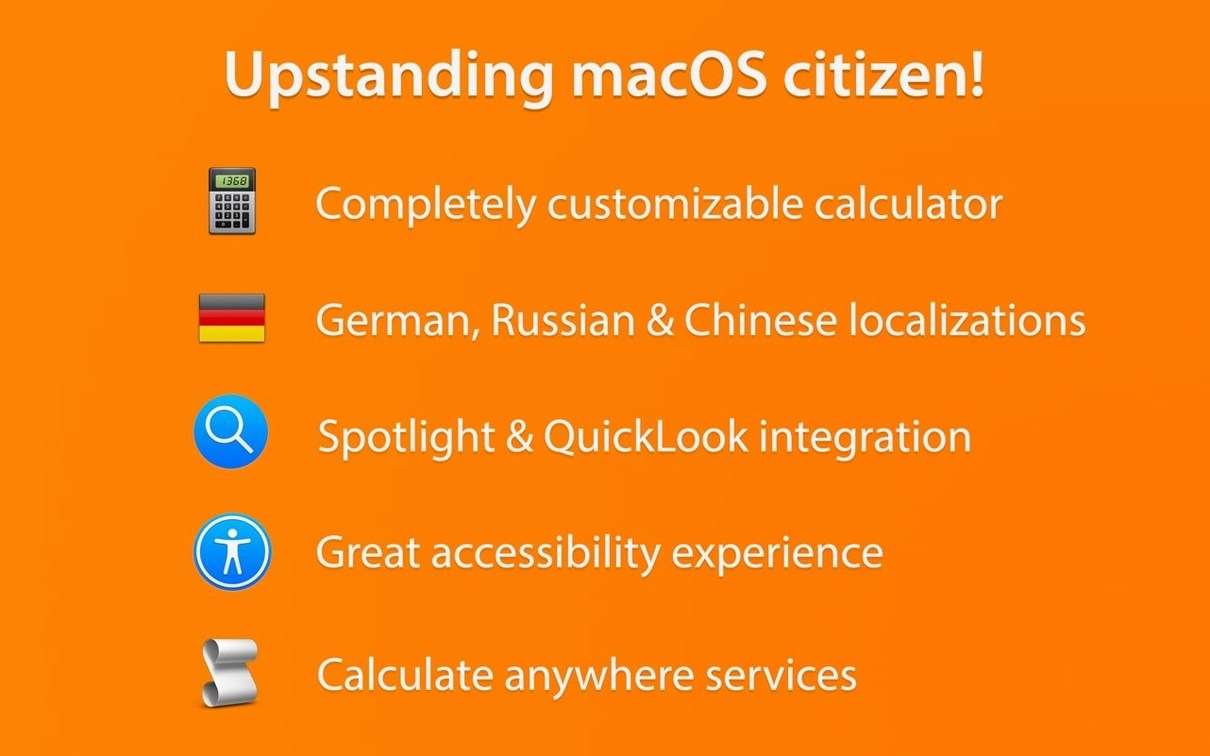
- Interface languages: English, German, Russian, Simplified Chinese
Porch talk 0
Come in or pull up a chair to leave a comment.
Nobody has pulled up a chair yet. If you used it on a real Saturday, say what the hour was.