Your task list starts the morning looking manageable. By 10 a.m., three new requests have landed, a deadline shifted, and the one thing you meant to do first is buried under six smaller to-dos. Most task apps just collect the chaos. OmniFocus Pro is built to help you sort it back out.
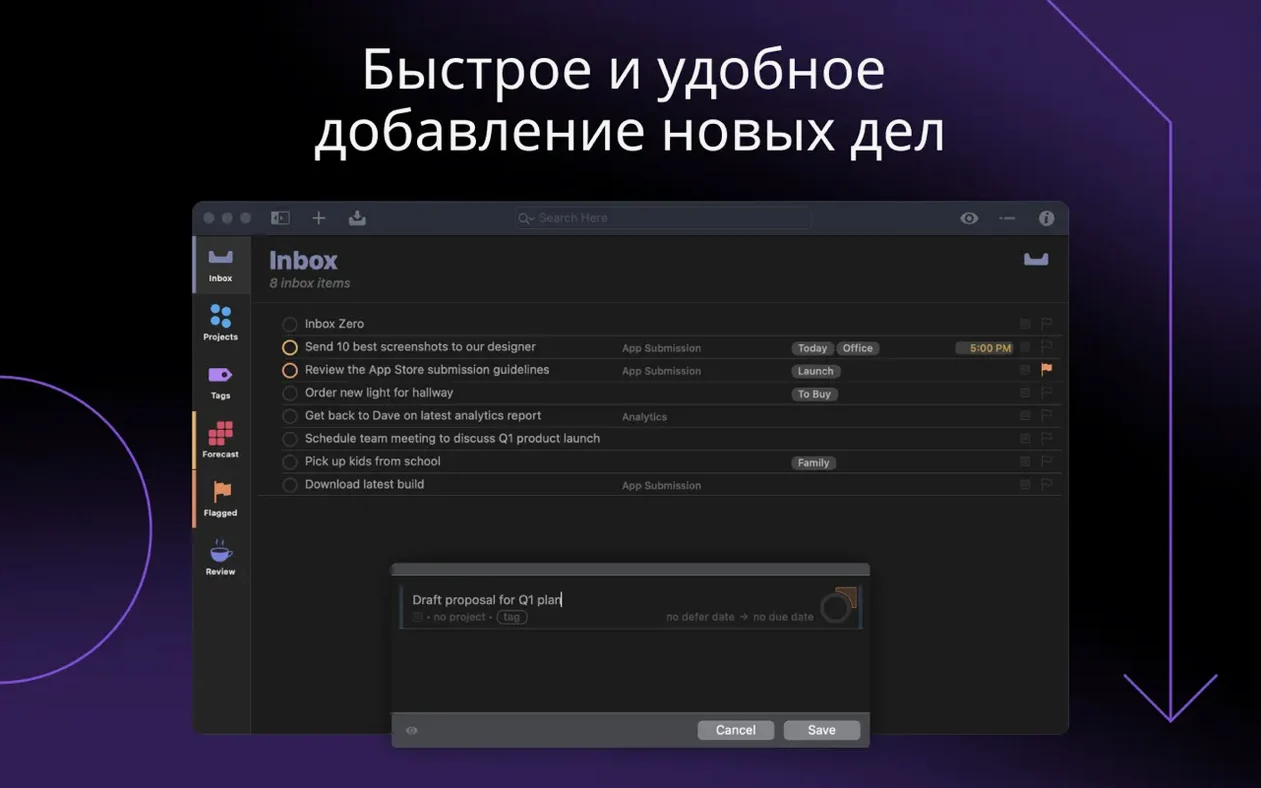
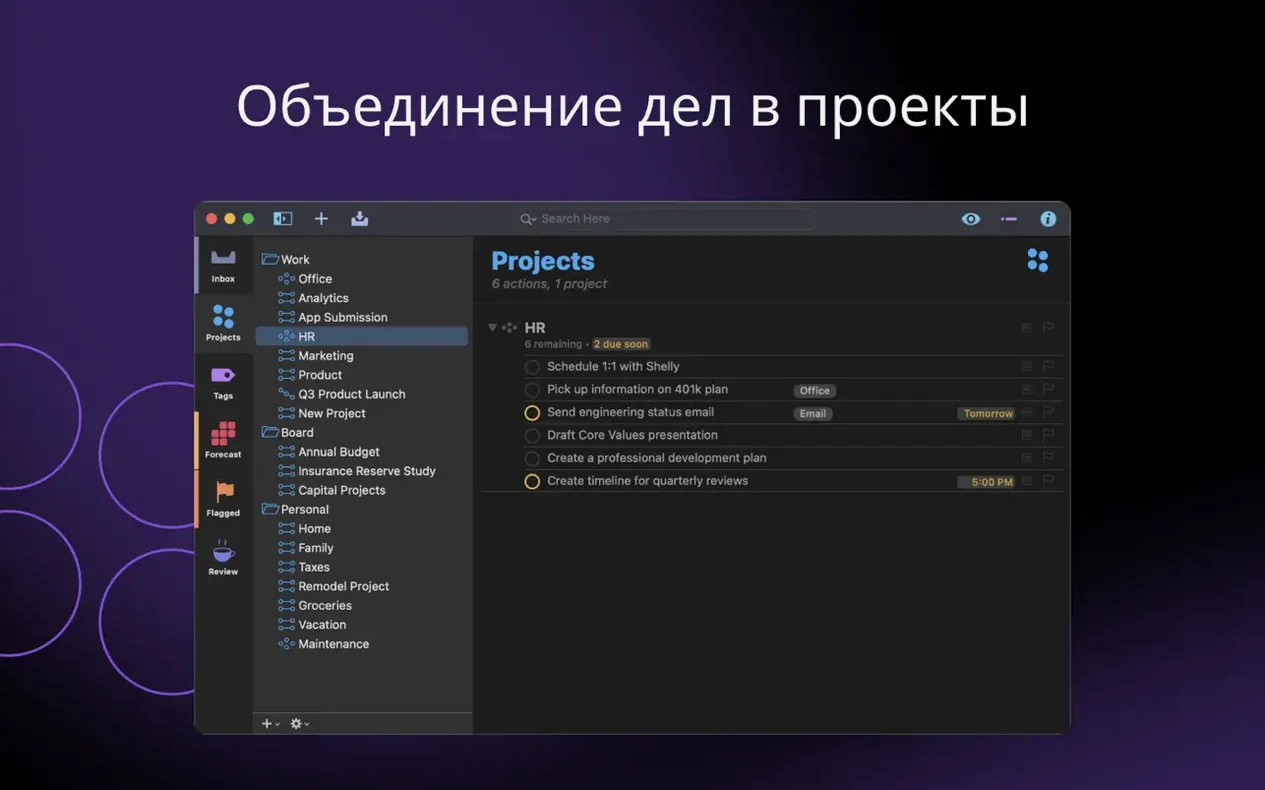
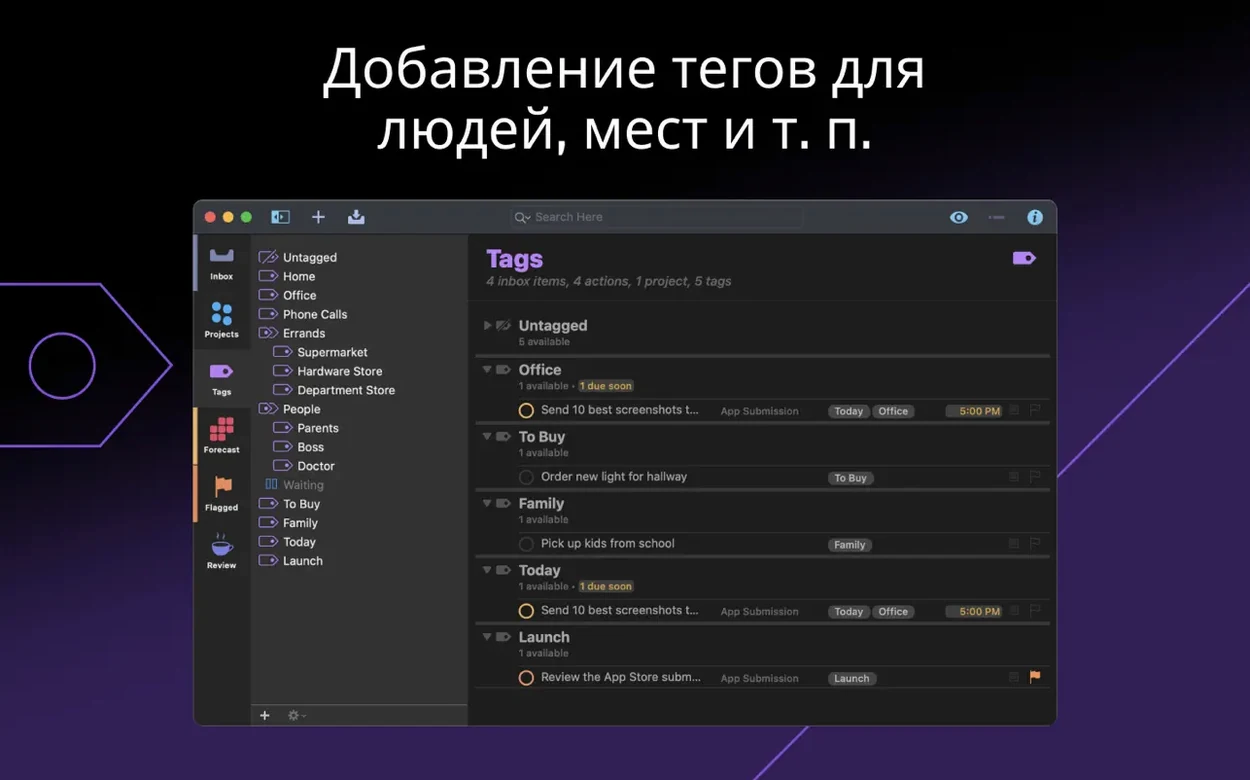
At its core, it’s a place to hold everything you need to do — from a quick grocery run to a year-long project with twenty dependent steps. The Pro edition adds tools for prioritizing complex work: you can organize tasks by project, tag them with context like “phone” or “errand,” and build custom perspectives that show only what matters right now. It’s equally good for sketching out a five-year goal or making a plain list for the afternoon.
Version 4.9.1 is a quiet maintenance release, focused on smoothing rough edges. The in-app Help got a refresh, the Shortcuts action for opening folders now shows a simple flat list, and file attachments always include their extension when added through Shortcuts. Small fixes, but they keep the daily experience feeling solid.
OmniFocus Pro runs on Mac, iPhone, iPad, and Apple Watch, so your tasks follow you around. It’s not a lightweight checklist app — it’s for people who genuinely need to wrangle a lot of moving pieces and want a tool that stays out of the way while they do it.
Inbox as Parking Lot, Not a Home
New users often treat OmniFocus Pro like a simple list app, dumping every thought into the Inbox and stopping there. The Inbox is a parking lot, not the final destination — items left there pile up fast and never get the tags, projects, or dates that make them actionable. Another common slip is over-tagging. When every task gets four or five context tags, the system turns into noise instead of a filter. Start with one or two tags per item and add more only when a specific view demands it.
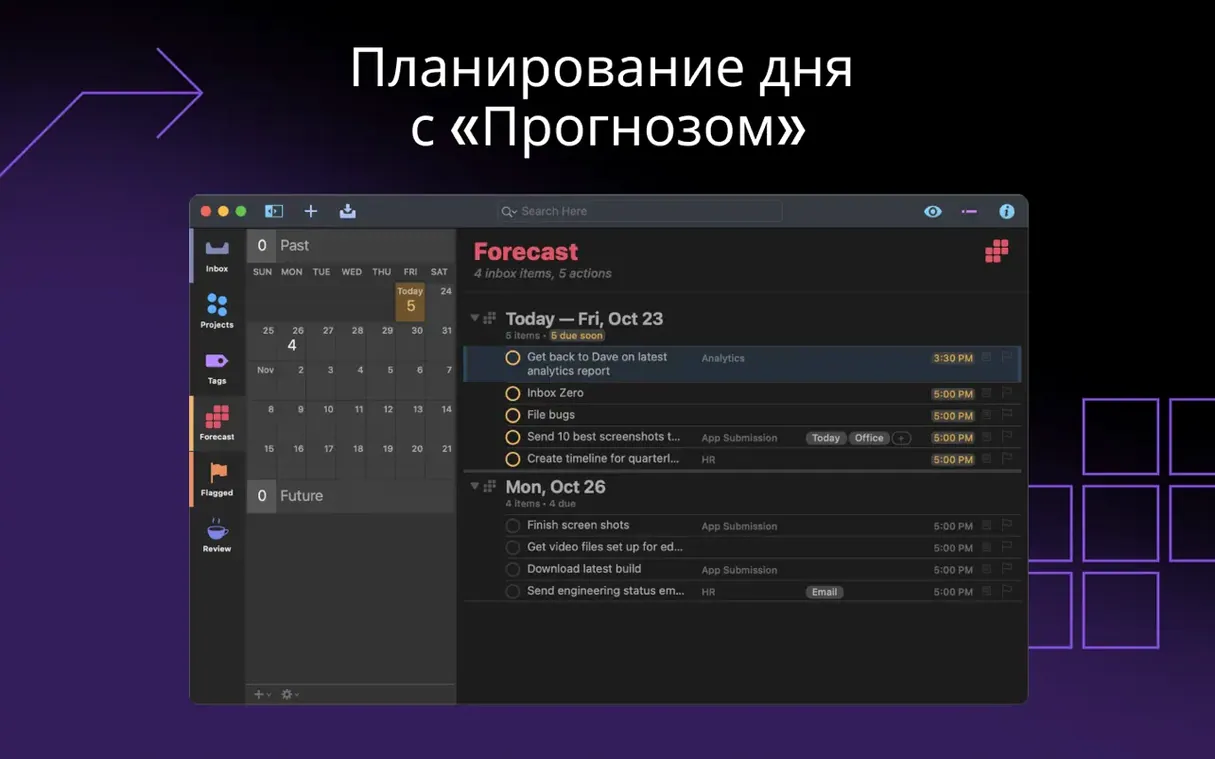
Defer dates trip people up too. Setting them on everything makes today's perspective look artificially clean, but the work hasn't gone anywhere — it's just hiding until tomorrow. Save defer dates for tasks that genuinely can't be touched yet. For the rest, trust the Forecast view to show you what the week actually holds.
A Photographer's Week, Tamed
A weekend photographer juggling client sessions, editing deadlines, and print orders can easily lose track of which project needs what. In OmniFocus Pro, each client becomes a project with sub-tasks for scouting locations, culling shots, retouching selects, and sending galleries. Tags like computer, on location, or waiting let her pull up the exact work she can do with just a laptop and a coffee shop Wi‑Fi connection.
Custom perspectives bring it together. One perspective hides everything except tasks tagged computer and due within three days — her editing queue, stripped of distractions. Another shows only projects waiting for client approval, so follow‑ups never slip. It's not about tracking more; it's about seeing less at the right moment.
Version 4.9.1 is a tidy-up release with a handful of practical fixes:
- The in-app Help has been updated.
- The Open Folders Shortcuts action now shows a flat list of existing folders instead of a nested view.
- When you attach a file using the Add Actions Shortcuts action, the file extension is now always included.
- The layout of the Dates & Times settings has been adjusted on Mac.
- macOS 14 or later
- Apple Silicon and Intel Macs are both supported
Porch talk 0
Come in or pull up a chair to leave a comment.
Nobody has pulled up a chair yet. If you used it on a real Saturday, say what the hour was.