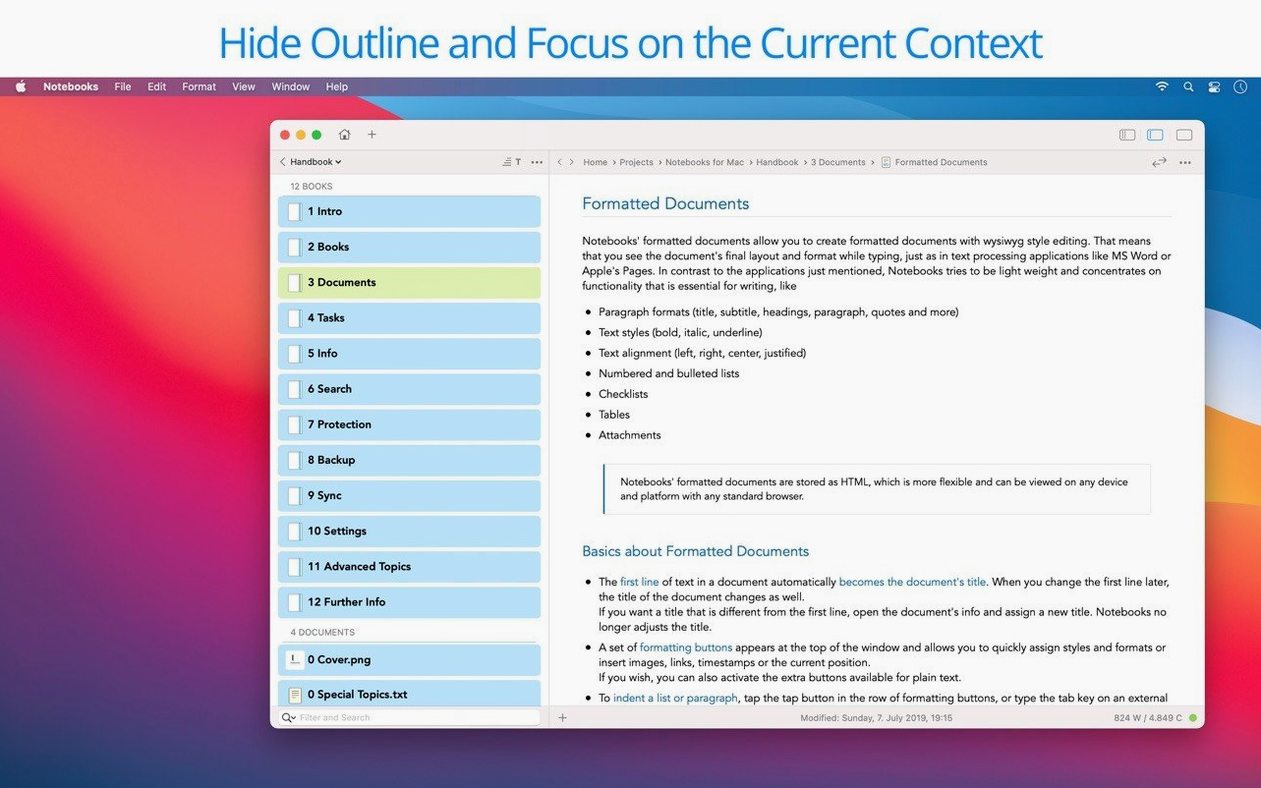
You’ve finished a morning meeting and need to stash the notes, three PDFs, a to-do list for Thursday, and a rough draft of next month’s newsletter somewhere you can actually find them again. Most apps make you choose between writing, managing files, and tracking tasks. Notebooks for Mac doesn’t ask you to pick.
One home for everything you’re juggling
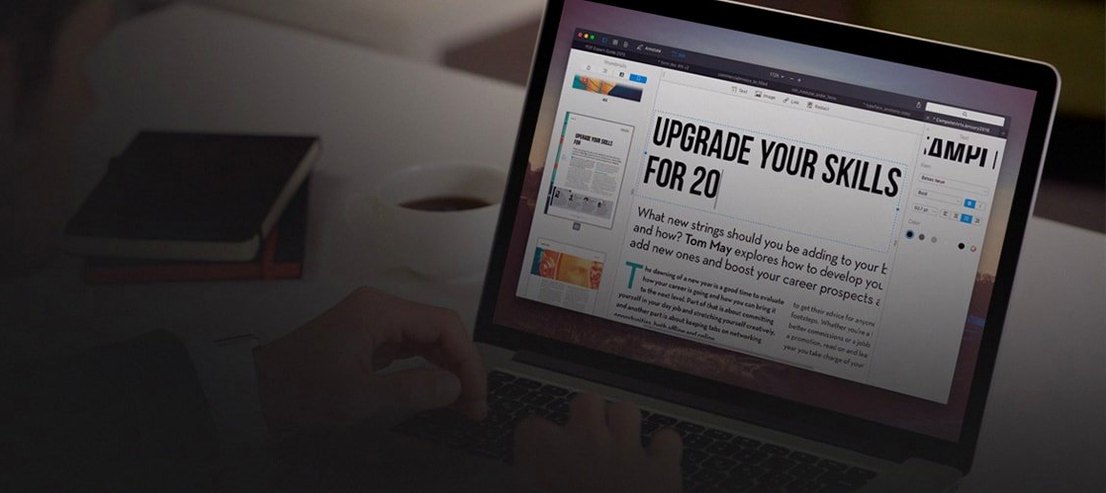
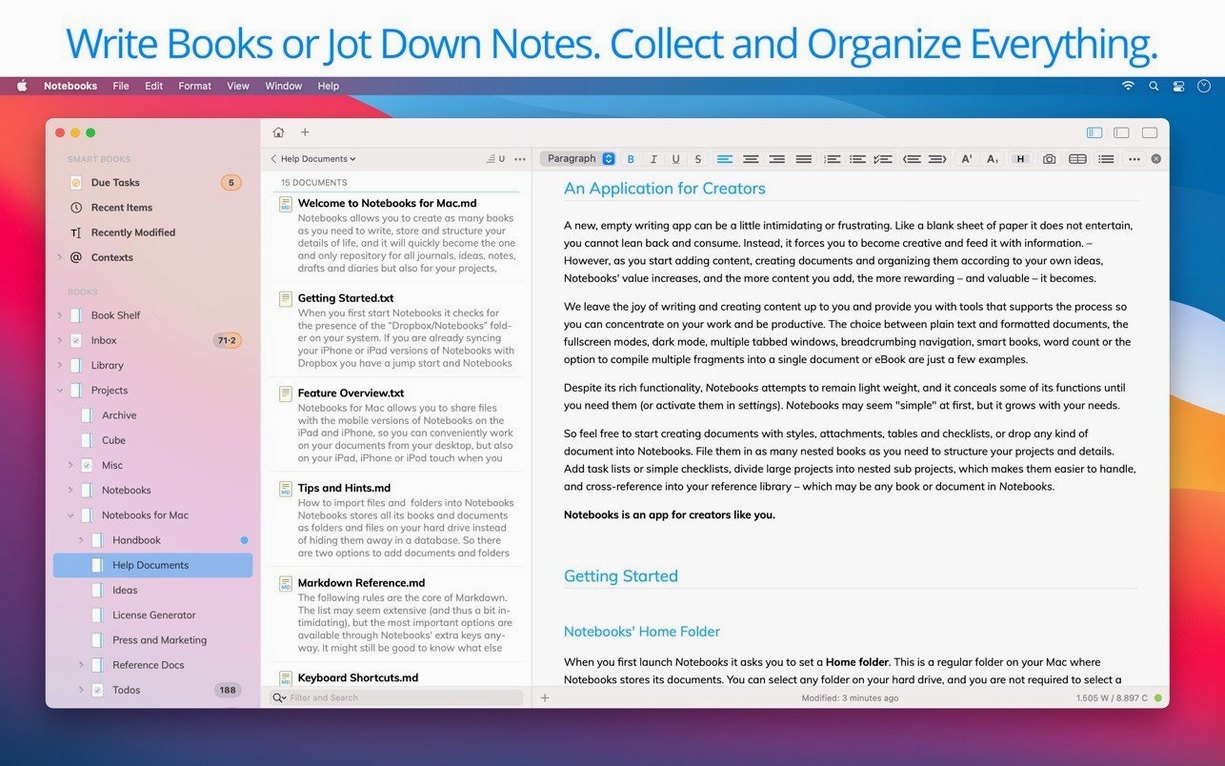
The app acts as a file organizer and task manager that treats a project proposal, a travel journal, and a folder of reference images as equal citizens. You can write long-form stories, keep daily diaries, or outline a book chapter, then drop related documents and PDFs right into the same notebook. Creating eBooks and PDFs from your content is built in, so a finished draft can become a shareable file without leaving the app. Synchronization across devices works through WebDAV servers, which keeps your stuff current whether you’re at a desk or on the go.
Task extraction now pulls meeting action items reliably
Version 4.0 brought a wave of polish that matters in daily use. Typing feels more responsive, and task extraction behaves more predictably when you’re pulling action items out of meeting notes. The outline and document list were refined to act the way you expect them to, and working with PDFs is more convenient than before. Visual consistency got attention too, with a new app icon, enhanced Liquid Glass support, and interface inconsistencies ironed out. For the best experience, enable Spotlight search on the drive where your documents live, and Notebooks will feel like an extension of how you already think.
Notebooks rewards a few habits that aren't spelled out in the interface. When you drop a batch of files onto a book, hold Option and they land as individual documents instead of piling into a single record — handy after a morning of scanning receipts or exporting lecture slides. The Quick Open panel, summoned with ⌘O, lets you jump to any document by typing a fragment of its title, which is faster than drilling through nested books when you’re in the middle of a phone call.
Smooth out the early friction points
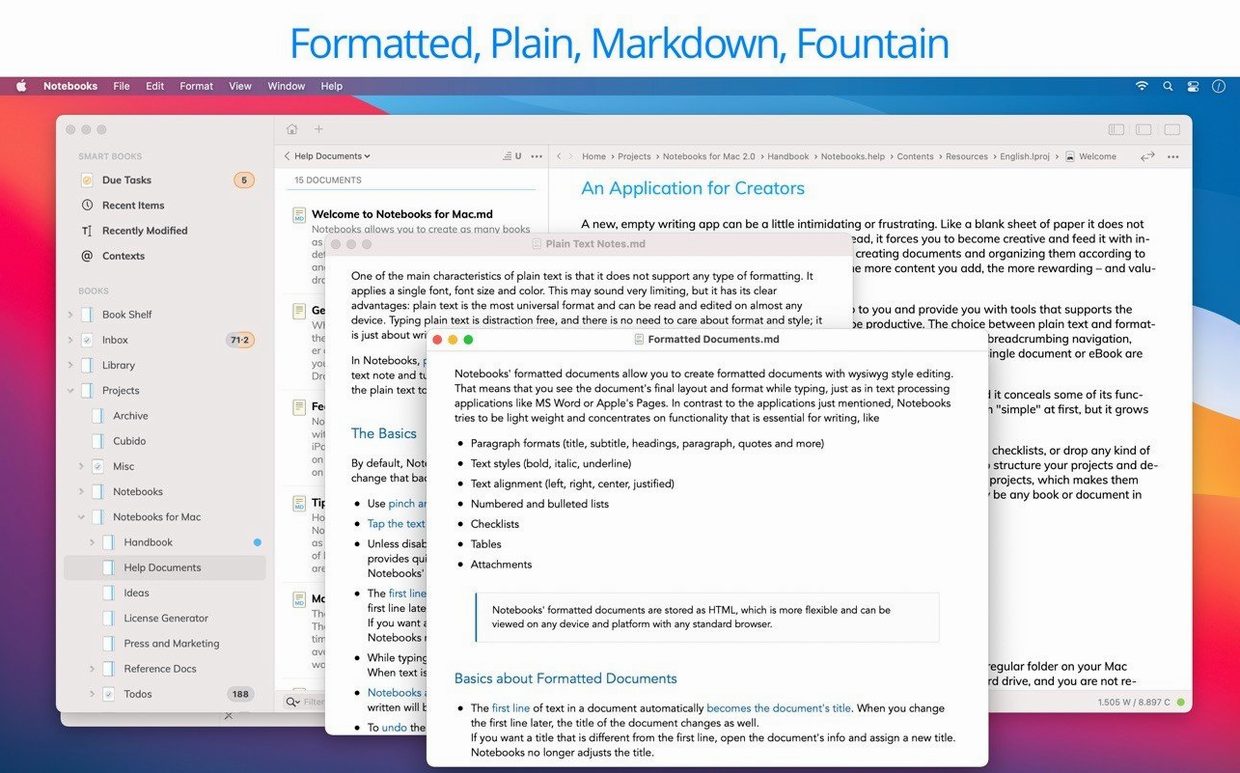
A couple of things trip people up in the first week. Spotlight needs to index the folder where your books live; if search feels sluggish, check that the drive isn’t excluded in System Settings under Spotlight Privacy. Some folks grab the notebooks for mac free download and assume syncing is automatic — it isn’t. You set it up per book through the sharing options, pointing the app at a Dropbox or WebDAV folder, and it only syncs the books you explicitly enable. Another common snag: plain text notes default to markdown rendering, but you can toggle that off per document in the style menu if you prefer a clean typing surface. The iPhone and iPad versions share the same file structure, so a stray emoji in a filename on iOS can cause a sync hiccup on the Mac side — stick to clean names and both ends stay happy.
Hidden helpers worth knowing
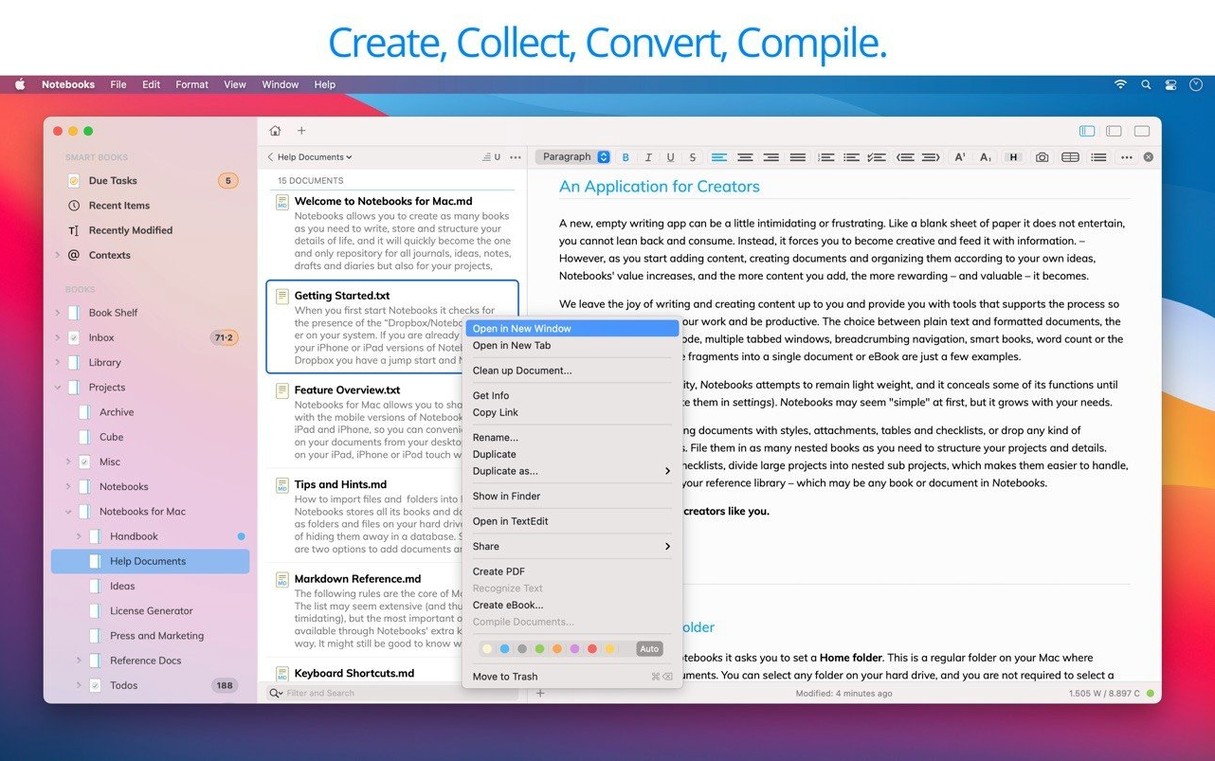
Right-click any document and choose Convert to Book to turn a growing project note into a container for chapters, images, and supporting files without starting over. The task list view collapses all open items across books into one pane, and tapping the Tab key indents a line into a subtask. If you’re trying out notebooks mac as a Zettelkasten, the wiki-style linking works by typing the target document’s title between double brackets — no setup, no plugin, just you and the words. Hold Shift while exporting to skip the PDF preview and save directly to the Finder.
Version 4.0 is a refinement release focused on reliability and everyday comfort.
- Typing performance and everyday editing feel smoother.
- Task extraction from notes works more consistently.
- The outline and document list behave more predictably.
- PDF handling is more convenient.
- Liquid Glass support is enhanced and a new app icon is introduced.
- Interface inconsistencies across the app are resolved.
- macOS 10.11 or later
- Intel and Apple Silicon supported
- Spotlight search enabled on the drive holding your documents is recommended
Porch talk 0
Come in or pull up a chair to leave a comment.
Nobody has pulled up a chair yet. If you used it on a real Saturday, say what the hour was.