Version 8 brought a few quiet but meaningful shifts to iA Writer. The interface feels refreshed, and a couple of new tools — the Command Palette and Document Outline — change how you move through your work. If you're just opening the app for the first time, a handful of features show what it's really about.
First things to click on
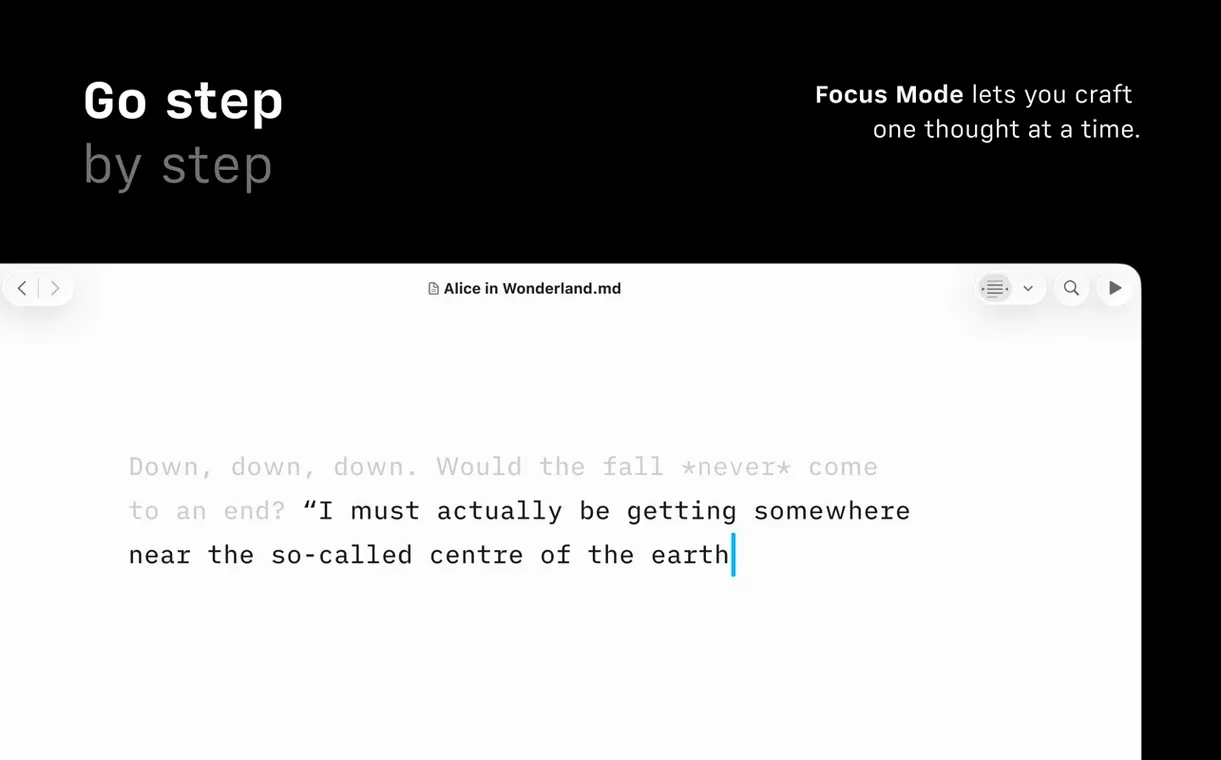
- Focus mode. It dims everything except the sentence or paragraph you're on. Good for rewriting a tricky passage without distraction.
- Command Palette. Hit the shortcut and a searchable list of formatting actions, export options, and authorship tools appears. It's the quickest way to learn what the app can do without hunting through menus.
- Document Outline. This gives you a navigable structure of your document with Quick Search. Handy once a piece grows past a few hundred words.
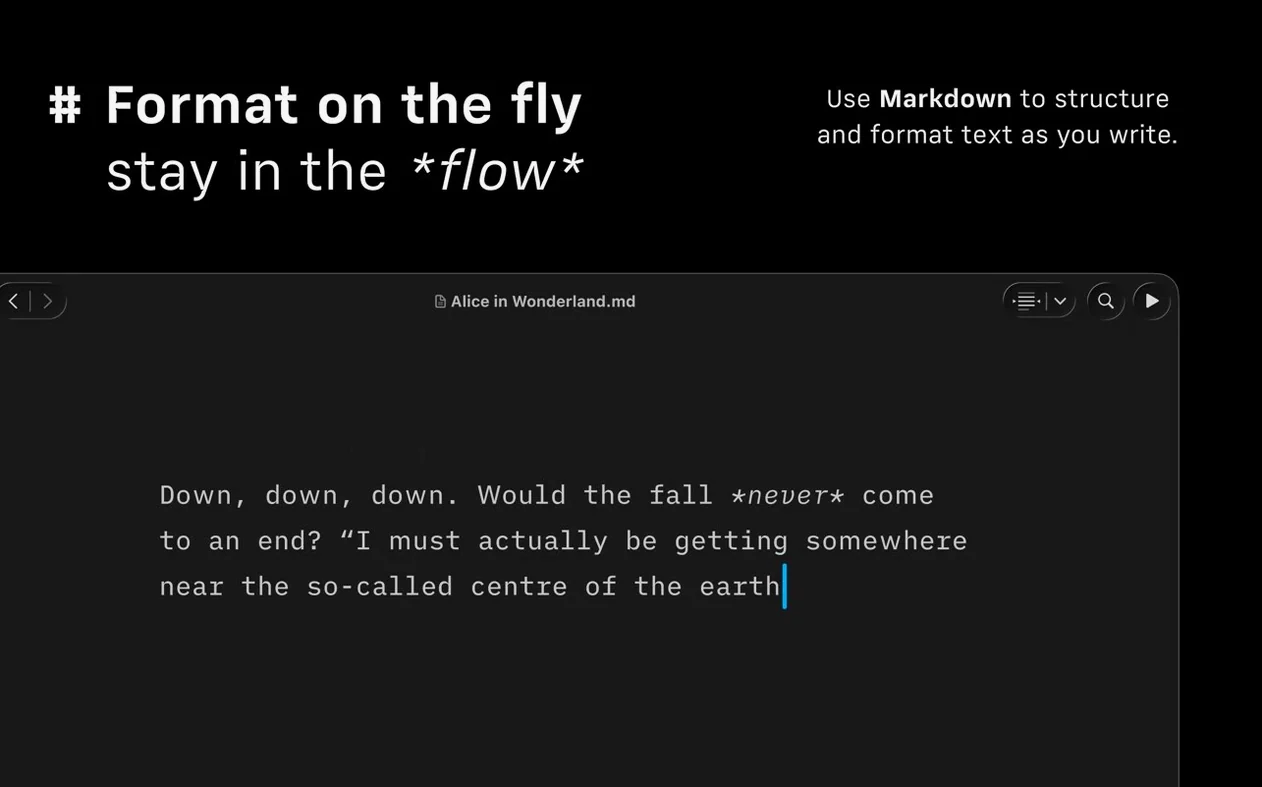
- Preview pane. Write in plain Markdown, then glance at the preview to see text links, images, and tables automatically formatted as they'll appear online.
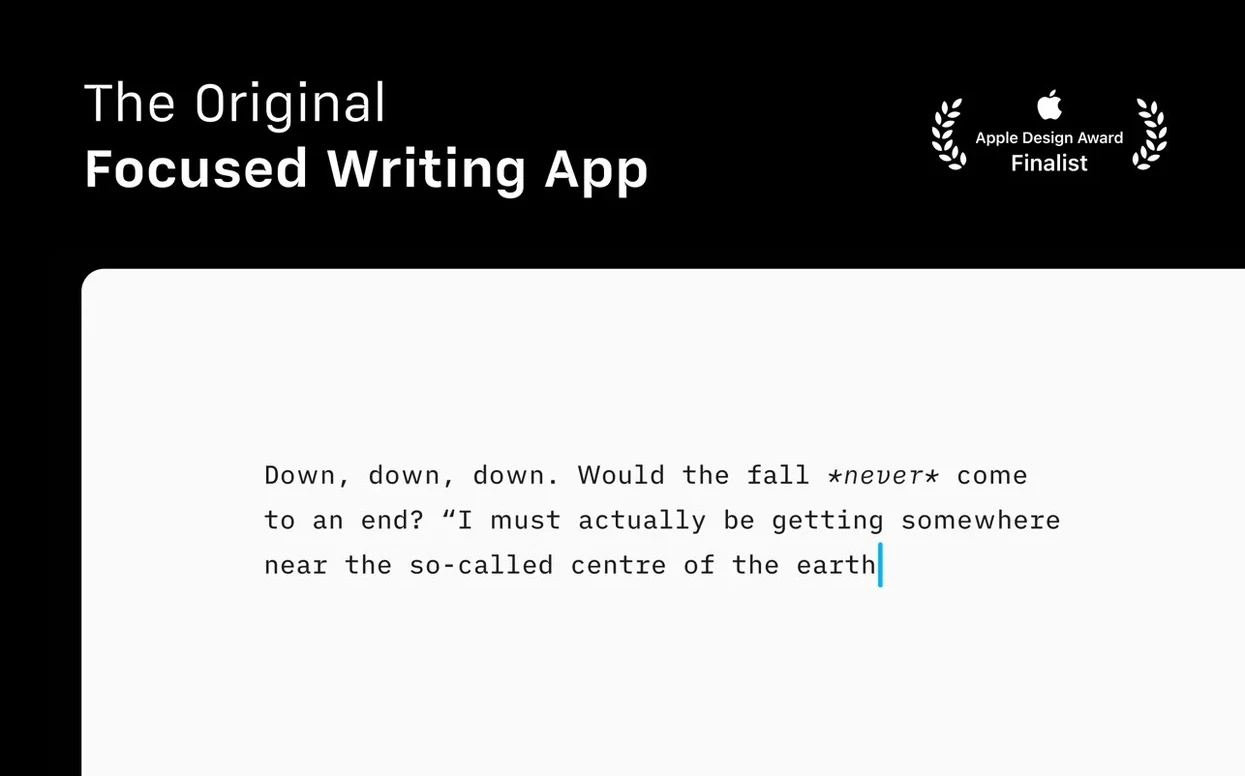
A dark, focused workspace built for long-haul writing
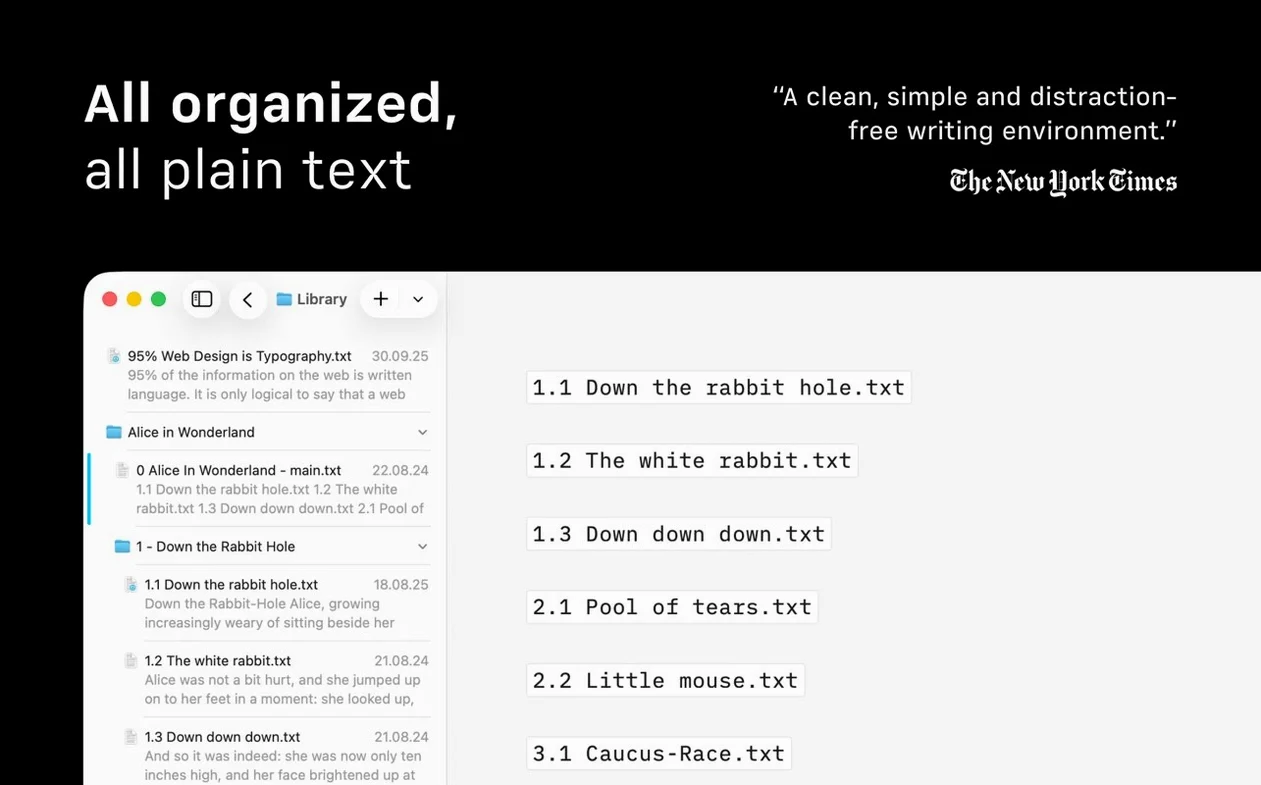
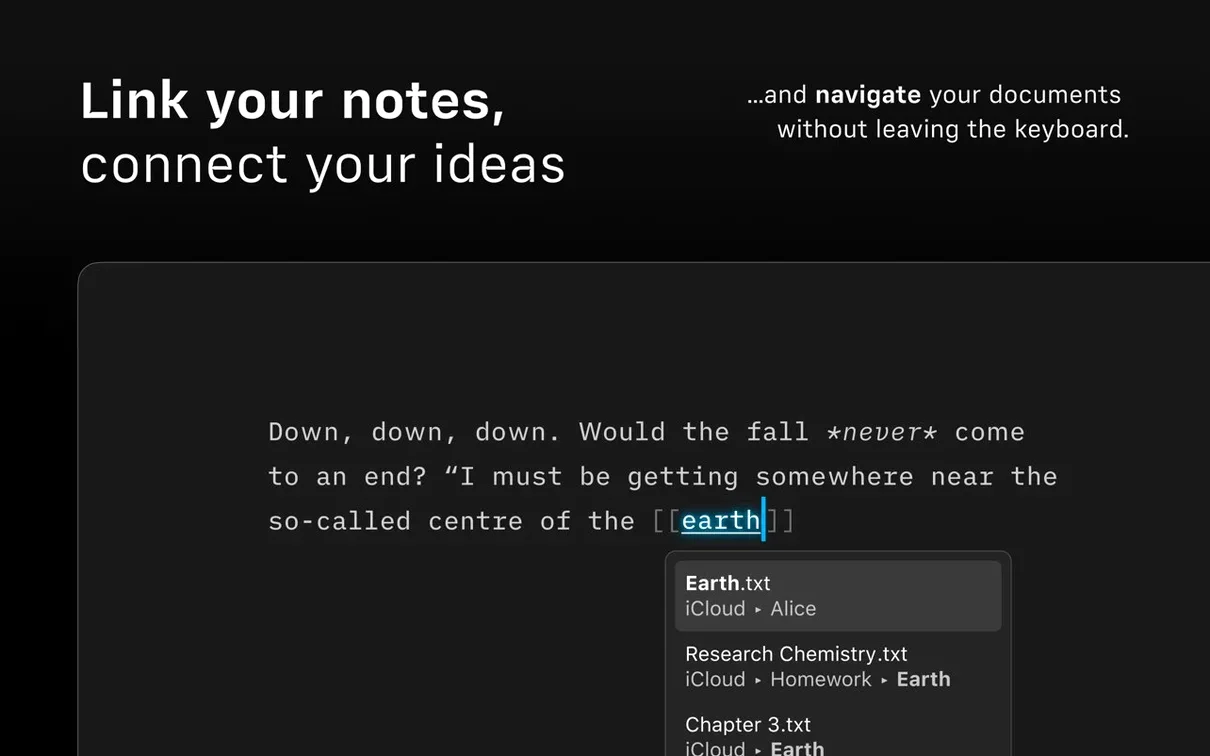
iA Writer is built for people who want their writing tools to step back. The focus mode, dark interface, and VoiceOver support make it friendly for long sessions. You can search and sort documents across cloud services in one window, and publish straight to WordPress or Medium when you're done. The newest update also fixed a handful of small bugs, so the whole thing runs a little smoother. If you've been looking for a clean Markdown editor that doesn't feel like a code editor, start with those first few features and see if the rhythm works for you.
Performance feel in daily use
Most writing apps carry a little lag — a half-second pause when you switch documents, a slight stutter when the preview renders. iA Writer 8.0.9 doesn't do that. On an M1 MacBook Air the app opens cold in under two seconds, and flipping between the Library and a 3,000-word draft is instant. Memory usage tends to sit around 120–140 MB even with several documents open, and CPU draw stays flat unless you're running the syntax highlight engine on a very long piece.
The dark interface transition is particularly smooth — no flicker, no redraw delay. If you work with Reduced Motion enabled in macOS, the app respects that setting without breaking the visual rhythm. Stability has been solid through dozens of writing sessions; I haven't seen a single unexpected quit on 8.0.9, even when publishing directly to WordPress over a spotty Wi-Fi connection. The export engine handles large PDFs without beachballing, which isn't always true of Markdown editors that lean on web-based renderers.
What you notice after a week isn't speed exactly — it's that the app never interrupts you. No background indexing that spikes the fans, no cloud-sync conflicts that freeze the interface. It stays quiet, and for a tool that's supposed to disappear while you write, that matters more than benchmark numbers.
Jump to any phrase instantly with Quick Search in the outline
Some of the best features don't announce themselves. A few worth remembering:
- Quick Search in the Document Outline. It's not just for headings — you can type any phrase and jump straight to that spot in the text. Saves scrolling through a long draft hunting for a sentence you half-remember.
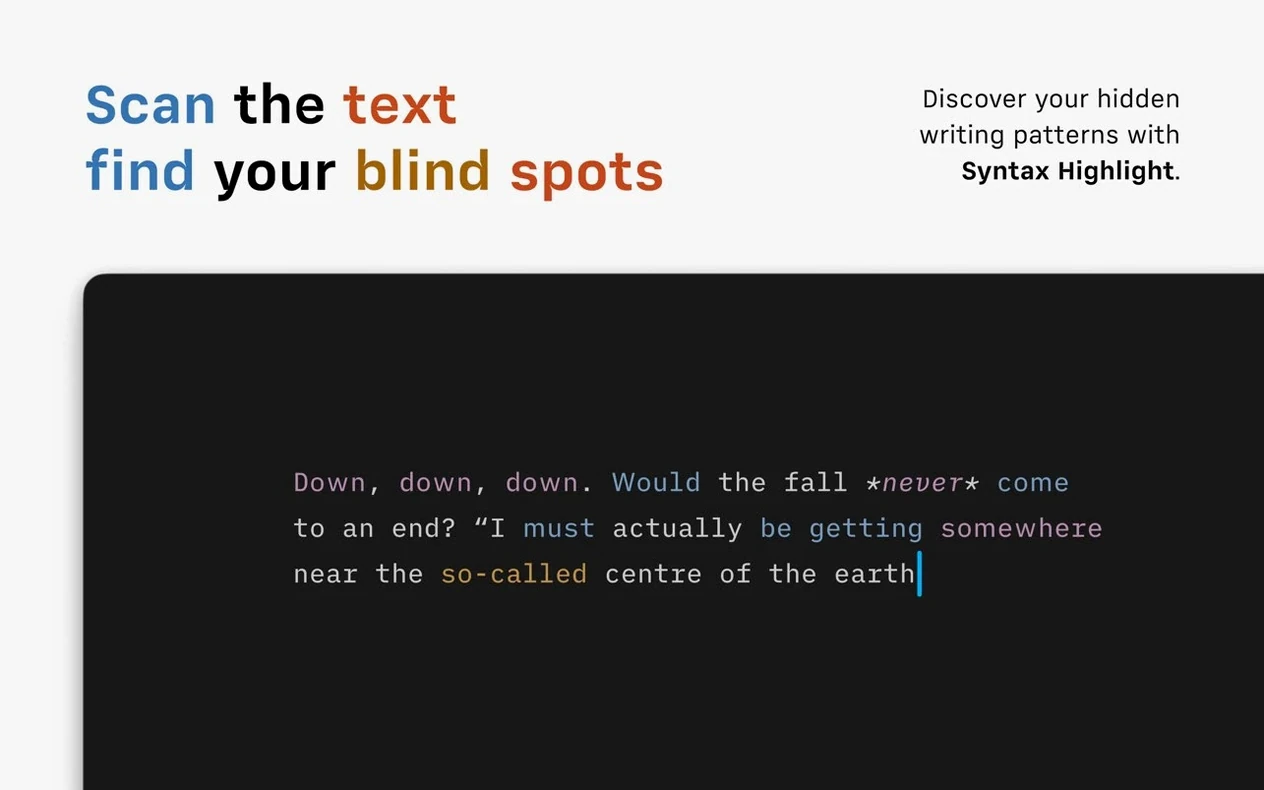
- Syntax highlighting for weak verbs. Turn this on in preferences and the app quietly underlines words like "is," "was," "make," and "go." Easy to ignore, but useful when you're tightening prose before sending it off.
- Compact Library layout. Tucked into the version 8 update, this strips dates and text excerpts from the file list. If you navigate by title alone, it gives you a denser, faster-scrolling library.
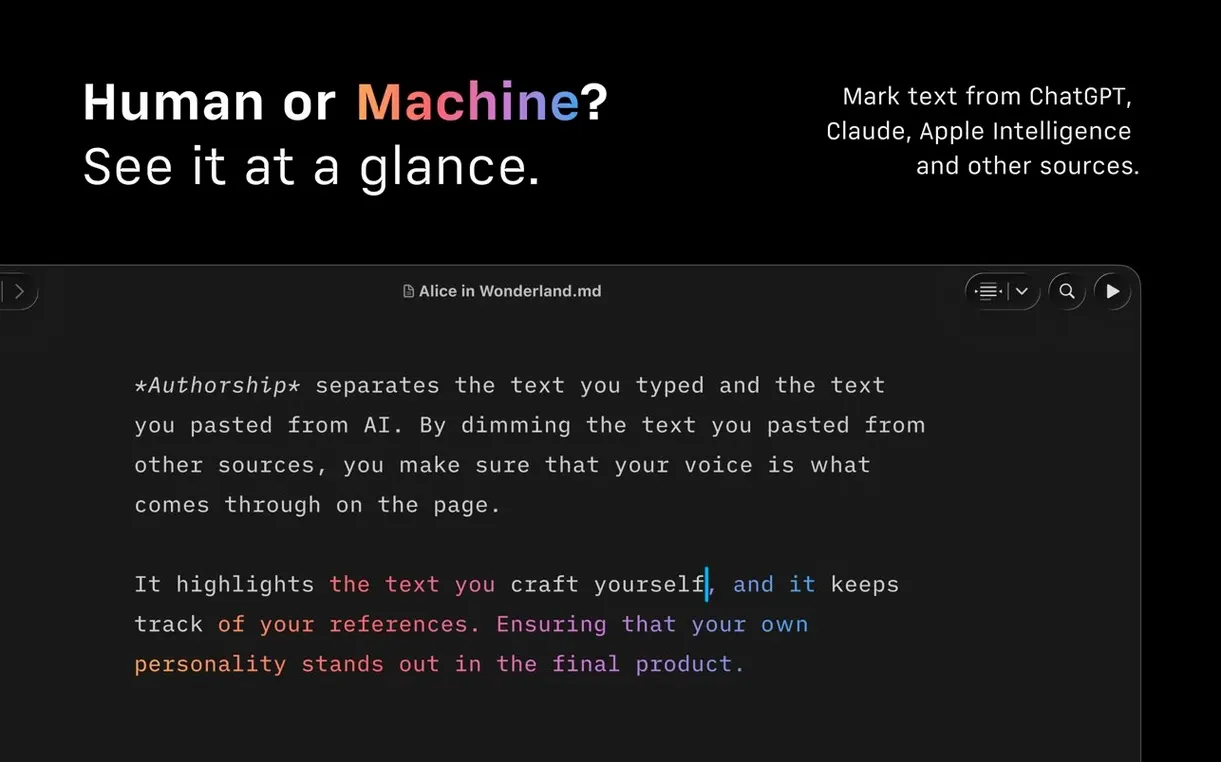
- Authorship colors in menus. When collaborating, the author indicators show up not just in the text but in the Command Palette and export dialogs too — small touch, but it keeps you oriented.
Paragraph focus can make half your text seem missing
Focus mode sometimes confuses people when they first enable it. The dimmed text isn't gone — it's just visually pushed back — but if you accidentally activate paragraph focus instead of sentence focus, it can look like half your document disappeared. The toggle is in the View menu, and you can set a default behavior in preferences so it opens the way you expect every time.
Another hiccup: the library loses track of a cloud folder after a macOS update or a permissions reset. If your iCloud or Dropbox documents stop appearing, open System Settings, find iA Writer under Files and Folders, and make sure the relevant cloud service is still checked. The app doesn't always prompt you when access gets revoked silently.
Export to DOCX occasionally shifts heading styles if the receiving end opens the file in an older version of Word — not an iA Writer bug so much as a format mismatch. The workaround is to export to PDF for sharing and keep the DOCX for collaborative editing where minor style tweaks are expected anyway. If you're hunting for something like ia writer mac free or ia writer free download, just know the version covered here is the full 8.0.9 build, and it runs clean on both Intel and Apple Silicon Macs from macOS 10.15 onward — no activation hurdles to sort out after dragging the app into place.
Version 8.1.1 is out now with the developer's latest round of fixes and refinements.
- macOS 10.15 or later
- Apple Silicon and Intel 64-bit Macs
Questions I actually get
Can I publish directly from iA Writer?
Yes, it supports publishing drafts straight to WordPress and Medium right from the app.
Does iA Writer work with VoiceOver?
It does. VoiceOver is supported, and the interface includes a dark mode for comfortable editing.
Porch talk 0
Come in or pull up a chair to leave a comment.
Nobody has pulled up a chair yet. If you used it on a real Saturday, say what the hour was.