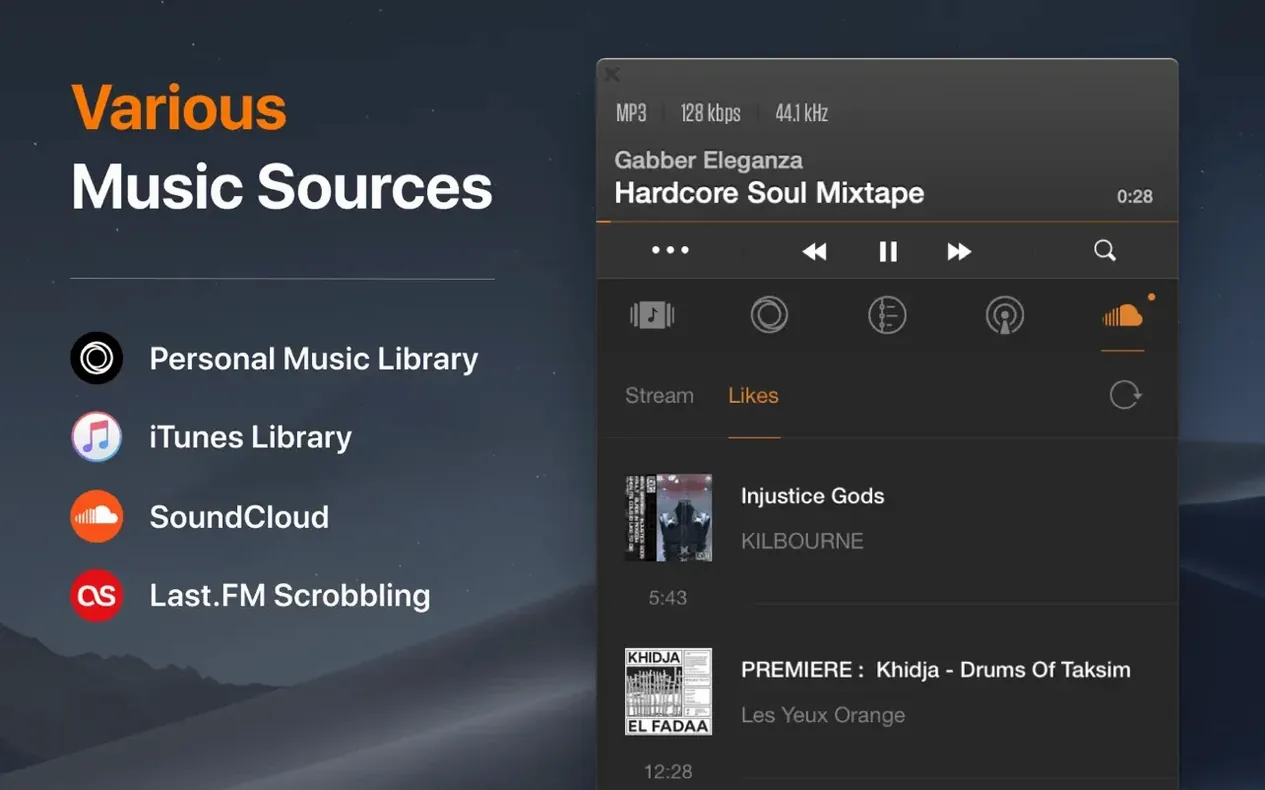
VOX is a dedicated Mac music player that treats your own audio collection as the main event, not an afterthought.
- Local library — Point it at the music folders on your internal drive, a portable USB disk, or a network share sitting in the other room.
- Hi-Res engine — Its custom audio engine can push 24-bit/192 kHz files straight to your DAC, bypassing the standard Mac audio path.
- Format reach — FLAC, ALAC, WAV, APE, DSD, MP3, WMA, and OGG all play without a converter in sight.
- NAS and network drives — Load a library from a network-attached storage device and browse it like a local collection.
- Apple Silicon native — Runs directly on M-series chips alongside older Intel Macs, provided you're on macOS 10.15 or newer.
It steps in where a streaming service can't follow — when you're working through a folder of FLAC rips or cueing up a DSD album from a drive in the basement. If your music lives on disks, this one's worth a look.
Your Folder Structure Stays Exactly as You Left It
One of the first things people ask is whether VOX will scatter their carefully organized folder structure. It won't. The app reads music from wherever you keep it — your existing hierarchy stays untouched. Point it at a parent folder, and it builds its library from those files without moving or renaming anything.
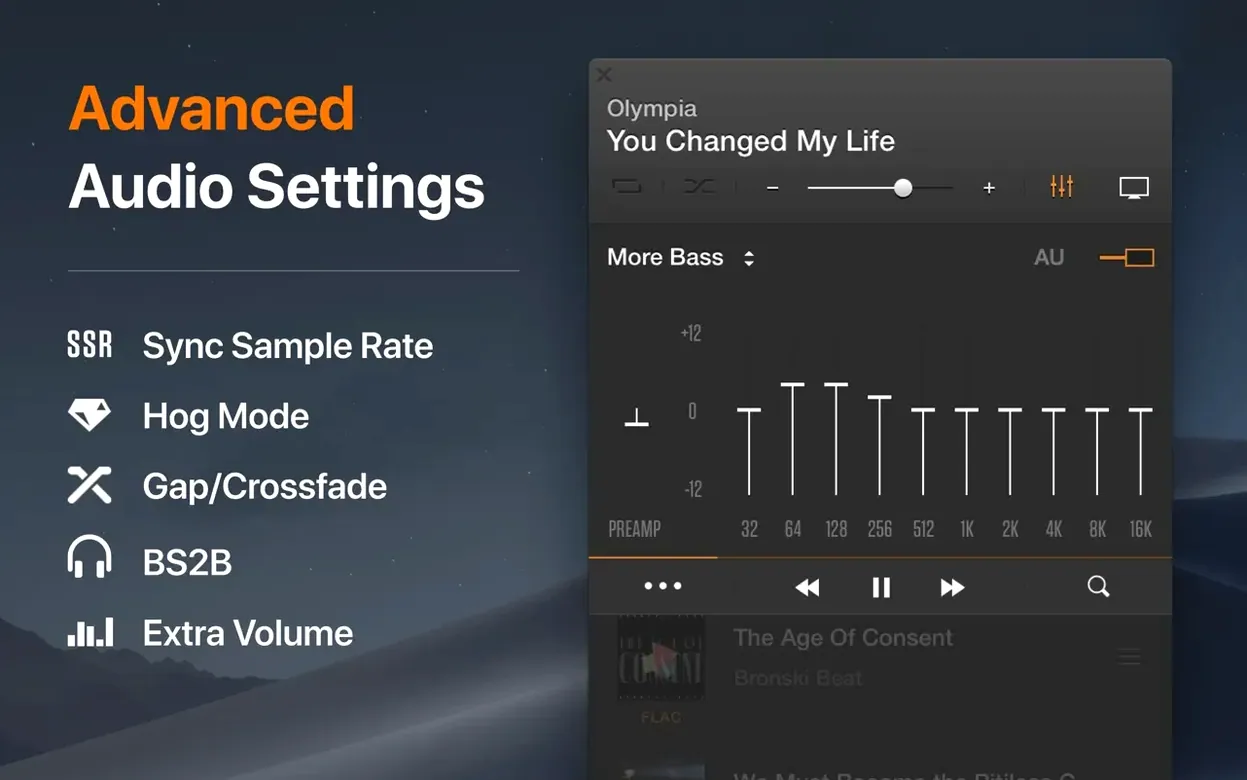
Another common question involves the audio engine. People switching from Apple's built-in players sometimes worry about double-processing. VOX uses its own playback path, which means it can send a bit-perfect stream to an external DAC when you disable the system volume control and let the hardware handle the rest. If you're using the Mac's headphone jack, the app still routes through Core Audio's mixer, but the decoding happens in its own engine — no hidden EQ, no sample-rate conversion unless you ask for it.
Then there's format confusion. A folder full of APE files or a CUE sheet paired with a single FLAC image isn't something every player handles gracefully. VOX reads CUE files as separate tracks, so a one-file album shows up as a proper track list. For DSD files, it decodes to PCM on the fly if your DAC doesn't support native DSD — you don't need to pre-convert anything.
Network playback raises its own questions. Loading a library from a NAS isn't instant if you're pointing at a terabyte of music, but once indexed, browsing feels local. The player streams the file rather than caching the whole thing, which keeps the Mac's drive from filling up with duplicates. A weak Wi-Fi spot will cause dropouts with high-bitrate files, so a wired connection or a solid 5 GHz network makes a difference with 192 kHz material.
What Versions 3.7.x Brought to Everyday Listening
The 3.7.x releases tightened up Apple Silicon behavior. On M-series Macs, the app now idles with a smaller energy footprint — handy if you're leaving music playing while working on battery. Scrolling through a large library on a Retina display also smoothed out; earlier builds could stutter when flying past thousands of album-art thumbnails.
Under the hood, memory handling improved when loading high-resolution artwork embedded in files. A folder of DSD albums with 3000-pixel covers no longer makes the app balloon in RAM. Format support stayed broad — FLAC, APE, WAV, ALAC, DSD, MP3, WMA, and OGG were already covered, and nothing got dropped. CUE handling received a quiet fix for sheets with non-standard track indexing, so those old live recordings with odd gap settings parse correctly now.
Where VOX Fits Among Your Other Tools
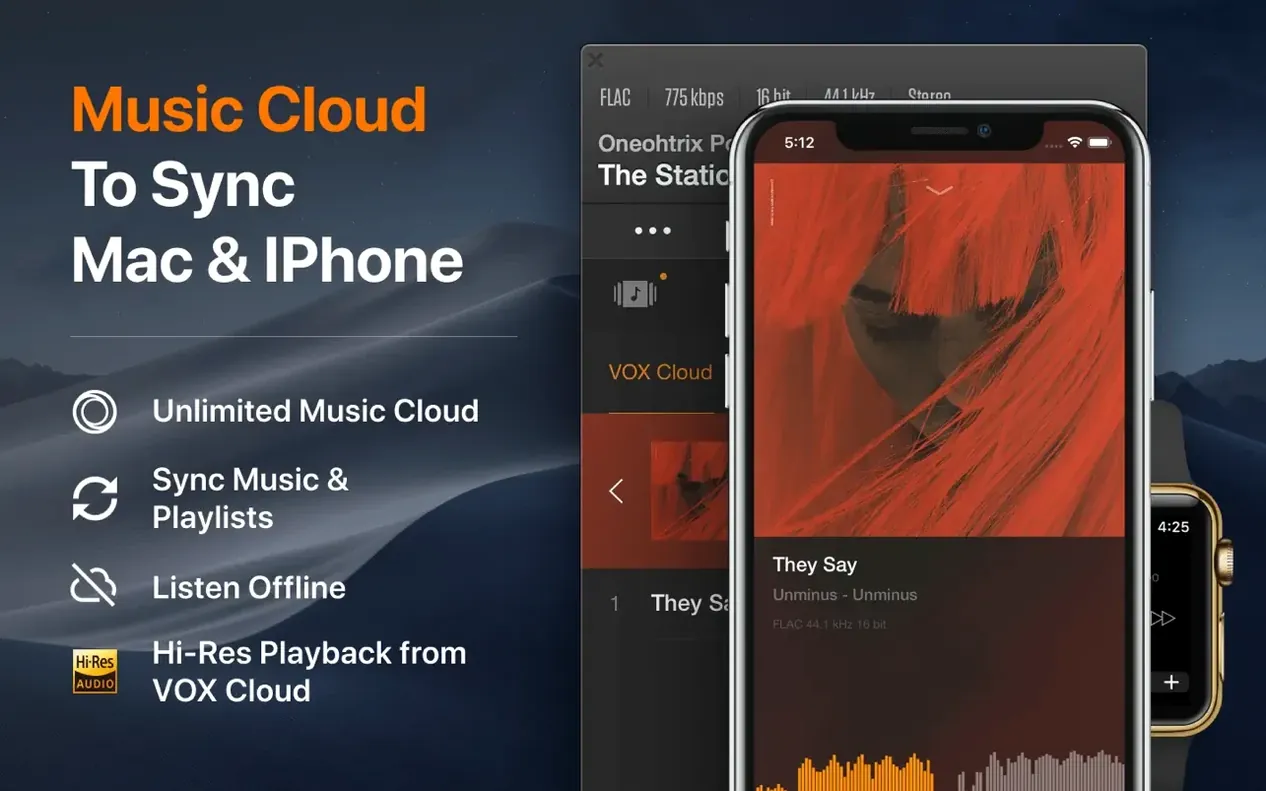
VOX doesn't try to manage a sync relationship with an iPhone or iPad — that's still Apple Music's territory, and the two coexist fine. Keep your lossless collection in VOX for focused listening, and let the system player handle the streaming catalog and device syncing. They read from the same files without conflict because VOX doesn't lock or alter them.
If you use a tag editor like Metadatics or Yate, changes you make there appear in VOX after a quick library refresh. Playlists export as M3U files, which means you can build a set in VOX and carry it over to a DJ app or another player that reads standard playlist formats — nothing proprietary tying you down.
On the macOS side, the app respects the system's media keys and the Now Playing widget in Notification Center. Plugging in a USB DAC while the app is running triggers a handoff — VOX switches to the new output device without a restart. If you're running a setup with multiple audio interfaces, you can route playback to a specific output right from the player's menu, which pairs nicely with studio monitors connected through an interface while the Mac's built-in speakers handle system alerts.
For anyone hunting a vox mp3 & flac music player for mac free download, the installer lands as a standard disk image — open it, drag the app over, and you're set. Launch it from Launchpad, point it at a music folder, and let the engine do the rest.
- macOS: 10.15 or newer
- Architecture: Apple Silicon and Intel 64-bit
Questions I actually get
Can VOX play FLAC files without converting them?
Yes, FLAC playback is supported right out of the box alongside ALAC, APE, WAV, DSD, and several other lossless formats.
Does VOX work on Apple Silicon Macs?
It does. It supports ARM-based Macs natively, and the app runs on both Apple Silicon and 64-bit Intel machines with macOS 10.15 or later.
Can I use VOX to play music from my NAS drive?
Absolutely. You can add music folders from network-attached storage and other network drives, and VOX treats them like any other local library source.
Porch talk 0
Come in or pull up a chair to leave a comment.
Nobody has pulled up a chair yet. If you used it on a real Saturday, say what the hour was.