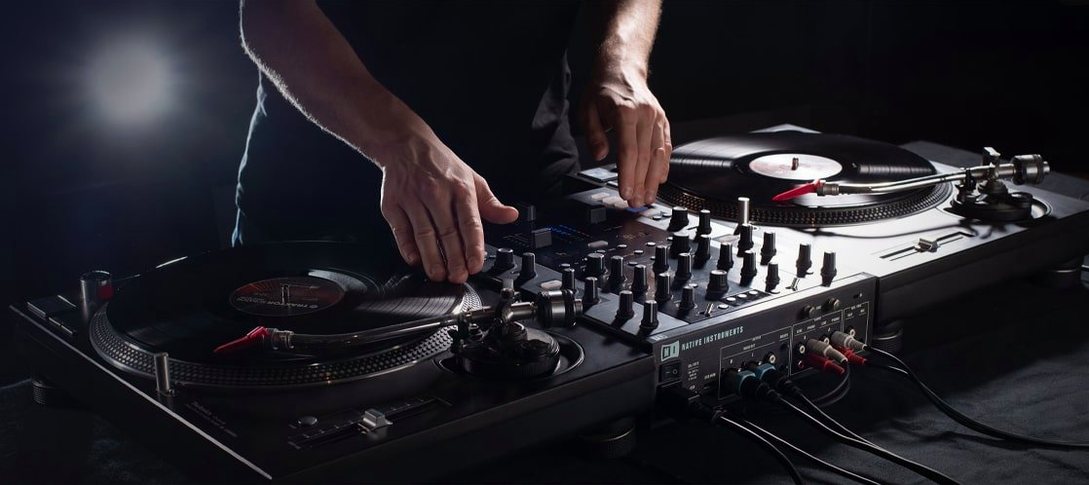
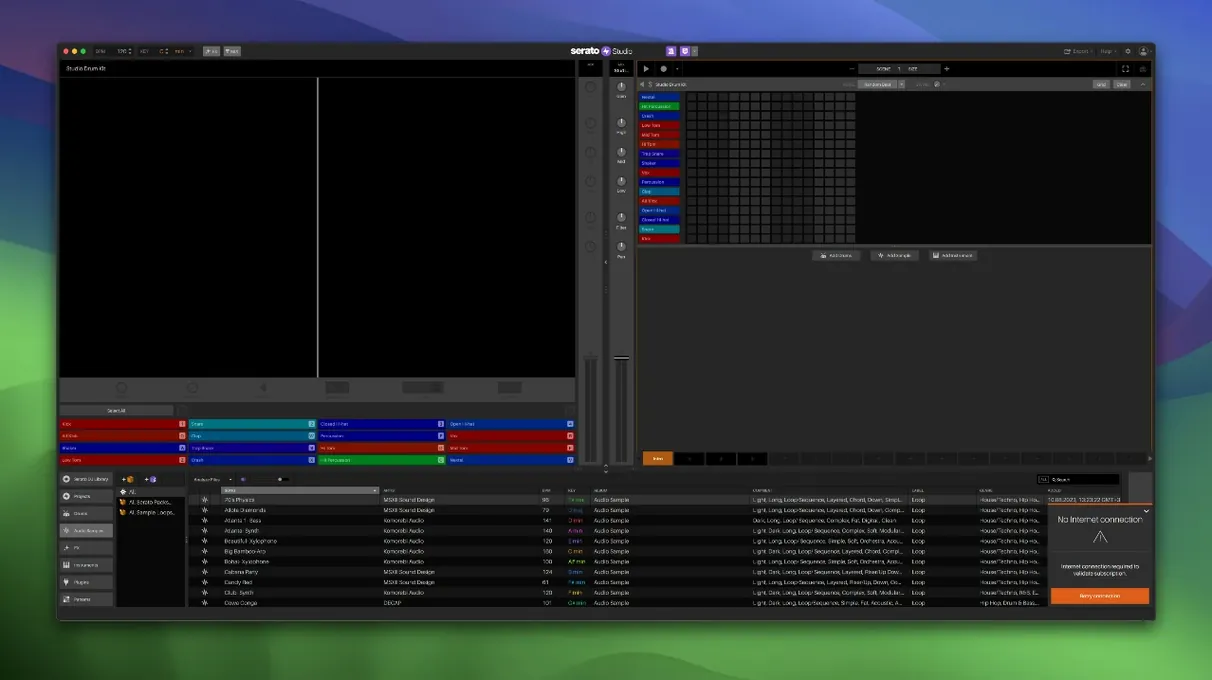
Club DJs who catch the production bug and beatmakers who mix on the side—Serato Studio was built for that overlap. It takes the Serato DJ library you already know and gives it a timeline, letting you build tracks with the same crates, cues, and muscle memory.
Plug In Your DJ Controller, Start Flipping Samples
Yes. Serato Studio talks to the same DJ controllers and mixers you use for Serato DJ, so faders, pads, and jogwheels map straight into beat-making without a wrestling match.
What does the Feel control actually do?
It shifts note timing and velocity to mimic a live keyboard player—loose, tight, or somewhere in between—so programmed parts sound less like a grid and more like a session.
Does it handle stems and automation?
Version 2.5.0 lets you automate Stems On/Off and individual acapella, melody, bassline, and drum levels right inside Sample Decks in Scene View. It's a clean way to pull a track apart and rebuild it on the fly.
Who clicks with Serato Studio fastest
If you already organize your music in Serato DJ, the jump feels almost frictionless. Your crates, cue points, and BPM tags are sitting there waiting. The timeline borrows the same color-coded waveforms you scan during a set, so spotting a snare transient or a vocal breath happens the same way it does in a dark booth.
Bedroom producers coming from a pad-and-fader workflow will find the scene-based sequencing a natural fit—launch clips, tweak levels, and record automation passes without stopping playback. Singer-songwriters who build tracks around a single sample or loop also settle in fast; dropping a vocal phrase into a Sample Deck and slicing it to the project key takes seconds.
People who have never touched a DAW before but have spent late nights queuing tracks in Serato DJ tend to pick it up in an afternoon. If you already think in phrases and drops, Serato Studio just gives you a canvas to paint them on.
Flip Pad Order So Your Brain and Fingers Match
Open preferences and flip the Reverse Pad Order toggle if your controller's pads sit left-to-right and your brain expects the same direction on screen. It's a small tweak that stops a lot of wrong-triggered samples in the first hour.
Next, set your default project key. The Auto Chord mode and key-sync features pull from this, so pick the key you hum in the shower—C minor or G major, whatever feels like home. You can change it per project later, but a sensible default keeps the first 20 minutes productive instead of confusing.
If you plan to export stems for a mix engineer, head to the export settings and confirm the stem-export bit depth matches what your collaborator expects. The default works fine for most situations, but a quick check saves a follow-up email.
First days with Serato Studio
Grab a drum pattern from the built-in kits and let it loop. Don't tweak anything yet—just drag a vocal or horn sample from your Serato library onto a Sample Deck. The software time-stretches it to match the BPM automatically. Hit play and listen to how your sample sits against the drums before you touch a fader.
Once your ears settle, open the Stems panel on that Sample Deck. Pull the acapella level up and the bassline stem down. A few minutes of nudging those four sliders teaches you more about the engine than reading the manual ever will. Automate a Stems On/Off toggle across a scene transition right away—it's the fastest way to hear what version 2.5.0 added to the table.
When you stumble across a sample you like during a late-night crate dive, rate it. The new Track Rating and Favorite Crates features mean next week's session won't start with you scrolling past the same forgotten filler. Tag a handful of go-to kicks and snares into a Favorite Crate early, and your workflow tightens before you finish a second beat.
If you have a DJ controller connected, ignore the mouse for ten minutes. Tap pads, ride the channel fader, and twist the filter knob. The muscle memory you built in Serato DJ translates directly, and the sooner you trust it, the sooner the screen stops being a distraction.
Version 2.5.0 brings native control for the AlphaTheta SLAB, adds macOS 26 Tahoe support, and opens up stem mixing in Sample Decks. You can now adjust individual levels for acapella, melody, bassline, and drum stems, and automate both Stems On/Off and those individual levels in Scene View.
- macOS 10.14 or later
- Apple Silicon and Intel Macs
- English interface
Questions I actually get
Does it share a library with Serato DJ?
Yes, it reads the same Serato library, so your crates, cues, and analyzed files appear in both applications without extra import steps.
Can I use third-party plugins?
Absolutely—Serato Studio supports both VST and AU plugins, so you can fold your favorite instruments and effects right into a project.
Does it come with built-in sounds?
It ships with built-in drum kits, instruments, loops, and samples, and it can generate chords in the project key to speed up writing.
Porch talk 0
Come in or pull up a chair to leave a comment.
Nobody has pulled up a chair yet. If you used it on a real Saturday, say what the hour was.