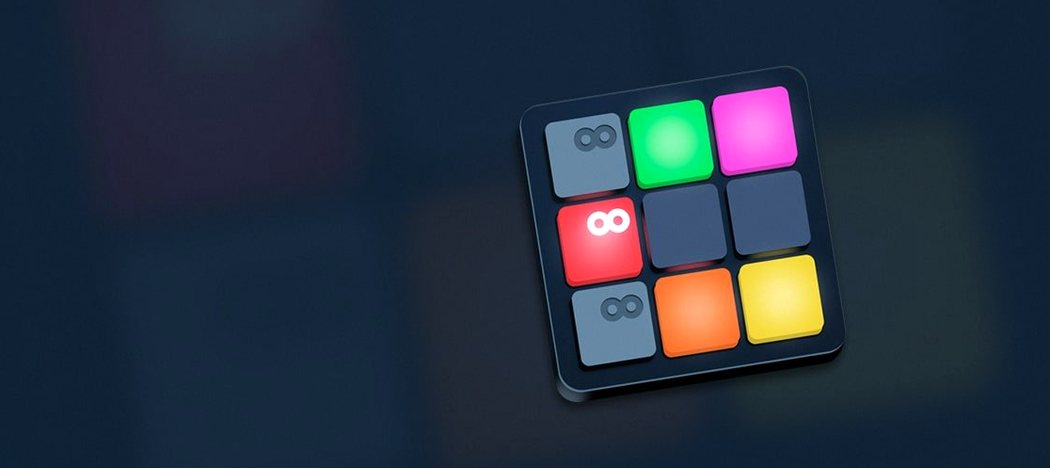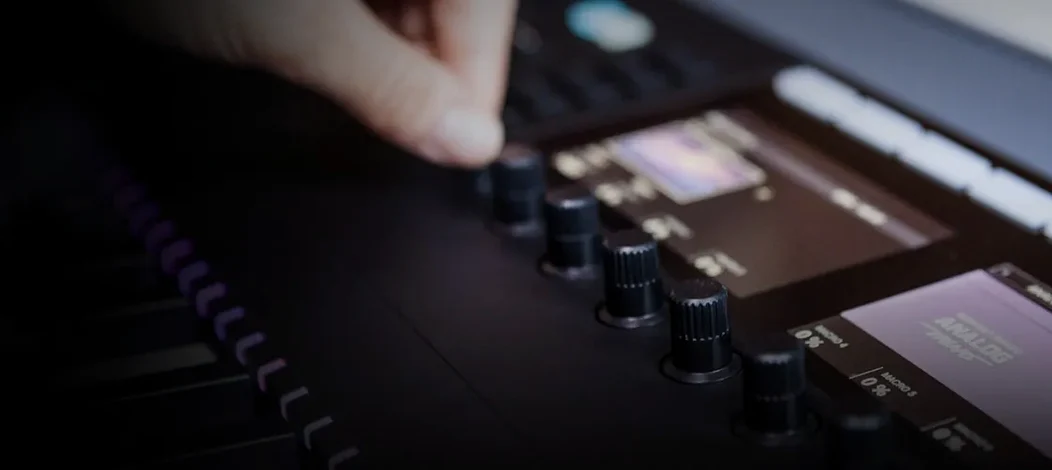
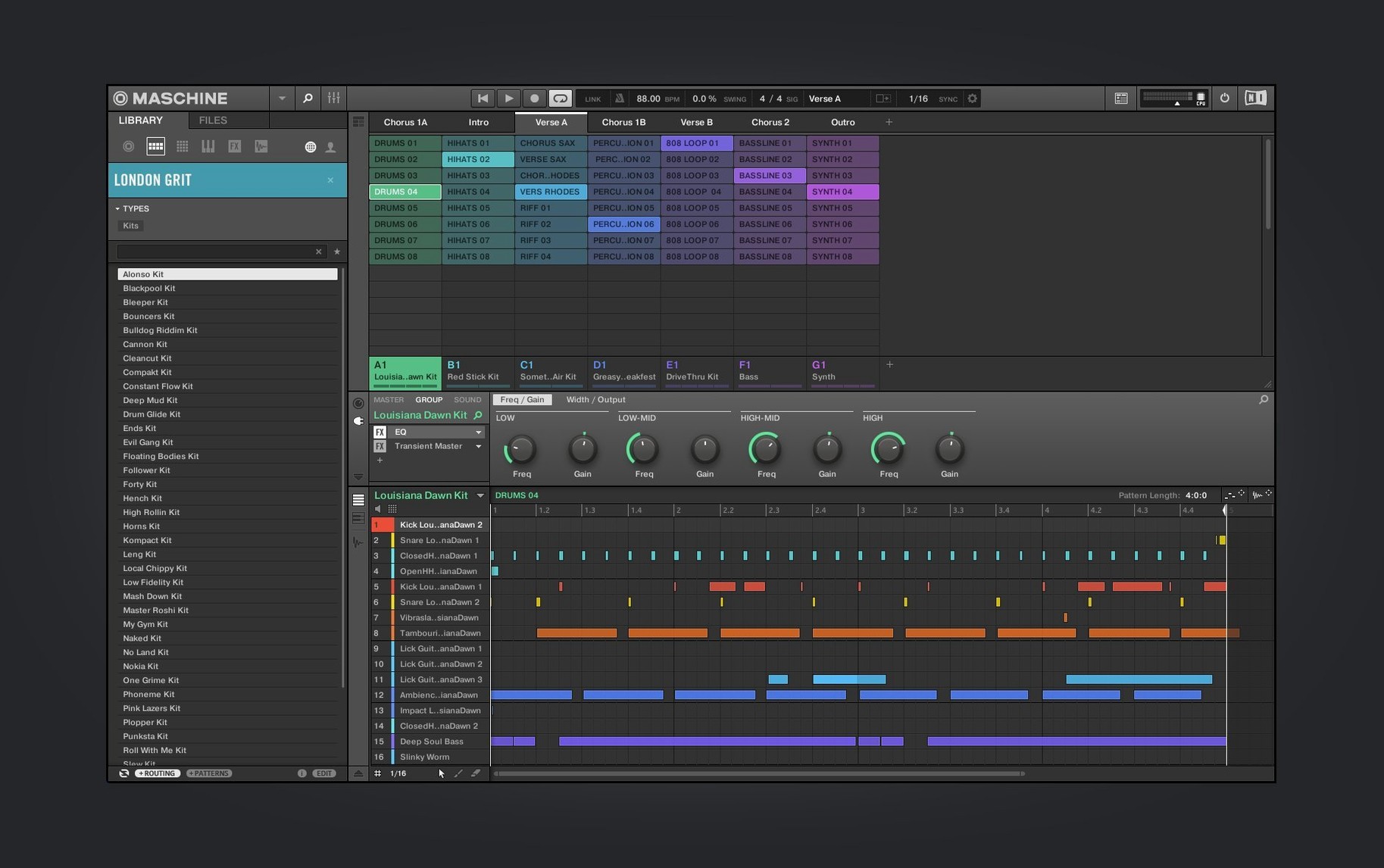
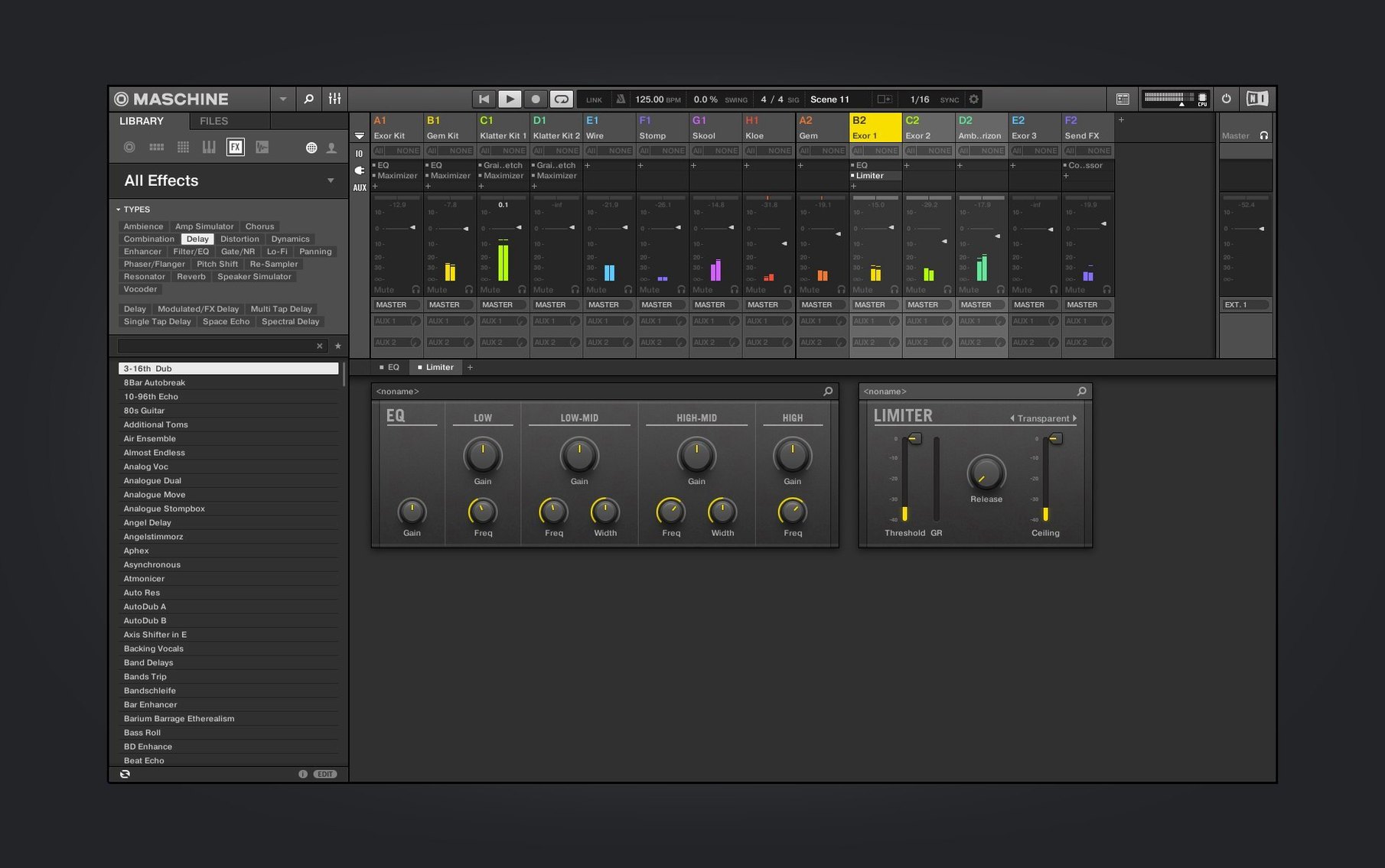
You tap out a kick and a snare on the 16 pads, the pattern looping as you go. A few more hits add a shaker and a hi-hat. You reach for the encoder to browse a bass sound, load it, and play a line that sits right in the pocket. The computer screen matches every move, but your hands stay on the hardware. That tight conversation between touch and response is where Maschine plants its flag.
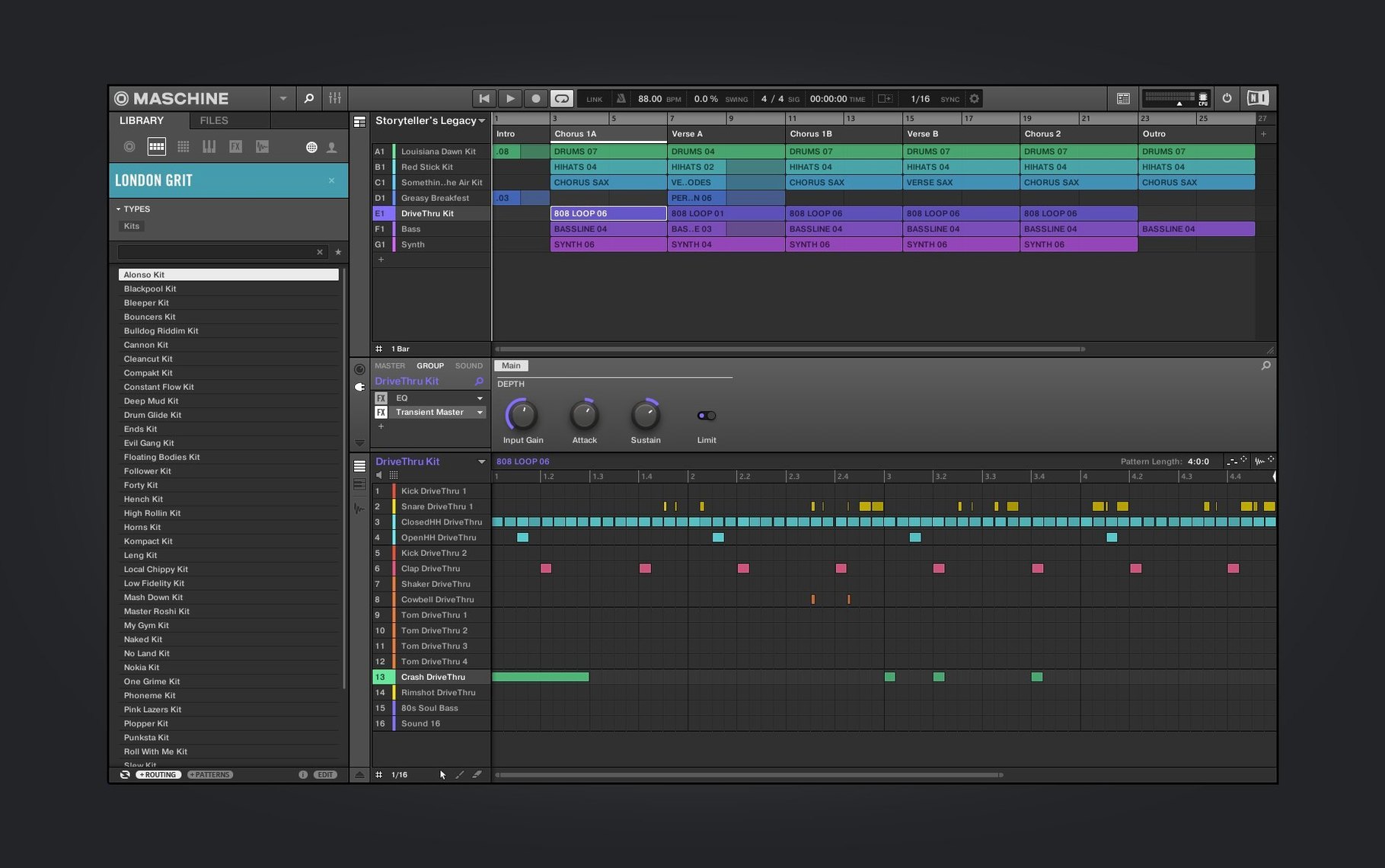
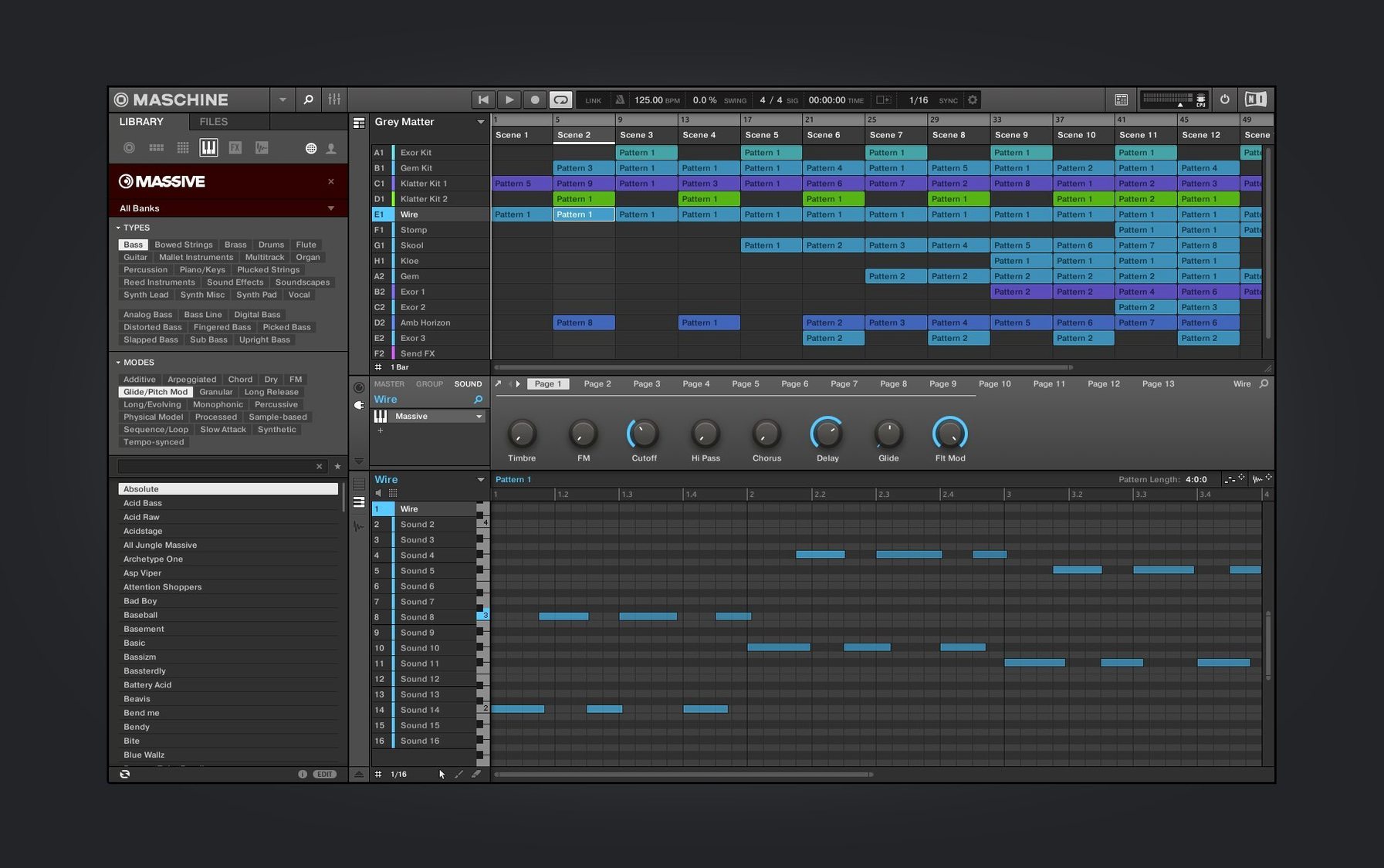
The system revolves around a pattern-based sequencer. You build parts in blocks — intro, verse, chorus — then chain them into a full arrangement. The onboard mixer gives you level and pan control per sound, and the sampling tools let you grab audio from a turntable, your phone, or anywhere else and chop it across the pads without leaving the environment. Effects sit on every channel and group, so a beat can go from dry sketch to textured production inside the same box.
Version 3.6.0 sharpens the visual side of sound design. The Audio, Poly Synth, and Drum Synth modules get a redesigned interface that makes dialing in tones feel less like menu diving. Native Instruments has also opened the door to tighter third-party controller support with NKS Connect, starting with the AKAI MPK mini IV. If you own a compatible NKS Connect controller, NKS Mode integration means the browsing and mapping smarts usually reserved for NI hardware now travel with you.
Maschine runs standalone or as a plug-in in your DAW, on both Apple Silicon and Intel Macs running macOS 13 or later. If you like a hardware-first beat-making workflow with deep sampling and synthesis under one roof, it is worth a close look. The Ableton Push vs Maschine choice often tilts toward Maschine for producers who want the software to feel like an instrument, not a spreadsheet.
Once Maschine settles into your daily routine, the first thing you notice is how little it demands from your Mac. On a current Apple Silicon machine, the standalone application launches in seconds and sits comfortably alongside a handful of other open apps without pushing memory pressure into the yellow. A project with 16 groups, a few instances of the Drum Synth, and a couple of time-stretched vocal samples barely makes the CPU meter twitch above 20 percent. That headroom matters when you are chasing an idea — you stop noticing the computer and start trusting the machine.
The Intel experience stays respectable too. Rosetta 2 handles the translation quietly, and while loading large sample libraries carries a slight pause compared to native ARM code, once a kit is in memory the sequencer ticks along without glitches. One producer I know runs Maschine on a 2019 Intel MacBook Pro for live sets, keeping buffer sizes low, and has yet to hear a dropout mid-performance. Stability holds across long sessions; the current build rarely crashes on quit or during plug-in scans, two pain points earlier versions were known for.
A beatmaker's Saturday afternoon
Picture a sample-flipper working with dusty soul records. She drops the needle on a four-bar drum break, hits record, and trims the silence in the waveform editor. The slice engine splits the break across 16 pads — kick on pad 1, snare on pad 5, a ghost note on pad 13. She nudges a few slice points, tightens the attack envelope, and lays down a pattern with her fingers. A swing knob at 54 percent gives the beat a neck-snap feel without touching a piano roll. Ten minutes later she has pulled a horn stab from the same record, mapped it across an octave on the keyboard, and written a two-bar hook. The whole sketch happened inside one window, no exporting or round-tripping.
That kind of flow is what keeps Maschine relevant even as DAWs grow more powerful. The software fades into a background role — it is the hardware controller that directs the session. You browse sounds by turning a knob, not squinting at a list. You mute a group by pressing a pad. You duplicate a pattern with a button combination your fingers memorize by the second day. The muscle memory builds fast.
Running Maschine as Your Only DAW
Does Maschine replace a DAW or work alongside one? It can go either way. You can compose, mix, and arrange entire tracks in standalone mode — the arranger handles song structure, the mixer covers level and pan, and effects chains live on every group and sound. Many producers, though, treat Maschine as an idea machine. They sketch beats, basslines, and sample chops, then drag the audio or MIDI into Logic Pro, Ableton Live, or FL Studio for final arrangement and mixing. The plug-in path keeps the pads and browser active inside the host DAW, so you do not lose the hands-on workflow.
Do I need the hardware controller, or can I use just the software? The software runs on its own with a mouse and keyboard, and every function is accessible through menus and on-screen controls. But the controller is the point. Without it you are clicking step sequencer buttons and scrolling browser lists with a trackpad, which works but misses the speed that makes Maschine feel like an instrument. People who buy the software alone often end up hunting down a used controller within a month.
How steep is the learning curve for someone coming from a traditional DAW? The pattern-and-scene model takes a few sessions to feel natural. If you think in terms of looping clips, you will pick it up quickly. The bigger shift is mixing on a hardware surface without a timeline sprawled across two screens — you mix with your ears, not your eyes. The welcome screen added in version 3.6.0 helps newcomers by pointing to demo projects and tutorial videos, so the first afternoon is guided rather than lonely.
Where Maschine sits among its peers
The familiar comparison is Maschine vs Akai MPC. Both come from a hardware-first lineage and both center on 16 velocity-sensitive pads. The MPC software leans harder into touchscreen workflows and standalone hardware that does not require a computer at all. Maschine counters with tighter DAW integration and a sound library that covers synthetic territory more thoroughly — the Drum Synth and Poly Synth modules give you sounds you would otherwise pull from separate plug-ins. For a producer who wants a large, curated sound palette out of the box, Maschine usually feels more generous.
Set Maschine beside Ableton Live with a Push controller and the distinction sharpens. Live is a full linear DAW with a clip-launching side; Push is a control surface built for that environment. Maschine is a groovebox with a screen, and its plug-in mode lets it travel into Logic, Live, or Cubase when the arrangement outgrows the onboard sequencer. Where Live rewards sound design tinkerers who build racks from scratch, Maschine rewards people who want to lock into a groove quickly and tweak from there. Neither is better; they just start the conversation from opposite ends of the room.
Bitwig Studio users occasionally cross-shop Maschine as a beat-making companion. Bitwig's modulation system runs deeper than anything in the NI ecosystem, but its stock drum tools feel clinical next to Maschine's hands-on sampling and pad-driven sequencing. Running Maschine as a plug-in inside Bitwig brings the two strengths together — the wild modulation and the tactile beat-building. The pairing clicks especially for electronic producers who improvise drum parts with their fingers and then modulate them with Bitwig's modulators.
When people search for a Maschine torrent or a Maschine 3 torrent, they are often curious whether the workflow justifies the storage space and the learning investment. The answer tends to reveal itself after the first evening of tapping out patterns: the software and hardware lock together in a way that makes you forget you are using a computer at all. That is the idea.
- macOS 13 or later
- Apple Silicon or Intel processor
- Interface language: English
Questions I actually get
Does Maschine work without the hardware controller?
Yes, the software runs as a standalone application or a plug-in and can be operated entirely with a mouse and keyboard, though the hardware integration is central to the workflow.
Can I use third-party controllers with Maschine 3?
Starting with version 3.6.0, NKS Connect support allows certain third-party controllers like the AKAI MPK mini IV to browse and control Maschine through NKS Mode integration.
Porch talk 0
Come in or pull up a chair to leave a comment.
Nobody has pulled up a chair yet. If you used it on a real Saturday, say what the hour was.