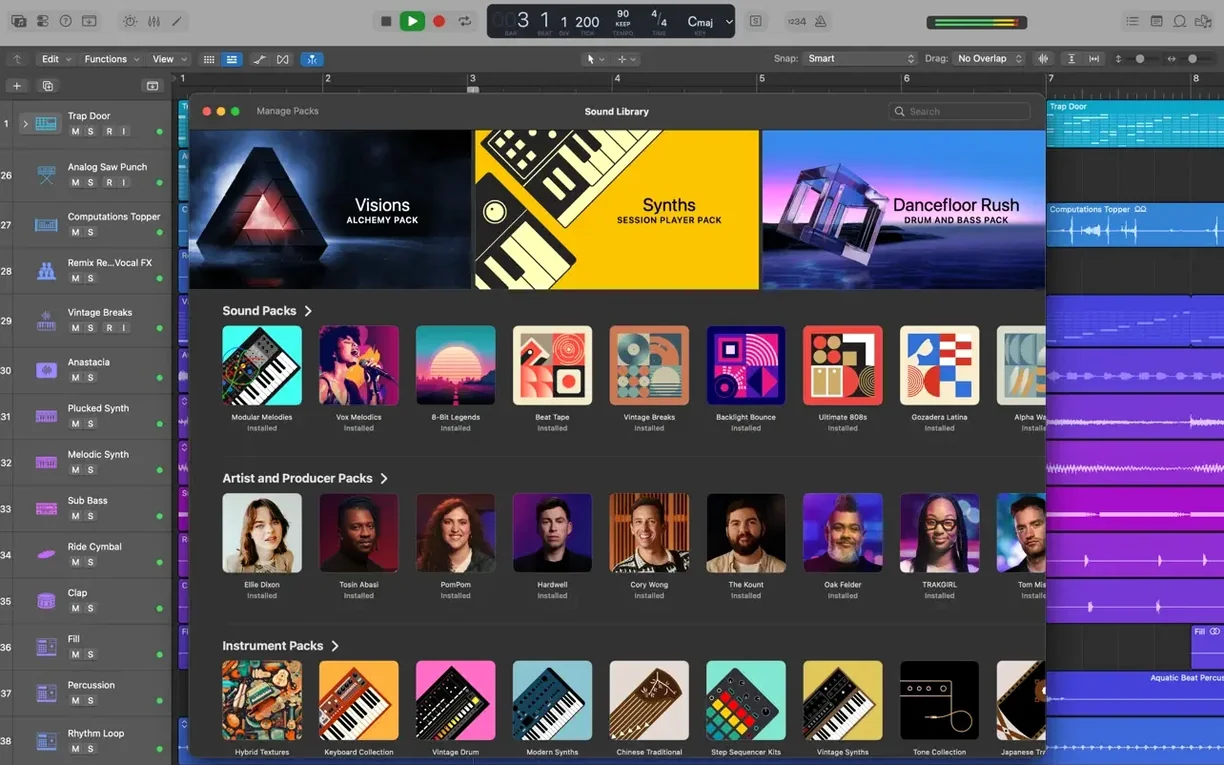
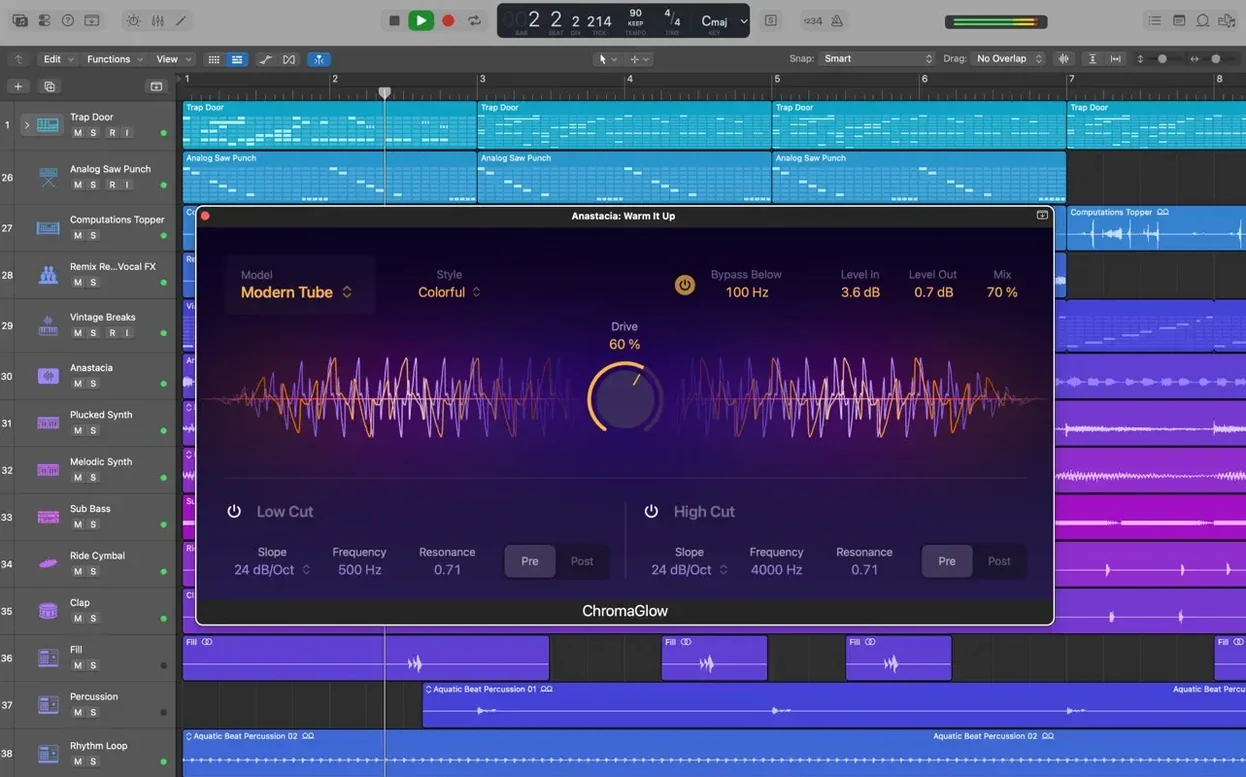
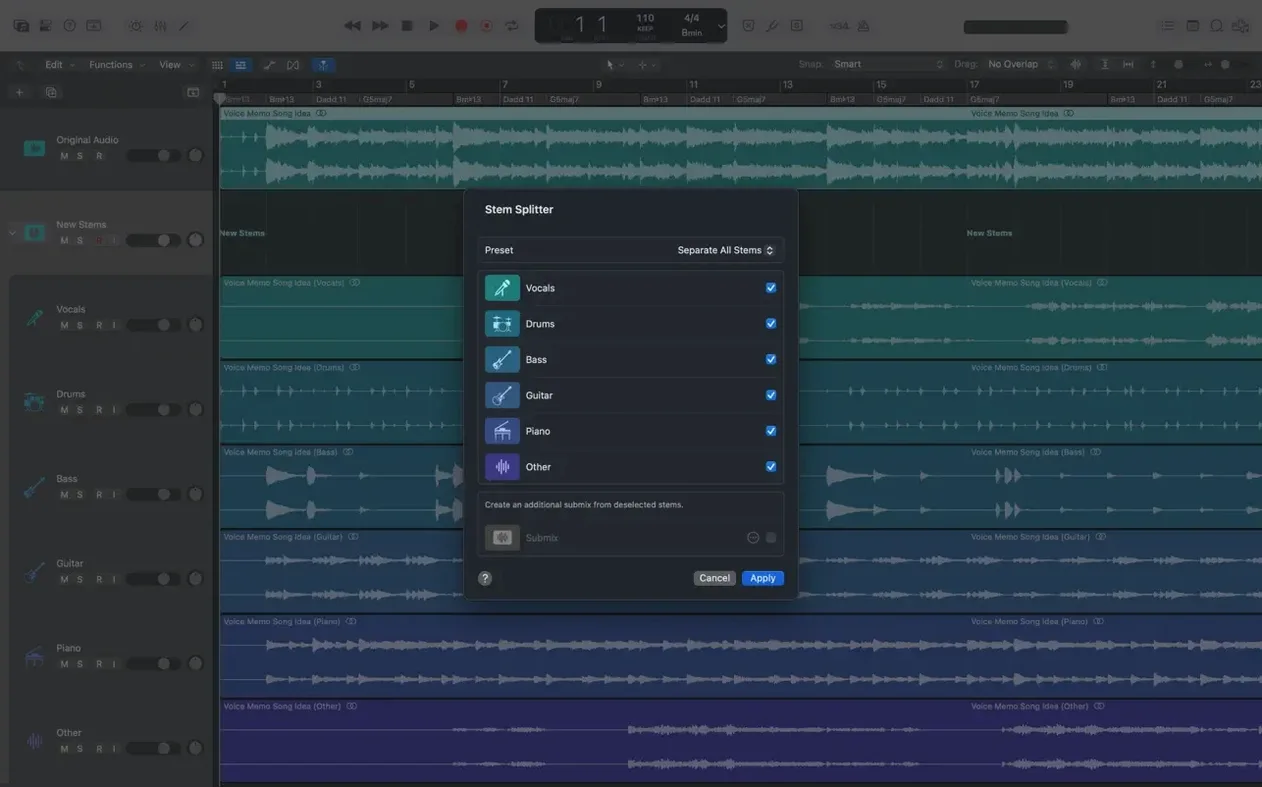
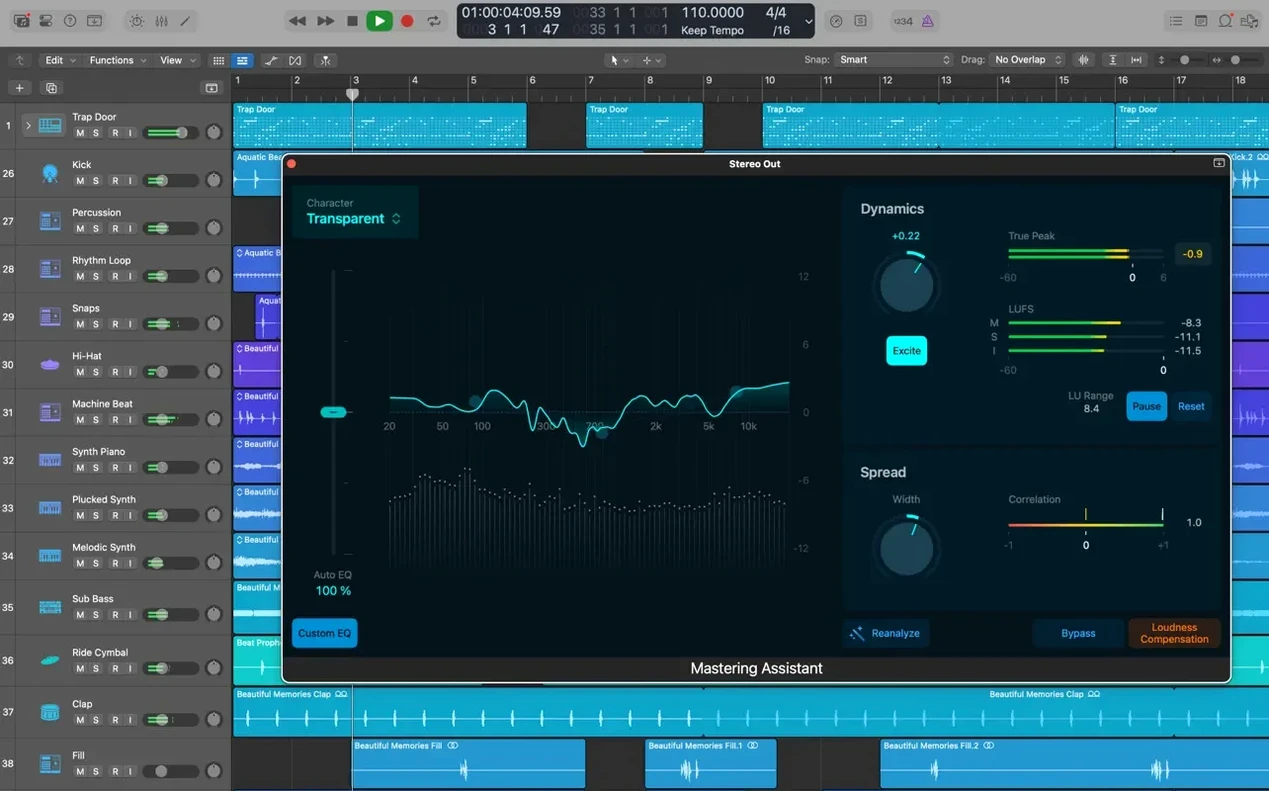
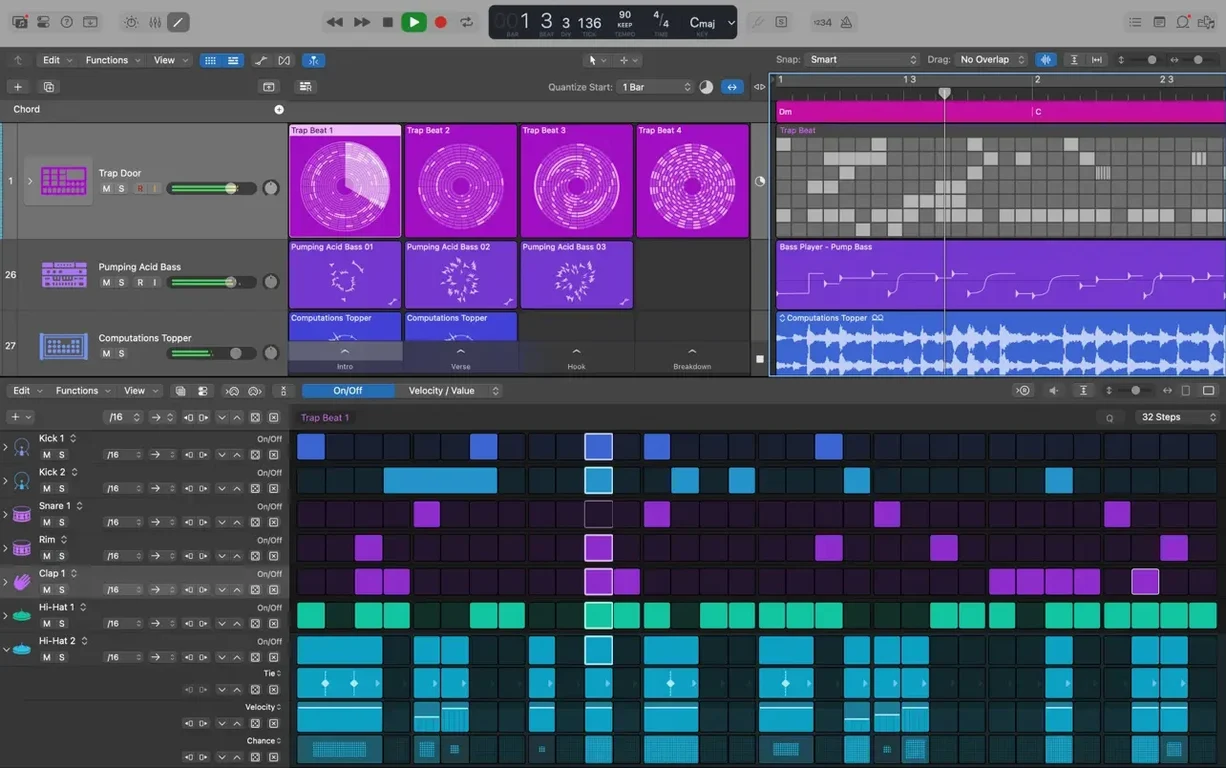
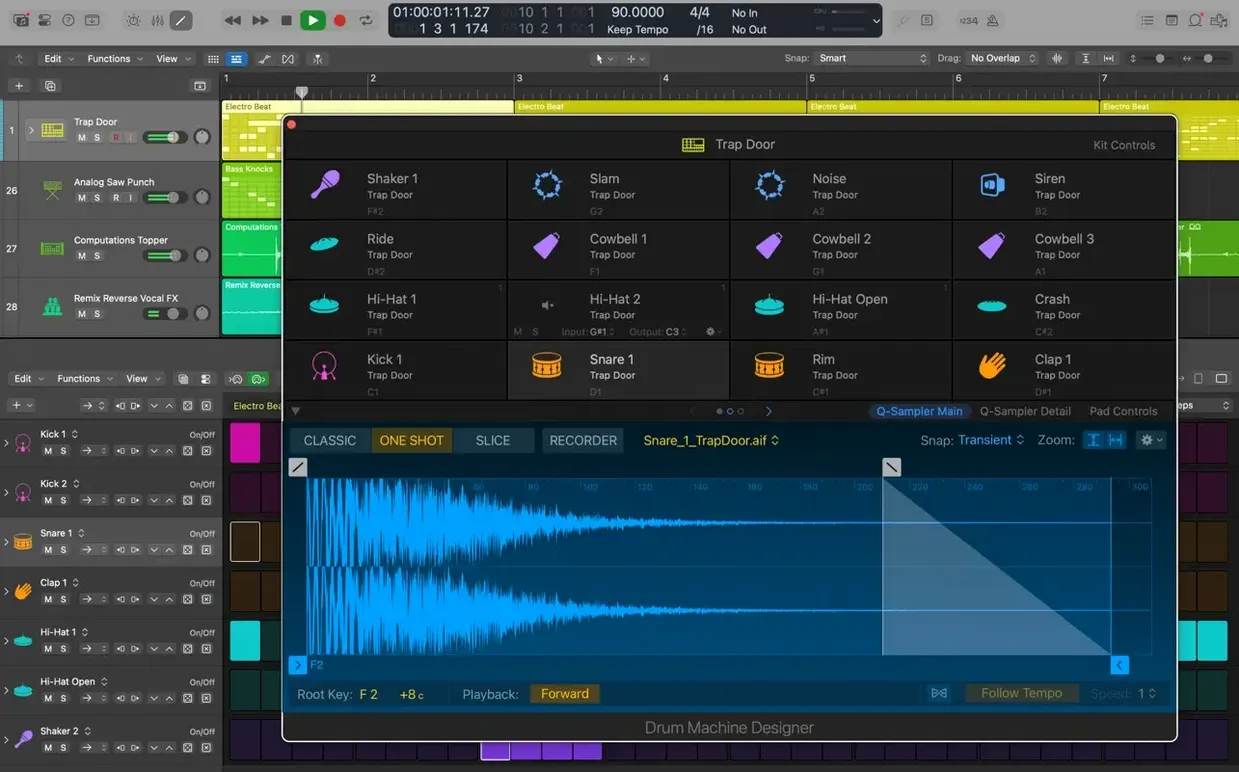
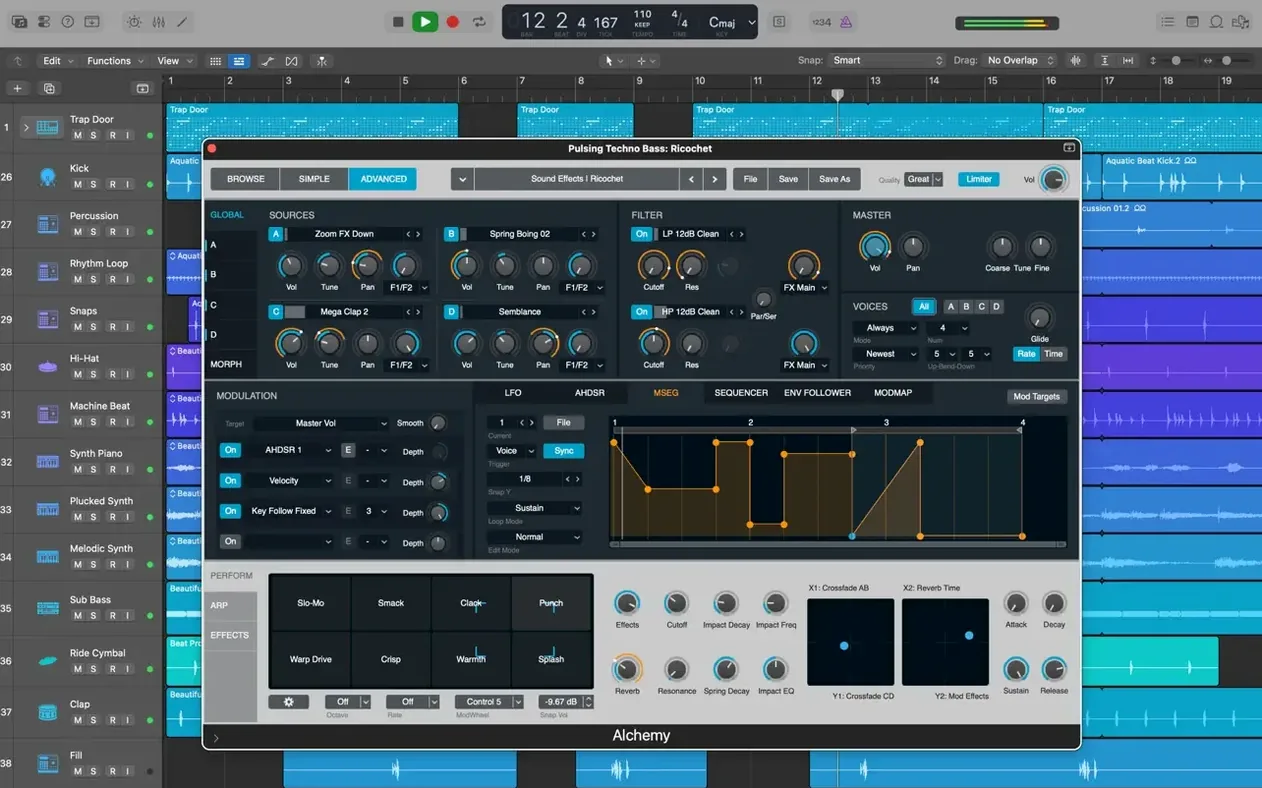
You’ve tracked a solid take on the main guitar riff. It’s good, but you’re curious about a different rhythm. You don’t want to lose the first idea, and you absolutely don’t want to mess with the comp you just finished on the bridge. This is the kind of moment that separates casual tools from professional ones.
Working Deeper
- Explore ideas with Track Alternatives. Switch between completely different region and edit playlists on a single track. Run through a new arrangement without touching your original work.
- Build a comp with Quick Swipe Comping. Swipe across the best parts of multiple takes to assemble a master performance. It’s fast and keeps the focus on listening.
- Shape time with Flex Time. Push and pull the timing of an audio recording directly on the track. Tighten a drum fill or loosen a vocal phrase without slicing a thing.
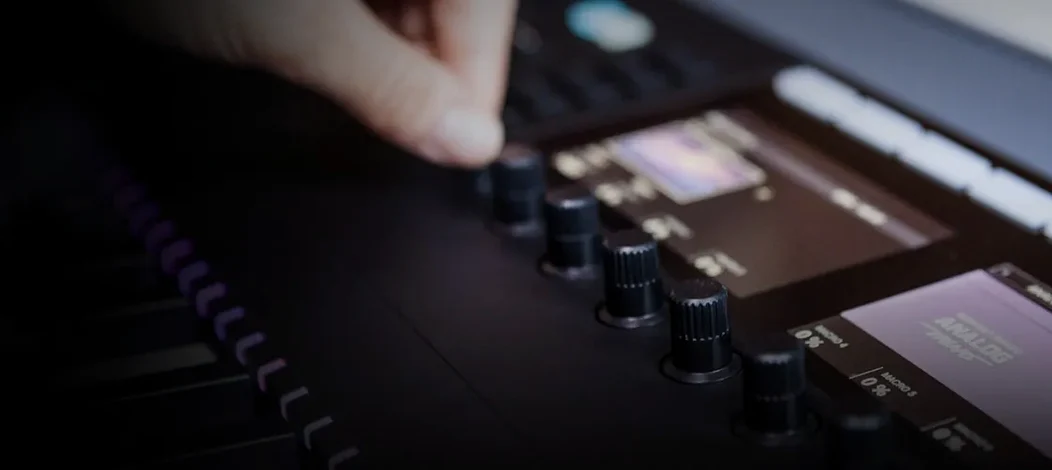
- Map multiple plug-ins with Smart Controls. Grab a single knob and let it move several parameters at once. It makes complex patch adjustments feel immediate and musical.
- Revisit old sessions. Open projects all the way back to Logic 5. Pull up a half-finished idea from years ago and give it a new life with the current tools.
These are the tools that let you chase a better take, reshape a groove, and keep your session organized without slowing down. Add in the 2,800 instrument and effect patches, the 28 drummers, and the deep Alchemy synth, and you have a space where the creative flow rarely gets interrupted by a technical hurdle. If you find yourself bumping against the limits of basic DAWs and need a richer way to edit and arrange, this is your next step.
A Full Workflow: Layering a Track Around a Vocal Idea
You open a session with a voice memo you hummed into your phone last night. It’s rough — just melody and a few mumbled syllables — but the core is there. The goal is to build a full arrangement around it without losing the looseness that made the idea work in the first place.
You drag the voice memo onto a fresh track and immediately engage Flex Time. The memo drifts a little, and Flex Time lets you pin down the phrases to a steady tempo without making them sound robotic. You switch the track to monophonic mode, and the transients snap into place. A couple of quiet breaths get nudged into the pocket with a single drag.
Next, you want a drum part that follows the vocal, not a click. You create a Drummer track and pick one of the 28 players — a brushed kit pocket drummer who locks into the vocal’s energy. You push the Smart Controls pad toward “soft” and dial the swing a touch higher. The hi-hats immediately sit behind the beat in a way that makes the melody float. You don’t program a single hit.
Bass is next. You pull up Alchemy, browse to an upright bass patch from the 1,000 sampled instruments, and play in a simple line on your MIDI keyboard. The timing is close, but a few notes land ahead of the kick drum. You highlight the MIDI region, open the Piano Roll, and shift a handful of notes with the arrow keys. Thirty seconds of tightening, and the bottom end feels glued to the drums.
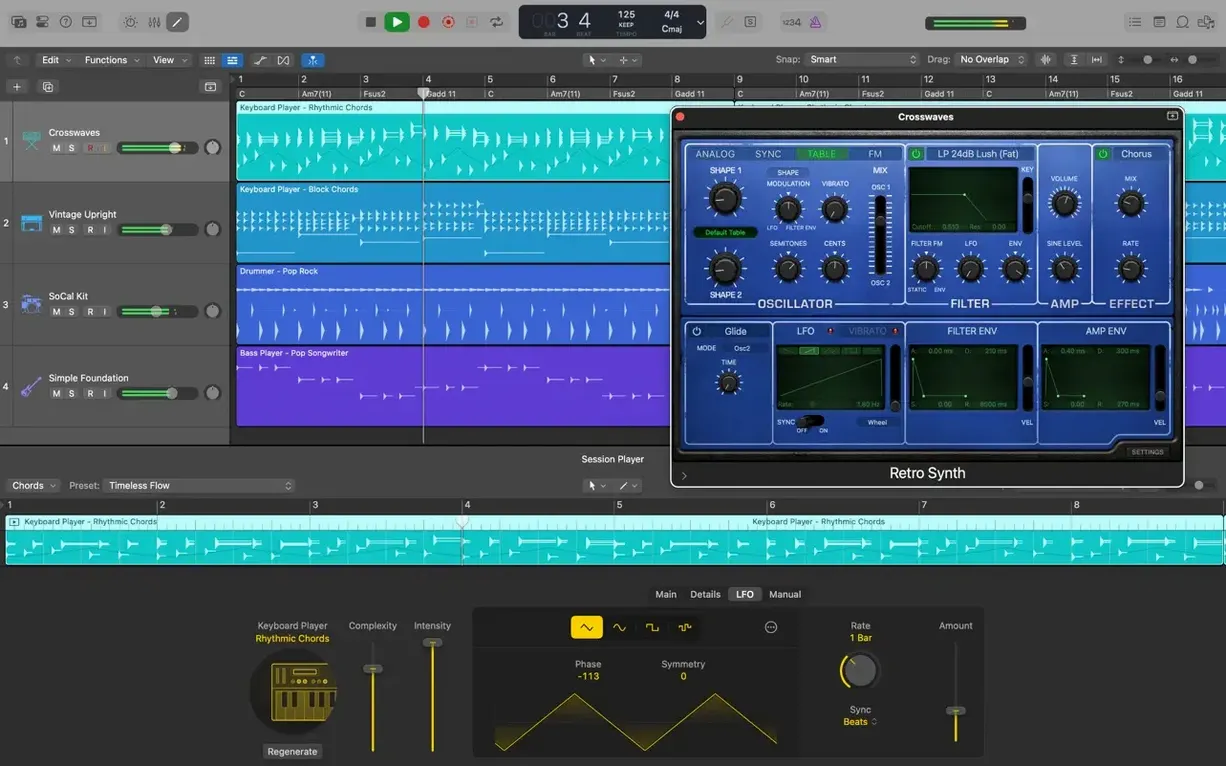
Now you need texture — something ambient that swells under the chorus. You drop a synth pad onto a new track and assign it to a Track Stack with the bass and drums. A long Space Designer reverb tail on a send gives the pad a three-dimensional wash. You map the reverb mix and the pad’s filter cutoff to a single Smart Control knob, so a slow turn during the verse opens both at once. It sounds like a gradual sunrise behind the vocal, and you didn’t touch the automation lanes.
You record three takes of a harmony vocal for the chorus, then use Quick Swipe Comping to pull the best phrase from each pass. A quick swipe highlights the section you want; Logic crossfades the transitions automatically. The comp sounds like one confident performance.
Before you close, you save a Track Alternative with a drier mix and a stripped-back arrangement — just in case you want to send a raw version to a collaborator later. The original stays intact.
An hour ago, you had a phone memo. Now you have a track with movement, dynamics, and a clear direction. That’s the rhythm of working in Logic — each step feeds the next without pulling you out of the music.
How Logic Pro Sits Among Mac DAWs
Logic Pro isn’t the only serious music environment on macOS, and the choice often comes down to how you like to work — not just feature lists. Here’s how it reads next to three other heavyweights.
Compared to Ableton Live 12. Live’s Session View is a playground for clip-based improvisation and live performance. Logic approaches composition more linearly, with a traditional timeline and region-based editing. Where Live encourages you to trigger and stack loops on the fly, Logic gives you tools like Drummer and Track Alternatives to explore variations inside a linear arrangement. Both support Audio Unit plug-ins, but Logic’s bundled library — 2,800 patches, Alchemy, the full suite of modeled amps and pedals — is deeper right out of the box.
Compared to Cubase 14. Cubase shares Logic’s linear DNA but leans harder into MIDI composition for large orchestral templates. Expression Maps and the Score Editor in Cubase are more advanced for detailed notation work. Logic counters with a cleaner integration of audio and MIDI, plus Flex Pitch and Flex Time, which feel more immediate for quick vocal and timing edits. If you’re scoring to picture, Cubase’s tempo and time signature handling is famously precise, but Logic’s XML export to Final Cut Pro gives video editors a direct handoff that few DAWs match.
Compared to Studio One 7. Studio One feels like the closest sibling in spirit — a fast, modern DAW with a drag-and-drop workflow and a polished mixing console. Its Project Page for mastering and its Chord Track for harmonic editing are standout features. Logic answers with its deep collection of instruments and effects, plus the ability to open projects from Logic 5 onward. Studio One often gets praised for its streamlined interface, but Logic’s Smart Controls and Track Stacks offer a different kind of streamlining — one that puts complex routings behind a few knobs and faders.
No DAW does everything the same way. Logic’s identity is the breadth of what ships with the download: the instruments, the drummers, the processing tools. You can start a song with a drummer you didn’t program, shape it with time and pitch correction you don’t need to buy separately, and finish it in a mixing environment that handles stereo and surround. That scope is hard to find elsewhere on Mac without reaching for third-party add-ons.
What the Latest Point Updates Actually Changed
The jump from earlier 12.x releases to version 12.3.1 isn’t about splashy new instruments or a redesigned interface. It’s a set of fixes that smooth out friction points anyone working daily would notice.
One quiet but meaningful restoration: beat mapping transients can be relocated again. If you’ve ever mapped a live drum track to the tempo grid and found one snare hit slightly off, you know the value of nudging those markers without rebuilding the map from scratch.
Another fix addresses the Score Editor, where Staff Style changes in the Inspector now respond the way they should. For anyone printing charts or preparing parts for session players, this removes a small but persistent annoyance.
Crossfade editing got attention too. The right side of a crossfade can be dragged and extended again, which makes cleaning up punch-ins a straightforward affair. Coupled with the change to Cursor Tool modes — they activate immediately now, without requiring a nudge of the mouse — the editing flow feels snappier. Fewer micro-pauses between selecting a tool and using it.
A crash bug that hit some users when playing MIDI in a project with video was squashed. If you’re scoring to picture, that’s the kind of reliability fix that keeps you from losing twenty minutes of work right before a deadline.
Finally, performance on tracks with many regions improved. Large sessions — the kind with hundreds of small audio slices, drum edits, and layered takes — scroll and zoom with less hesitation. It’s the sort of change you don’t actively celebrate, but you notice it missing when it’s gone.
Will Your Mac Meet This Requirement?
Will this run on my Mac? The requirement is macOS 15.6 or later, and the app runs natively on both Apple Silicon and Intel. You need 4 GB of RAM and a display at least 1280 by 768. A minimum install takes 6 GB of disk space, but the full Sound Library — all 63 GB of it — is worth making room for if you want the sampler instruments, loops, and drum kits without dial-up-style waiting.
Can I use the plug-ins I already own? Yes, if they’re 64-bit Audio Unit plug-ins. That covers the vast majority of modern effects and instrument suites on the Mac. Logic doesn’t support VST or AAX, so if you’re coming from a cross-platform setup, you may need to check your plug-in formats.
Does it play well with iPad and iPhone ideas? The workflow with Logic Pro for iPad and GarageBand on iOS works through iCloud. You can start a sketch on your phone during a commute, export it from GarageBand, and add new tracks to the same Logic project back on the Mac. It’s not real-time collaboration, but it’s a clean handoff.
What about older projects? Logic opens projects going back to Logic 5. If you have sessions from a decade or more ago sitting on an archive drive, they’ll load. You may need to update some legacy plug-ins, but the regions, edits, and arrangements come through intact.
Is it overwhelming for someone who just wants to make beats? The feature set is deep, but you don’t need to touch most of it on day one. You can open the app, drop in a Drummer, grab an Alchemy bass patch, and have a groove going in minutes. The deeper tools — surround mixing, Score Editor, Flex Pitch — stay out of the way until you go looking for them. It scales with your curiosity.
Version 12.3.1 is a stability and workflow release that brings back a few things users have been asking about.
- You can once again relocate beat mapping transients.
- The Score responds correctly to Staff Style changes in the Inspector.
- The right side of a crossfade can again be dragged and extended.
- It no longer unexpectedly quits when playing MIDI in a project with video.
- Performance is better when working with tracks that contain many regions.
- macOS 15.6 or later
- Works on both Intel and Apple Silicon Macs
- 4 GB of RAM
- Display with 1280 x 768 resolution or higher
- 64-bit Audio Unit plug-ins required
- 6 GB free disk space for a minimum installation
- 63 GB free disk space for the full Sound Library
Questions I actually get
Can I fix the timing of a recorded performance?
Yes. Flex Time lets you change the timing and tempo of your audio recordings directly on the track without needing to cut them up manually.
Can I open a project I started in an old version of Logic?
You can. Logic Pro opens projects created in Logic 5 or later, so your older work is still accessible.
Porch talk 0
Come in or pull up a chair to leave a comment.
Nobody has pulled up a chair yet. If you used it on a real Saturday, say what the hour was.