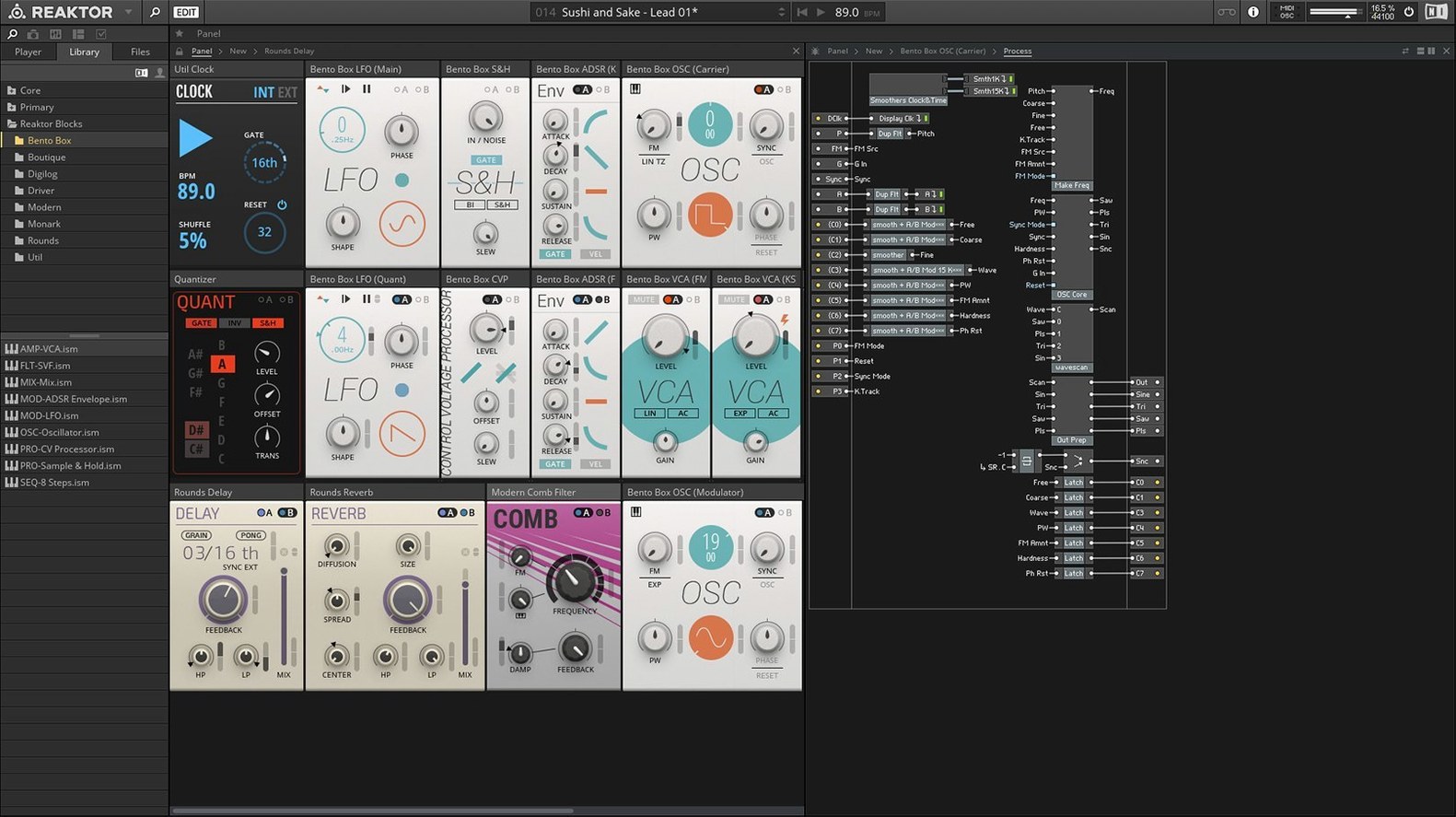
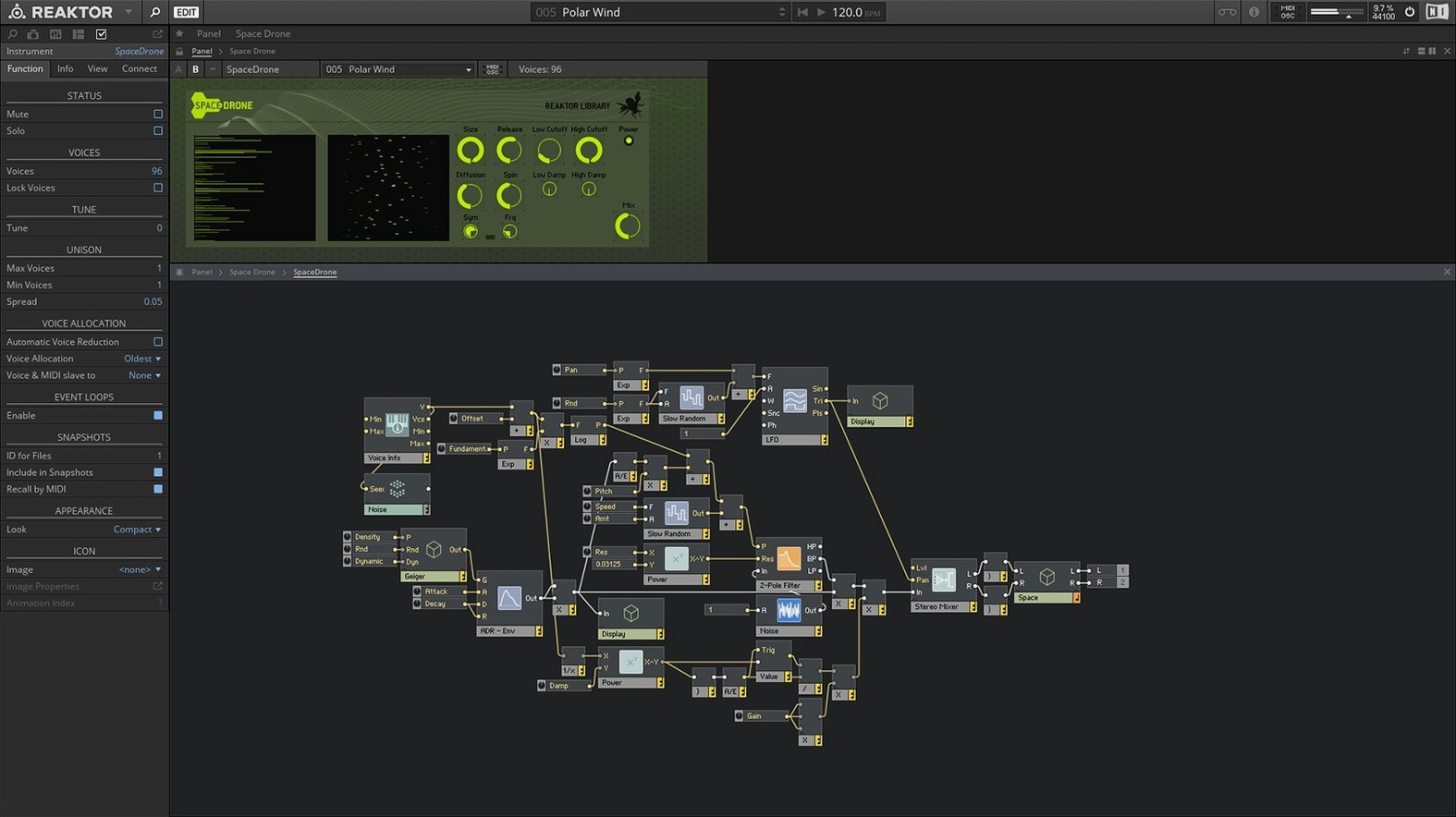
You already have a handful of synths and effects, but every so often you hit a wall where a preset browser can't get you where you want to go. Native Instruments Reaktor solves that by handing you the toolbox instead of a finished product.
Standalone and plug-in — It runs on its own or sits inside your DAW as a VST or Audio Units instrument, fitting right next to your go-to EQs and drum machines.
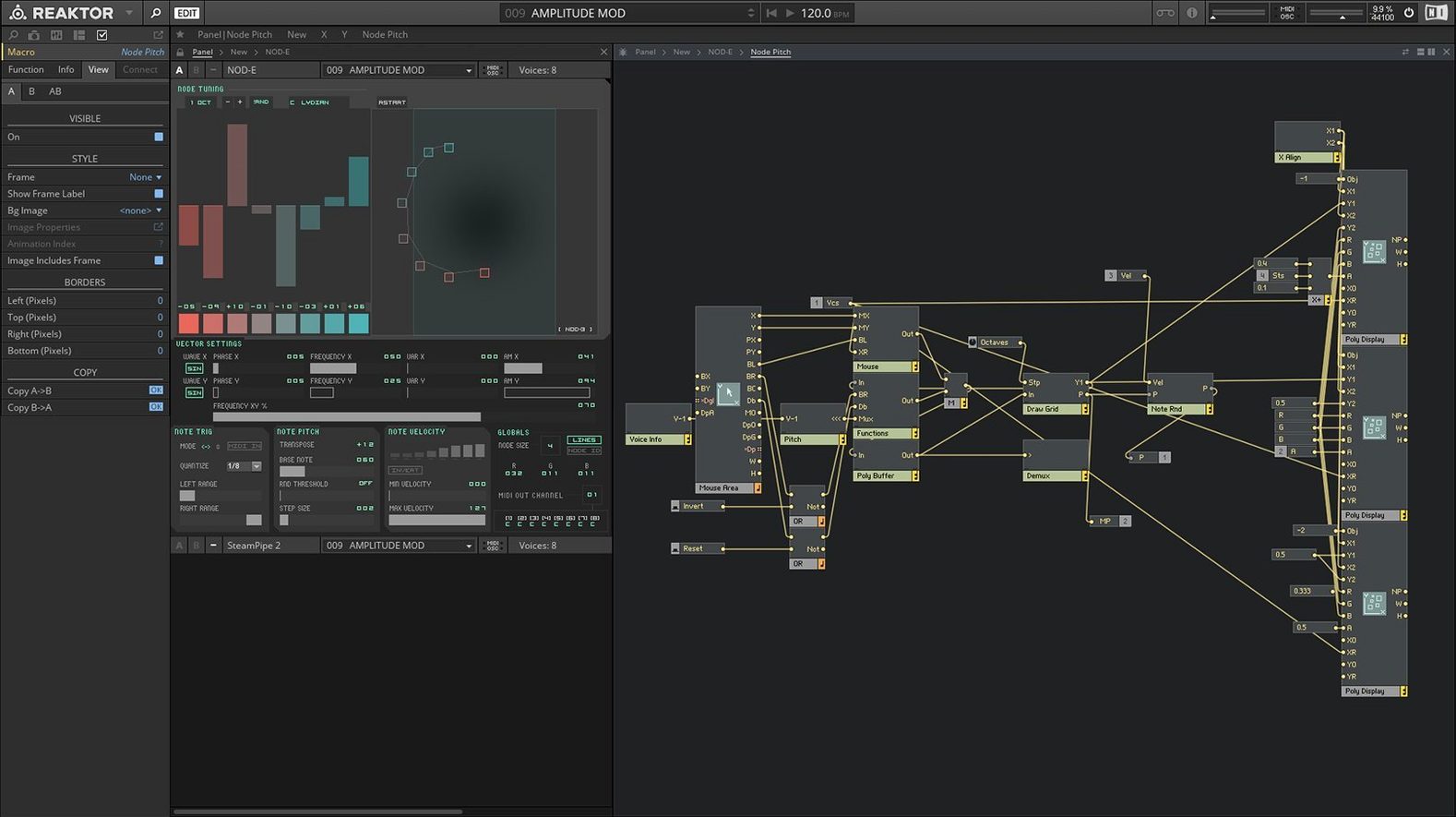
Reaktor Core Technology — Version 6 introduced a deeper level of visual patching where you can build custom modules from scratch, not just wire up existing blocks.
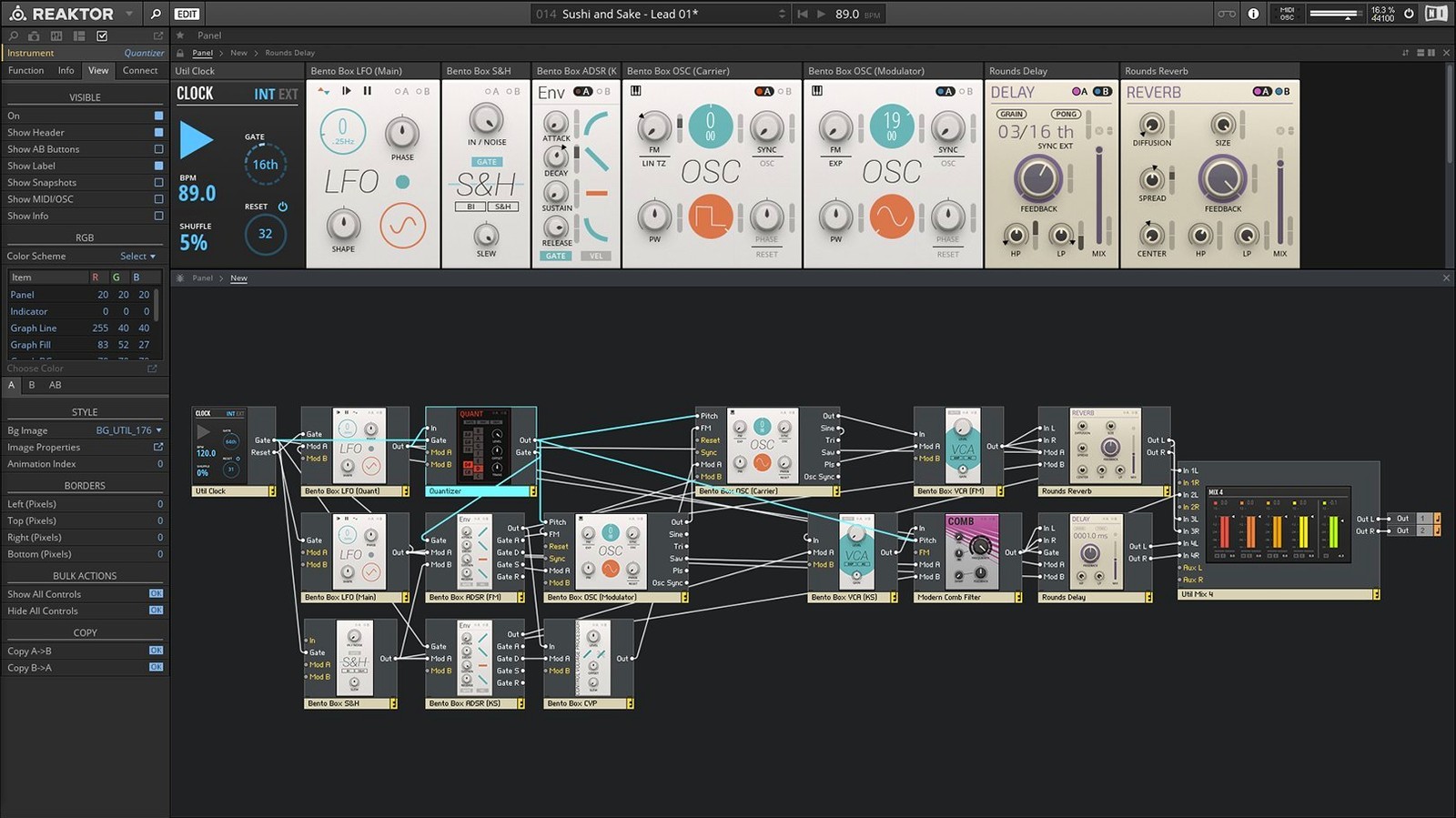
Open architecture — The whole environment is designed for building. If you can imagine a signal path, you can probably draw it here.
Apple Silicon ready — Version 6.5.0 Rev2 runs natively on both Intel and Apple Silicon Macs, so it feels snappy on a modern machine.
It ships with 70-plus factory instruments, including 23 new ones added with version 6. That's a lot of starter material to reverse-engineer when you're learning. If you enjoy pulling apart a patch to see why it breathes, this one belongs on your drive.
Finding Missing Blocks After Installation
Reaktor's depth brings a few predictable rough edges. Knowing where they hide saves an afternoon of head‑scratching.
- Blocks not loading after installation. If the new Blocks patches appear blank or throw an error, Reaktor likely can't find the factory content. Open File > Options > Directories and confirm the path points to the
Reaktor Factory Libraryfolder. A quick rescan usually fixes it. - CPU spikes with large ensembles. Some user‑library synths load dozens of oscillators by default. Drop the internal sample rate inside the ensemble's settings panel before blaming your buffer size. Turning off animated panel graphics helps on older Intel machines.
- MIDI routing confusion. When Reaktor sits inside a DAW and suddenly stops responding, check the Side‑chain and MIDI input assignments on the plug‑in wrapper. It's easy to accidentally assign port 2 when Reaktor itself is listening on port 1.
- Apple Silicon validation hiccups. The 6.5.0 Rev2 build works natively, but some third‑party user‑library ensembles contain Intel‑only extensions. Right‑click the app, choose Get Info, and toggle Open using Rosetta only when you need those older creations.
Patching a Gated Pad Without DAW Automation
Here's a walk‑through for a sound‑design task that leans on Reaktor's strengths: turning a simple pad into a pulsing, rhythmic texture without touching your DAW's automation lanes.
- Start with a factory ensemble. Load Carbon 2 from the library and pick an initialized patch so you hear a raw saw wave. This gives you oscillator, filter, and amp sections already wired.
- Drop in a step sequencer. From the Blocks menu, drag a Bento Box Sequencer onto the panel. Route its Gate output to the amplifier's level input on Carbon 2. Now the volume snaps on and off with the sequence steps.
- Shape the rhythm. Set the sequencer to eight steps, leave steps 1, 3, 5, and 8 active, and mute the rest. Shorten the gate length knob to about 30% for a choppy feel.
- Add a second modulation lane. Duplicate the sequencer, slow its clock division to half‑speed, and route its output to the filter cutoff. Dial in a low‑pass filter with moderate resonance. Now the pad opens and closes underneath the gating, creating movement that breathes with the track.
- Introduce variation. Map a Random module to the sequencer's step length and set the range to a few milliseconds. The grid stays tight but loses the robotic lockstep. Save the ensemble, call it up next session, and tweak from there.
That whole process takes under ten minutes once you know the routing. The real payoff comes when you swap Carbon 2 for a user‑library instrument—suddenly you've got a gating template that works across any sound source in your collection.
Switching to 96 kHz Internal Sample Rate
Reaktor's defaults favor a blank canvas, not an optimized workspace. A few quick adjustments make patching faster and listening more predictable.
- Switch to high‑quality mode. Under File > Audio Settings, set the internal sample rate to 96 kHz if your interface supports it. Reaktor's oscillators and filters sound noticeably cleaner, especially when you're stacking voices in a synth like Rounds.
- Turn on wire hints. In the structure view, enable Show Data Types on Wires. Color‑coded cables tell you immediately whether a connection carries audio, control signals, or pitch information. It's a small change that prevents patching mistakes when you're deep into a build.
- Assign a MIDI panic button. Map a key on your controller to send an all‑notes‑off message through Reaktor's MIDI > Panic command. When a feedback loop or a stuck gate locks the engine, this clears it without restarting the plug‑in.
- Increase the undo steps. The preferences panel lets you bump the undo history well above the default. When you're experimenting with Core‑level module connections, having forty or fifty steps of backtracking keeps the session playful instead of frustrating.
If you've ever grabbed a Native Instruments Reaktor torrent just to poke around the user library, these tweaks make the experience feel less like troubleshooting and more like exploring. The same goes for anyone working through a Reaktor 6 torrent—the engine doesn't care how you got it, but your monitoring setup and routing habits absolutely change what you hear.
Version 6 brought two big additions to the table.
- Reaktor Core Technology lets you create custom low-level modules in a visual editor, giving you control far beyond wiring up existing macros.
- 23 new instruments joined the factory library, covering synths, sequencers, and effects you can pick apart and learn from.
- macOS 10.15 or later (including macOS 13, 14, and 15)
- Intel 64-bit or Apple Silicon Mac
Questions I actually get
Does Reaktor 6 work on current Macs with Apple Silicon?
Yes. Version 6.5.0 Rev2 supports both Intel 64-bit and Apple Silicon Macs running macOS 10.15 or later, including macOS 13, 14, and 15.
Porch talk 0
Come in or pull up a chair to leave a comment.
Nobody has pulled up a chair yet. If you used it on a real Saturday, say what the hour was.