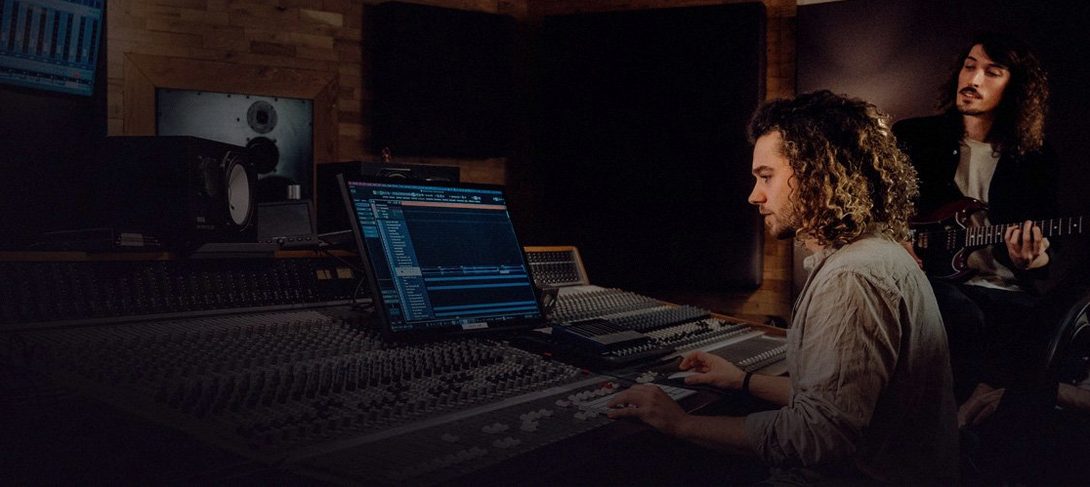
Most DAWs make you stop and switch modes when inspiration hits mid-session. Bitwig Studio 6.1 for Mac takes a different route and keeps recording, arranging, and improvising alive at the same time.
Can I run three workspaces at once?
Yes. Arrange, Mix, and Edit work together, and you can spread them across separate monitors. It is a modular, window-based setup that adapts to how you like to see your session.
Slicing, Spectral, and Fragments Modes Arrive
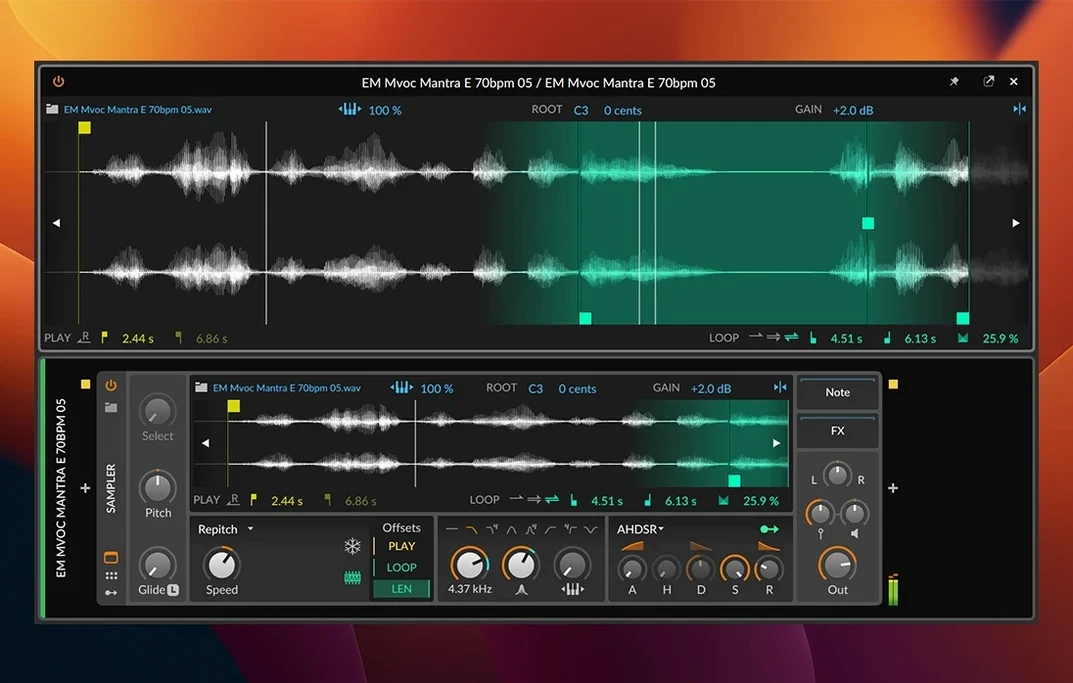
The Sampler got a serious rework. Slicing, plus new Spectral and Fragments play modes, open up sound design that was hard to reach before.
Does it figure out tempo and pitch for me?
It does now. Automatic tempo and pitch detection arrived in 6.1, so dropped-in loops sit correctly without manual nudging. MPE, Sync, Ableton Link, and the time-stretching engine round out the toolset.
Four-Second Launch, Zero Interface Friction on M1
After a couple of long evenings with the 6.1 build on an M1 MacBook Pro, what stands out is how little the app gets in the way. Launching takes about four seconds, and loading a medium-sized project with two dozen tracks—half of them running native devices, the other half hosting third-party plug-ins—stays snappy. The playhead moves without stutter, even with eight time-stretching algorithms switching on the fly.
Memory sits around 1.2 GB for that kind of session, which is modest by modern DAW standards. CPU spikes stay reasonable because the hybrid engine parks tracks that aren't playing. I have yet to see a crash during a live recording pass. One evening I left it looping a 32-bar arrangement overnight with a half-dozen modulators dancing on a bass patch, and it came back in the morning as if I had just pressed play.
On a Mac Studio with Apple Silicon, the headroom only widens. The app threads nicely across performance cores, and the interface stays fluid when you drag a sliced-up break across the arrange window while playback runs. Latency compensation holds together when you chain external hardware inserts next to software FX. If your machine meets the macOS 12 Monterey floor, you can push further than the spec sheet suggests.
First days with Bitwig
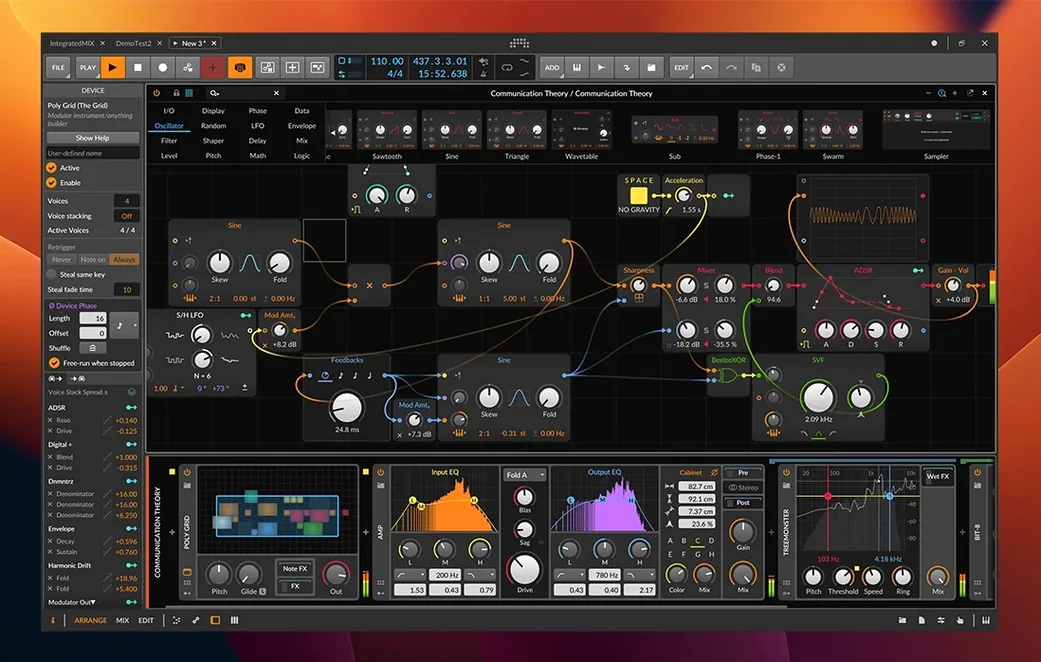
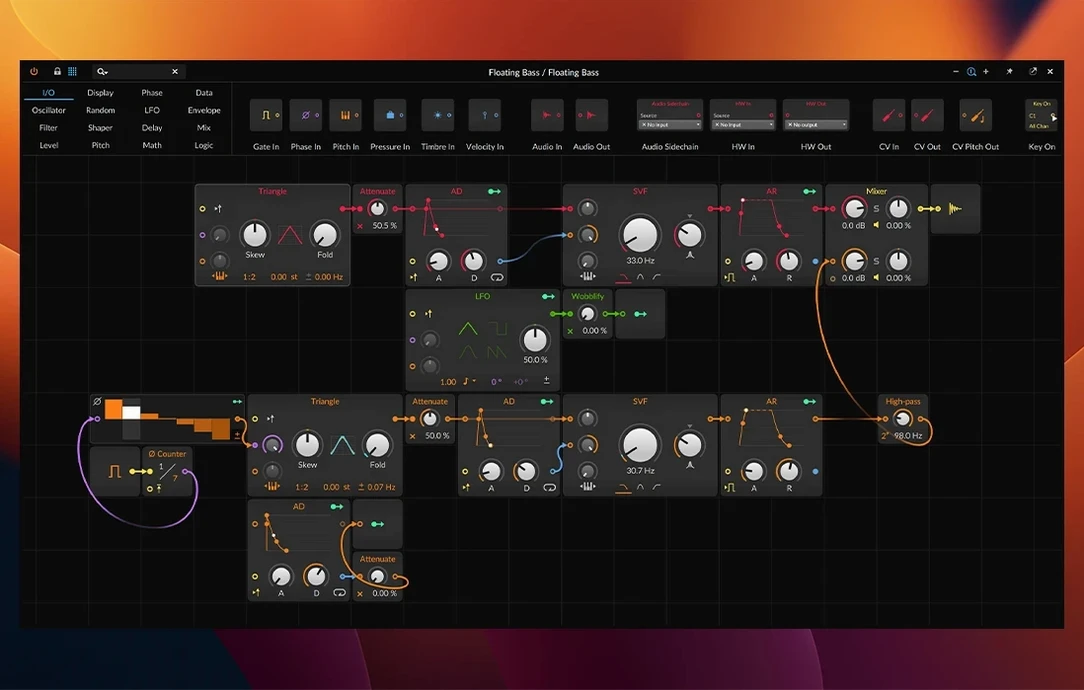
Give the Grid a quiet hour before you open an old project. Drop a Poly Grid on a fresh instrument track and wire an oscillator into a filter, then drag a couple of LFOs onto the cutoff. The modulation system teaches itself through trial and error. Right-click any knob and pick a modulator—it is the fastest way to understand why people who grabbed a Bitwig Studio Mac torrent keep talking about cables you can see.
Tip two: set up a template with your audio interface routing and a blank sampler track, then save it as the default. The next time you find a bitwig torrent and install, you skip straight to sound.
Tip three: map the "bounce in place" shortcut to something your left hand can reach. Bitwig's real-time bounce is quick, and using it often keeps CPU low without freezing tracks the old-fashioned way.
Drag a Kick, Auto-Detect Tempo, Grid Locks In
Thursday night, just past nine. I open Bitwig and get the empty arrange window. A kick sample lands on track one—drag it from the browser, and 6.1 detects the tempo automatically. The waveform snaps to the grid without a single manual adjustment.
Next, the Sampler on track two. I load a dusty Rhodes chord stab from a folder of found sounds, set the play mode to Spectral, and stretch the formant until it sounds like a warped tape loop. Pitch detection locks it to C minor to match the bass line I have not written yet. I slice the sample at transients, then trigger the slices from a MIDI keyboard while the kick pattern loops underneath.
Track three gets a Polysynth with a slow attack pad. I right-click the filter cutoff, assign an LFO, and tweak the rate until it breathes in time with the chords. The modulation inspector shows every connection in a list, so I can dial back the depth without hunting through menus.
By the time I add a hi-hat pattern and drop a limiter on the master, twenty minutes have passed. Nothing stopped playback. The arrangement kept running while I auditioned samples in the browser, sliced a break on the fly, and nudged MIDI notes in the detail editor. That is the core feeling: the software steps aside and lets you chase an idea until it turns into a track. For anyone who landed here after searching a Bitwig Studio torrent or a Bitwig 5.3 torrent and wants to see what 6.1 does differently, the always-running workflow is what sticks after the first week.
Version 6.1 focuses on the Sampler and getting loops into place faster.
- Radically updated Sampler with slicing.
- New Spectral and Fragments play modes.
- Automatic tempo detection added.
- Automatic pitch detection added.
- macOS 12 Monterey or newer
- Intel or Apple Silicon Mac
- Interface language: English
Questions I actually get
Does Bitwig Studio run on Apple Silicon?
Yes, it runs on both Intel and Apple Silicon Macs with macOS 12 Monterey or newer.
Can I sync Bitwig Studio with other gear?
It supports Sync and Ableton Link, so hardware and other apps can stay in time.
Does it support expressive controllers?
Yes, MPE support is built in for controllers that send per-note expression.
Porch talk 0
Come in or pull up a chair to leave a comment.
Nobody has pulled up a chair yet. If you used it on a real Saturday, say what the hour was.