
If your Mac runs macOS 10.9 or newer on a 64-bit Intel chip, Amadeus Pro will feel right at home. It's a multi-track audio editor built for the kind of work that comes up when a recording needs more than a quick trim.
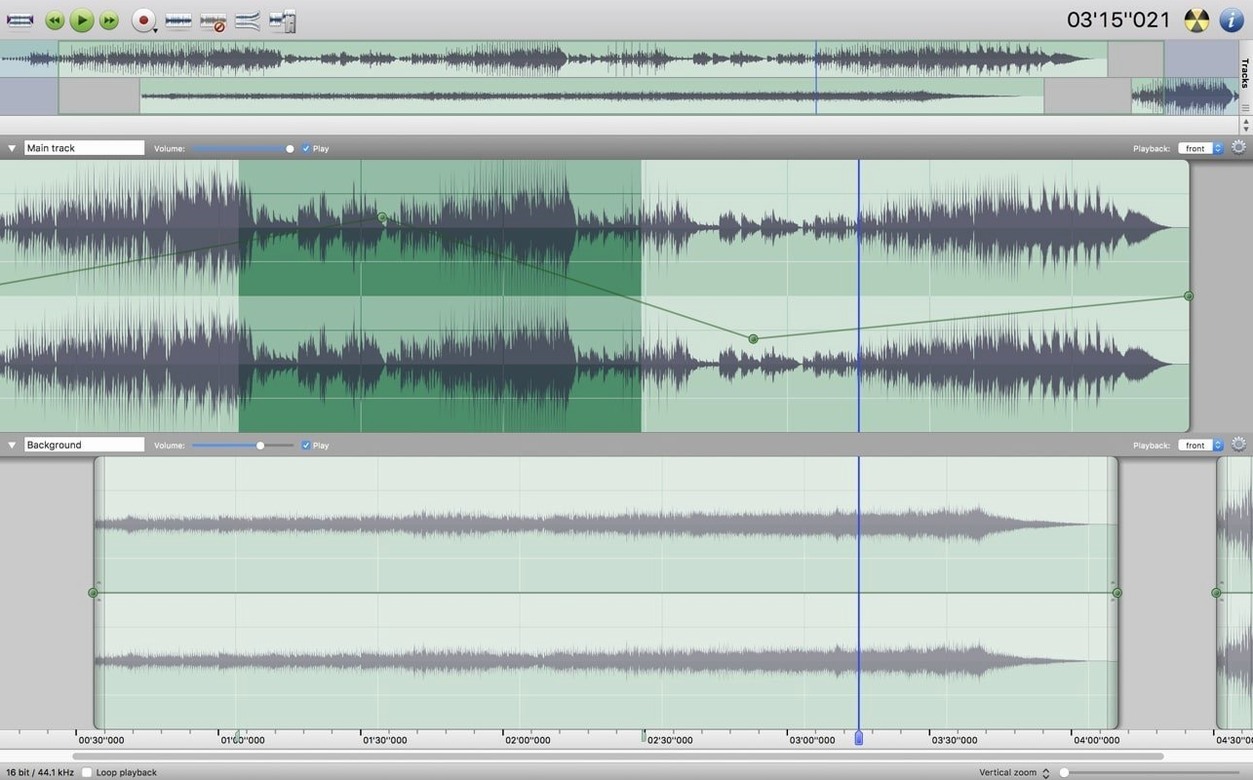
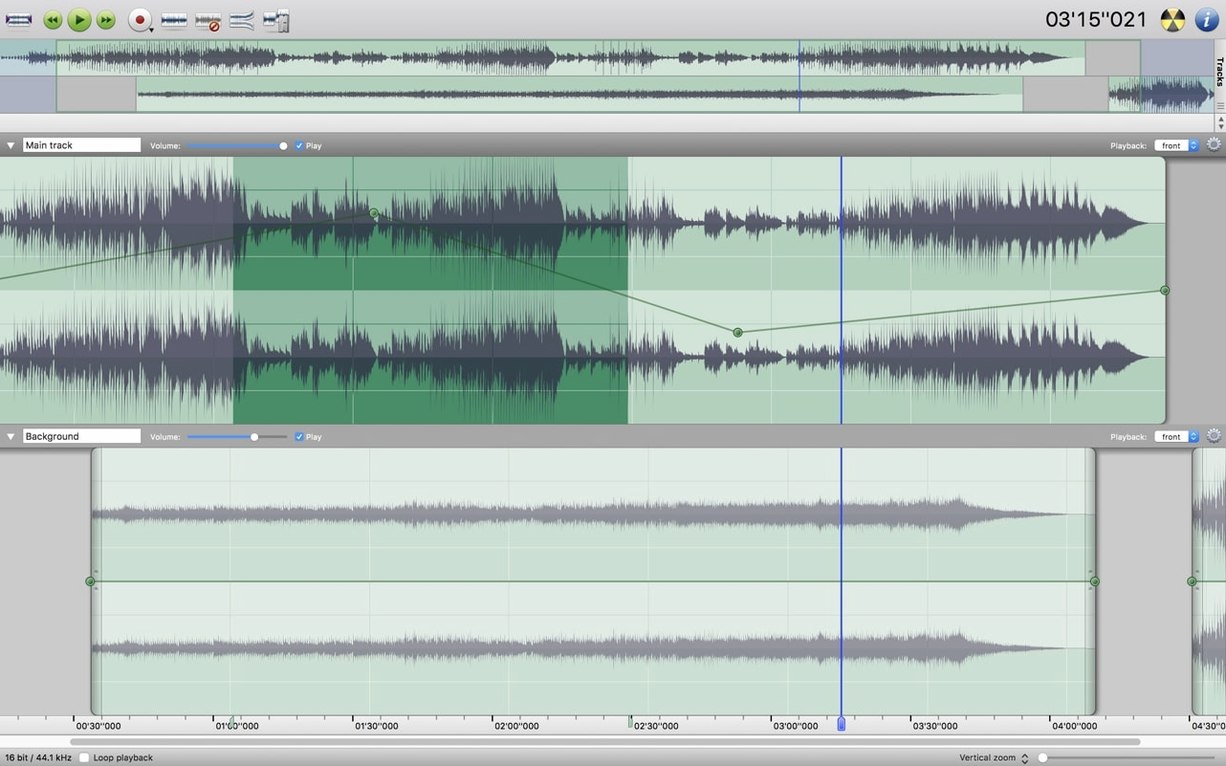
Multitrack layout for blend checks
- Laying out several tracks side by side and hearing how they sit together
- Cleaning up a noisy field recording with noise reduction on the whole track or just a section
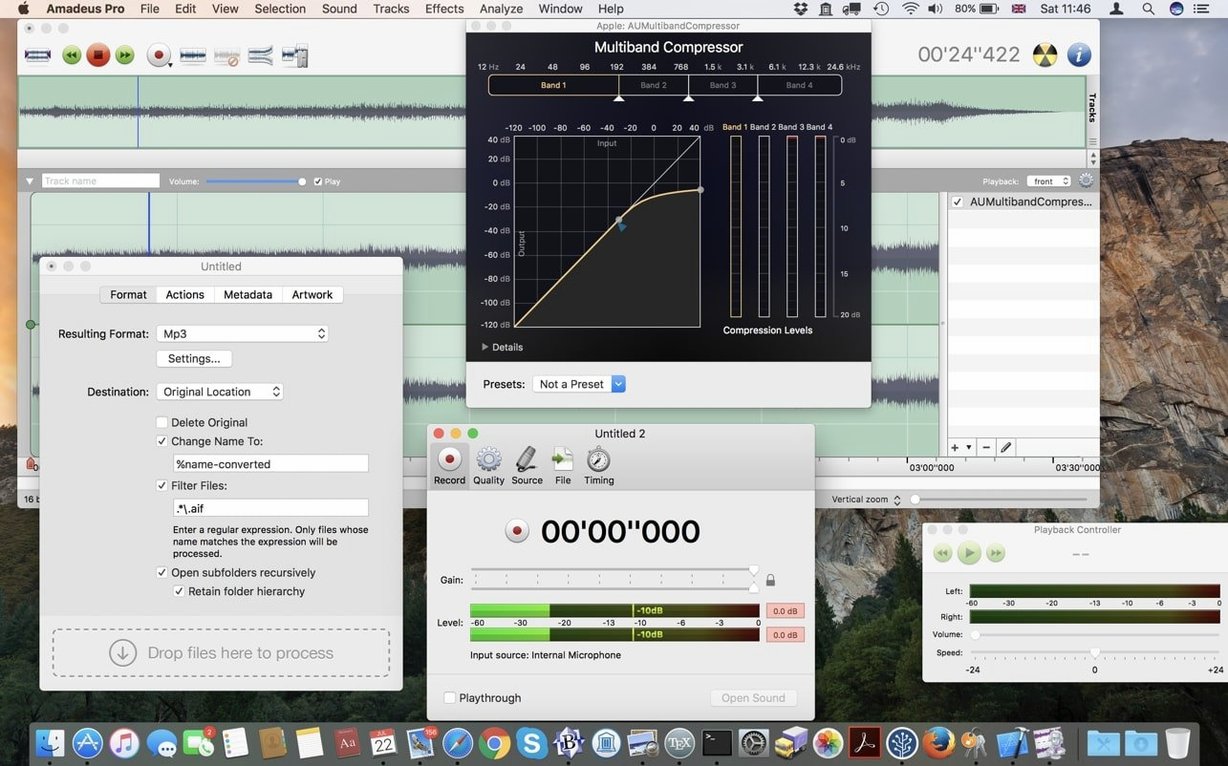
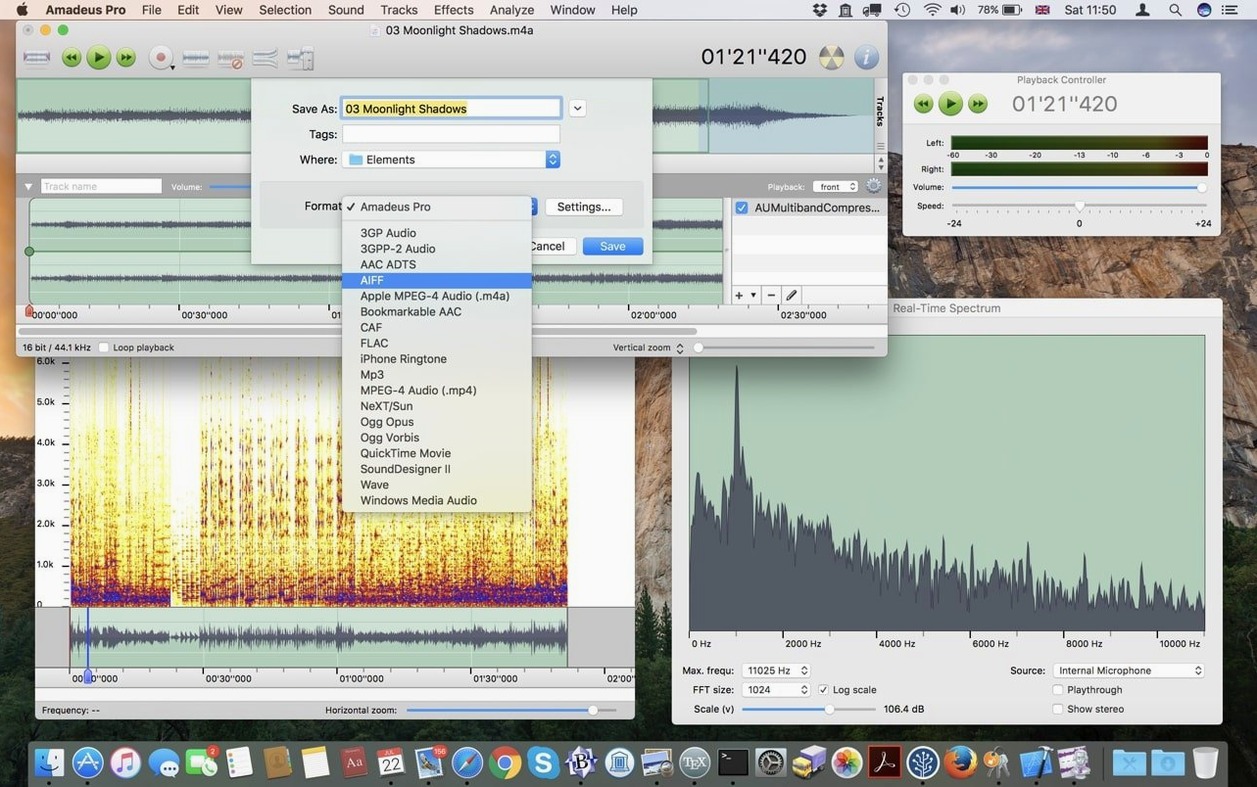
- Converting a folder of files in one pass — batch processing handles MP3, AAC, AIFF, WAVE, WMA, CAF, FLAC, and Ogg Vorbis
- Adding gentle fades at the start and end of a clip without fuss
- Working with VST plugins you already trust
- Checking frequencies and levels with the built-in sound analysis tools
Intel-only, runs via Rosetta
- Intel-only — Apple Silicon Macs run it through Rosetta, not natively
- Direct-to-disk output means long recordings don't eat your RAM, but you'll want free drive space
If you edit on an older Intel Mac and want one tool that covers cleanup, conversion, and multi-track layout, this one earns its place in the dock.
A session with Amadeus Pro
You open a folder of rehearsal recordings — forty minutes of room audio captured on a portable recorder, stereo WAV files with a low hum from an air conditioner that nobody noticed at the time. The first thing you do is drag one file into the main window. The waveform draws fast, thanks to the caching, and you get a clear view of where the music starts and where it ends.
You zoom into a quiet passage, drag across a section of silence where only the hum lives, and hit the noise reduction command. Amadeus Pro grabs a fingerprint of that hum and lets you apply the reduction to the whole track. A few seconds of processing, and the background drops away. The guitar lines that were buried underneath it come forward without any audible artifacts. You save a preset for the next three files, because that same air conditioner ran all afternoon.
Next you open a second track — a vocal take recorded separately on a phone. You line it up by eye, nudging it until the waveforms match the guitar transients below. A short fade-in softens the breath at the start. You drop a marker at the chorus so you can jump back to it later. Then you reach for a favorite EQ plug-in from your Audio Units collection, pull down 200 Hz just a touch, and listen back. The two tracks sit together like they were recorded in the same room. When you bounce the mix down to a 320 kbps MP3, direct-to-disk output writes the file straight to your desktop without tying up memory.
A deep editor beside your DAW
Amadeus Pro doesn't try to be a full DAW, and that's what makes it useful beside one. It works more like a deep editor that stays out of the way when all you need is a stereo file, a few tracks, and some cleanup. You might record a voice memo in QuickTime Player, then open it here to cut the dead air and apply a gentle compressor through the Audio Unit slot. Or you might pull an old cassette digitized with Audacity into Amadeus Pro for its batch processor — convert six sides of tape to FLAC while you walk away from the desk.
With macOS, the integration is straightforward. The standard Open and Save dialogs give you quick access to iCloud Drive and local folders. You can set Amadeus Pro as the default editor for WAV or AIFF files in Finder's Get Info panel, which means double-clicking any audio file from the desktop opens it right where you left off. The app also respects the system language — switch your Mac to German, Spanish, or French, and the menus follow along.
VST and Audio Unit support means you aren't locked into one ecosystem. If you already have a collection of effects from other projects, they show up in Amadeus Pro's effects menu without extra setup. The Favorite Actions panel ties into this nicely: you can bind a chain of commands — normalize, apply a specific plug-in preset, add a fade-out — to a single button. For repetitive work like cleaning up a batch of interview clips, it turns ten clicks into one.
A podcaster's Sunday evening
Imagine someone who runs a small interview podcast. They record remotely — the guest track comes in as a compressed MP3, and the host track is a clean WAV from a local microphone. Sunday evening, both files land on the desktop.
They open Amadeus Pro, drag both files onto separate tracks, and listen. The guest track has a faint whine from a laptop fan. They find a short section where the guest isn't speaking, sample the noise, and let the reduction run across just that track. The whine disappears. Then they drop markers at each question so they can navigate the episode while editing. A quick fade-in on the intro music, a fade-out at the end, and the episode is ready. They select both tracks, pick AAC from the export dialog, and go make coffee while the file writes to disk.
It's not a complicated production — no automation, no MIDI, no dozen effects. But the tools that matter are right at hand: noise reduction, markers, fades, and a straight path from raw audio to finished file. For someone who edits podcasts, digitizes vinyl, or trims long recordings before bringing them into a video editor, an amadeus pro mac workflow eliminates the weight of a full studio app and lets you move at the speed of the material itself.
- macOS 10.9 or later
- 64-bit Intel architecture
Porch talk 0
Come in or pull up a chair to leave a comment.
Nobody has pulled up a chair yet. If you used it on a real Saturday, say what the hour was.