
Command-Shift-P brings up the command palette, and from there you can reformat a messy paragraph, join scattered lines, or switch a theme without ever reaching for the mouse. Sublime Text is a text editor built for the rhythm of writing code, config files, and long chunks of prose across macOS, Windows, and Linux.
Fuzzy search and a bird's-eye view
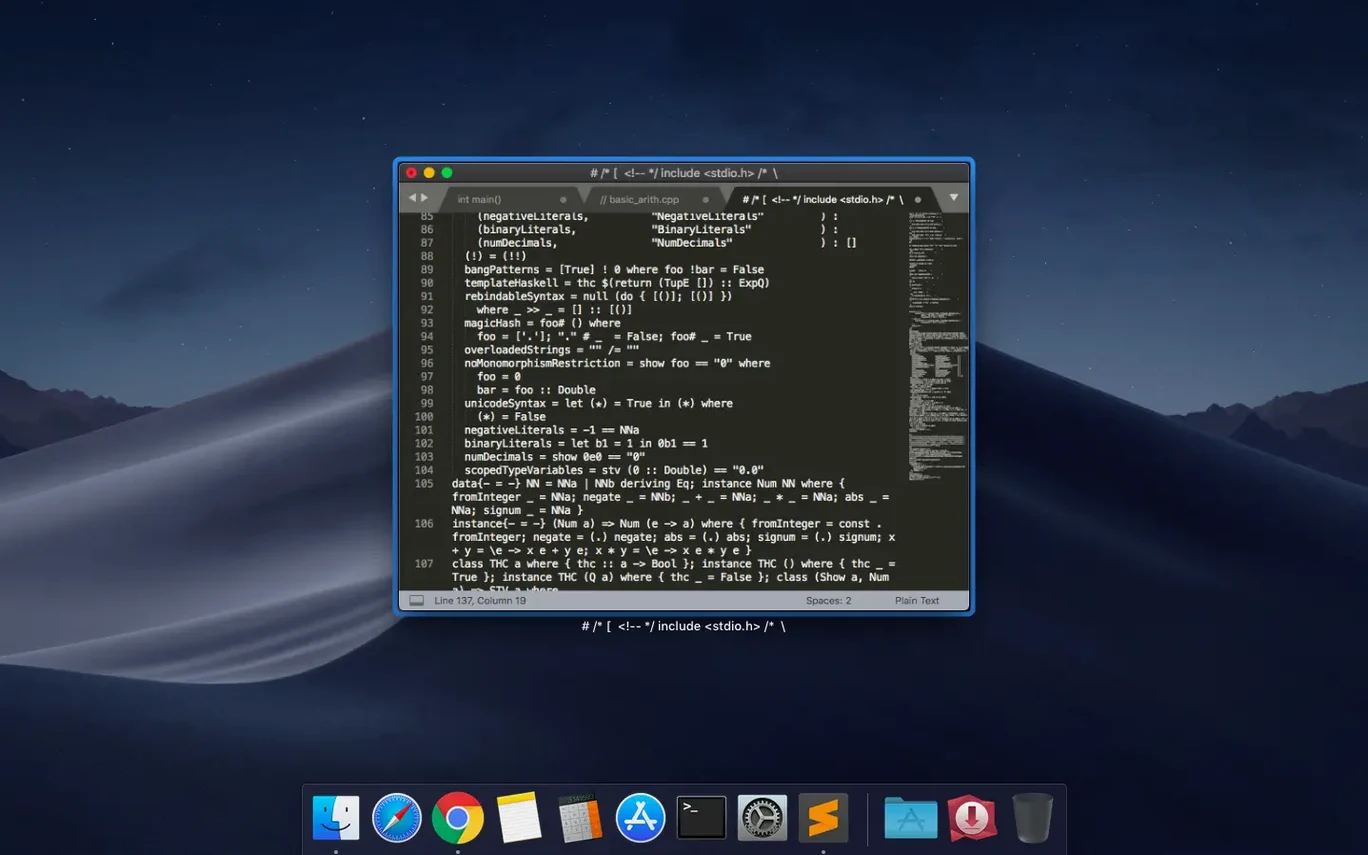
Navigating a project starts with a few keystrokes. Tap Command-P, type a partial filename, and the fuzzy search finds it instantly. Once you're inside a file, a minimap sits along the right edge, showing a shrunken, monochrome outline of your whole document. It's handy for scrolling through a long stylesheet or a dense Python module without losing your place.
Plenty of room to grow
The editor ships with a package manager that lets you find, install, update, and disable plugins without restarting the app. That means you can pull in additional language support, tweak the interface with community themes, or set up custom snippets for reusable blocks of boilerplate code. The current build squashes a couple of bugs, including a fix for the vintage M command and a compatibility hiccup on macOS 10.13 and 10.14. If you spend your day in text files and want something responsive that stays out of your way, Sublime Text 4 is worth a look.
Instant project load via drag-and-drop
Tuesday morning, coffee in hand, and you've just pulled the latest from a repository that touches a dozen files. You drag the project folder onto the Sublime Text icon in the Dock. The sidebar populates instantly, and you tap Command-P, type "css header," and land in a stylesheet before the Finder would have finished listing the directory.
You need to tweak the padding on a card component across three breakpoints. Rather than hunt for each rule, you hit Command-Shift-F and search for .card across the whole project. Results fill a bottom panel in under a second. A double-click on any match opens that file at the exact line, and you repeat for the three spots you care about.
Now comes a repetitive edit: swapping a hex color value for a CSS custom property in forty places. You select the first occurrence, press Command-D four times to grab the next instances, and suddenly five cursors blink in unison. You type the new property name once, and all five lines update together. The minimap on the right shows a vertical stripe of highlights where your selections sit; a quick glance tells you if any stray match landed in a comment block.
Mid-session, you realize the Markdown readme needs an updated screenshot path. You open it in a second pane with Command-Option-2, edit the path, and toggle back to a single view without touching the trackpad. Before committing, you run a build command bound to a shell script: Command-B kicks off a linting pass, and the output scrolls into a panel at the bottom. One warning about a missing alt attribute. You fix it, save, and move on.
The editor auto-saves drafts along the way, so you never stop to guard against a crash. When the session wraps up, you close the window and Sublime Text remembers exactly which files and panes were open for next time.
Apple Silicon speeds up scrolling and plugins
The jump to version 4 brought Apple Silicon support as a Universal 2 binary, which meant the editor stopped feeling like a translation layer on M-series Macs. Scrolling through large files, syntax highlighting, and plugin load times all tightened up on ARM hardware without a separate download.
Build 4215 landed on September 25, 2026, with two specific fixes that matter in daily use. The vintage M command—part of the vi-style modal editing layer—had stopped working, leaving muscle-memory users stranded mid-keystroke. That's restored. More practically for anyone holding onto older hardware, a compatibility issue that tripped up macOS 10.13 and 10.14 was resolved, so Sublime Text 4 keeps running on High Sierra and Mojave machines that never made the jump to newer operating systems.
Multi-megabyte files open without stutter
Does it handle large files without choking? Files that bring other editors to a crawl—multi-megabyte log dumps, minified JSON blobs, enormous CSV exports—open quickly and scroll without lag. The minimap stays responsive, and search-as-you-type doesn't stutter even when the document runs tens of thousands of lines. For data wrangling on a deadline, that matters.
Will my Vim habits carry over? The vintage mode gives you modal editing with familiar keybindings, and the fix in build 4215 means the M command behaves as expected again. It's not a full Vim replacement, but for navigation and quick edits without leaving the home row, it covers the essentials.
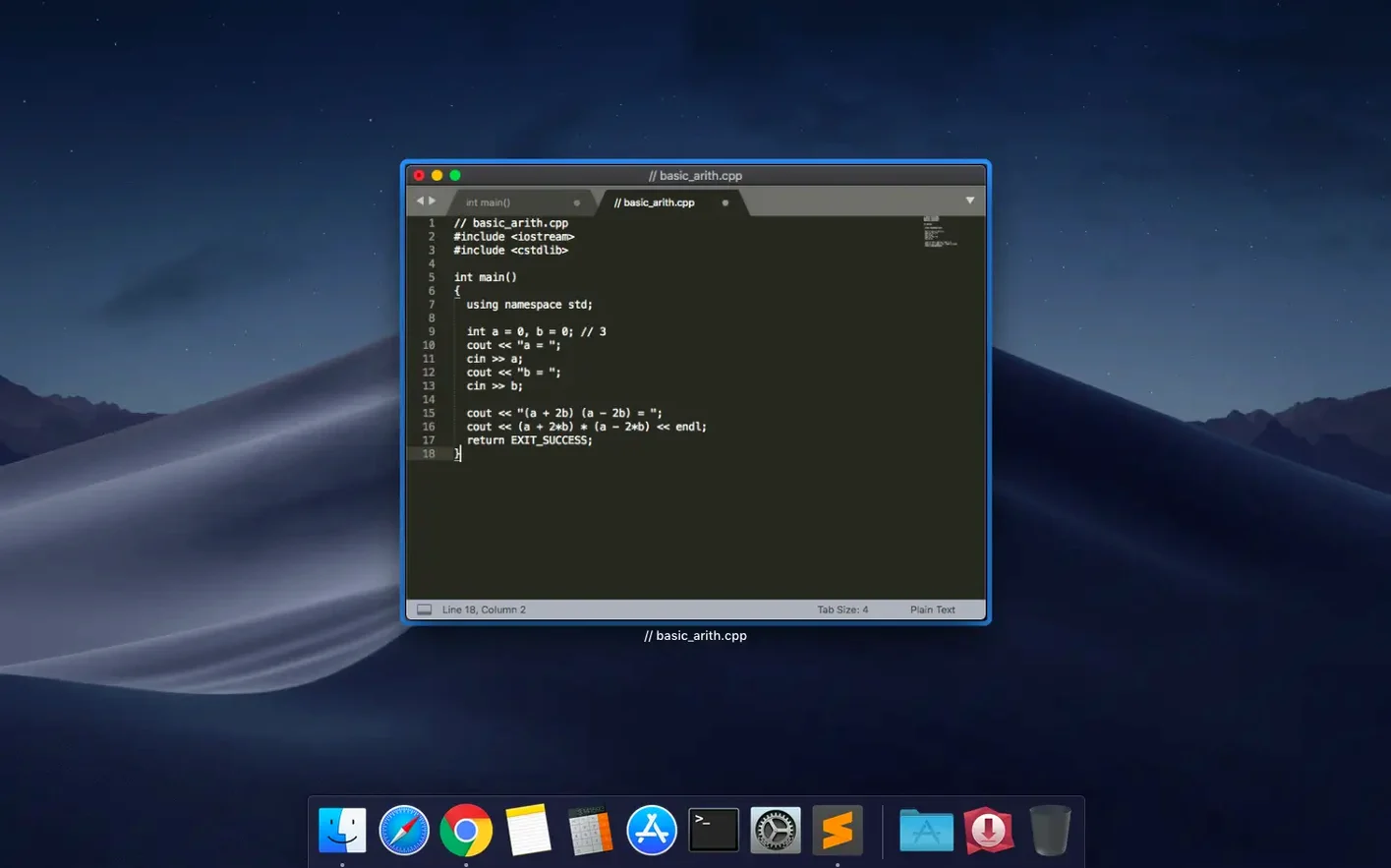
How much tinkering does the setup require? Out of the box, syntax highlighting covers a wide spread of languages—from C++ and Haskell to LaTeX and SQL—and the package manager handles everything else. If you need a linter for a niche language or a specific color scheme, a few keystrokes in the command palette fetch and enable it. No config-file archaeology required unless you want to go deep.
Does it play well with both Intel and Apple Silicon Macs? The Universal 2 binary means one download works natively on either architecture. If you shuffle between an older Intel machine and a newer M-series laptop, the same installation behaves the same way on both.
Build 4215 tidies up a few rough edges. The vintage M command works again, and a compatibility glitch on macOS 10.13 and 10.14 is now resolved.
- macOS 10.13 or later
- Apple Silicon and Intel Macs
Porch talk 0
Come in or pull up a chair to leave a comment.
Nobody has pulled up a chair yet. If you used it on a real Saturday, say what the hour was.