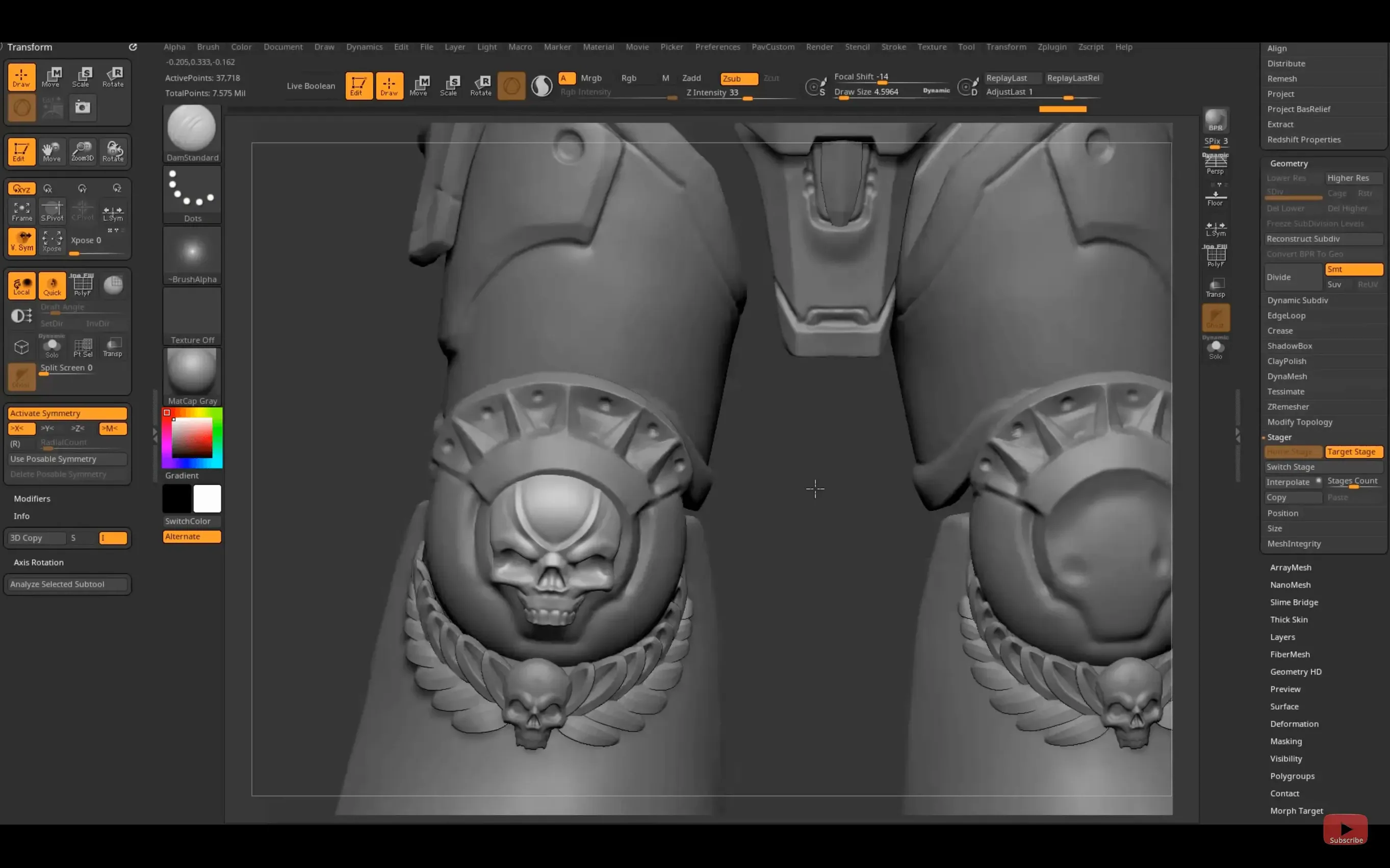
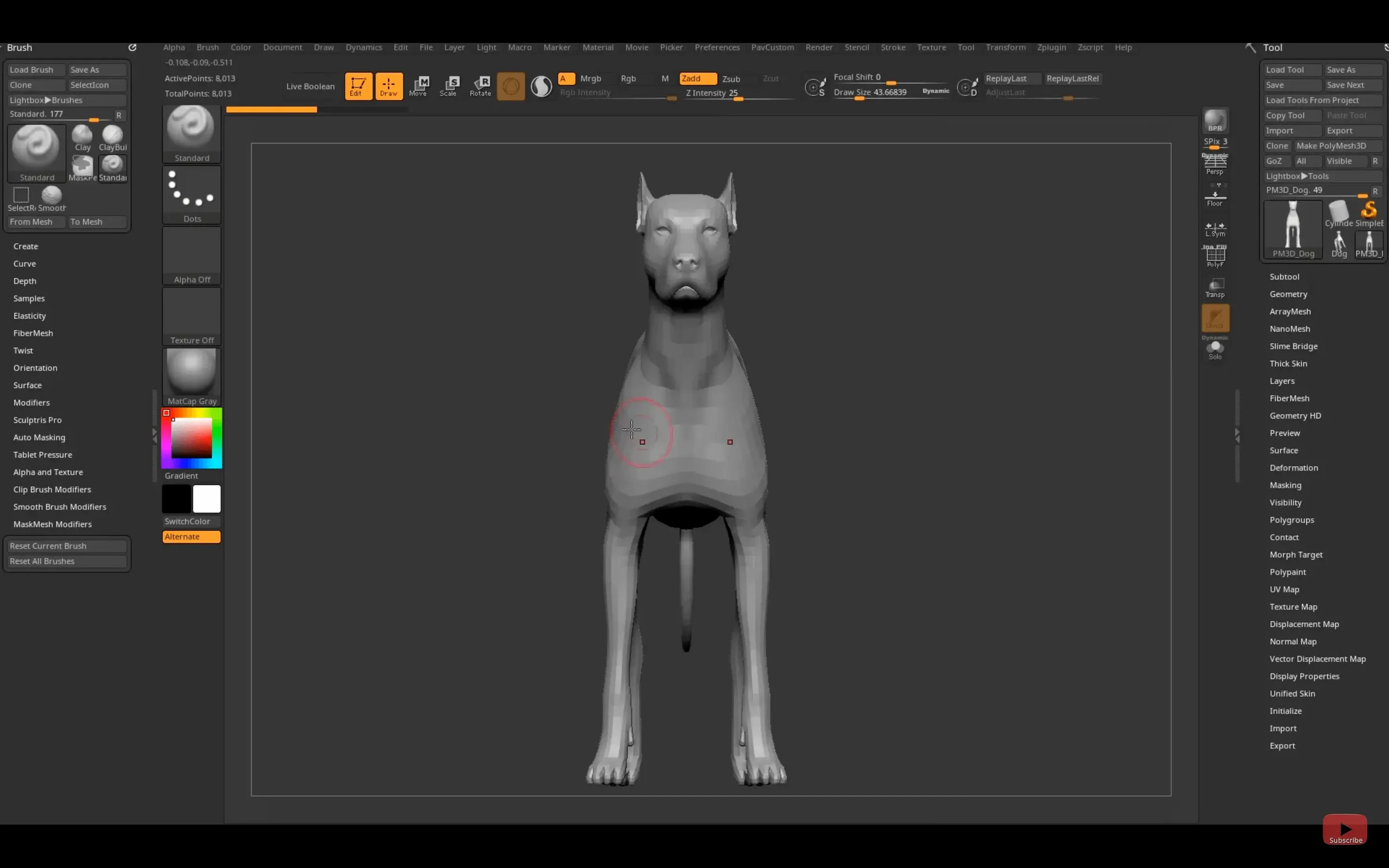
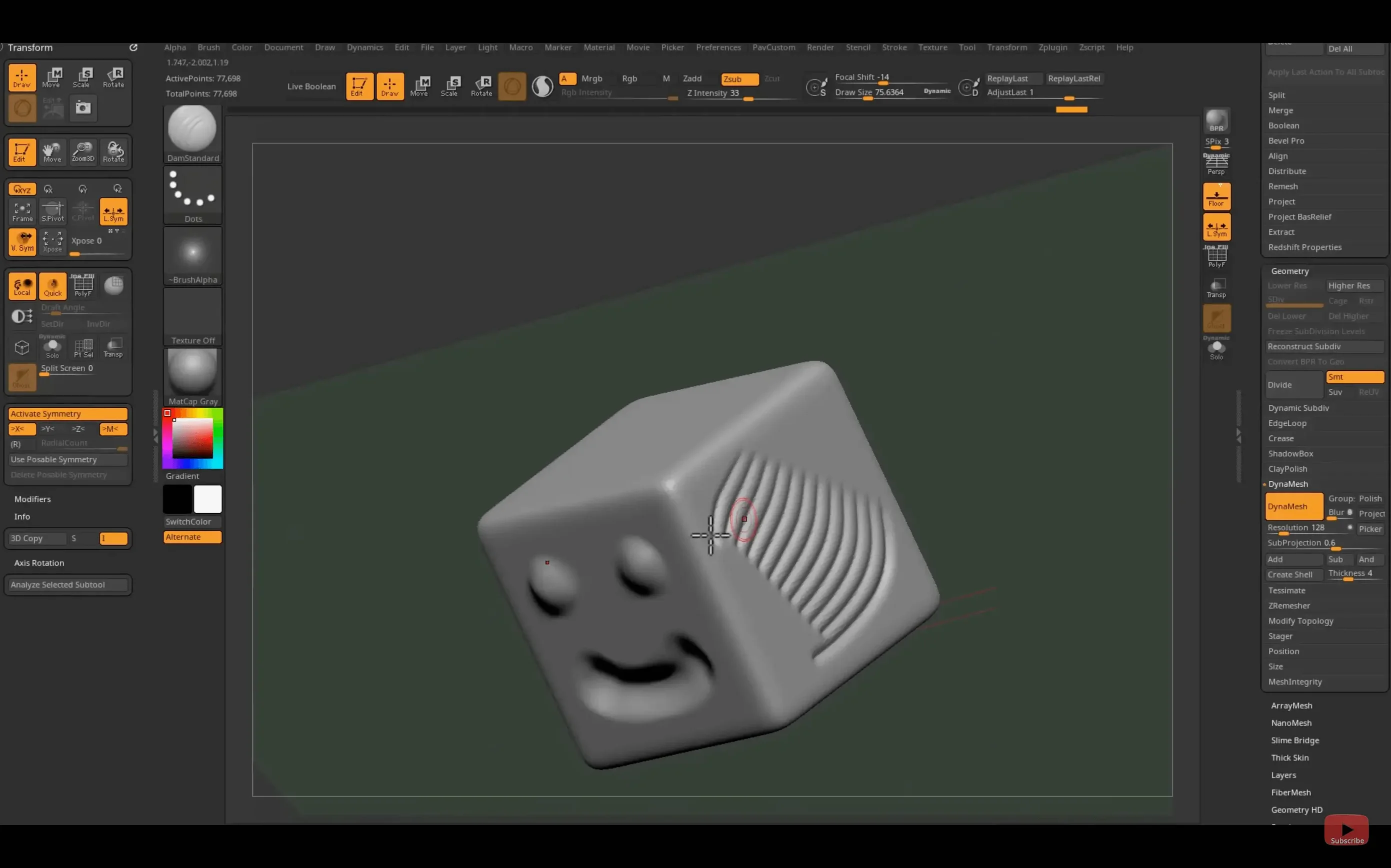
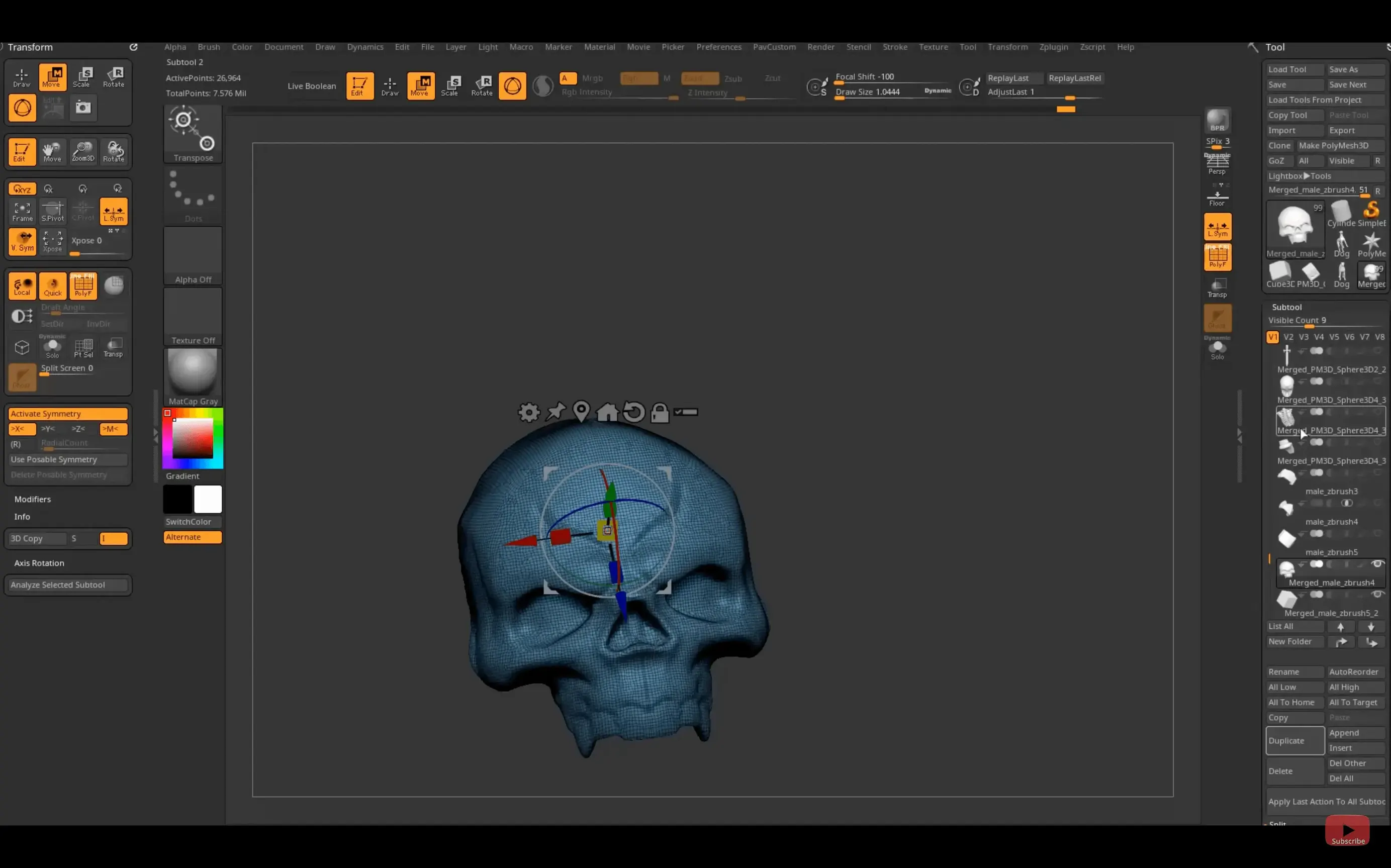
ZBrush is a digital sculpting and 3D modeling program where you push, pull, and carve virtual clay with a stylus.
Pixol — The core building block. Unlike a standard pixel, a pixol stores color, material, orientation, and Z-depth alongside XY coordinates, giving every brushstroke physical weight and texture on the canvas.
Sculpting brushes — Starting from a sphere or a base mesh, you shape a model with brushes that add, smooth, pinch, or cut away digital clay. The real-time rendering engine shows the result instantly.
Polygon modeling — Alongside the freeform sculpting tools, ZBrush can modify standard 3D objects and manage topology when you need clean edge flow for animation or rendering in another app.
Painting and texturing — You paint color and material details directly onto the high-resolution surface. The plug-in library adds geometry kits, texture presets, and extra brushes to extend the toolset.
Pipeline bridges — The 2026.2.1 release introduces a Substance Bridge for one-click transfer to Substance Painter and updates GoZ support for Maya 2026 and 3ds Max 2026. It sits alongside other Maxon tools, so moving a model between sculpting, texturing, and rendering is straightforward.
ZBrush speaks to character artists, toy designers, and anyone who thinks more naturally with clay than with blueprints. If you find polygon-by-polygon modeling cumbersome and want a direct, tactile way to build detailed 3D forms, this is the bench that fits the work.
Where ZBrush Sits in a Mac Workflow
A sculpt fresh out of ZBrush rarely stays in ZBrush. The mesh heads to a texturing tool, a renderer, or a game engine, and the bridges built into the 2026.2.1 release make those hops shorter. The GoZ update talks directly to Maya 2026 and 3ds Max 2026, so you click one button and the model opens in your animation package with topology and UVs intact. No OBJ export dance, no scale mismatches.
The new Substance Bridge is the quiet star for texture-heavy projects. Sculpt details at millions of polygons, decimate a working copy, then send it straight into Substance Painter for material work. The roundtrip feels less like file management and more like switching brushes. On a Mac, this sits comfortably beside other Maxon tools — Redshift for rendering, Cinema 4D for scene assembly — without leaving the ecosystem.
Beyond the official bridges, macOS itself helps out. ZBrush respects standard file dialogs, so saving a ZTool or an OBJ into an iCloud folder means the same file appears on a MacBook or a studio Mac without thumb drives. Time Machine backs up project folders without special exclusions, and the Apple Silicon version runs cool even during long sessions, which matters when you are sculpting for hours with a tablet in hand.
Creature designers sculpting dozens of silhouettes in an afternoon
ZBrush attracts people who think with their hands. Concept artists sketching creature designs for a film will rough out a dozen silhouettes in an afternoon, rotating, inflating, and cutting with the Move and Clay brushes until something clicks. The software rewards rapid iteration — start with a sphere, push mass around, see the shape from every angle. No edge loops, no extrusions, just volume.
Character modelers for games lean on it differently. They build the high-resolution sculpt, every pore and wrinkle, then use ZBrush's Decimation Master to create a lighter mesh for baking normal maps. The sculpt becomes the source of truth, not the final asset. Collectible toy designers and miniature sculptors sit at the same bench; they need the final STL file to print cleanly, and ZBrush's ability to work at very high polygon counts means the 3D print holds detail that cheaper pipelines lose.
Scientific illustrators and paleoartists are a quieter group, reconstructing fossils or cellular structures from reference photos. They value the precision of the Lazy Mouse stroke smoothing and the fact that a pixol stores material information per point — bone looks different from cartilage even before you leave the sculpt phase. If your work asks you to feel a form before you finalize it, the software meets you there.
Stumbles Worth Avoiding
Newcomers often treat ZBrush like a polygonal modeler with fancier tools, and it fights back. The interface does not behave like Blender or Maya; menus are palettes you pop open with a hotkey, and the right-click behavior is not what you expect. People try the zbrush free download route, launch it cold, and click around for ten minutes before frustration sets in. The fix is simple: spend the first session with the Lightbox, loading a demo head and just pushing clay with the Standard, Smooth, and Move brushes. Learn where the brush feels right, then explore the menus.
Another classic mistake is skipping subdivision levels. A beginner sculpts fine eyelid creases at the highest subdivision, then realizes the overall skull shape is wrong and cannot push it back. The solution is to block out proportions at the lowest subdivision level and only increase detail when the silhouette works. Think of each subdivision step as locking in the previous decision.
The third pitfall is ignoring DynaMesh early on. When you stretch a sphere into a horn and the polygons stretch with it, the brush starts tearing the surface. DynaMesh retopologizes on the fly, redistributing polygons evenly so the clay stays workable. Toggling it before a big transform saves a sculpt that would otherwise turn to spaghetti. People who grab a zbrush torrent to test the waters without tutorials often miss this feature entirely and blame the tool for their lumpy results.
For Mac users specifically, the tablet matters more than the processor. A base M2 MacBook Air with a pressure-sensitive stylus will feel better than a loaded Mac Studio with a mouse. ZBrush is built for pen input, and skipping the tablet is the single biggest mistake anyone makes on the platform. If you are searching for a zbrush mac torrent or the zbrush download mac link to try the software, plan to have a Wacom, a Huion, or an iPad running Sidecar ready before you sculpt. The keyboard shortcuts make sense once the pen is in your hand.
The 2026.2.1 update tightens the links to the rest of a 3D pipeline.
- The new Substance Bridge moves a model to Substance Painter in one click.
- GoZ support is updated for Maya 2026 and 3ds Max 2026.
- On iPad, you can now save and share your custom hotkey layouts.
- Native Windows on Arm support was added for the PC side of the studio.
- macOS 12.6 or newer
- Apple Silicon or Intel 64-bit processor
Questions I actually get
Does ZBrush run on Apple Silicon Macs?
Yes. The Mac version supports both Apple Silicon and Intel 64-bit computers running macOS 12.6 or later.
What is the Substance Bridge in ZBrush 2026?
The Substance Bridge is a new feature that lets you send your model to Adobe Substance Painter with a single click for texturing work.
Porch talk 0
Come in or pull up a chair to leave a comment.
Nobody has pulled up a chair yet. If you used it on a real Saturday, say what the hour was.