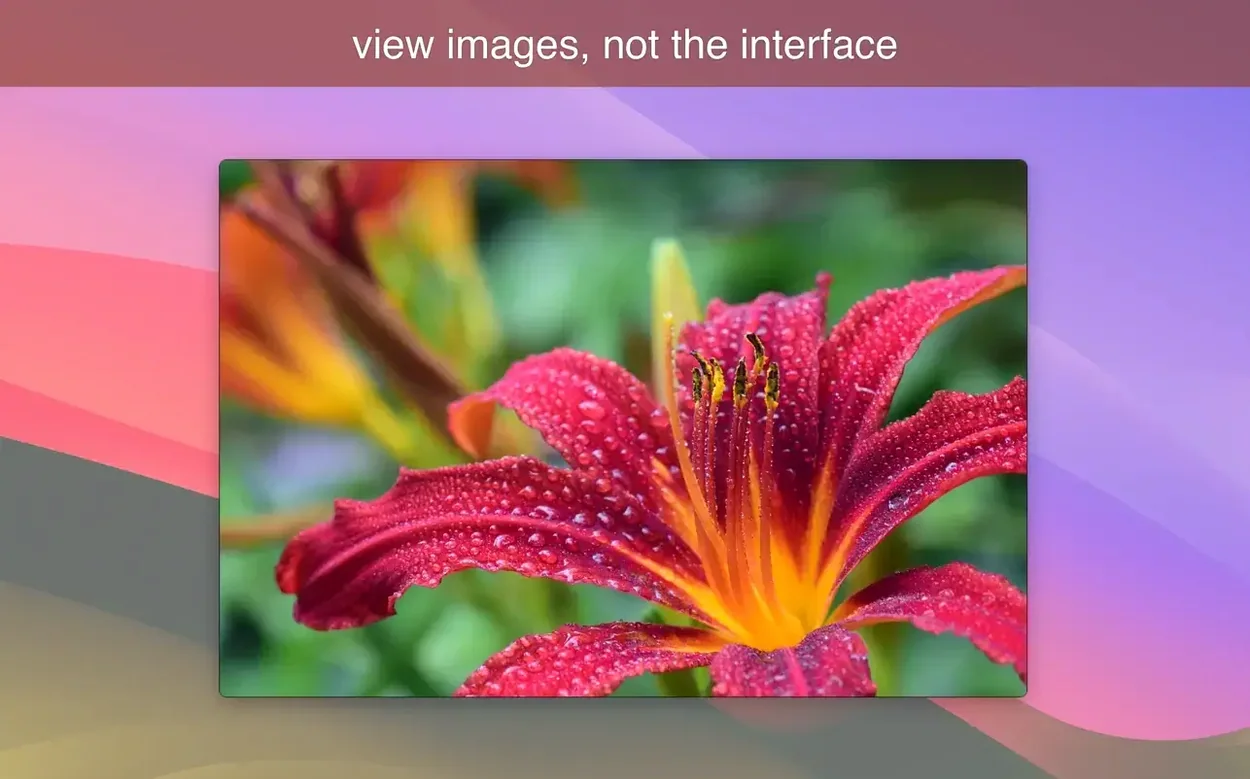
Move the pointer to the right edge of the screen and the photo attributes slide into view — a quiet detail that tells you what this app is about. LilyView is an image viewer for Mac built around the idea that browsing a folder of pictures should feel light.
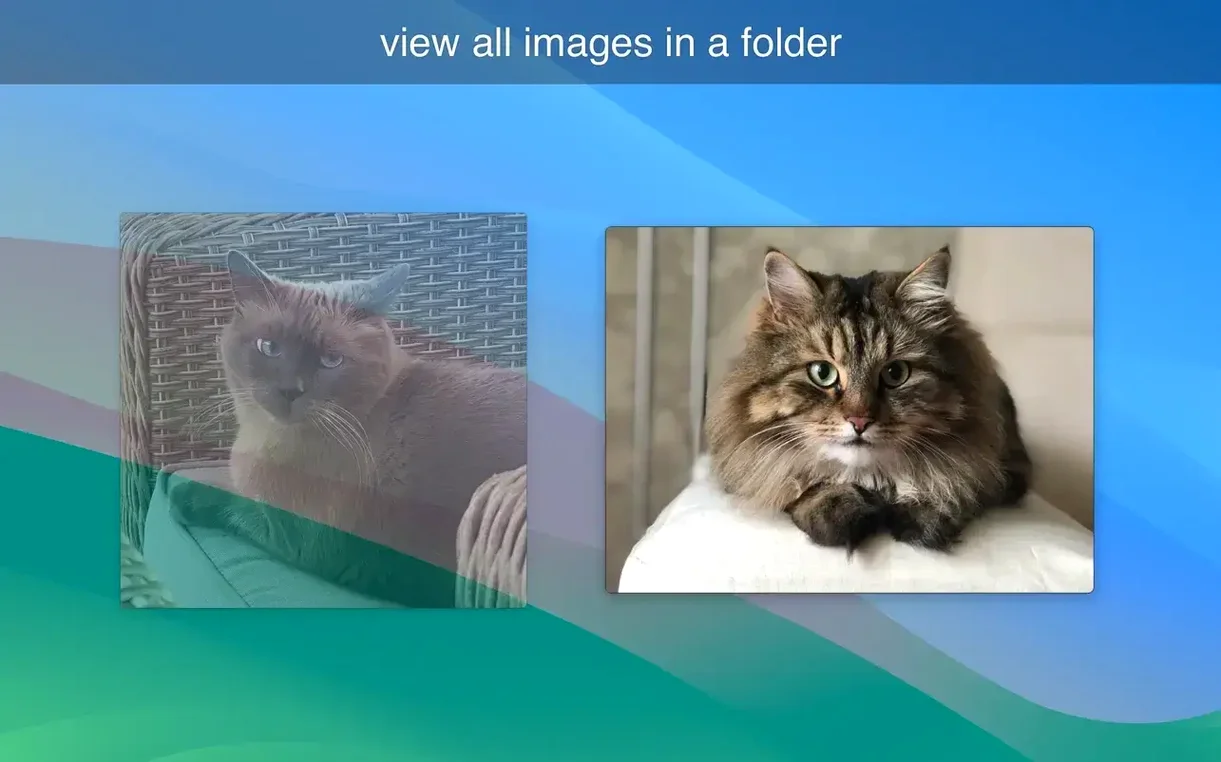
- Pick a folder on your Mac. LilyView opens the first image and leaves the window chrome behind when you ask it to.
- Double-tap a picture. The app switches to full-screen, and you can move through the directory without extra clicks or panels getting in the way.
- Use the Browse tab to jump straight to the first or last image in the folder. Handy when you have a long sequence from a shoot.
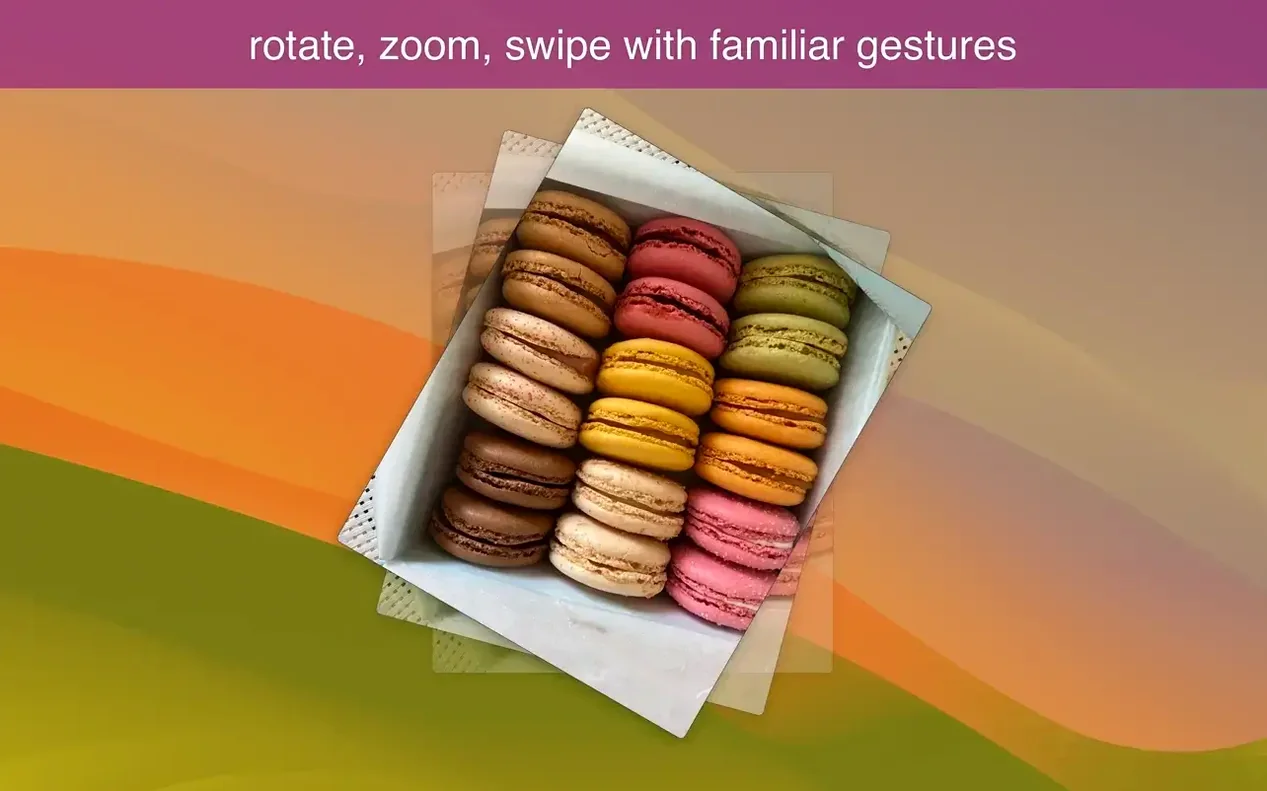
- Zoom in with a gesture, rotate a shot, or let the automatic zoom mode fit the image to the window width.
The feature set is intentionally compact — zoom, rotation, browse controls, and a full-screen mode you enter with a double-tap. No library imports, no cataloging. Just open a folder and look. If you work with photos directly in Finder and want a viewer that stays out of your way, LilyView fits that rhythm.
Before you settle into a browsing session, open Preferences and head to the General tab. Two settings make a real difference right away. First, the background color — the default gray works for most things, but switching to black changes how you perceive contrast in darker photographs. It also cuts down on peripheral brightness when you are scanning a folder in full-screen. Second, turn on Open images in actual size when zoomed in. Without it, LilyView can sometimes fit a large file to the window even when you asked for a closer look, which catches you off guard if you are pixel-peeping a portrait.
Instant launch, even on older Intel Macs
LilyView launches almost before you finish dragging a folder onto its icon. On an Apple Silicon Mac, the cold start feels instant, and even on an older Intel machine the app settles into memory without the pause you get from heavier photo managers. Swiping between images in a directory of high-resolution JPEGs or 16-bit TIFFs keeps a fluid rhythm — the next picture appears during the gesture, not after it. GIF animations run at their native frame rate without stuttering, which is something the built-in Preview app still stumbles on with larger files.
Resource use stays modest. Watching Activity Monitor while paging through a folder of 45-megapixel raw conversions, the app rarely pushes past 400 MB of RAM even with a dozen images cached. CPU spikes are brief and tied to decoding, then they drop back to idle. That restraint matters when you are working in a coffee shop on battery and want a lilyview for mac experience that does not punish your runtime.
Stability has been uneventful in the best way. The current 1.7.0 build handles unexpected file types by simply skipping them rather than freezing, and I have yet to see it beachball on a corrupted PNG. If you have been hunting for a LilyView torrent Mac download that delivers this kind of quiet reliability, the app rewards you with an image viewer that stays responsive across long sessions without memory creep or sudden quits.
A small but welcome tweak to how you size up your photos. Version 1.8.0 introduces a "Fit to Screen" automatic view option, which gently stretches smaller images so they fill the available window space instead of hanging back at actual size. The previous view that kept images from exceeding the screen is still here — it's just been renamed to "Actual Size Limited by Screen" to keep things clear.
- macOS 12 or later
- Apple Silicon and Intel 64-bit
Questions I actually get
What version of macOS does LilyView need?
LilyView requires macOS 10.13 (High Sierra) or a later release.
Does LilyView run on Apple Silicon Macs?
Yes, it supports both Apple Silicon and 64-bit Intel Macs.
Can I see photo details in LilyView?
Moving the pointer to the right side of the screen reveals photo attributes when you need them.
Porch talk 0
Come in or pull up a chair to leave a comment.
Nobody has pulled up a chair yet. If you used it on a real Saturday, say what the hour was.