
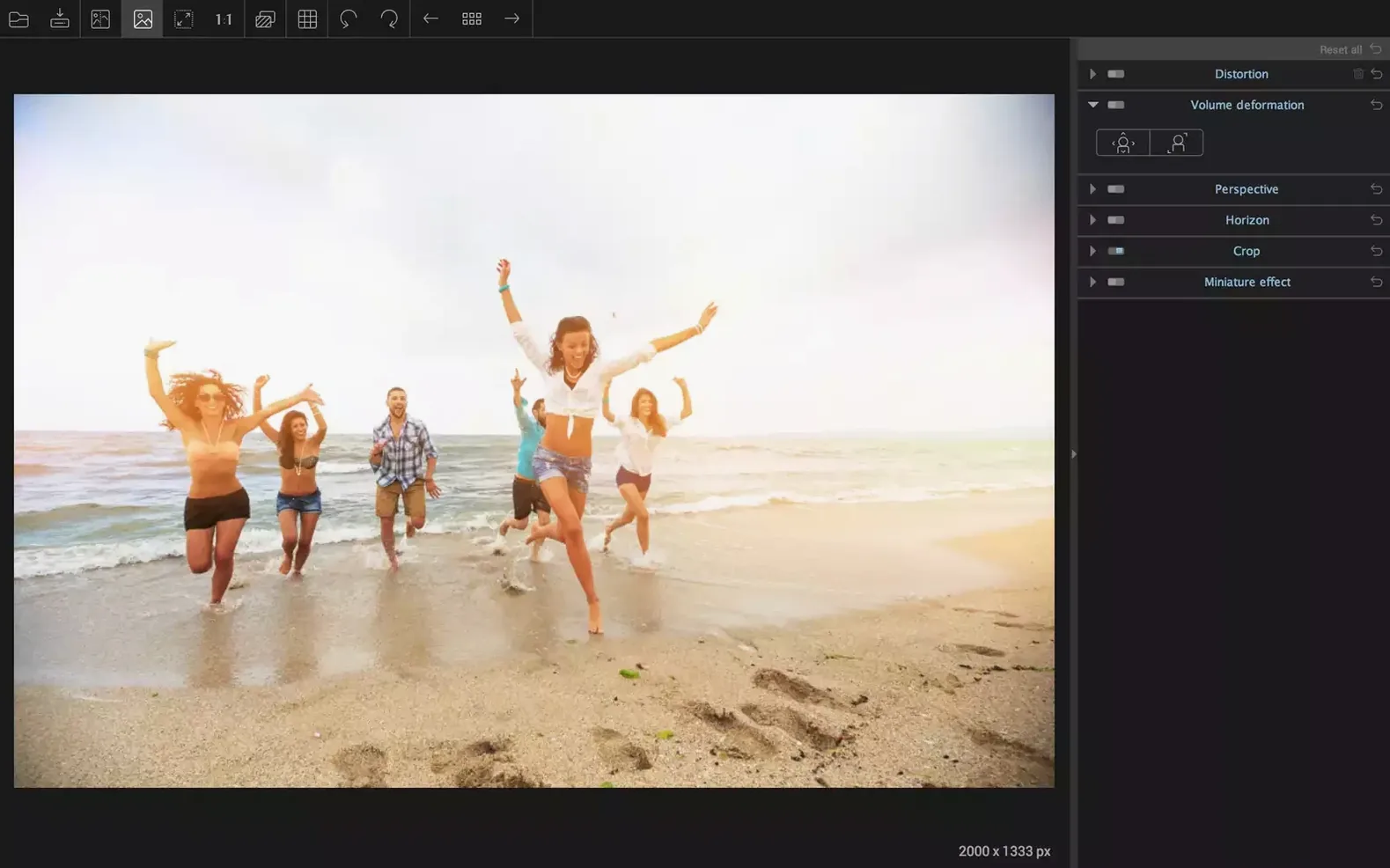
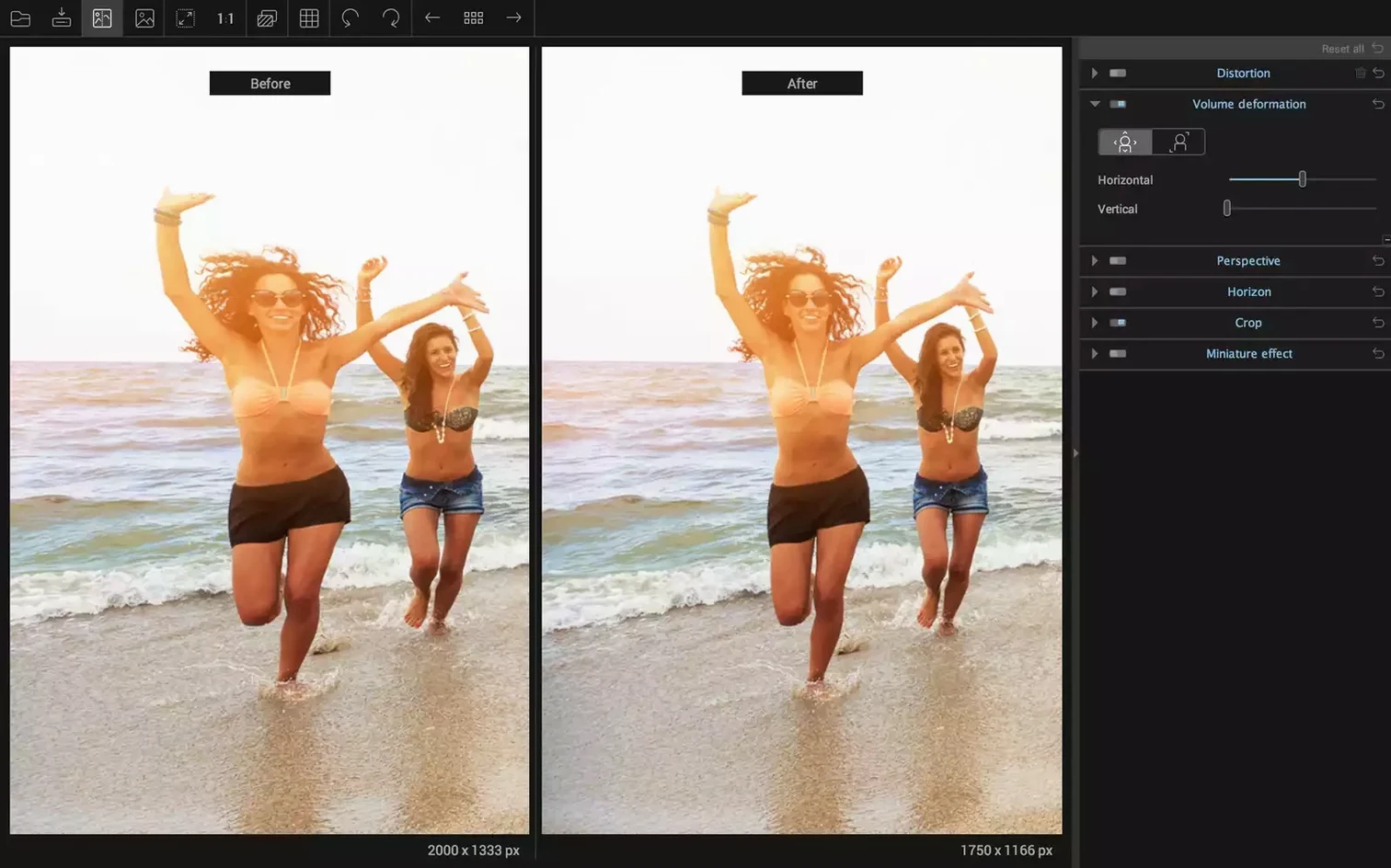
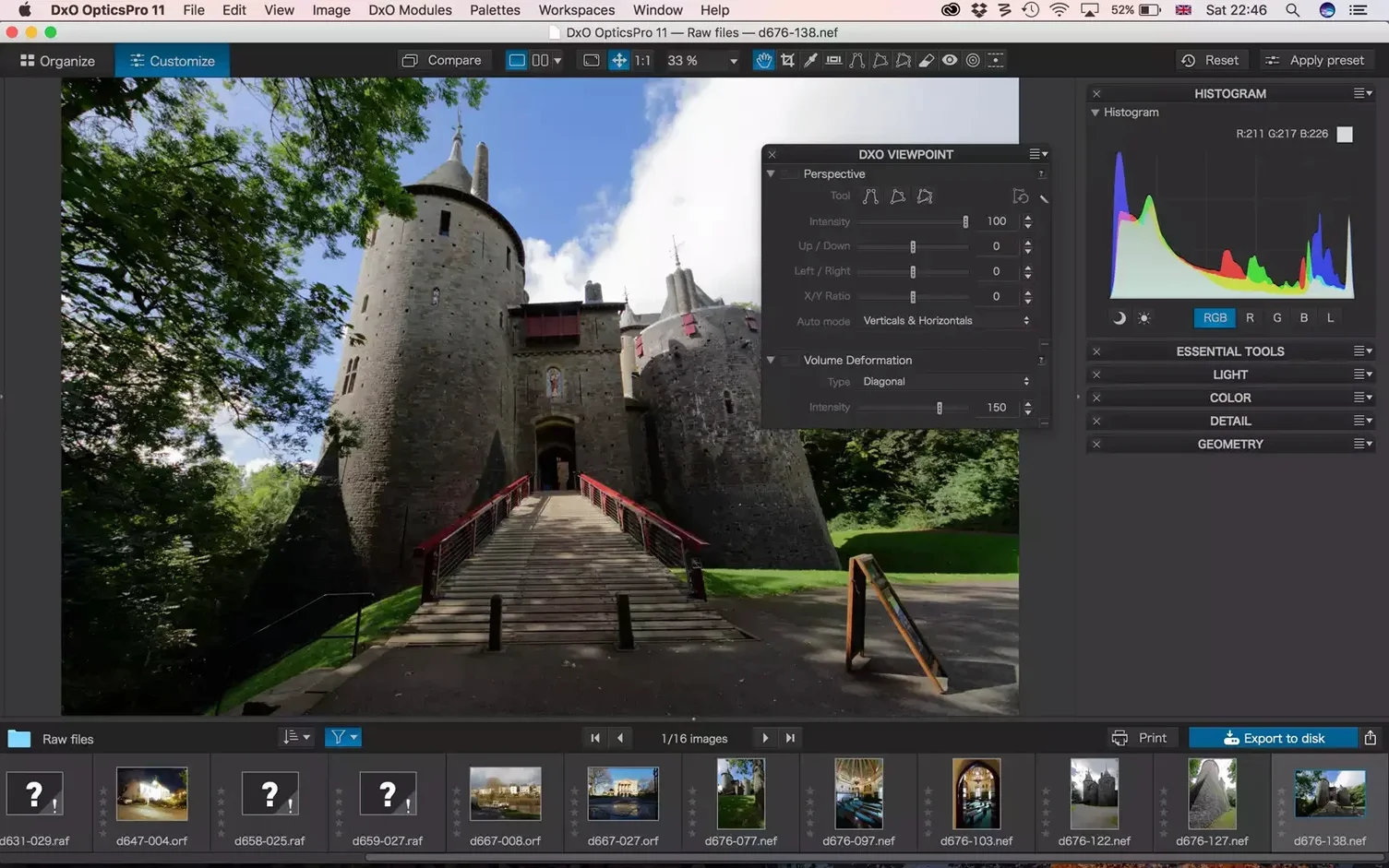
Volume Deformation is the tool you didn't know you needed until a group photo goes sideways—literally. Bodies near the edge of a wide-angle frame stretch unnaturally, heads elongate, and the fix isn't a simple crop. This correction re-proportions those stretched faces and objects back to something believable, and it does it without asking you to manually paint a mask first. It's one of the smarter, less obvious reasons to keep ViewPoint in your toolkit.
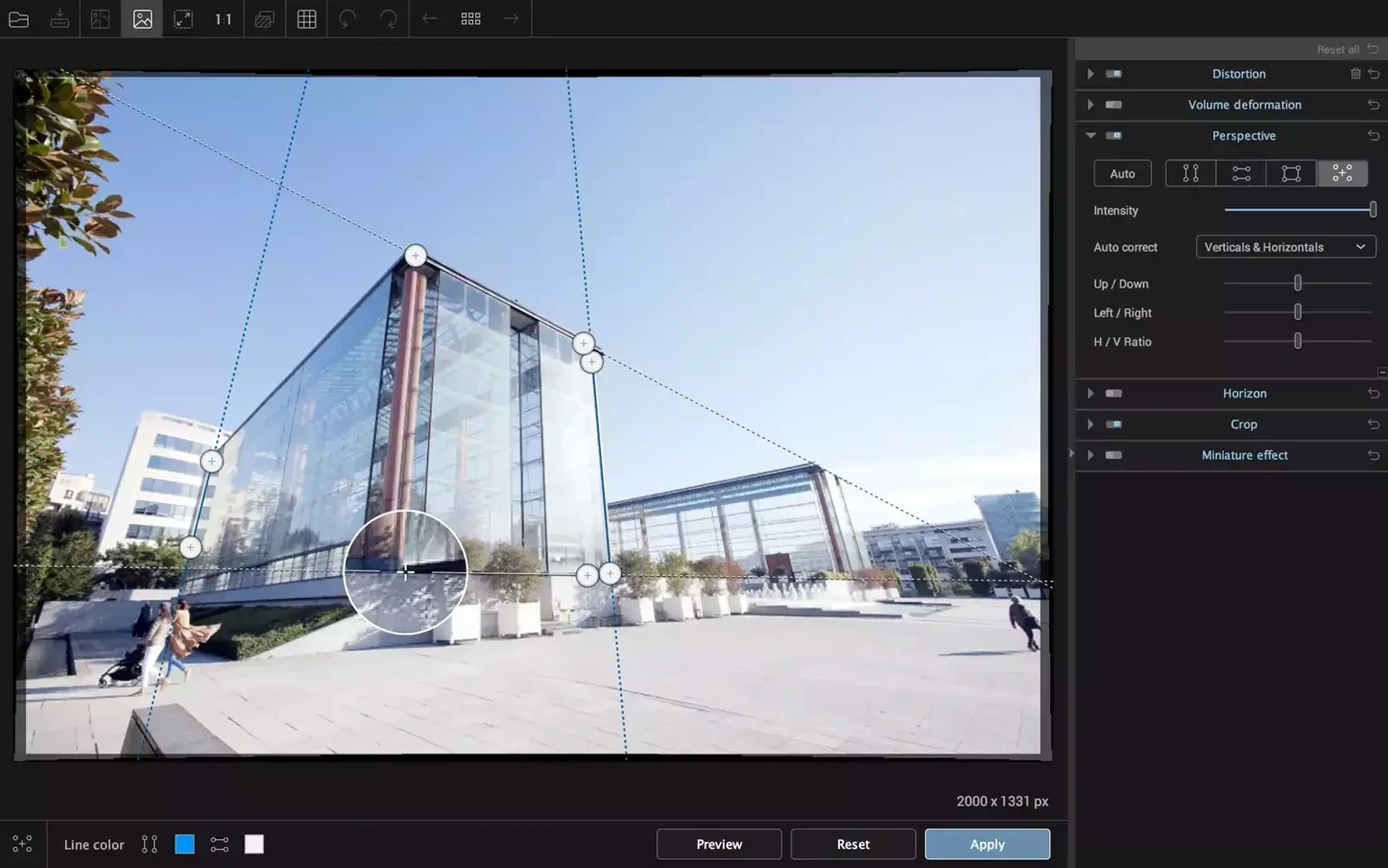
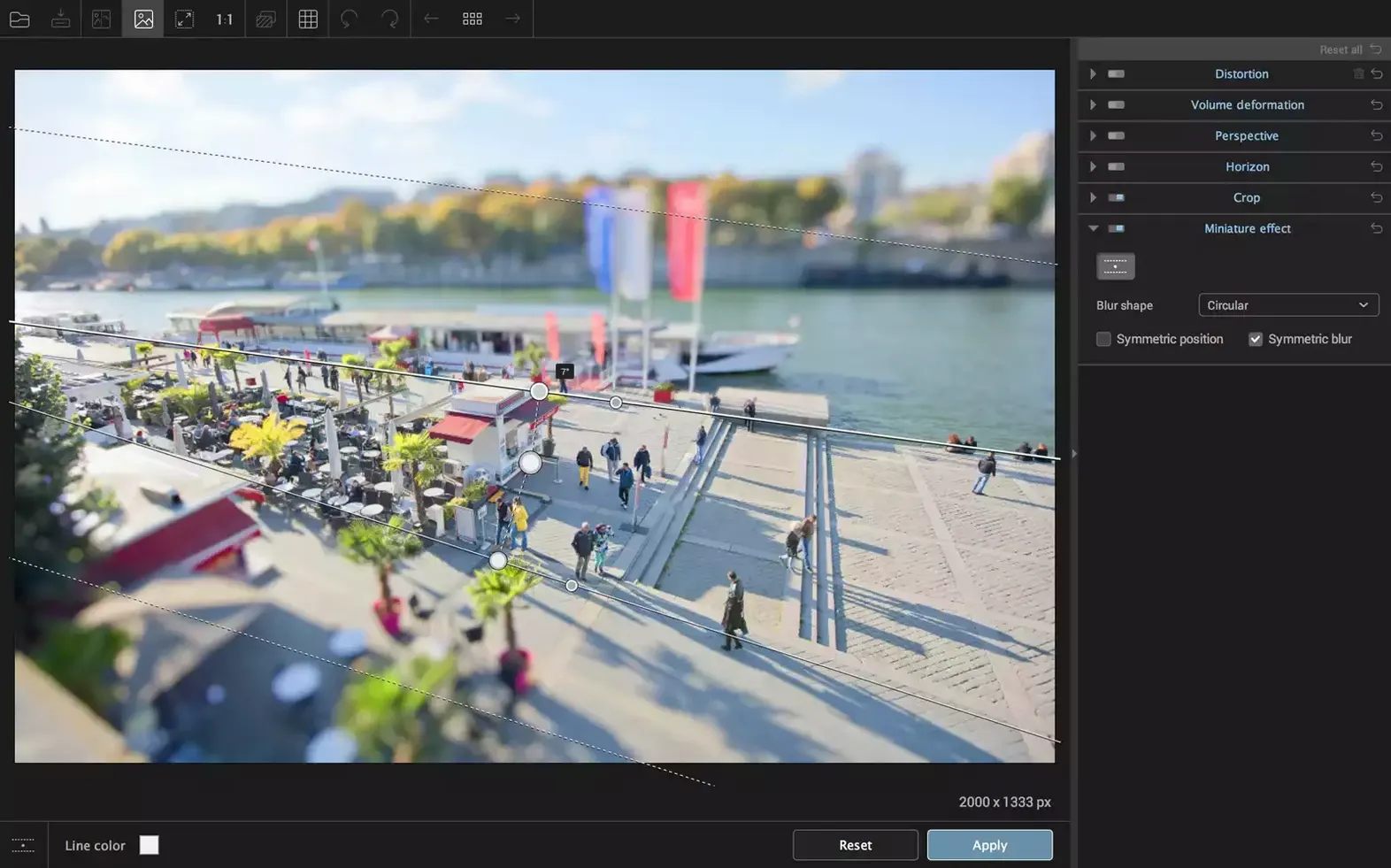
Alongside it sits a complete geometry bench. A dedicated horizon tool lets you draw a line across a tilted shoreline or table edge and have the whole frame re-level around it. For keystoning, you drag anchors onto lines that are supposed to be plumb or level—building corners, door frames—and the software works out the compound corrections. It's a visual, direct-manipulation approach that often feels faster than fiddling with sliders alone.
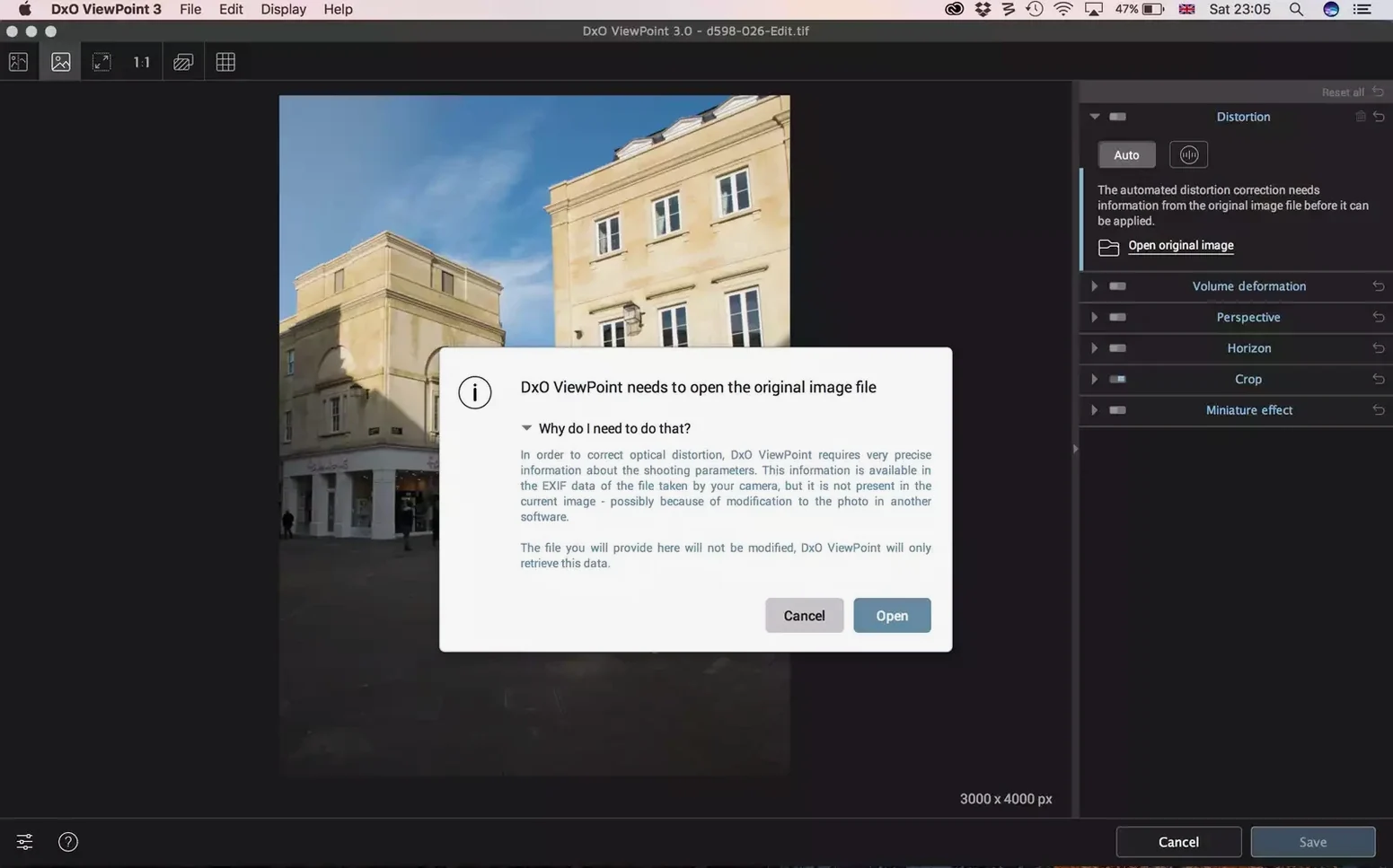
Lens distortion gets its own focused treatment here. You're not just toggling a generic profile on and off. ViewPoint separates the job into barrel, pincushion, and fisheye corrections, each with its own slider for fine-tuning. When you're working on an architectural shot where the lens profile got you 90% there but left a subtle wave in the brickwork, this is where you finish the job. The standalone application handles JPEG and TIFF files—including 16-bit TIFFs up to 200 MB—so you can work on a rendered file without a round-trip to Lightroom.
For those already inside Adobe Lightroom Classic, the same tools surface as a plug-in, tucked into your workflow without an export step. It's the kind of integration that makes sense when you want the correction power of ViewPoint without breaking the rhythm of your catalog work. If you're regularly printing large or staring at edge details at 100%, this is the level of control you'll appreciate.
A realtor's Saturday morning fix
A listing agent pulls five interior shots from a Wednesday walkthrough—kitchen, living room, two baths, a hallway. The 16mm lens gave her the coverage she needed in tight rooms, but the fridge looks like it's about to tip into the island and the hallway doorframe bows outward like a funhouse. She doesn't want to become a retouching expert. She wants the walls to read as straight before the listing goes live at noon. ViewPoint's keystone anchors let her pull verticals back in under a minute per shot, and the horizon line tool fixes a slight floor tilt she hadn't noticed in the hallway. No masks, no manual warping guesses—just the kind of correct geometry that makes a room photograph the way it actually feels standing in it.
Why a perfectly level horizon can ruin wide interiors
The most common stumble is treating the horizon tool like a spirit level on every shot. On a wide interior, "perfectly level" can make a room look like it's sliding downhill if the camera had any pitch to it. Sometimes you want the verticals true and the horizon close enough—not mathematically flat.
Another one: cranking the volume deformation slider to full strength on every group photo. Faces near the edges will snap back into proportion, sure, but bodies in the center can start to look slightly compressed. The sweet spot is often around 60-70%, just enough to stop the eye from catching the stretch without introducing a new weirdness elsewhere.
- macOS 11 or later
- Apple Silicon and Intel Macs both supported
Questions I actually get
Can DxO ViewPoint fix the stretched faces at the edges of group photos?
Yes, the Volume Deformation tool is designed specifically to correct that stretched, unnatural look on faces, bodies, and objects near the edges of wide-angle shots.
Porch talk 0
Come in or pull up a chair to leave a comment.
Nobody has pulled up a chair yet. If you used it on a real Saturday, say what the hour was.