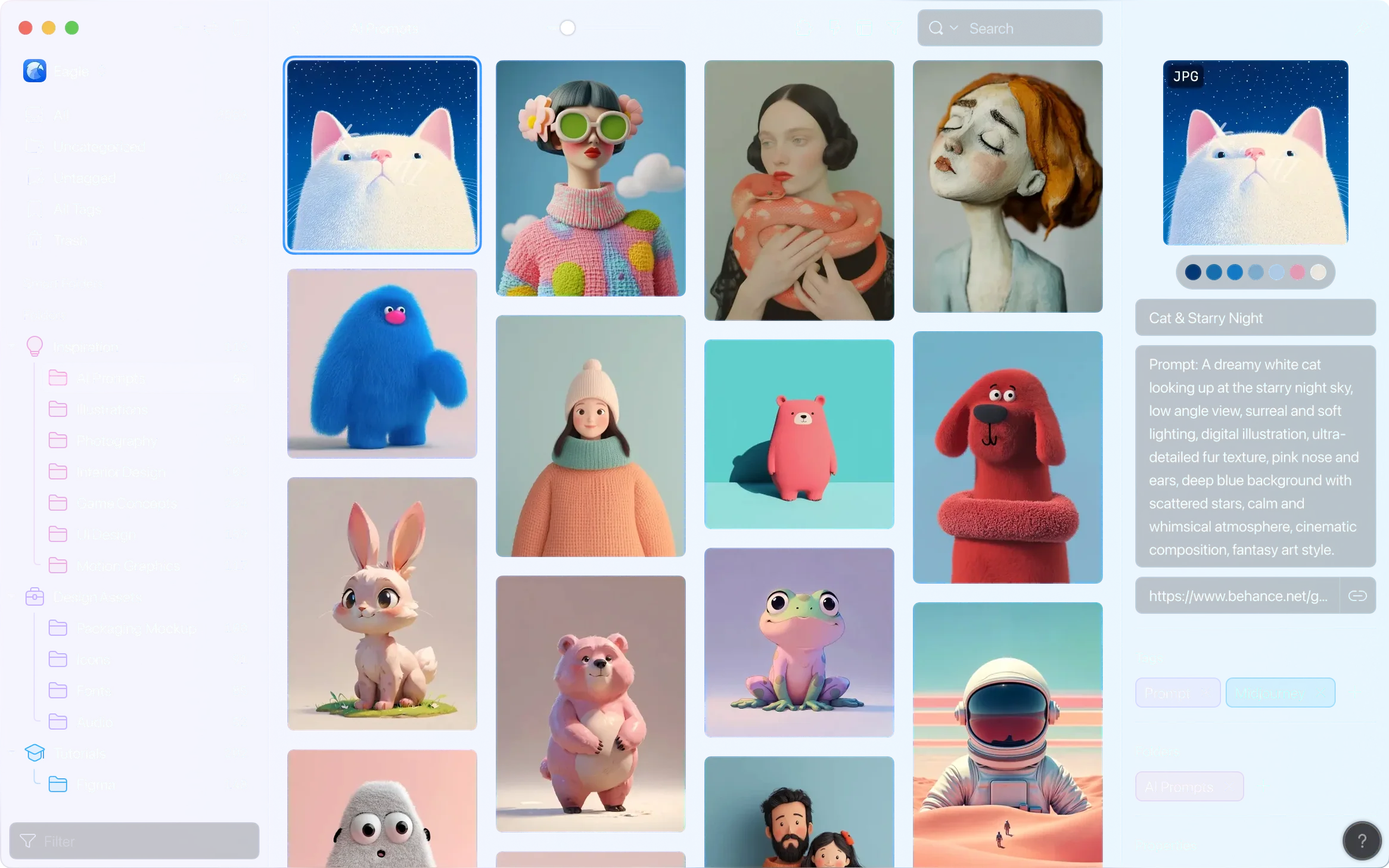
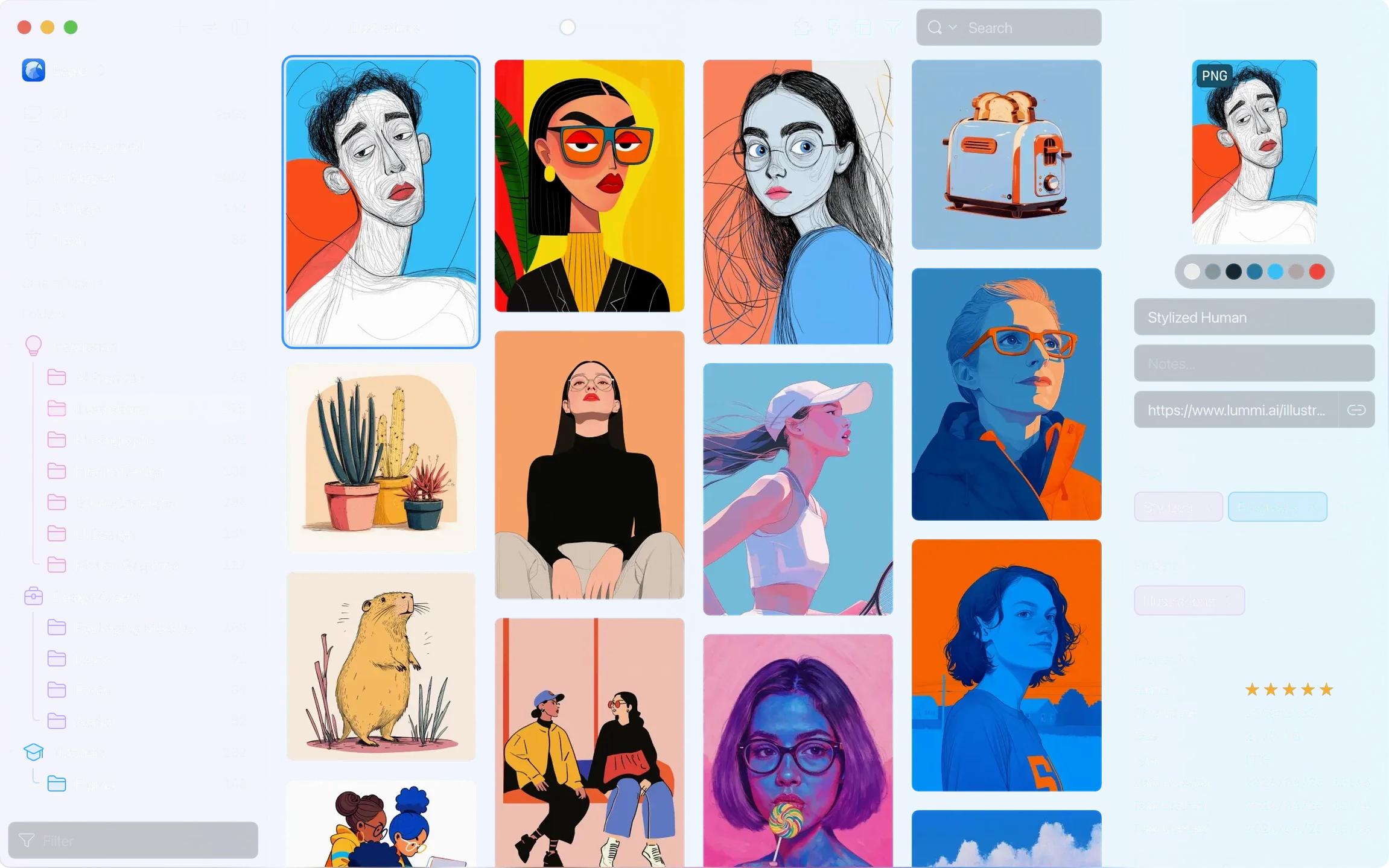
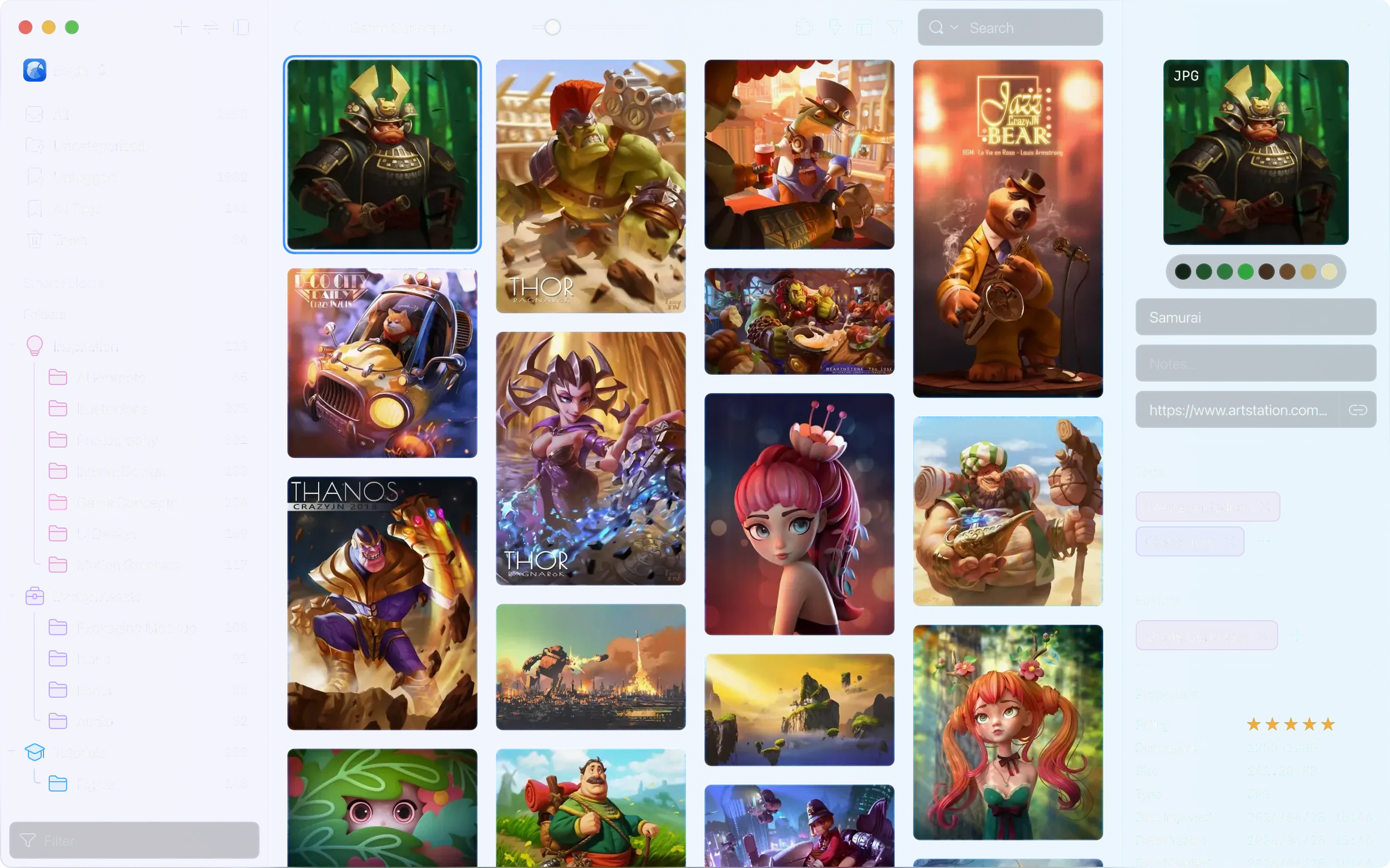
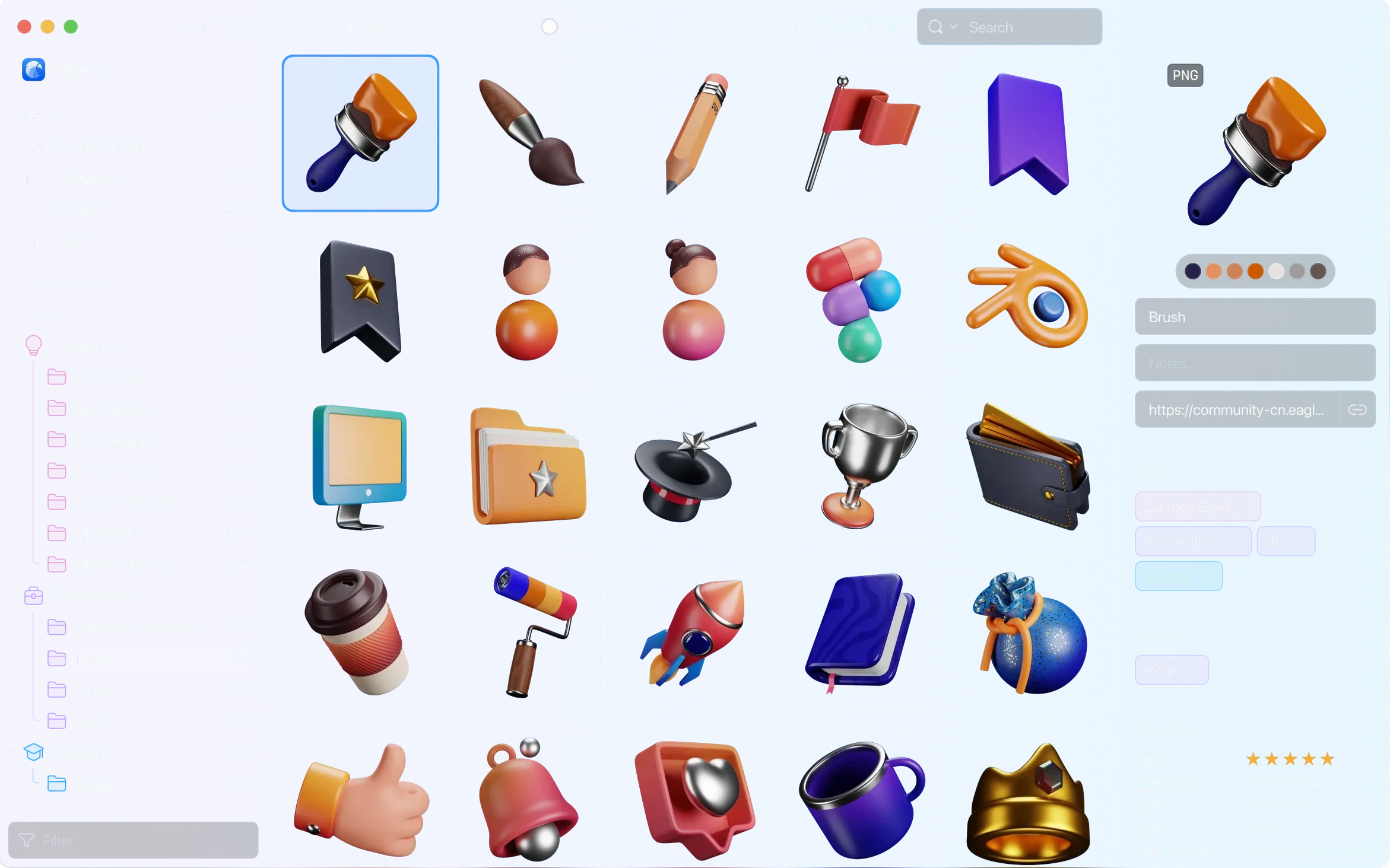
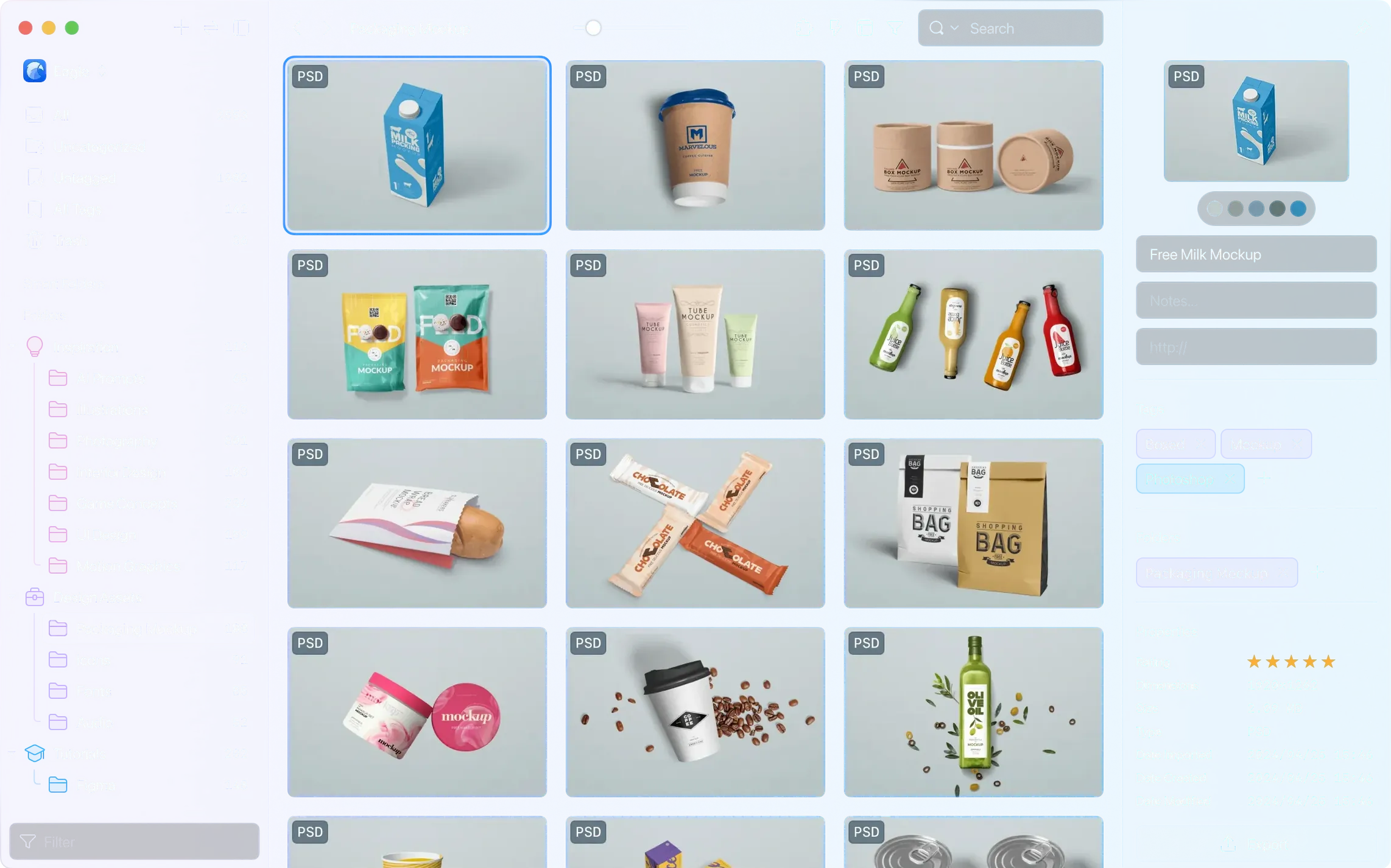
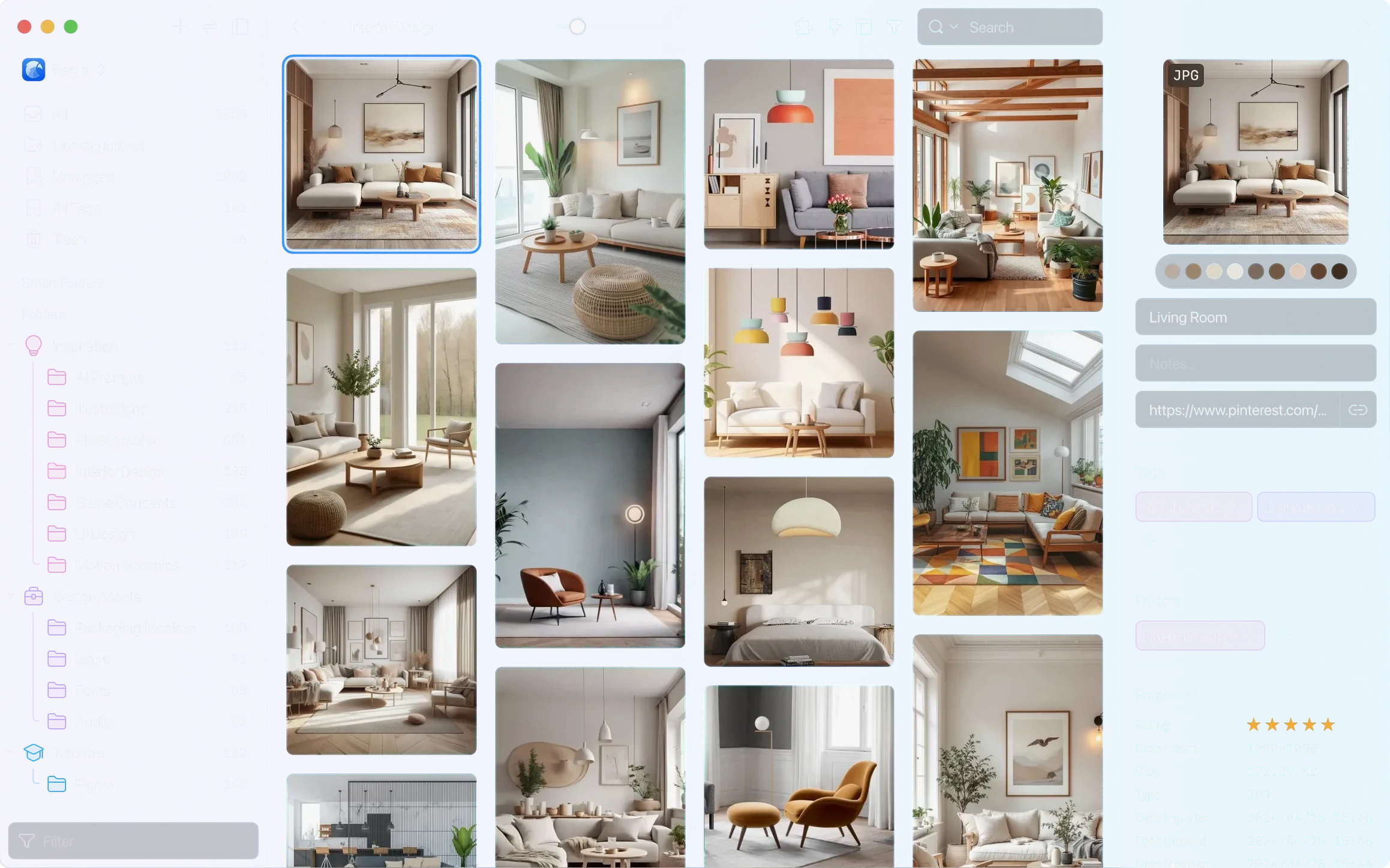
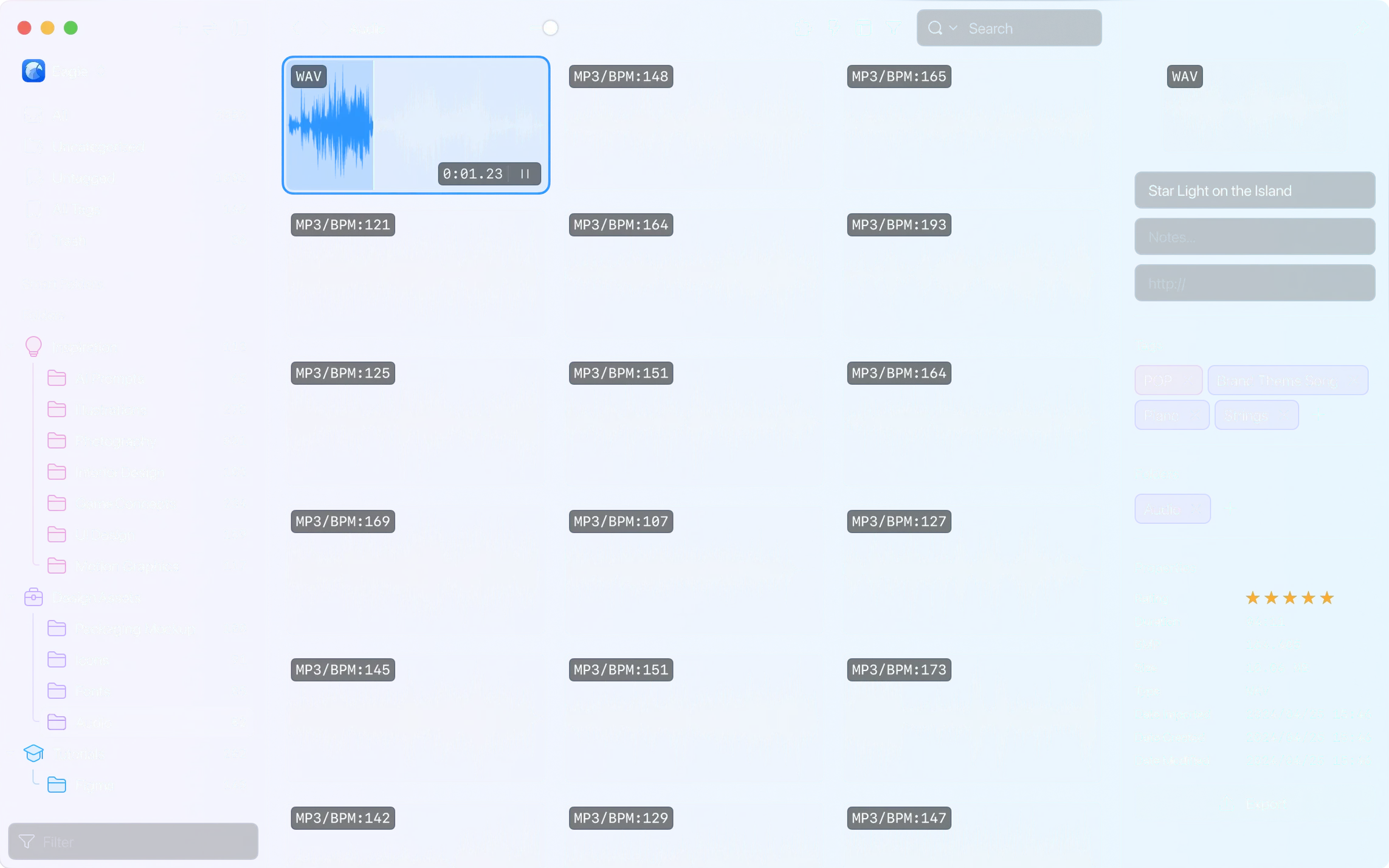
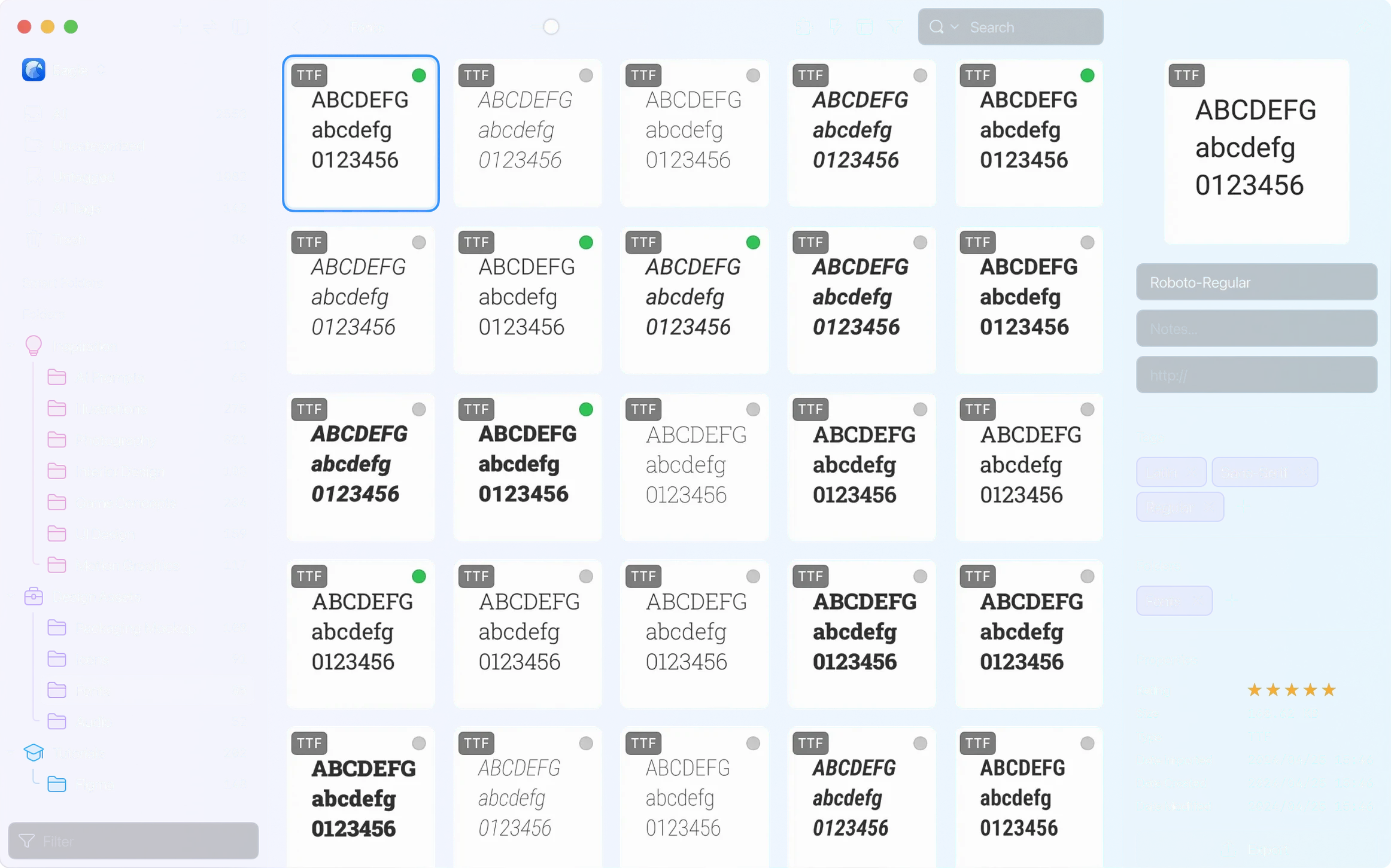
Version 4.0 brought a handful of quiet but meaningful fixes, including a resolution for that odd moment when the main window would pop back up right after you grabbed a screenshot. It also introduced advanced search with AND, OR, and parentheses, making it much easier to find exactly what you need across a sprawling library. If you're staring at a fresh canvas, here are a few concrete things to try first.
- Drop in a messy folder. Drag any folder full of images, videos, or design files straight into Eagle. It reads over 80 file types and leaves your original folder structure untouched.
- Build a smart folder. Use the new advanced search to create a saved search based on color labels, file types, or keywords. It updates automatically as your library grows.
- Assign colored tags. Set up a multi-level tag system early. A simple "moodboard > warm" or "project > client name" hierarchy makes navigating thousands of files feel manageable.
- Inspect a file without opening it. Tap the spacebar on any asset to preview metadata, embedded color palettes, and fonts. It's a fast way to pull details from a brand guideline PDF or a UI screenshot.
- Export a batch for sharing. Select a handful of images and export them with a custom folder structure. You can convert formats and resize on the fly, which comes in handy when handing off assets to a developer or a client.
None of these steps require you to reorganize your existing drives. Eagle references files where they live until you decide to move them. It's a gentle way to start, and you'll know within an afternoon whether the workflow fits.
Option-Drag Tags Onto Folders
The big features grab attention, but a few quiet shortcuts make daily browsing feel effortless. Hold Option while dragging a tag onto a folder to assign that tag to every item inside in one motion. Right-click any thumbnail and choose "Copy as Image" to paste it straight into a Figma canvas or a chat window without exporting a file first. The built-in viewer also remembers your last zoom level per file type, so a double-click on a layered PSD opens it at the magnification you prefer, not the default.
Color search works on the fly: drag the eyedropper over a reference shot, and Eagle filters by the dominant hue in under a second. If you have audio files longer than an hour—a full podcast episode or a field recording—version 4.0.0 build 11 20250627 now previews them without truncating. And when you need the library to stay out of the way, the thumbnail display control in the layout panel lets you shrink or enlarge everything with one slider, a small touch that keeps a 4K monitor from feeling cluttered.
A Motion Designer's Afternoon
Imagine wrapping up a storyboard for a client pitch. You have scattered folders: frame grabs from After Effects, a few eagle torrents of explosion reference clips, mood shots from a location scout, and a dozen font tests saved as PNGs. You drop them all into a new library, set a smart folder rule for anything tagged "explosion" and rated three stars or higher, then drag the best frames into a batch export set to JPEG at 1920 pixels wide. Twenty minutes later, you have a clean contact sheet and a tidy library that updates itself as new renders land in the watched folder. It's the kind of workflow that turns a frantic deadline into a straightforward assembly job, and it doesn't ask you to change where your source files live.
Build 11 of version 4.0 brings a few welcome quality-of-life improvements alongside a practical bug fix.
- Audio files longer than one hour are now supported.
- Added thumbnail display control options in the layout panel.
- AVIF images now show a hover preview.
- New actions let you remove a specified folder or a specified tag.
- Fixed a macOS issue where the main window could open unexpectedly after taking a screenshot.
- macOS 10.15 or later
- Works on both Intel and Apple Silicon Macs
- Activation is not required
Questions I actually get
Does Eagle support audio files longer than one hour?
Yes, starting with version 4.0.0 build 11, the app can handle audio files that exceed sixty minutes in length.
Porch talk 0
Come in or pull up a chair to leave a comment.
Nobody has pulled up a chair yet. If you used it on a real Saturday, say what the hour was.