
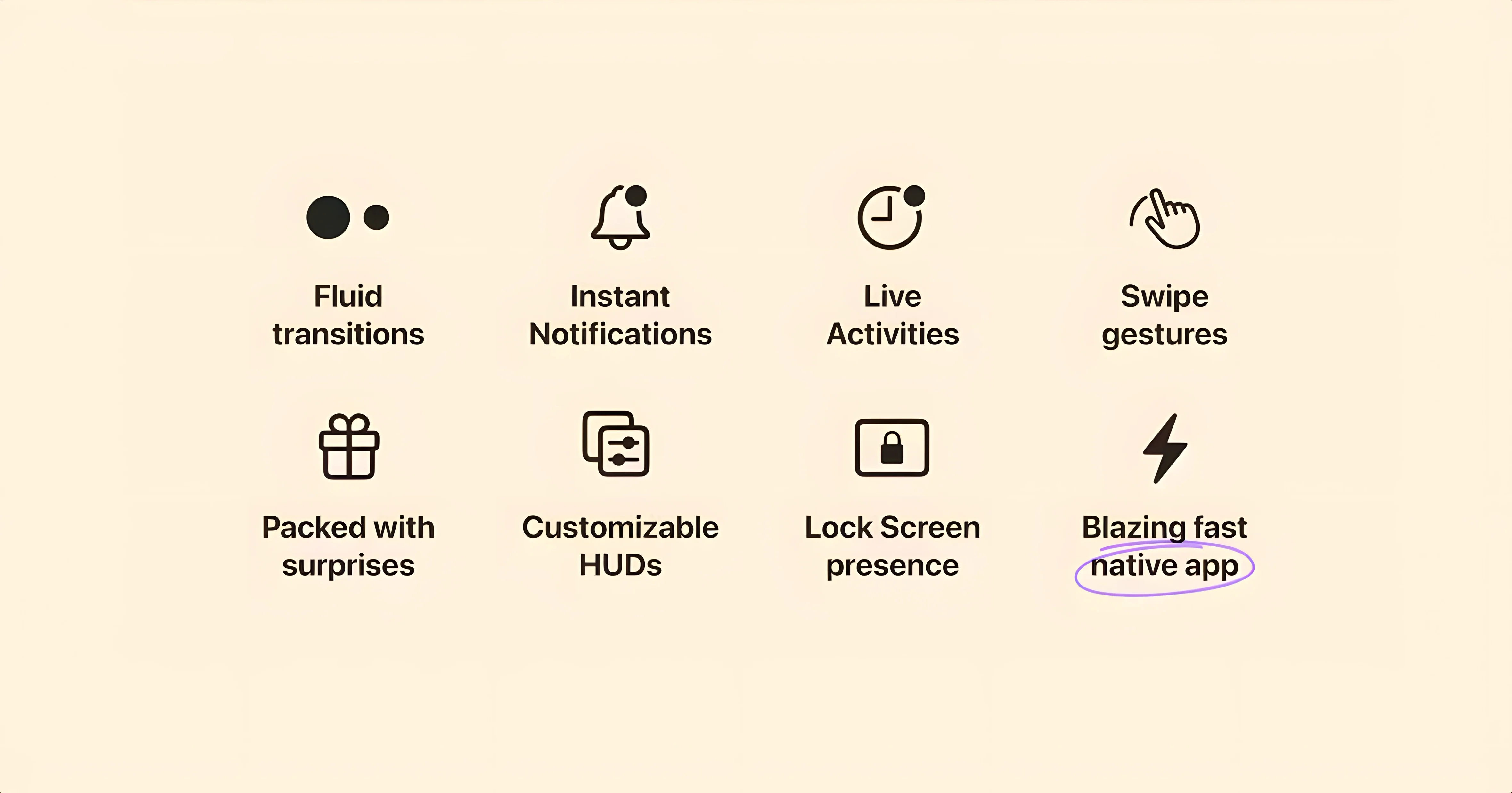
Alcove is a Mac app that places an interactive Dynamic Island-style capsule at the top of your screen, reacting to media playback, notifications, and Live Activities. Beyond the surface-level charm, there are a few deeper tools that make it stick for someone who has seen plenty of menu bar utilities come and go.
How does Alcove handle multiple events at once?
The capsule doesn't just serve one master. It queues media controls, incoming notifications, and Live Activities, letting you tap or click through them without everything fighting for the same pixel space. A long press on the capsule expands it to show more detail for the active event.
What makes the actions feel native rather than gimmicky?
It's in the timing. The capsule appears with a fluid animation that matches the Mac's own system alerts, and it respects your current focus—it won't interrupt a full-screen video with a loud pop-up unless you have explicitly allowed that app to do so.
Can I shape what appears in the island?
Yes, the app's preferences let you toggle which categories of events surface in the capsule. You might want media controls always visible but only let calendar alerts and select messaging notifications trigger the island, keeping the experience useful rather than noisy.
Smoother cursor tracking during media scrubs
The jump to version 1.7.9 brought a handful of refinements that you notice in the rhythm of a regular day. Media scrubbing inside the expanded capsule now follows your cursor more smoothly—no micro-stutters when you drag through a long podcast or a track with a quiet intro. Notification stacking also got smarter: if three messages from the same thread arrive in quick succession, the capsule collapses them into a single badge instead of cycling through each one like a slot machine.
Less visible but equally welcome is the way Alcove hands off control when you plug in external displays. Earlier builds sometimes lost track of which screen held the notch, leaving the capsule stranded. Now it follows the display with the active menu bar, so unplugging a monitor mid-session no longer means hunting for your playback controls.
Option-click shortcuts that skip the animation
A couple of gestures sit just below the surface. Double-clicking the capsule while media is playing pauses and resumes without requiring you to expand it first. If you hold the Option key and click, Alcove skips the expansion animation entirely and jumps straight to the full detail view—handy when you are moving fast and just want the scrubber.
There is also a quiet keyboard shortcut: Control-Option-Command-A summons the last active event back to the capsule, even if it timed out and dismissed itself. That alone saves a trip to the menu bar or Control Center when a song ends and you want to replay it without opening the full Music app.
For anyone who grabbed an alcove free build to test the waters, the color-matching logic deserves a mention. The capsule samples the wallpaper behind it and shifts its tint subtly, so on a dark desert photo it leans warm, and on a cool blue abstract it cools down. It is the kind of detail that does not advertise itself.
Calendar reminders that collapse into a dot
You sit down with coffee, and the Mac wakes. A calendar reminder about an 11 a.m. call slides into the capsule and holds there for a few seconds before shrinking to a small dot at the edge. You click it once and the expanded view shows the meeting title and a join button, so you tap that and hop into the call without opening the Calendar app.
Half an hour in, you fire up a playlist. The capsule morphs into a compact media strip: album art on the left, track name in the middle, a progress ring hugging the edge. You double-click to pause while someone asks a question, then click again to resume. A family chat notification arrives, and Alcove queues it behind the music controls rather than stealing focus—just a gentle nudge you can pull up when you are ready.
Later, when you adjust screen brightness with the keyboard, the stock HUD is gone. In its place, Alcove draws a slim horizontal bar across the capsule area that mirrors the brightness level. Muscle memory adjusts quickly; it feels less like a third-party overlay and more like something the system forgot to include. By the end of the day, you have used the capsule for calls, music, brightness, and a couple of quick-reply glances at messages, all without opening a single extra window. That is the pattern that makes alcove 1.7.9 settle in as a utility you stop thinking about and start relying on.
- macOS 14 or newer
- Apple Silicon or Intel 64-bit Mac
- Interface language: English
Questions I actually get
Does Alcove work on Apple Silicon and older Intel Macs?
Yes, it supports both ARM and x86 64-bit Macs running macOS 14 or later.
What kind of events appear in the capsule?
Media playback, incoming notifications, and Live Activities all appear in the capsule at the top of the screen.
Who makes Alcove?
Alcove was developed by Henrik Ruscon and first launched in November 2024.
Porch talk 0
Come in or pull up a chair to leave a comment.
Nobody has pulled up a chair yet. If you used it on a real Saturday, say what the hour was.