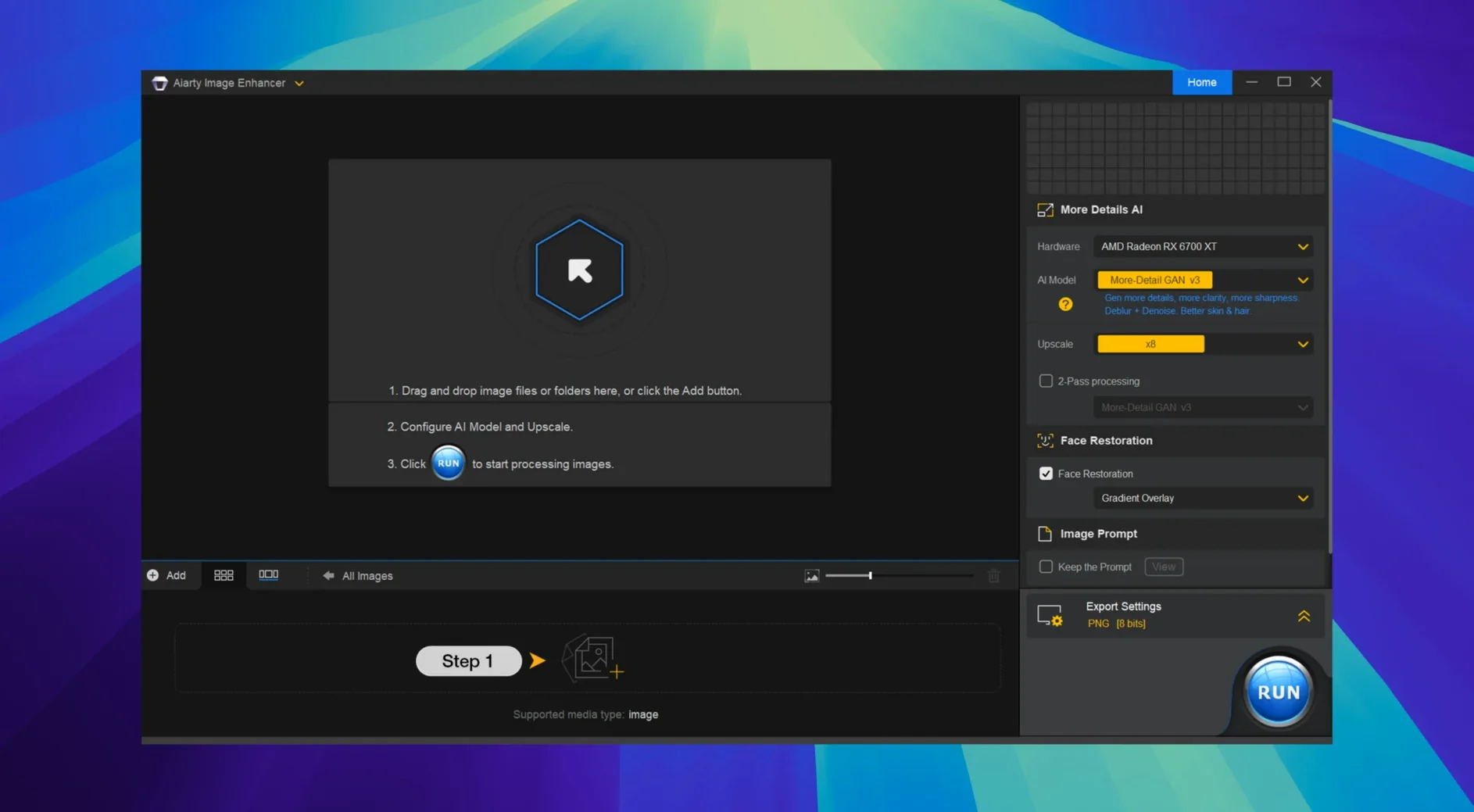
You pull a dimly lit RAW file into your editor, and the grain is heavy enough to wreck a print. Aiarty Image Enhancer 3.14 steps in as a desktop app built for that moment, tackling noise, soft focus, and resolution limits with a single set of AI models. It can clarify faces, pull texture back into fabric, and reconstruct detail that the sensor barely caught.
Smoother Lightroom round-trips and EXIF access
This update focuses on how the app works alongside Lightroom Classic, smoothing out the round-trip so your edits flow with fewer interruptions. You also get direct access to EXIF metadata, which is handy when you need to check a shot's settings without leaving the enhancer.
How far can it push the pixels?
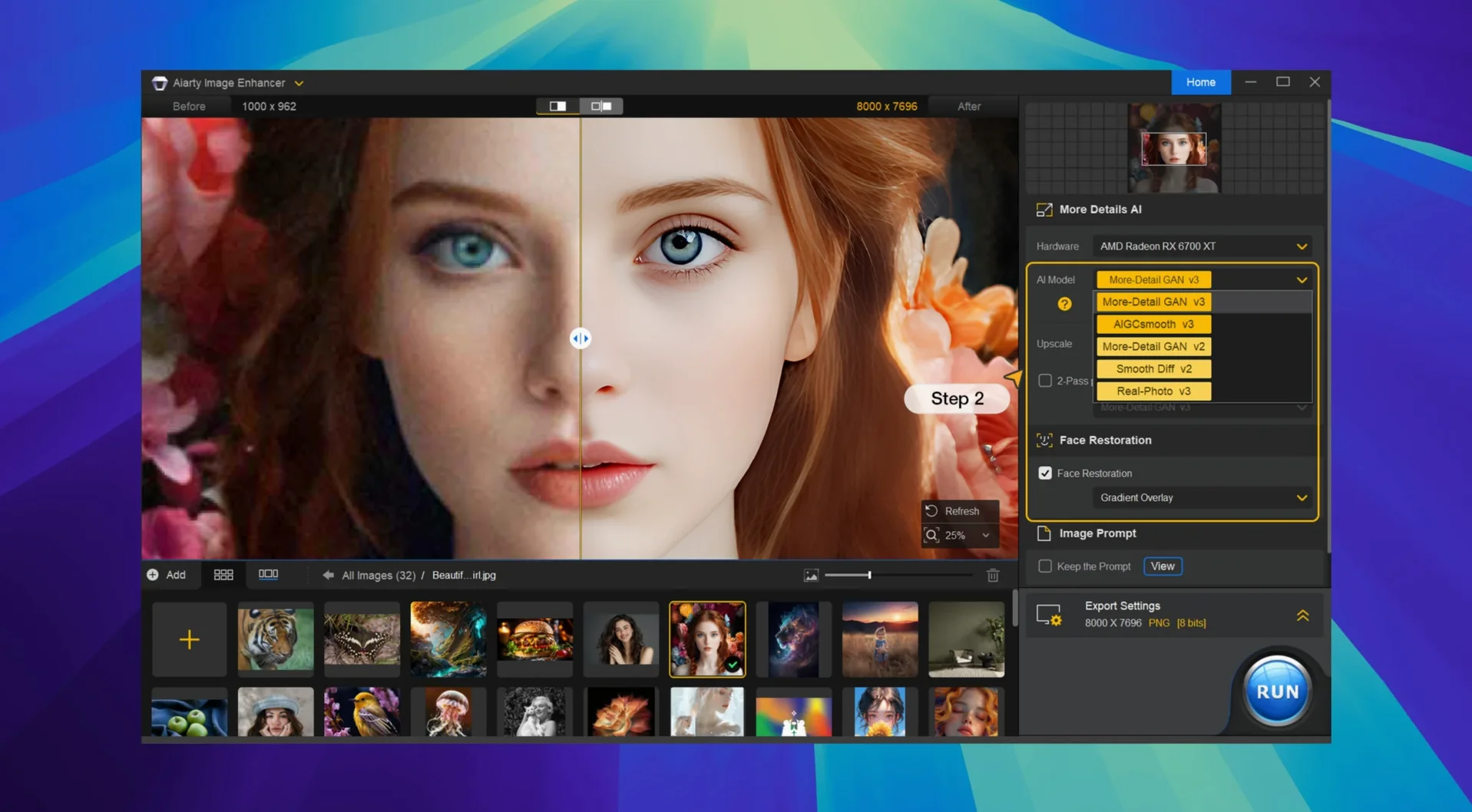
The upscaling engine can stretch an image to a massive 32K, which is overkill for most screens but a real asset for large-format prints. Throughout that process, the AI regenerates textures like skin and hair so the enlargement doesn't turn into a smear of soft blobs.
Direct RAW noise and detail cleanup
Yes, it reads RAW files directly. That means you can clean up sensor noise and sharpen details before you ever convert to a TIFF or JPEG, keeping the editing path as lossless as possible from the start.
Finishing pass after Lightroom edits
Aiarty Image Enhancer isn't trying to replace your raw processor. It works best as a finishing pass, the moment right after your Lightroom adjustments are locked in and right before the image heads to print or a client gallery. Version 3.14 tightens that handoff noticeably — the Lightroom Classic round-trip feels less like exporting and more like sending a file to a dedicated cleanup station. On the system side, it writes standard TIFFs and PNGs back to your catalog, so anything that reads those formats picks up the enhanced version without fuss. The EXIF panel, new in this release, means you can check focal length or ISO while the AI is still chewing on the image, which saves a few trips back to the finder.
Beyond Adobe's ecosystem, the app plays well with Apple's Preview, Quick Look, and the Finder's column view. Enhanced images keep their color profiles, and the metadata survives the round-trip. If you use a DAM like Photo Mechanic or a simple folder-and-tag system, you'll still see the file as expected — just cleaner and larger. The app doesn't install kernel extensions, launch daemons, or leave background processes running. When you quit it, it stays quit.
Rescuing a high-ISO market shot
You come back from a weekend shoot with a card full of high-ISO frames from an evening market. Lightroom imports them, and you do your usual edits — exposure, crop, a gentle curve. One shot stands out: a vendor's stall lit by string lights, but the shadows are crawling with chroma noise and the awning fabric lost its weave to motion blur. You right-click the image, send it to Aiarty Image Enhancer 3.14, and the app opens to a clean preview window.
The left panel offers a few AI models. You pick the one tuned for low-light restoration and give it a moment. The preview updates with a split-screen view — left side the original, right side the processed version. The grain in the dark areas pulls back hard, and the fabric texture on the awning reappears with a woven detail you didn't expect. You zoom in on the vendor's hands; the AI has rebuilt faint skin texture without turning it into plastic. Satisfied, you set the output to a 2x upscale, pick TIFF, and hit process. Thirty seconds later, the file is back in Lightroom, stacked next to the original, ready for a final crop and export.
That's the rhythm: Lightroom for the broad strokes, Aiarty for the pixel-level rescue, then back to the catalog. No batch queue overload, no watching progress bars for an hour. You process three more frames the same way and pack up for the night.
24MP upscale in twenty seconds on Apple Silicon
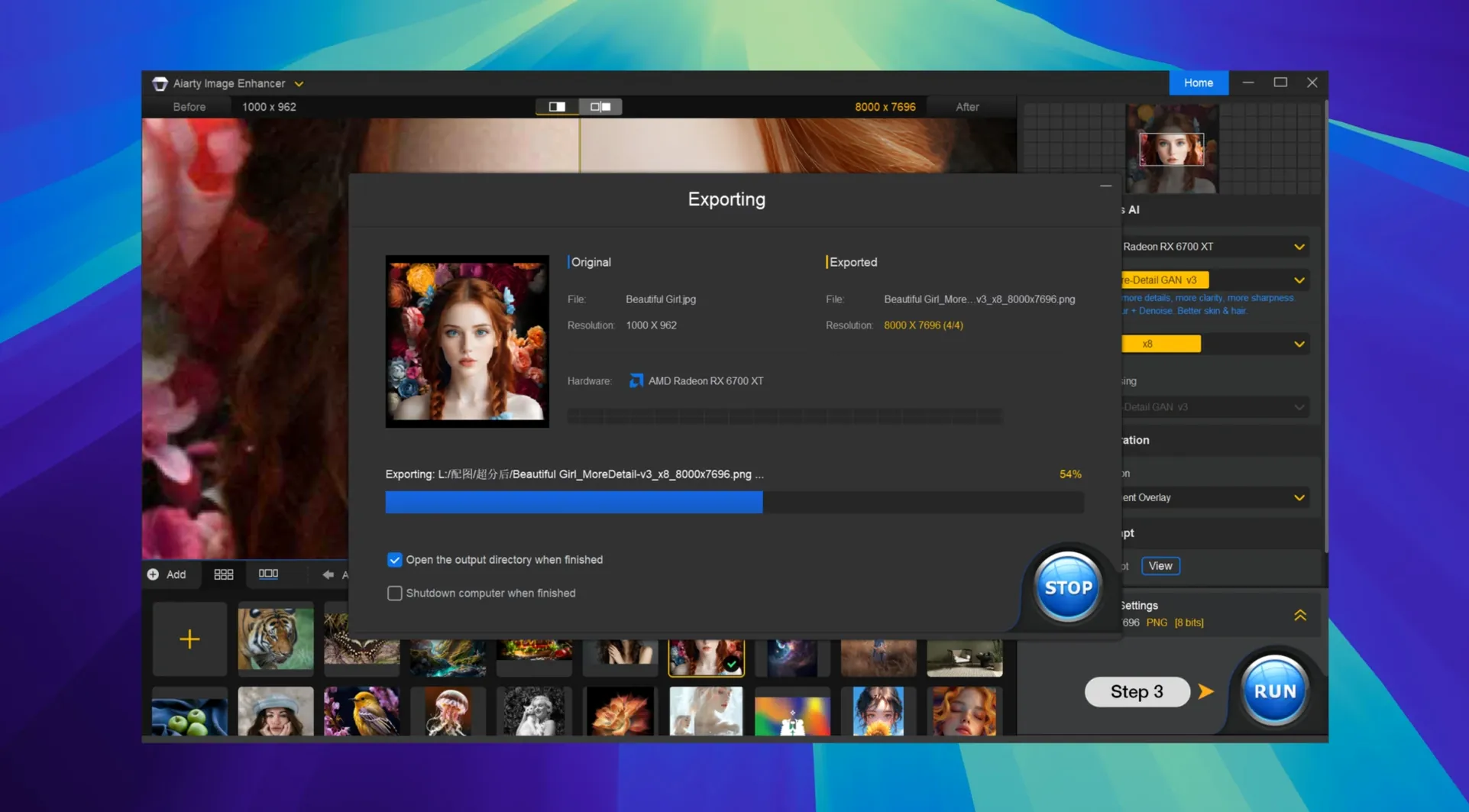
On an Apple Silicon Mac, a 24-megapixel raw file at 2x upscale lands in the finished folder in roughly twenty to thirty seconds. Intel machines take longer — expect closer to a minute — but the app stays responsive while it works. You can keep navigating the preview, checking other images, or scrolling through the EXIF data without the interface locking up. Memory use holds steady around a gigabyte and a half during processing, which leaves plenty of headroom for Lightroom or Photoshop in the background.
Stability has been uneventful, which is exactly what you want from a tool that sits between your raw processor and your final output. Across dozens of sessions, the app hasn't beachballed or dropped a file. It handles AVIF and WebP just as calmly as it handles TIFFs and RAWs, and the export stays faithful to the color space you fed it. The only real quirk worth knowing: if you're running it through Rosetta and a VPN as part of the setup dance, the initial model download might stall for a few seconds before catching up. After that, it's smooth.
If your workflow already leans on tools like Adobe's AI audio enhancer for video projects, or you've looked at apps like HitPaw Video Enhancer for moving footage, Aiarty fills the still-image side of that same idea — a focused, single-purpose enhancer that doesn't try to be a full editor. It's the piece you reach for when the shot matters and the noise is too much to ignore.
- macOS 11 or later
- Apple Silicon or Intel 64-bit processor
- Supports RAW files, upscaling to 32K, deblurring, and texture generation
Questions I actually get
Does Aiarty Image Enhancer run on Intel Macs?
Absolutely. It supports both Intel 64-bit processors and Apple Silicon, requiring macOS 11 or later.
What kind of blur can it fix?
The deblurring model tackles motion blur and soft focus across the entire frame, sharpening edges and recapturing texture that looked lost.
Is it just for photos, or can it handle video?
This is strictly a desktop image enhancer. You can feed it individual stills, including RAW files, but it doesn't process video clips.
Porch talk 0
Come in or pull up a chair to leave a comment.
Nobody has pulled up a chair yet. If you used it on a real Saturday, say what the hour was.