

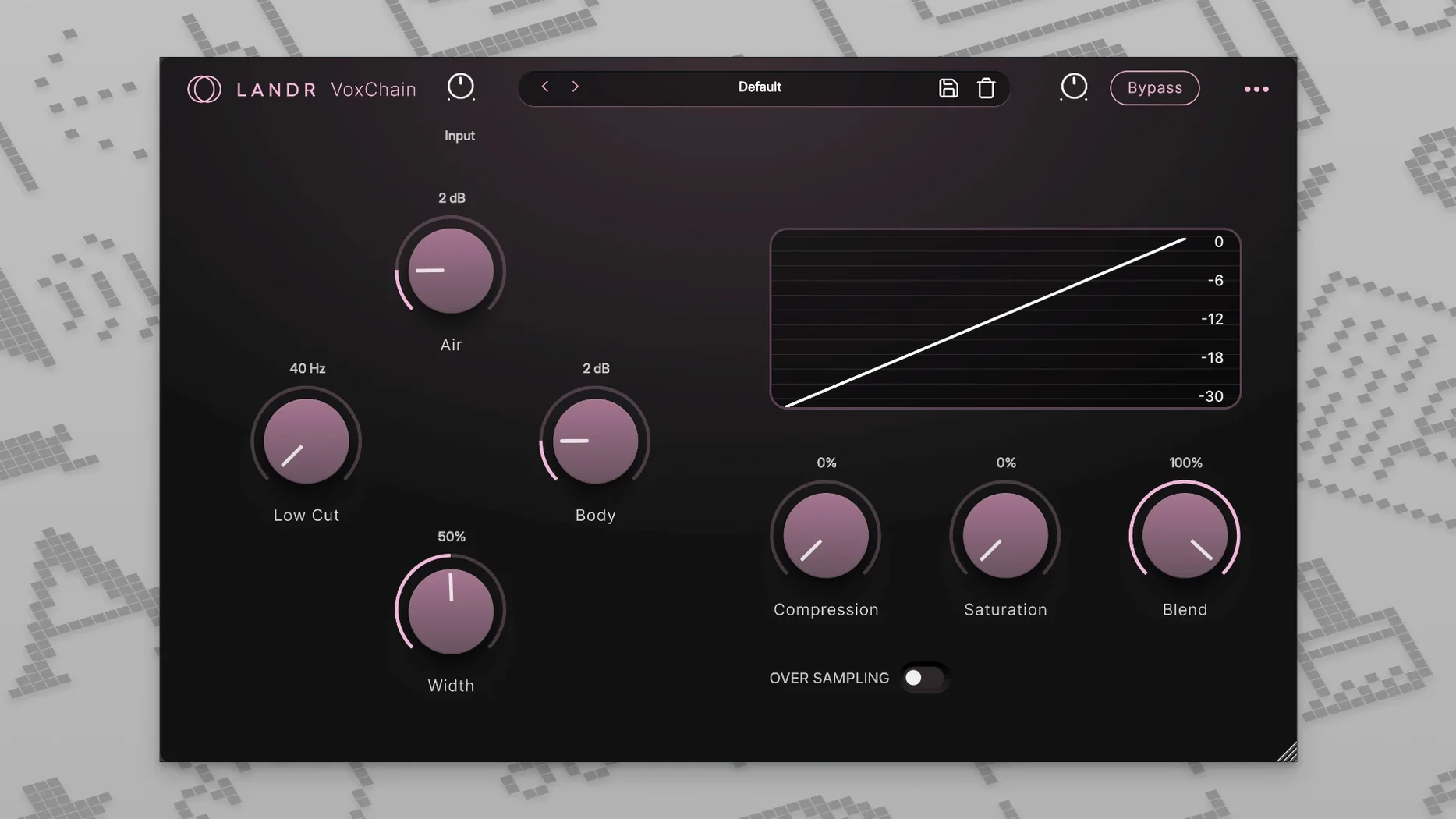
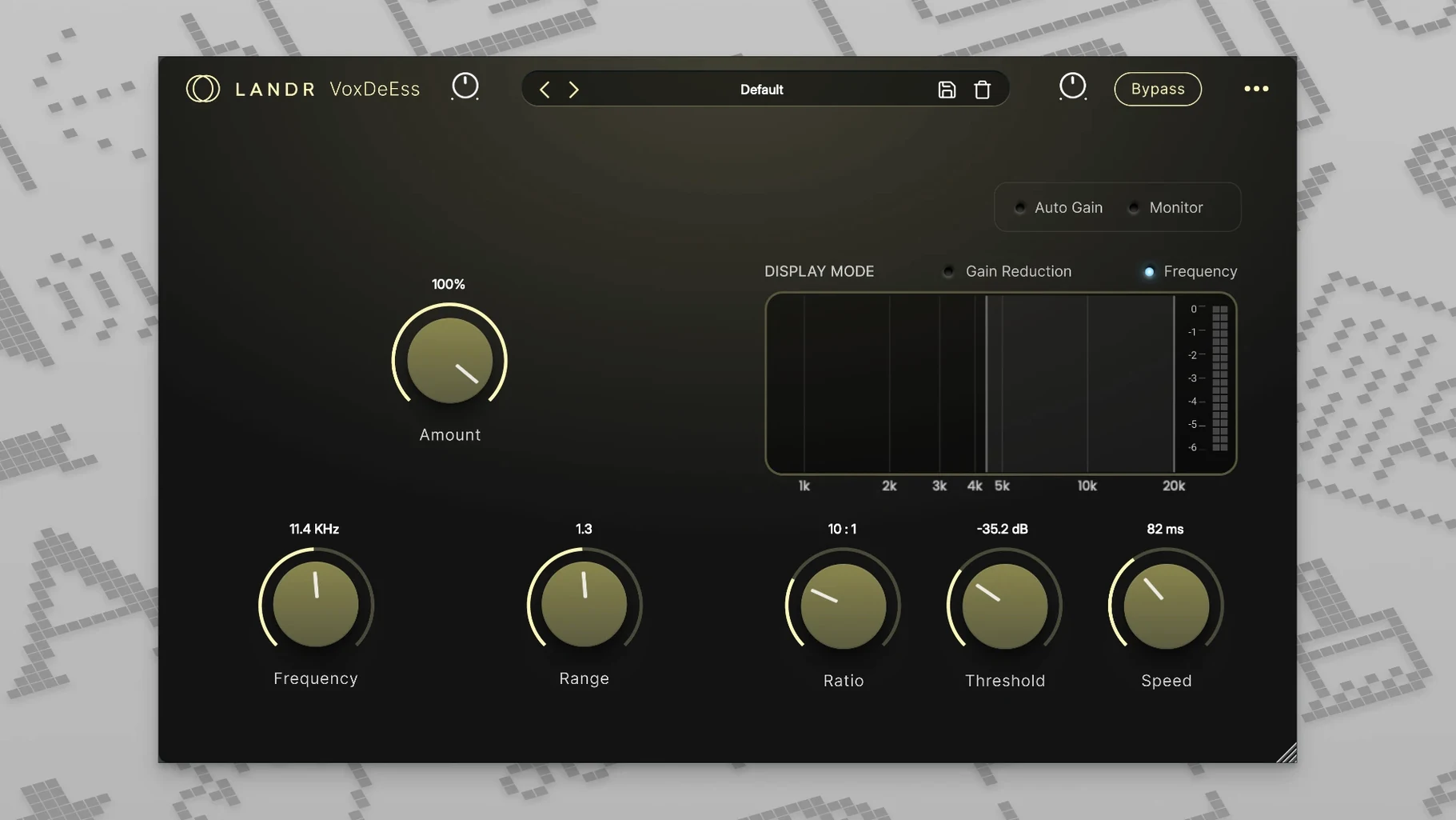
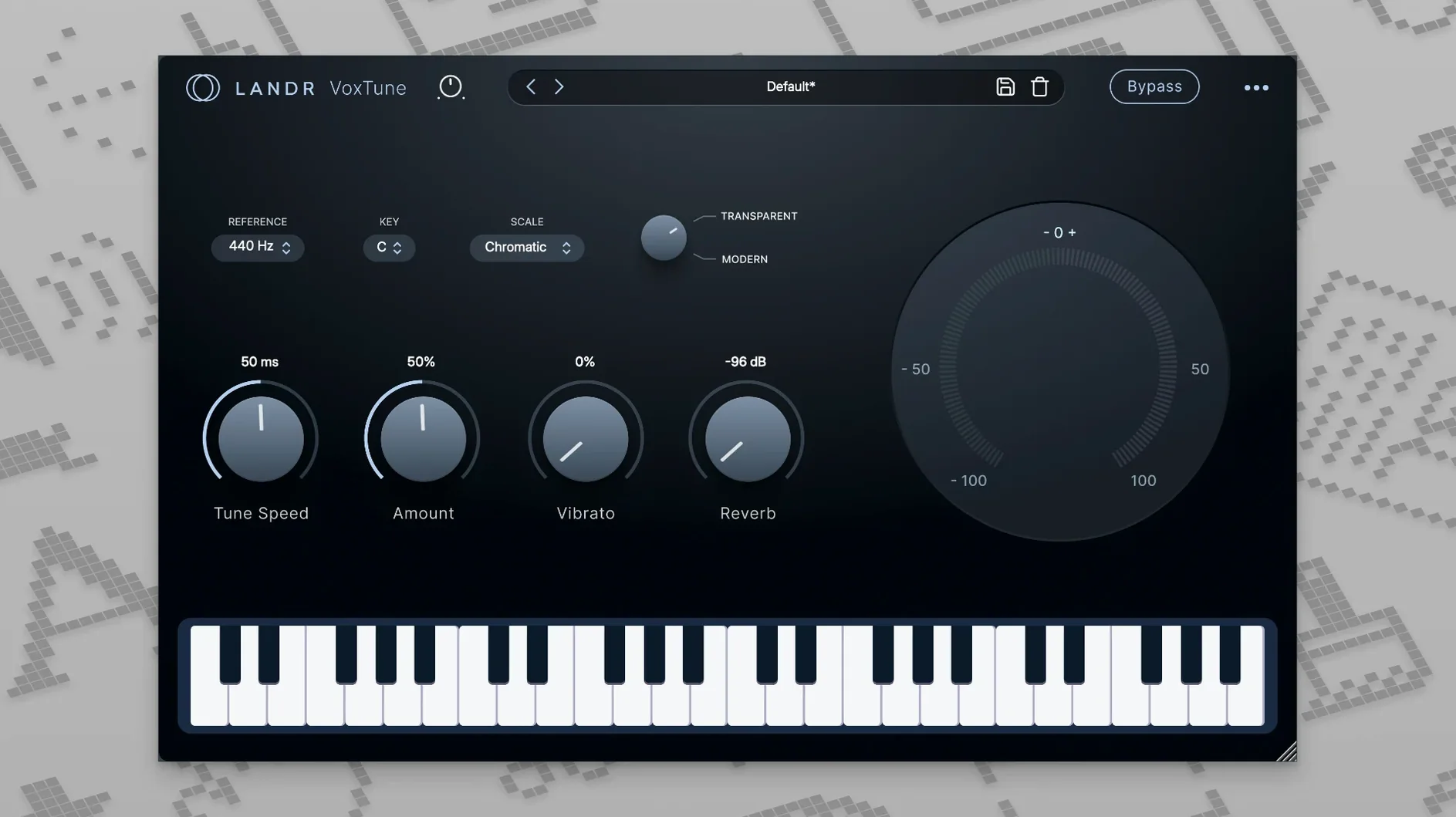
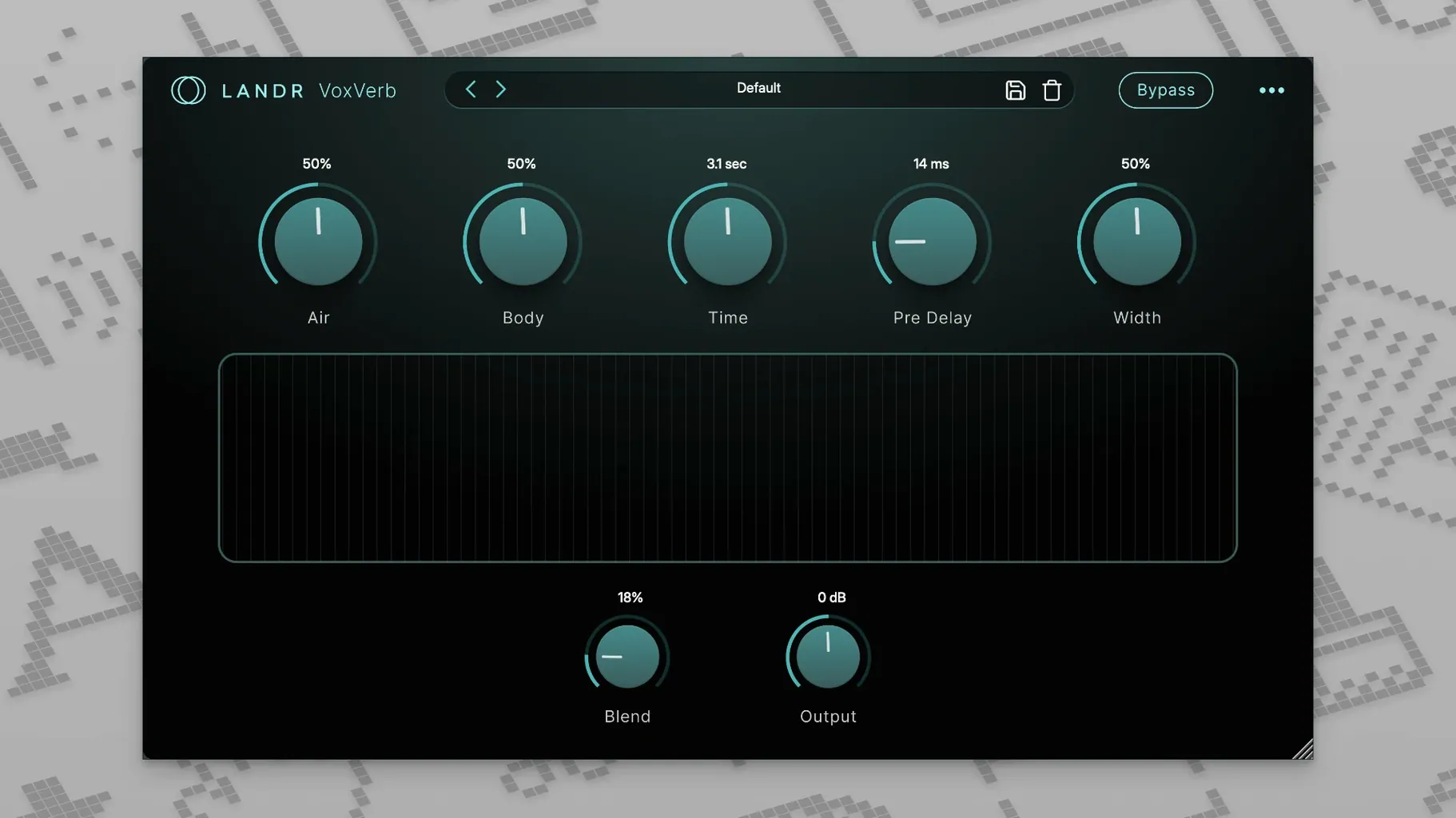
A vocal track comes in a little harsh around two kilohertz, the sibilance jumps out on headphones, and the room sound feels flat. Instead of reaching across three different folders, you open one bundle where each tool already knows it's working on a voice. The LANDR Vocal Bundle gives you VoxTune, VoxChain, VoxVerb, and VoxDeEss — four plugins that cover the main trouble spots without piling on features you won't touch.
| What you get | What it does |
|---|---|
| VoxTune | Real-time pitch correction, from natural tightening to a harder tuned sound |
| VoxChain | EQ, compression, and saturation in one channel strip |
| VoxVerb | Reverb tuned for vocals that adds space without washing out clarity |
| VoxDeEss | Tames harsh sibilant sounds like s and sh |
VoxChain keeps the core vocal tone in one window — you can warm up a thin recording with a little saturation, pull back boxiness with the EQ, then let the compressor catch the peaks. VoxVerb is the surprise of the group; it's a straightforward reverb, but the algorithm leaves the consonants alone so words still cut through a dense arrangement. VoxTune handles pitch without glitching out on held notes, and you can dial it back for barely-there correction or push it forward when the track calls for that glossy, modern sheen. VoxDeEss just grabs the sharp edges and softens them without making the vocal sound lispy. If you mix vocals regularly and want four tools that talk to each other sensibly, this bundle fits the workflow.
You drop VoxTune onto a lead vocal that wavers a little during the bridge. The default setting tightens things up without sounding like a robot, so you leave the correction speed around forty percent and nudge the color control just a hair brighter — the voice opens up without getting thin. Next you insert VoxChain right after it. A low-cut at eighty hertz clears up some rumble from the floor stand, a gentle two-decibel dip around four hundred takes out a bit of boxiness, and the compressor grabs maybe three decibels of reduction on the loudest phrases. The saturation knob sits at about nine o'clock, adding a warmth that feels more like tape than tubes. VoxDeEss comes third because the phrase “sweet sensation” in the chorus has been poking through every monitor check so far. You set the frequency to catch that narrow band around seven kilohertz, pull the threshold down until the sibilance softens, and leave the range control wide enough that it never sounds pinched. Finally you send the whole chain to an aux track with VoxVerb on a plate setting, mixed low enough that you feel the space more than you hear it. Ten minutes in, and the vocal already sits inside the arrangement instead of floating on top.
Podcasters and voiceover folks will find a different route through the same four plugins. Someone editing a weekly interview show drops VoxChain first: a subtle high-shelf boost for clarity, a compressor set to a slow attack that lets the speaker's natural phrasing breathe, and just a touch of saturation to give the voice more body on small speakers. VoxDeEss catches the sharper consonants that cheap USB mics tend to exaggerate. No pitch correction needed, so VoxTune stays off, and VoxVerb adds the smallest room ambience — barely a whisper — so the recording doesn't sound like it was made in a closet. The whole setup saves as a preset, and next week's episode gets the same treatment in three clicks. It's the kind of consistency you want when a voice needs to sound familiar and professional across dozens of episodes.
A few small touches make the plugins faster to use than they first appear. Double-clicking any knob in VoxChain resets it to its default value, which saves you from hunting for a zero point when you've gone too far with the saturation. In VoxTune, holding the option key while dragging the correction speed slider gives you finer increments — useful when you want to find the exact spot where the tuning becomes audible and then back off just below it. VoxVerb's mix knob snaps to common send levels when you hold shift, so dialing in twenty percent for a tight room or thirty-five percent for a plate happens without squinting at the number. And VoxDeEss includes a solo button on the detection circuit; you can hear exactly what the plugin is about to cut before it cuts it, which beats guessing whether you're catching sibilance or dulling the vocal's air band. Once you've used the solo button a few times, you'll wonder why more de-essers hide that feature behind a menu. For anyone hunting down a landr vocal plugin bundle free download, these plugins reward the kind of patient, hands-on session where you actually listen to what each control is doing. A quick landr torrent search might surface the bundle, but the real find is how naturally the four pieces connect once you start moving through a mix. If you've been curious about a landr plugin torrent that covers vocals from tuning to ambience, this one earns its spot in the plugin folder — and the solo button alone might change how you approach sibilance from here on out.
- macOS 12 or later
- Works on Intel and Apple Silicon Macs
- English interface
Porch talk 0
Come in or pull up a chair to leave a comment.
Nobody has pulled up a chair yet. If you used it on a real Saturday, say what the hour was.
More for the same hour
Everything in VST Plugins KORG TRITON
1.4.7 VST Plugins
586 MB
KORG TRITON
1.4.7 VST Plugins
586 MB
 KORG Collection
1.0.3 VST Plugins
175 MB
KORG Collection
1.0.3 VST Plugins
175 MB
 Komplete Kontrol
3.5.4 VST Plugins
785 MB
Komplete Kontrol
3.5.4 VST Plugins
785 MB
 Komplete FX Bundle
2026.1 VST Plugins
3.2 GB
Komplete FX Bundle
2026.1 VST Plugins
3.2 GB
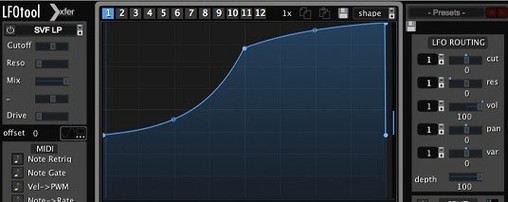 LFOTool
1.768 VST Plugins
7 MB
LFOTool
1.768 VST Plugins
7 MB
 Kalifornia Dynamic KD Alkane
1.0.17.0 VST Plugins
270 MB
Kalifornia Dynamic KD Alkane
1.0.17.0 VST Plugins
270 MB
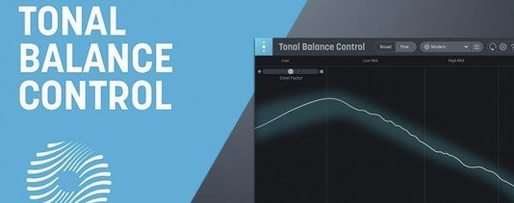 iZotope Tonal Balance Control
3.0.0 VST Plugins
264 MB
iZotope Tonal Balance Control
3.0.0 VST Plugins
264 MB
 iZotope RX
12.1.0 VST Plugins
Updated 3.6 GB
iZotope RX
12.1.0 VST Plugins
Updated 3.6 GB