
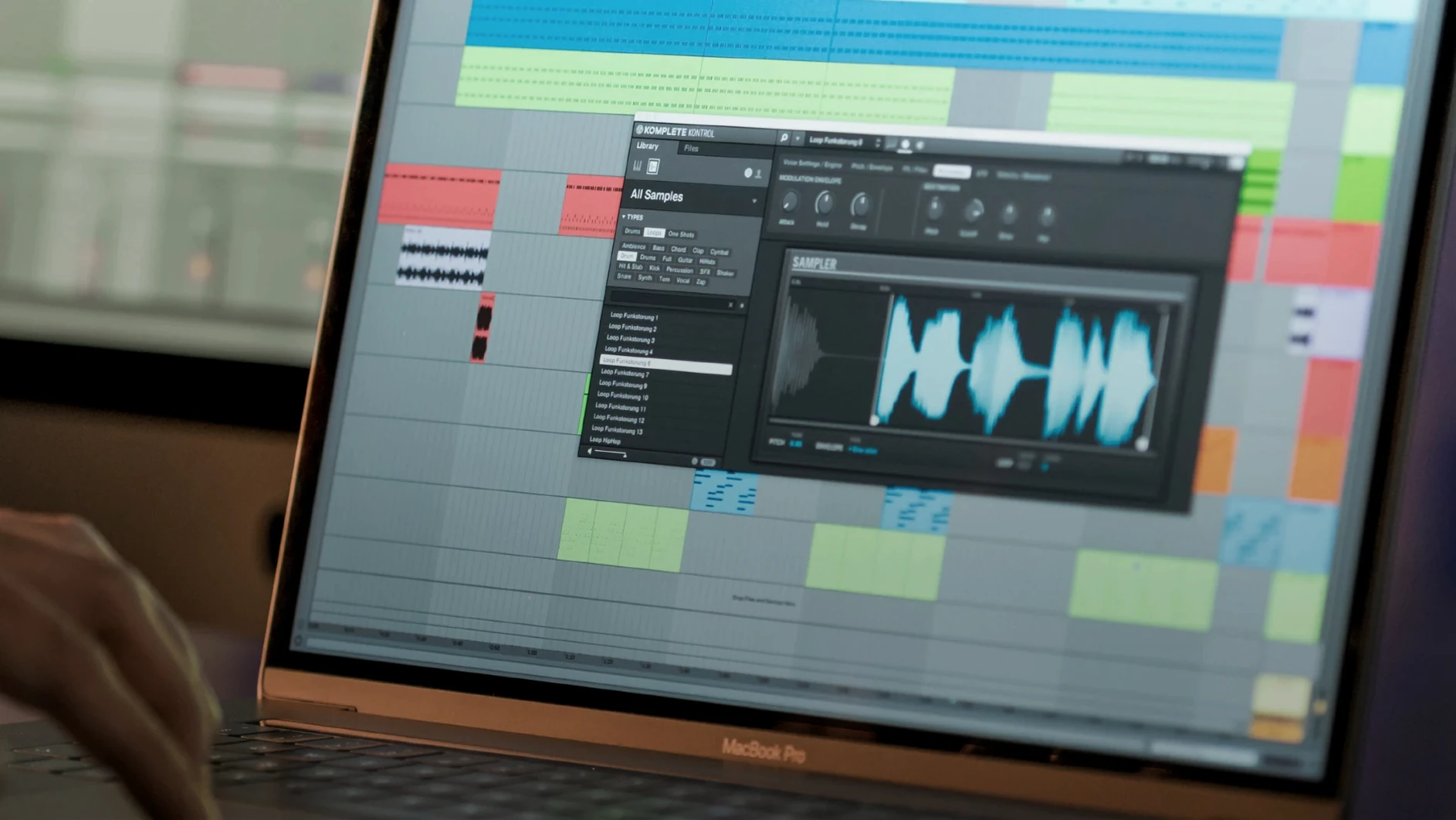
Hit the Smart Play toggle and a single key suddenly holds a rich chord voicing, mapped across the Light Guide on an S-Series keyboard. That kind of immediate musical feedback is at the heart of Komplete Kontrol: it folds browsing, sound previewing, and performance control into one window, whether you're clicking with a mouse or reaching for a hardware knob. The software bridges the gap between a sprawling plugin collection and the simple act of finding a sound that fits.
- Smart Play: lock into a scale with the Light Guide, then trigger chords and arpeggios from single keys.
- Unified browsing: scroll through over 750 third-party plugins from 90 developers right alongside your Native Instruments library.
- Dual-layer sampler: drop audio directly into the built-in sampler to play back one-shots or loops without leaving the window.
- NKS Connect: version 3.5.4 adds NKS Mode so compatible third-party controllers can map parameters and follow the Light Guide.
- Standalone or plug-in: open it as a DAW insert or launch it on its own when you just want to sketch ideas.
If your plugin folder feels like a cluttered record shelf, Komplete Kontrol is the librarian that also hands you the right disc and sets the needle down. It makes the most sense for anyone with a growing NKS collection, or for players who want the keyboard to do a bit of the heavy lifting during a writing session.
Picture a producer who splits time between a home studio corner and a band practice room. They have a dozen go-to synth patches, a handful of Kontakt libraries, and a few third-party compressors they reach for constantly. Without Komplete Kontrol, recalling those pieces means flipping through DAW templates or scrolling plugin menus between songs. With it, they can pull up a tagged collection called "Pad Swells" or "Crunch Basses" from one browser, tap a key to audition the sound, and keep the rehearsal moving. The knob mapping follows automatically on an S-Series keyboard, so tweaking the filter cutoff or reverb mix happens without touching the trackpad. It turns the laptop into something closer to a hardware rig—immediate and interruption-free.
Quiet conveniences that speed things up
A few features don't grab headlines but change the rhythm of a session. Drag-and-drop audio is one: grab a loop from the browser and pull it straight onto a DAW timeline as raw audio, no routing gymnastics needed. The plug-in chain recall inside Komplete Kontrol remembers not just the instrument but the whole effects stack, so a tagged piano sound comes back with its EQ and saturation exactly as you left it.
Another understated helper is the preview tempo sync. When you browse loops and one-shots, the software matches playback to your project tempo, so a 90 BPM shaker loop doesn't sound sluggish while you're auditioning it against a 120 BPM beat. Keyboard shortcuts keep things fluid, too. Press ↑ and ↓ to step through presets without taking your hands off the keys, or use Cmd+F to jump straight to the search field in the browser. On the hardware side, holding the Shift button on an S-Series keyboard while turning a knob changes parameters in finer increments—useful when dialing in a narrow EQ band or nudging a delay time.
Light Guide turns the keyboard into a visual safety net
Keyboard-first producers get the obvious win. The Light Guide alone can reshape how you improvise: scales light up in blue, chord root notes glow amber, and the inactive keys stay dark. It's a gentle, visual safety net that lets you play expressively without a wrong note interrupting the flow. Smart Play's one-finger chords and arpeggiators extend that further, turning a simple pad press into a performance that sounds deliberate.
Sound designers with deep plugin archives benefit from the tagging backbone. NKS isn't just a Native Instruments standard anymore—version 3.5.4 opens the door wider with NKS Connect, letting compatible third-party controllers speak the same mapping language. That means more of your effects and synths show up with pre-mapped parameters, even if the developer isn't on the official NKS partner list. Browsing by timbre ("warm," "dark," "metallic") or by type ("bass," "keys," "texture") collapses a hundred plugin windows into one search bar.
Even live performers who run a MacBook on stage find a workflow anchor here. The standalone mode loads without a DAW, so setlists can live as collections with instant recall. A piano patch, a filtered lead, and a sampled riser sit side by side, switchable with a single click or MIDI program change. No waiting on a full project template to boot up between songs. If you lean on hardware knobs and value a browser that respects how you name and organize your sounds, Komplete Kontrol 3.5.4 fits that groove without fighting it.
Version 3.5.4 opens Komplete Kontrol up to a wider range of hardware and smooths out a few rough edges with the S-Series MK3.
- Added NKS Connect support, so the software can talk to compatible third-party controllers.
- Introduced NKS Mode integration for those NKS Connect boards.
- Squashed a performance hiccup that appeared when tweaking plugin parameters from Kontrol S-Series MK3 keyboards.
- macOS 12 or later
- Runs natively on both Intel and Apple Silicon Macs
Questions I actually get
Can I load sounds that aren't from Native Instruments?
Yes, Komplete Kontrol can browse and load more than 750 third-party VST and AU plug-ins from 90 developers if they support the NKS format.
Does it work without a Native Instruments keyboard?
It works with standard MIDI controllers, a mouse, or your computer keyboard, though the Light Guide and deep hardware integration need S-Series or compatible NKS Connect controllers.
What does Smart Play actually do?
Smart Play lets you play full chord progressions with one finger, lock notes to a chosen scale so you never hit a wrong key, and layer arpeggio patterns on the fly.
Porch talk 0
Come in or pull up a chair to leave a comment.
Nobody has pulled up a chair yet. If you used it on a real Saturday, say what the hour was.
More for the same hour
Everything in VST Plugins Komplete FX Bundle
2026.1 VST Plugins
3.2 GB
Komplete FX Bundle
2026.1 VST Plugins
3.2 GB
 KORG Collection
1.0.3 VST Plugins
175 MB
KORG Collection
1.0.3 VST Plugins
175 MB
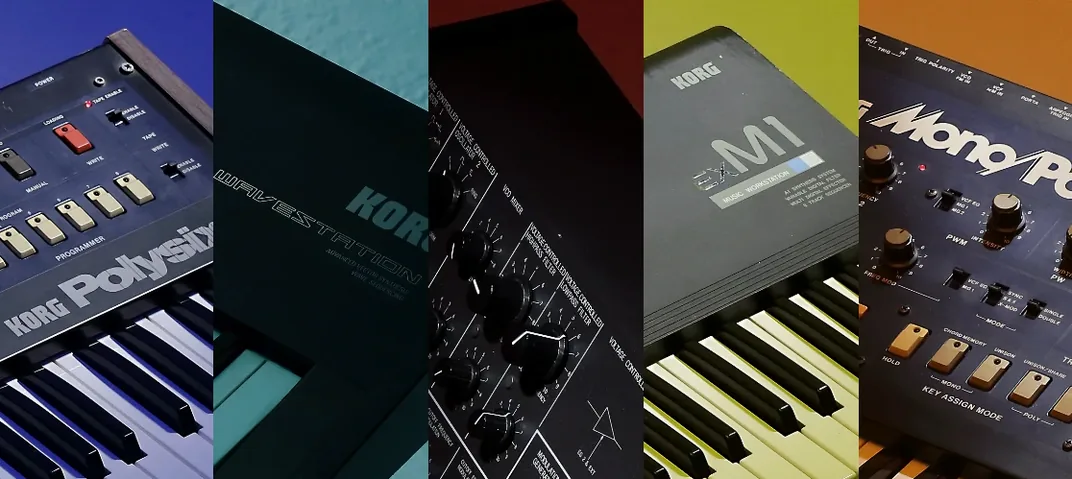 KORG TRITON
1.4.7 VST Plugins
586 MB
KORG TRITON
1.4.7 VST Plugins
586 MB
 LANDR Vocal Bundle
2025.12 VST Plugins
447 MB
LANDR Vocal Bundle
2025.12 VST Plugins
447 MB
 Kalifornia Dynamic KD Alkane
1.0.17.0 VST Plugins
270 MB
Kalifornia Dynamic KD Alkane
1.0.17.0 VST Plugins
270 MB
 iZotope Tonal Balance Control
3.0.0 VST Plugins
264 MB
iZotope Tonal Balance Control
3.0.0 VST Plugins
264 MB
 iZotope RX
12.1.0 VST Plugins
Updated 3.6 GB
iZotope RX
12.1.0 VST Plugins
Updated 3.6 GB
 LFOTool
1.768 VST Plugins
7 MB
LFOTool
1.768 VST Plugins
7 MB