

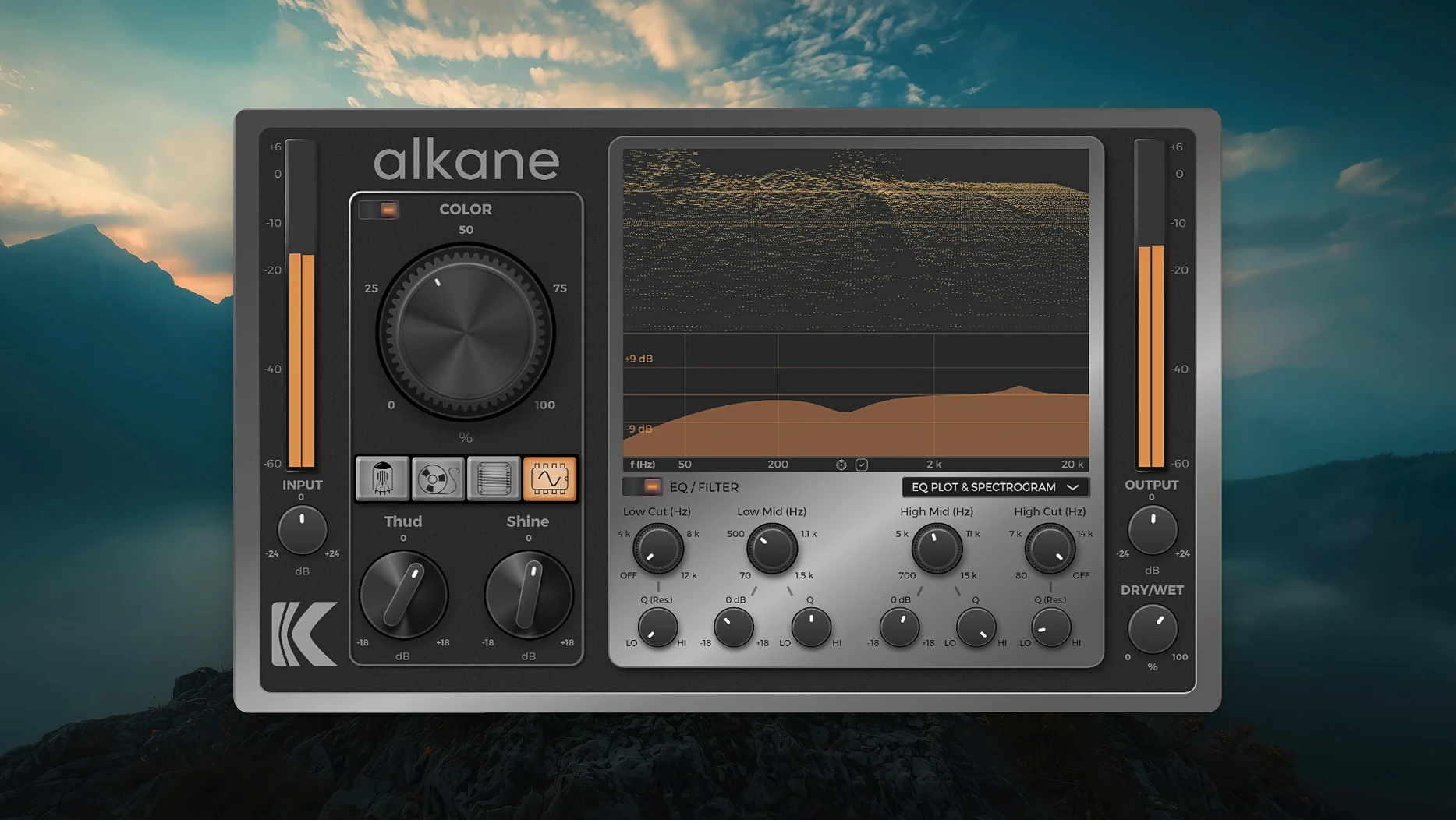
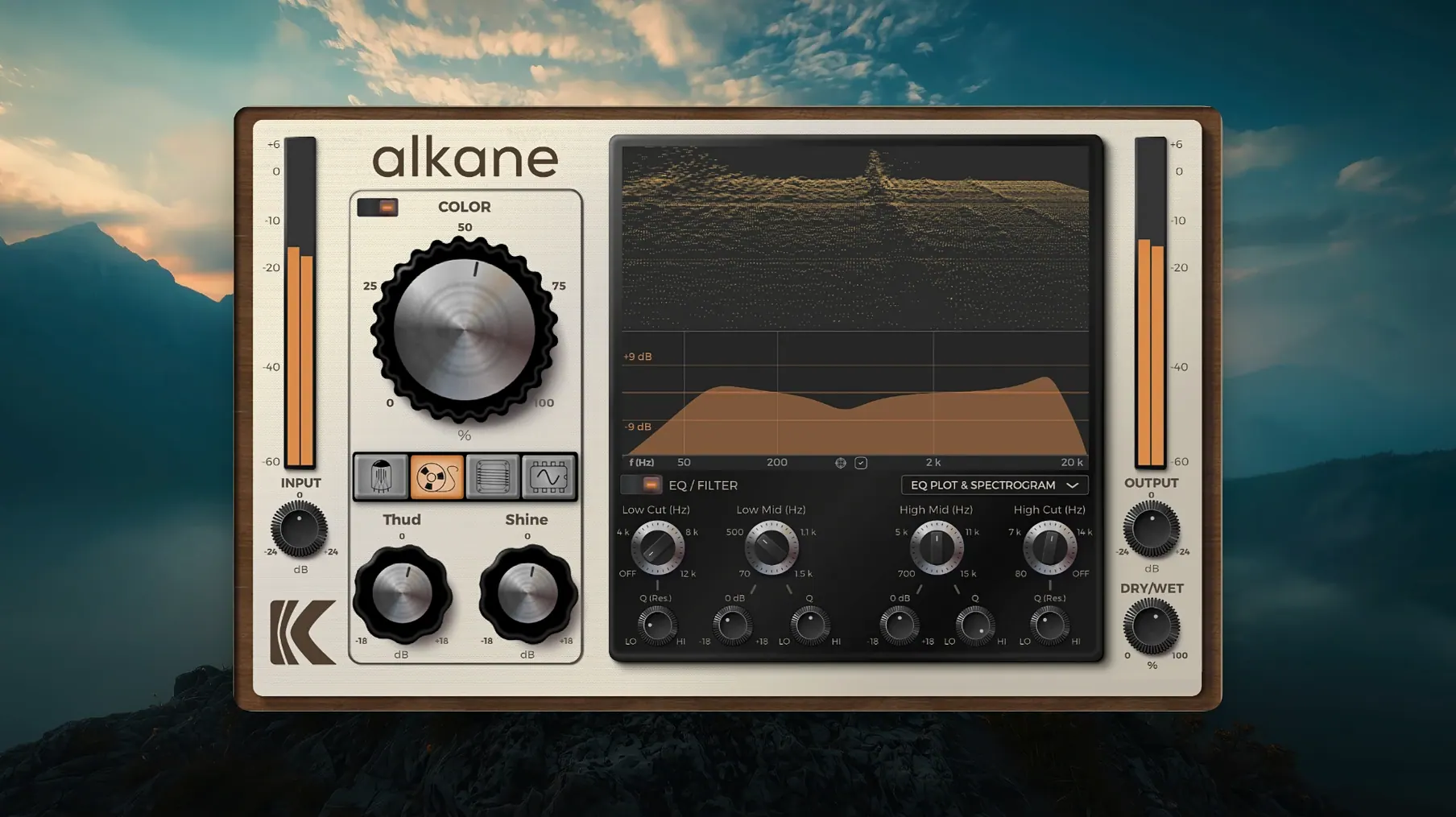
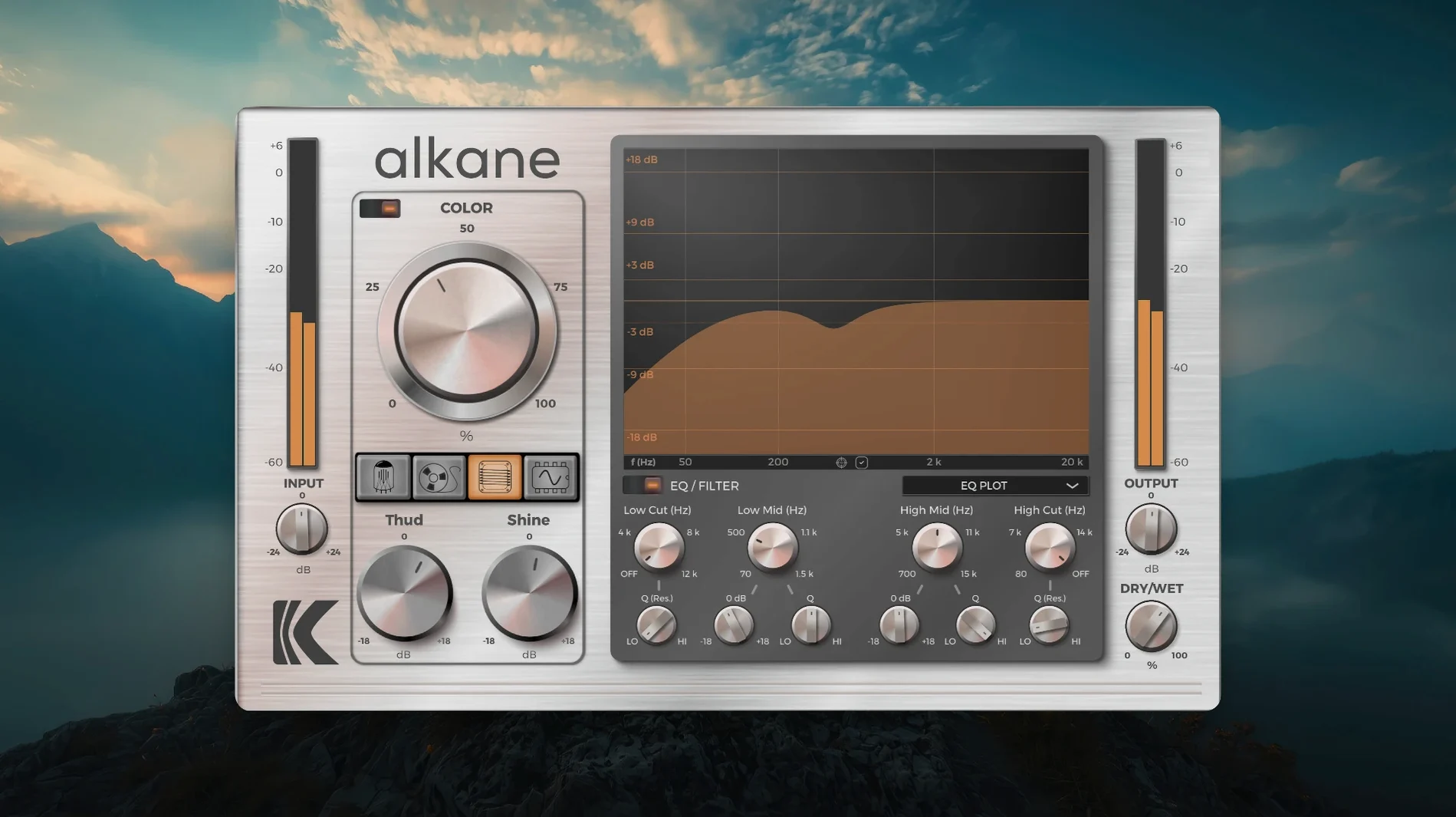
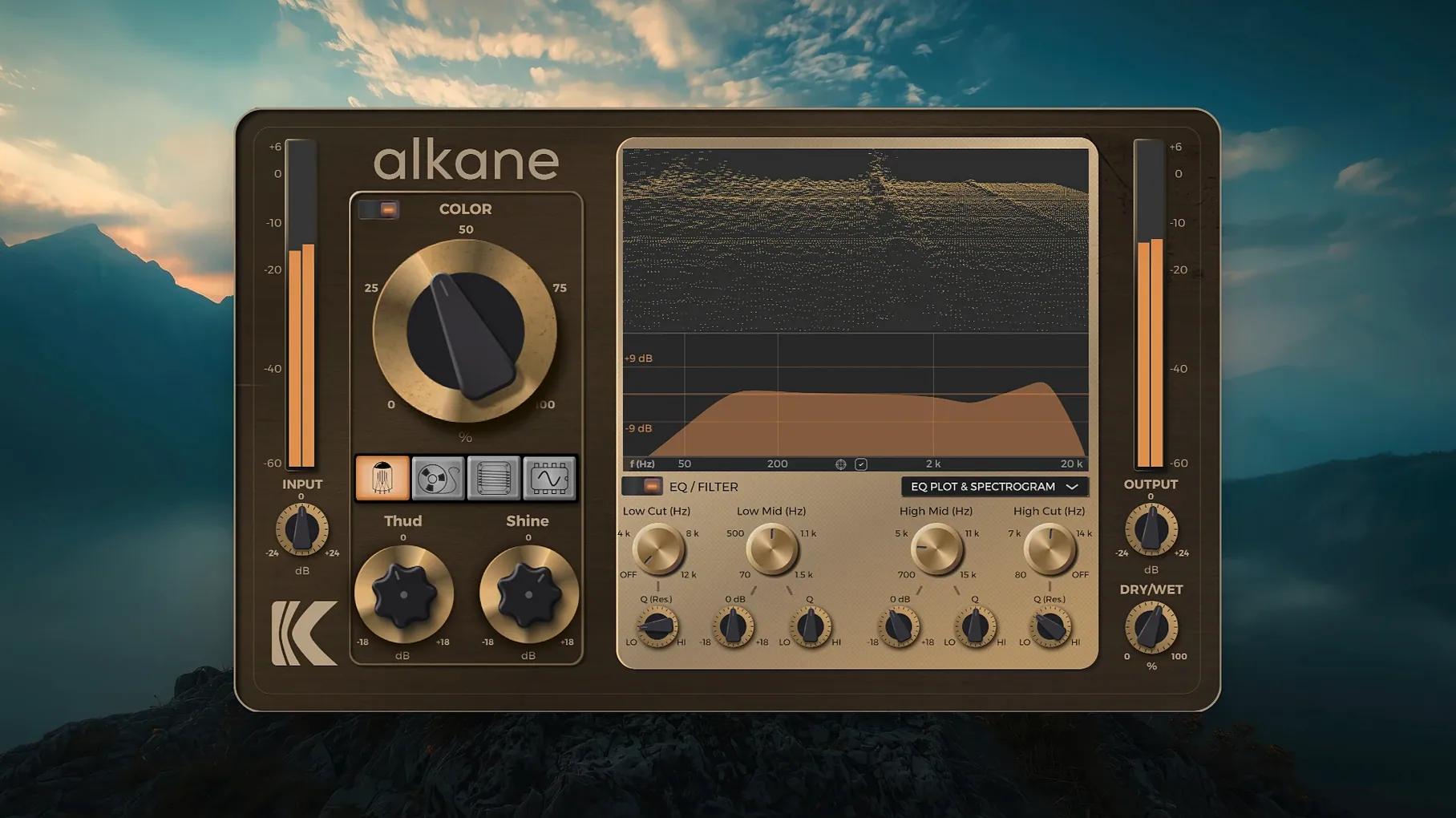
A clean digital recording gives you accuracy, but it rarely gives you the weight and texture that make a part sit right. Plug-ins that add character often lean on a single flavor, which means you end up stacking three or four just to get close. KD Alkane pulls four distinct analog-inspired circuit models into one window so you can build that tone without the pile-up.
What are the four circuit models, and what do they do?
The processor runs Tube, Tape, Transformer, and Synth paths in parallel. Tube brings a thickening, mid-forward saturation. Tape rounds off transients and adds glue. Transformer pushes a tighter, iron-rich harmonic edge. Synth injects a more aggressive, squared-off drive that works well on electronic sources.
Giving a kick more chest without a separate exciter
On individual tracks, it gives a kick drum more chest or a vocal more presence without a separate exciter. Across a drum bus, a little Tape and Transformer together can pull the kit into a cohesive pocket. On the mix bus, low Blend percentages with Tube and Tape add a subtle lift that doesn't cloud the low end.
How does the Color module fit in?
Color adds transient-safe, non-linear harmonics on top of the four circuits. It works like a tone shaper that respects your peaks, so you can brighten a dull snare or add bite to a bass line without the sharp transient spikes that make a compressor work overtime.
What does the visualizer show me?
A 3D spectrogram, an EQ plot, and a parameter editor sit right in the interface. The spectrogram reacts as you blend circuits, so you can see where harmonics build up and pull back before your ears get tired.
When Tape hits too hard and turns low end to mush
The first thing that trips people up is gain staging into the plug-in. Each circuit model responds differently to input level, and if you hit Tape too hard right out of the gate, the low end turns to mush before you've even touched the Blend knob. Back the channel fader down a few dB before KD Alkane, then bring the output up afterward. You'll hear the harmonics open up instead of fighting each other.
Another snag is the visualizer freezing after a sampling-rate change. Switching from 44.1 kHz to 96 kHz mid-session can make the spectrogram stutter or blank out. Closing and reopening the plug-in window fixes it every time — it's just the graphics redraw getting confused, not the audio engine.
On Apple Silicon machines running older DAW versions, you might see the alkane plugin appear as a wrapped Intel process. Right-click the application bundle for your DAW, hit Get Info, and make sure "Open using Rosetta" is unchecked. The AU and VST3 versions are native ARM; no translation layer needed.
Cranking all four circuits to 50% yields a phasey mess
Most newcomers crank all four circuits to 50% and expect magic. What you actually get is a cloudy, phasey mess because Tube and Synth push harmonics in opposite directions. Start with one circuit at a time, find the sweet spot, then bring in a second at half the Blend value of the first. Let the layers earn their place.
Ignoring the high-pass filter on the EQ section is another classic misstep. The Transformer circuit especially can introduce sub-harmonic rumble below 40 Hz that you won't hear on small monitors but will eat up headroom. A gentle roll-off at 30–35 Hz cleans that up without thinning the body.
Some producers grab the Kalifornia Dynamic KD Alkane crack and treat it like a one-knob exciter, never touching the Color module's transient-safe offset. That control determines how much of the peak escapes processing, and leaving it at default often means your snare attack stays too pokey. Dial it back 10–15% and the harmonics wrap around the transient instead of sitting underneath it.
A vocal warming workflow, step by step
Say you have a lead vocal that's clean but feels thin in the verse. Here's a repeatable path from insert to finished tone.
- Set the input level. Loop a phrase where the singer pushes hardest. Watch the input meter inside KD Alkane and lower your DAW clip gain until peaks hit around -12 dBFS. This gives every circuit room to breathe before saturation clamps down.
- Build the Tube foundation. Bring the Tube Blend to 30% and sweep the Drive until you hear the low-mids thicken — usually around 10 o'clock on the dial. Toggle it off and on to check you're adding weight, not mud.
- Add a touch of Tape. Set Tape Blend to 15% with Drive backed off. You're not after obvious compression here; you want the slight transient rounding that lets the vocal tuck into the track. If the sibilance softens too much, pull Blend to 10%.
- Shape with Color. Engage the Color module and push the Harmonics knob until the presence band opens up — usually 20–25 on the readout. Adjust the transient-safe offset so consonants still pop through. You'll hear the difference on "t" and "k" sounds immediately.
- Clean up with the EQ. Activate the high-pass filter at 80 Hz to remove any Tube-induced chestiness. If the upper mids feel harsh, dip the high band by 2 dB around 3.5 kHz. Use the EQ plot to confirm you're cutting problem areas the harmonics exposed, not the source tone.
- Match output level. Bypass the plug-in and compare. Adjust the Output knob so the processed signal matches the dry level. Now you're hearing tone, not volume tricks.
This sequence works just as smoothly with the alkane vst free download build on a bass DI or a sterile synth pad — the circuit order stays the same, only the Blend ratios change. Once you internalize the stacking logic, dialing in a sound takes about ninety seconds.
- macOS 11 or later
- Apple Silicon Mac
- AAX, AU, or VST3 host
Questions I actually get
What formats does KD Alkane run in?
It ships in AAX, AU, and VST3 for Apple Silicon Macs running macOS 11 or later, covering most modern DAWs in one install.
Porch talk 0
Come in or pull up a chair to leave a comment.
Nobody has pulled up a chair yet. If you used it on a real Saturday, say what the hour was.
More for the same hour
Everything in VST Plugins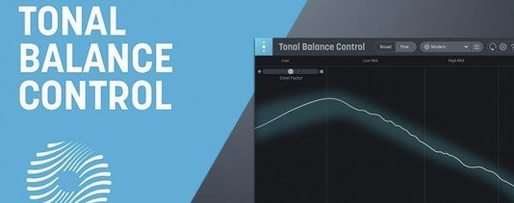 iZotope Tonal Balance Control
3.0.0 VST Plugins
264 MB
iZotope Tonal Balance Control
3.0.0 VST Plugins
264 MB
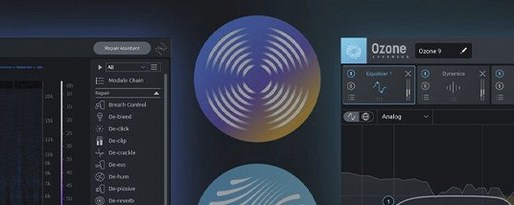 iZotope RX
12.1.0 VST Plugins
Updated 3.6 GB
iZotope RX
12.1.0 VST Plugins
Updated 3.6 GB

 iZotope Neutron
5.2.0 VST Plugins
928 MB
iZotope Neutron
5.2.0 VST Plugins
928 MB
 Komplete FX Bundle
2026.1 VST Plugins
3.2 GB
Komplete FX Bundle
2026.1 VST Plugins
3.2 GB
 iZotope Nectar
4.1.0 VST Plugins
545 MB
iZotope Nectar
4.1.0 VST Plugins
545 MB
 Komplete Kontrol
3.5.4 VST Plugins
785 MB
Komplete Kontrol
3.5.4 VST Plugins
785 MB
 iZotope Insight
2.4.0 VST Plugins
iZotope Insight
2.4.0 VST Plugins
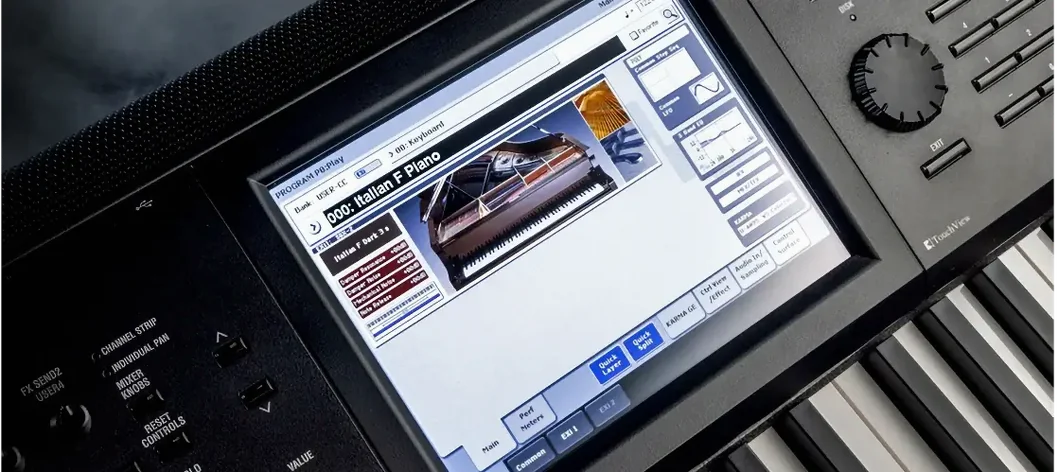 KORG Collection
1.0.3 VST Plugins
175 MB
KORG Collection
1.0.3 VST Plugins
175 MB