
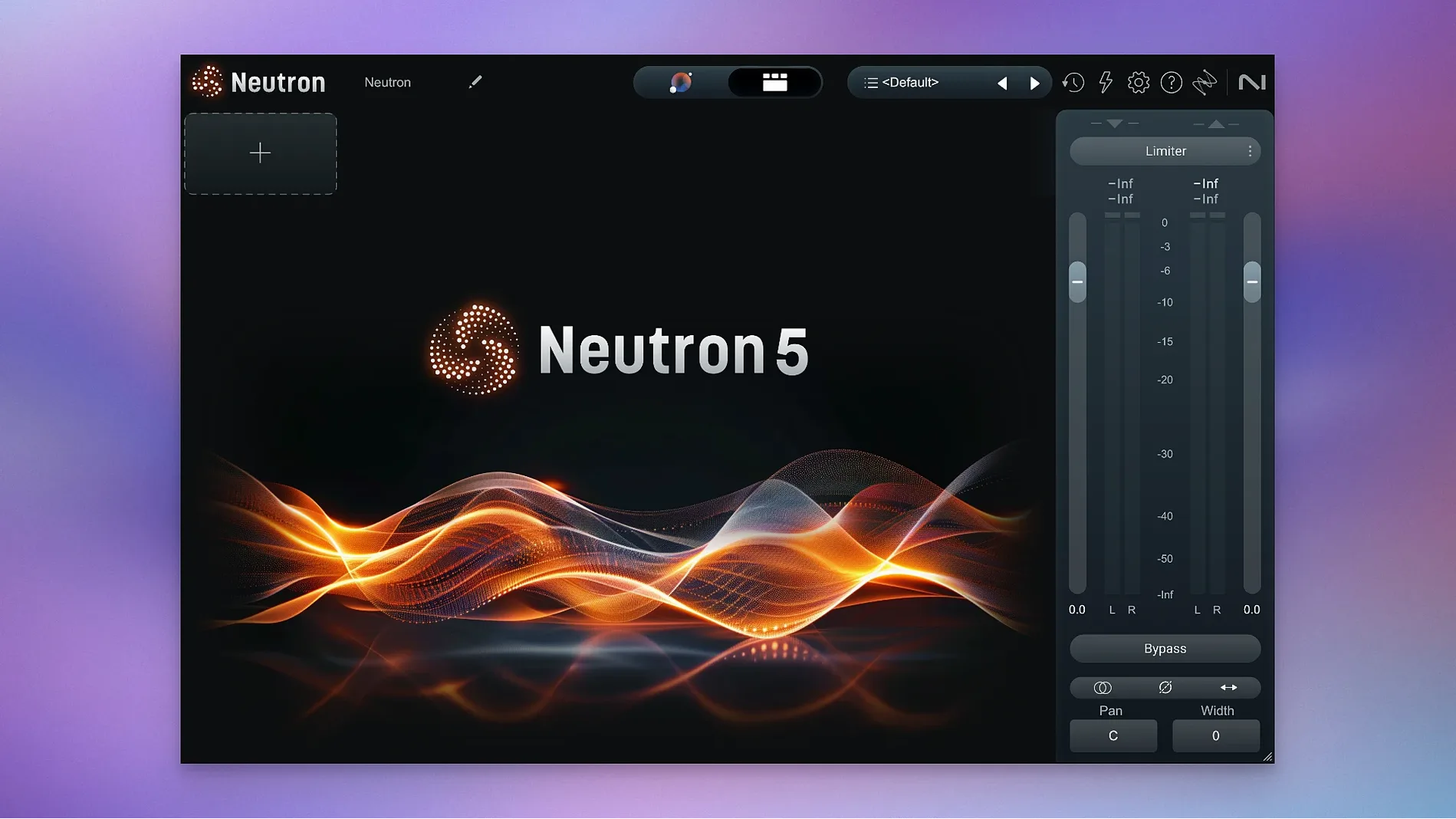
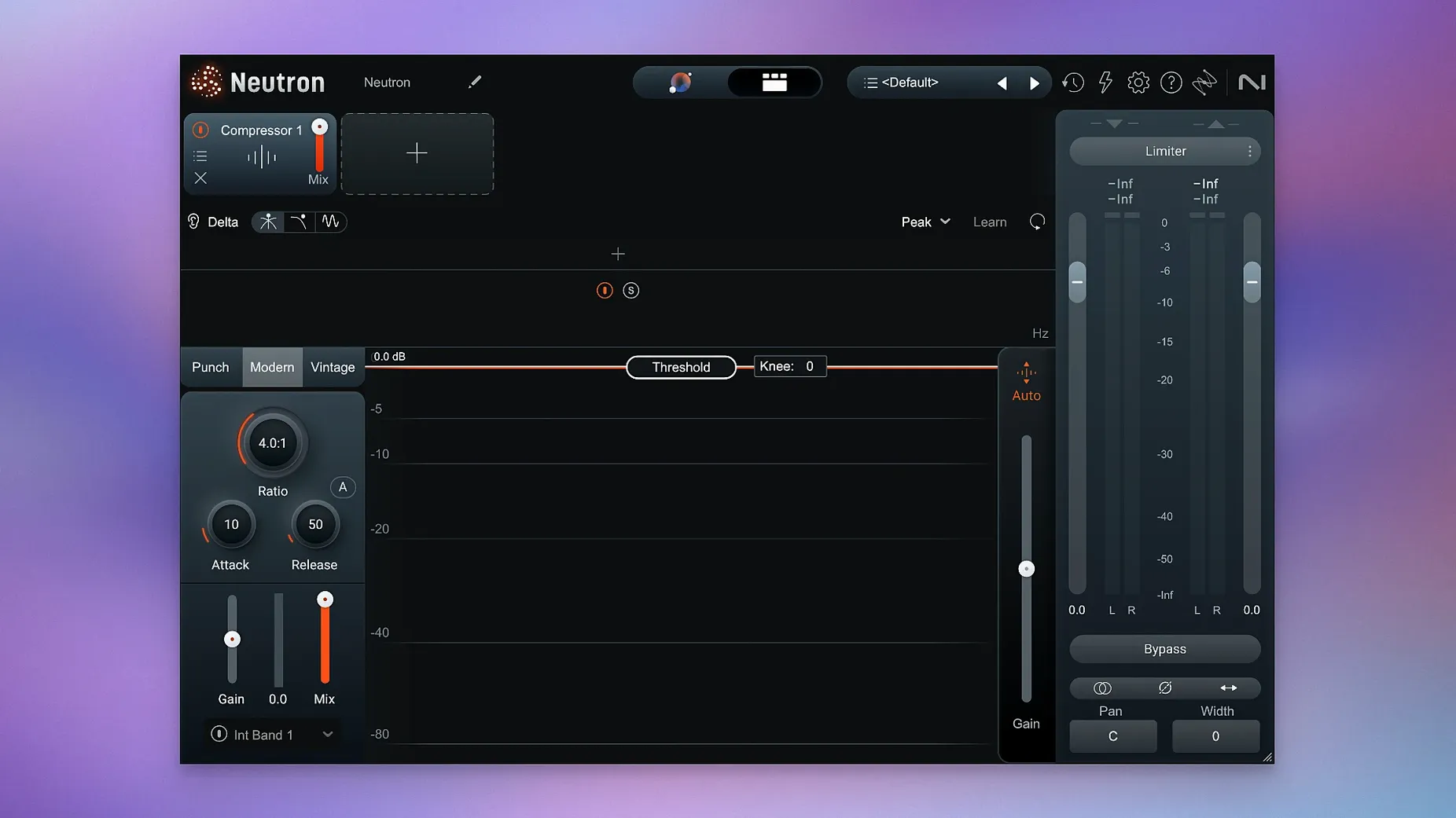
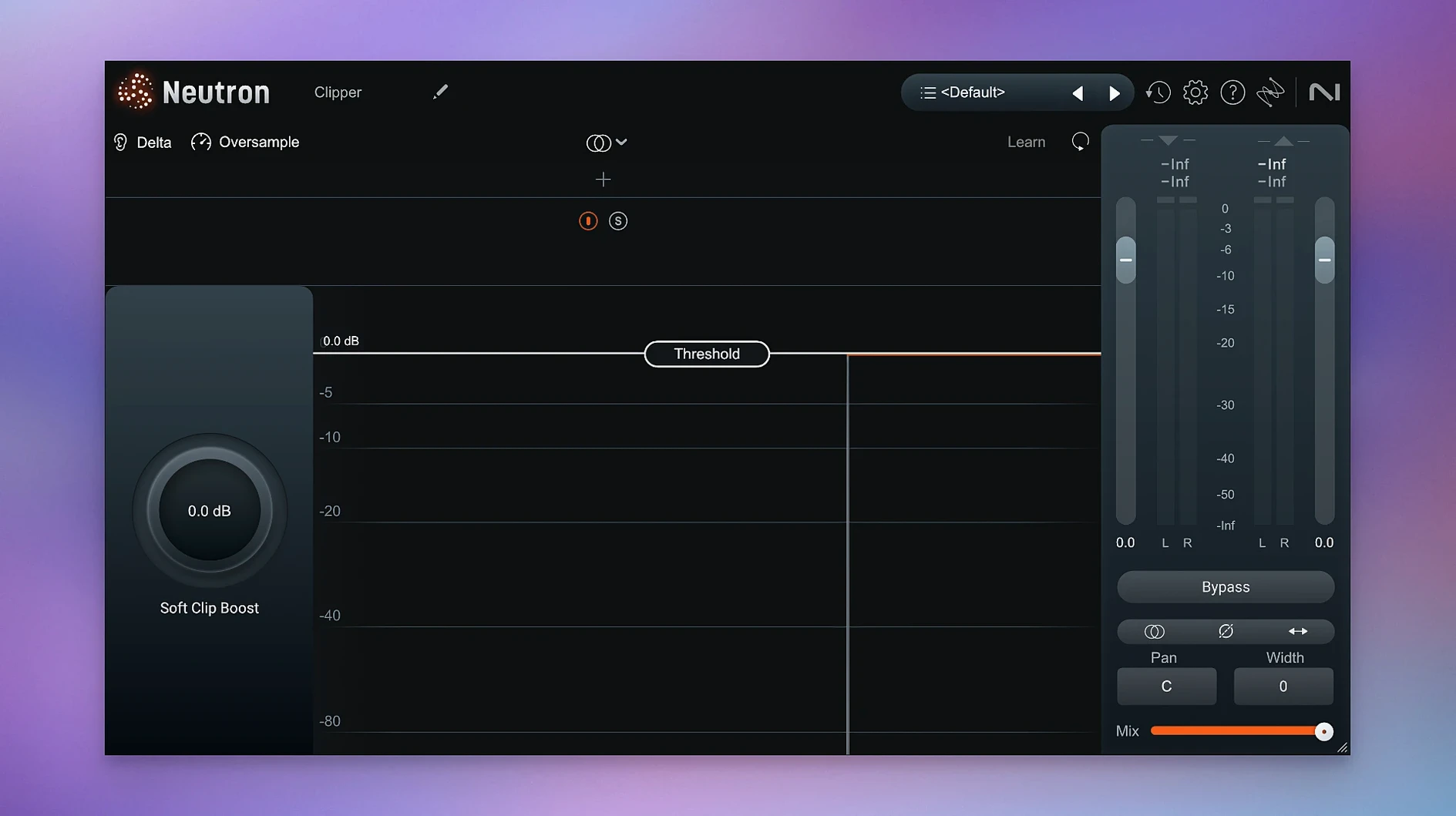
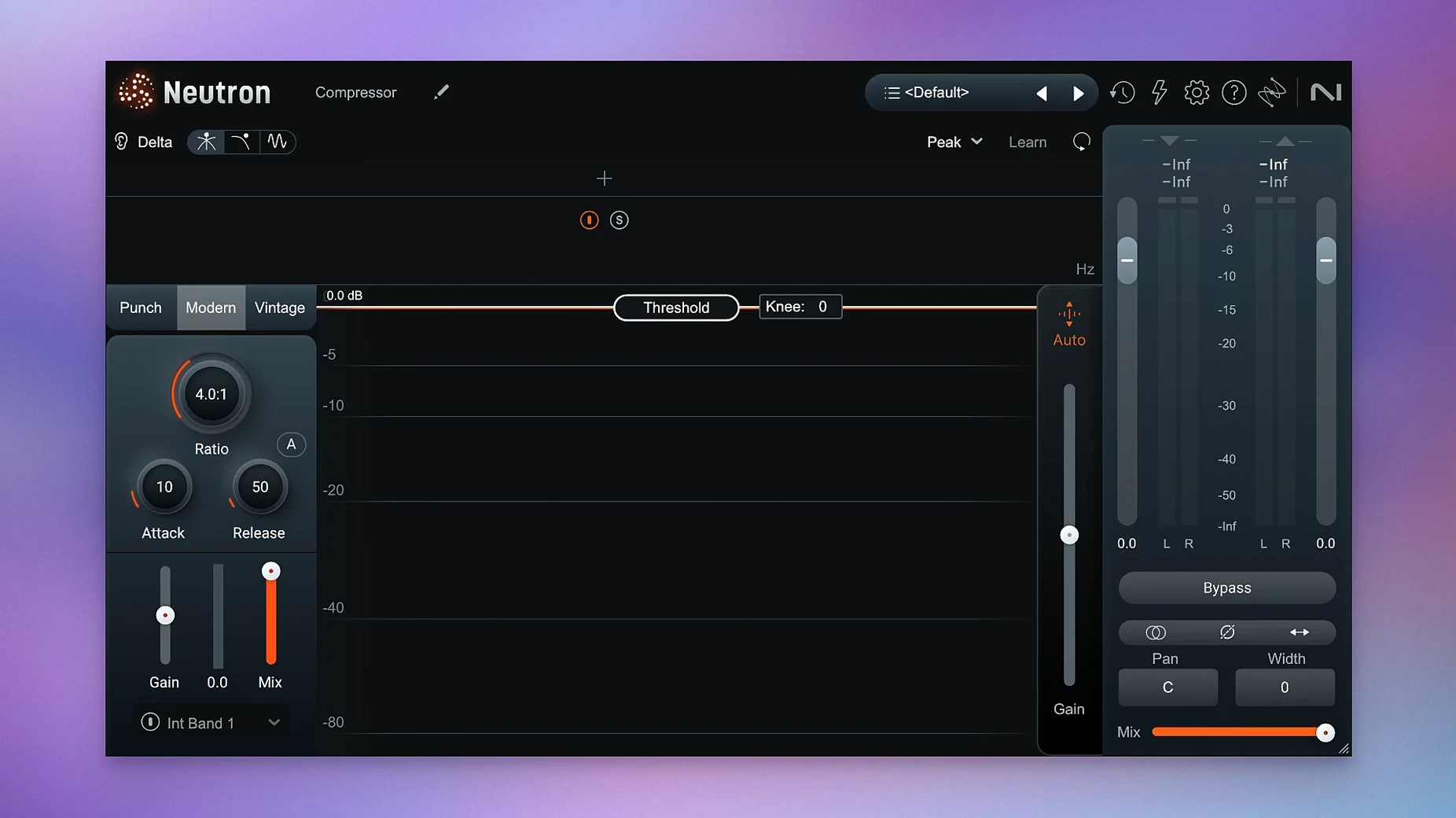
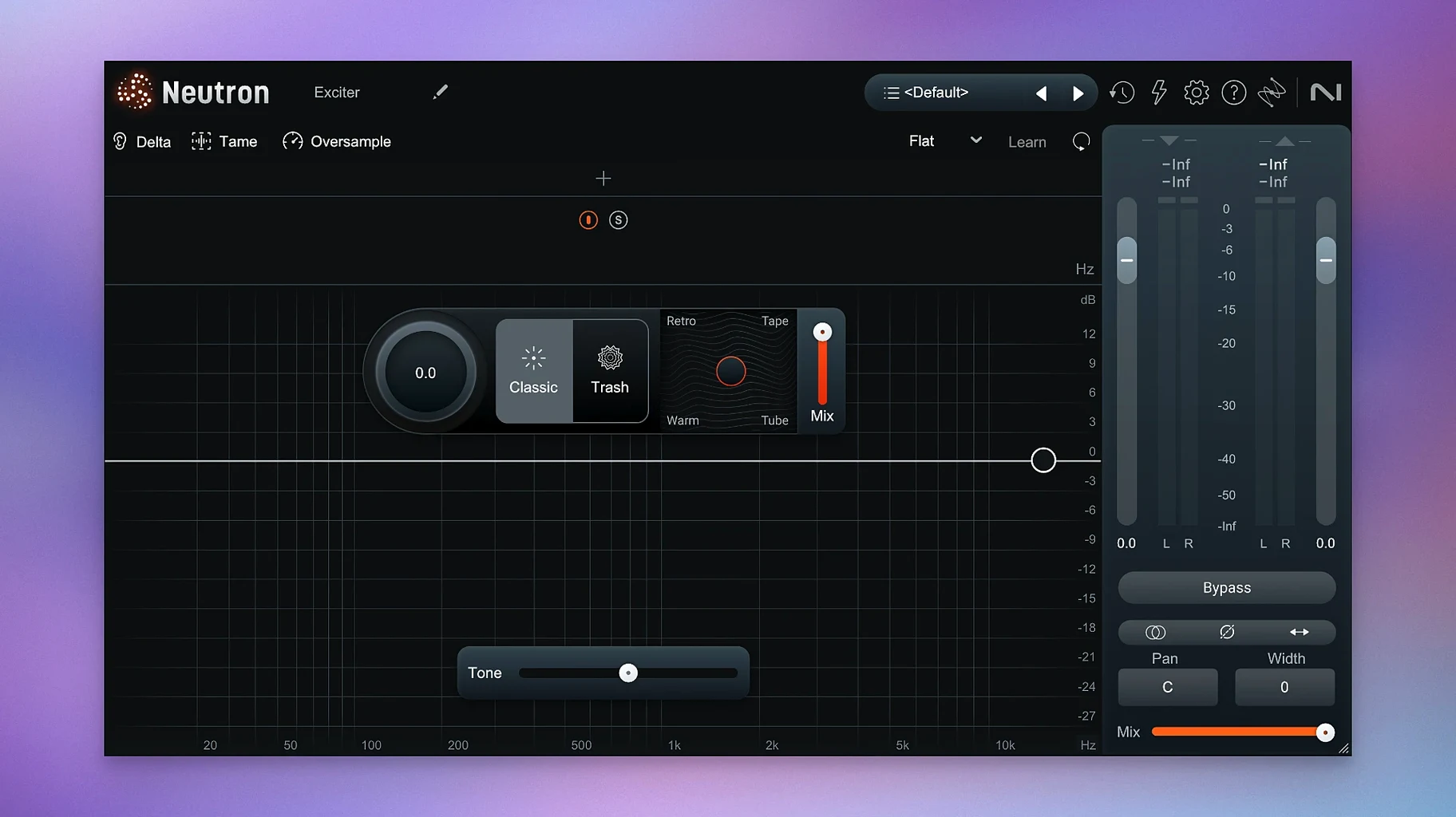
If you’ve ever relied on a channel strip plugin to build a sound from the ground up, Neutron feels like that same workhorse but with a second engineer leaning over your shoulder. It’s a full mixing suite wrapped into one mothership plugin and ten component modules, each focused on a single task like compression, EQ, or excitation.
Key mixing tools in the suite
- AI Mix Assistant: Listens to your audio and builds a starting point using instrument profiles or a custom reference you provide.
- Masking module: Spots frequency collisions between tracks and suggests ways to clear them up so elements don’t step on each other.
- Punch Mode: Visualizes and controls the impact of drums or plucks, making it easier to dial in transient snap without guesswork.
- Trash Mode: Adds character-driven distortion that goes from a gentle warming fuzz to fully destroyed tones.
How the assistant shapes a mix
The Mix Assistant doesn’t mix for you. You play a section of audio, it analyzes the tonal balance and dynamics, then sets thresholds, EQ curves, and compression ratios based on what it hears. From there, every decision is still yours to tweak using the familiar controls across the 11 modules. The latest maintenance update keeps things stable on macOS 13.4 and above, with a specific fix for iLok authorization in surround instances.
Small conveniences worth hunting down
Neutron packs a few tucked-away moves that don’t announce themselves but quietly speed up a session once you know they’re there. The Delta button sits on every module — click it to hear only what the processor is adding or removing. It’s a quick reality check when you’re second-guessing a compressor knee or wondering if that exciter band is actually helping. Double-click any knob to return it to its default value, which saves you from chasing a setting you nudged three minutes ago and forgot about.
The metering options in the main view are denser than they first appear. You can switch the output meter between peak, RMS, and K-system scales by right-clicking the meter area. If you’re gain-staging across a session, that little toggle keeps levels consistent without opening a separate meter plugin. Another detail: holding Option while dragging a band in the EQ module temporarily disables the neighboring bands’ interaction, so you can shape a narrow cut without the adaptive Q fighting your move.
Cleaning up a muddy vocal bus, start to finish
Imagine a vocal bus with a lead, a double, and a harmony stack. The low mids feel bloated, the consonants are dull, and the reverb tail is stepping on the dry signal. Here’s a practical path through Neutron that tackles all three.
- Run the Mix Assistant on the lead vocal first. Feed it a chorus section and pick the Vocal profile. Accept its starting EQ and compression, then dial the compressor’s blend knob back to about 60% wet — the Assistant tends to set it fully wet, which can flatten dynamics too much.
- Open the Masking module and target the reverb return. Neutron will highlight the frequency range where the reverb tail buries the consonants, usually around 2–4 kHz. Drop the suggested dynamic EQ dip onto the reverb channel and listen with the Delta button to confirm you’re ducking only the tail, not the body of the vocal.
- Insert the Exciter module on the harmony stack. Push a gentle tube-style saturation around 5 kHz to give the stacked voices some air without turning up their fader. Blend to taste — 20–30% often sits better than full parallel.
- Group the vocal bus into its own instance of the mothership plugin. Use the Transient Shaper in Punch Mode to tighten the leading edge of the combined vocal. A small attack bump and a slight sustain reduction can pull the words forward in a dense chorus.
The whole chain takes about ten minutes once you know the routing, and every module stays visible in the same window instead of spread across five separate plugins.
Beginner mistakes that are easy to fix
The most common stumble is treating the Mix Assistant like a finish line. It’s a starting suggestion, and it tends to push broad boosts that sound impressive in solo but fight other elements in context. A good habit: after the Assistant runs, pull every EQ boost down by 1–2 dB and listen in the full mix before touching anything else.
Another trap is running the Masking module on too many tracks at once. It works best when you pick one priority track as the “focus” and one conflicting track as the “masker.” Chaining three or four masking corrections in a row often leads to a hollow, over-processed arrangement. Pick your battles — usually the bass and kick, or the lead vocal and the piano midrange — and leave the rest alone.
Users new to Trash Mode sometimes crank the drive and forget the tone-shaping controls tucked inside the module. The pre- and post-filter sliders let you distort only a narrow band, keeping the low end clean while the upper harmonics growl. If you skip those, the distortion can swallow the whole sound.
Dial In Your Drum Bus First
Start by loading Neutron on a single drum bus rather than across an entire session. That limits the learning curve to one set of decisions and gives you time to explore how the Assistant interprets transient-heavy material. Let it analyze a loop, study what the compressor threshold and EQ curve look like, then bypass the Assistant and try rebuilding the same moves manually. That back-and-forth teaches you more about the plugin’s logic than any manual.
Create a default preset that clears every module except the EQ and compressor, with flat settings and a neutral gain stage. Save it as your starting point so you’re not always stripping away Assistant decisions you don’t need. Keeping the interface clean on day one prevents the feeling that Neutron is doing too much behind your back.
If you’re exploring iZotope Neutron without a commercial license, you might stumble across an iZotope Neutron torrent or a Neutron 5 crack on various forums. Those routes open up possibilities — just be mindful of component modules, iLok authorization setup, and macOS point releases that may require a quick re-apply of the installation steps. The version described here, with the surround instance fix and ARM-native support, runs as expected when the installation steps in the package are followed.
- macOS 13.4 or later
- Apple Silicon and Intel Macs
Porch talk 0
Come in or pull up a chair to leave a comment.
Nobody has pulled up a chair yet. If you used it on a real Saturday, say what the hour was.
More for the same hour
Everything in VST Plugins iZotope Nectar
4.1.0 VST Plugins
545 MB
iZotope Nectar
4.1.0 VST Plugins
545 MB
 iZotope Insight
2.4.0 VST Plugins
iZotope Insight
2.4.0 VST Plugins
 iZotope RX
12.1.0 VST Plugins
Updated 3.6 GB
iZotope RX
12.1.0 VST Plugins
Updated 3.6 GB
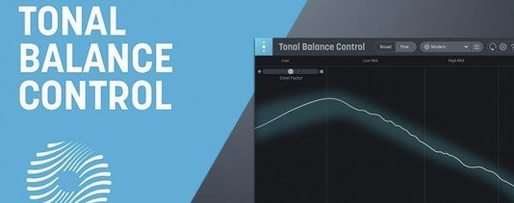 iZotope Tonal Balance Control
3.0.0 VST Plugins
264 MB
iZotope Tonal Balance Control
3.0.0 VST Plugins
264 MB
 Kalifornia Dynamic KD Alkane
1.0.17.0 VST Plugins
270 MB
Kalifornia Dynamic KD Alkane
1.0.17.0 VST Plugins
270 MB
 Komplete FX Bundle
2026.1 VST Plugins
3.2 GB
Komplete FX Bundle
2026.1 VST Plugins
3.2 GB
 Komplete Kontrol
3.5.4 VST Plugins
785 MB
Komplete Kontrol
3.5.4 VST Plugins
785 MB
 KORG Collection
1.0.3 VST Plugins
175 MB
KORG Collection
1.0.3 VST Plugins
175 MB