
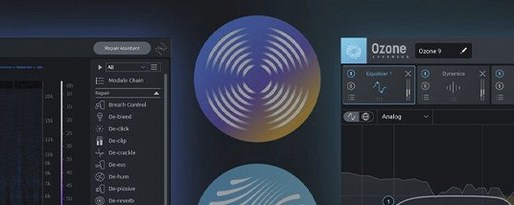
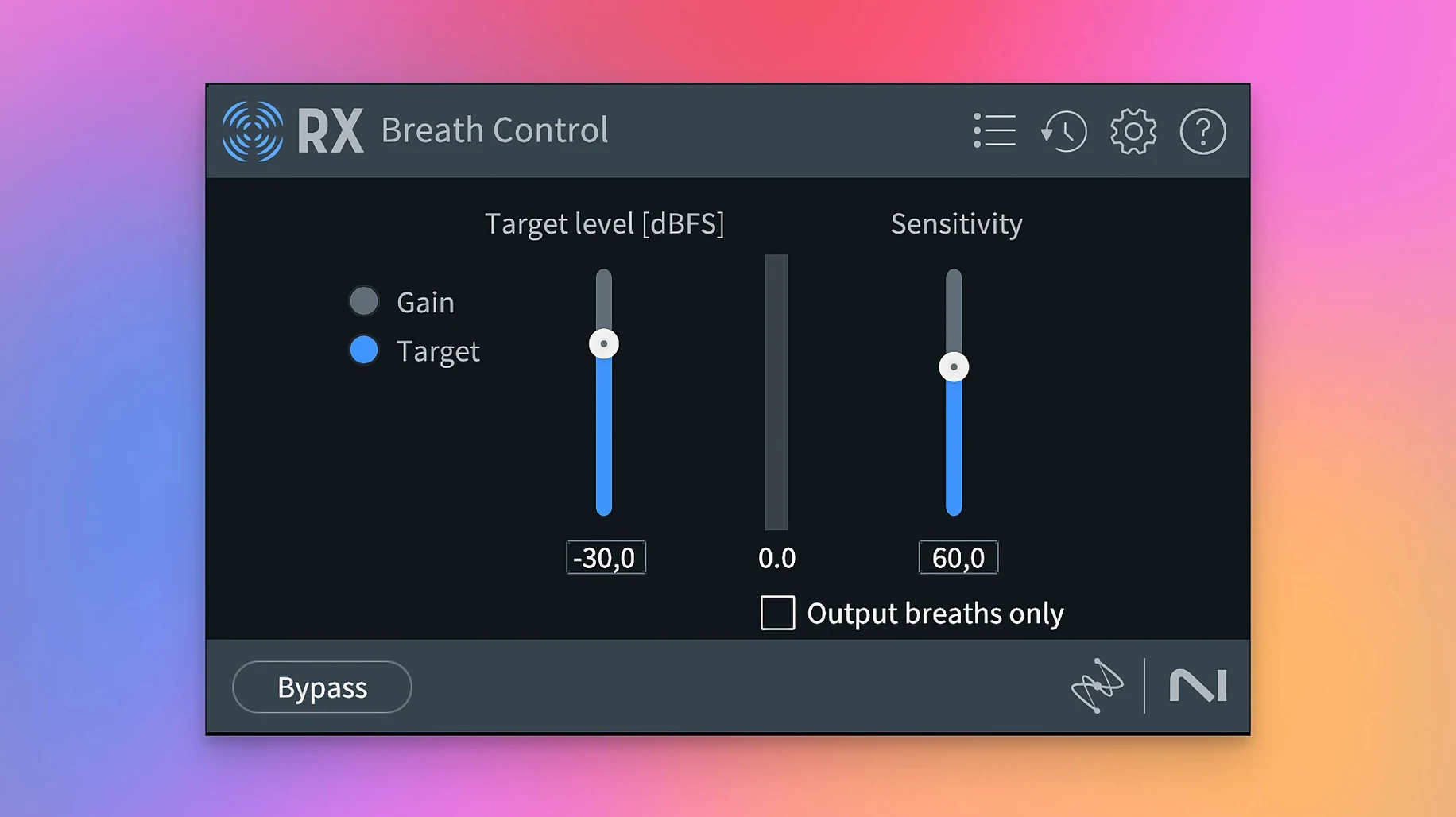
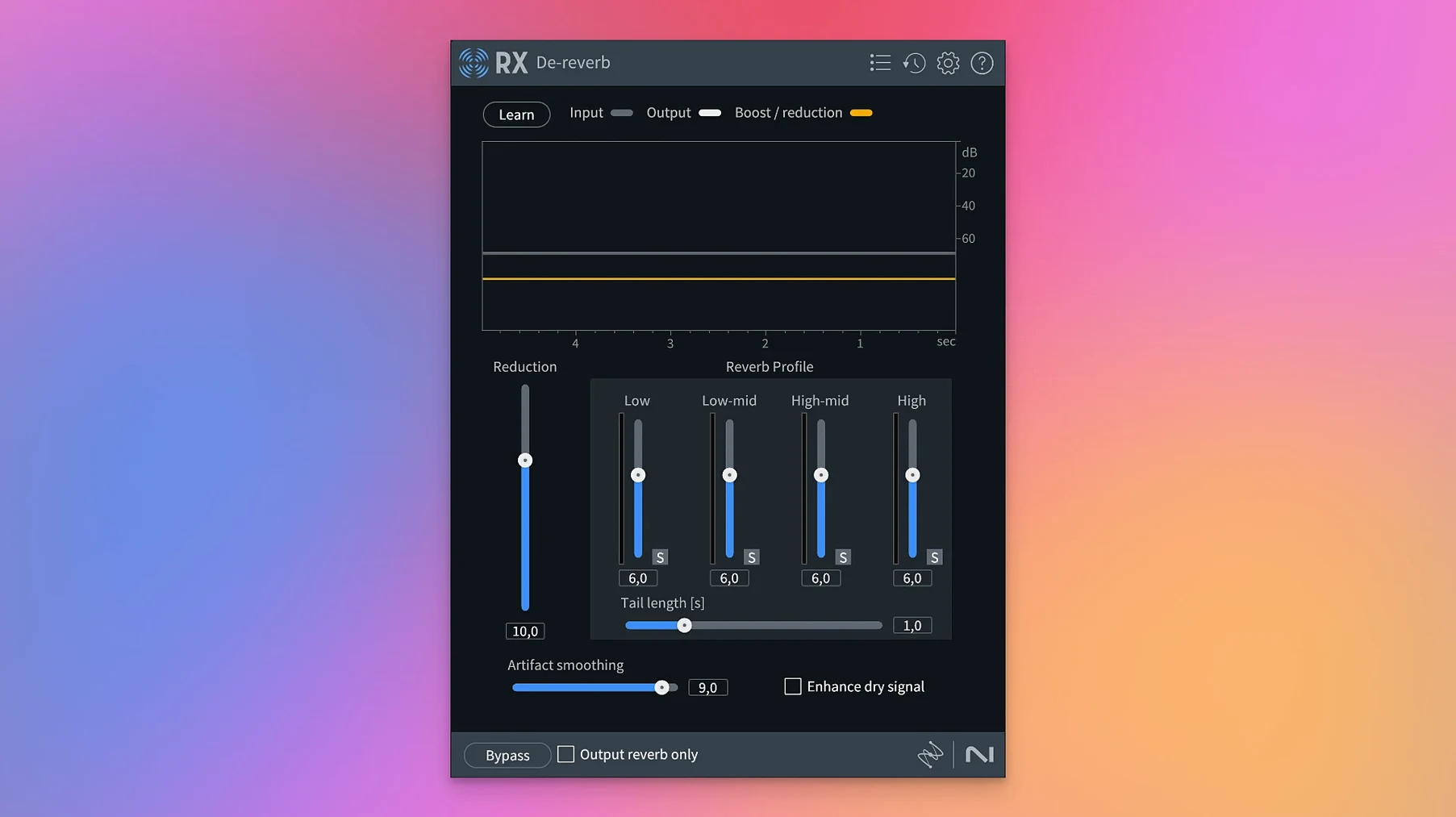
iZotope RX is an audio restoration suite that combines a standalone application with plug-in modules for cleaning up and rebalancing recorded sound right on your Mac.
Cleaning dialogue in less-than-ideal rooms
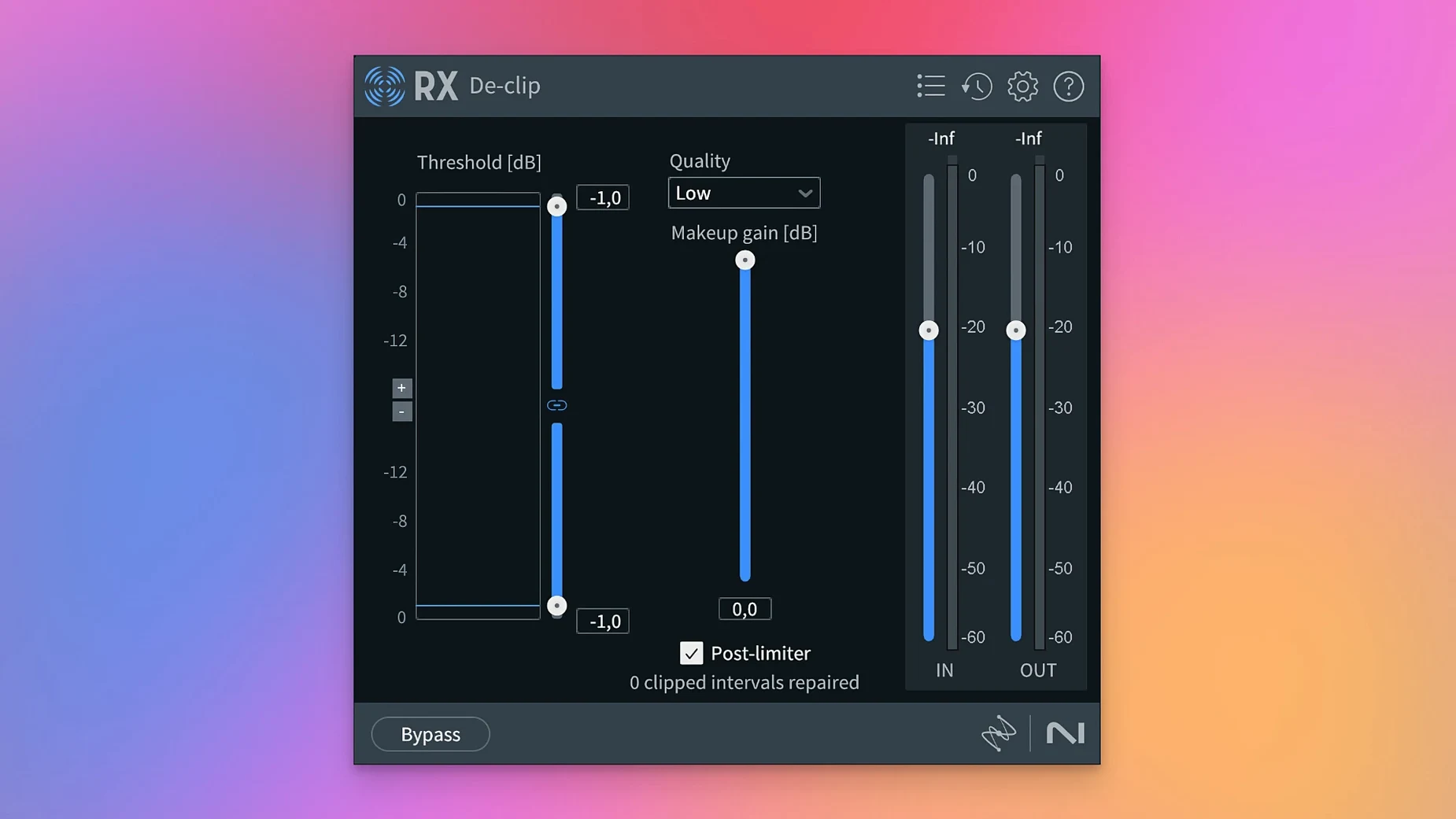
- Cleaning up dialogue recorded in less-than-ideal rooms, with modules that target hum, clipping, and broadband noise.
- Pulling apart a finished stereo mix when you need to tweak levels or replace a stem, using the rebuilt Music Rebalance and Dialogue Isolate.
- Tidying long recordings fast with Trim Silence, which strips out dead air without having to babysit the timeline.
- Working across different setups — RX runs as a plug-in inside a DAW or as a self-contained application, and it supports both Intel and Apple silicon Macs natively.
Scene Rebalance targets post, not music stems
- Scene Rebalance is built for separating dialogue, music, and effects in post-production, not as a general-purpose stem splitter for music projects.
- The interface is English-only, and the machine-learning modules lean on analysis passes that can take a moment on longer files.
The most repair-focused toolbox for noisy tracks
When you're staring at a noisy interview track or a guitar take with a buzz you can't quite place, the Mac audio world gives you a few different toolboxes to reach for. RX sits at the most repair-focused end of that spectrum, but it's worth knowing what the neighbors do well.
Accusonus ERA Bundle was the go-to for single-knob cleanup for a long while, and plenty of people still keep it installed. Where ERA plugins shine is speed — you open one, turn a knob, and the noise drops away. What they don't give you is spectral editing, layered repair modules, or the ability to separate dialogue from background ambience after the fact. RX is a deeper workshop. If ERA feels like a pocket screwdriver, RX is the full bench. You'll reach for ERA when a voice track has mild hiss and the clock is ticking. You'll open RX when the same track has hiss, a chair squeak, and two different hum frequencies that shift halfway through.
Waves Clarity Vx takes a different approach — it's a single-purpose dialogue noise reducer powered by neural networks, and it's remarkably good at what it does. Clarity Vx is lighter on CPU than a full RX chain and easier to explain to a collaborator. But it stops at voice noise. It won't declick a vinyl transfer, won't remove reverb from a location recording, and won't rebalance the music bed behind a voiceover. RX earns its keep when a project asks for more than one kind of fix.
Adobe Audition's built-in restoration tools share a family resemblance with RX's spectral display and noise-reduction logic, but Audition ties that toolkit to its own multitrack environment. RX works wherever you do — inside Logic, Pro Tools, Ableton Live, or standing on its own with the standalone app. That flexibility matters when you're sending files back and forth with someone who lives in a different DAW.
Skip the slow analysis pass on long files
Every complex audio tool has its friction points, and RX is no exception. The good news is that most of them have straightforward fixes once you know where to look.
The slow analysis pass on long files. Modules like Spectral De-noise and Dialogue Isolate build a noise profile by analyzing the audio before they apply any processing. On a ninety-minute podcast recording, that analysis can feel like it's taking forever. The workaround: select a representative ten-second chunk of pure noise, learn from that, then apply the profile to the full file. The result is nearly identical and the wait shrinks dramatically.
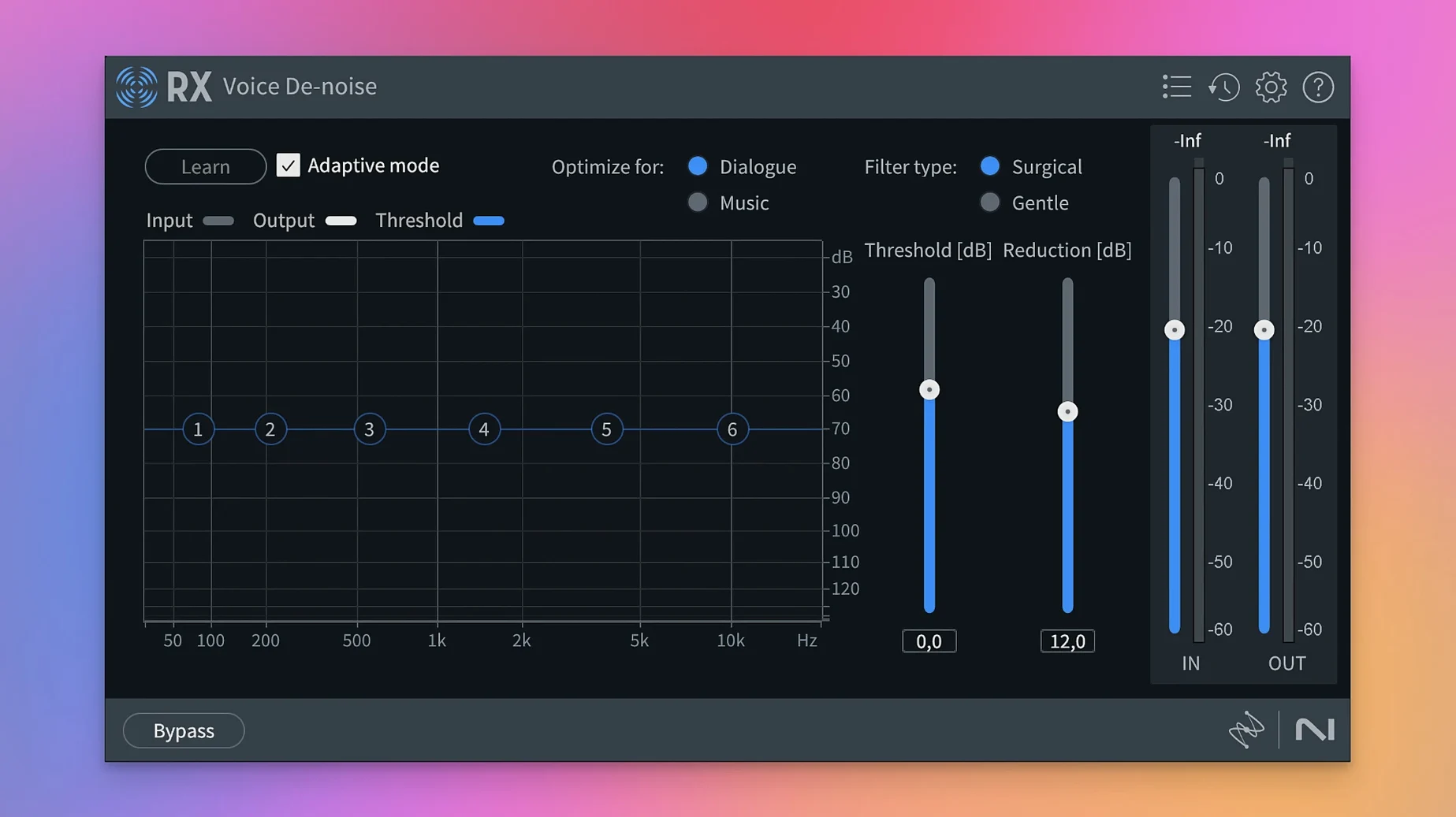
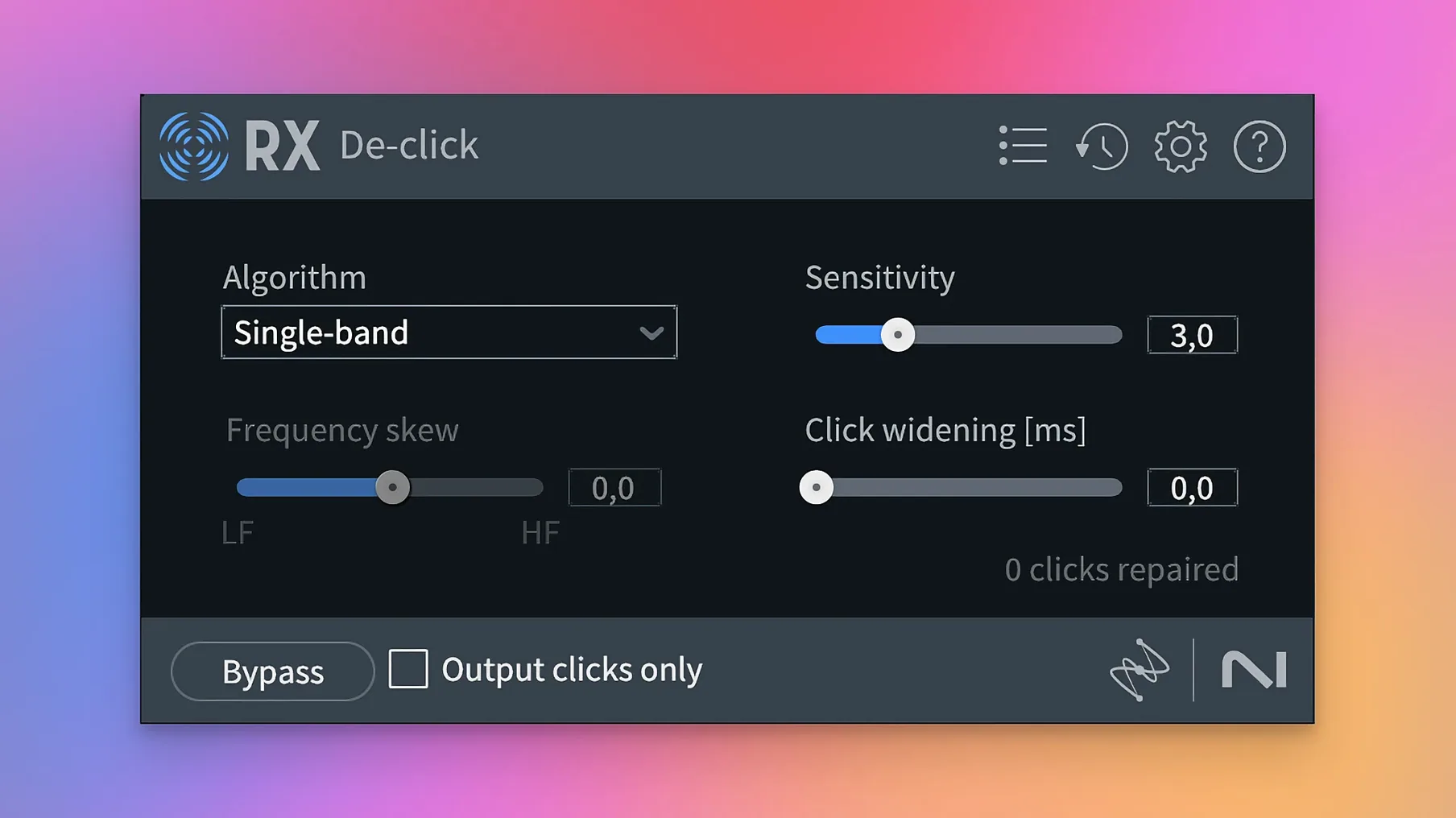
Module stacking that eats CPU. It's tempting to chain De-hum, De-click, Voice De-noise, and Spectral De-noise all in one go. On an Apple silicon Mac, RX handles this gracefully up to a point, but a dense chain on a high-track-count session can still bring playback to a crawl. The trick is to render or commit repairs one module at a time rather than running everything live. Fix the hum, bounce. Fix the clicks, bounce. You build a cleaner source file and your DAW session stays snappy.
ARA integration quirks. RX 12 supports AU ARA and VST3 ARA, which lets you open the spectral editor right inside Logic Pro or Studio One without round-tripping audio. When it works, it feels like magic. When it doesn't — usually after a DAW update or a plug-in rescan — the fix is to remove and re-add RX in the ARA slot, or to fall back to the standalone app for that session. The standalone route is slightly less convenient but never fails.
Apple silicon finally unlocks responsive modules
RX 12 runs natively on Apple silicon, and the difference shows. Modules that felt sluggish under Rosetta on an M1 machine a couple of generations ago now open and process with the kind of responsiveness you'd expect from a modern Mac app. The spectral display scrolls smoothly even on high-resolution Retina screens, and zooming into a waveform to mark a tiny click is fluid rather than jumpy.
RAM is the real appetite here. The standalone application likes having headroom — 16 GB is comfortable for most stereo material, but stacking multiple modules on a sixty-minute multitrack file can push memory use past 8 GB by itself. If your Mac has 8 GB total and you're running a DAW alongside, you'll want to close other applications or work in shorter segments. The plug-in versions inside a DAW share memory with the host, so the load feels similar.
Stability has been solid across several weeks of daily use on a MacBook Pro with an M3 Pro chip. No sudden quits, no plug-in scans that stall the DAW, and no corrupted session files. The one instability I've seen reported — and encountered once — involves the new Stems View when switching rapidly between stem layers on a file longer than forty-five minutes. Saving before toggling stems is a small habit that heads off any frustration.
How RX fits into a larger Mac audio workflow
RX doesn't try to be a DAW, and that's part of why it plays well with others. The standalone app sends audio directly to your selected output device, so you can monitor through the same interface your DAW uses. Processed files export with their original sample rate and bit depth intact, which means no surprise conversions when you bring them back into a project.
The ARA integration with Logic Pro deserves a mention. Rather than sending a clip out to the standalone app, applying repairs, and reimporting, you can highlight a region and open the RX spectral editor right where you are. Edits you make appear in Logic's timeline immediately. For dialogue editors cleaning up hours of production sound, this cuts round-trip time enormously. The same ARA bridge works in Studio One; Pro Tools users lean on AudioSuite for a similar in-session workflow.
On the macOS side, RX respects the system's audio routing. You can set the standalone app to use a multi-output device or a virtual bus like BlackHole, which lets you capture audio from another application for quick cleanup without an intermediate file. It's not an advertised feature, but podcasters recording remote interviews over Zoom or Riverside have used that trick to de-noise a guest's track in near real time.
File format support is broad — WAV, AIFF, MP3, FLAC, and more — and RX preserves metadata through most operations. If you're working with a sound library that has embedded descriptions and markers, those usually survive a trip through Spectral De-noise or De-click intact.
A post-production editor's afternoon with Scene Rebalance
Mia edits dialogue for documentary films out of a small studio in Portland. A director sends her a five-minute scene from a shoot where the location mixer couldn't isolate the interview subject from a nearby fountain. The dialogue is clear enough, but the water noise sits right in the same frequency range as the speaker's voice, and the producer wants options — a version with the fountain suppressed, and another where the ambience stays but the dialogue moves forward in the mix.
Mia opens the clip in RX's standalone app. She runs Dialogue Isolate first, pulling the voice forward and pushing the fountain back. The result is cleaner but a little hollow at the edges — the algorithm worked hard to separate two sounds that overlap. She then opens Scene Rebalance, which sees the file as three layers: dialogue, music, and effects. There's no music here, so she leaves that fader alone and drops the effects fader by 6 dB. The fountain recedes while the voice keeps its body. Between the two modules, she ends up with a version that sounds like a boom mic got six inches closer.
She exports both versions, drops them into her DAW timeline, and sends rough cuts to the producer within the hour. No ADR, no compromise on location sound. That's the kind of afternoon where RX earns its spot on the dock.
Version 12.1.0 ships with the developer's latest round of fixes and refinements. Head to iZotope's site for the full breakdown.
- macOS 14.7 or later
- Apple Silicon or Intel 64-bit Mac
Questions I actually get
Does iZotope RX 12 work on Apple silicon Macs?
Yes, RX 12 supports both Intel Macs and Apple silicon Macs in native mode and through Rosetta.
Can I use iZotope RX inside my DAW?
Yes, RX 12 works as a plug-in suite inside a DAW and also as a standalone application.
What does the Scene Rebalance module do?
Scene Rebalance separates dialogue, music, and effects so you can adjust their relative levels independently in a mix.
Porch talk 0
Come in or pull up a chair to leave a comment.
Nobody has pulled up a chair yet. If you used it on a real Saturday, say what the hour was.
More for the same hour
Everything in VST Plugins iZotope Tonal Balance Control
3.0.0 VST Plugins
264 MB
iZotope Tonal Balance Control
3.0.0 VST Plugins
264 MB

 iZotope Neutron
5.2.0 VST Plugins
928 MB
iZotope Neutron
5.2.0 VST Plugins
928 MB
 iZotope Nectar
4.1.0 VST Plugins
545 MB
iZotope Nectar
4.1.0 VST Plugins
545 MB
 iZotope Insight
2.4.0 VST Plugins
iZotope Insight
2.4.0 VST Plugins
 Kalifornia Dynamic KD Alkane
1.0.17.0 VST Plugins
270 MB
Kalifornia Dynamic KD Alkane
1.0.17.0 VST Plugins
270 MB
 Komplete FX Bundle
2026.1 VST Plugins
3.2 GB
Komplete FX Bundle
2026.1 VST Plugins
3.2 GB
 Komplete Kontrol
3.5.4 VST Plugins
785 MB
Komplete Kontrol
3.5.4 VST Plugins
785 MB
 KORG Collection
1.0.3 VST Plugins
175 MB
KORG Collection
1.0.3 VST Plugins
175 MB