
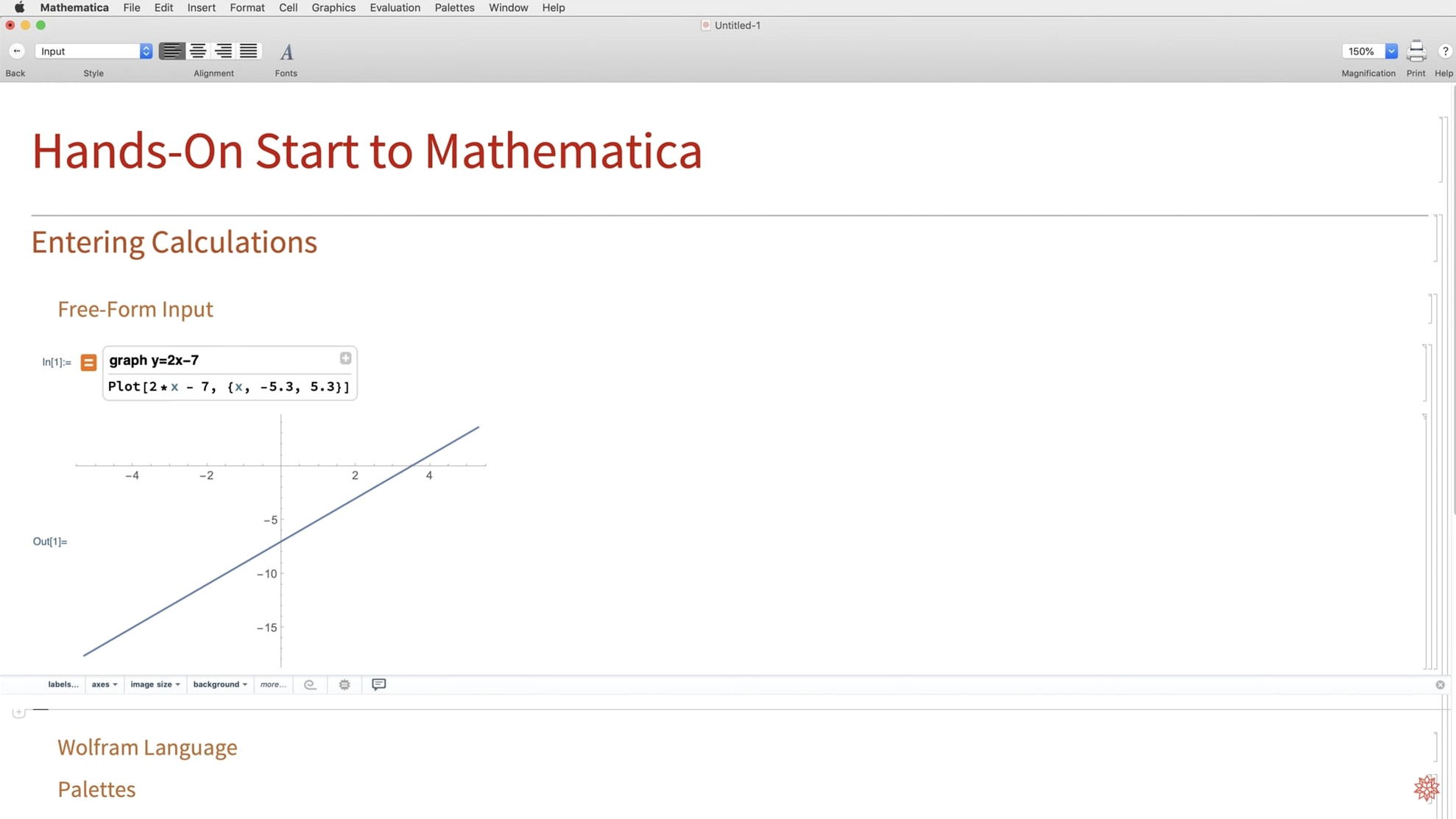
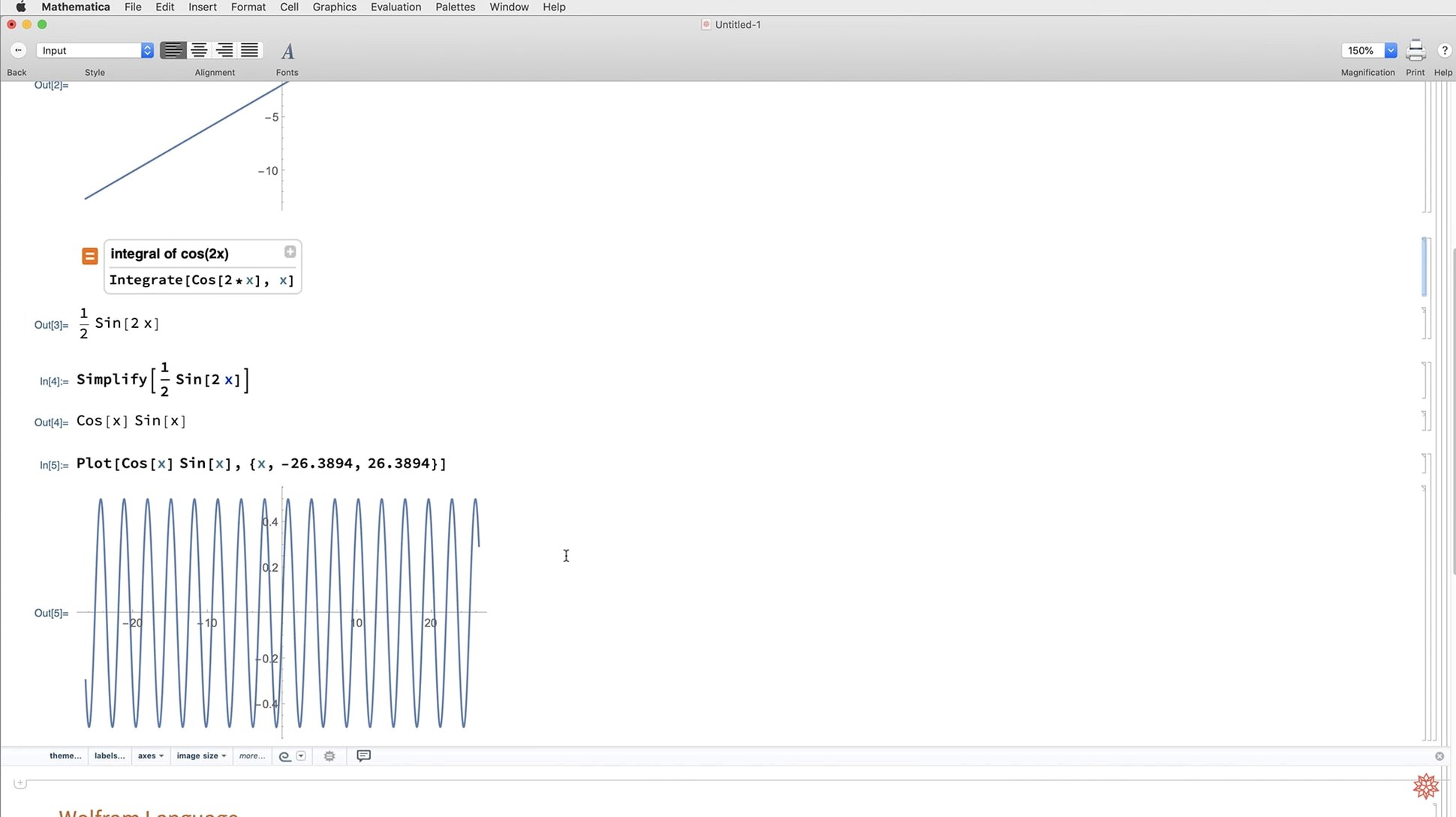
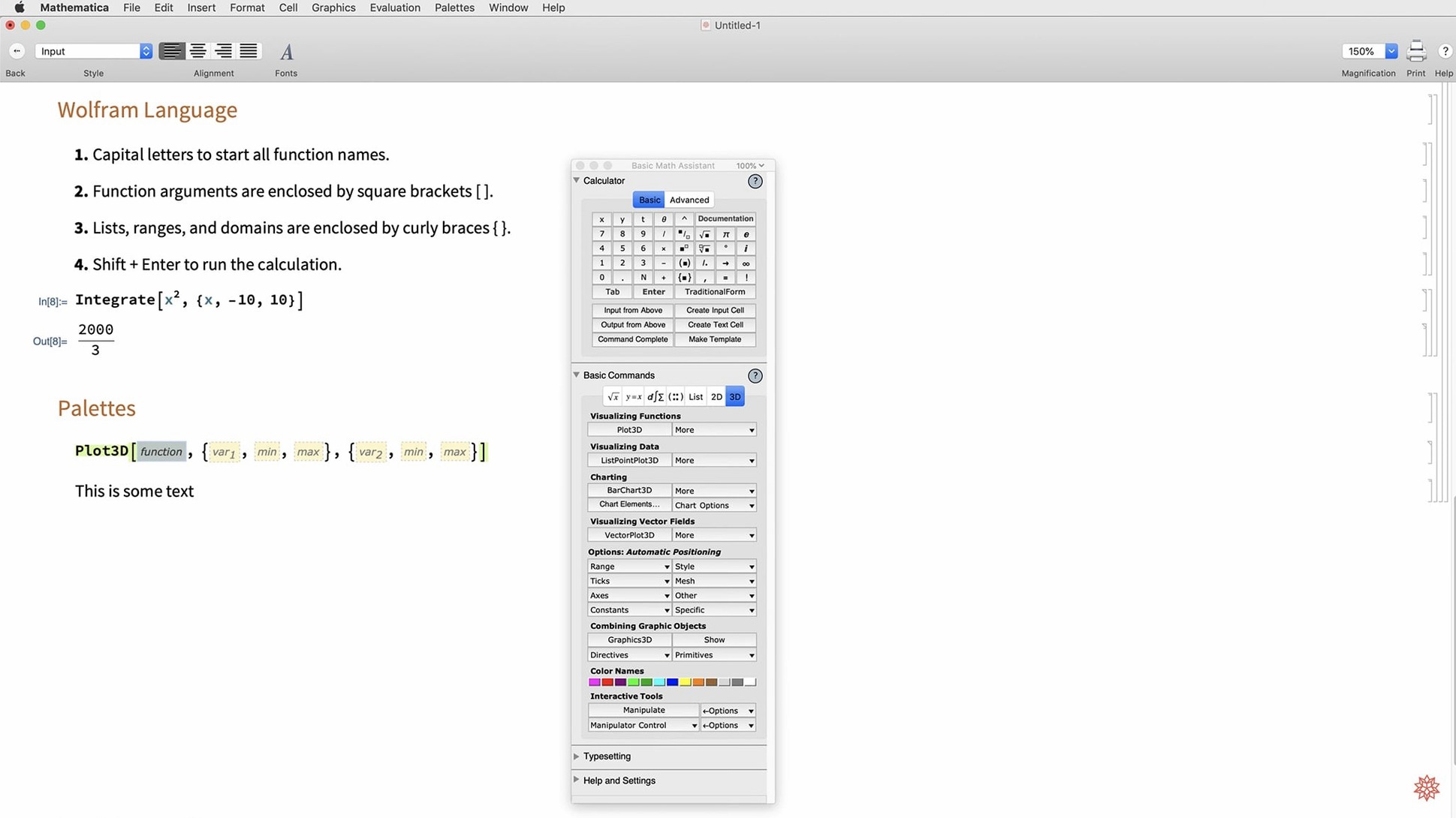
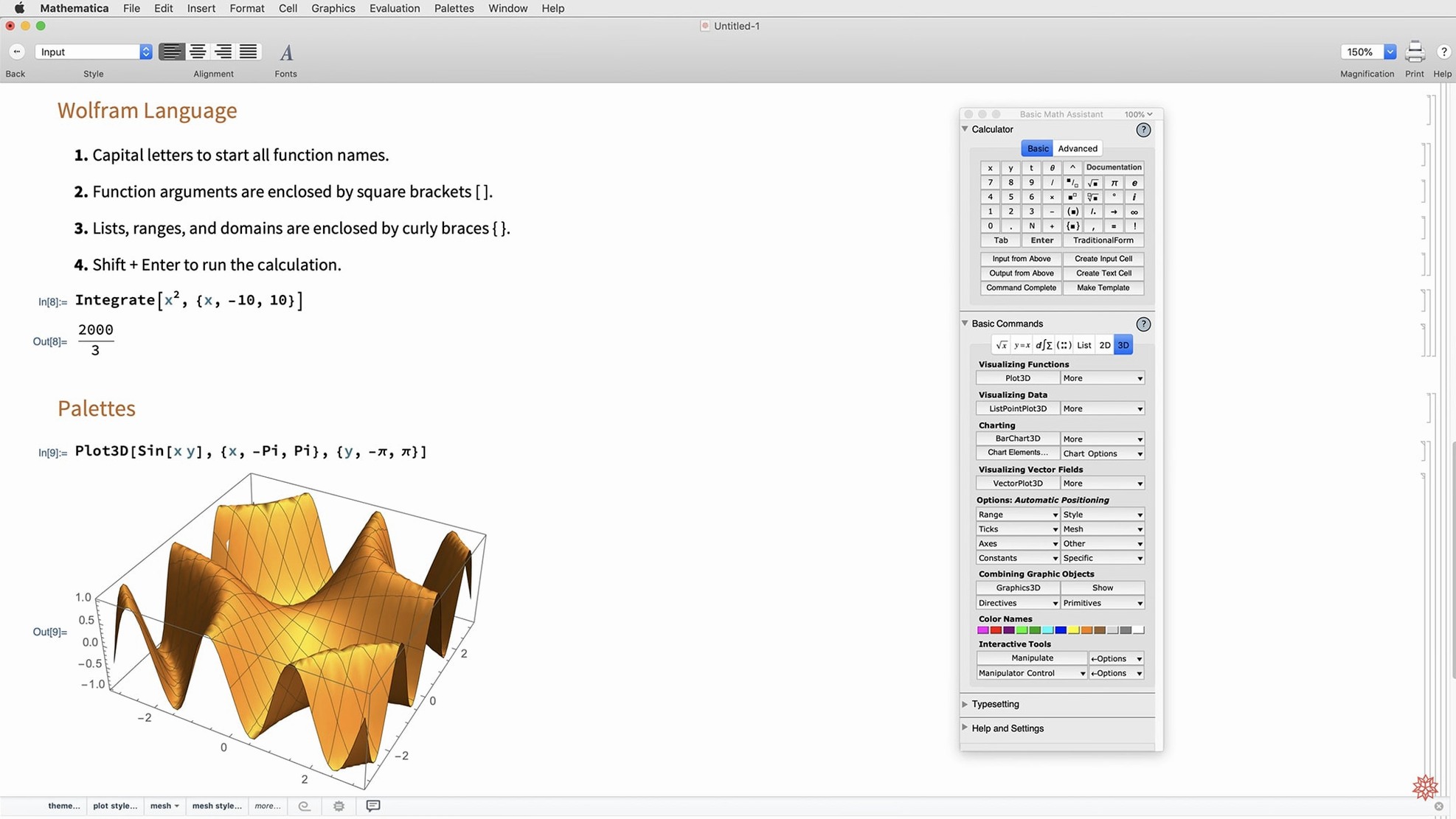
You type in an integral, and the Notebook returns a closed-form answer, a 3D plot, and the steps in between. That’s the rhythm Wolfram Mathematica works to — thousands of Wolfram Language functions ready for symbolic, numerical, and visual computation, all in one interactive document.
From napkin math to deployed dashboards
It covers the full stretch from quick calculations to full interface creation. You can explore data, build models, or deploy results in multiple local and network formats. The system pulls in external data when you need it, and version 14.3 deepens integration with Python, R, and LLM tools through LLMGraph.
Who tends to reach for it?
Engineers, researchers, and students who live in the space between math and real-world data. It’s just as comfortable sketching a proof of concept as it is generating vector-based maps or running system model validation. The 14.3 release also adds geodesic computation and new matrix decompositions for geometry-heavy tasks.
What does it look like on a Mac right now?
Version 14.3 runs natively on Apple Silicon and Intel Macs with macOS 12 or later. Dark mode is fully supported, and new standard colors keep notebooks readable whether you’re working late or in broad daylight.
Turn off window zoom to reclaim your Mac screen
A fresh Mathematica install lands with sensible defaults, but a few tweaks make the interface breathe better on a Mac screen. The formatting options pane is where I start — it lives under Preferences → Appearance → Formatting. Change the default magnification to something your eyes actually like, and bump the cell spacing by a point or two. Dense notebooks are harder to scan than they need to be.
Next, turn on code completion if it's not already active. The Wolfram Language is deep enough that even seasoned users forget function names. The pop-up suggestions save trips to the documentation center, and you can adjust the delay slider so it doesn't crowd you mid-thought.
The one that catches people off-guard is dynamic updating. By default, sliders and manipulate objects recalculate as you drag them. That's great for exploration but eats CPU on heavy models. Switch it to manual under Evaluation preferences when you're working with large datasets; you can always toggle it back with a single click.
If you're coming from a Python or R workflow, set up the external language cell defaults early. Version 14.3 made the bridge faster, and configuring which kernel launches automatically saves you from typing boilerplate every session. A quick visit to Preferences → System → External Language gets that sorted.
MATLAB grips matrices; Mathematica stays symbolic
Three names come up when people talk about technical computing on a Mac: MATLAB, Maple, and Mathematica. They overlap on paper, but the feel is different once you spend an afternoon with each.
MATLAB lives in the matrix. If your work is control systems, signal processing, or Simulink models, its language feels native to those domains. Mathematica handles matrices just fine — version 14.3 added new decompositions — but its symbolic engine runs deeper, and the notebook interface treats text, math, and graphics as equal citizens rather than comments around code.
Maple is the other heavyweight on the symbolic side. Both can chew through integrals and differential equations that would fill a chalkboard. Maple's advantage is a slightly gentler learning curve for pure math students; Mathematica's is the sheer breadth of what ships in the box — geographic data, graph theory, machine learning, and now LLM integration that Maple simply doesn't match.
Where Mathematica pulls ahead is as a single environment. You can scrape a data feed, run a statistical model, visualize the results, and export a Markdown report without leaving the front end. That matters when you're switching hats between researcher, programmer, and presenter — the seams don't show.
Call Python and R directly from your notebook
Mathematica plays well with others when you let it. The ExternalEvaluate function now talks to Python and R with noticeably less overhead in 14.3, so you can drop into a pandas dataframe or an R linear model from inside a Notebook cell. For data that arrives through the browser, the Wolfram cloud access lets you load a Notebook on an iPad between meetings and pick up where you left off at the desk.
On the macOS side, Automator and Shortcuts can trigger Wolfram Language scripts via the command-line kernel. I've seen people set up a folder action that processes CSV files through a Mathematica script and drops the plots into a shared iCloud directory — no Notebook required. The export options in 14.3 include Markdown, which slots neatly into note-taking apps that render it natively.
For graphics-heavy projects, the new vector-based maps and surface plotting functions produce output you can drag straight into Keynote or a layout app. The mesh processing tools in 14.3 also open a door to 3D workflows — export an STL file and hand it off to a slicer without format gymnastics. If your Mac runs Apple Silicon, all of this compiles and renders without Rosetta in the loop, which keeps memory pressure reasonable even with multiple Notebooks open.
Wolfram Mathematica 15.0 lands on the Mac with the developer's latest round of refinements and under-the-hood fixes. Check the official release notes for the full changelog — this one's about keeping your notebooks running smoothly on modern hardware.
- macOS 12 or later
- Apple Silicon or Intel 64-bit processor
Porch talk 0
Come in or pull up a chair to leave a comment.
Nobody has pulled up a chair yet. If you used it on a real Saturday, say what the hour was.