
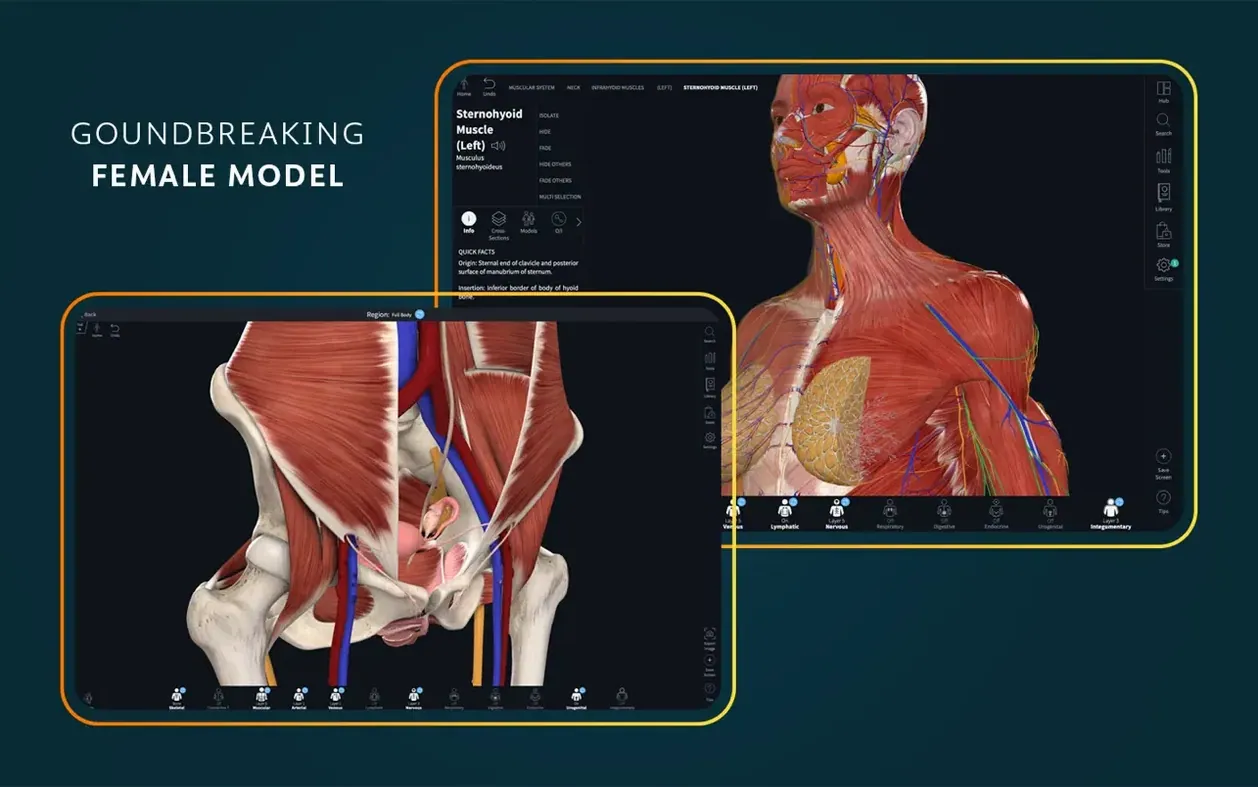
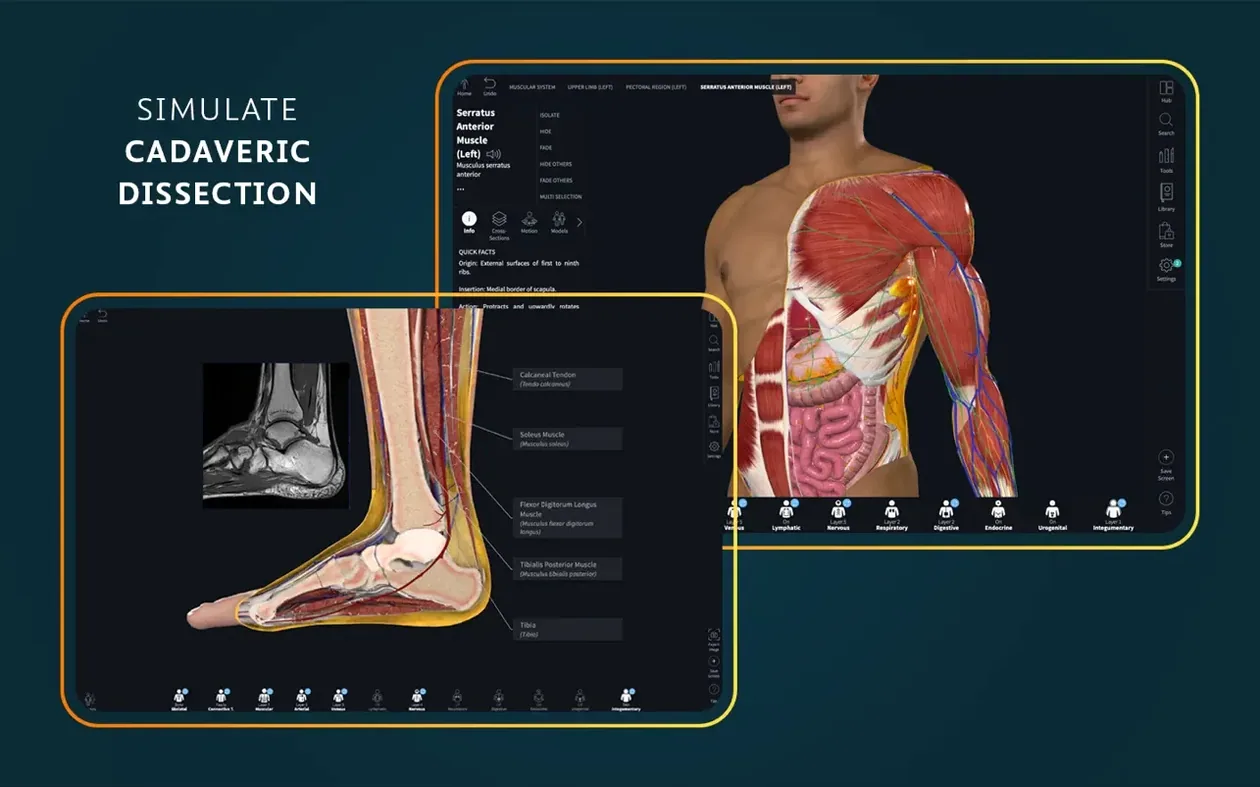
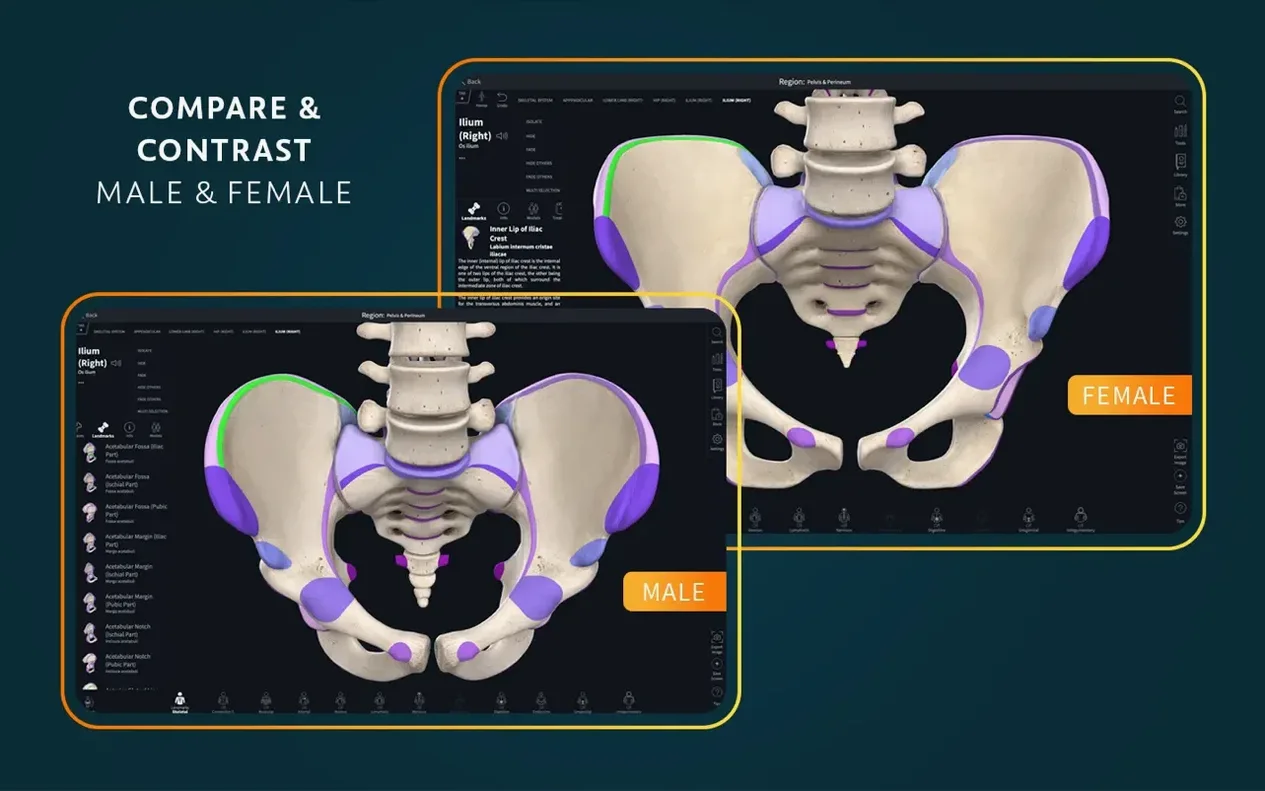
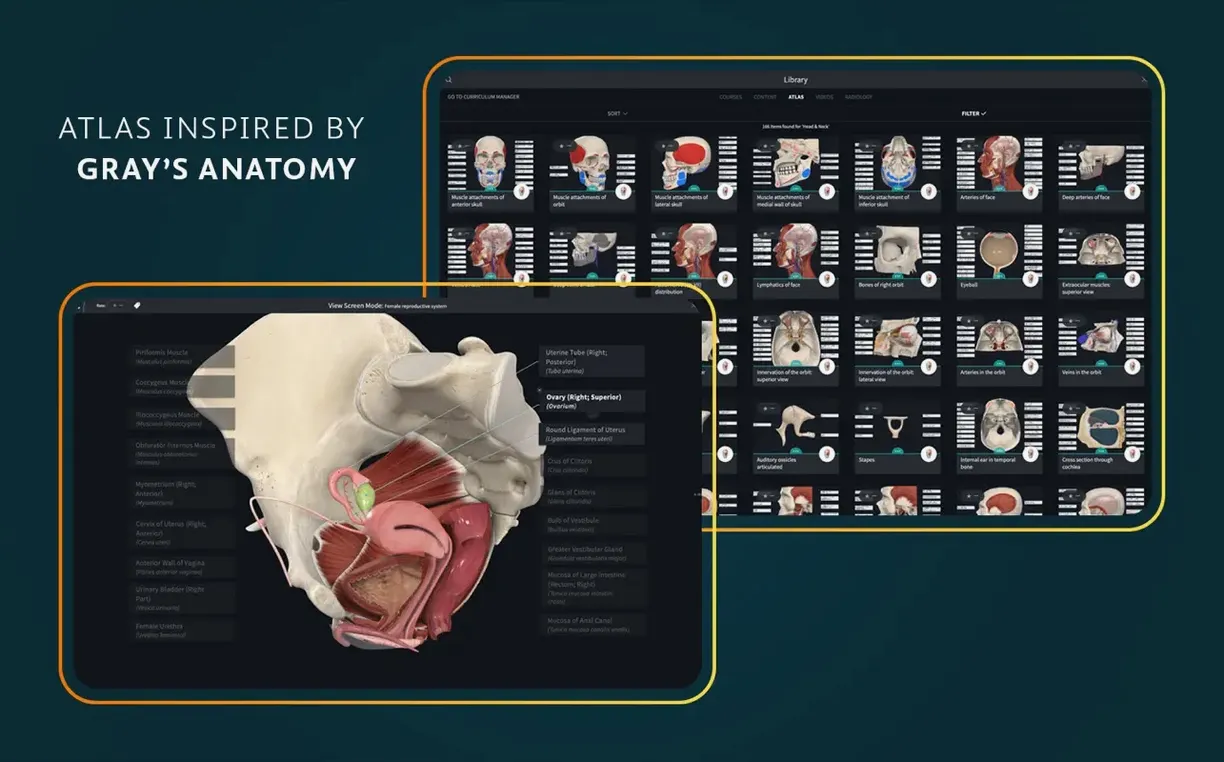
A student pulls up a knee joint on screen, rotates it with a trackpad, and peels back layers to see the meniscus underneath. That is the kind of quiet exploration Complete Anatomy is built for — a desktop reference that turns a flat textbook image into something you can walk around and through.
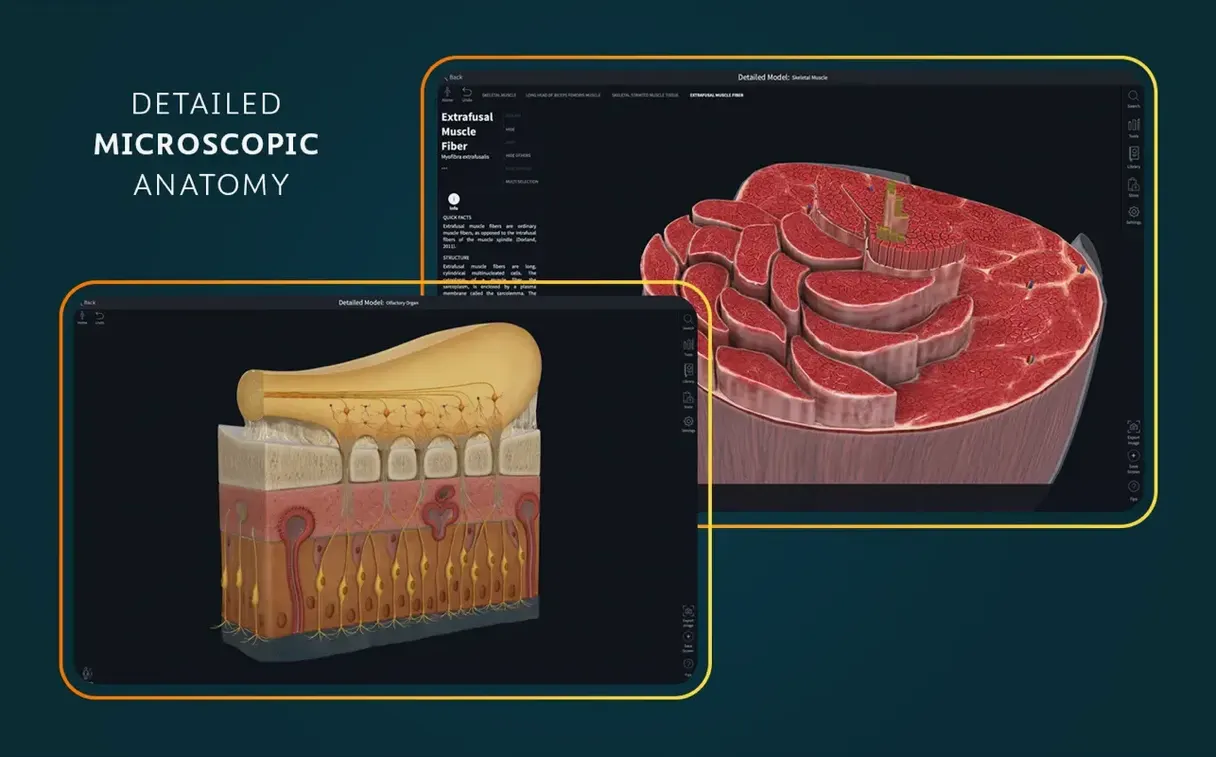
Version 11.5 landed on September 5, 2025, with optimized support for iOS 26. While the Mac side saw no dramatic interface overhaul this time, the core atlas remains the reason to keep the app open. More than 700 screens cover gross anatomy, supported by 39 microscopic anatomy models that zoom from tissue level down to cellular detail.
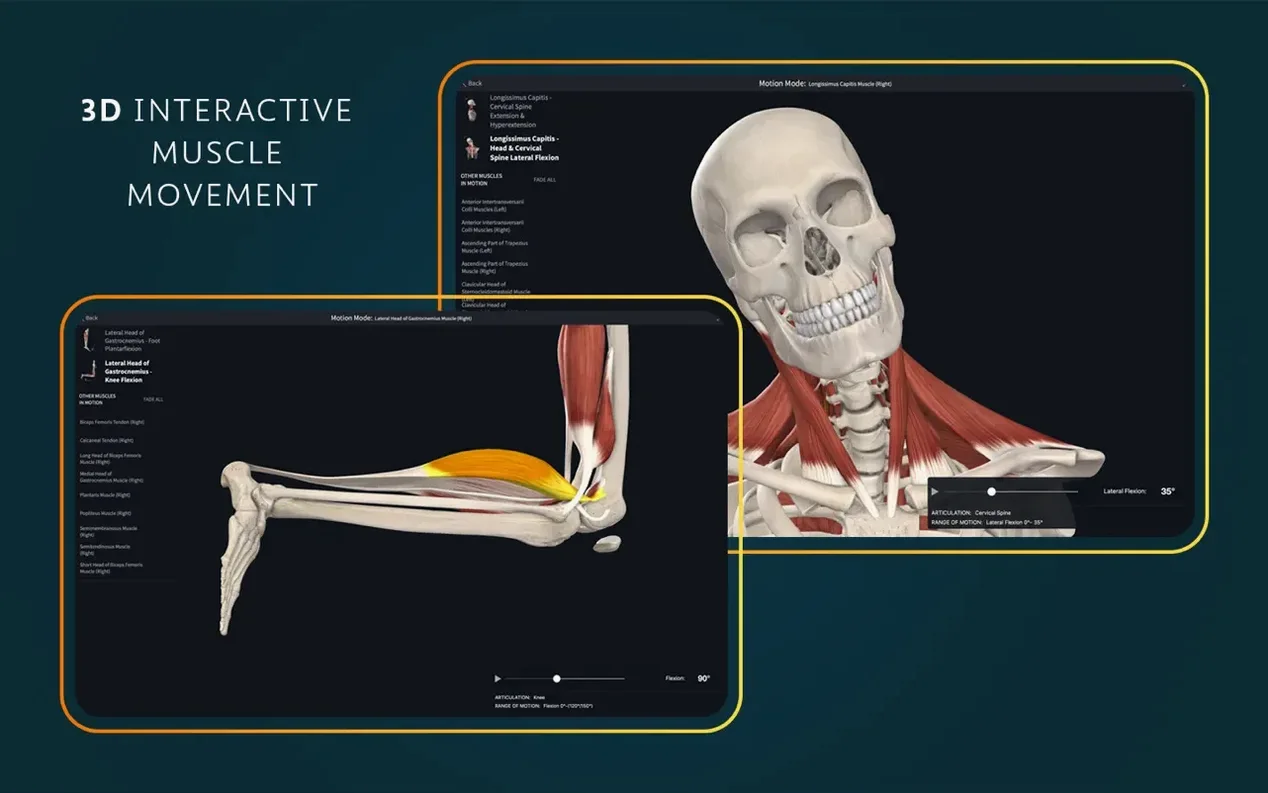
Dynamic cross-sections let you slice through a structure and see the relationship between muscle, bone and connective tissue in real time. The muscle movement engine adds another layer — flex a bicep or extend a knee and watch agonist and antagonist groups fire in sequence. An AR mode is included too, though most desktop users will spend their time in the standard 3D view.
Spatial Relationships Textbooks Flatten
- Students who need a reference that shows spatial relationships textbooks flatten
- Reviewing cross-sectional anatomy without firing up a dissection lab
- Quick muscle-action checks when prepping for a practical exam
Account Required to Unlock the Full Set
- A signed-in account is required to unlock the full feature set
- The macOS app needs Big Sur (11.0) or later
- Most of the 11.5 update focused on iOS — the Mac experience stayed steady
There are a handful of quiet touches I only noticed after a week of regular use. Double-clicking a structure in the 3D viewport does more than select it — the surrounding anatomy fades back just enough to give you a clear look without losing the context of where you are. Right-click a muscle and the origin and insertion points light up on the bone, which beats flipping back to a separate table every time. The search field accepts plain English phrases like “arteries that supply the stomach,” so you can skip Latin terms when you are still learning them.
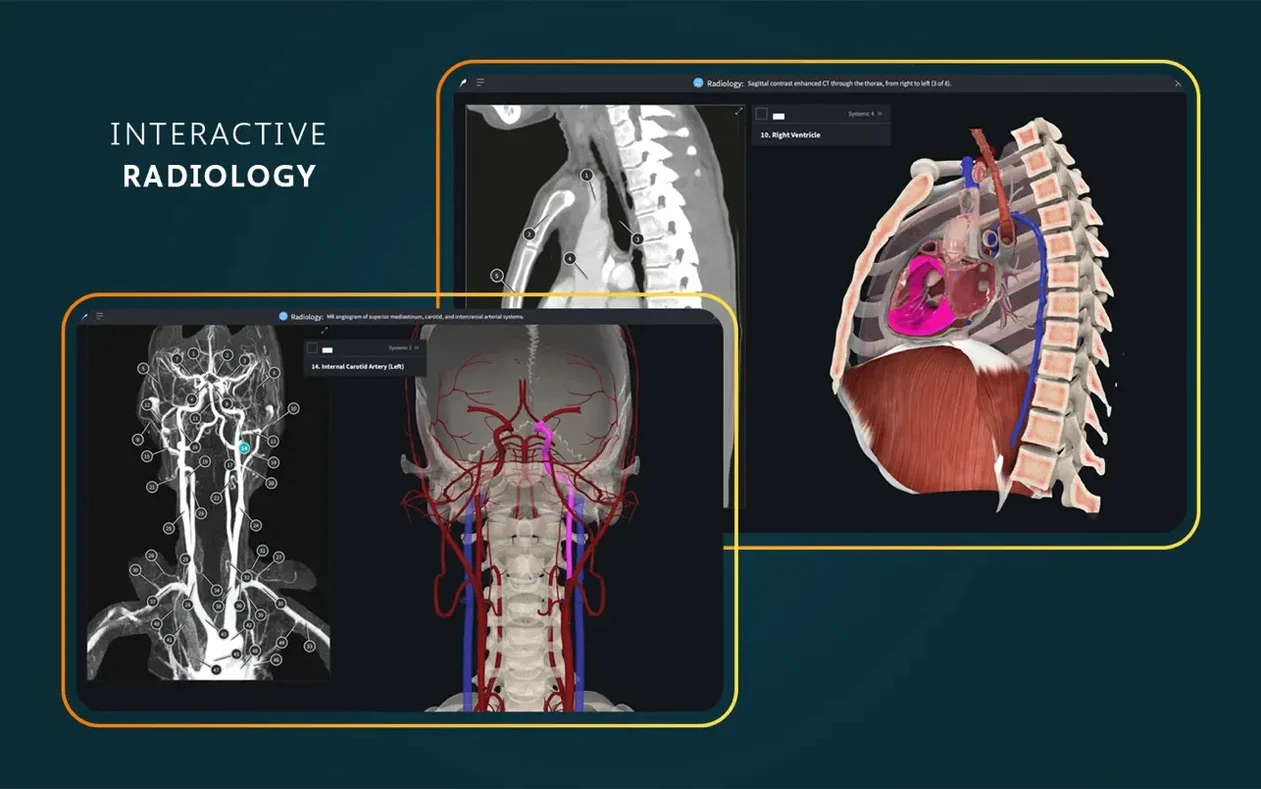
Another one that is easy to miss: when you have a cross-section open, you can drag the slice plane with a single finger on the trackpad and the radiology view updates alongside it. That side-by-side comparison between the 3D model and a clinical scan is the kind of thing that makes a concept stick after a lecture has already faded.
Cold Launch in Four Seconds on Apple Silicon
The app launches cold in about four seconds on an Apple Silicon machine, and pulling up a full male model with all systems visible hovers around 800 MB of RAM. That number climbs when you layer on the beating heart model and a dissection view, but I have yet to see it push past 1.2 GB in normal use. On an Intel Mac the fan might wake up after twenty minutes of continuous rotation and zooming — nothing alarming, just a reminder that 3D anatomy is real work for the GPU.
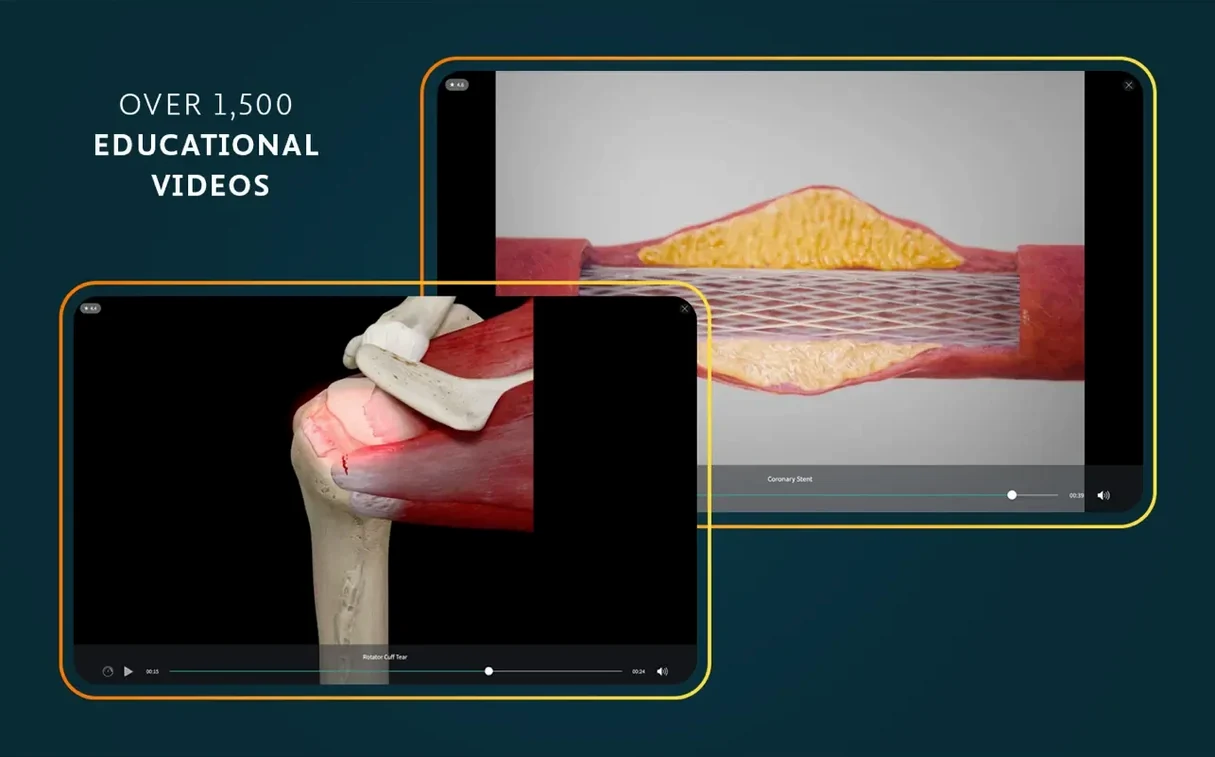
Stability has been uneventful in the best way. Version 11.5 has not crashed once in my sessions, and switching between the atlas screens, the 3D model and a clinical video is smooth. The only pause I can reproduce is loading the microscopic anatomy models; those take an extra beat to resolve full detail, which makes sense given the level of magnification involved.
Sign In and Let Models Index Over Coffee
Sign in right after the drag-to-Applications step and let the content index itself while you grab a coffee. The first launch can feel sluggish if it is still pulling down model data in the background. Once the status bar settles, pick one region — the shoulder is a good start — and spend ten minutes with just the muscle and bone layers toggled on. That keeps the view clean while you learn how selection, fading and the info panel work together.
Turn on the beating heart early, even if cardiology is months away on your syllabus. Watching the valves open and close while you rotate the view gives you a feel for how motion and anatomy interact in the app, and that skill transfers to every other system later. If you are working through a dissection course, pin the corresponding atlas screen to the side of the viewport so you can cross-reference without switching windows. And the radiology toggle lives in a small icon that is easy to overlook — find it on day one, because it turns the model into a study partner for imaging practicals down the line.
Version 12.6.0 lands with a round of under-the-hood polish. You'll find general bug fixes and stability improvements throughout the model viewer and tools.
- macOS 15 or later
- Apple Silicon or Intel 64-bit Mac
Questions I actually get
Does Complete Anatomy work on Mac computers with Apple Silicon?
Yes. The app runs on both Intel and Apple Silicon Macs as long as macOS 11 or later is installed.
Porch talk 0
Come in or pull up a chair to leave a comment.
Nobody has pulled up a chair yet. If you used it on a real Saturday, say what the hour was.