
Freelancers, students, and anyone staring down a long to-do list often reach for Be Focused Pro to turn scattered intentions into finished blocks of work. It blends a task manager with a Pomodoro-style timer, keeping both your plan and your focus in one window.
Set Up Your First Task
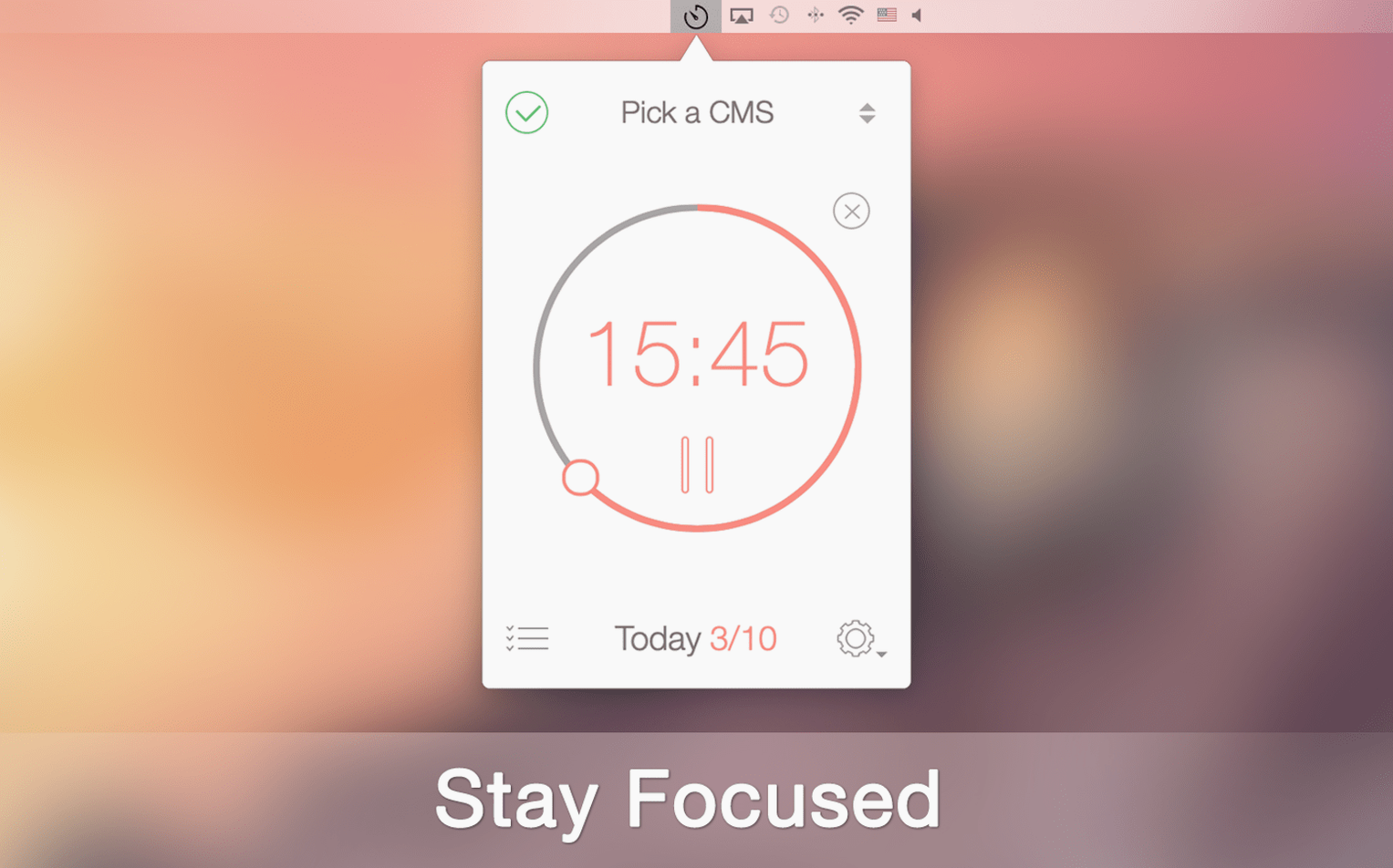
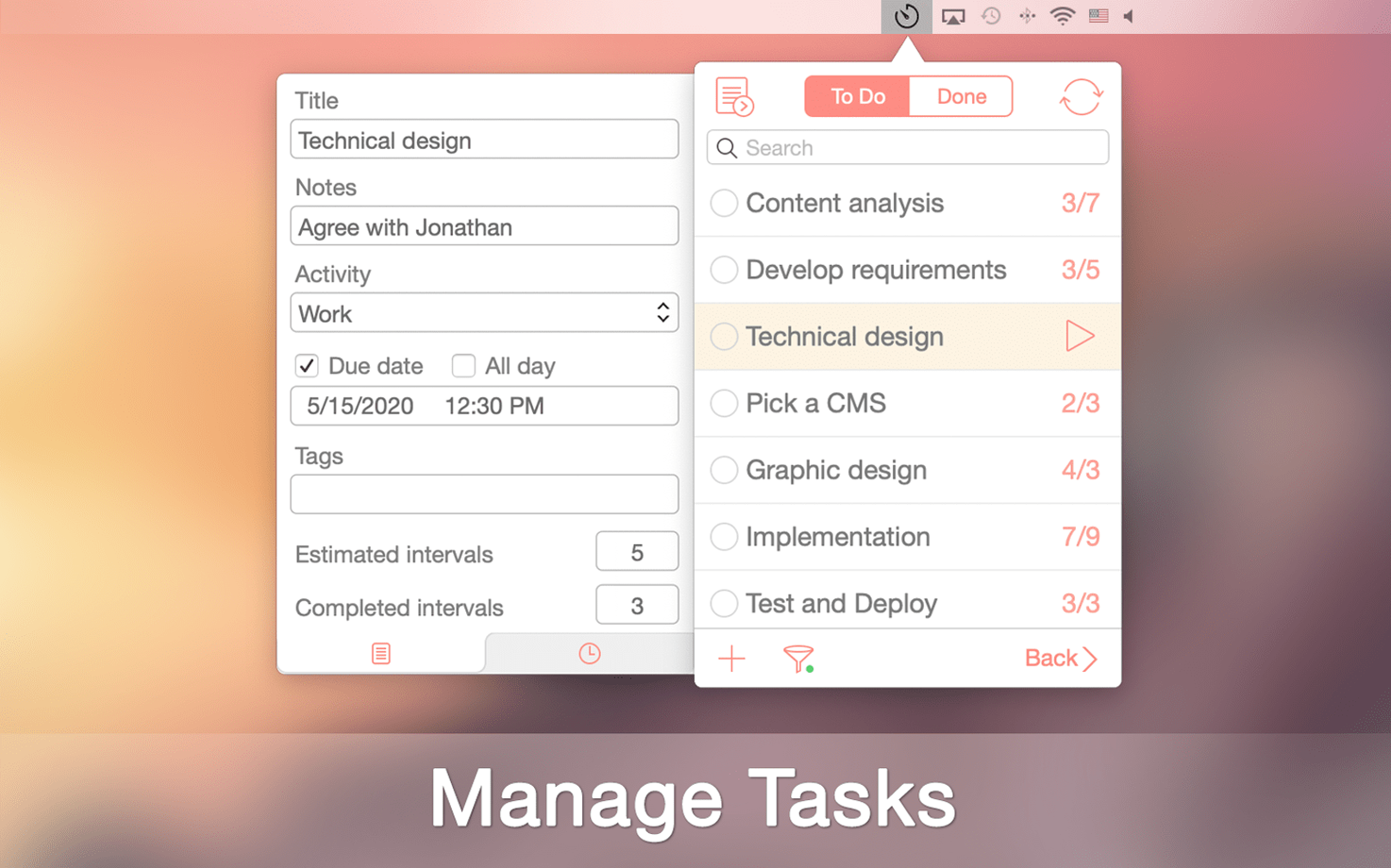
Skip the default timer and head straight to the task manager. Create a task, give it an estimated number of intervals, and hit play. The timer ticks down while the task stays visible, so you always know what you're working on right now.
Adjust Breaks to Fit Your Rhythm
Open preferences and set both the number and length of your breaks. A short pause after twenty-five minutes works for most, but you can stretch it or add a longer break after a few rounds—whatever keeps your head clear.
Check Your Progress
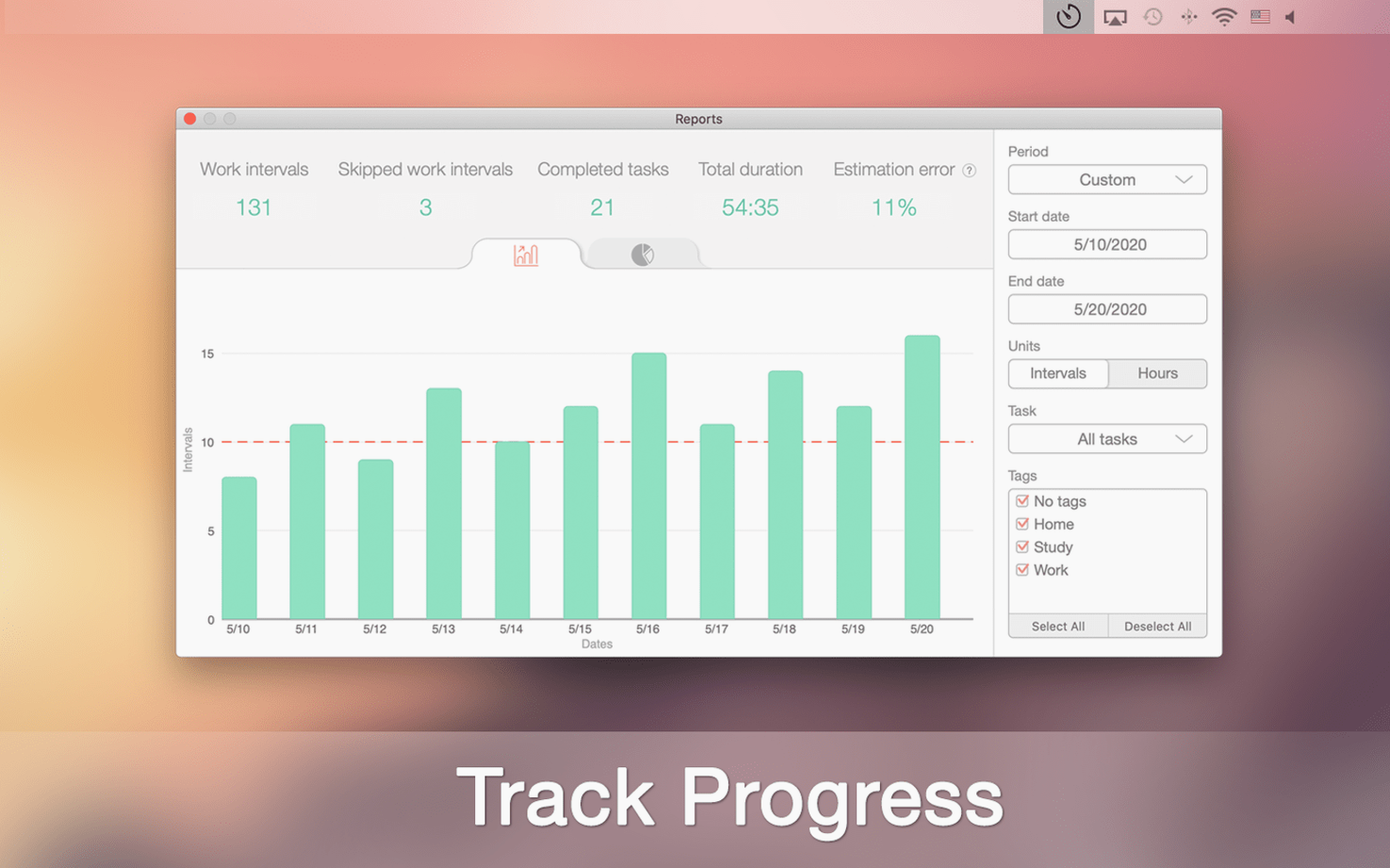
Click over to the reports tab to see your tracked goals by day, week, or month. It is a quiet way to notice patterns, like which tasks consistently take more intervals than you expected. Let that shape tomorrow's list.
Pause or Skip a Break From the Menu Bar Icon
The menu bar icon packs more than a quick glance at the clock. Right-click it while a session is running and you can pause or skip a break without pulling up the full window. On days when the phone rings the moment you sit down, that shortcut saves a surprising amount of friction.
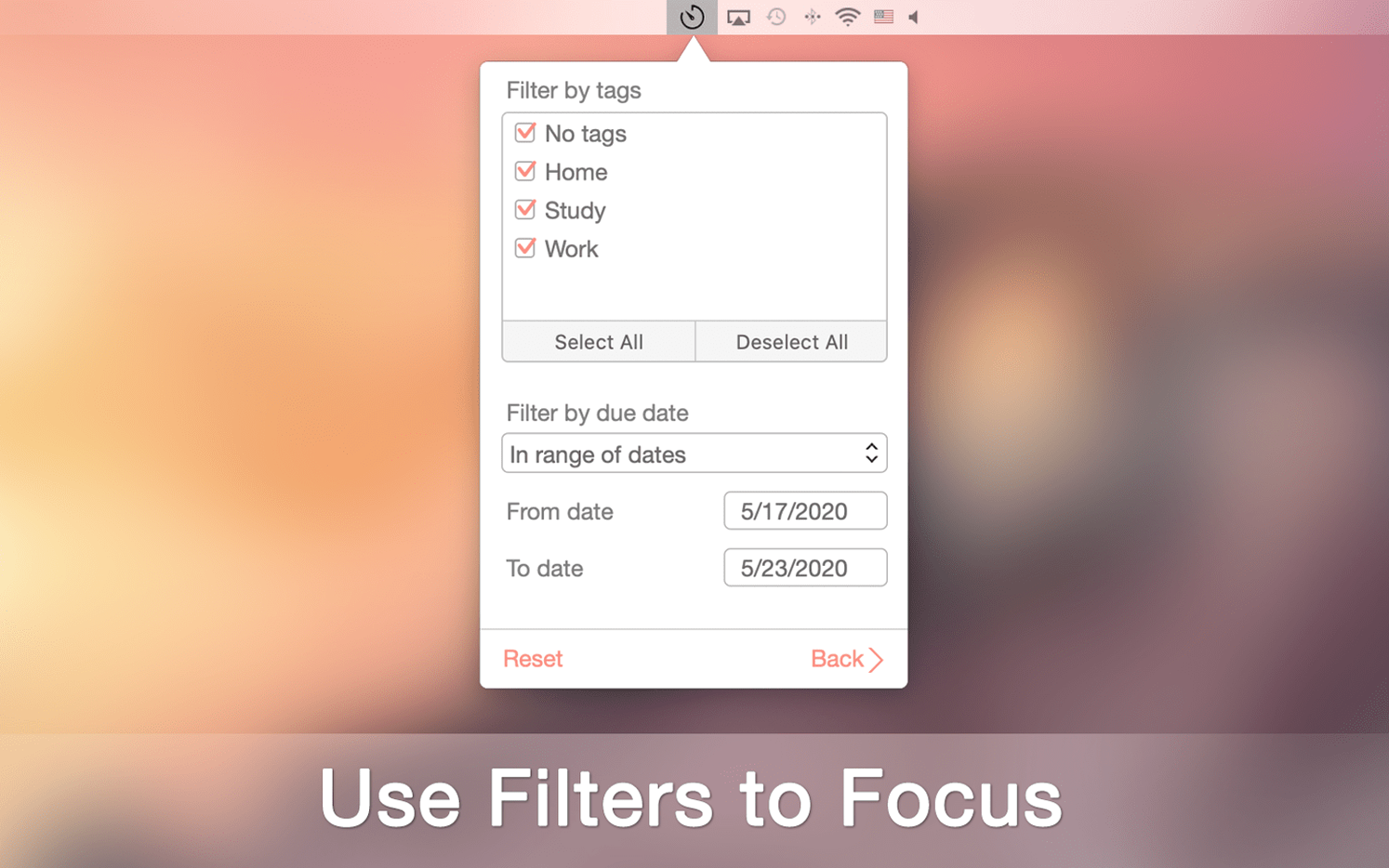
Tags hide in plain sight inside the task editor. Assign a color and label—client work, deep reading, errands—then filter the task list when you need to see only one category. The filter bar sits above your tasks and remembers your last choice between launches, so you are not redoing it every morning.
A less obvious trick lives in the Shortcuts integration. You can trigger a macOS notification, append a line to a text file, or fire off a custom script when a work interval ends or a break begins. It is the kind of thing that turns be focused pro mac into a quiet hub for your own routines—maybe logging completed intervals to a daily note or pausing your music player during a break.
First Days: Let the App Learn Your Pace
Start with one or two tasks only. The temptation is to dump a week's worth of items into the manager, but early on you need to feel how the interval length fits your actual attention span. Let a task run its full set of intervals before adjusting the timer duration in preferences—twenty-five minutes might be perfect, or it might feel too short by Wednesday afternoon.
Turn on goal tracking from the reports tab on day one, even if the numbers feel empty. Watching the weekly bar fill up from zero gives you a baseline before you decide what a good week looks like. Export to CSV is there if you want to poke at the data later, but the in-app charts are enough for most people to spot when their afternoons turn unproductive.
Idles Under 90 MB on an M1 MacBook Air
On an M1 MacBook Air, the app idles under 90 MB of memory with a timer running. It launches in a single bounce, and the interval chime fires without lag even when the machine is buried under browser tabs and a video call. No unexpected CPU spikes showed up during a full workday of switching between tasks and checking reports.
Stability holds up well across sleep and wake cycles. The timer pauses correctly when the lid closes and resumes where it left off. The sync with an iPhone happens over iCloud and feels immediate—finish a task on the phone during a coffee run and it is crossed off on the Mac by the time you sit back down. Dark mode support is complete, with the timer digits and task rows picking up the system appearance without any manual toggle, which keeps the window easy on the eyes during late-night planning sessions.
- macOS 10.14 or later
- Apple Silicon and Intel 64-bit
Questions I actually get
Does Be Focused Pro work with other task planners?
Yes, it syncs with Focus Matrix if you manage tasks by the urgent/important principle, giving you a dedicated focus timer for those priorities.
Porch talk 0
Come in or pull up a chair to leave a comment.
Nobody has pulled up a chair yet. If you used it on a real Saturday, say what the hour was.
More for the same hour
Everything in Office
 Cardhop
2.4.8 Office
32 MB
Cardhop
2.4.8 Office
32 MB
 ClickClack - Typing Trainer
5.2.0 Office
Updated 12 MB
ClickClack - Typing Trainer
5.2.0 Office
Updated 12 MB

 Complete Anatomy
12.6.0 Office
Updated 867 MB
Complete Anatomy
12.6.0 Office
Updated 867 MB

 Adobe Acrobat Pro
26.002.21901 Office
3.1 GB
Adobe Acrobat Pro
26.002.21901 Office
3.1 GB

 ABBYY FineReader PDF
15.2.14 Office
900 MB
ABBYY FineReader PDF
15.2.14 Office
900 MB

 DjVu Reader Pro
2.7.2 Office
26 MB
DjVu Reader Pro
2.7.2 Office
26 MB

 EndNote
2025.4 Office
Updated 112 MB
EndNote
2025.4 Office
Updated 112 MB

 Final Draft
13.5.0 Office
Updated 111 MB
Final Draft
13.5.0 Office
Updated 111 MB