

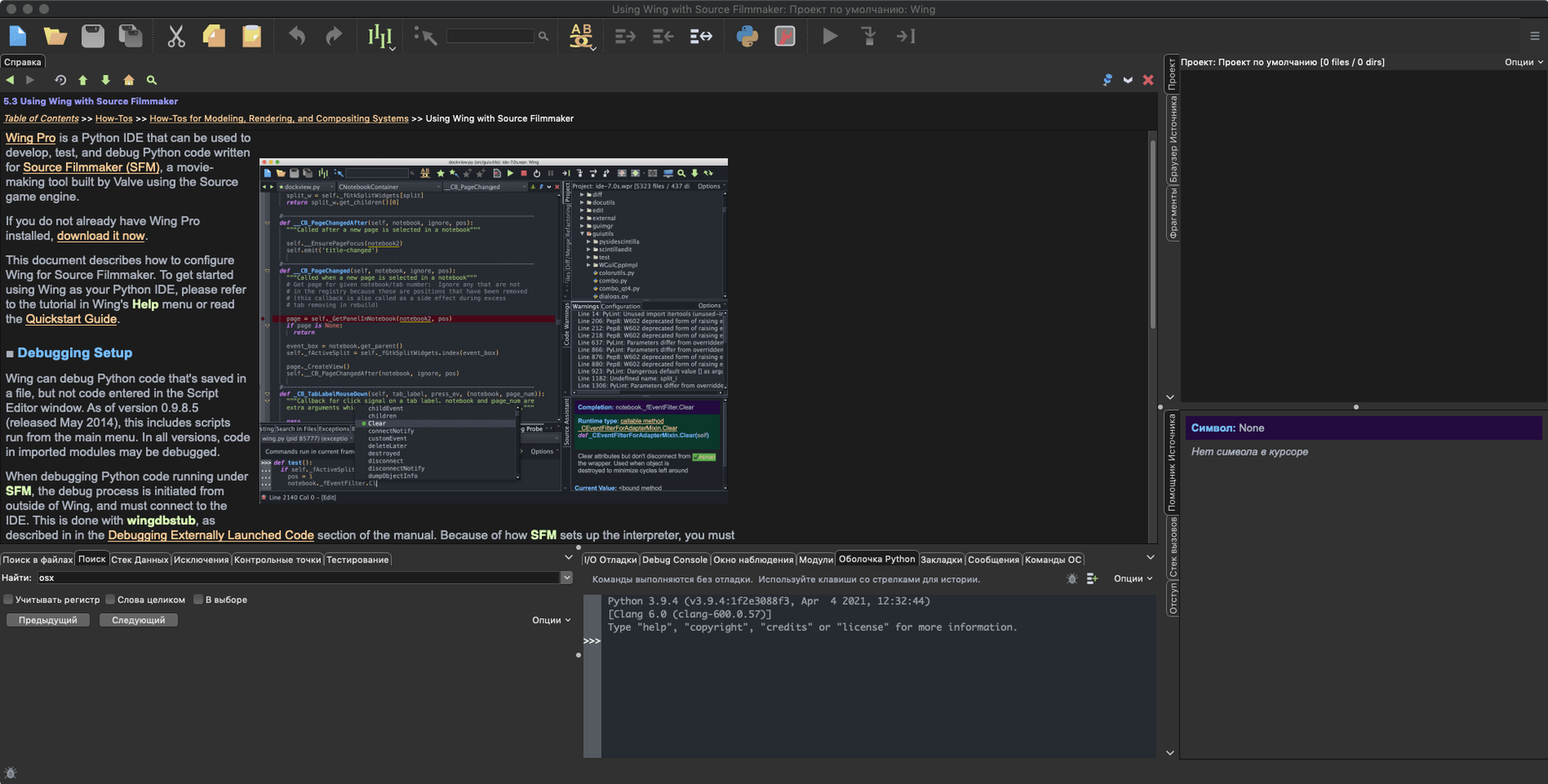
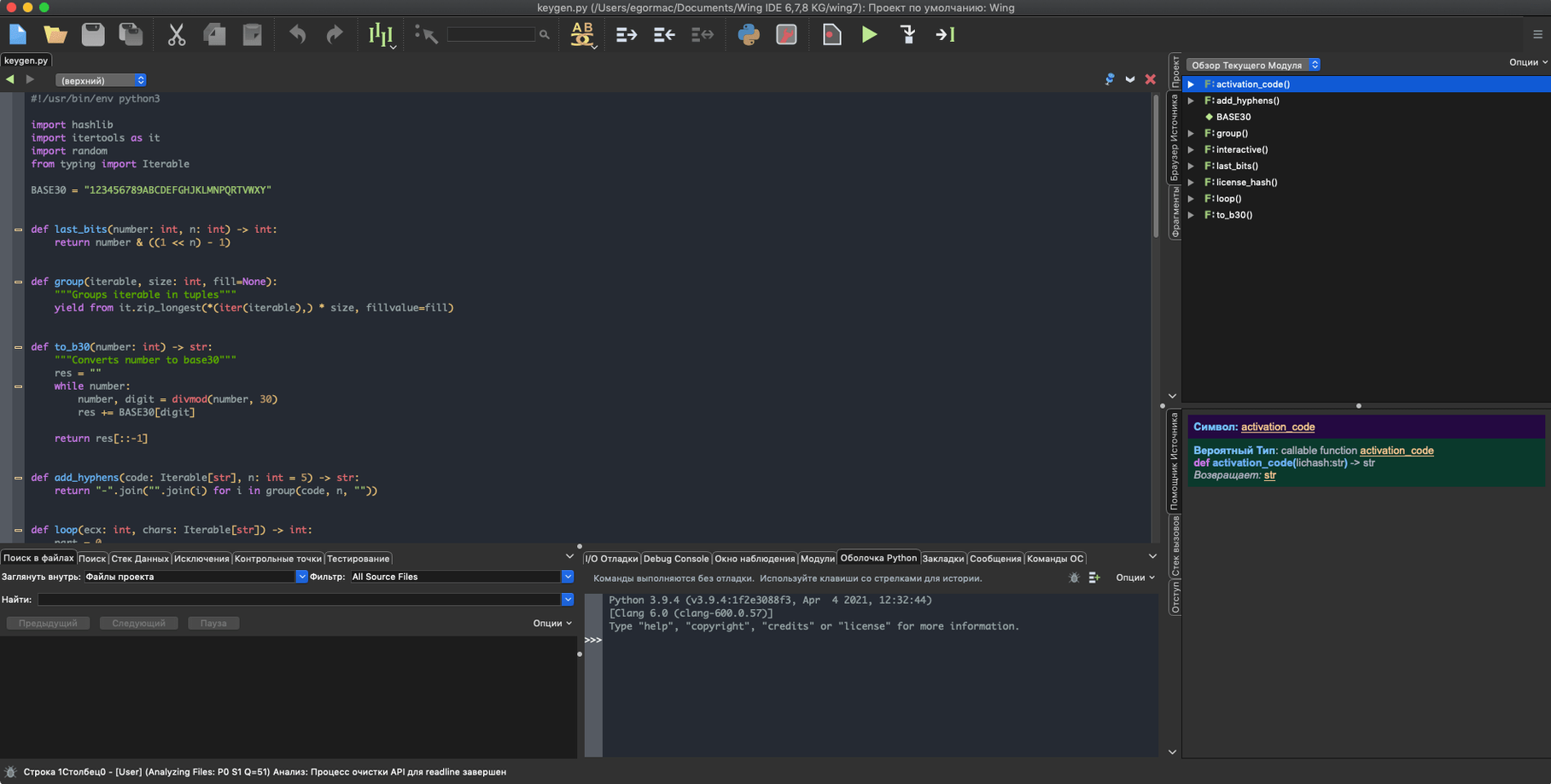
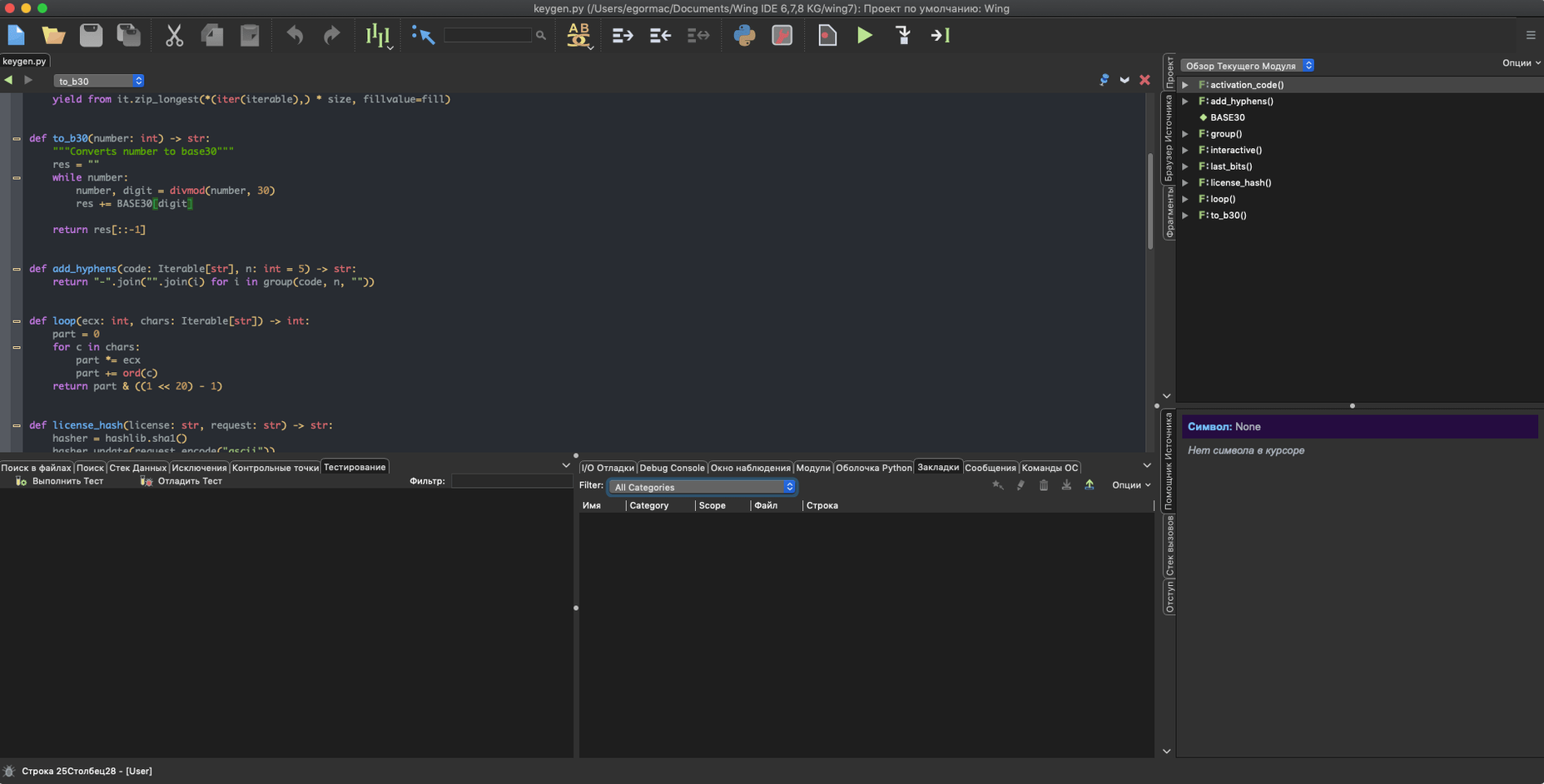
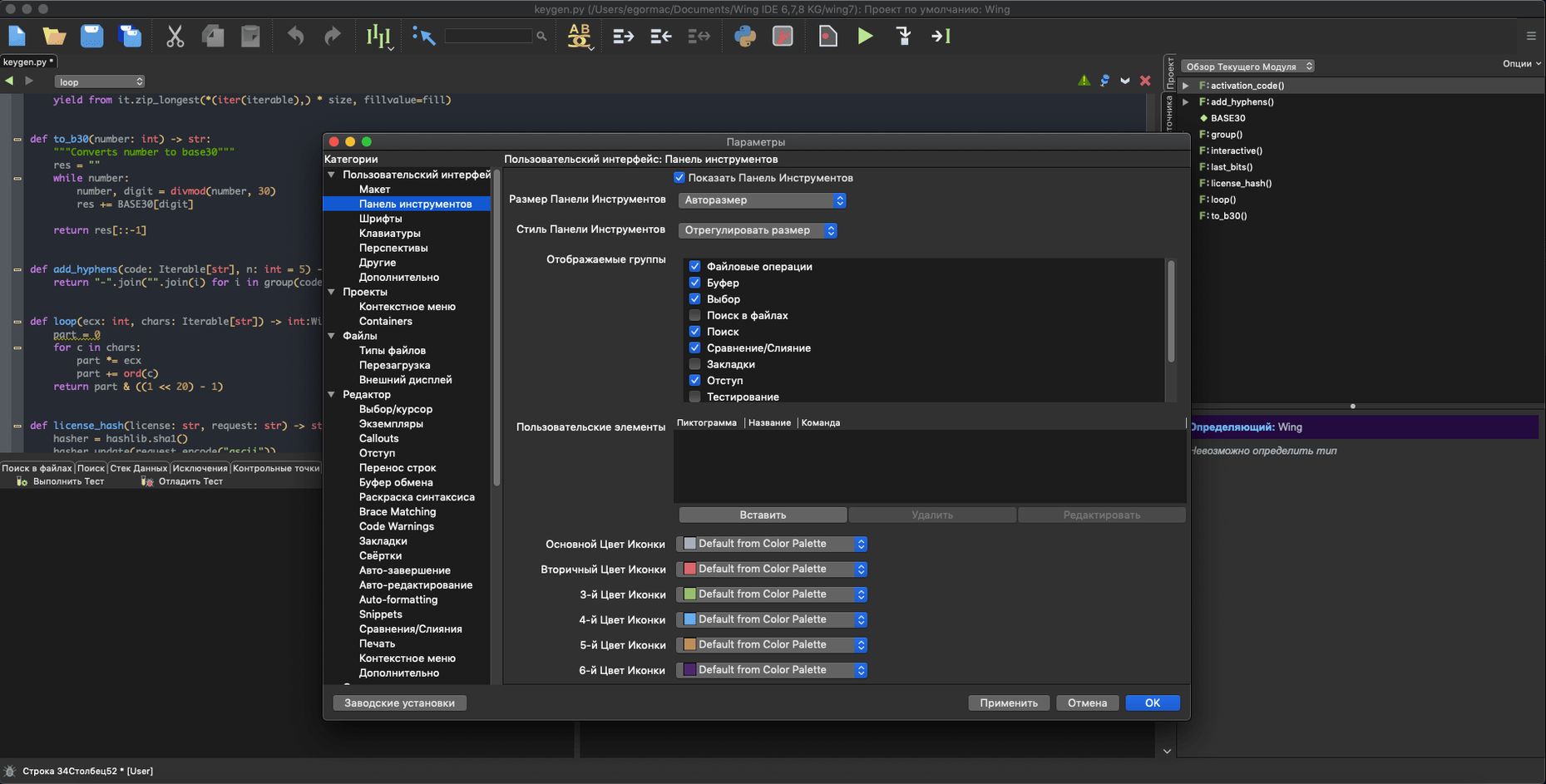
You've cloned a sprawling Django project and need to trace a bug that only appears on the staging server. Opening it in a bare text editor feels like navigating without a map. Wing Pro is built for moments like this, and the first question is usually whether it will run on your machine.
- Check system compatibility. Wing Pro 11 runs on macOS 12 and later. The native build covers both Apple Silicon and Intel 64-bit Macs, so there is no emulation layer to slow things down.
- Set up your Python environment. Point the IDE at your interpreter. It respects virtualenv and other environment managers, letting you isolate dependencies per project before you write a single line.
- Open a project and get oriented. The editor meets you where you are. If you prefer vi or emacs key bindings, you can switch immediately. Code completion and refactoring tools help you rename symbols across files without breaking imports.
- Trace a problem with the graphical debugger. Set a breakpoint on the suspect function. You can step through execution on your local machine or attach to a remote process, inspecting variables as you go.
- Run your tests. Wing Pro includes unit testing support. Run a single test or a full suite, then jump from a failing assertion straight to the offending line.
- Commit the fix. The IDE integrates with Git, Mercurial, Perforce, Bazaar, Subversion, and CVS. Diff your changes, write a commit message, and push without leaving the workspace.
The search system ties it together. You can search across files with pattern matching, or look up class definitions and call sites to understand how code connects. The interface itself speaks English, Russian, German, and French, which helps if you collaborate internationally. If you write Python on a Mac and want a debugger that feels at home on the platform, Wing Pro fits the bill.
Debugging a remote container workflow, step by step
Say you have a Flask API misbehaving inside a Docker container on a staging box. The logs are vague. Here is one way to walk through it with Wing Pro.
- Configure the remote host. In the Remote Hosts panel, add the staging server's SSH details. Wing Pro tunnels the debug connection over SSH, so you do not need to open extra ports on the container.
- Set the Python executable inside the container. Point the remote environment at the interpreter path inside the container. If you use docker-compose, Wing Pro can map the project directory so breakpoints resolve correctly.
- Plant a breakpoint and trigger the request. Drop a breakpoint in the route handler. When you hit the endpoint from your browser, execution pauses and the call stack appears. You can inspect request payloads, database cursors, and threaded workers from the debugger toolbar.
- Step through and watch variables. Use the Watch panel to track a suspect dictionary key. The debugger handles multiprocess and multithreaded code, so background tasks do not slip past unnoticed.
- Iterate without rebuilding the container. With the remote development setup, you can edit files directly on the container filesystem. Save a change, rerun the test, and confirm the fix before touching your CI pipeline.
Where Wing Pro fits alongside other tools
Wing Pro is not trying to replace your terminal or your Git client. It slots in between them. You might keep iTerm2 open for docker logs and git bisect, then switch to the IDE when you need to step through code. The version control integration handles the common commit-diff-push loop, but search is where the crossover gets interesting: Wing Pro indexes your project and lets you jump from a method call in your pytest file straight to its definition, something Finder and Spotlight cannot do. The Claude Code integration adds another layer. You can highlight a block of Python, describe what you want, and let the AI agent propose edits while the debugger keeps the runtime state visible. Together, they turn a head-scratching "why does this return None?" moment into a repair session that stays inside one window.
- macOS 12 or later
- Apple Silicon or Intel 64-bit processor
Porch talk 0
Come in or pull up a chair to leave a comment.
Nobody has pulled up a chair yet. If you used it on a real Saturday, say what the hour was.
More for the same hour
Everything in Mac Apps
 Winclone Pro
10.5 Mac Apps
21 MB
Winclone Pro
10.5 Mac Apps
21 MB

 WidgetWall
3.15.2 Mac Apps
396 MB
WidgetWall
3.15.2 Mac Apps
396 MB

 WinZip Mac Pro
12.0.7282 Mac Apps
36 MB
WinZip Mac Pro
12.0.7282 Mac Apps
36 MB

 Widgetter System Stats Widgets
2.5.4 Mac Apps
Updated 335 MB
Widgetter System Stats Widgets
2.5.4 Mac Apps
Updated 335 MB

 Wipr
2.38 Mac Apps
7 MB
Wipr
2.38 Mac Apps
7 MB

 Whisper Mate
9.9.8 Mac Apps
176 MB
Whisper Mate
9.9.8 Mac Apps
176 MB

 Wirecast Pro
16.5.5 Mac Apps
Updated 820 MB
Wirecast Pro
16.5.5 Mac Apps
Updated 820 MB

 WebStorm
2026.2.3 Mac Apps
1 GB
WebStorm
2026.2.3 Mac Apps
1 GB