

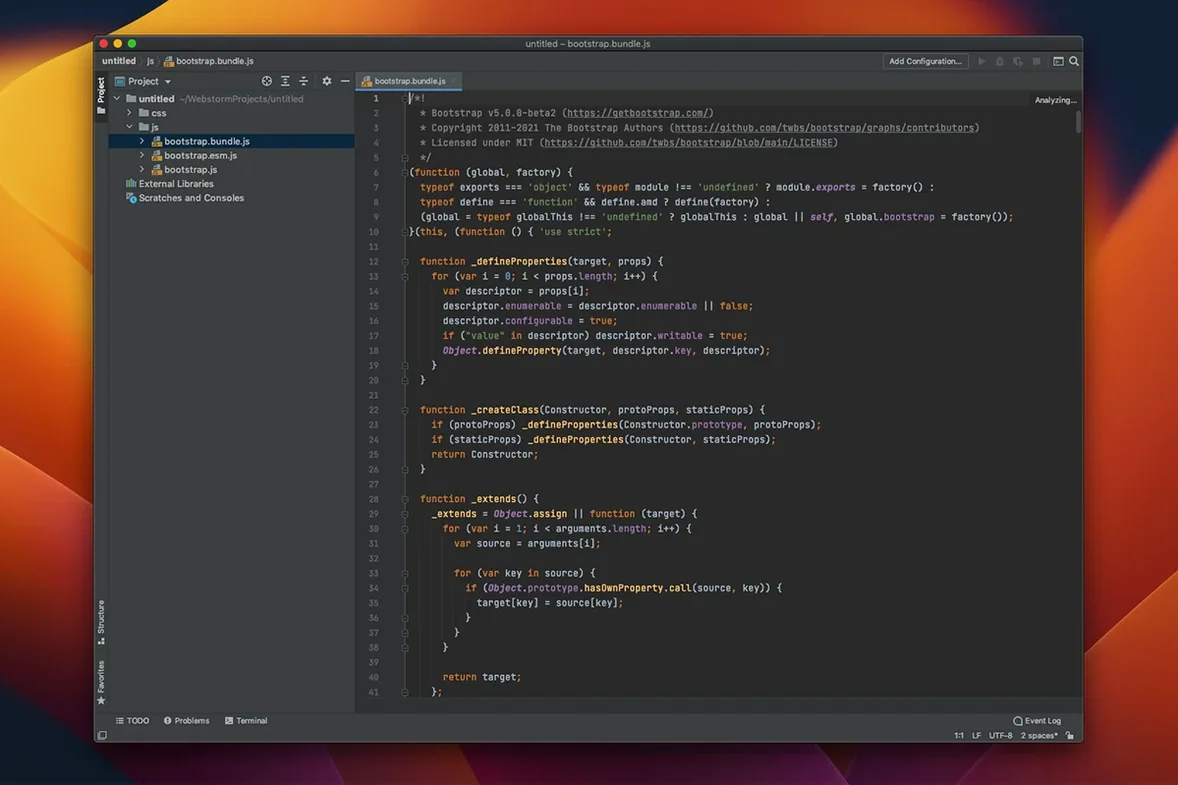
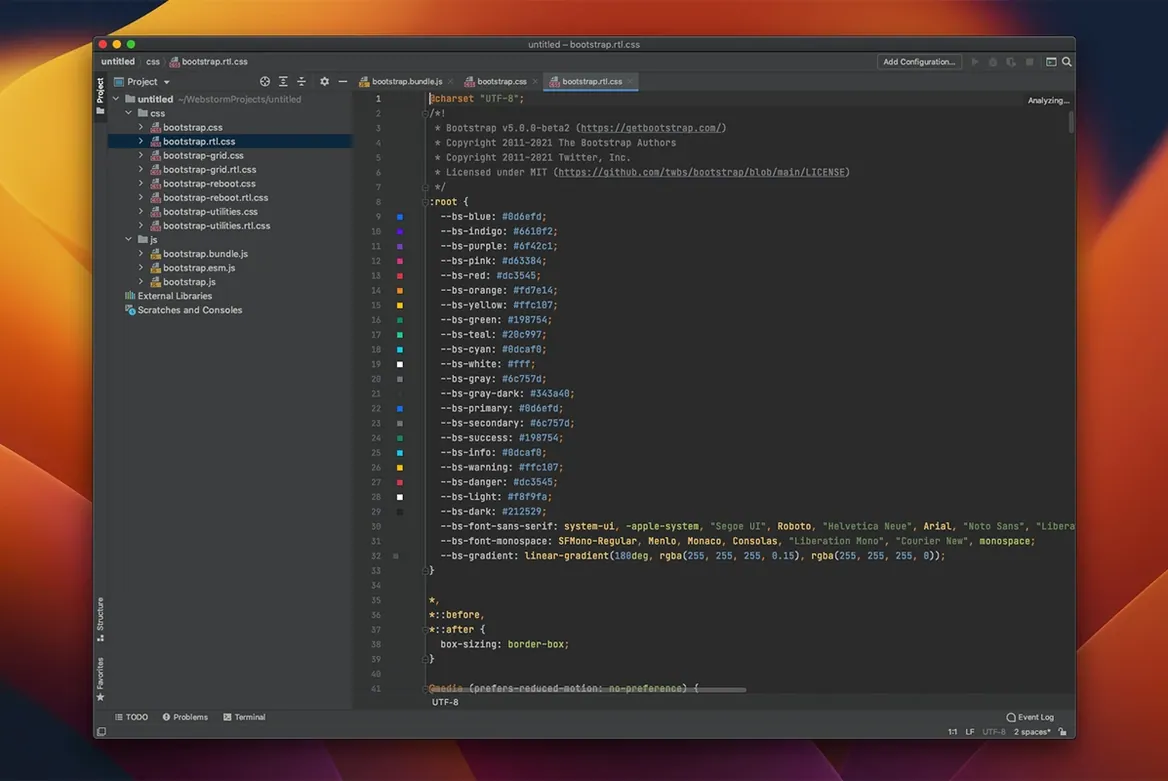
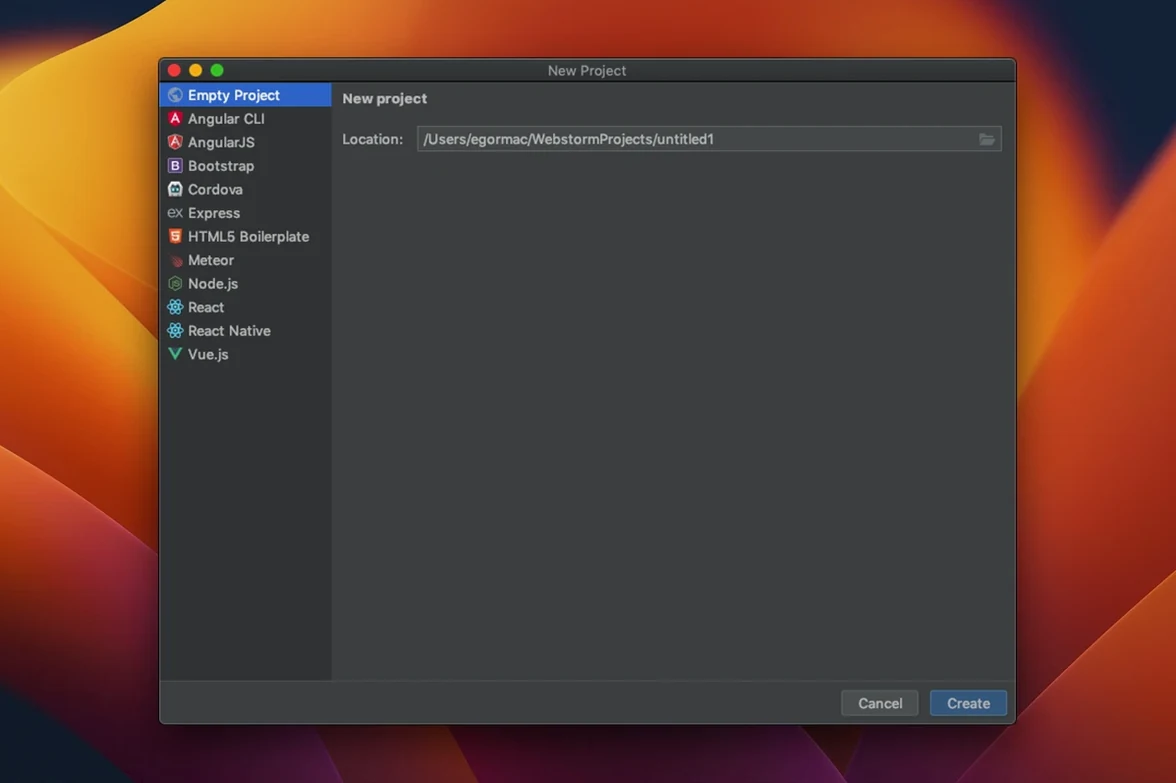
Build 262.10968.77 shipped with a handful of additions that feel like they've been waiting in the wings — TypeScript 7 support, a native GitHub Copilot integration, and an agent skills manager that quietly reshapes how the editor can assist you. If you've just opened the IDE for the first time, a few early moves will set the tone for the rest of your project work.
Watch your code light up with live analysis
- Watch code analysis run as you type. WebStorm doesn't wait for a save or a build — it surfaces issues in JavaScript, TypeScript, HTML and CSS the moment they appear. Let it flag a missing import or a type mismatch while the thought is still fresh.
- Step through a debugger breakpoint. The built-in debugging tools are part of the editor, not an afterthought. Set a breakpoint in a TypeScript file and walk through the call stack without leaving the window.
- Pull up version control from the sidebar. Git, GitHub and Mercurial integration lives right in the IDE. Commit, diff, and resolve conflicts without switching to a terminal or a separate client.
Settle into the editing rhythm
Code completion and highlighting are tuned for more than just JavaScript — CoffeeScript, Dart, Less, Sass and Stylus all get first-class treatment. The editor's intelligence comes from the same IntelliJ Platform that powers the rest of the JetBrains family, so the suggestions feel grounded in your actual codebase rather than generic snippets. Once you've gotten comfortable with the basics, those early assists from the agent skills manager start to feel less like a feature and more like a collaborator that already knows the project.
Flip the save-action switch before your fingers tire
Out of the box, WebStorm carries a few defaults that make sense for broad compatibility but can slow you down once you're editing for hours. A quick trip through Preferences tackles the friction points early.
- Turn on Save Actions. Under Tools > Actions on Save, you can tell the IDE to reformat code, optimize imports, and run eslint --fix every time you hit save. It's a small shift that keeps pull requests clean without you thinking about it.
- Adjust the editor font for long reads. JetBrains Mono ships as the default, but bumping the weight up one notch in Editor > Font often helps on Retina displays. While you're there, enable ligatures if you stare at arrow functions and triple equals all day.
- Dial in the TypeScript server. Head to Languages & Frameworks > TypeScript and confirm it's using the workspace version of TypeScript, not the bundled one — especially relevant now that TypeScript 7 support is baked in and your project might depend on specific compiler behavior.
Red tests surface the moment you pull a branch
Imagine a backend developer maintaining a REST API that serves a React dashboard. They've just pulled a branch where someone refactored the user service and three tests went red.
WebStorm's test runner spots the failures immediately — Mocha and Jest results appear inline, not in a separate terminal log. Clicking a failing assertion jumps straight to the line, and the built-in REST client lets them fire off the same endpoint with a saved request to compare the response shape. Meanwhile, the GitHub Copilot integration suggests a missing null check in the refactored service file, and the agent skills manager surfaces a quick-fix for a type error that only appeared once strict mode was enabled. The whole loop — test, debug, fix, verify — happens without leaving the editor or hunting through multiple tools. For developers who split time between schemas, routes, and front-end data fetching, that kind of tight feedback cycle is what makes the IDE feel less like a text editor and more like a workbench.
Version 2026.2.3 arrives with a few notable additions. Here's what's new:
- TypeScript 7 support is baked in, so you can use the latest language features without workarounds.
- GitHub Copilot is natively integrated — no extra plug-in dance required.
- An agent skills manager gives you more control over how the IDE's assistance behaves across your workspace.
- macOS 12 or later
- Intel or Apple Silicon Mac
Questions I actually get
Which languages does WebStorm handle out of the box?
JavaScript, TypeScript, HTML, CSS, CoffeeScript, Dart, Less, Sass and Stylus are all supported without extra configuration.
Porch talk 0
Come in or pull up a chair to leave a comment.
Nobody has pulled up a chair yet. If you used it on a real Saturday, say what the hour was.
More for the same hour
Everything in Mac Apps
 Whisper Mate
9.9.8 Mac Apps
176 MB
Whisper Mate
9.9.8 Mac Apps
176 MB

 Widgetter System Stats Widgets
2.5.4 Mac Apps
Updated 335 MB
Widgetter System Stats Widgets
2.5.4 Mac Apps
Updated 335 MB

 WALTR PRO
4.0.122 Mac Apps
29 MB
WALTR PRO
4.0.122 Mac Apps
29 MB

 WidgetWall
3.15.2 Mac Apps
396 MB
WidgetWall
3.15.2 Mac Apps
396 MB

 Winclone Pro
10.5 Mac Apps
21 MB
Winclone Pro
10.5 Mac Apps
21 MB

 Wing Pro
11.1.0.0 Mac Apps
149 MB
Wing Pro
11.1.0.0 Mac Apps
149 MB

 WinZip Mac Pro
12.0.7282 Mac Apps
36 MB
WinZip Mac Pro
12.0.7282 Mac Apps
36 MB

 VMware Fusion Pro
26H1 Mac Apps
479 MB
VMware Fusion Pro
26H1 Mac Apps
479 MB