You hit stop on a recording, stare at a growing pile of interview clips, and realize the real work hasn’t started yet. Turning speech into usable text is tedious, and cloud-based tools can feel like you’re handing over your content to a stranger. Whisper Mate keeps the whole process on your own machine — transcribing, reviewing, and exporting without the audio ever leaving your desk.
| What it does | Nuts and bolts |
|---|---|
| Local transcription and subtitle editing | macOS 12+, runs on Intel and Apple Silicon |
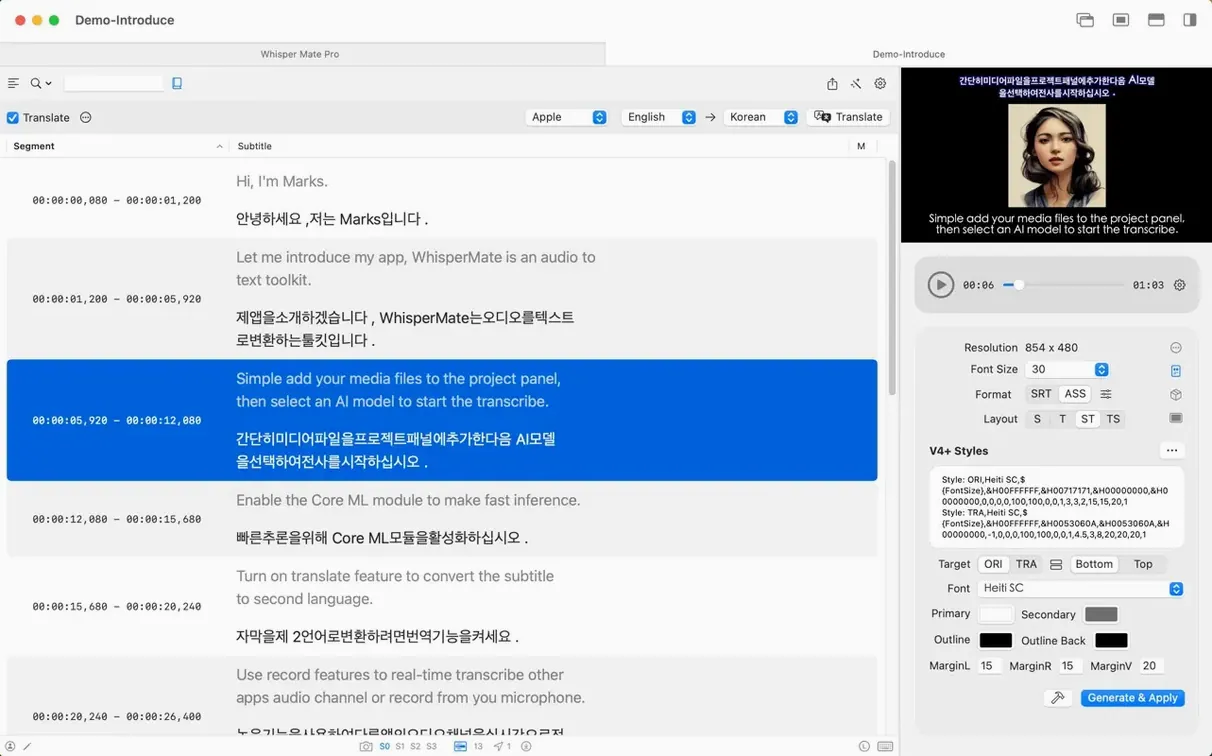
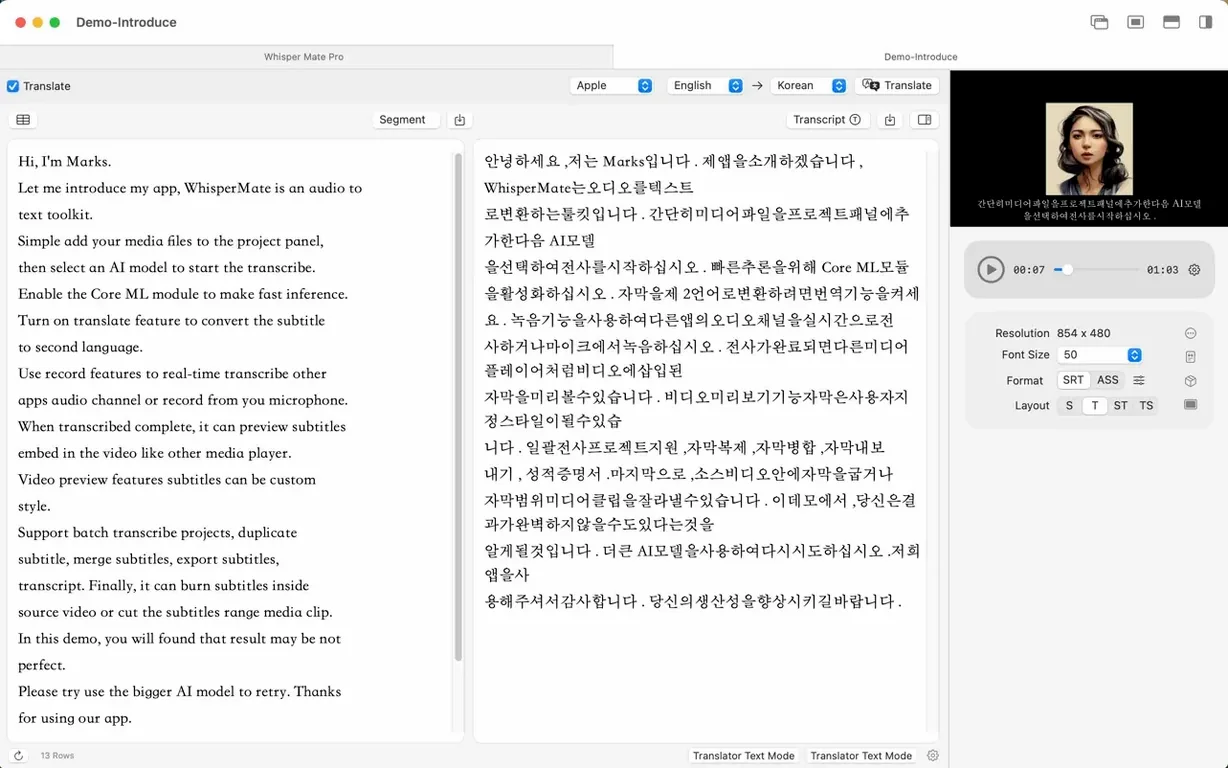
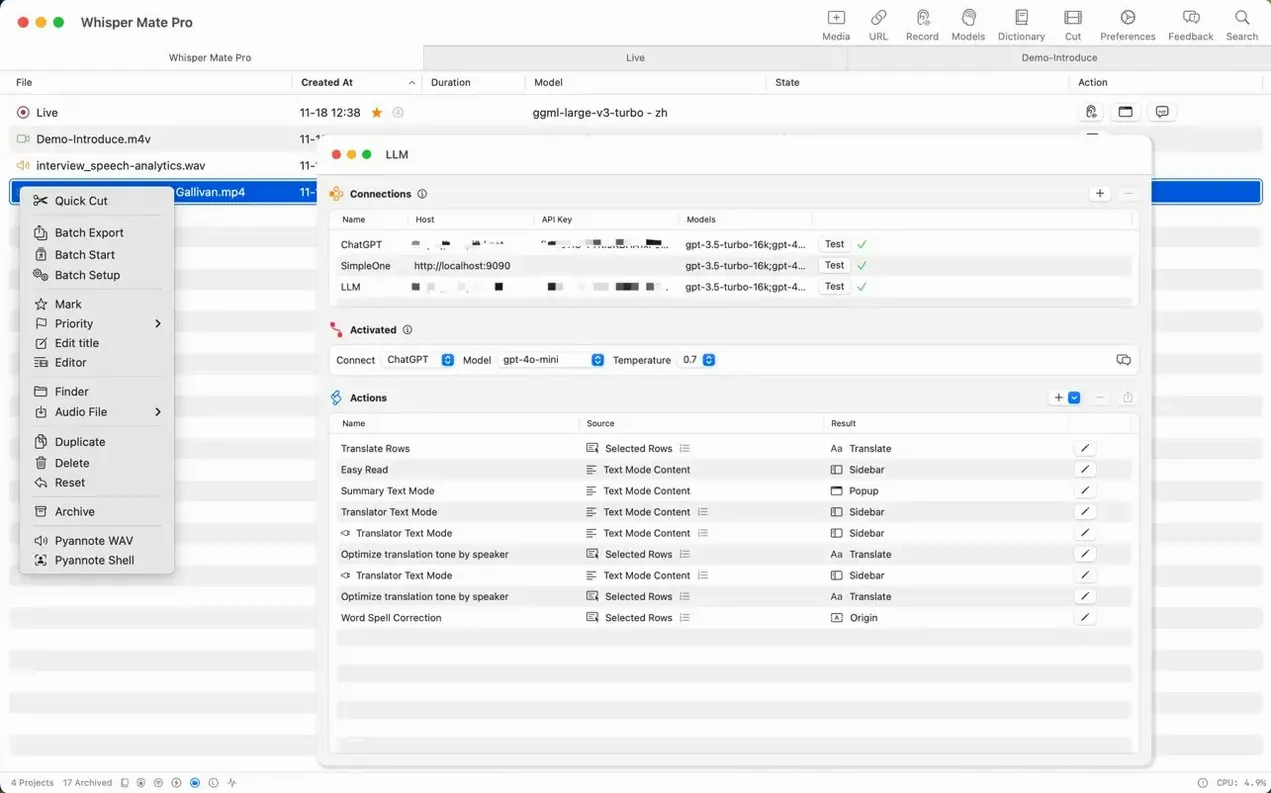
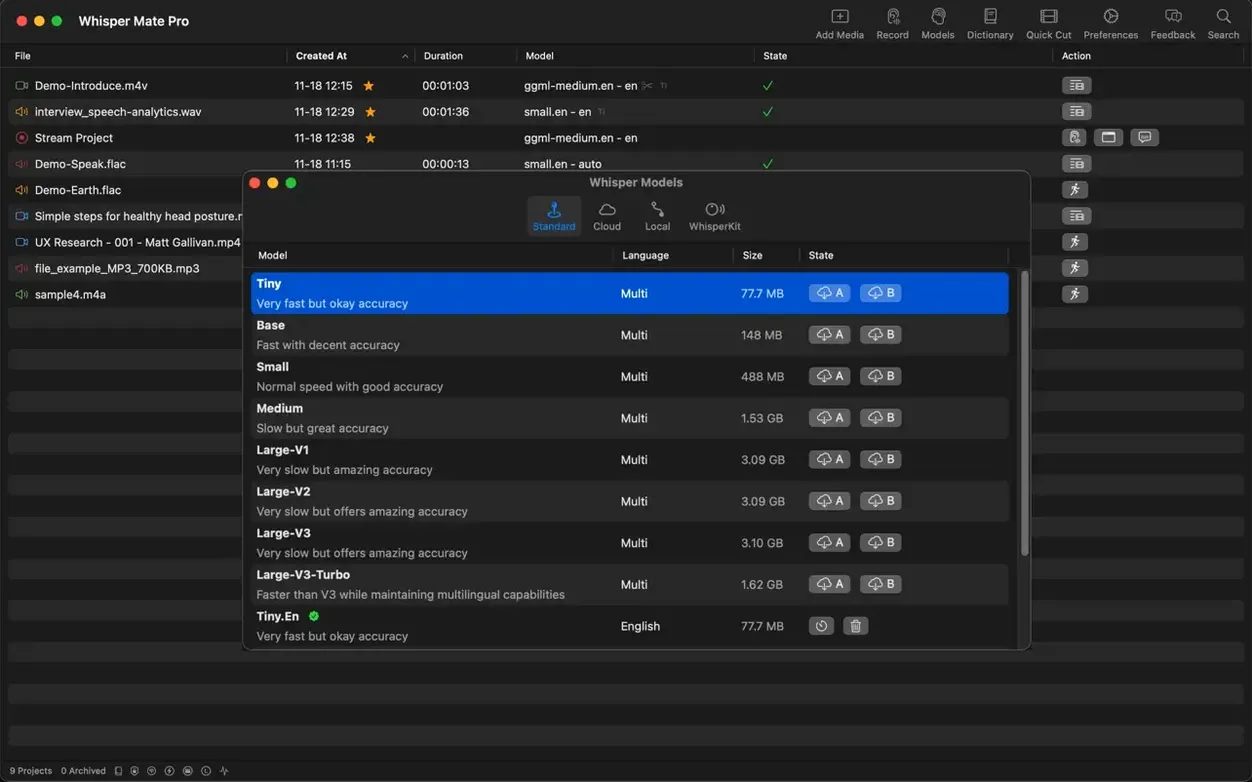
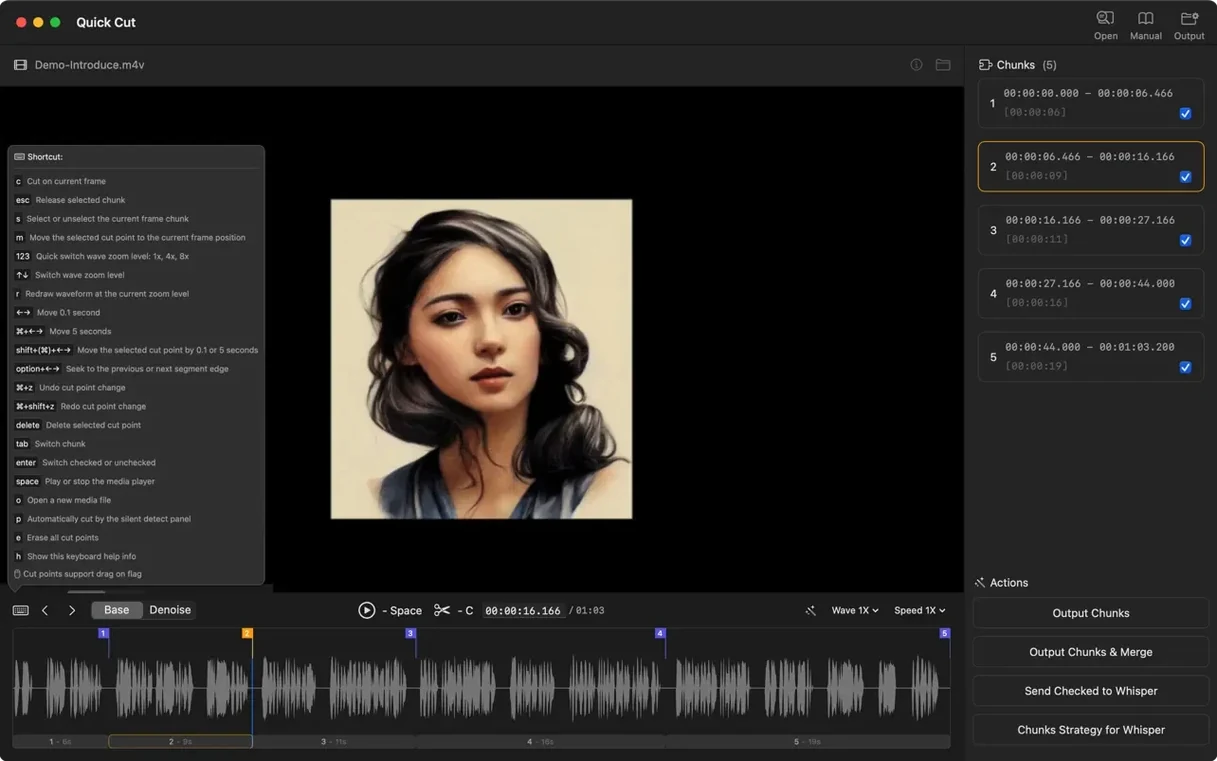
When you first open the app, you’ll want to point it at a media file and see what comes back. The batch transcription feature is a solid place to start — drop a folder of WAV or MP4 files and let Whisper AI turn speech into text in one go. During processing, you can glance at the processor usage readout to gauge how hard your Mac is working. Once the text lands, the built-in editor lets you step through each segment, adjusting timing or fixing a misheard word before it ends up in a subtitle track. If you need to share the results, export options cover the usual suspects — SRT and VTT for video players, plus CSV or JSON if you’re wrangling data elsewhere. For anyone who regularly faces untranscribed media, giving Whisper Mate a trial run with a batch of familiar files is the quickest way to see how it fits into your day.
Set your favorite language so Norwegian or Turkish feels native
Out of the box, Whisper Mate picks sensible defaults, but a couple of tweaks make the workflow feel more your own. Head into preferences and set a custom favorite language early — if you regularly work in Norwegian or Turkish, pinning it saves you from scrolling through the full list every session. The app remembers it for both transcription and translation tasks.
Next, check the subtitle editor’s playback speed control. Dialing it down to 0.75× while proofing a dense interview segment makes catching mumbled syllables far less frustrating. If you plan to use the DeepL or Google Translate integration for subtitle translation, take a minute to plug in your free API credentials under the translation management pane. Without that step, the translation menu stays grayed out, and it’s easy to assume the feature simply isn’t working.
Grant screen recording permission to fix silent capture-and-translate
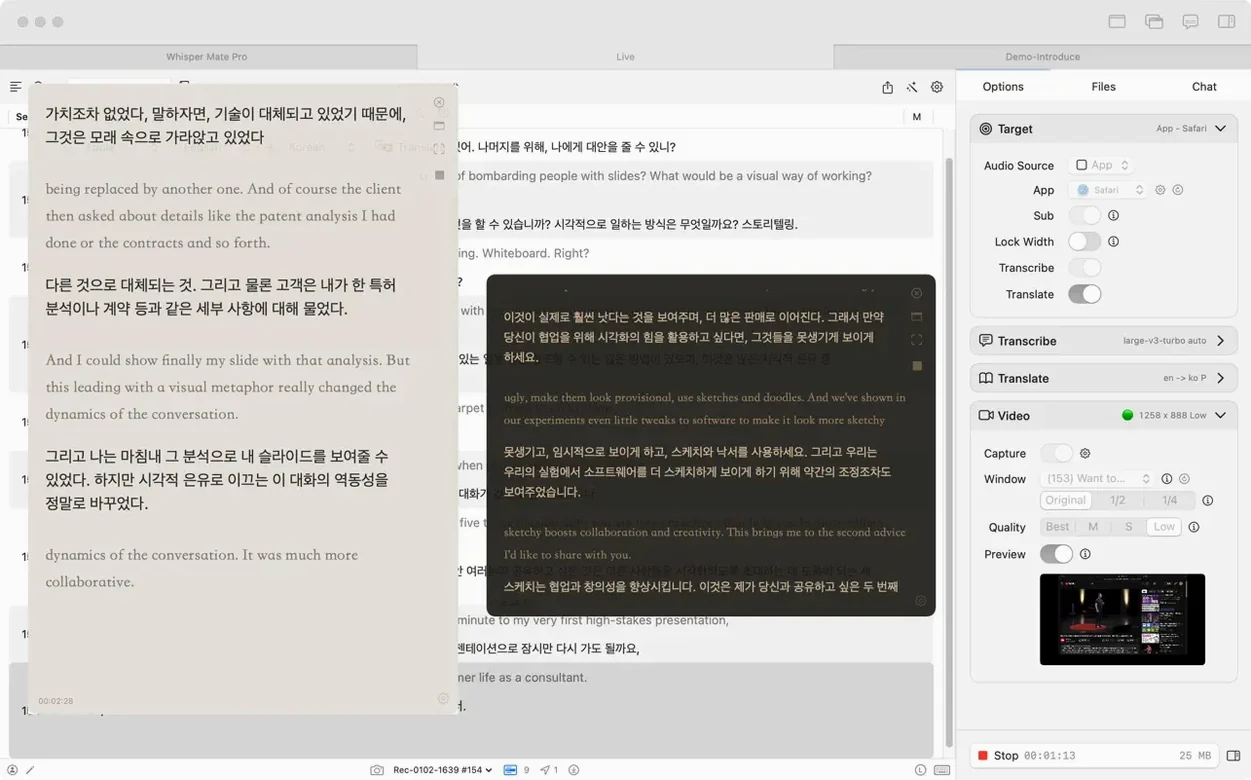
One of the first head-scratchers people run into with Whisper Mate on macOS is the capture-and-translate feature staying silent. The app needs screen recording permission — even though it’s capturing audio, not video — and macOS won’t always prod you to grant it. Open System Settings, find Privacy & Security, and tick the box for Whisper Mate under Screen Recording. After that, capturing audio from Zoom or Skype should kick in without a fuss.
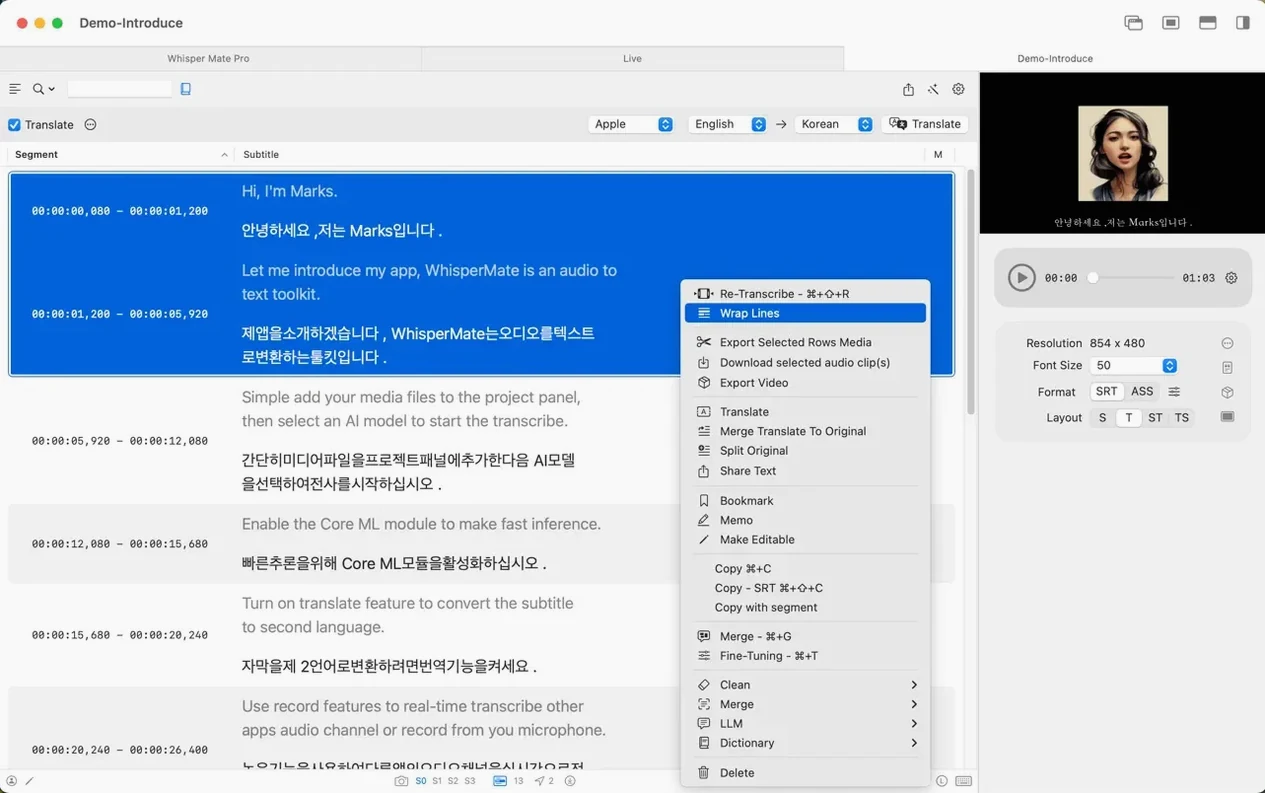
Another bump: dragging a large media file into the window and seeing nothing happen. The batch processor handles hefty files fine, but the initial drag target can be finicky. Drop the file onto the media well area rather than the sidebar, or use the Open With command from Finder for a more predictable launch. If a subtitle export comes out with oddly split lines, the built-in segment merging tool is your friend — highlight the offending segments and merge them into a single line before exporting to SRT or VTT. A quick search for “Whisper Mate mac app” will surface community threads where users share similar workflow fixes for speaker assignment quirks, too.
A couple of quiet but useful additions for Macs running the latest macOS. Subtitle line translation now taps into the system’s built-in translation engine, and when you’re using Apple’s own transcription engine, partial bilingual simultaneous transcription gets a nod on macOS 26.
- Requires macOS 12 or later.
- Runs on both Apple Silicon and 64-bit Intel Macs.
- Screen recording permission is needed for app-audio capture and translation on macOS 13.0 and above.
Questions I actually get
Does Whisper Mate process audio in the cloud?
No, all transcription operations happen locally on your Mac.
What subtitle formats can I export?
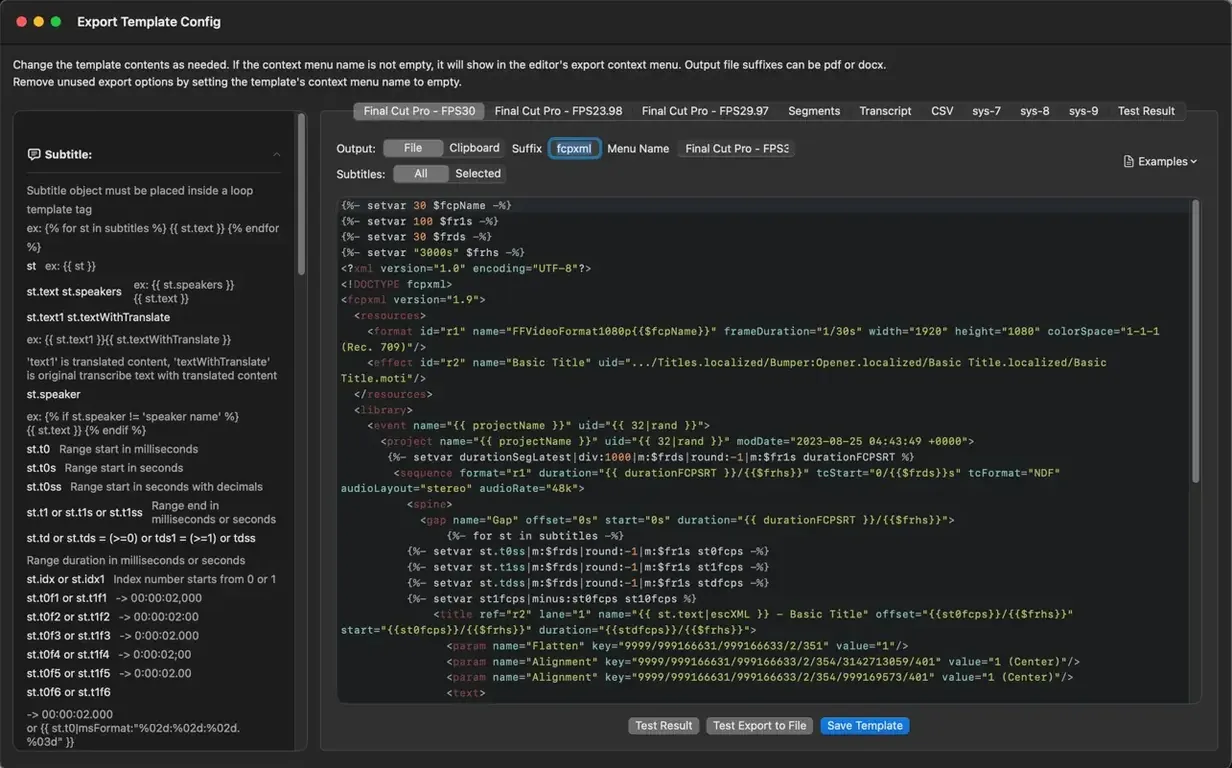
You can export subtitles as SRT, VTT, CSV, JSON, and SEGMENT files.
Can I translate subtitles inside the app?
Yes, the app can use DeepL and Google Translate for subtitle translation, and version 9.9.8 added support for macOS 26’s built-in translation engine.
Porch talk 0
Come in or pull up a chair to leave a comment.
Nobody has pulled up a chair yet. If you used it on a real Saturday, say what the hour was.