
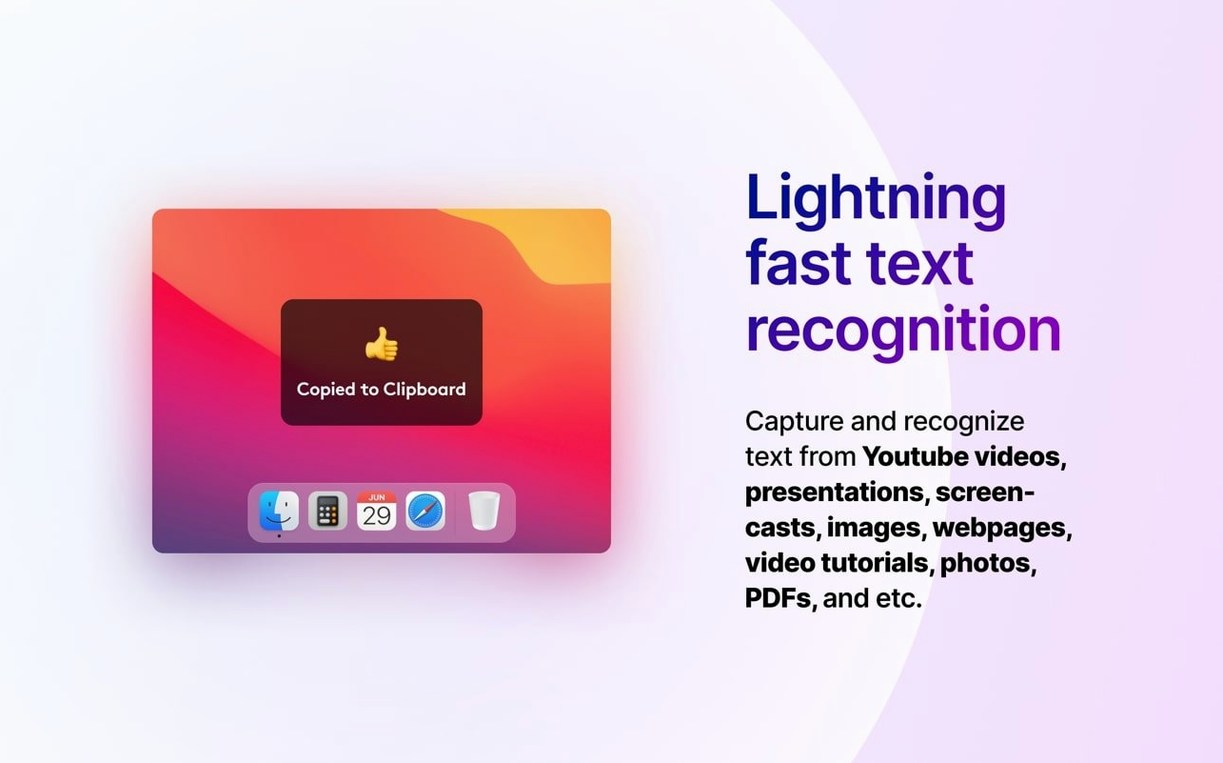
Plenty of Mac users keep TextSniper living up in the menu bar, ready for those moments when words are trapped inside a screenshot, a scanned document, or even a paused video frame. It is a straightforward OCR utility that turns whatever text you select on screen into plain, editable copy on your clipboard.
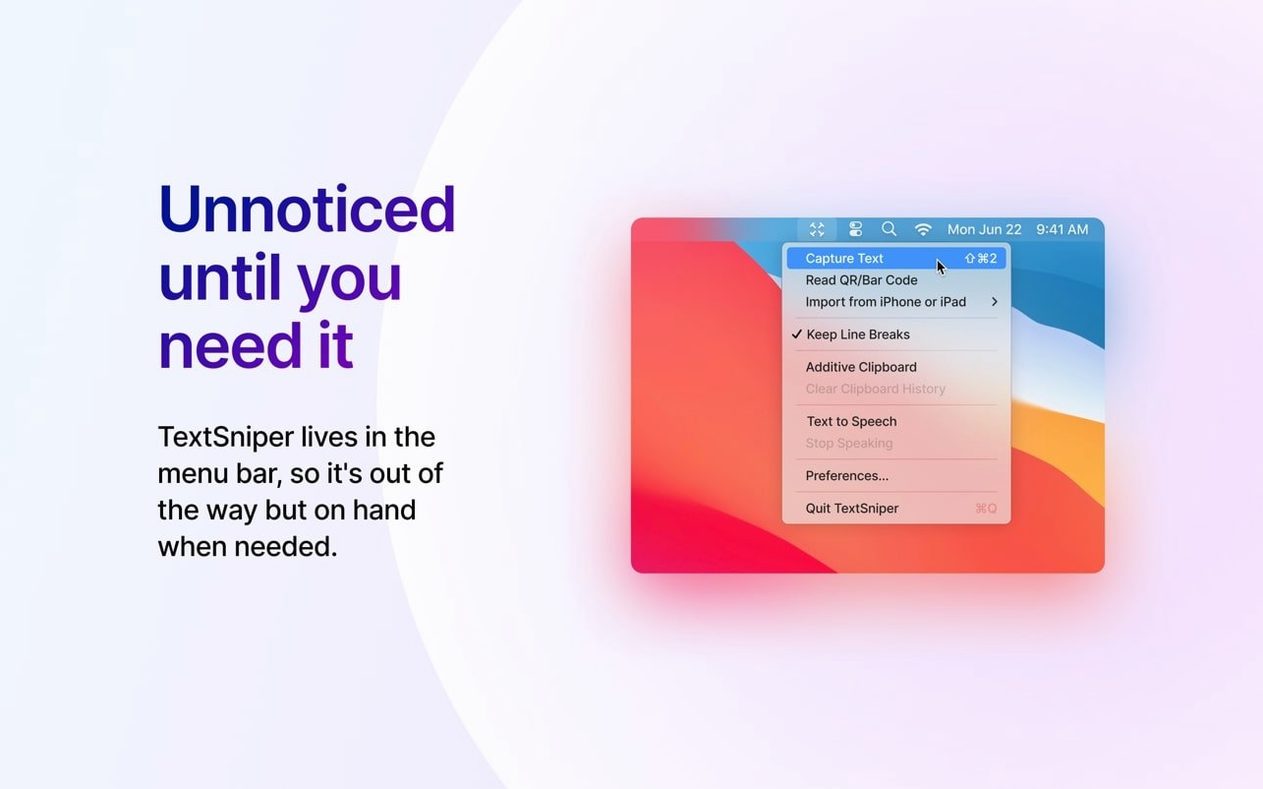
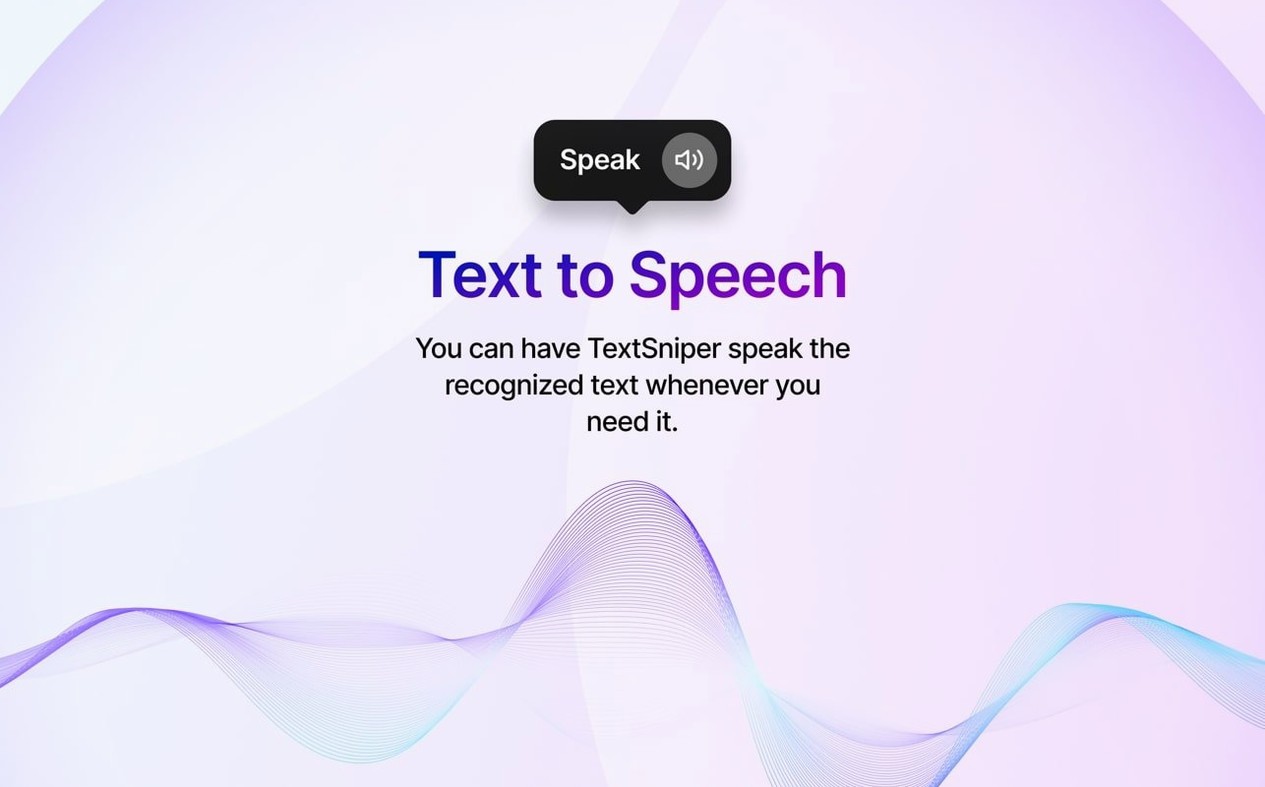
The workflow feels natural next to the tools you already reach for. Hit the keyboard shortcut—you can change it to whatever suits you—select the area of the screen that holds the text, and the app reads it, drops it onto the clipboard, and optionally reads it aloud with the built-in text-to-speech function. It keeps line breaks intact when you need them, which helps when you are grabbing a paragraph from a PDF and want to keep its shape in a note or an email.
Version 1.13.0 brings full macOS 27 Golden Gate support and adds recognition for Finnish, Hindi, and Marathi on that system, alongside a bug fix that had been tripping up some keyboard shortcuts. The app sits alongside your screenshot tool, your clipboard manager, and your notes app without trying to replace any of them—it handles the one job of getting words out of a picture and into a place where you can work with them.
If you regularly find yourself retyping quotes from a webinar slide or pulling an address from a photo, TextSniper fits that gap quietly. It is the sort of utility you forget is there until the moment you need it, and then you are glad it lives in the menu bar.
A real-world capture-to-notes workflow
Say you are pulling research from a YouTube tutorial, a PDF slide deck, and a screenshot someone dropped in Slack. Instead of switching between three tools, you can string everything through TextSniper and a plain text note. Start by opening the video, pausing on the frame with the code snippet or quote you need. Hit the shortcut, drag a box over the on-screen text, and it lands on the clipboard with the line breaks preserved. Paste it into your notes. Next, open the PDF—no need to hunt for a selectable text layer—snip the paragraph, paste it underneath. Finally, grab the error message from the screenshot and add it. In under a minute you have a clean, searchable page of notes without typing a word.
If you keep a clipboard manager in the mix, the flow gets even smoother. Each snip stacks up in the manager’s history, so you can paste the pieces in whatever order makes sense later. The app does not force a particular system on you; it just feeds clean text to whatever you already use.
Small touches that slip under the radar
A few details make TextSniper more flexible than it first appears. The menu bar icon doubles as a quick launcher if you do not feel like reaching for the keyboard, and the text-to-speech toggle is right there for when your eyes need a break. Changing the shortcut—something tucked away in preferences—can make the difference between muscle memory and fumbling; try Shift-Command-2 if you already use Shift-Command-4 for screenshots, so the two actions live next to each other in your head.
Another quiet convenience: the app respects line breaks when you want them, but a snip from a single-line headline does not drag in extra whitespace. That means you can grab a filename from a Finder window, a Wi-Fi password from a photo, or a tracking number from a carrier’s site without cleaning up invisible characters afterward. Tinkerers who hunt for a textsniper for mac free download often miss these small time-savers until they settle into daily use.
Lift quotes from recordings without retyping
Students pulling quotes from lecture recordings and scanned book pages tend to bond with TextSniper quickly—it skips the retyping step that eats up an evening. Designers and front-end developers grabbing placeholder copy from mockups or style guides find it handy too, since it pulls text that was never selectable in the first place. Researchers who gather bits from across PDFs, video captions, and image-heavy reports are another natural fit; the app turns a messy mix of sources into a uniform stream of plain text.
It also earns its keep for anyone who stumbles upon a TextSniper Mac crack in a forum and discovers the real thing does exactly what they need without the fuss. Casual Mac users who just want to snag a recipe from a cooking video or an address from a photo message get the same benefit as the power user—the tool does not care why you need the text, it just delivers it.
Version 1.13.0 lands with full macOS 27 Golden Gate support, fresh recognition for Finnish, Hindi, and Marathi on that system, and a fix for a keyboard shortcut bug that had been nagging a few folks. A handful of smaller stability tweaks round out the update.
- macOS 12 or newer
- Runs on Intel and Apple Silicon Macs
Questions I actually get
Can TextSniper read text aloud after capturing it?
Yes, it includes a text-to-speech function that can speak the recognized text once it has been copied to the clipboard.
Porch talk 0
Come in or pull up a chair to leave a comment.
Nobody has pulled up a chair yet. If you used it on a real Saturday, say what the hour was.