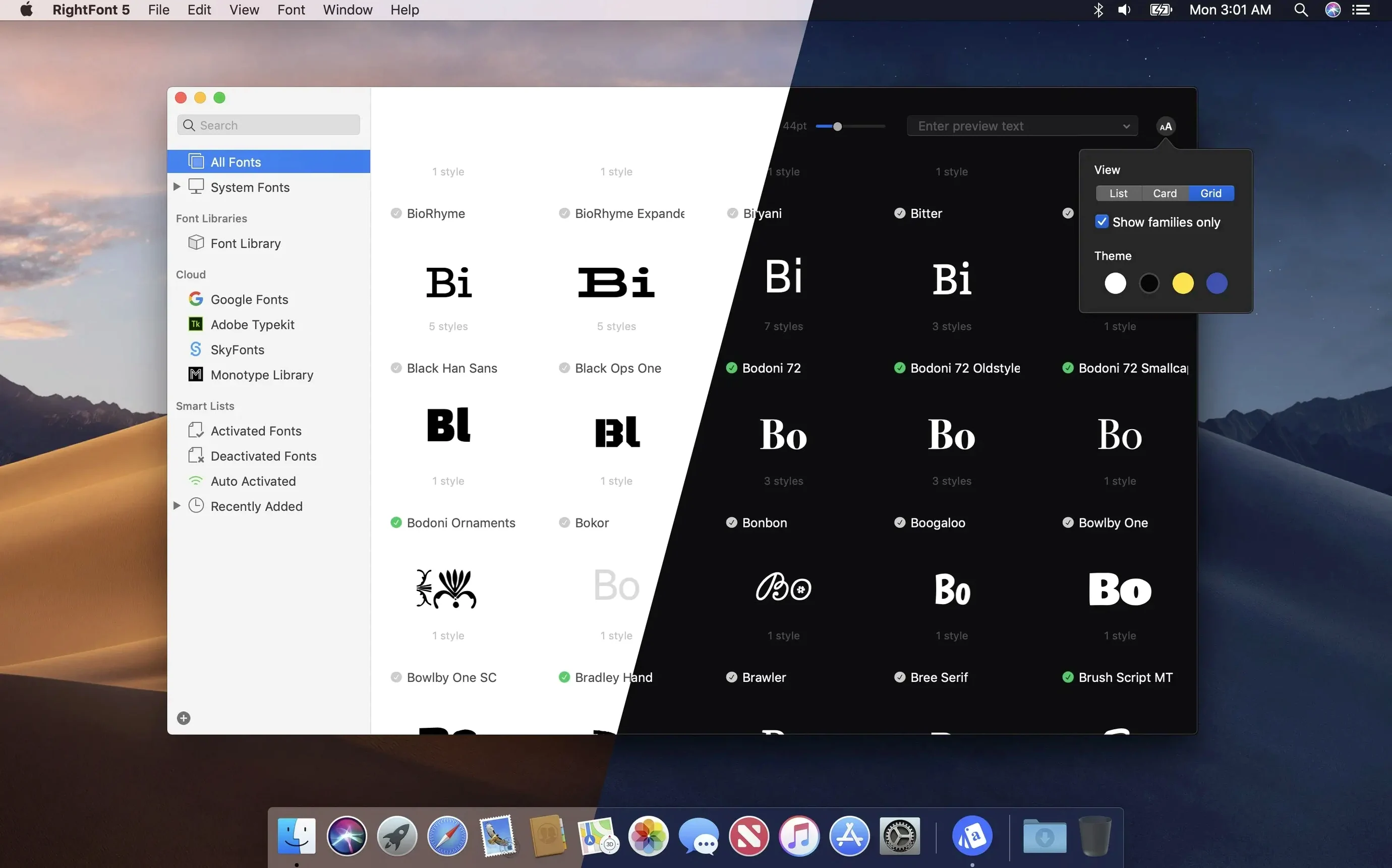
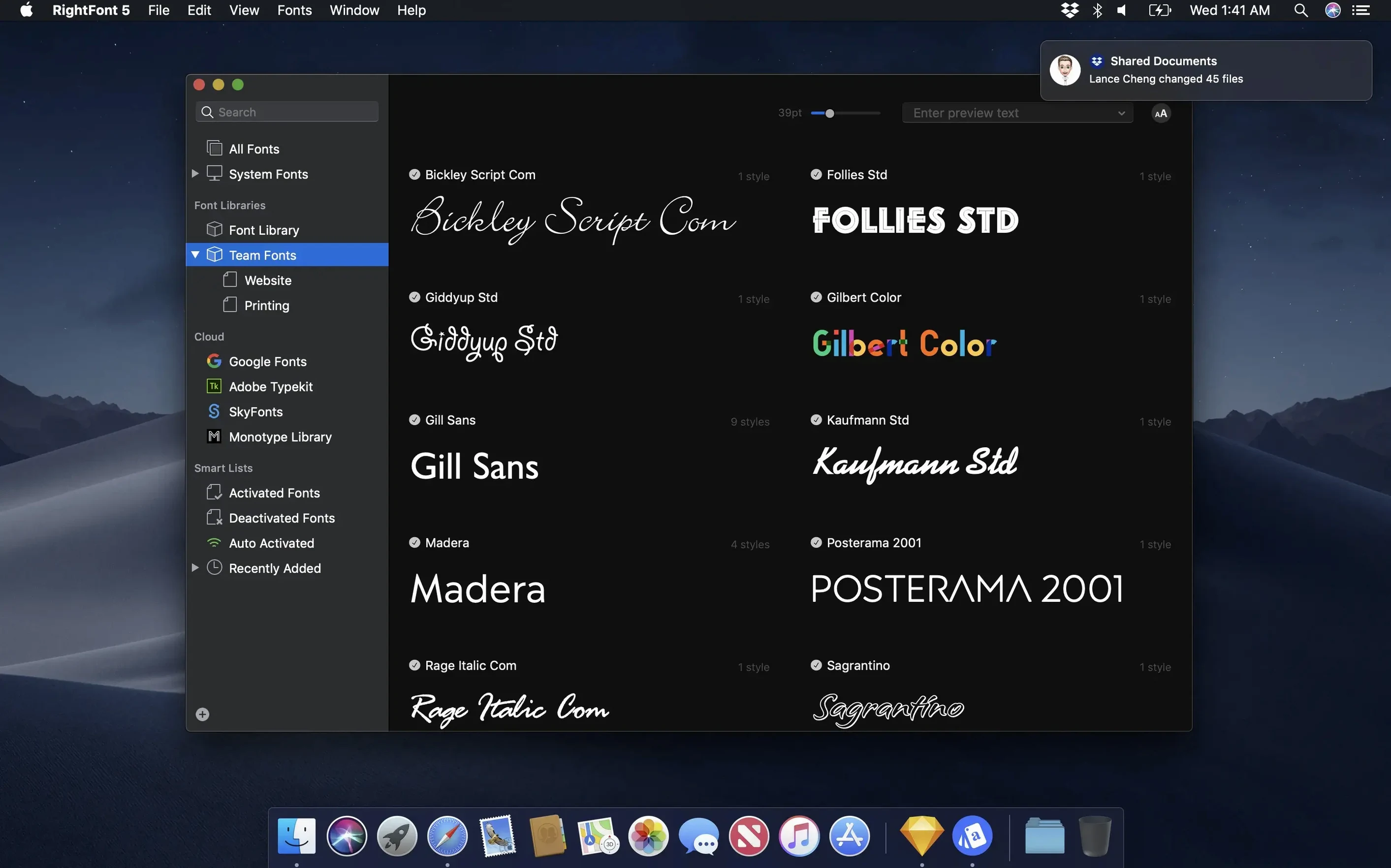
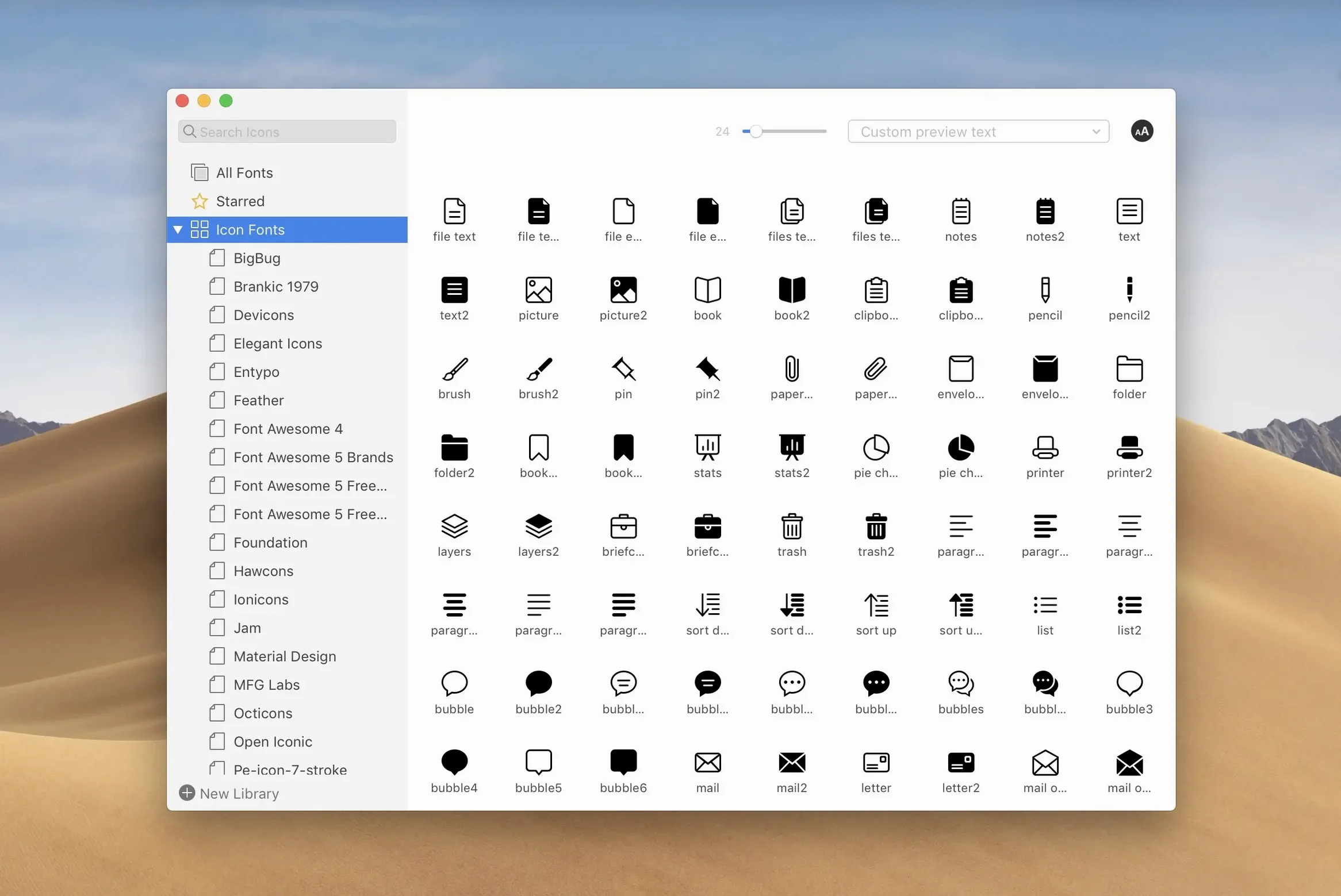
RightFont is a font manager built exclusively for the Mac, giving you a central place to browse, organize, and activate what's on your system.
Instant Search and Direct Creative Cloud Sync
- Finding fonts fast. The app shows search results as you type, so you can pinpoint a family by name, classification, or weight without digging through folders.
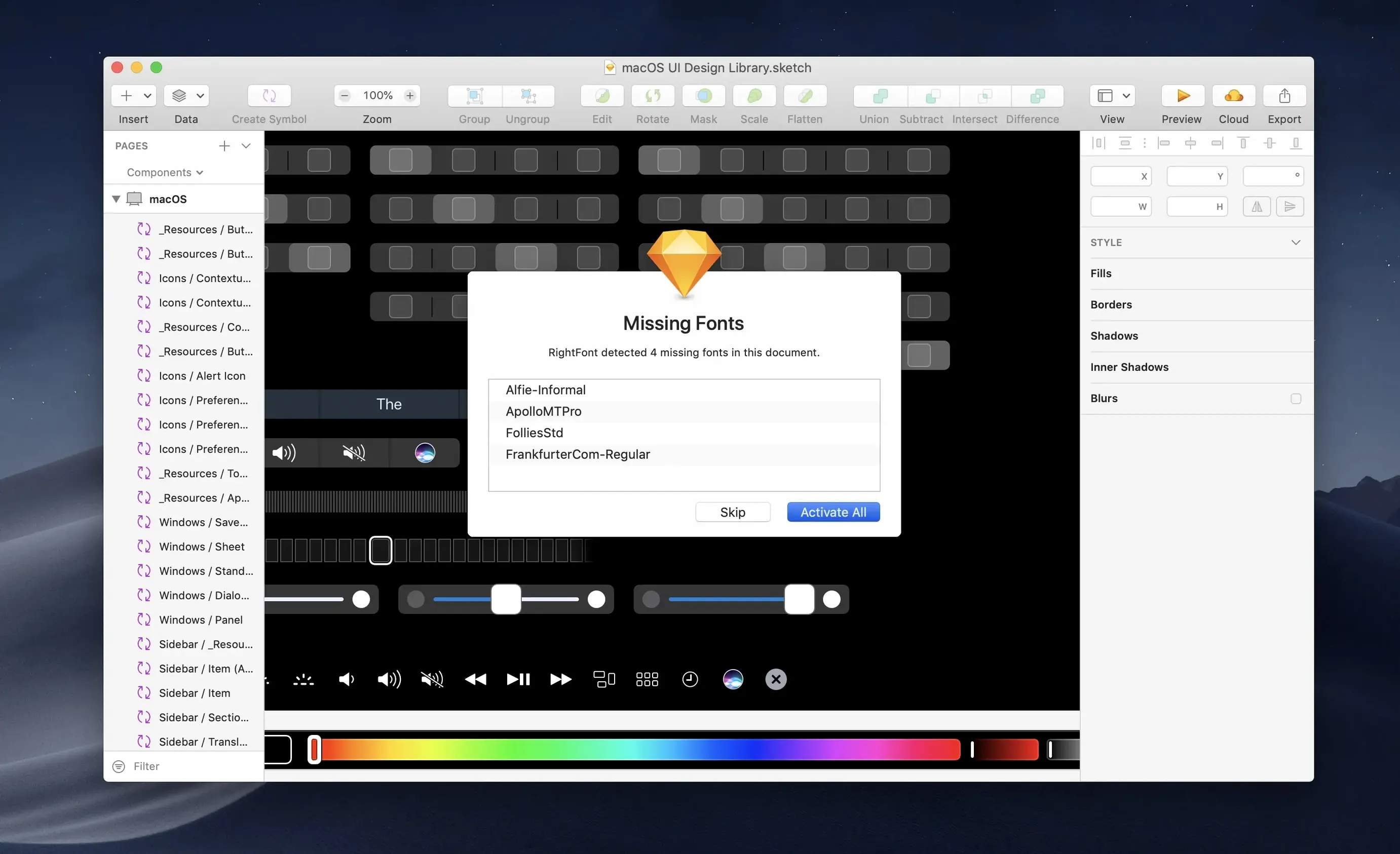
- Design app handoffs. RightFont connects directly with Adobe Creative Cloud apps and Sketch. Double-click a font in your library and it can change a text layer in your open document immediately.
- Keeping things tidy from the menu bar. A compact menu bar panel lets you browse and activate fonts without opening the full window, handy when you just need to swap a typeface mid-project.
No Windows Support and Enhanced Import Reliability
- RightFont is Mac-only. It runs on both Intel and Apple silicon Macs, but you won't find a Windows version.
- Version 10.2.1 brings more reliable imports, clearer progress details, and improved tag management, including the ability to drag subtags back to the main Tags section.
A good first move after installing is to set up a few tags for your go-to typefaces. From there, try activating a font from the menu bar while you have a document open in Illustrator or Sketch — it's a small workflow that shows what the app does best.
RightFont Versus Two Other Mac Font Managers
Most designers eventually try two or three font tools before settling in. Here is how RightFont sits alongside a couple of names you have probably seen.
RightFont vs. FontBase
FontBase leans hard into visual browsing — large preview cards, moodboard-like grids, and a dark interface that feels built for inspiration sessions. It handles Google Fonts syncing natively and runs on Windows and Linux too, which RightFont does not attempt. Where RightFont pulls ahead is direct app integration. Activating a font from RightFont while Adobe Illustrator is open actually changes the selected text layer. FontBase activates system-wide, but it does not reach into your design canvas the same way. If your day moves between Sketch, Photoshop, and Illustrator, that tight coupling makes RightFont the faster daily driver. If you work across operating systems and want a unified library, FontBase fits better.
RightFont vs. Typeface
Typeface is the quiet contender — a paid Mac app with an emphasis on browsing by vibe rather than by metadata. Its tag filtering and visual similarity browsing are slick. But Typeface is a standalone browser, not a system-level activation tool. You preview beautifully, then manually install what you like. RightFont handles activation, deactivation, and font list management without ever leaving the library. For someone who needs to juggle client-specific font sets and keep the system clean between projects, RightFont does the practical job that Typeface leaves to the OS. Both are clean Mac utilities. One is for exploring; the other is for working.
Perpetual Library Clutter and Other Early Missteps
RightFont is approachable, but a few habits trip up new users early on.
- Treating the library like a permanent collection. Dragging hundreds of fonts into RightFont and never removing anything creates the same clutter the app is meant to solve. The library is a workspace, not a vault. Use font lists and tags to keep active sets lean, and deactivate what you are not using.
- Skipping the auto-activation plugins. RightFont can auto-activate fonts when you open a document that needs them, but only if the plugin for Illustrator, InDesign, or Sketch is installed. A lot of people install the app, open a project, and wonder why fonts are missing — the plugin is an extra install step, not automatic.
- Ignoring the menu bar panel. It is easy to treat the menu bar as a quick-launch shortcut, but the panel itself is functional. Browsing, activating, and even managing small lists from there saves full-window trips during layout adjustments.
Recent updates that change the feel
Version 10.2.1 is not flashy on the feature list, but the changes touch parts of the app you encounter every session.
Font imports now show a finalization stage and a count of unsupported files. That replaces the old vague progress spinner with something you can actually read. When you drop a folder of mixed files in, knowing that three of them were skipped saves the quiet worry that something broke. Tag management got a small but welcome fix: subtags can be dragged back to the main Tags section. Before, a subtag misplaced under the wrong parent felt stuck. Now reorganizing a growing tag list is straightforward.
For daily use in Illustrator and QuarkXPress, the bug fixes in this release matter more than the features. Font activation inside Illustrator had quirks that interrupted the double-click-to-change workflow, and those are addressed. If you use rightfont for mac alongside those apps, the connection feels tighter now than it did a few versions back.
Version 10.2.1 tidies up a few rough edges. Here's what changed:
- Font imports are more reliable, with clearer progress details that now show a finalization stage and a count of unsupported files.
- Tag management got some attention — subtags can be dragged back to the main Tags section, and overall handling feels smoother.
- A handful of fixes landed for Adobe Illustrator, QuarkXPress, and macOS 27.
- macOS 11 or newer
- Works on Intel-based and Apple silicon Macs
Questions I actually get
Can I use RightFont directly with Adobe Creative Cloud apps?
Yes. RightFont offers direct access to fonts in Adobe Creative Cloud apps and Sketch, and you can change a text layer's font by double-clicking a typeface in the app.
Porch talk 0
Come in or pull up a chair to leave a comment.
Nobody has pulled up a chair yet. If you used it on a real Saturday, say what the hour was.