
Version 8 quietly overhauled the Mac experience. The viewport now runs on Apple Metal, so orbiting a dense mesh feels responsive instead of choppy, and a new ShrinkWrap command creates a tight, watertight shell around messy geometry in seconds.
Blocking out massing
Start with a loose sketch. The new PushPull workflow lets you extrude faces, edges, and sub-objects without hunting through menus—just grab, drag, and the solid updates. It turns vague forms into volumes faster than previous releases.
Cleaning up a scanned mesh
Imported 3D scans rarely arrive clean. Run ShrinkWrap on a noisy point cloud or open mesh and Rhino generates a closed polysurface ready for Boolean operations. The result is a lightweight wrapper that won't crash the solver on a complex model.
Prepping for a client review
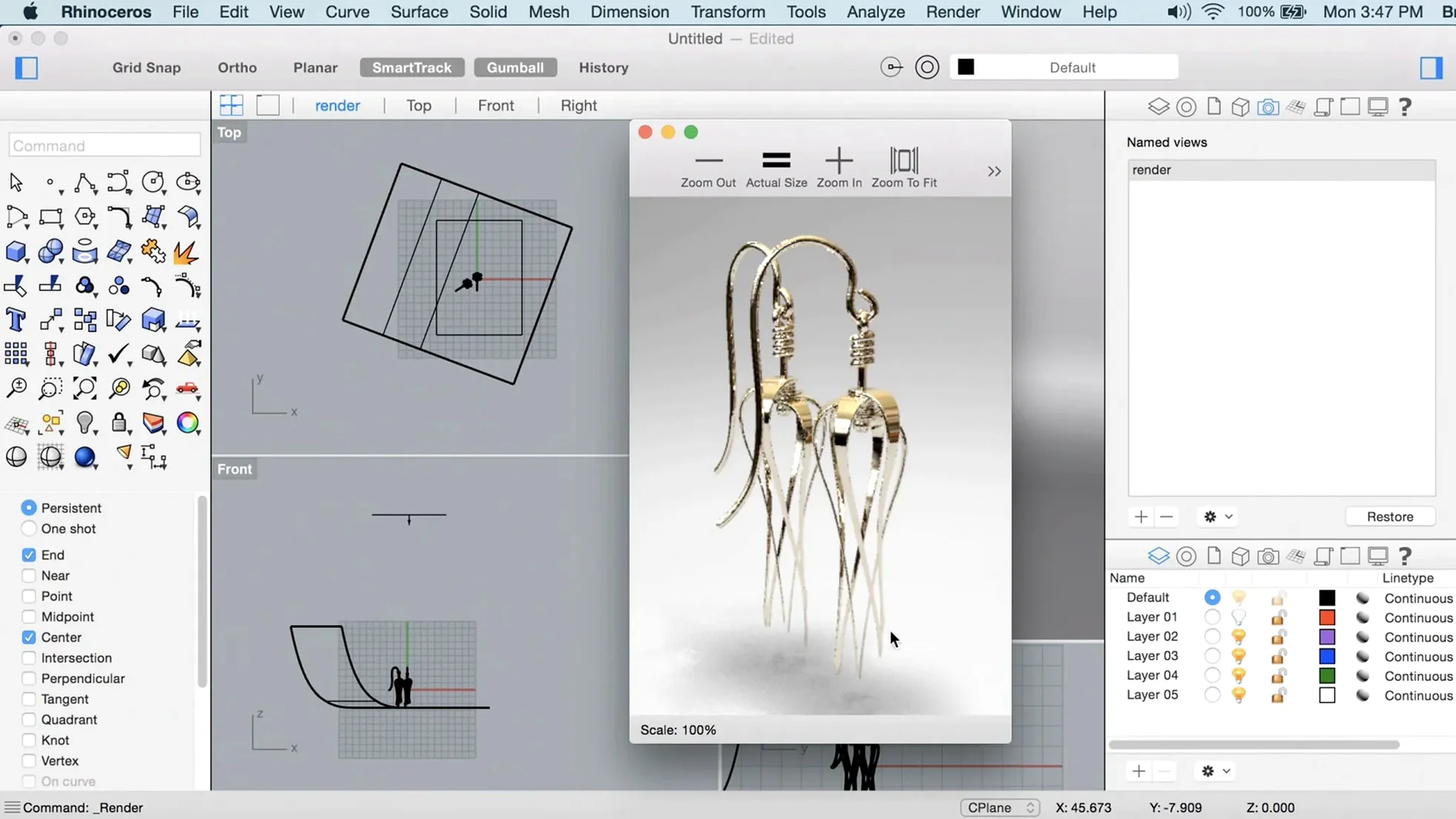
Switch to Arctic mode in a customizable viewport layout, assign a glass material, and set up a snapshot. The Metal display keeps the scene fluid even with 8 GB of RAM, and the updated Grasshopper data types let you pull parametric adjustments in without rebuilding the file.
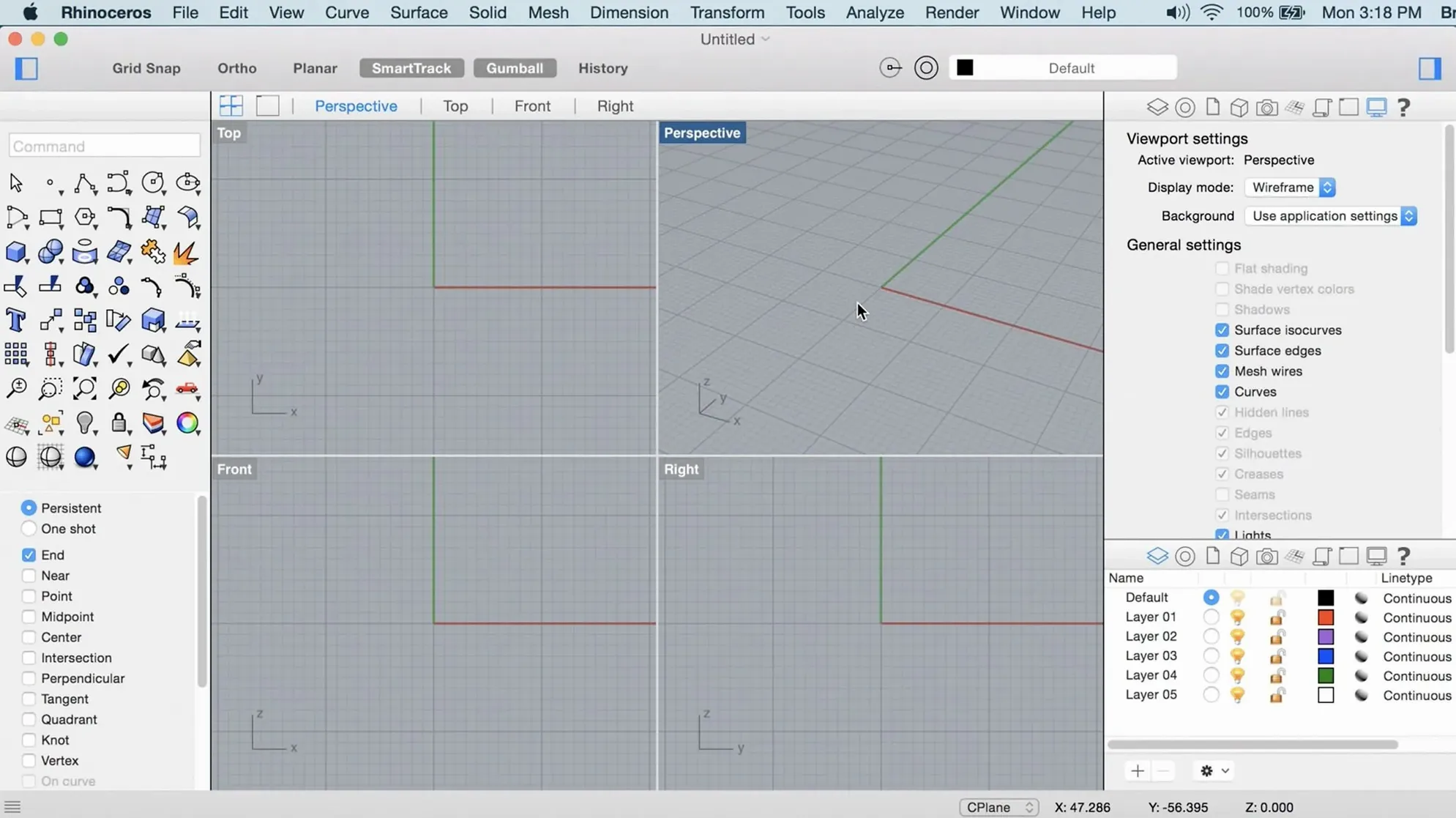
Picture a Tuesday evening. You have a rough scan of a vacuum-formed part, a deadline later in the week, and a model tree that still looks like a pile of loose surfaces. You dock the Layers panel to the right of the screen, flatten the perspective viewport, and start with something small: a quick ShrinkWrap on the scan. That wraps the noisy mesh in a clean, closed polysurface in maybe three seconds on an M1 MacBook Air. The command line stays open across all four viewports, so you type MergeAllFaces right there without reaching for the toolbar.
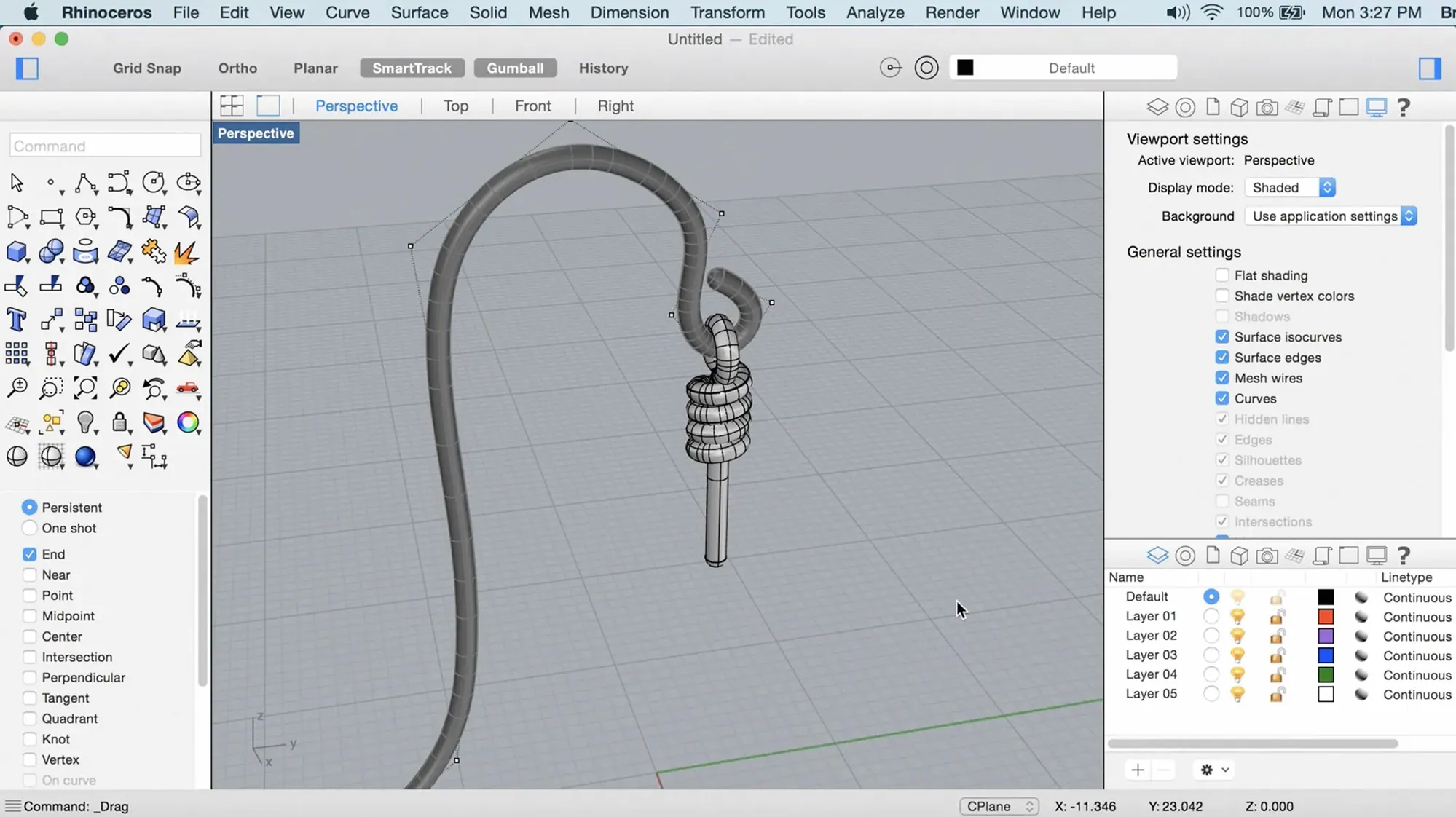
Next you pull the new shell into a SubD with ToSubD, add a couple of creased edges, and use PushPull to tug the rim inward half a millimeter. The viewport never stutters — Metal redraws the subdivision cage in real time while you drag. Half an hour later you have a dimensioned layout, a closed solid, and a saved Named View ready for a morning screenshot. That rhythm, moving from a mess to a tidy solid without switching toolsets, is where Rhino 8 for Mac feels different from its predecessor.
Zooming out, checking layers, and pulling references into view
The dock on a 14-inch MacBook Pro holds Rhino next to a reference image viewer and a note-taking app. The session usually begins with a warm-up: open the file, hit Zoom Extents, and scan the layer list for anything flagged red. A quick SelDup catches duplicate curves left over from a late-night import. With the scene clean, you switch the Top viewport to Wireframe, leave Perspective in Rendered mode, and start modeling.
Commands come through the keyboard. Rectangle, ExtrudeCrv, BooleanUnion. The command history scrolls in the docked panel, and if a Boolean fails, you type ShrinkWrap instead of untangling 14 open edges. That single command has quietly replaced half a dozen cleanup routines for users who work with scanned data or composited vendor files.
Mid-session, you drop into a custom display mode — a dark background, soft shadows, and a clipped plane through the center of the part — and orbit slowly, looking for seams. The trackpad gesture for orbit is two-finger drag; three-finger drag pans. The scroll wheel on a plugged-in mouse zooms. It is muscle memory after a few days, and the frame rate holds even when the model crosses 50,000 polygons.
The last fifteen minutes are for layout. Named Views get saved for the machine shop and the client. A few leader lines go on the dimension layer. Then Export to a shaded PDF, and the session is done. Nobody opened a menu bar dropdown after the first five minutes.
Nested block selection and a panel that finally stays put
The build that arrived as 8.30.26103.11002 didn't announce itself with a splash screen overhaul. It tightened things that annoyed daily users. Selection responsiveness improved in files with heavy block nesting. The Properties panel stopped resetting its position between sessions. Grasshopper received new data types — points, vectors, and planes are now first-class citizens on the canvas, reducing the need for cluster workarounds.
On the Mac specifically, Metal display support moved from experimental to default. That means you no longer have to toggle a checkbox to get smooth orbiting in a shaded viewport. The Mac build also adopted the same user interface customization that Windows users saw earlier in the 8.x cycle: toolbars can be rearranged, panels can be torn off and floated, and the sidebar can collapse to a thin strip with icon-only commands. None of this sounds dramatic in a bullet list, but together it shaves minutes off a modeling session when you work across two monitors.
Turning a PCB outline into print-ready walls in five moves
Task: turn a set of board dimensions and a mounting plate into a 3D-printable enclosure. The PCB outline arrives as a DXF. You import it into the Top viewport, select the board edge, and run OffsetCrv outward by 2 mm to give the walls some breathing room. That offset curve becomes the base for the enclosure footprint.
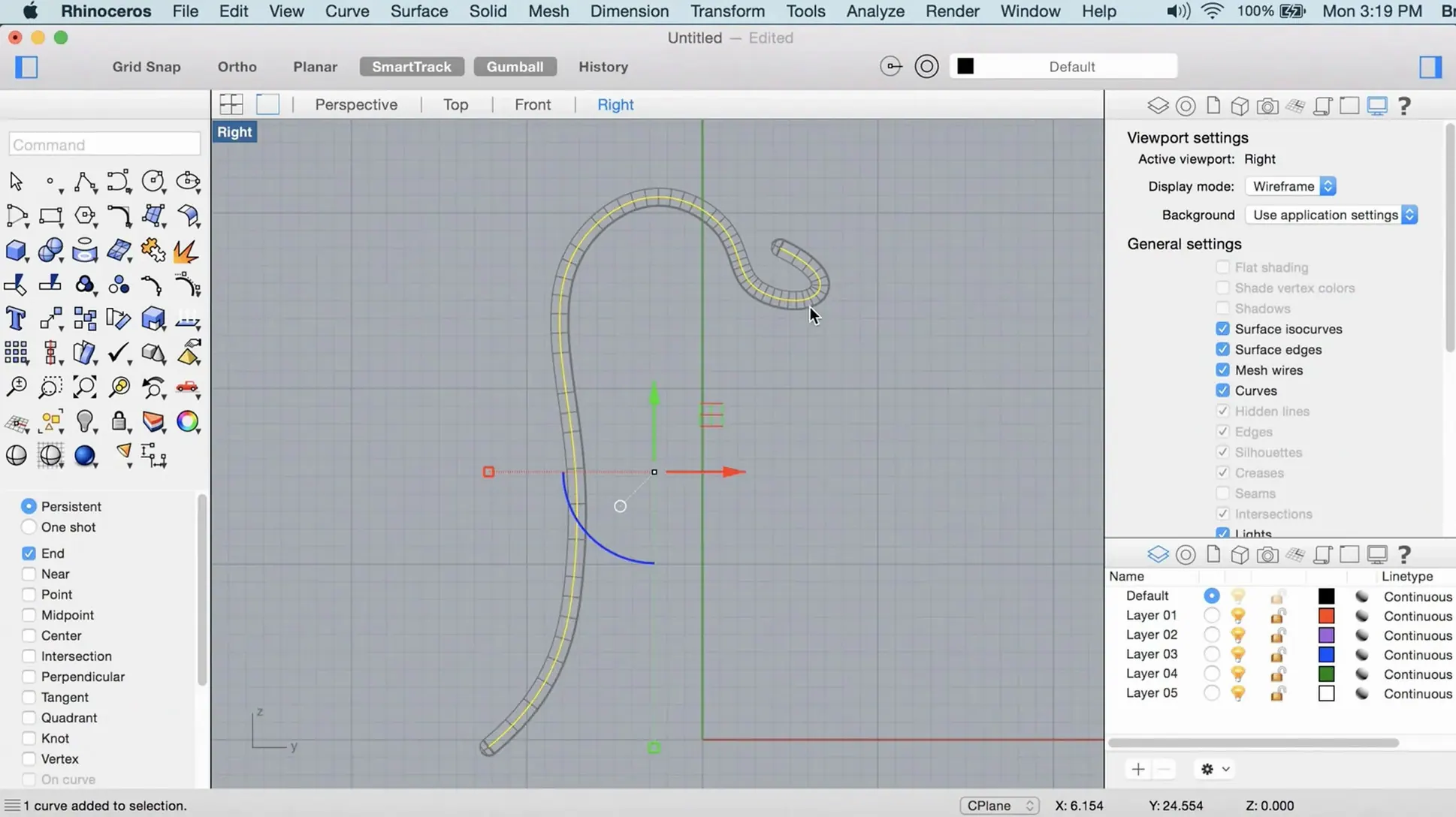
With the curve selected, you switch to the Perspective viewport and type ExtrudeCrv. A quick pull upward to 30 mm creates the main shell. You switch to SubD mode, apply a crease along the bottom edge, and use PushPull on the inner face to hollow the shell to a 2 mm wall thickness. The SubD cage updates instantly, showing the interior cavity in the Rendered viewport.
The lid comes next. You duplicate the top surface with DupBorder, offset it slightly, and extrude it downward as a separate solid. A few Boolean operations later, you have a snap-fit tab along the rim, a cutout for the USB port, and a vent pattern done with ArrayCrv along the side face. The whole process from imported DXF to export-ready STL runs inside 40 minutes, no file swapping, no "please repair your mesh" warnings from the slicer.
For anyone who has chased down a gh 3d torrent or a Rhino crack for Mac in search of this workflow, the real surprise is how little the application gets in the way once the install is done. The software simply opens and stays responsive.
Typing math mid-command and recalling saved edge sets
- Command line arithmetic. Type a distance as
25.4/2during any command, and Rhino does the math inline. No calculator needed. - Named Selections. Select a group of edges, type
SelName, and give them a handle. Next time,SelNamerecalls them instantly — handy for fillet edges you revisit across revisions. - Gumball on SubD. The gumball control works on SubD faces and edges, letting you move, rotate, or scale sub-objects without entering a separate edit mode. A tap of the arrow key locks movement to a single axis.
- SmartTrack toggle. Holding the Option key temporarily suspends SmartTrack when you need to place a point near a busy intersection without snapping to seven wrong candidates.
- Drag-and-drop materials. The Materials panel supports dragging a thumbnail straight onto a surface in the viewport. It is faster than selecting objects, opening the panel, and clicking Assign, and it gives immediate visual feedback.
- Middle-mouse button customization. In Rhino 8, the middle button can be set to pop up a customizable radial menu. Users who map
ShrinkWrap,MergeAllFaces, andZoom Selectedto it rarely go back to the toolbar.
Metal viewport breathing life into aging Intel hardware
Will it run smoothly on an older Intel Mac? Rhino 8 supports Intel 64-bit Macs alongside Apple Silicon, and the Metal display path helps even older machines maintain a stable viewport frame rate. Models that would have crawled in version 7's OpenGL viewport are workable here, though large assemblies benefit from 16 GB of RAM.
What about Gatekeeper and the install process? The disk image mounts like any other, and a bundled utility opens the Terminal step for you. Press Enter, let the script do its work, then drag the application into the Applications folder. The whole process takes under a minute.
Does it play well with other CAD tools? Rhino reads and writes STEP, IGES, DWG, DXF, OBJ, STL, and two dozen other formats without an extra translator. Grasshopper definitions exchange data with the Mac clipboard, so you can paste parameter sets into a text file and share them with a colleague on Windows.
Is the Mac version missing anything from the Windows release? The core modeling engine, Grasshopper, SubD tools, and the renderer are the same. A few third-party plug-ins remain Windows-only, but the built-in feature set covers the vast majority of architectural, product, and jewelry workflows without gaps.
Why do some people hunt down a Rhinoceros torrent or a Rhino 3D torrent? The honest answer is that they want the tool without jumping through paperwork. The software lands fully functional, with all 13 interface languages, the full Grasshopper suite, and no watermark or geometry export limit. For a hobbyist or a freelancer testing a complex organic form, that is a pragmatic starting point.
- macOS 12.4 Monterey or later
- Apple Silicon or Intel 64-bit processor
- 8 GB RAM recommended
- 10 GB available disk space
- A multi-button mouse with a scroll wheel is strongly recommended
Questions I actually get
Does Rhino 8 run natively on Apple Silicon?
Yes, the Mac build supports both Apple Silicon and Intel 64-bit architecture, and uses the Metal display technology for faster viewport performance.
What languages are available in the Mac interface?
You can switch the interface to Russian, English, German, Spanish, Italian, Traditional Chinese, Simplified Chinese, Korean, Polish, Portuguese, French, Czech, or Japanese.
Porch talk 0
Come in or pull up a chair to leave a comment.
Nobody has pulled up a chair yet. If you used it on a real Saturday, say what the hour was.