

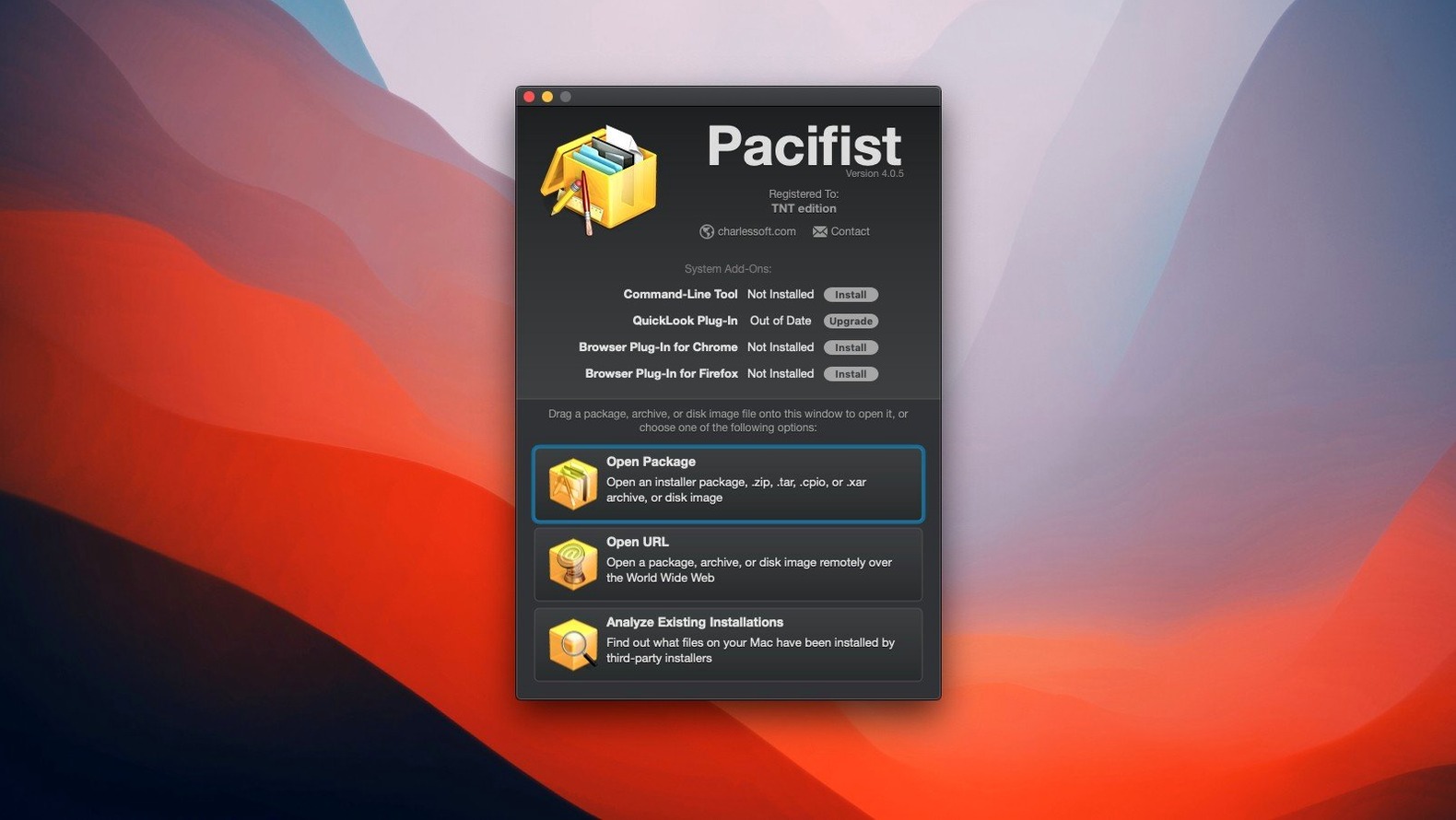
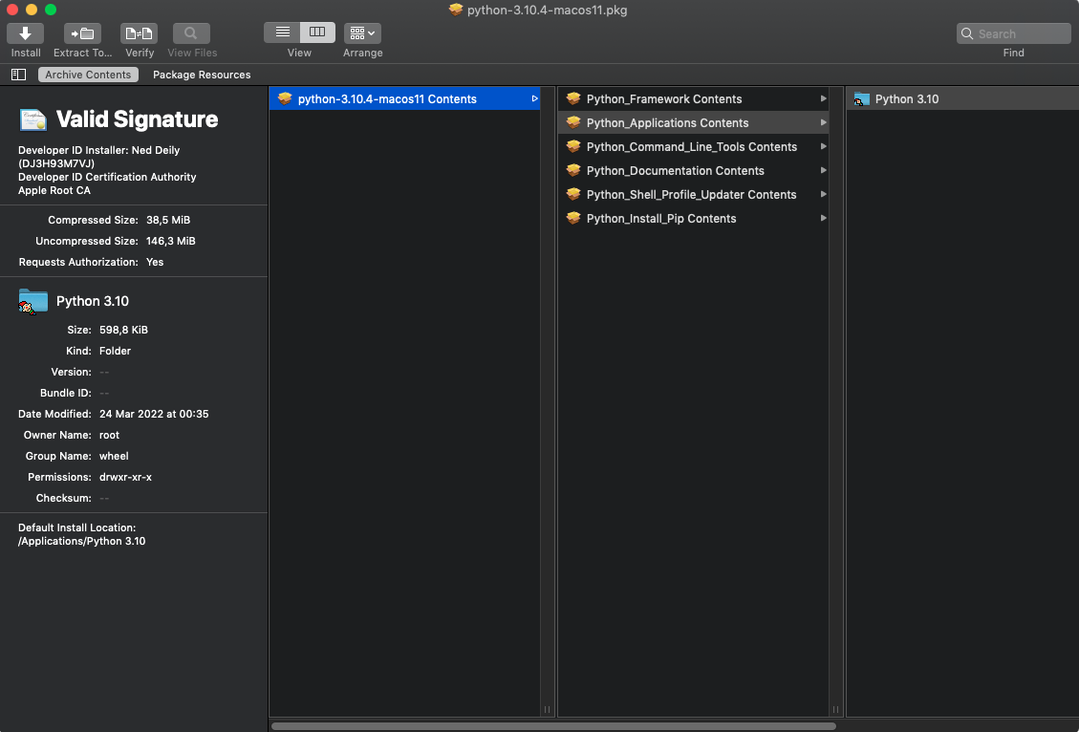
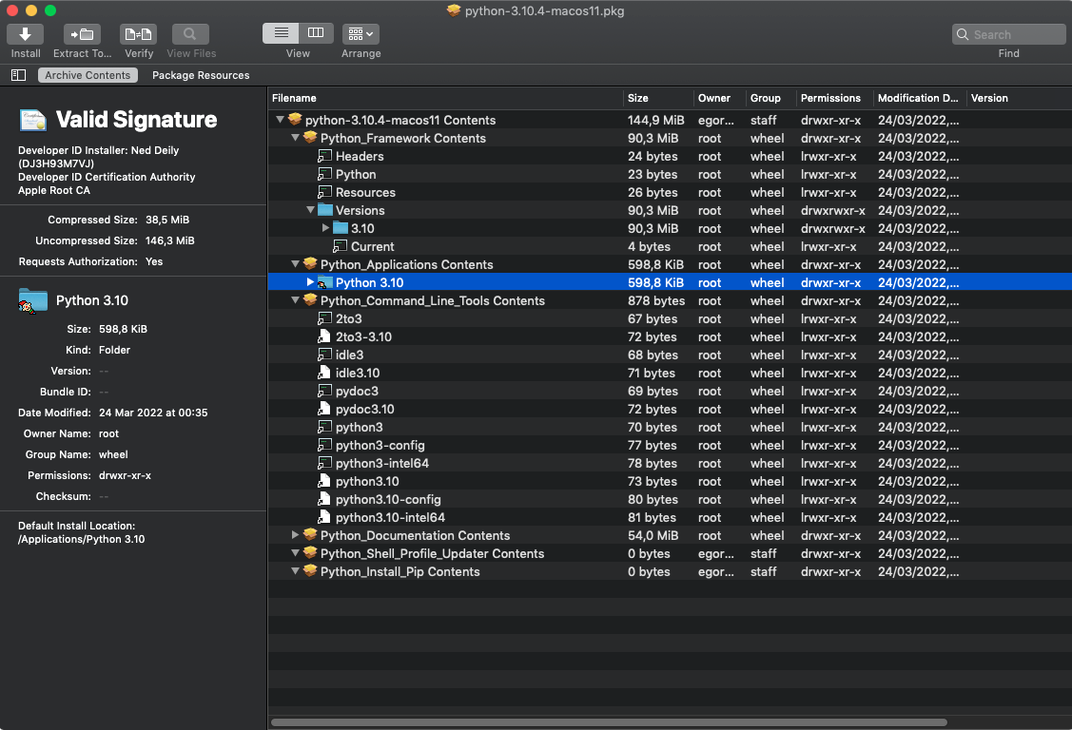
The “Extract to Custom Folder” feature is often all you really need from a utility like this. You’ve downloaded an installer, but before it touches your system you want to see exactly what’s inside and pull out just the one file you need. Pacifist 4.1.4 keeps that scenario front and center, acting as a straightforward multi-tool for macOS package files, disk images, and archives.
- Opens .pkg installer packages, .dmg disk images, and .zip, .tar, .tar.gz, .tar.bz2, and .xar archives.
- Lets you inspect a downloaded package’s contents before running the installer.
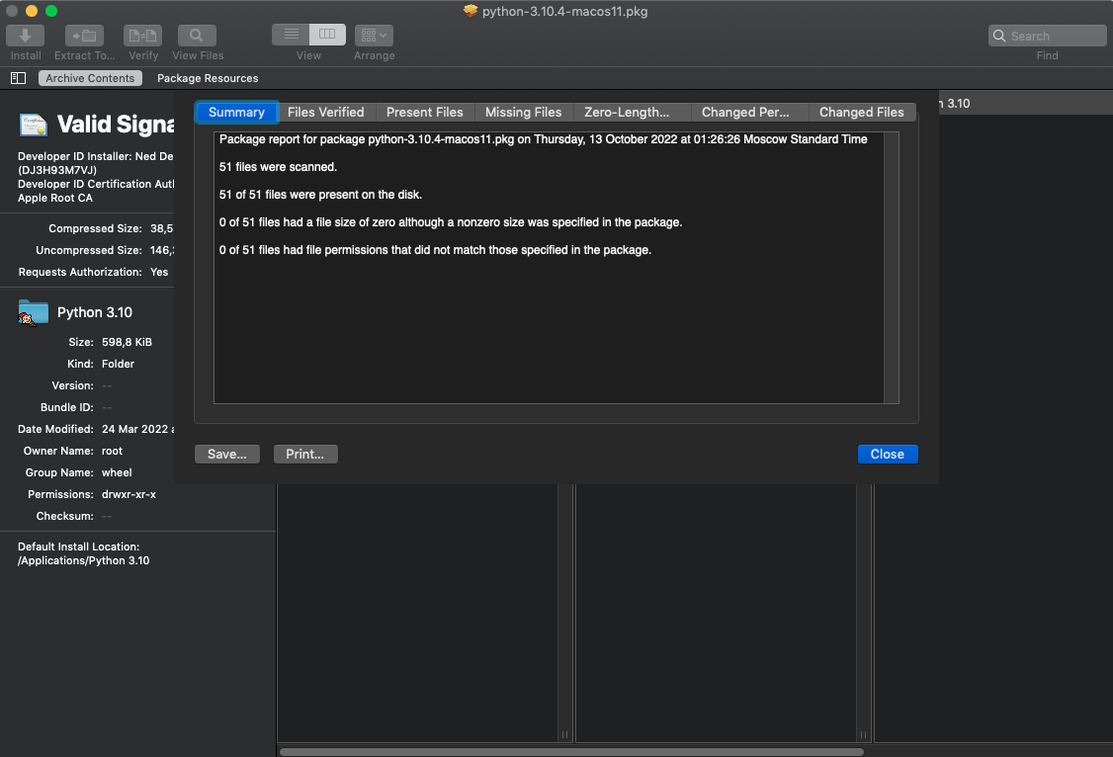
- Can check your installed applications for files that are missing or out of date.
- Identifies which installer placed kernel extensions on your Mac, and whether they came from Apple or a third party.
It runs on Intel Macs with macOS 10.14.6 and up, including macOS Tahoe. If you regularly side-eye installer packages or need to rescue a single file from a .pkg without committing to a full install, Pacifist fits neatly into that cautious rhythm.
Font Rescue from an Old Installer, Step by Step
Say you’ve upgraded macOS and a design app is complaining about a system font that vanished. You still have the original .pkg installer from the app’s old version, but you don’t want to run it and risk downgrading other components. Here’s the Pacifist workflow for pulling just that font.- Drag the .pkg onto the Pacifist window. Wait for it to parse — large packages take a few seconds on Intel machines.
- Use the search bar at the top right. Type
.ttfor.otfalong with part of the font name. Pacifist filters the file tree in real time. - Select the font file you need. The preview pane shows metadata if the format supports it, but even without QuickLook, you can verify the filename and path.
- Click “Extract Selection” — or right-click and pick “Extract to Custom Folder” — and choose your Desktop. The file lands with its original permissions intact, which you can check in Finder’s Get Info afterward.
- Drop the extracted font into
~/Library/Fontsand restart the application. Done — no full reinstall, no side effects.
A Typical Evening Session, Step by Step
Picture a Thursday night. You’ve downloaded three things: a printer driver .pkg, a compressed tar archive of camera raw profiles, and a .dmg containing a utility whose installer script you don’t trust. You launch Pacifist and work through them in order. First, the printer package. You open it and immediately spot a post-install script that adds a background launch daemon — something the manufacturer never mentioned. You save the script to a “Research” folder, then extract only the .ppd and filter files, skipping the daemon entirely. The printer works fine without it. Next, the .tar.bz2 of raw profiles. Pacifist opens it like any other archive. You select the dozen profiles for your specific camera body, extract them to a folder on an external drive, and leave the other 800 profiles untouched. The single-file HTTP download feature isn’t applicable here since it’s a local archive, but for large remote packages you’d appreciate fetching just what you need. Finally, the suspicious .dmg. You mount it in Finder first, then point Pacifist at the .pkg hiding inside. The file tree reveals a kernel extension. You switch to the “Kernel Extensions” inspection view and confirm it’s from a third-party developer — not Apple. That’s enough information to decide you’ll sandbox this driver on a test machine before letting it near your daily driver. You close Pacifist, and the whole audit took under ten minutes. When you settle into a rhythm of inspecting before installing, pacifist mac download becomes less about the tool itself and more about the peace of mind that comes from knowing exactly what your Mac is about to swallow.Pacifist 4.1.4 brings support for macOS Tahoe alongside a handful of refinements.
- Updated for macOS Tahoe.
- Improved accuracy when parsing and extracting images from asset catalogs.
- Includes miscellaneous bug fixes.
- macOS 10.14.6 or later
- Intel processor
- English interface
Questions I actually get
What file types can Pacifist open?
It opens macOS .pkg package files, .dmg disk images, and .zip, .tar, .tar.gz, .tar.bz2, and .xar archives.
Can Pacifist check my installed apps for problems?
Yes, it can scan installed applications to identify missing or outdated files compared to what the original package expected.
Which Macs can run Pacifist 4.1.4?
It requires an Intel-based Mac running macOS 10.14.6 or later, including macOS Tahoe.
Porch talk 0
Come in or pull up a chair to leave a comment.
Nobody has pulled up a chair yet. If you used it on a real Saturday, say what the hour was.
More for the same hour
Everything in Mac Apps
 Paragon NTFS
LAST Mac Apps
70 MB
Paragon NTFS
LAST Mac Apps
70 MB

 OpenIn - Advanced Link Handler
4.5.1 Mac Apps
16 MB
OpenIn - Advanced Link Handler
4.5.1 Mac Apps
16 MB
 Parallels Desktop
27.0.3-58680 Mac Apps
Updated 186 MB
Parallels Desktop
27.0.3-58680 Mac Apps
Updated 186 MB

 One Switch
1.35.4 Mac Apps
7 MB
One Switch
1.35.4 Mac Apps
7 MB

 ON1 Photo RAW
2026.5.2 v20.5.2.19304 Mac Apps
1.1 GB
ON1 Photo RAW
2026.5.2 v20.5.2.19304 Mac Apps
1.1 GB

 Paste
6.6.2 Mac Apps
28 MB
Paste
6.6.2 Mac Apps
28 MB
 Path Finder
26.1.10 Mac Apps
Updated 26 MB
Path Finder
26.1.10 Mac Apps
Updated 26 MB

 OmniPlayer: MKV Video Player Pro
2.1.22 Mac Apps
78 MB
OmniPlayer: MKV Video Player Pro
2.1.22 Mac Apps
78 MB