
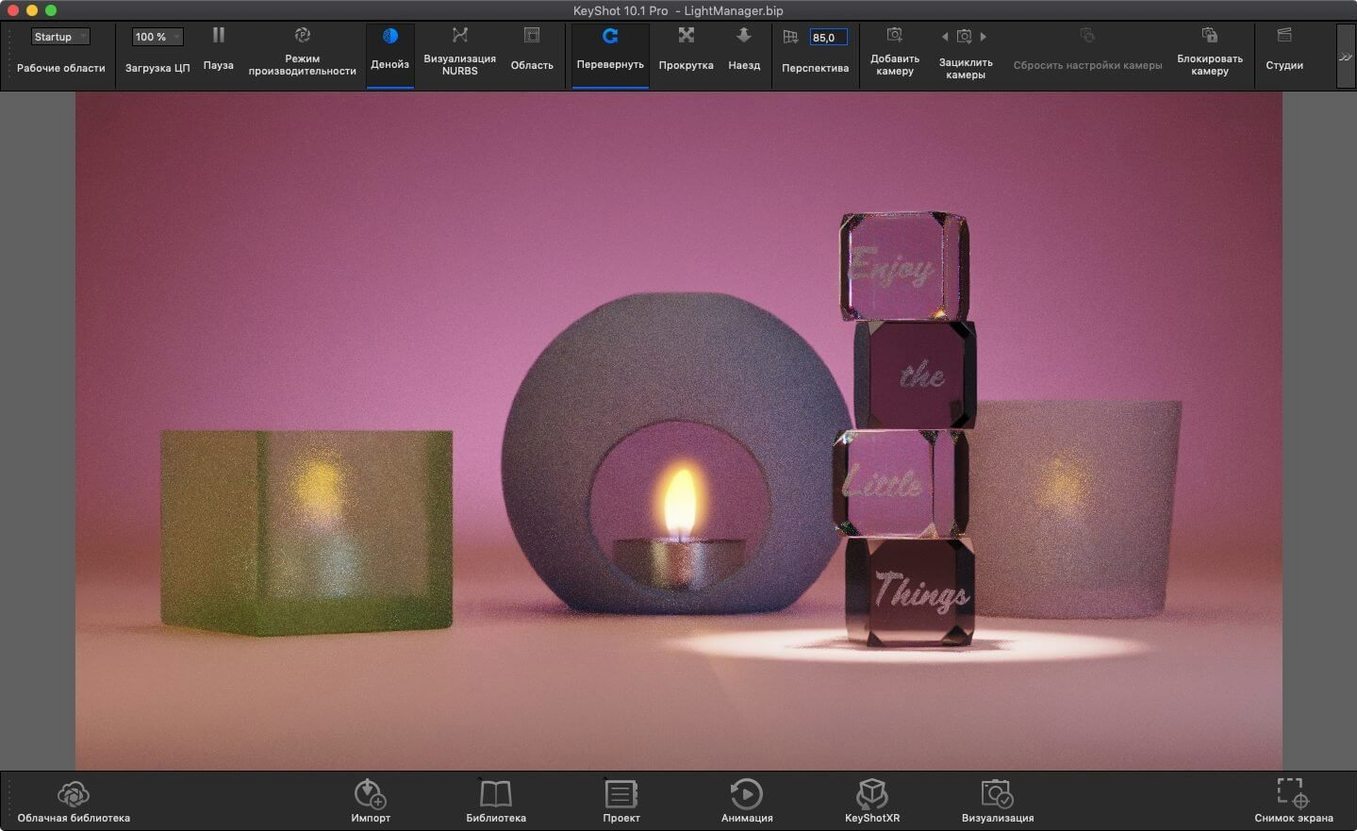
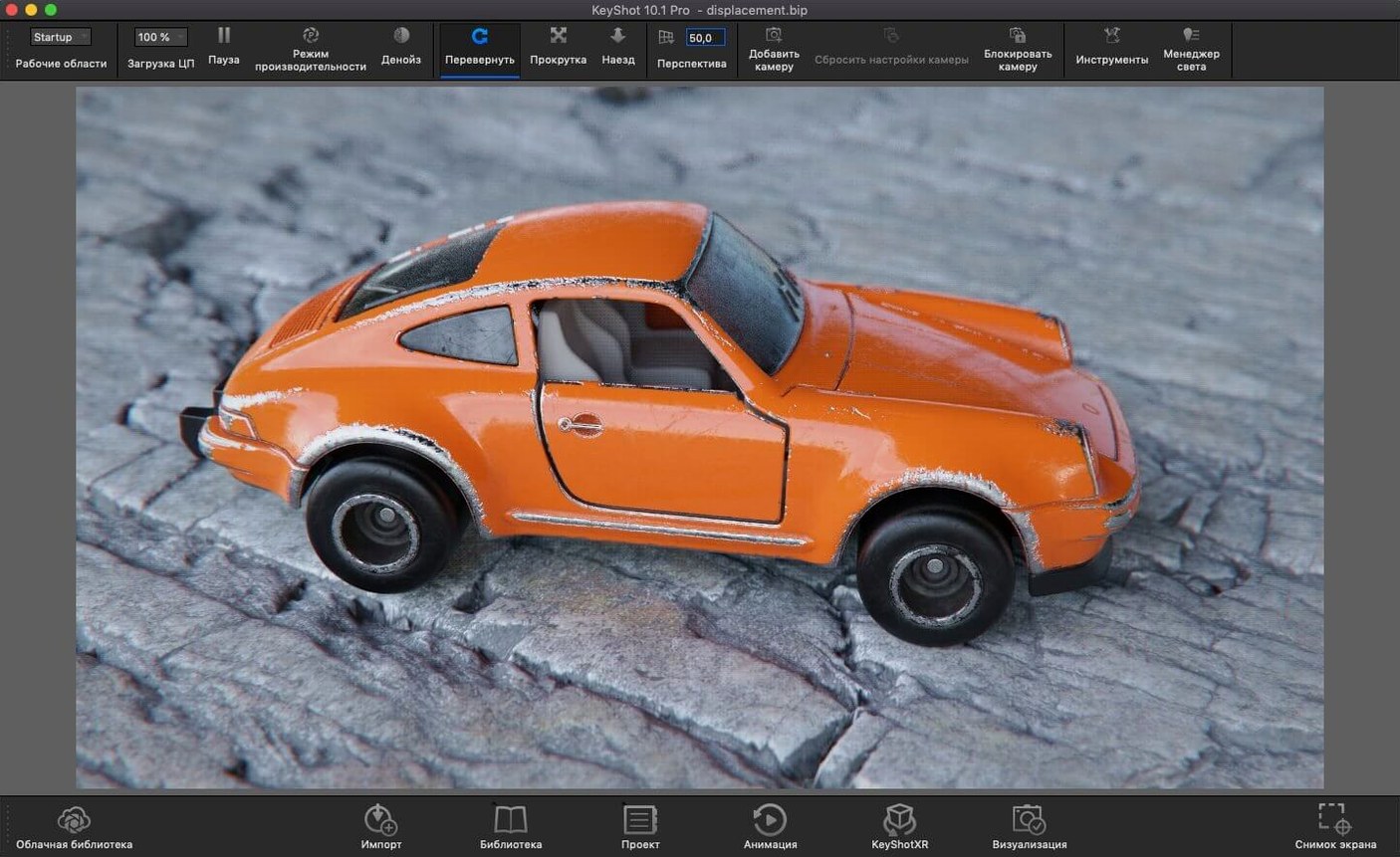
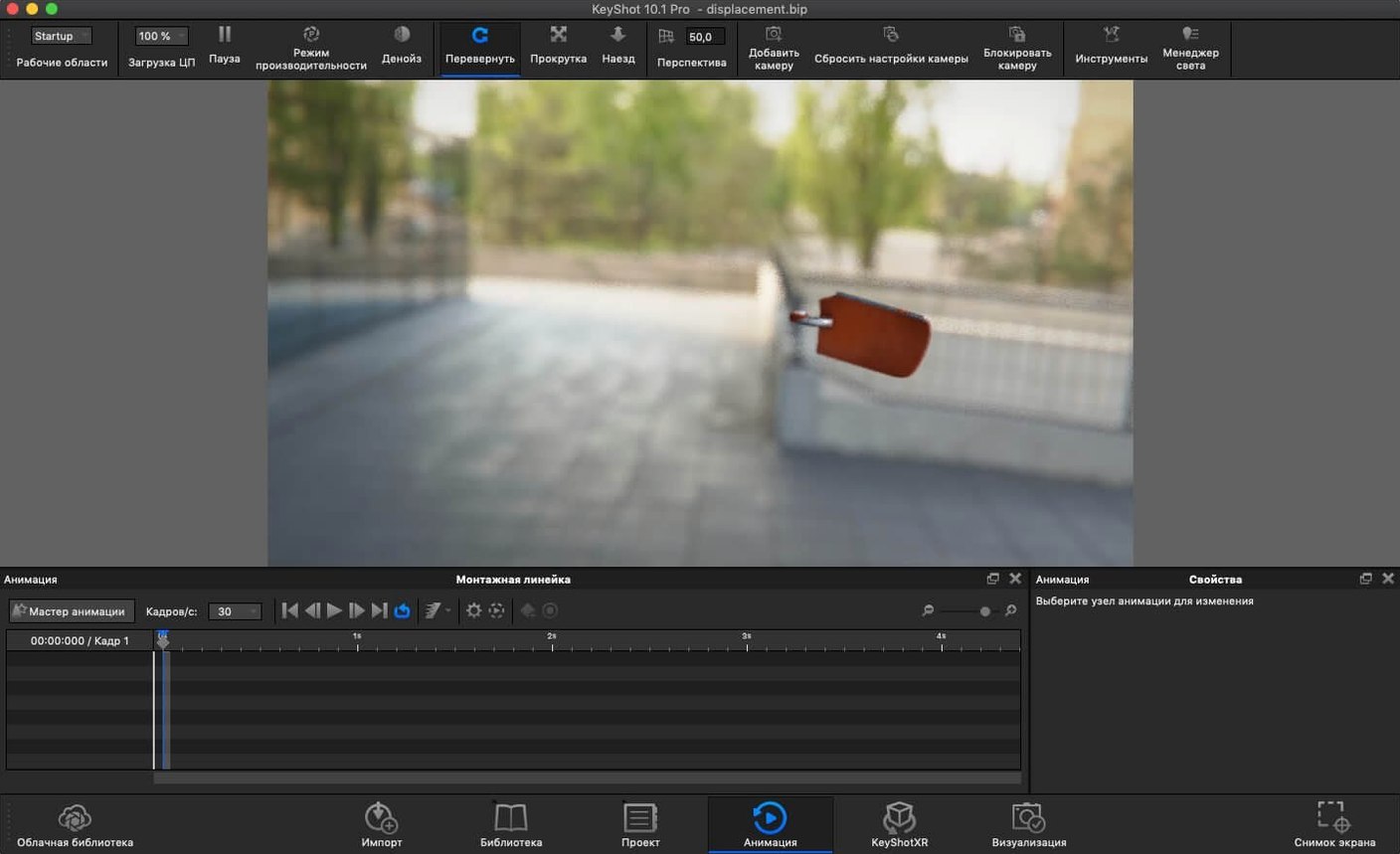
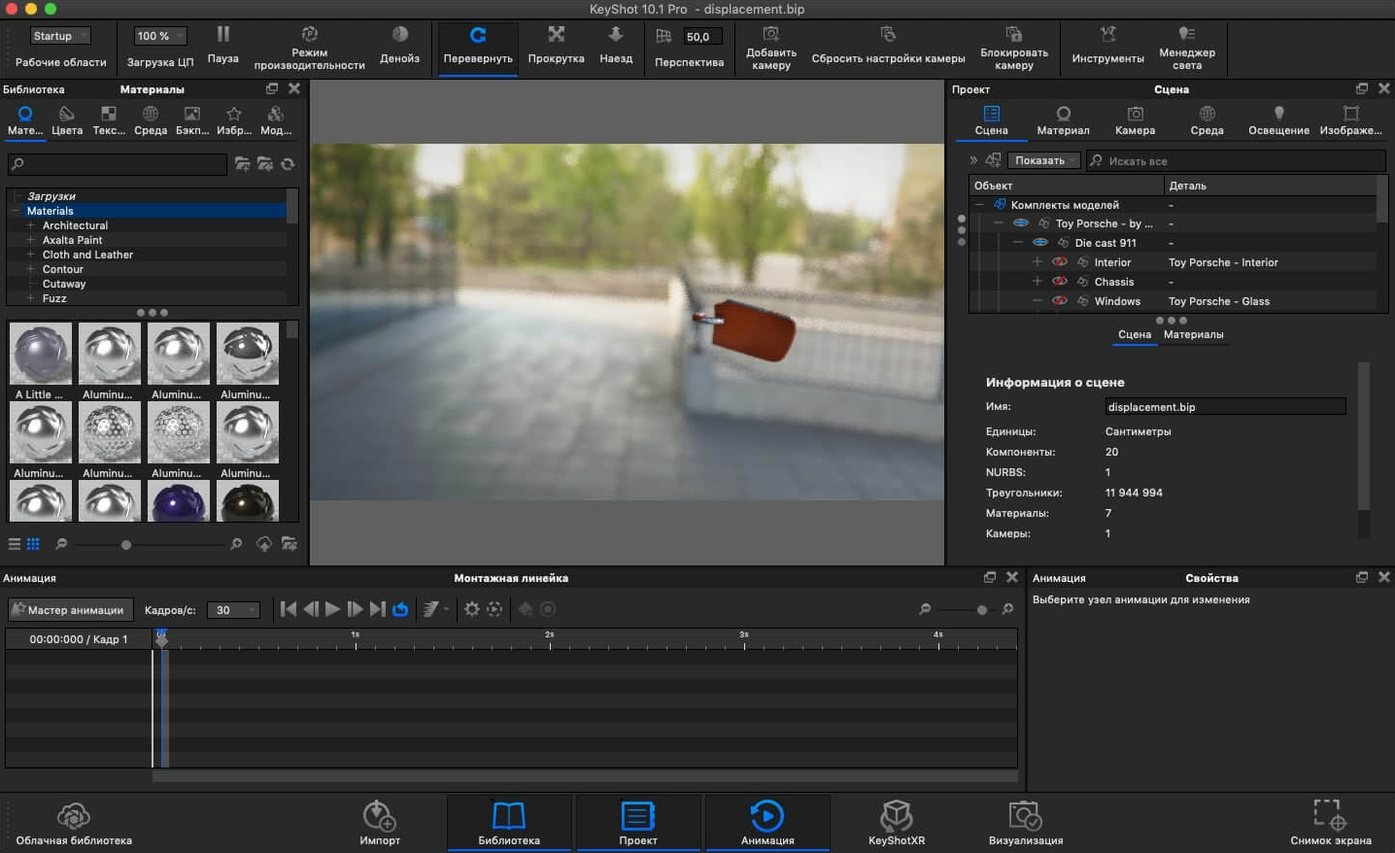
If you’ve ever waited on a render bar in Blender or a traditional ray tracer, KeyShot is built for the opposite experience. It treats rendering like a live camera—move a light, adjust a material, or rotate the model and the scene updates in real time. You don’t set up passes and wait; you just look and decide.
| Detail | Quick fact |
|---|---|
| Version | 2025.1 |
| macOS | 12 and later (Intel & Apple Silicon) |
| Key file formats | OBJ, FBX, STEP, IGES, Collada |
| Plugin workflows | SolidWorks, Rhino, SketchUp, Maya, NX, Creo |
| Languages | English, German, Japanese, French, Chinese, Korean, and more |
The 2025.1 update adds USD and glTF export, a Planar Light material type, and a new Light Tool that makes placing physical lights feel less like guesswork. Under the hood, the Scripting API now supports the Re-tessellate Tool, which is niche but useful if you automate import pipelines. For anyone moving between CAD, visualization, and real-time engines, the expanded export options keep KeyShot from feeling like a dead end. It’s a solid fit for industrial designers, product viz artists, and CAD users who want a Mac-native renderer that doesn’t break their flow.
How KeyShot talks to the rest of your toolkit
A render engine that sits in a corner and only exports PNGs is fine for stills. KeyShot earns its keep by sliding into a wider pipeline without forcing you to rebuild scenes from scratch. The Live Linking plugins for SolidWorks, Rhino, SketchUp, and a handful of other CAD tools are the quiet workhorses here. Change a fillet radius in SolidWorks, hit save, and the KeyShot scene updates the geometry while preserving every material, camera angle, and light you already placed. You don't re-import or re-assign anything.
On the export side, the new USD and glTF support in version 2025.1 changes what you can do with a KeyShot file after the render is approved. A product viz scene can go straight into an AR pipeline via USDz, or into a web-based 3D viewer as a glTF with physically based materials intact. That's a practical bridge between high-end stills and interactive deliverables, especially for teams that need one source file to feed a brochure render, a web configurator, and an augmented-reality preview.
KeyShot also plays nicely with Photoshop and After Effects through layered PSD and EXR output. The render layers let you isolate shadows, reflections, and individual light contributions as separate channels—so a compositor can tweak the intensity of a rim light without a re-render. For Mac users who bounce between KeyShot and Final Cut Pro or Motion for product animations, the multi-layer EXR workflow means color grading and glow effects happen in post, not in the render queue.
A color picker that remembers across materials
Some of the best touches in KeyShot are the ones you stumble onto after a few weeks of use. The color picker remembers recently sampled colors across materials, so matching a car paint swatch to a plastic trim piece is two clicks instead of a hex-code hunt. The Geometry View—a separate floating window that shows the scene as a flat-shaded wireframe—sounds minor until you need to select a tiny screw buried inside an assembly without orbiting around the whole model. It's one of those features that feels like a cheat code for dense CAD imports.
Hotkeys tend to get overlooked in documentation, but a few are genuinely useful when you're moving fast. The 2025.1 release added a dedicated shortcut for Add Studio, which is a small thing that removes a trip to a dropdown menu every time you want to compare lighting setups. The Shift-drag behavior on physical lights now respects surface normals, so placing a spotlight on a curved surface doesn't require manual rotation gymnastics. And if you work across two monitors, Ctrl/Cmd-clicking the render view tears it off into its own window that stays full-screen on the second display while the material editor lives on the first. That layout alone makes the MacBook Pro plus external display combo feel purpose-built for KeyShot.
The Material Graph has a quiet convenience too: you can drag a node from one material to another and it copies with all its parameters. When you're building a set of plastics that share the same roughness texture but differ in base color, that little drag saves ten minutes of clicking through duplicate menus. It's not flashy, but it's the kind of thing that keeps you in a rhythm.
Runs native on Apple Silicon, not Rosetta
"Does KeyShot for Mac actually run well on Apple Silicon, or is it a slow port?" It's a native ARM binary, not Rosetta-translated. On an M2 Max or M3 Pro, scene loading and material preview are quick, and the real-time viewport runs smoothly even with ground-plane shadows and emissive materials. Heavy photon mapping still benefits from as many cores as you can throw at it, but KeyShot on Apple Silicon is not a second-class experience compared to the Windows version. Mac users hunting for a keyshot mac solution that doesn't compromise on performance will find it here.
"What file formats actually work without repair?" STEP and IGES imports are solid—KeyShot reads them as clean NURBS-based geometry and tessellates on import. Native SolidWorks and Creo files come in through the plugin bridge and retain assembly hierarchy. OBJ and FBX work for mesh-heavy workflows, but you'll want to check normals on models that come from a polygon modeler. The Parasolid support handles X_T and X_B files from Siemens tools without fuss.
"Can I use KeyShot as a plugin inside Maya, or does it only run standalone?" Both. The KeyShot plugin for Maya sends geometry directly from the Maya viewport, and you can round-trip materials and cameras. The standalone app is where you'll do the heavy material and lighting work, but the plugin keeps the iterative modeling-to-render loop tight. The same pattern applies to Rhino, SketchUp, and SolidWorks.
"Is the interface actually learnable, or do I need a week of tutorials?" The import dialog asks "do you want to keep the same position or snap to ground plane?" and then you're looking at a live render. Most first-time users get a decent material on something within fifteen minutes. The deeper tools—the Material Graph, multi-layer optics, the scripting API—reward time spent, but the shallow end of the pool is genuinely shallow.
CAD-native renderer for manufactured-object realism
Industrial designers and mechanical engineers who live in SolidWorks or Fusion 360 are the obvious audience. They need a renderer that reads CAD geometry natively, doesn't care about polygon counts, and produces images that look like the manufactured object, not a video game asset. The physically based material library is tuned for real-world manufacturing finishes—injection-molded textures, anodized aluminum, translucent plastics—so the jump from screen to prototype feels short.
Product visualization artists working on Mac hardware benefit from the Apple Silicon performance and the expanded export formats. Someone producing hero shots for a DTC brand's website can render the same scene as a print-ready still, a turntable animation for social media, and a USDz file for an AR product preview on iOS, all from one KeyShot file. The 2025.1 AR export tweak makes that last step straightforward.
Freelance animators and small studios who don't want to build a render farm get value from KeyShot's real-time preview. You see motion blur, depth of field, and area light softness as you scrub the timeline. There's no "send a frame to the farm and pray" cycle. That immediacy suits a one-person operation where time spent waiting is time not billing.
And then there's a quieter group: educators and students in product design programs who want a Mac-native renderer that doesn't require a Windows partition. KeyShot's interface is consistent across platforms, and the material system teaches good habits about roughness, IOR, and lighting before a student ever touches a node-based shader. For anyone who searched for keyshot for mac after getting frustrated with a virtual machine, this is the path of least resistance.
Version 2025.1 adds a few workflow shortcuts worth knowing about. A new hotkey for Add Studio speeds up scene setup, and the Light Tool takes the guesswork out of positioning Physical Lights. On the scripting side, the API now supports the Re-tessellate Tool for custom import pipelines.
- macOS 12 or later
- Runs natively on Intel and Apple Silicon Macs
Questions I actually get
Can KeyShot work as a plugin inside other CAD applications?
Yes. KeyShot supports plugin workflows for SolidWorks, Rhinoceros, SketchUp, Maya, Creo, NX, Inventor, and several other CAD tools.
Which file formats can KeyShot open on a Mac?
You can import OBJ, FBX, 3DS, IGES, STEP, JT, Collada, Parasolid, and native CAD formats from apps like CATIA V5 and Solid Edge.
What is the Planar Light material added in version 2025.1?
Planar Light is a new material type in KeyShot Studio that lets a surface emit light evenly across a flat plane, useful for simulating panel lights or softboxes.
Porch talk 0
Come in or pull up a chair to leave a comment.
Nobody has pulled up a chair yet. If you used it on a real Saturday, say what the hour was.