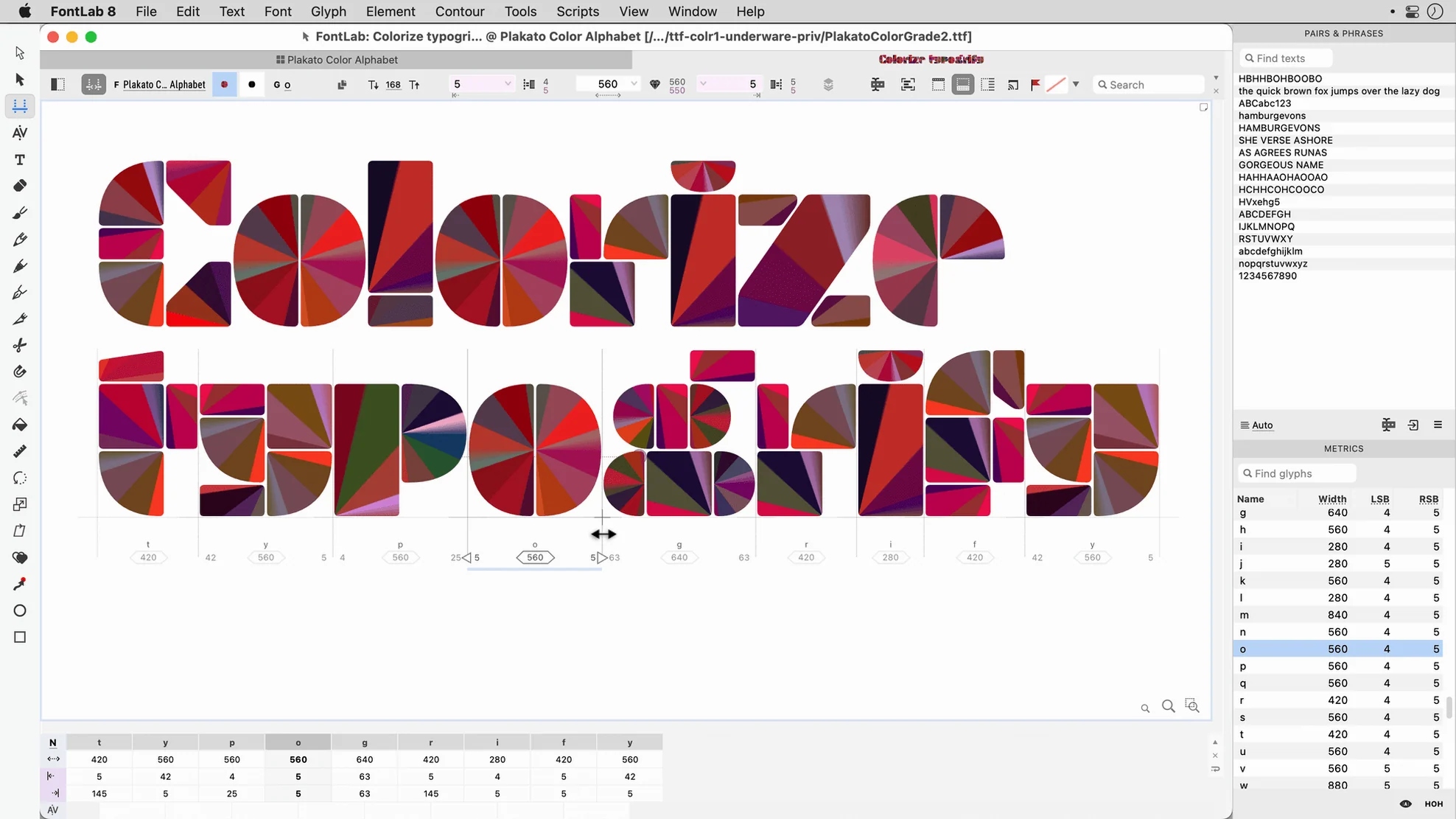
If you've spent time nudging bezier curves in Adobe Illustrator, you already have a feel for one piece of the puzzle. FontLab takes that precision into a space built entirely around letterforms — spacing, kerning, hinting, and the exacting standards a finished font demands.
What exactly is FontLab?
It's a professional font editor used to create and edit high-quality typefaces. The app handles everything from initial sketches to production-ready OpenType, TrueType, and variable fonts, and it's the successor to the long-running FontLab Studio 5.
Who is it really for?
Type designers and serious hobbyists who need more than a quick conversion tool. If your work involves refining sidebearings, building large character sets, or scripting batch changes across hundreds of glyphs, this is the environment you'd settle into.
What makes the drawing side different?
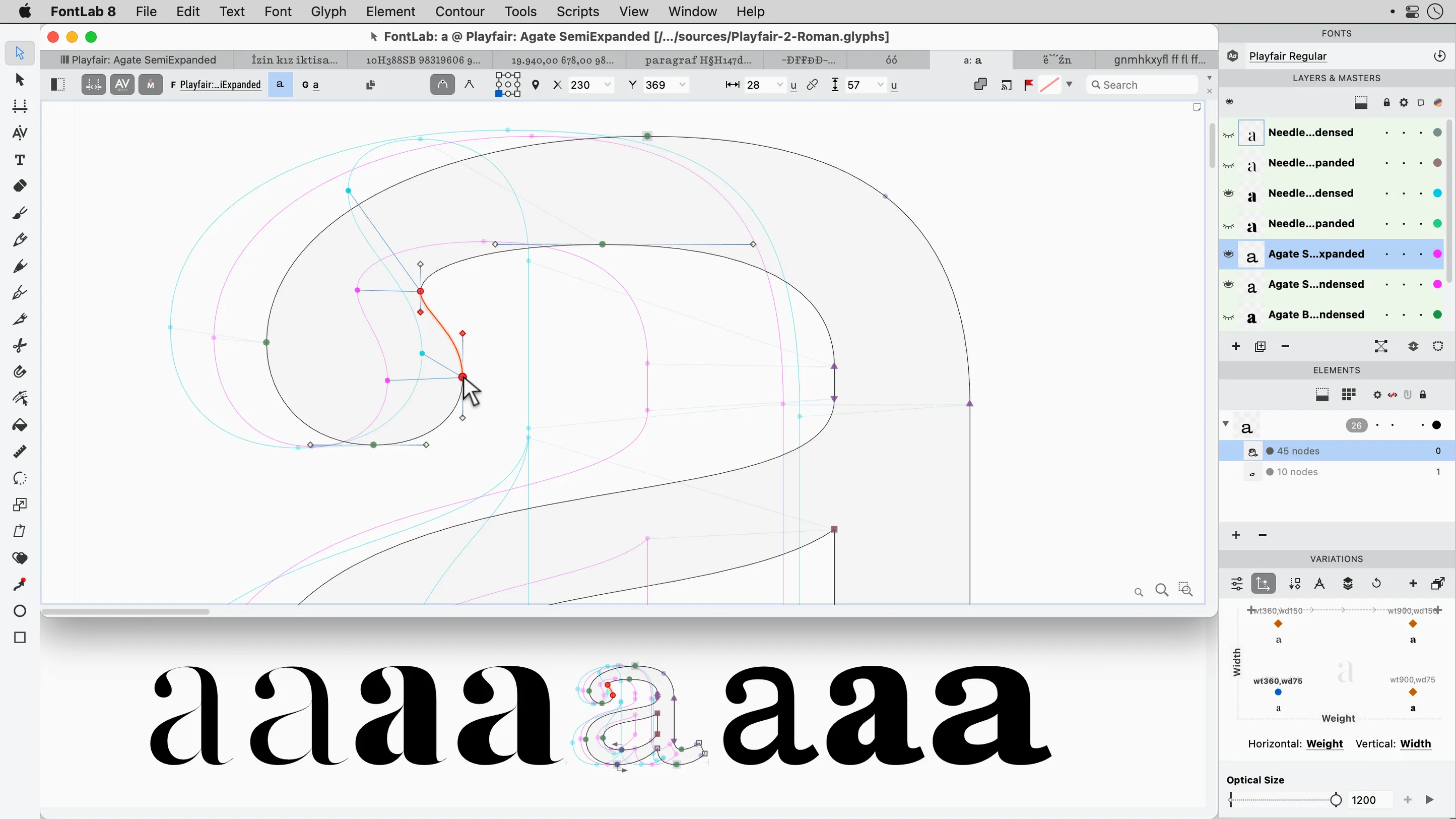
Alongside familiar vector drawing tools, you get programmable font transformations and more than 200 undo levels. That combination means you can experiment with broad changes through scripting, then still walk back dozens of tiny manual adjustments.
Does it handle the technical font standards?
Yes. FontLab supports Unicode, Mac TrueType fonts, and TrueType AAT fonts, with batch transformation of glyphs baked in. The current version runs natively on both Intel and Apple Silicon Macs, so heavy glyph processing stays snappy on newer machines.
Will It Run Smoothly on an Older MacBook Air?
A lot of folks stare at the file size and wonder whether their MacBook Air from a few years back can keep up. The answer is usually yes — version 8.4.3.8984 was built to run on macOS 10.14 or later, and while the installer lists Intel architecture, the app is fully native on Apple Silicon Macs. That means the Rosetta translation layer never enters the picture. What matters more than raw CPU speed is screen real estate. FontLab spreads out across panels — Glyph window, Metrics, Classes, Preview — and once you've docked them to your liking, a 13-inch display starts feeling tight. An external monitor isn't required, but you'll want one eventually.
Another common hesitation comes from people who've used FontLab Studio 5 and wonder if their old project files will open. They will, though you'll probably want to resave them in the newer format once you confirm everything migrated cleanly. The import path for artwork is equally generous: AI, EPS, TIFF, and BMP files all drag straight into a glyph cell, and the placement accuracy is precise enough that scanned pencil sketches land where you expect them. If you're searching for a fontlab download and expecting a lightweight weekend toy, adjust your expectations — this is dense software with a learning curve that respects the craft.
Graphic Designers Thrust into Custom Lettering
Professional typeface designers live here, but the group I see benefiting almost as much are graphic studio generalists who've been nudged into custom lettering projects they didn't plan for. You know the situation: a branding client wants a wordmark refined into a workable display font, and suddenly you're responsible for kerning pairs across a full Latin set. FontLab gives you the Metrics and Kerning windows as first-class tools, not afterthoughts, and the batch transformation system means you can adjust stem weights across an entire character set without clicking through each glyph individually.
Independent foundry owners and typeface production teams also get a lot of mileage from editable code pages and encodings. If your work touches Arabic or Hebrew script, the shaping engine support is built right in, not handled through workarounds. Anyone who's ever tried to assemble a font with a basic icon editor and then discovered their glyphs misalign at 24px will appreciate that FontLab's preview modes show you exactly how the rendering pipeline treats your outlines before you export.
Importing Rough Sketches from Illustrator for Node Refinement
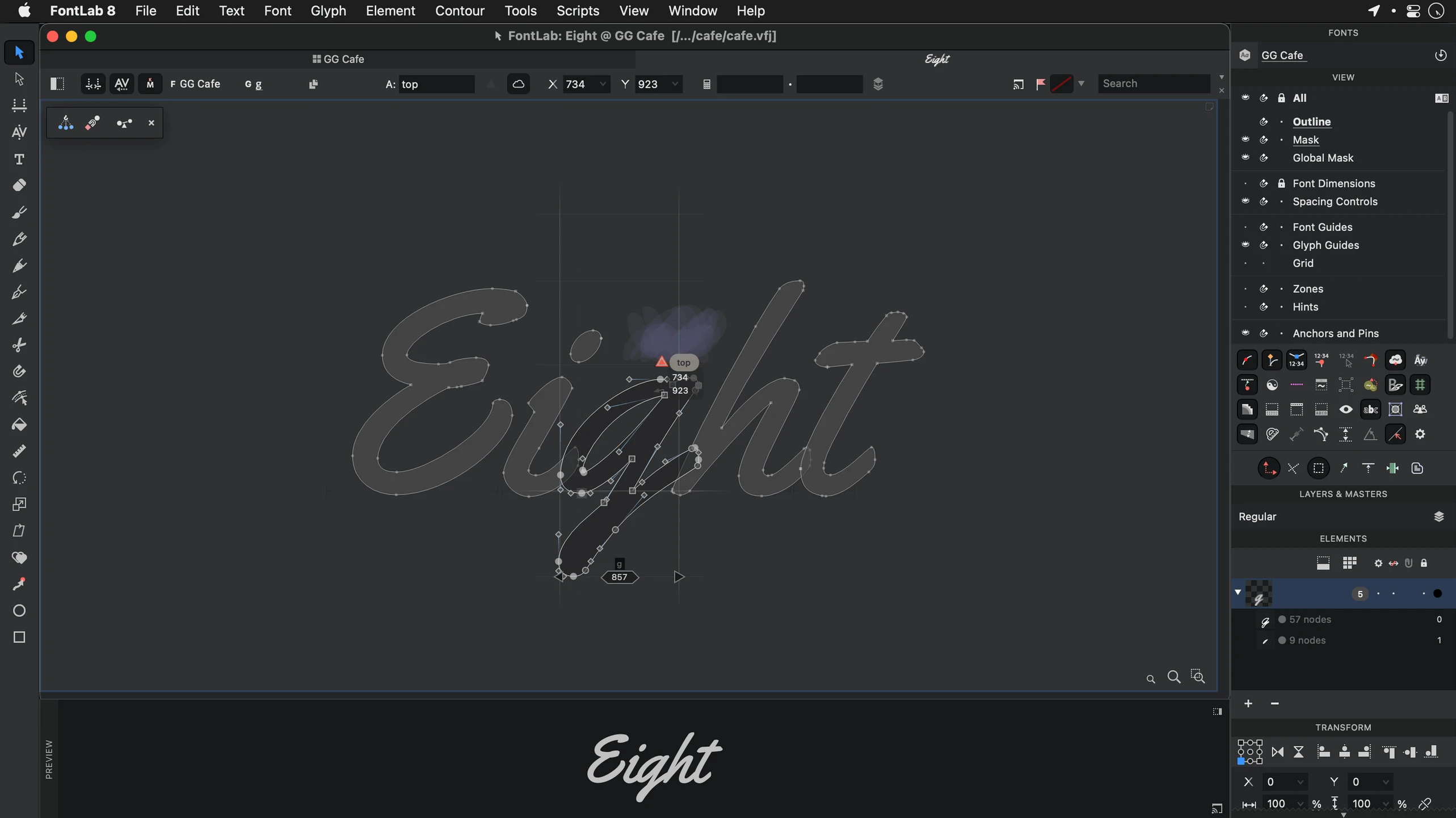
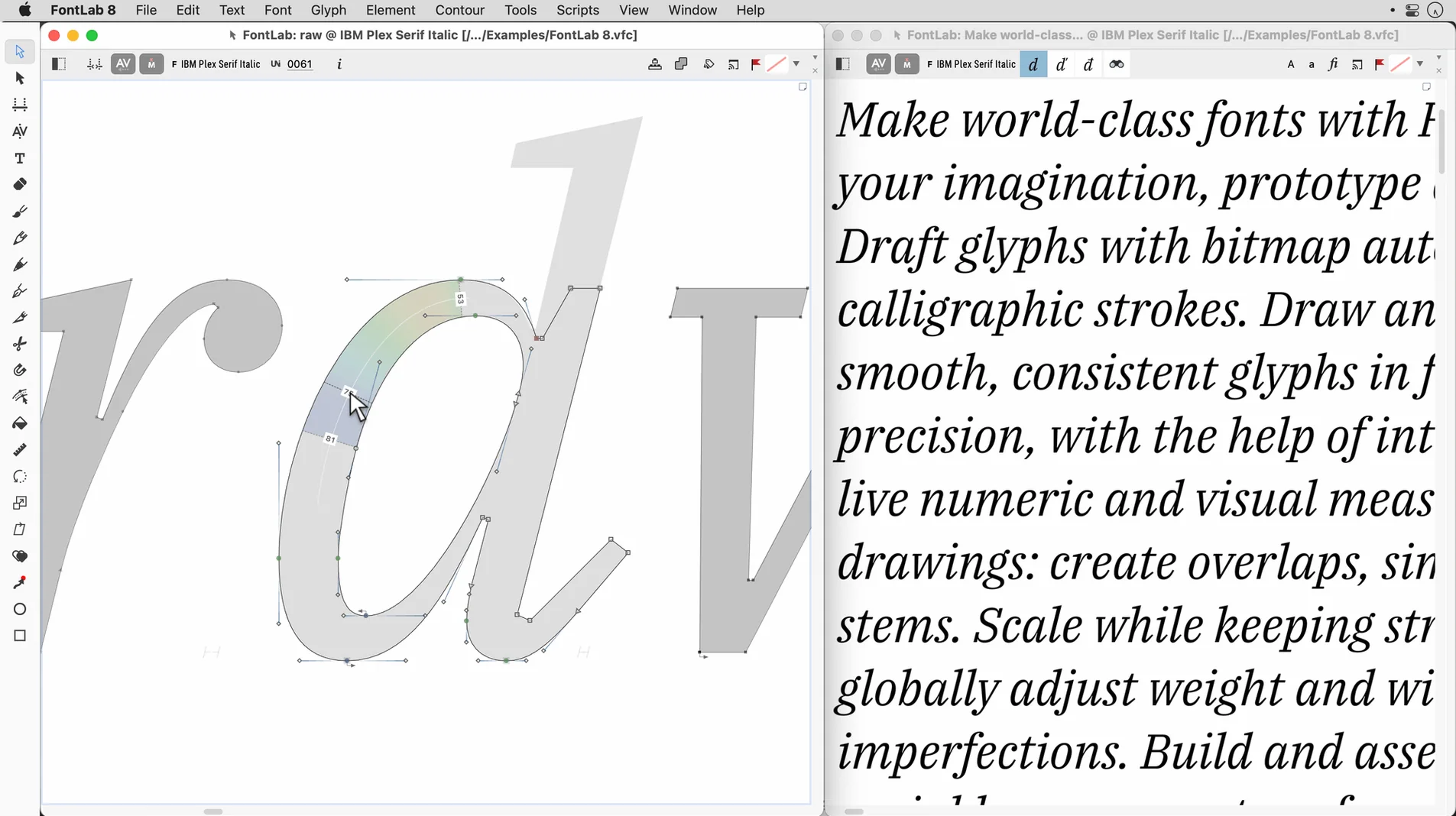
You'll typically move between FontLab and a vector illustration app like Illustrator or Affinity Designer during the sketching phase. Draw rough letterforms wherever you're comfortable, then import the outlines and refine them in FontLab's native drawing environment, where the node placement and curvature tools respond to the small tolerances type work demands. The built-in viewer double-checks your results without launching a separate application.
On the macOS side, FontLab respects the standard font validation system, so once you export a project, the operating system treats it like any other font file. You can drop a test build into your user Library folder, fire up Pages or TextEdit, and see your work in real paragraphs. The app also reads your system-installed fonts directly, which is handy when you're referencing existing typefaces for spacing or proportion comparisons.
Setting Vertical Metrics Before Drawing a Single Glyph
The first misstep I see repeatedly: jumping straight to drawing without setting up your font's vertical metrics. Skipping ascender, descender, and line gap values early on leads to head-scratching later when your test paragraphs collide across lines or float away from each other. Spend ten minutes in the Font Info panel before you place a single node.
Another pattern is over-reliance on the undo stack. Yes, there are more than 200 levels, and that's genuinely useful during long tweaking sessions, but new users sometimes treat it as a substitute for saving milestone copies. When you're scripting programmable transformations or running batch changes across hundreds of glyphs, having a dated backup file on hand saves you from reverse-engineering your own decisions.
Beginners also tend to leave the Preview window closed for too long. Checking your work at multiple sizes — especially at small sizes where hinting matters — reveals spacing problems that are invisible when you're zoomed in tight on a single glyph. Open the preview early and keep it visible. If you've found this page through a fontlab 8 download search and you're about to dive in, those first few hours will go smoother if you treat the metrics tables and preview panels as part of your core workflow, not as finishing touches.
FontLab 8.4 is a substantial refinement release, packing 500 improvements over the initial version 8 and around 900 over FontLab 7.
- macOS 10.14 or later
- Intel or Apple Silicon Mac
Questions I actually get
Is FontLab 8 a paid upgrade from FontLab Studio 5?
FontLab 8 is the direct successor to FontLab Studio 5, but the developer handles upgrade pricing separately from the main catalog entry — check their site for current details.
Can I try FontLab 8 before committing to it?
The developer's site typically offers a way to evaluate the software; the details aren't listed on this page, so a quick visit there will give you the current trial options.
Porch talk 0
Come in or pull up a chair to leave a comment.
Nobody has pulled up a chair yet. If you used it on a real Saturday, say what the hour was.